Overview
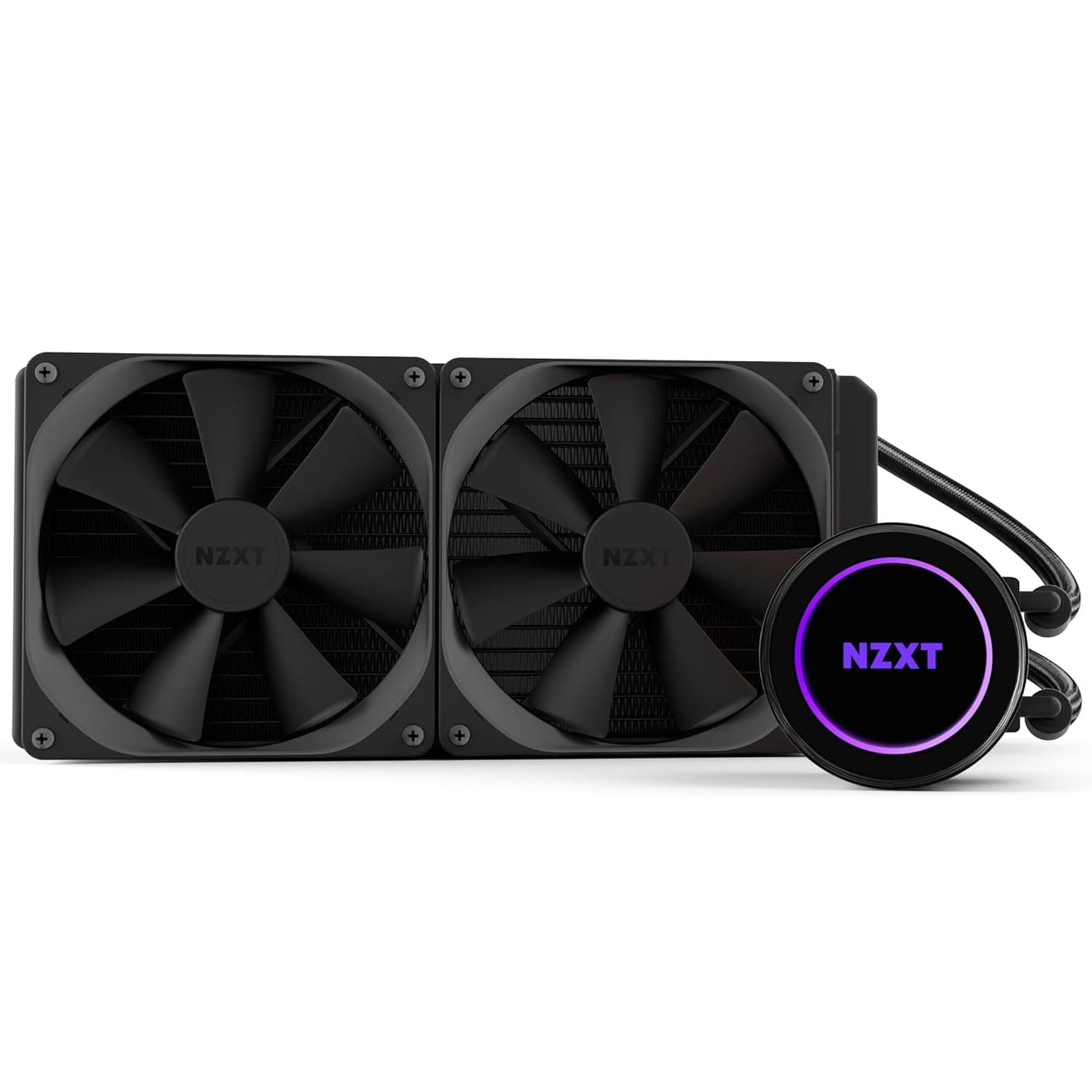
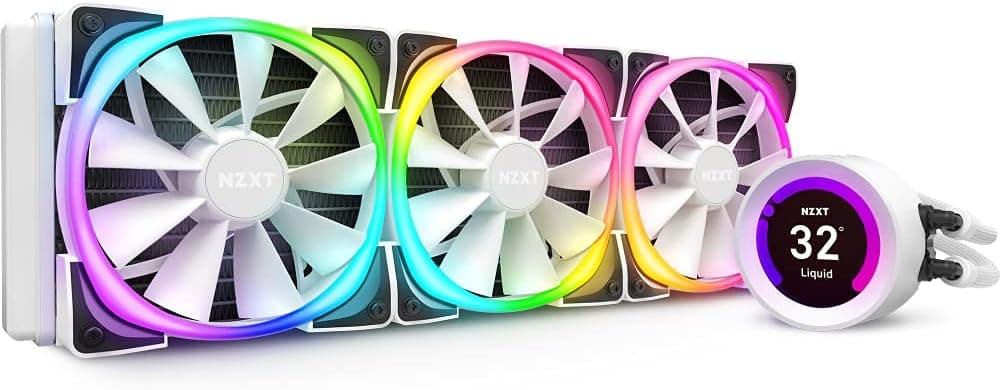
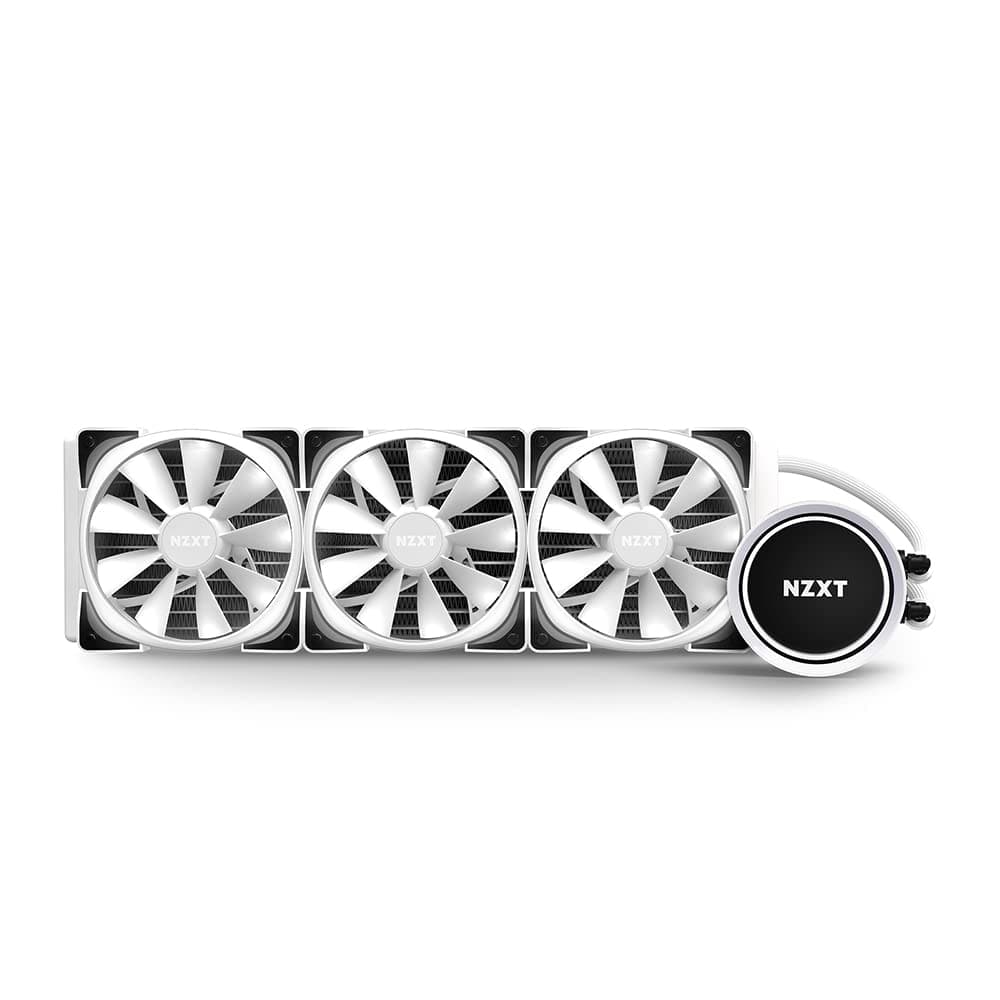
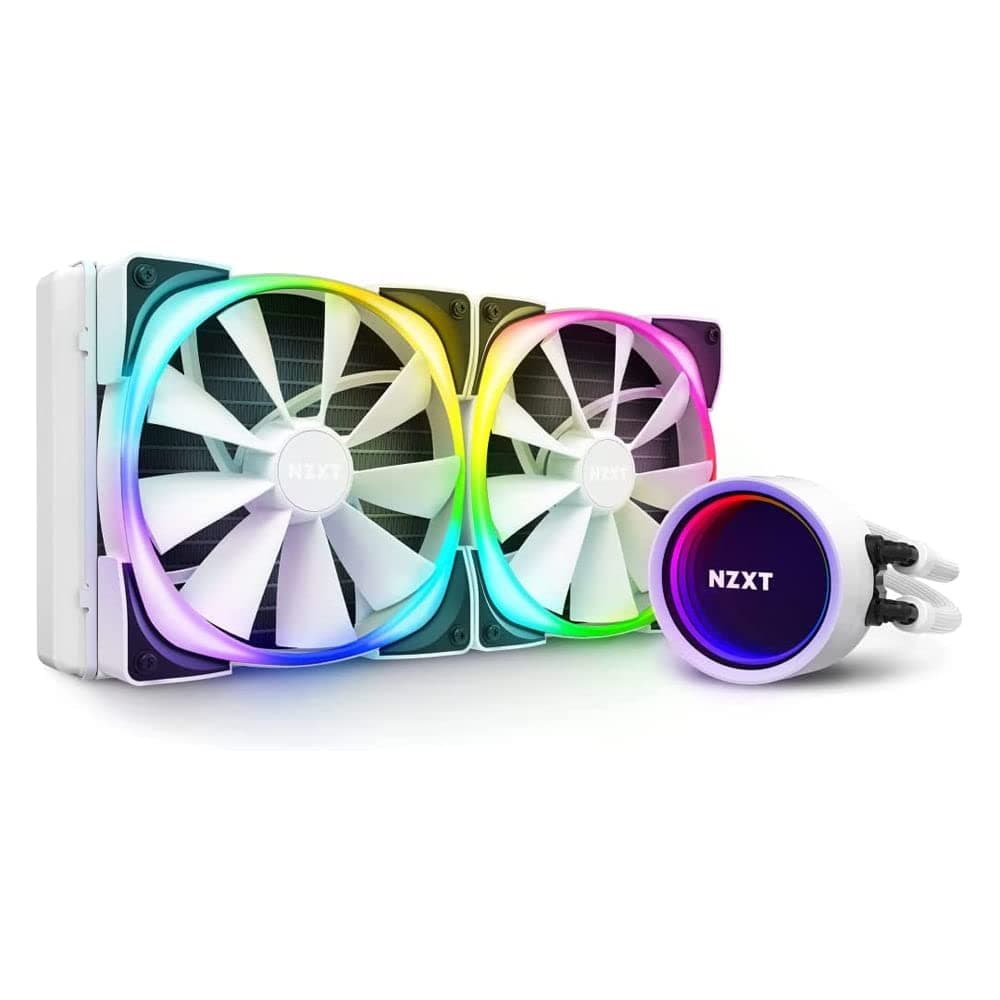
The NZXT Kraken X63 RGB 280mm — AIO liquid CPU cooler with rotating infinity mirror (model RL-KRX63-RW) is the white version of NZXT's 280mm all-in-one cooler with two 140mm fans. The short answer: it makes sense if you want a coordinated white RGB build, or if your case can't take a 360mm radiator but you want more than a 240mm unit.
If you only care about cooling per dollar, the competitors and air coolers covered below may be the better choice.
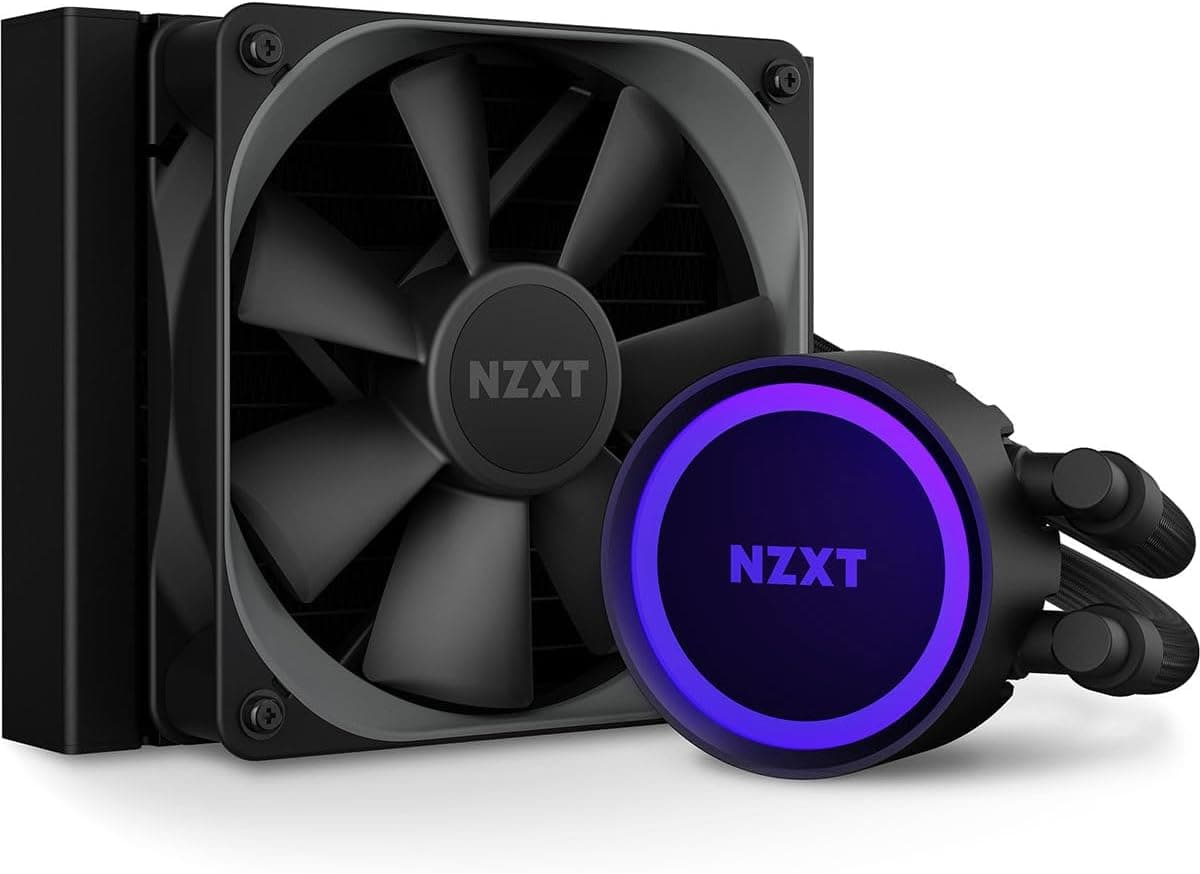
Its main feature is the infinity mirror LED pump head, whose logo can be oriented correctly whether the radiator goes in the top or the front of the case. The included AER RGB V2 140mm fans use fluid dynamic bearings and chamfered intakes, and are rated at up to 1800 RPM and 33 dBA.
Pump speed, fan curves and RGB lighting are all managed in NZXT's CAM software.
On Amazon.co.jp it holds 4.4 out of 5 stars from 56 reviews (as of June 2026).
That is not a large sample, but the ratings are not sharply divided. This article covers the common compatibility mistakes, how it compares to its rivals, and the pitfalls buyers tend to discover after purchase.
Compatibility Guide
| Item | Spec | Common mistake |
|---|---|---|
| Sockets | Intel LGA1700 / 1200 / 115X / 2066, AMD AM5 / AM4 | Is the LGA1700 bracket in the box? |
| Radiator | 315 x 143 x 30 mm | Does the case have a 140mm fan mounting position? |
| Fans | 140mm x 2 (4-pin PWM) | Enough free fan headers on the motherboard? |
| Pump | 3-pin | Which header to use, and BIOS settings |
Sockets
The spec lists Intel LGA1700 / LGA1200 / LGA115X / LGA2066 and AMD AM5 / AM4. AM5 keeps the AM4 mounting-hole layout, so it is normally installed with the AM4 hardware.
LGA1700 is the one to watch. Depending on when a unit was made, some Kraken X-series stock reportedly shipped without an LGA1700 bracket.
If you are buying old stock or a used unit, check the listing's contents for LGA1700 mounting hardware. For sockets not on the spec list, such as LGA1851, check NZXT's compatibility information before buying.
Radiator and Case Clearance
The radiator measures 315 x 143 x 30 mm. Add the fans on top of that, which comes to roughly 55 mm with typical 25 mm fans.
In a top mount, that thickness can collide with tall VRM heatsinks or RAM. In a front mount, it may reduce the maximum graphics card length.
An easy mistake is assuming that 360mm support means 280mm support. A 280mm radiator uses the 140mm fan hole spacing, so it won't mount where the case only has 120mm holes.
Check your case spec sheet for a position explicitly rated for 280mm.
Power and Headers
The pump uses a 3-pin connector and the fans are 4-pin PWM. With two fans you need two free fan headers or a splitter.
The pump's 3-pin lead normally goes to the CPU_FAN or AIO_PUMP header. Some motherboards show a 'CPU Fan Error' at boot if nothing is connected there.
Lighting runs through NZXT's proprietary RGB connector, which is not directly compatible with motherboard ARGB headers. Setups that control the pump and lighting through CAM typically also need an internal USB 2.0 header.
Check that it won't compete with other USB devices such as front panels or fan hubs.
Product Info
rmation
The Kraken X63 RGB appeared in 2021 as the RGB-fan version of NZXT's 280mm AIO, and sits in the upper-mid range.
| Item | Value |
|---|---|
| Radiator size | 315 x 143 x 30 mm |
| Fans | 140 mm x 2 (AER RGB V2) |
| Fan speed | 1800 RPM |
| Noise level | 33 dBA |
| Pump connector | 3-pin |
| Fan connector | 4-pin PWM |
| Warranty | 6 years |
The package includes two AER RGB V2 140mm fans, Intel and AMD mounting kits, thermal compound and an RGB controller. An AIO depends on a pump that wears out, so the 6-year warranty is a real reason to choose it.
The 33 dBA figure is the rated maximum. Actual noise depends heavily on case airflow and your fan curve.
On pricing: the Amazon.co.jp price captured in August 2026 was far out of line for a 280mm AIO.
It was most likely a different listing or a scarcity markup, so we don't quote it here. Prices change often, so check the product page for the current price.
For reference, eBay US had a listing at $85.00 when captured in July 2026.
Condition (new or used), shipping and import costs vary by listing and with stock.
Installation Tips
Decide the mounting position first. Top or front changes what can collide: RAM, VRM heatsinks or the graphics card.
Don't put the pump above the radiator. Air collects at the highest point of the loop.
If the pump sits there, it can draw in air and become noisy or cool less well. A top mount, or a front mount with the tubes pointing down, is the safe choice.
Set the fan direction. The usual setup is intake at the front and exhaust at the top.
Connect the headers. Connect the pump's 3-pin lead, both 4-pin PWM fans and the RGB connector, plus USB if needed.
Set the logo and fan curve. Turn the pump head logo upright, then set a fan curve in CAM that keeps the fans slow at idle.
This keeps it far quieter than the 33 dBA ceiling.
Comparison with Competitors
| Product | Strengths | Weaknesses |
|---|---|---|
| NZXT Kraken X63 RGB 280mm | Infinity mirror look, single-app control in CAM, 6-year warranty, white version available | Proprietary lighting, not the top performer on cooling alone |
| Arctic Liquid Freezer II 280 | Cheaper, strong cooling | No RGB, thicker radiator more likely to collide |
| Corsair H115i RGB PRO XT | Broad iCUE ecosystem | Pump head looks less striking than the Kraken |
| High-end air cooler | Cheap, no pump to fail | Bulky, RAM and case-width limits |
On cooling alone, the Arctic Liquid Freezer II 280 comes out slightly ahead. Its thicker radiator, though, is more likely to hit RAM in a top mount than the Kraken X63 RGB.
The Corsair H115i RGB PRO XT makes sense if the rest of your peripherals already run on iCUE.
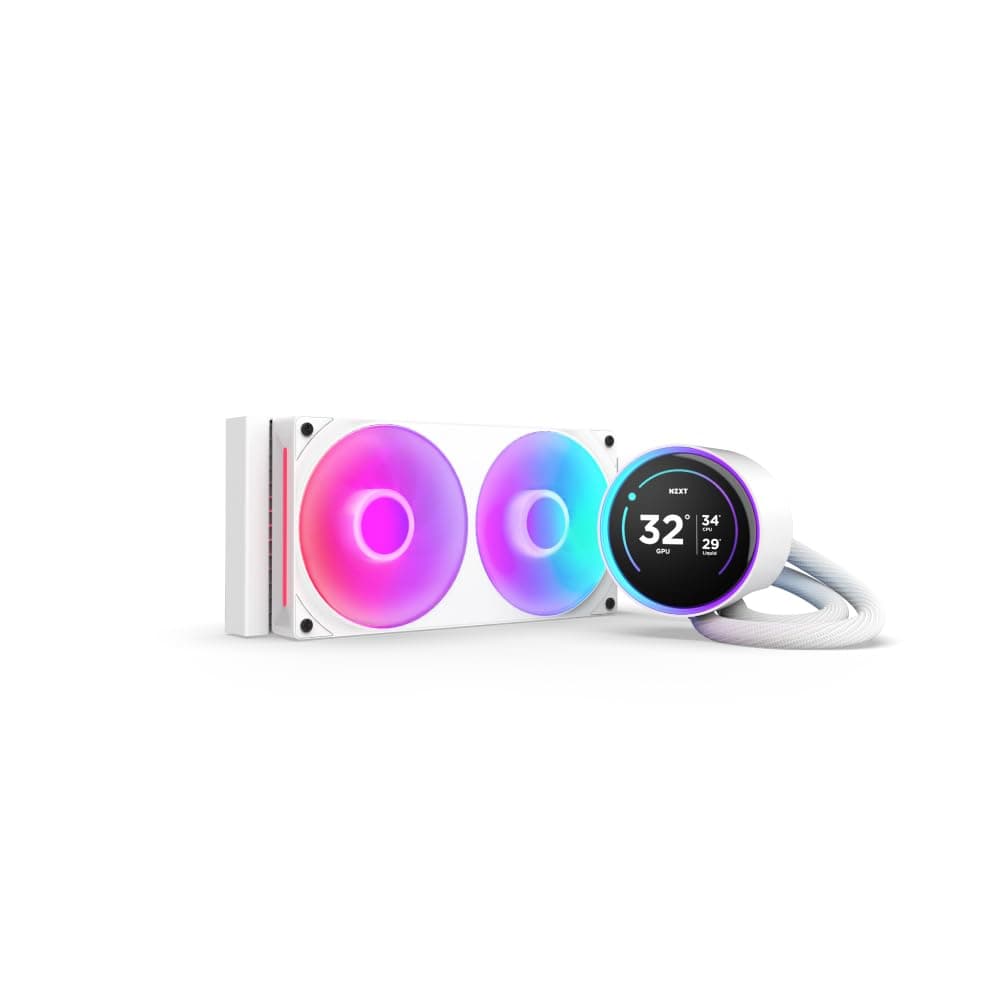
NZXT's own Kraken Z63 adds a customizable LCD screen to the pump head for images or temperatures. If the infinity mirror is enough and you don't plan to customize an LCD, the Kraken X63 RGB covers your needs.
Who It's For
- Gamers building white RGB systems: The white radiator and fans fit a white theme, and the infinity mirror LED is a strong focal point.
- Owners of other NZXT gear: Fans and lighting can be managed together in CAM, so you only need one app.
- Creators who want low noise: 140mm fans can move the same air at lower RPM, which keeps noise down during long video encodes or 3D renders.
- Cases where 280mm is the sweet spot: It fits the gap where 360mm won't fit but 240mm feels thin on cooling.
If budget comes first or you don't care about RGB, a cheaper 240mm AIO or an air cooler is worth considering.
Things to Check Before Buying
Watch for price anomalies. As noted above, the Amazon.co.jp price captured in August 2026 was out of line for this class.
Long-running products sometimes end up with only high-priced listings left as stock runs out. If the price looks extreme, compare other retailers and competing products first.
The Amazon listing data may be inconsistent. The collected listing data included details naming JONSBO as the manufacturer and a different ASIN (B0CKVZRKRH).
This clearly contradicts the NZXT Kraken X63 RGB, so we removed it from this article. The product page may show the same mismatched manufacturer or model fields.
Confirm from the photos and title (RL-KRX63-RW, white) that you are buying the right item.
Check for the LGA1700 bracket. As mentioned in the compatibility guide, some stock may not include it.
If you plan to use an LGA1700 CPU, verify the box contents.
Used and old stock need realistic expectations. An AIO is a consumable with a pump and coolant, and coolant slowly decreases over years of use.
A used unit has unknown pump hours, and depending on where you buy it, the manufacturer warranty may not apply. If you are counting on the 6-year warranty, buy new through an authorized seller.
CAM and the proprietary standard. CAM is feature-rich but uses some system resources when running in the background, so it is not ideal if you want lightweight control.
Lighting uses NZXT's own RGB connector, so syncing with other brands' ARGB gear may require an adapter. The pump's RGB cable is also fairly thick, which makes cable routing a little fiddly.
Many builds are fine on air. For mid-range CPUs drawing under roughly 200W, a high-end air cooler usually cools well enough.
It also wins on cost and has no pump to fail. Unless you want a matched look or more room around the RAM, consider air cooling too.
FAQ
Q. Does it work with LGA1700 or AM5 CPUs? A.
Both are on the spec list. AM5 uses the same mounting as AM4.
For LGA1700, check that the bracket is included.
Q. Will it fit a case that supports 360mm radiators? A.
Not necessarily. A 280mm radiator uses 140mm hole spacing, so look for a position explicitly rated for 280mm.
Q. Can I use it without CAM?
A. Cooling can run on motherboard fan control, but fine control of lighting and pump speed requires CAM.
Q. Are the fans loud? A.
They are rated at 33 dBA at a maximum of 1800 RPM. They don't run at full speed all the time, so with a sensible fan curve it stays quiet in everyday use.
Q. Is it better than an air cooler? A.
For CPUs drawing up to around 200W, a high-end air cooler is often enough. If looks and RAM clearance matter to you, the Kraken X63 RGB has the edge.