Overview
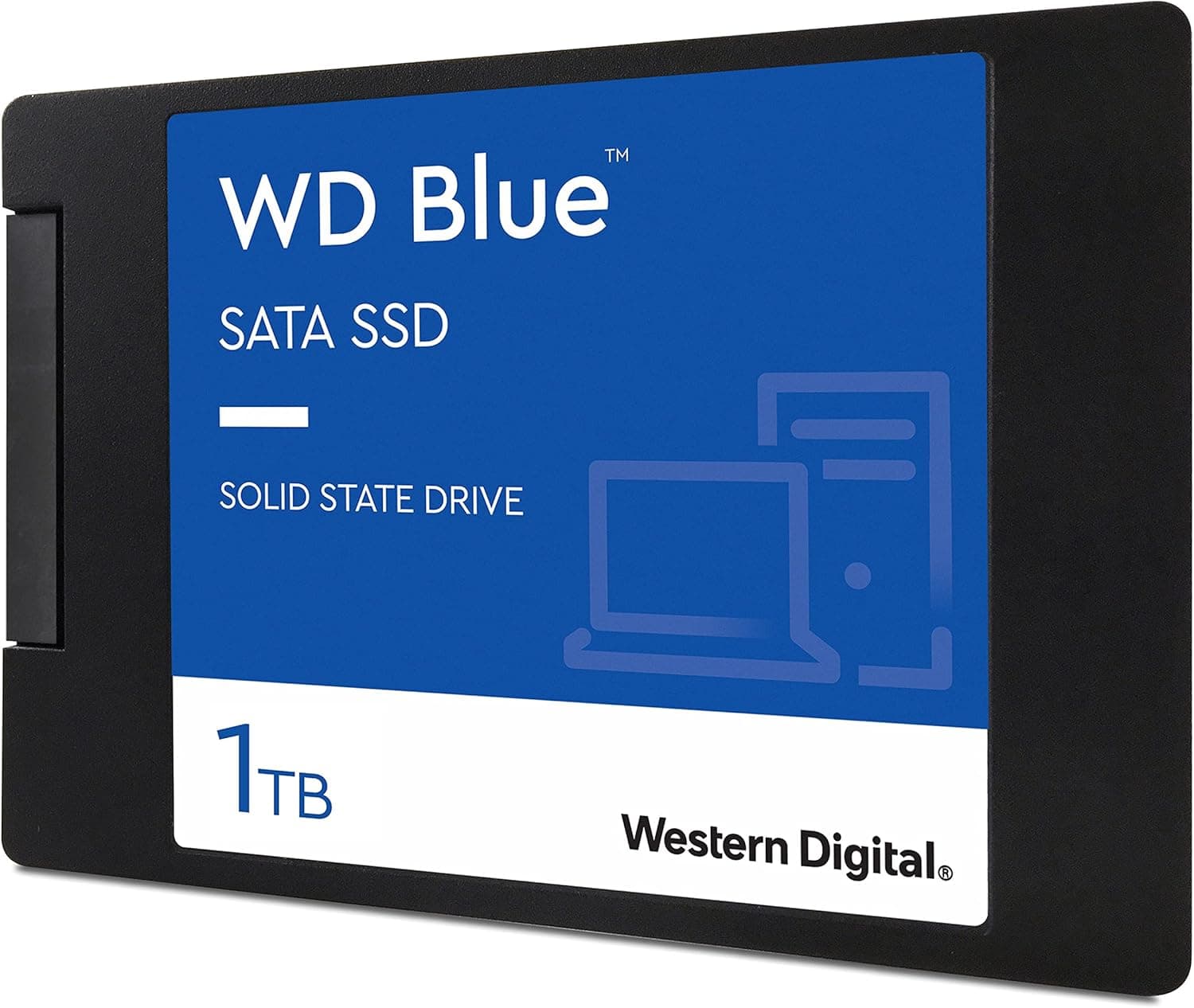
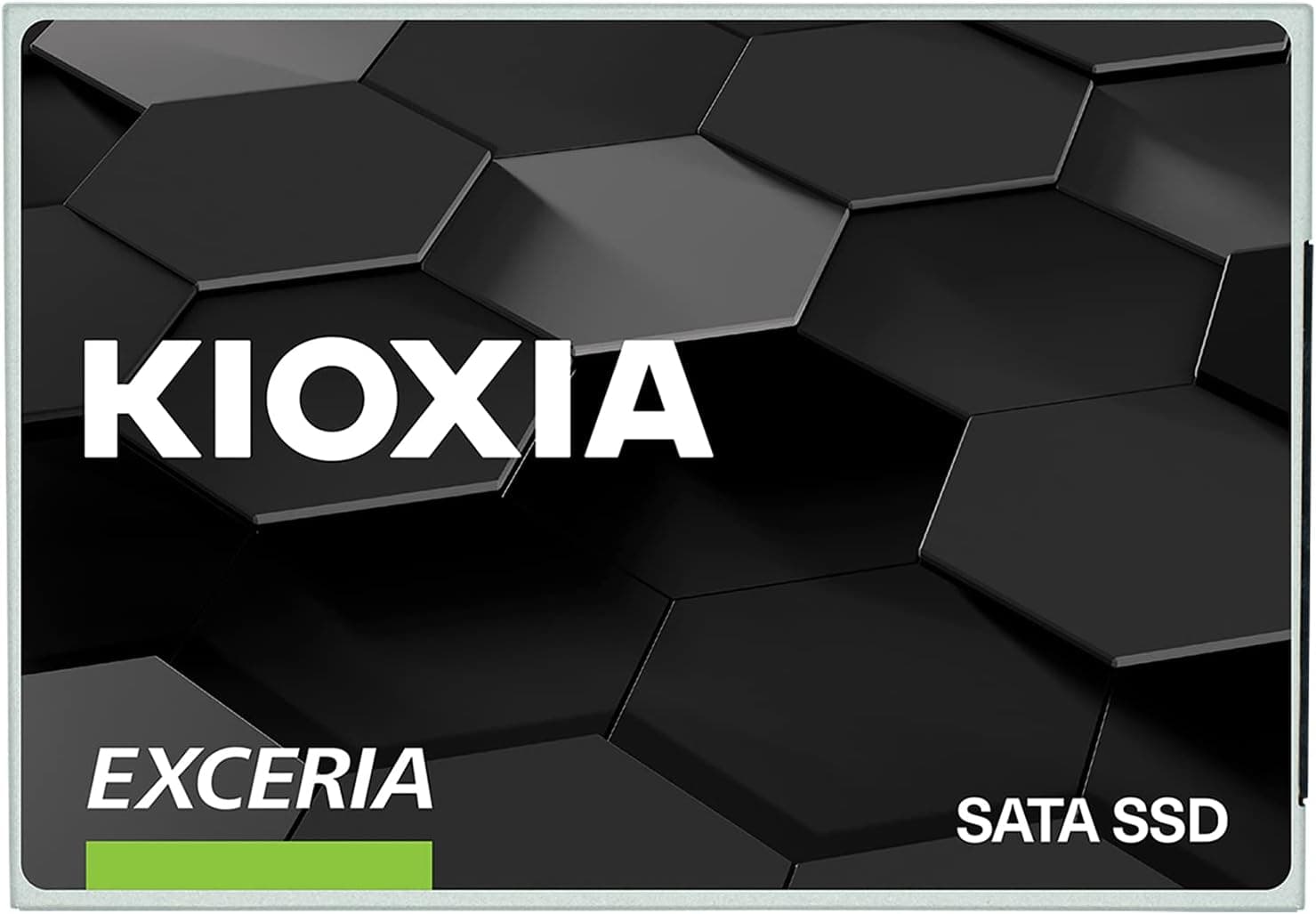
The KIOXIA EXCERIA 960GB SATA SSD is a 2.5-inch internal SATA drive built around KIOXIA's own BiCS FLASH TLC NAND (KIOXIA was formerly Toshiba Memory).
The bottom line: it is for people who want to move an older PC or a PS4 from a hard drive to an SSD safely, where no M.2 NVMe slot is available.
If you need more speed or strength under heavy writes, other drives fit better.
Sequential reads reach up to 555MB/s and writes up to 540MB/s, which is about as fast as SATA 3.0 (6Gbps) gets in practice.
Coming from a hard drive, OS boot and app or game loading become clearly faster. The 3-year warranty also makes it an easy first SSD.
On Amazon.co.Check the retailer's page for the latest user reviews.
That volume and steady rating show it has been a widely used SATA drive. Because the model has been on the market for a while, check current pricing and stock before you buy (see below).
Compatibility Guide
The drive uses SATA 6Gbps in a 2.5-inch, 7mm-thick body.
Almost any laptop or desktop with a SATA port and a 2.5-inch bay can take it as-is.
It also fits laptop bays that held a 9.5mm hard drive; use a spacer if it sits loose.
Three common desktop pitfalls:
- Cases with only 3.5-inch bays: You may need a 2.5-to-3.5-inch adapter bracket. Plan as if one is not included.
- SATA cable: Bare SSDs usually ship without a SATA data cable. Check the listing, and use a spare cable from your motherboard box or buy one.
- M.2 and SATA port sharing: On some motherboards, using an M.2 slot disables certain SATA ports. Check the manual and plug into a port that stays active.
For PS4, the product data lists support for the PS4 Pro and standard PS4 models, except the original CUH-1000/1100 series. PS4 bays take 2.5-inch drives up to 9.5mm thick, so this 7mm drive fits physically.
However, the original and slim PS4 are widely reported to have SATA 3Gbps-class internal links, so the SSD cannot reach its full speed there. Loads still get shorter than on the stock hard drive, but expect smaller gains than on a PS4 Pro.
Check the manufacturer's product page for the latest supported models.
According to the original article, using the drive in an external enclosure is not covered by the manufacturer warranty. If portability is your main goal, a dedicated portable SSD is the safer choice.
Product Info
| Item | Detail |
|---|---|
| Model | SSD-CK960S/N |
| Capacity | 960GB |
| Form factor / Interface | 2.5-inch / SATA 6Gbps |
| Controller | Phison S11 |
| NAND | TLC (BiCS FLASH 64-layer) |
| DRAM cache | None (DRAM-less) |
| Max read / write | 555MB/s / 540MB/s |
| Warranty | 3 years |
| Release | 2021 (per listing data) |
A Phison S11 controller with 64-layer BiCS FLASH TLC and no DRAM cache is a typical budget design among SATA SSDs. TLC stores 3 bits per cell and is generally more durable than 4-bit QLC.
Without DRAM, though, the drive cannot keep the table that tracks where data lives in fast memory. As a result, it tends to slow down more than DRAM-equipped drives during long runs of small reads and writes.
The drive works with KIOXIA's SSD Utility, which you can use to check drive health and update firmware.
The 960GB figure counts 1GB as one billion bytes. Windows File Explorer shows about 894GB, and that is normal, not a defect.
The drive is one step below 1TB (1,000GB) products, which is generally explained as the drive keeping more spare space in reserve.
On Amazon.co.Check the retailer's page for the latest price.
On eBay US, a listing showed $195.22 as of July 16, 2026.
Both are snapshots from those dates and can change a lot with sales and stock. Since this is leftover stock of an older model, it may cost more than it is worth.
Always compare against current SATA and NVMe SSDs of the same capacity before deciding.
Comparison with NVMe and Other SATA SSDs
| Aspect | This drive (SATA, DRAM-less) | SATA SSD with DRAM | NVMe (PCIe Gen3) SSD |
|---|---|---|---|
| Typical sequential read | Up to 555MB/s | Around 550MB/s (SATA limit) | 3,000-3,500MB/s class |
| Mounting | 2.5-inch bay | 2.5-inch bay | M.2 slot |
| Older PCs / PS4 | Yes | Yes | No, unless an M.2 slot exists |
| Long heavy writes | Tends to struggle | Relatively steady | Depends on model |
As the table shows, SATA SSDs barely differ in sequential speed. The differences show up in small random writes and in how well speed holds up during long writes.
For booting, browsing and game loading, you will hardly feel a difference, and this drive is plenty.
On the other hand, if your motherboard has a free NVMe M.2 slot, an NVMe SSD at a similar budget is clearly faster.
Compared with 64GB-class budget SATA drives, this one is in a different category: it has room for your OS and games on one drive, plus domestic NAND and a 3-year warranty.
Installation and Migration Tips
- Check how much data you have: Make sure the data on your current drive fits in about 894GB.
If it does not, clean up files first, or reinstall the OS instead of cloning the whole drive. 2.
Choose between cloning and reinstalling: To keep your current setup as-is, use cloning software. On a laptop, people usually connect the new drive temporarily with a USB-to-SATA adapter to copy it.
Confirm AHCI mode in BIOS/UEFI: If the SATA mode is set to legacy IDE, the SSD will not reach its normal performance.
Check the drive after installing: Confirm in SSD Utility that the drive is detected and healthy, and update the firmware if a newer version exists.
For PS4: Back up your save data first, and put the system software for reinstalling on a USB stick before you swap drives.
Best Use Cases
- Upgrading a PC without an M.2 slot from HDD to SSD: Moving your OS and everyday apps cuts boot times and makes apps respond faster. It connects over SATA, so older machines can take it directly.
- Cutting PS4 load times: The PS4 Pro in particular is reported to have a SATA 6Gbps-class link, so it benefits most. At 960GB, it is also a capacity jump over the stock 500GB drive.
- Buyers who value domestic NAND and a warranty: KIOXIA's own BiCS FLASH TLC with a 3-year warranty suits people who want to avoid no-name budget drives.
- Adding a second data drive to a desktop: If your system already runs on NVMe and you have a spare SATA port, this is an easy way to add space for a game library or photos.
Things to Consider
If your PC has a free M.2 slot, look at NVMe first. This drive's 555MB/s is the SATA ceiling, while PCIe Gen3 NVMe drives commonly reach the 3,000MB/s range.
The gap is obvious when copying large files or loading video-editing footage. This drive makes the most sense where SATA is the only option.
Being DRAM-less, it is not built for heavy writes. SATA drives cannot borrow the PC's memory to make up speed the way NVMe drives can with HMB, so a DRAM-less SATA SSD has no way around this weakness.
During long writes of tens of gigabytes, such as importing video footage or installing large games, write speed can drop partway through. Do not use it as a working drive for video editing, virtual machines or databases.
Usable space is about 894GB. Once the OS and apps are installed, a few large games can fill it quickly.
SSDs tend to slow down when nearly full, so keep 10-20% free if it is your system drive. If you plan to install many games, also compare models larger than 1TB.
The captured price is high. As of June 2026, Amazon.co.jp listed it at ¥29,100 from a marketplace seller.
When a model has been out for a while, official supply can dry up and only seller prices remain. Check whether the same budget buys a newer SATA drive or a larger NVMe SSD before you decide.
Endurance (TBW) is not in this article's data. If you plan to write large amounts of data over years, check the rated write endurance on the manufacturer's product page.
Also keep in mind that use in an external enclosure is reportedly not covered by the warranty.
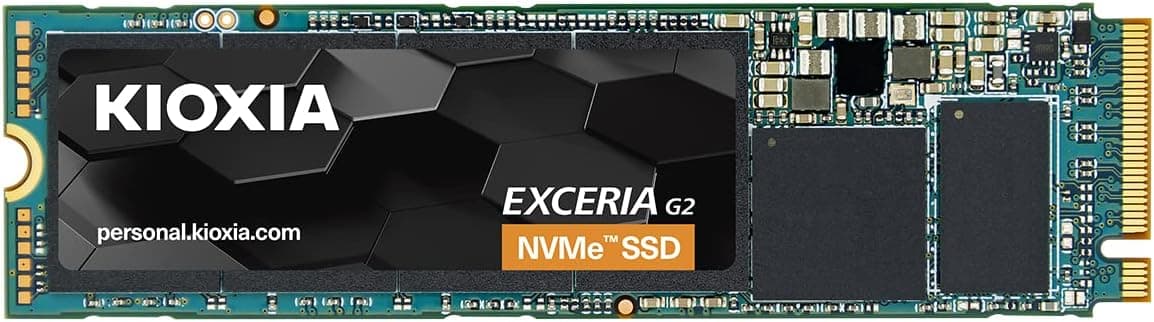
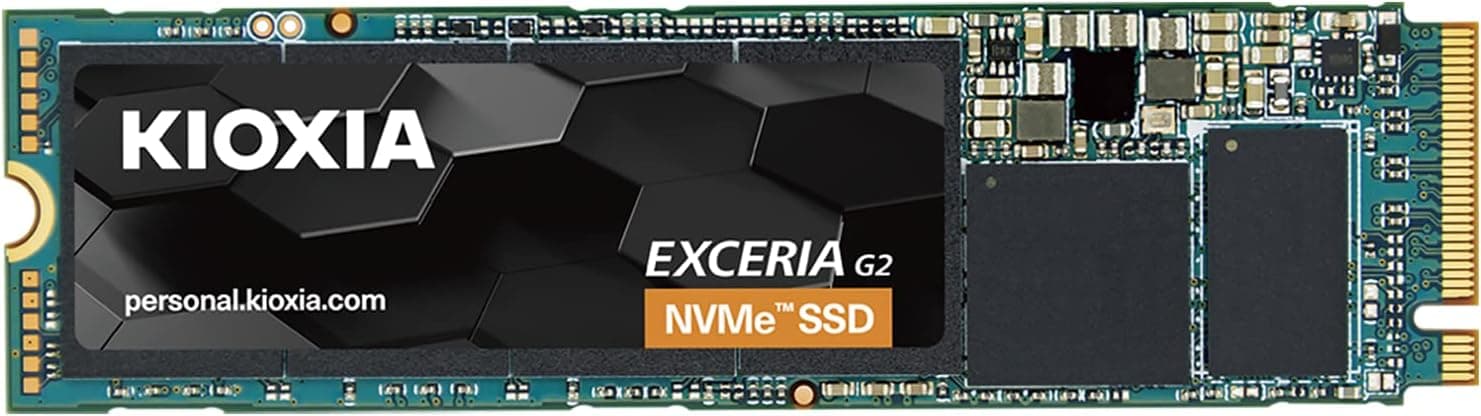
Verify the model number on the product page. Other EXCERIA drives are sold under the same name, including different capacities and NVMe versions.
Check the listing images and text to confirm it is the SSD-CK960S/N (960GB, SATA, 2.5-inch) before you order, so you do not get the wrong drive.
FAQ
**Q. Windows shows about 894GB instead of 960GB. A. No. The manufacturer counts 1GB as one billion bytes, while Windows counts 1GB as about 1.07 billion bytes, which causes the gap.
Q. How much faster will my PS4 be? A.
Loads will be shorter than with the stock hard drive. The original and slim PS4 are reported to have SATA 3Gbps-class links, so gains are smaller than on a PS4 Pro.
Also note that the original CUH-1000/1100 series is listed as unsupported.
Q. Does DRAM-less mean it will fail early? A.
No. DRAM mainly affects how steady the speed stays, not how soon the drive fails.
Durability depends on the NAND type and how much you write, and this drive uses TLC, which holds up better than QLC. For everyday use, the 3-year warranty covers the realistic risk.
Q. Is it worth buying for a PC that has an M.2 slot? A.
For a system drive, NVMe is the better choice. It still makes sense as a cheap second data drive if you have a spare SATA port.
Q. Is it good enough for gaming? A.
Load speeds are fine for most games. The real limit is the roughly 894GB of space: if you keep several large titles installed at once, you will run out of room before speed becomes a problem.
Product Disclosure (Amazon)
- Manufacturer: KIOXIA
- Seller: プロジェクトエム 【インボイス対応事業者】業歴14年 安心の国内法人運営ストア 適確請求書発行事業者
- Fulfilled by: Amazon
- ASIN: B08B3D7PDJ
- Note: This article covers a manufacturer-made product based on Amazon listing details.