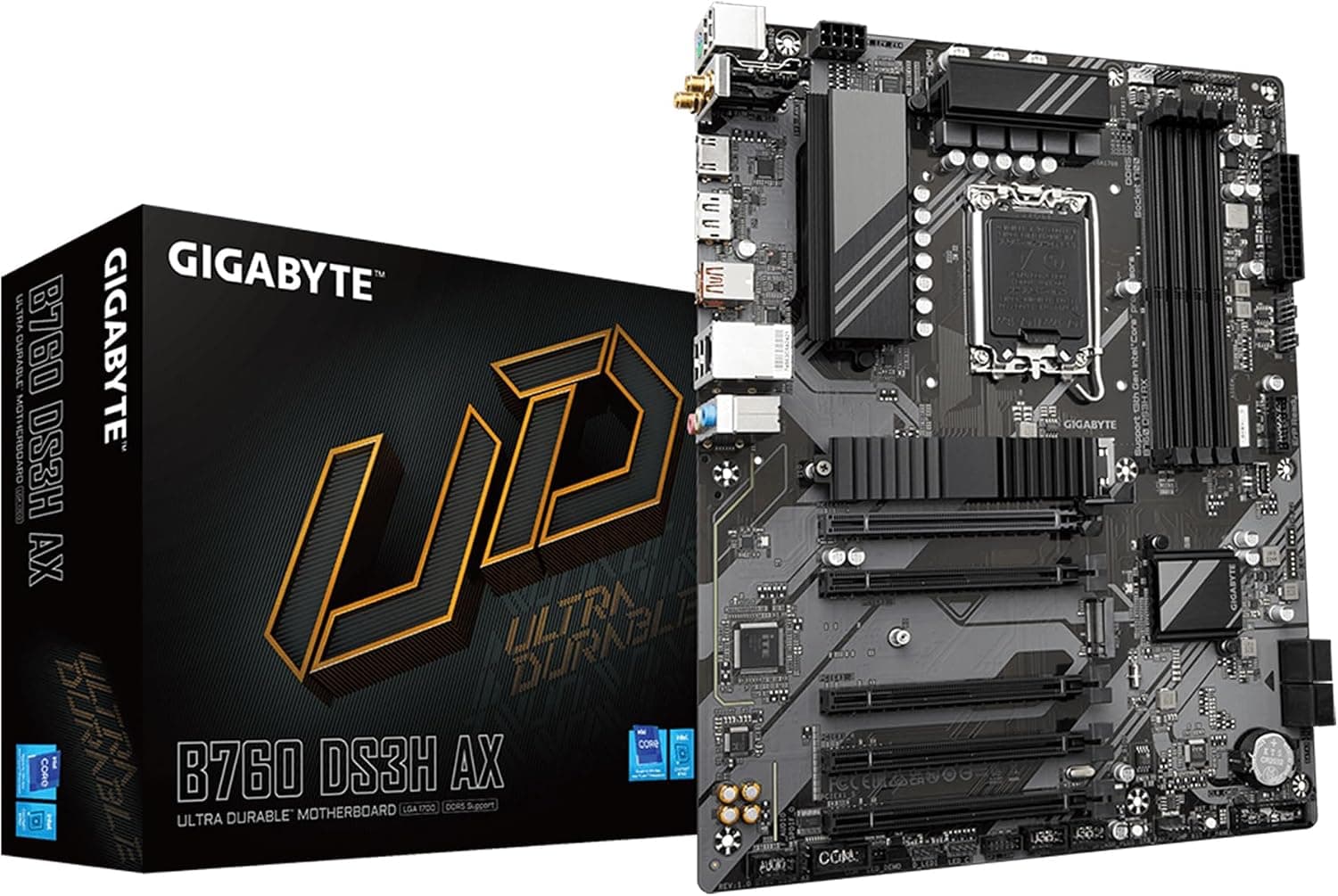
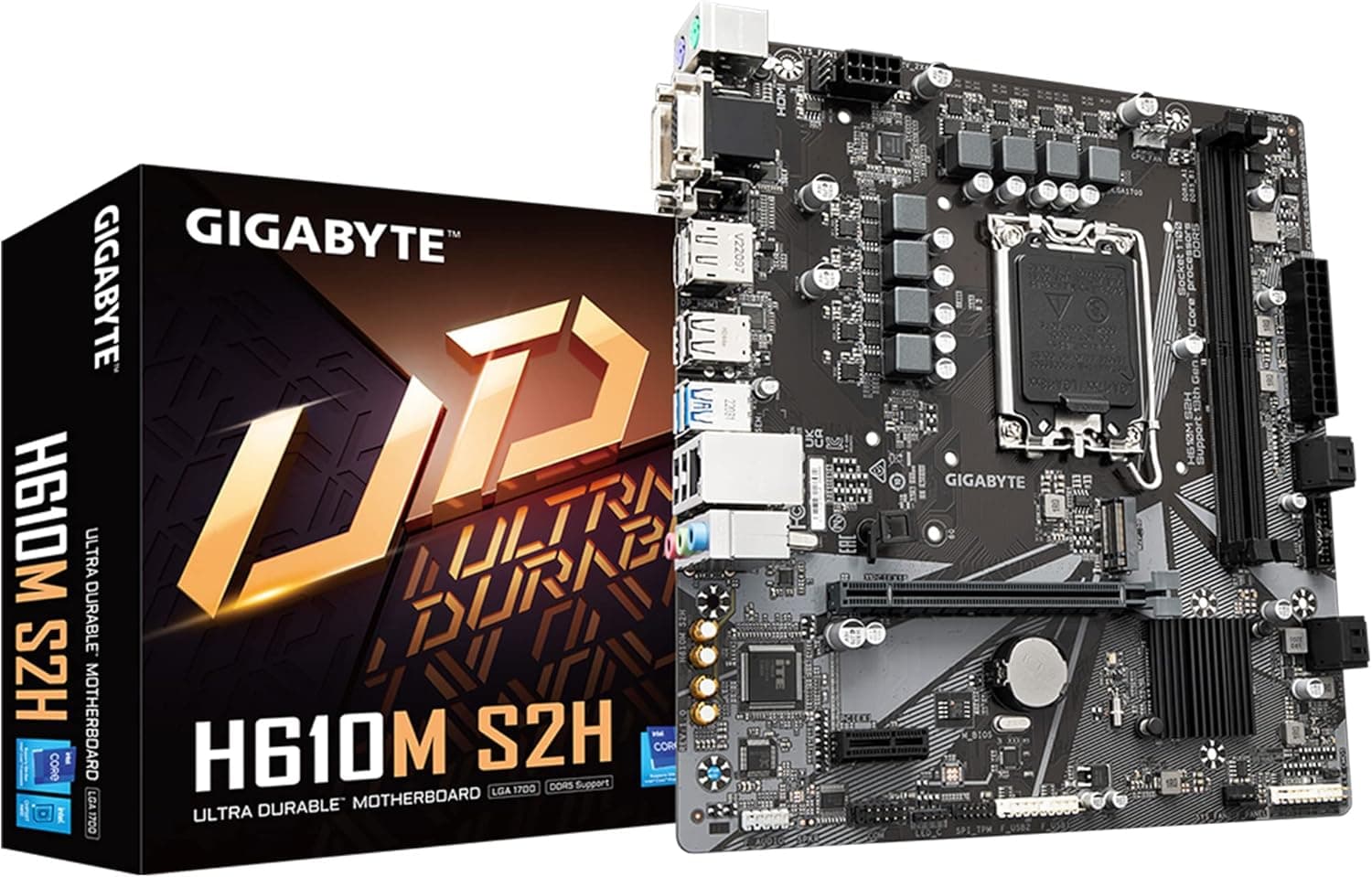
This article covers GIGABYTE Z790I AORUS Ultra (LGA 1700.
Overview
The GIGABYTE Z790I AORUS Ultra is a mini-ITX motherboard that packs flagship-level features into a compact footprint. Designed for Intel LGA 1700 sockets, it supports 12th and 13th generation Core processors, and comes with dual-channel DDR5 memory support. Its power delivery is a highlight: a 10+1+2 phase digital VRM with 105A smart power stages ensures stable operation even under sustained heavy load.
Despite its size, it offers a PCIe 5.0 x16 slot and two PCIe 4.0 M.2 slots, alongside USB 3.2 Gen 2x2 Type-C connectivity. For networking, Intel Killer Wi-Fi 6E and Intel 2.5GbE LAN are both included, making it a strong choice for gamers and content creators who need both speed and reliability in a small form factor.
In the market, this board sits firmly in the high-end tier of mini-ITX motherboards. It caters to users who prioritize a compact build without sacrificing performance, and it's especially attractive for those building small-form-factor gaming or workstation PCs.
Compatibility Guide
The Z790I AORUS Ultra uses the LGA 1700 socket and officially supports 12th and 13th generation Intel Core processors. It features dual-channel DDR5 memory with two DIMM slots, supporting up to 64GB of RAM. Because it's a mini-ITX board, you'll need a case that specifically supports this form factor.
Power requirements include a 24-pin ATX connector and an 8-pin EPS connector. For a high-end CPU like a Core i9, a 650W PSU or higher is recommended. Storage options include two M.2 slots (both PCIe 4.0 x4) and four SATA ports. Note that the single PCIe 5.0 x16 slot is intended for a GPU; if you plan other expansion cards, check lane allocation carefully.
Product Info
Released in October 2022, the Z790I AORUS Ultra is available through retailers like online retailers in Japan. With a price around 138,800 yen, it's positioned at the premium end of mini-ITX boards. The VRM uses 105A smart power stages across a 10+1+2 phase design, and the onboard audio is handled by a Realtek ALC4080 codec. Q-Flash Plus lets you update the BIOS without installing a CPU or memory, a handy feature for maintenance.
Market positioning is clearly high-tier. While competitors like ASUS ROG STRIX Z790-I exist, the AORUS Ultra distinguishes itself with robust power delivery and a comprehensive connectivity suite in a tiny package.
Best Use Cases
Gamers building a compact SFF rig: The board can handle a GeForce RTX 4080-class GPU alongside a high-end CPU, provided the case has adequate airflow. It's a no-compromise choice for those who want maximum performance in a small footprint.
Content creators who value CPU performance: With its strong VRM, you can pair it with a Core i9-13900K and run long render jobs without thermal or power throttling. Keep in mind that memory capacity is limited to two DIMM slots, so plan for 32GB or 64GB from the start.
Audiophiles seeking onboard quality: The Realtek ALC4080 delivers clean, detailed sound, making an external sound card unnecessary for many users. If you're building a silent, compact workstation, this is a solid foundation.
However, if you need multiple expansion cards or additional M.2 slots, this board won't fit—consider a larger form factor instead.
Things to Consider
The price is steep for a mini-ITX board, and the two DIMM slots limit memory upgrade flexibility. Also, the M.2 slots are only PCIe 4.0, not PCIe 5.0, though that's still fast for most SSDs. The single PCIe 5.0 x16 slot means no multi-GPU setups, and the powerful VRM is overkill if you're using an entry-level CPU. Additionally, when selecting a mini-ITX case, verify cooler height and radiator clearance to avoid clearance issues.
FAQ
Q: Can I use a 14th generation Core processor on the Z790I AORUS Ultra?
A: Officially, it supports 12th and 13th gen, but some 14th gen CPUs may work if the BIOS is updated. However, this is not covered by warranty, so proceed with caution.
Q: How far can I overclock DDR5 memory?
A: The board supports XMP 3.0 profiles and is generally good at memory overclocking. But high-speed kits like DDR5-7600 can be stable only if the CPU's memory controller and the board work well together. For reliability, stick to rated speeds or XMP.
Q: How many M.2 SSDs can I install?
A: Two M.2 slots are available, both PCIe 4.0 x4. Be careful when using SSDs with large heatsinks, as they may interfere with other components. There are no M.2 slots on the rear of the board.
Product Disclosure (Amazon)
- Manufacturer: GIGABYTE
- Seller: New Oriental Technology
- Fulfilled by: New Oriental Technology
- ASIN: B0BZQ43XXL
- Note: This article covers a manufacturer-made product based on Amazon listing details.