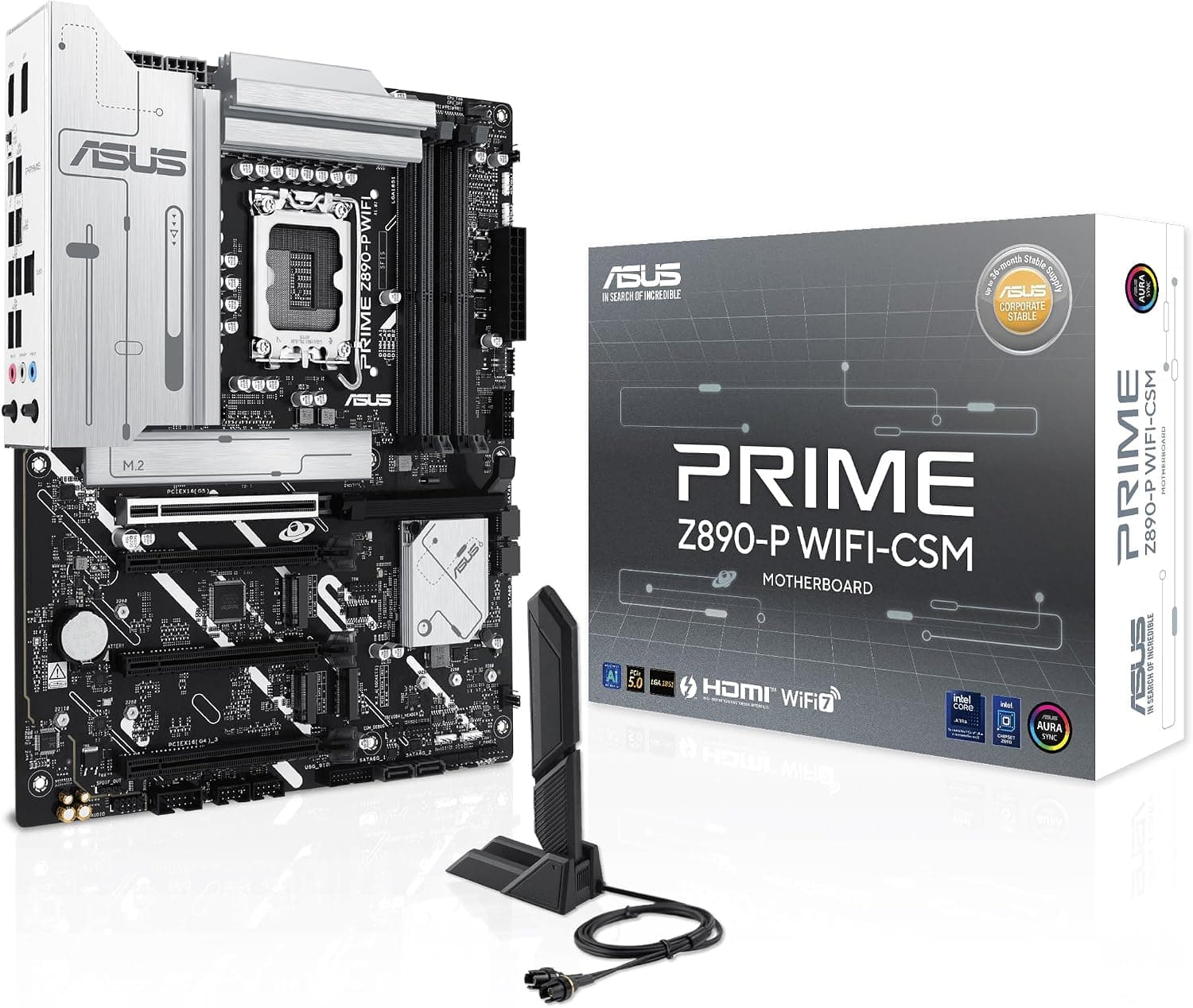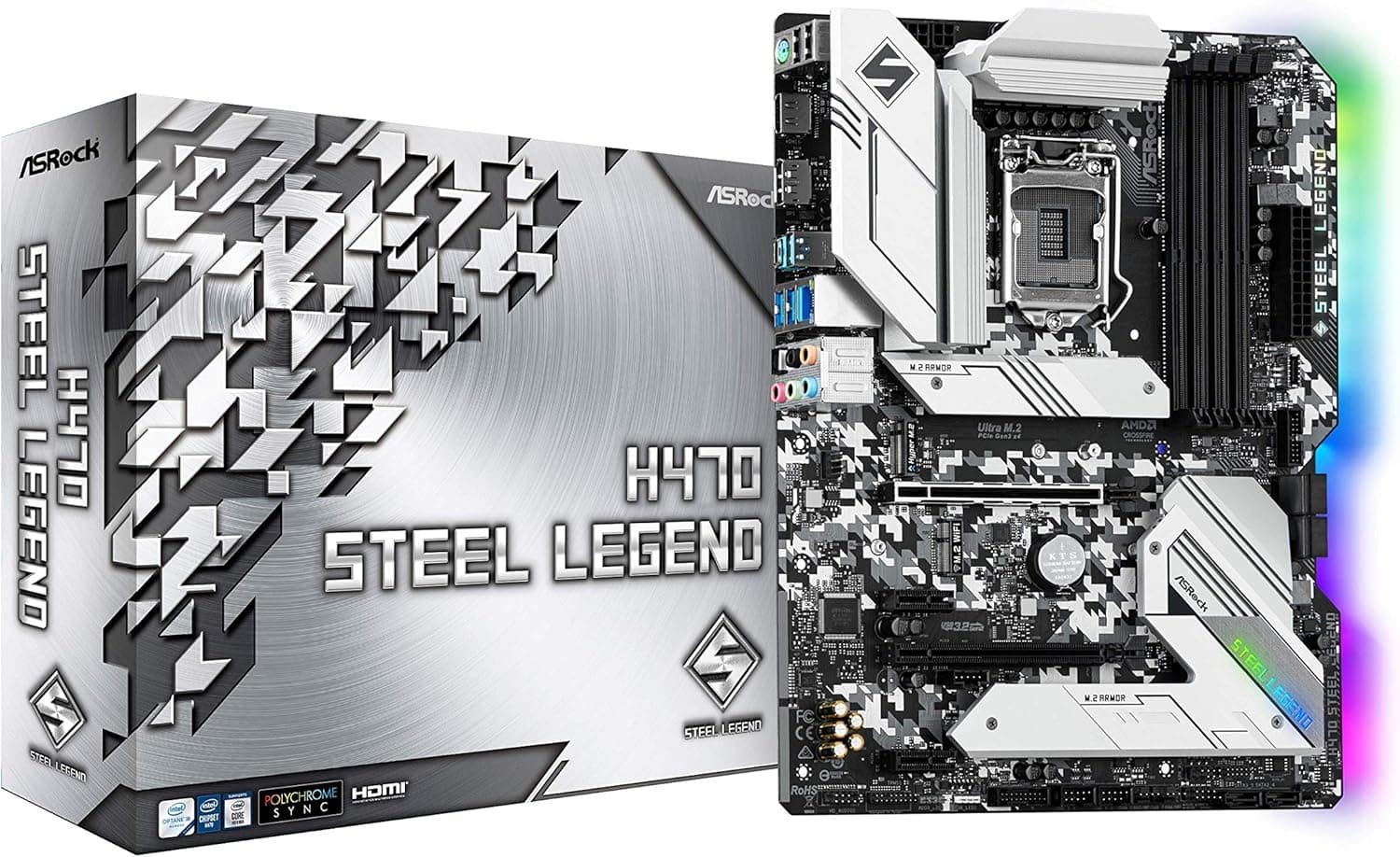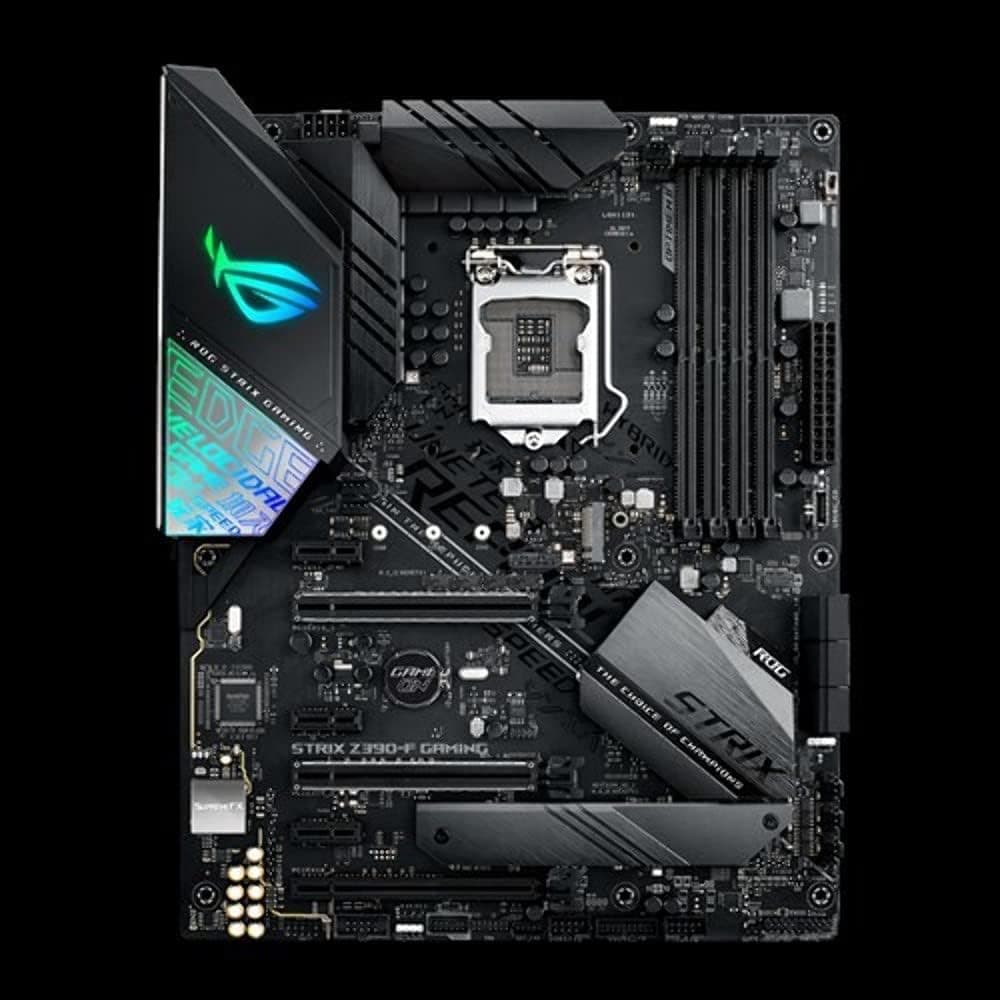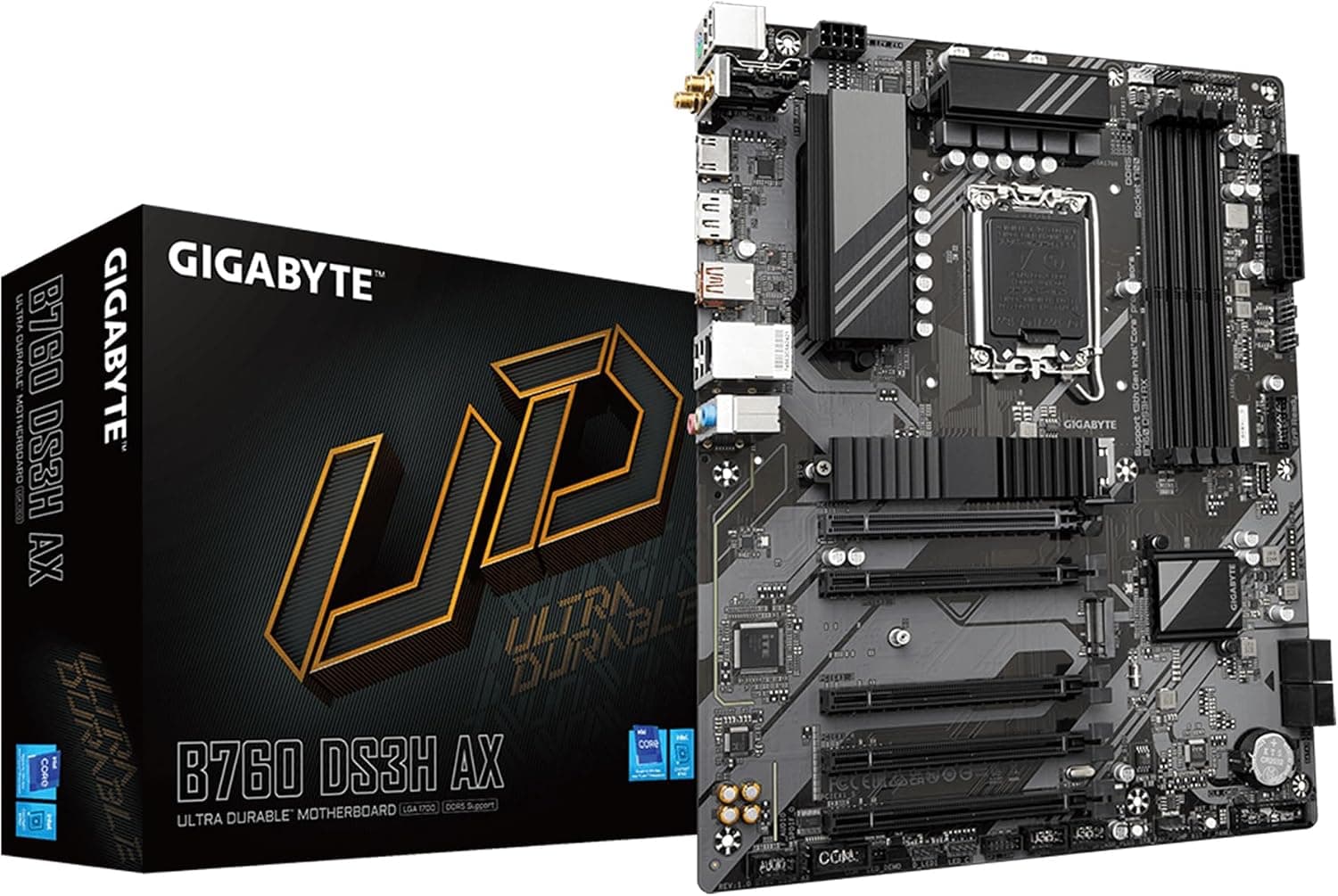
This article covers GIGABYTE B760 DS3H AX (rev. 1.x) LGA 1700 Intel B760 ATX マザーボード DDR5付き 2* M.2 PCIe 4.0 USB 3.2 Gen 2 Type-C.
Overview
GIGABYTE B760 DS3H AX (rev. 1.x) is an ATX motherboard built around the Intel B760 chipset with an LGA1700 socket, supporting 12th, 13th, and 14th Gen Intel Core processors. The board brings DDR5 memory support to the mid-range segment, offering a good balance between modern features and affordability. Key specs include a hybrid 8+2+1 phase digital VRM, dual PCIe 4.0 M.2 slots, Wi-Fi 6E, and USB 3.2 Gen 2 Type-C.
The design philosophy is practical: it includes Q-Flash Plus for BIOS updates without a CPU or memory, and PCIe EZ-Latch for tool-free graphics card removal. The VRM is modest but adequate for Core i5 and i7 CPUs running at stock settings. Audio uses a Realtek ALC897 codec, and networking covers Realtek GbE LAN plus Intel Wi-Fi 6E with Bluetooth 5.3.
In the current market, this motherboard sits in the “value-oriented mid-range” category. It competes directly with ASUS Prime B760-PLUS and MSI PRO B760-P, offering similar features at a slightly lower price point, especially in the Japanese market where it’s widely available through online retailers and major retailers.
Compatibility Guide
The LGA1700 socket accepts Intel 12th (Alder Lake), 13th (Raptor Lake), and 14th Gen (Raptor Lake Refresh) CPUs. Note that an initial BIOS update may be required for newer processors, but Q-Flash Plus makes that painless.
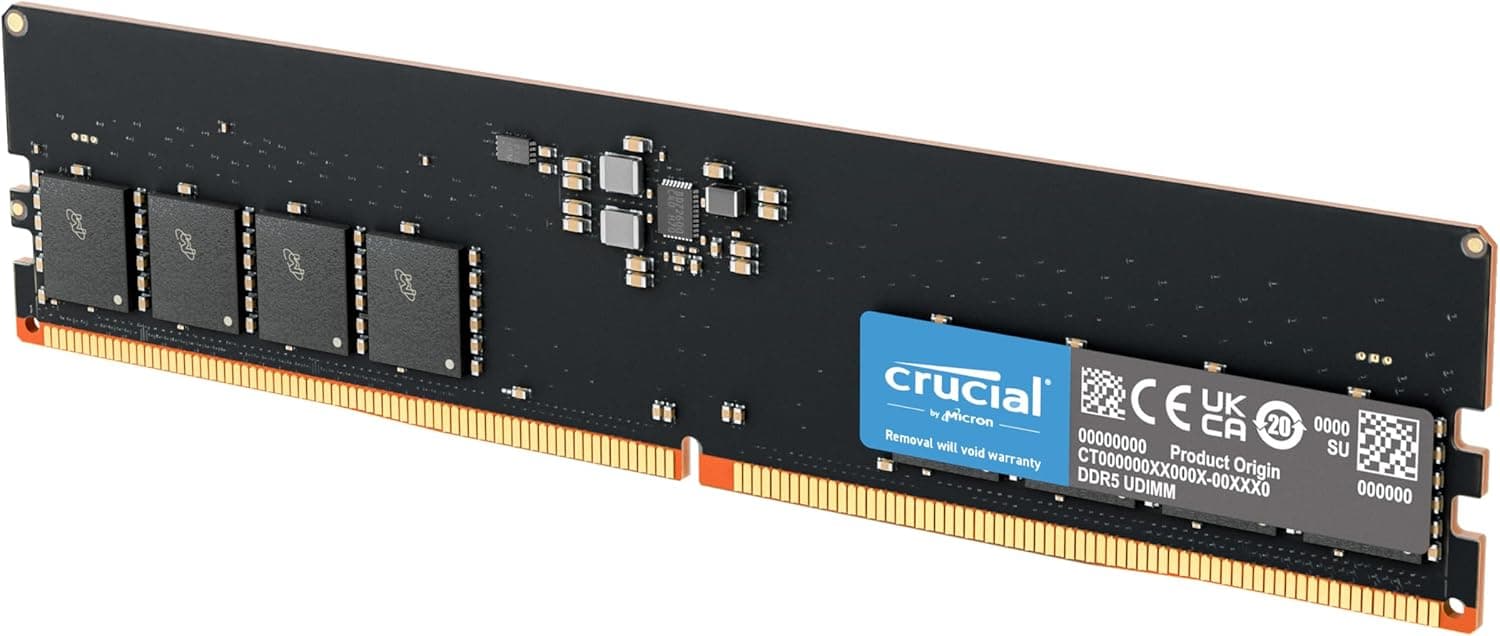
Memory is DDR5 only – four DIMM slots support up to 192 GB. XMP 3.0 profiles are recognized; recommended speed for best value is DDR5-6000 CL30.
Form factor is standard ATX, fitting most mid-tower cases. The primary PCIe x16 slot runs at PCIe 4.0, while the second x16 slot is wired at PCIe 3.0 x4. There are also two PCIe 3.0 x1 slots.
Storage options include two M.2 slots (both PCIe 4.0 x4) and four SATA 6Gbps ports. The M.2 slots lack heatsinks, so consider adding third-party thermal pads or heatsinks for performance NVMe drives.
Rear I/O provides one USB 3.2 Gen 2 Type-C, two USB 3.2 Gen 1 Type-A, four USB 2.0, HDMI 2.0, DisplayPort 1.2, GbE LAN, Wi-Fi 6E antenna connectors, and three audio jacks.
Product Info
Released in early 2023, the B760 DS3H AX remains a current model. Pricing in Japan ranges from approximately ¥23,000 to ¥26,000 (tax-included). The warranty is standard three years (confirm with retailer). Sales channels include online retailers, Yodobashi Camera, and Bic Camera.
Market positioning: entry-to-midrange with a focus on DDR5 accessibility. It lacks CPU voltage overclocking (locked B760) but offers solid stock performance and robust connectivity for the price.
Best Use Cases
1. Budget DDR5 Gaming PC Builder
Pair it with a Core i5-13400F or i5-14400F and DDR5-6000 memory for 1080p high-refresh gaming. Affordability is the key advantage. If you need CPU overclocking, step up to a Z790 board.
2. Quiet Office / Home Server Build
With integrated graphics from a non-F CPU, skip the discrete GPU for a silent, low-power office machine. The onboard Wi-Fi 6E saves you from running Ethernet cables.
3. Upgrader from 12th/13th to 14th Gen
If you already have an LGA1700 CPU and want to move to a 14th Gen chip, this board offers a drop-in solution with Q-Flash Plus. However, the performance gain from 13th to 14th Gen is often marginal.
Who should NOT buy it?
- Enthusiasts wanting heavy CPU overclocking: go Z790.
- Users needing multiple Gen5 drives: only PCIe 4.0 M.2 here.
- Audio purists: the ALC897 codec is basic; consider an external DAC.
Things to Consider
The most obvious trade-off is DDR5-only support. While DDR5 prices have dropped, they are still higher than DDR4. If your budget is tight, the DDR4 version of this board (B760 DS3H AX DDR4) might be smarter.
The VRM is adequate for Core i7 but can run warm under sustained full load with a Core i9. Case airflow is important. If you plan to run a Core i9-14900K 24/7 on heavy workloads, look at boards with beefier VRMs.
Only two M.2 slots – some competing boards at similar price points offer three. Heavy storage users should either use SATA SSDs or invest in a PCIe-to-M.2 adapter (which will run at x4 max via the second x16 slot).
No USB4 or Thunderbolt 4 – that’s expected at this price tier. The rear USB-C is 10Gbps, not 20Gbps.
FAQ
Q: Can I use this motherboard with a Core i9-14900K?
A: Yes, electrically compatible. But the 8+2+1 phase VRM is not designed for prolonged heavy loads on a 14900K. For gaming sessions it’s fine, but for multi-hour all-core rendering, the VRM temperature may become a concern. A well-ventilated case and CPU cooler that pushes air toward the VRM (like a tower air cooler) helps.
Q: What memory speed is recommended?
A: DDR5-6000 CL30 offers a great balance of cost and performance. Higher speeds like DDR5-7200 may work but depend on CPU memory controller quality. Always check the GIGABYTE QVL list for your specific RAM kit before buying.
Q: Does t
Product Disclosure (Amazon)
- Manufacturer: GIGABYTE
- Seller: PENNY LANE
- Fulfilled by: PENNY LANE
- ASIN: B0CTTWZCVK
- Note: This article covers a manufacturer-made product based on Amazon listing details.