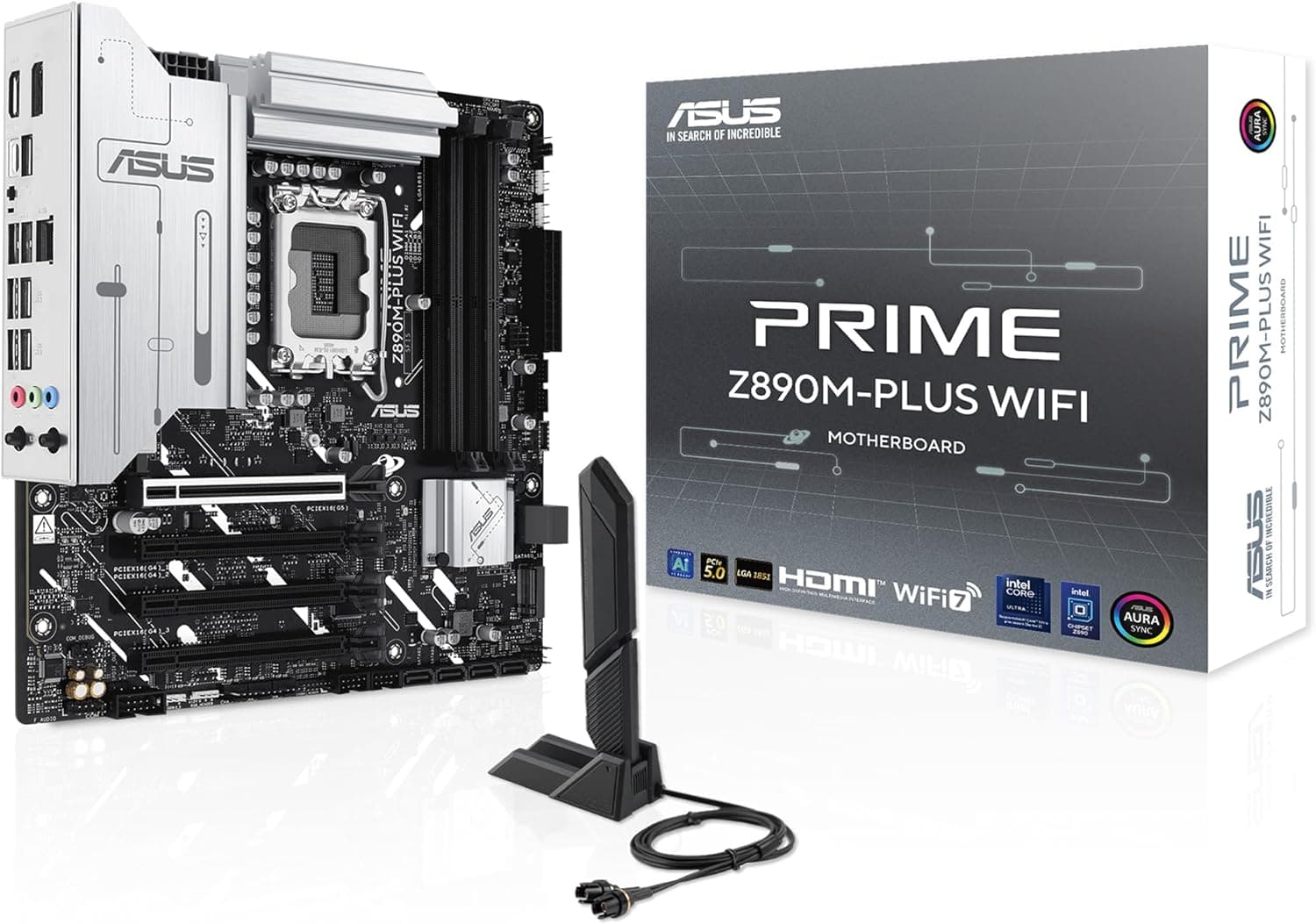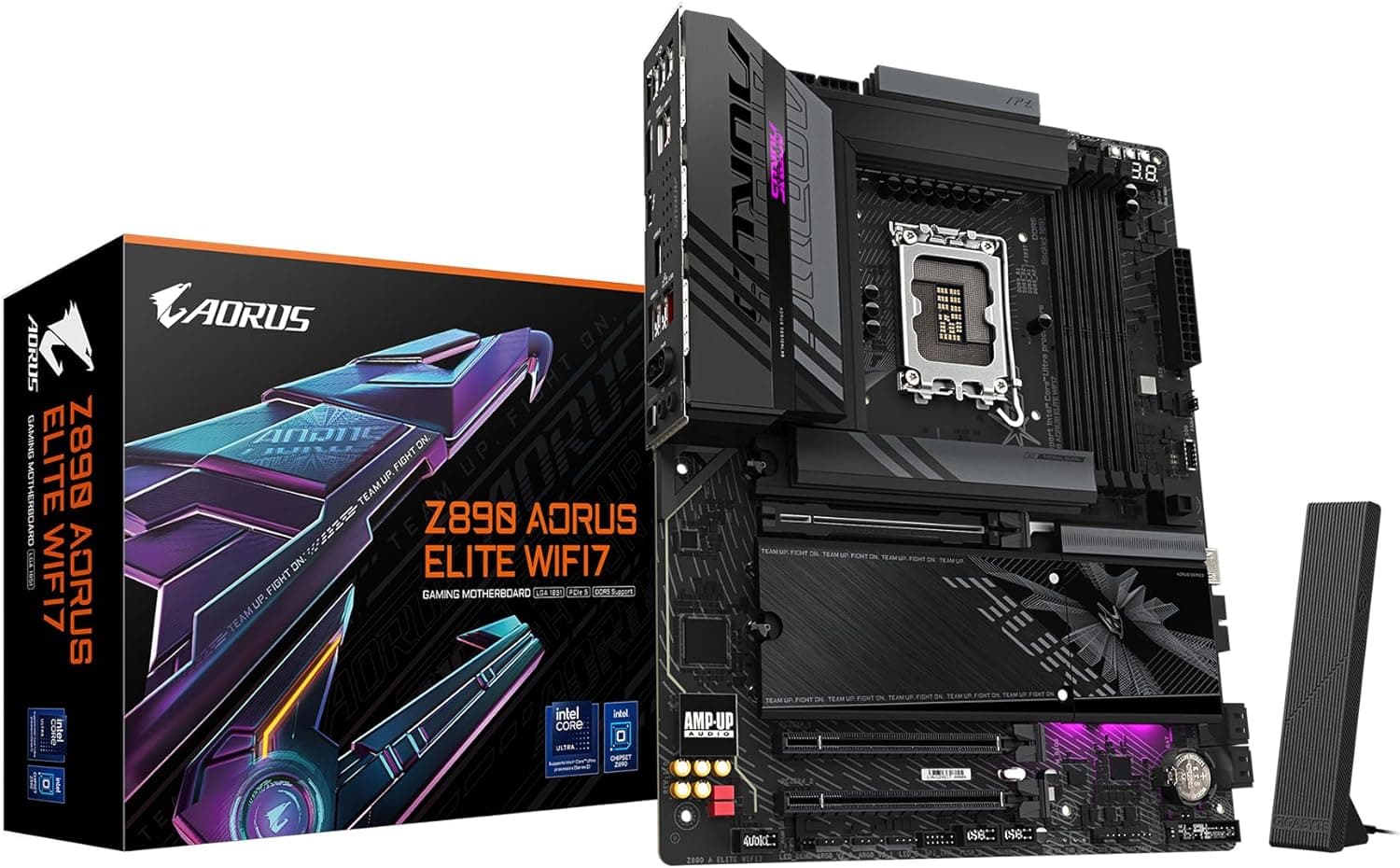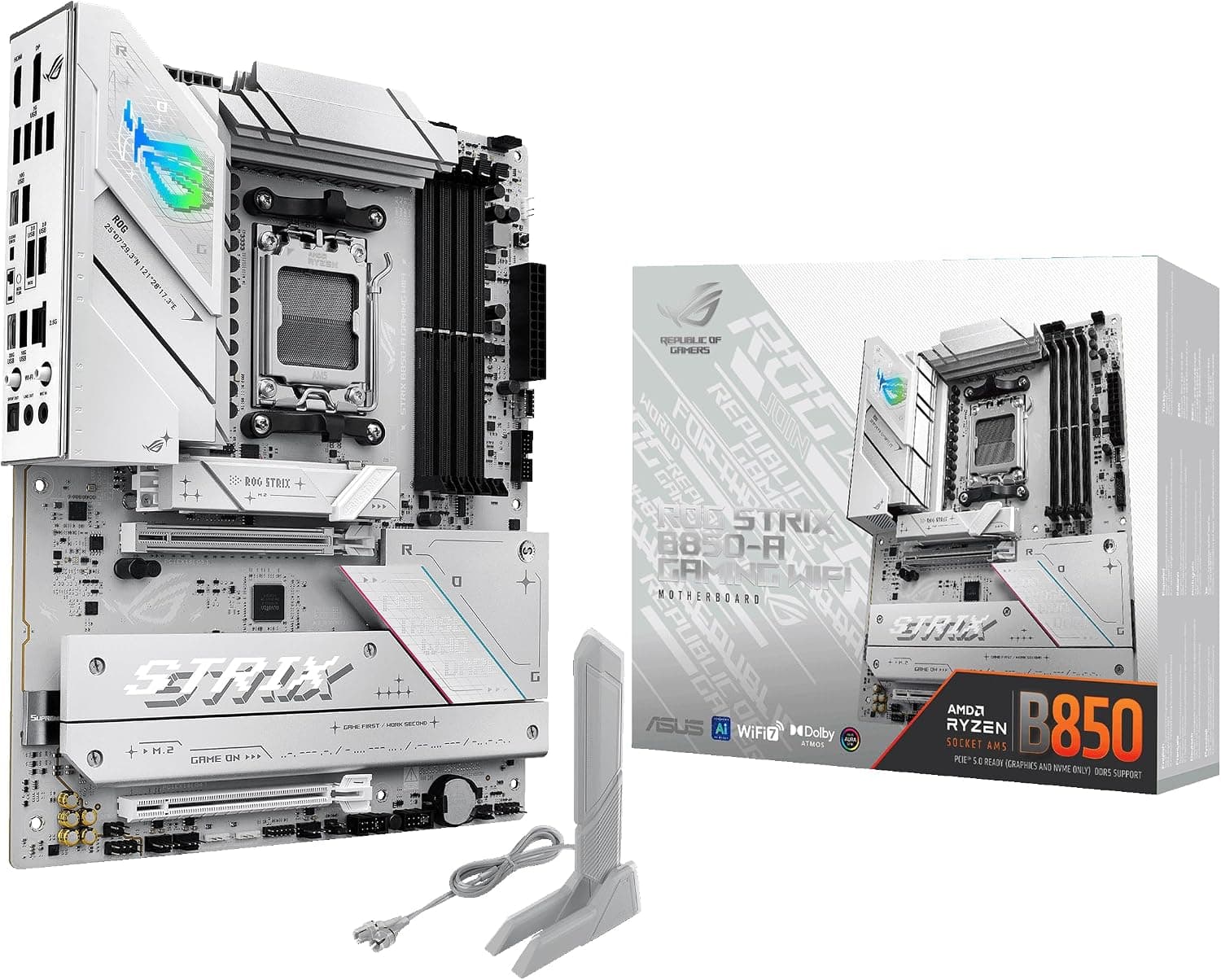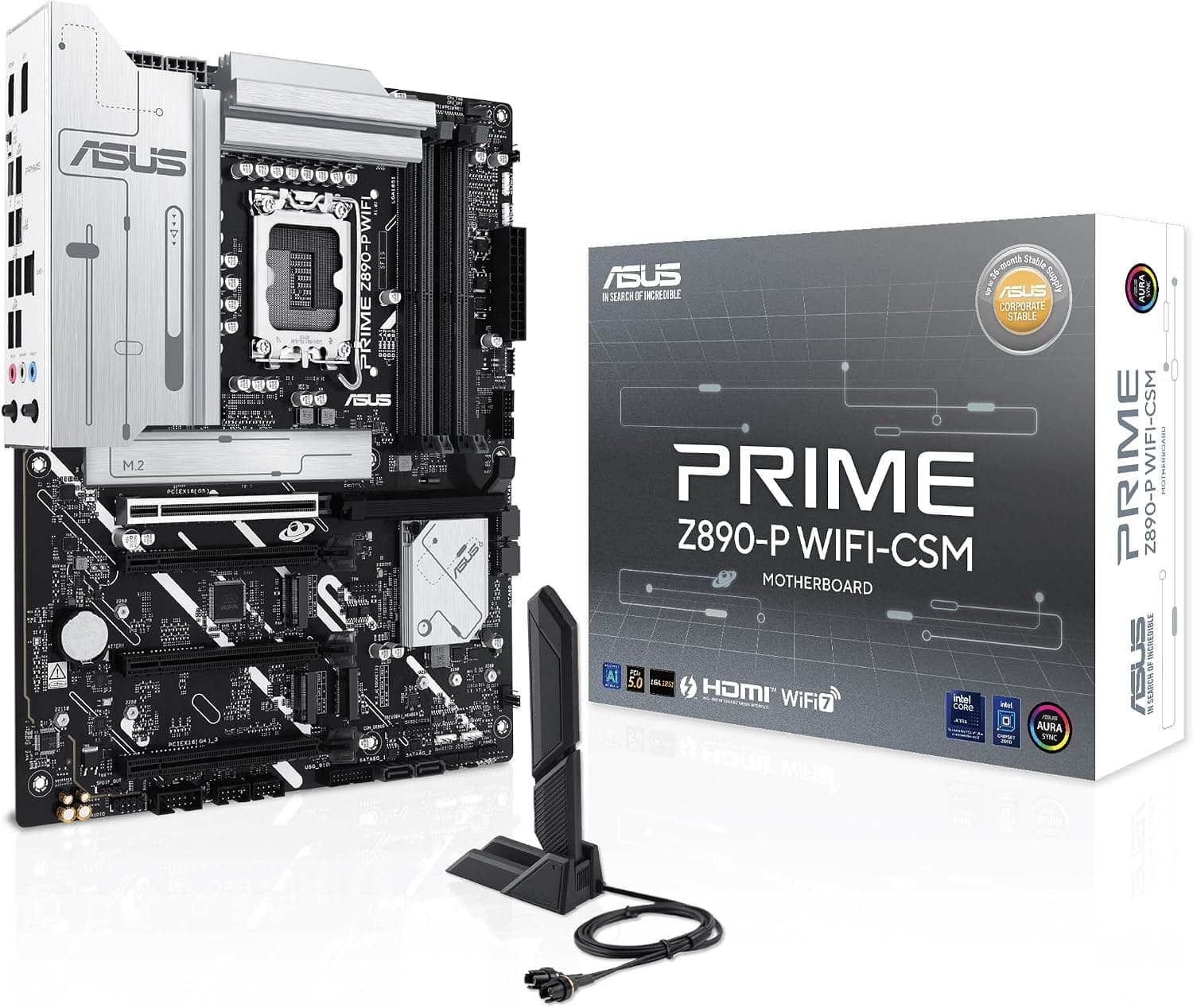
This article examines the ASUS PRIME Z890-P WIFI-CSM, an ATX motherboard for Intel Core Ultra 2, using only ASUS's official Techspec page.
Overview
The PRIME Z890-P WIFI-CSM is an ATX motherboard whose official CPU entry reads "Supports Intel® Core™ Ultra Processors (Series 2), LGA1851". The expansion slot and storage entries name the chipset as "Intel® Z890 Chipset".
The board has one CPU-connected PCIe 5.0 x16 slot and one PCIe 5.0 x4 M.2 slot, and the rear panel has a Thunderbolt™ 4 USB Type-C port.
The short version: it is a board built around memory capacity and CPU-connected expansion. Memory capacity and speed, wireless and video output all come with conditions, and each is set out in the spec sections.
Compatibility Guide
These are the fit checks from the official spec table. Each value that has conditions is given once, in its own item, with all of them.
CPU and socket: Intel® Core™ Ultra Processors (Series 2) on LGA1851, with a note to refer to the ASUS Download Center for the CPU support list. Intel® Turbo Boost Technology 2.0 is supported, and Intel® Turbo Boost Max Technology 3.0 support is said to depend on the CPU type.
Memory: "4 x DIMM slots, max. 256GB, DDR5", "up to 8666+MT/s (OC)", Non-ECC and Un-buffered memory plus CUDIMM, in a dual-channel layout, but the official note says supported memory types, speeds and module counts vary with the CPU and memory configuration, refers to the CPU/Memory Support list under the Support tab of the product information site or the ASUS download center, and says "Adjustments will be made based on the specifications of mass-produced memory products available on the market".
Memory profiles: The official entries are "Intel® Extreme Memory Profile (XMP)" and "ASUS Enhanced Memory Profile III (AEMPIII)".
Expansion slots: From the CPU, "1 x PCIe 5.0 x16 slot"; from the Intel® Z890 Chipset, "2 x PCIe 4.0 x16 slots (support x4 mode)" and "1 x PCIe 4.0 x16 slot (supports x1 mode)", with a note pointing to the PCIe bifurcation table on ASUS's support site for the CPU slot.
M.2 layout: Four M.2 slots in total.
From the CPU: M.2_1 (2280/22110, PCIe 5.0 x4) and M.2_2 (2280, PCIe 4.0 x4).
From the chipset: M.2_3 (2280/22110, PCIe 4.0 x4) and M.2_4 (2242/2260/2280, PCIe 4.0 x4 and SATA).
There are four SATA 6Gb/s ports.
Power connectors and form factor: "1 x 24-pin Main Power connector" and "2 x 8-pin +12V CPU Power connector". The form factor is "ATX Form Factor; 12 inch x 9.6inch ( 305 x 244 mm)".
Product Info
Here are the key official values, with what each one means for a buyer.
- Rear USB (8 ports in total): One Thunderbolt™ 4 USB Type-C, one USB 10Gbps Type-A, two USB 5Gbps Type-A and four USB 2.0 Type-A.
- Front USB (9 ports in total): One USB 10Gbps connector (USB Type-C), two USB 5Gbps headers (four more ports) and two USB 2.0 headers (four more ports).
- USB 2.0 bandwidth sharing: The same note (**) is attached to both the rear "4 x USB 2.0 ports (4 x Type-A)" and the front "2 x USB 2.0 headers support 4 additional USB 2.0 ports", and it says that USB_E1 port, USB_E2 port, USB_E3 port and USB_E4 port share the bandwidth, and that USB_E5 port, USB_E6 port and USB_E7 port share the bandwidth.
- Video outputs: One DisplayPort, one HDMI™ and one Thunderbolt™ 4 port, with DisplayPort up to 4K@60Hz as specified in DisplayPort 1.4, HDMI™ at 4K@60Hz as specified in HDMI 2.1 and up to 8K@60Hz on one display with DSC in Thunderbolt™ 4 mode with "maximum total bandwidth up to 23.8Gbps" and a note to "check DisplayPort 2.1 specs" for resolution support, but the official notes say that "Graphics specifications may vary between CPU types", that "VGA resolution support depends on processors' or graphic cards' resolution", and that the monitor should be connected to the HDMI port on the back I/O panel or to a discrete graphics card while installing the operating system.
- Networking: Wired is "1 x Realtek 2.5Gb Ethernet" with ASUS LANGuard. Wireless is "2x2 Wi-Fi 7 (802.11be)" on the 2.4GHz, 5GHz and 6GHz bands with 160MHz bandwidth and up to 2.9Gbps, plus Bluetooth v5.4, but the official notes say Wi-Fi features vary with the operating system, Windows 11 needs 24H2 or later for full Wi-Fi 7 functions while 21H2/22H2/23H2 only support Wi-Fi 6E, there is no Windows 10 driver, "Wi-Fi 6GHz frequency band and bandwidth regulatory may vary between countries", and the Bluetooth version may vary, with the Wi-Fi module manufacturer's website named for the latest specifications.
- Audio: Realtek 7.1 Surround Sound High Definition Audio CODEC with playback up to 24-Bit/192 kHz, but a note says 7.1 output requires a chassis with an HD audio module in the front panel.
- Fan headers: One each of 4-pin CPU Fan, CPU OPT Fan and AIO Pump, plus four Chassis Fan headers.
- Lighting and LEDs: Three Addressable Gen2 headers and one Aura RGB header. The special features list also names "Q-LED Core" and "BIOS FlashBack™ LED".
- In the box: Two SATA 6Gb/s cables, one ASUS WiFi Q-Antenna, one M.2 rubber package, two screw packages for M.2 SSD and one Quick start guide.
Best Use Cases
- Builds that need a lot of memory. The maximum capacity and speed, and the note that they vary with the CPU and memory configuration, are under "Memory" in the Compatibility Guide.
- Thunderbolt users. There is a rear Thunderbolt™ 4 USB Type-C port, plus an internal Thunderbolt™ (USB4®) header.
- A fast SSD connected straight to the CPU. M.2_1 supports PCIe 5.0 x4.
Things to Consider
Here is what to check before buying, following the official values.
First, memory. The note says supported memory depends on the CPU and memory configuration.
The official profiles are Intel® XMP and ASUS Enhanced Memory Profile III, so when choosing memory, also check that the modules support XMP.
Second, slot modes. The chipset slots are x16 in shape, and the official entries read "support x4 mode" and "supports x1 mode".
If you plan more than one expansion card, use the "Expansion slots" item in the Compatibility Guide to decide which card goes where.
Third, wireless and your Windows version. The wireless features available depend on the operating system version, and the frequency band and bandwidth regulations may vary between countries.
The conditions are under "Networking" in Product Info.
Fourth, video output. Video specifications vary with the CPU, and there is a note on how to connect the monitor while installing the operating system.
The conditions are under "Video outputs" in Product Info.
Finally, shared USB bandwidth. The note says some of the rear and front USB 2.0 ports share bandwidth; which ones is listed under "USB 2.0 bandwidth sharing" in Product Info.
See the maker's official spec table for full details.
FAQ
Q. How many rear USB ports are there?
A. Eight in total: one Thunderbolt™ 4, one USB 10Gbps, two USB 5Gbps and four USB 2.0.
Q. How many M.2 slots are there?
A. The official storage entry reads "Total supports 4 x M.2 slots and 4 x SATA 6Gb/s ports".
Q. Does it support RAID? A.
The official note says Intel® Rapid Storage Technology supports PCIe RAID and SATA RAID. The note also limits the RAID types for the CPU-connected M.2 slots, so check the spec table's note.
Product Disclosure (Amazon)
- Manufacturer: ASUS
- Seller and fulfilled by: ドスパラthe official store【パソコン専門店】
- ASIN: B0DK4X99VM
- Note: This article covers a manufacturer-made product based on Amazon listing details.