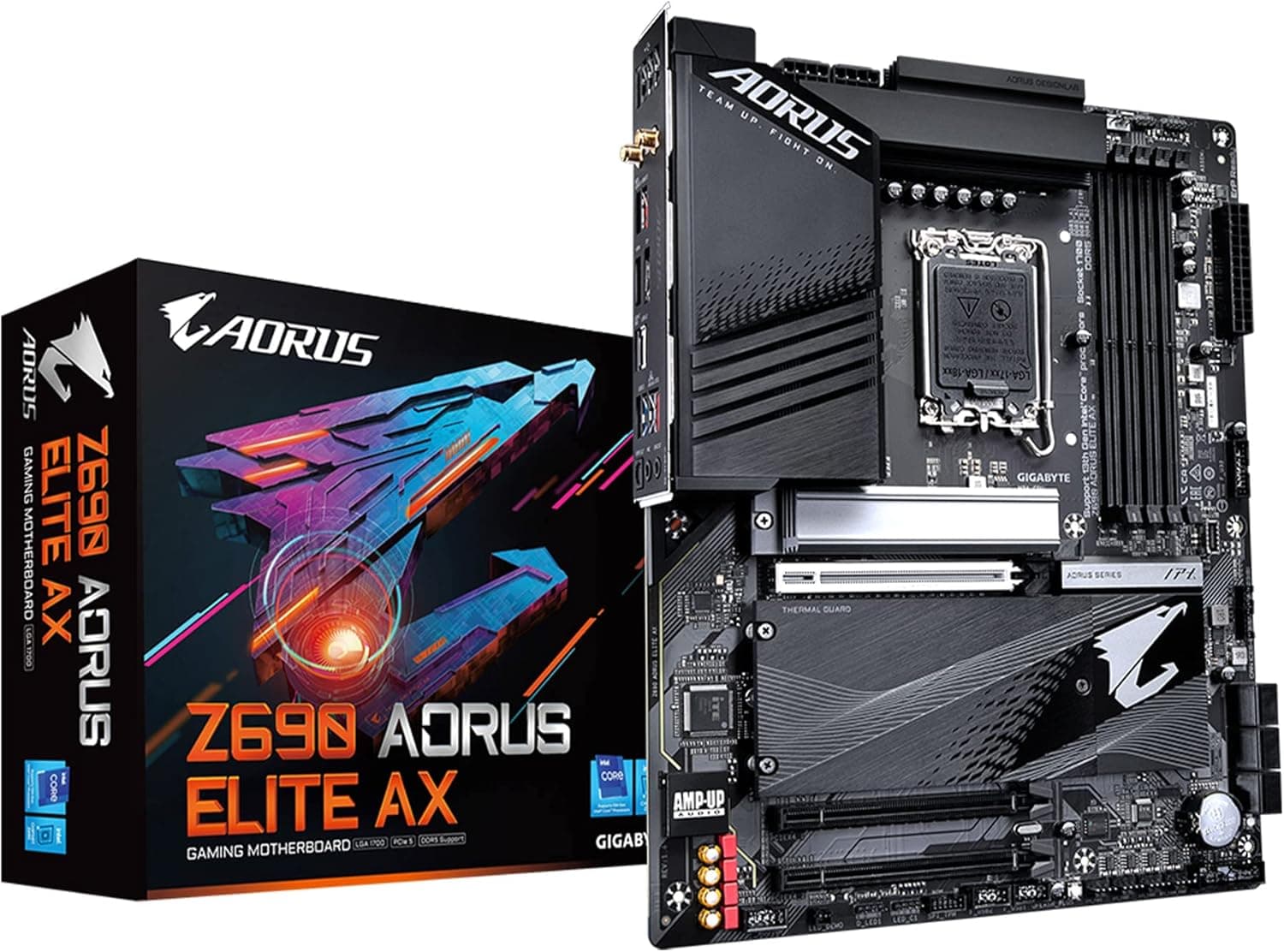
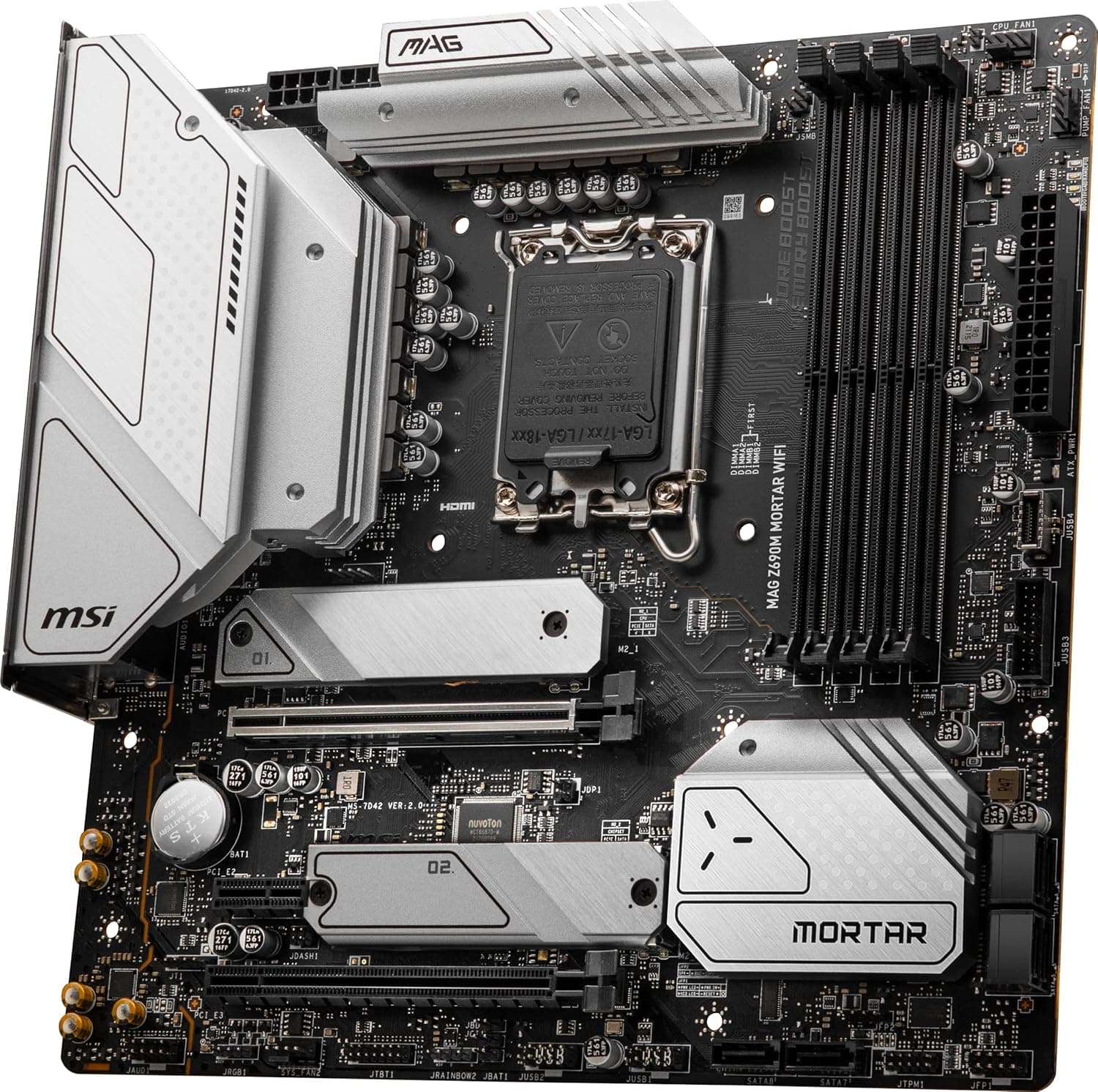
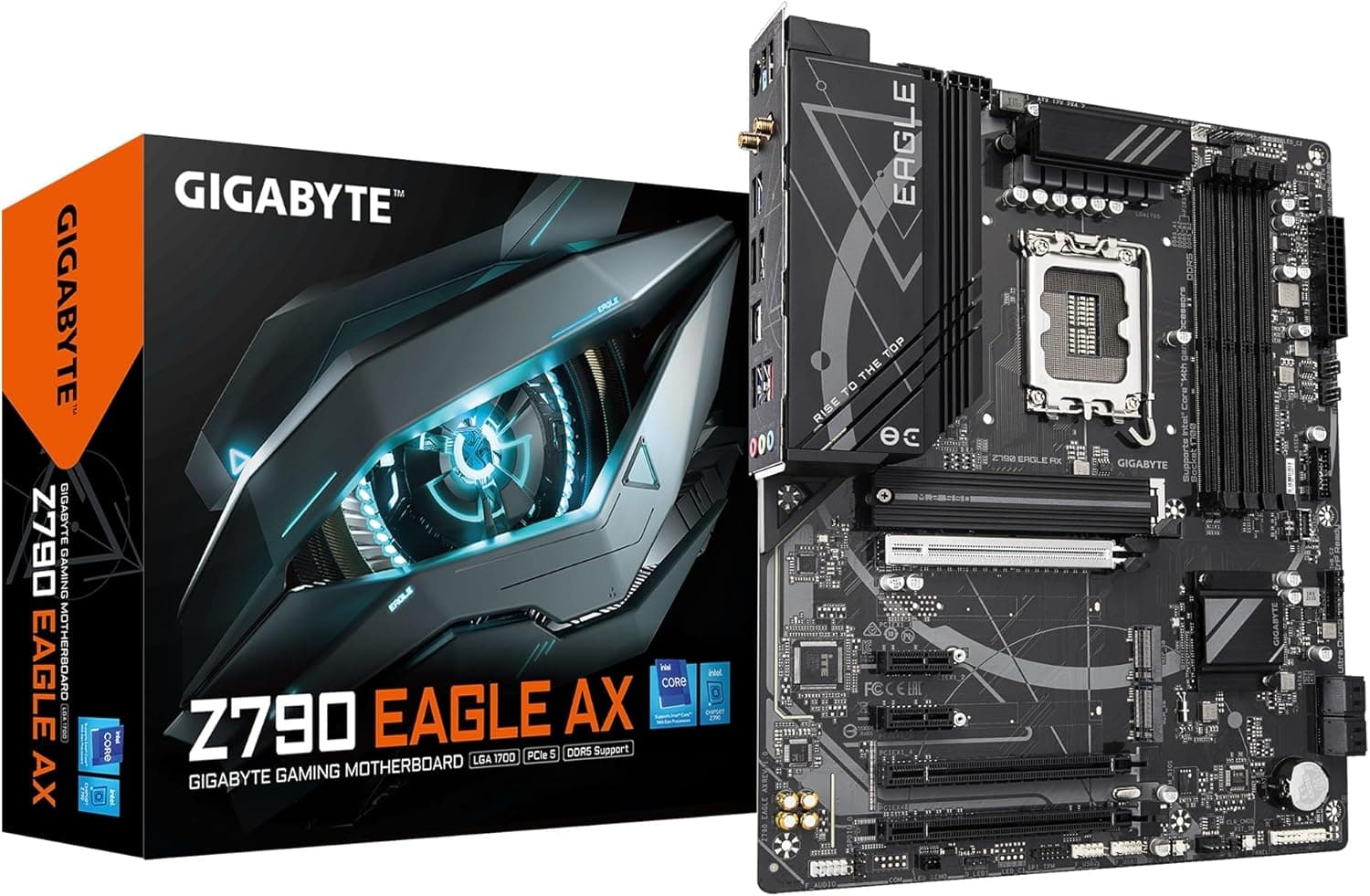
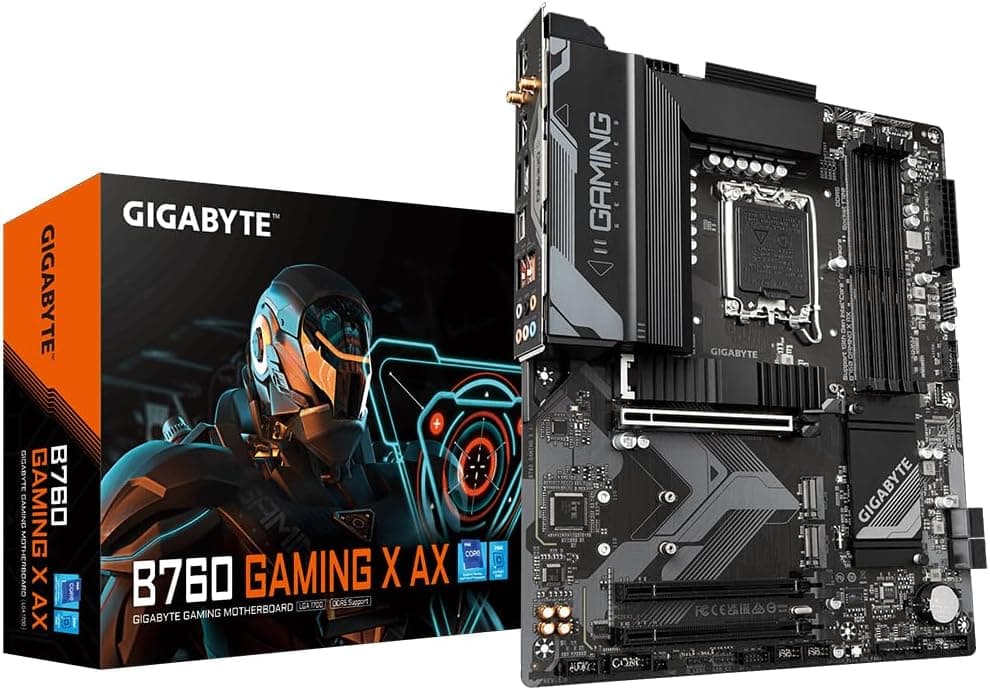
This article covers the GIGABYTE Z690 AORUS XTREME Rev. 1.0 E-ATX motherboard (Intel Z690 chipset, Japanese model MB5567).
Overview
The GIGABYTE Z690 AORUS XTREME Rev. 1.0 is the flagship E-ATX motherboard in the AORUS lineup, built on the Intel Z690 chipset.
It uses the LGA1700 socket and DDR5 memory, with a 20+1+2 phase direct-drive digital VRM and a nano-carbon coated Fins-Array III heatsink. It also packs dual wired LAN (10GbE + 2.5GbE), Intel Wi-Fi 6E, and two Thunderbolt 4 Type-C ports onto a single board.
The short version: this board makes sense if you want 10GbE and Thunderbolt 4 without add-in cards, or if you plan to run many M.2 SSDs.
For those users it is still a reasonable choice. If you only want to play games smoothly, it is clearly overkill; a cheaper board on the same socket will deliver practically the same gaming performance.
Since its November 2021 launch, Z790 has arrived as the successor on the same LGA1700 socket, and newer sockets have followed. So rather than just listing specs, this article focuses on who still benefits from this board today and where buyers tend to run into trouble.
Compatibility Guide
CPU
The socket is LGA1700, with native support for 12th Gen Intel Core processors (Alder Lake). Z690 boards are also listed as supporting 13th Gen (Raptor Lake) and 14th Gen CPUs after a BIOS update.
However, older stock may still ship with an early BIOS and fail to boot with a newer CPU. Always check GIGABYTE's CPU support list for the required BIOS version.
LGA1851 CPUs, such as the Core Ultra 200S series, will not physically fit.
Memory
The board supports DDR5 only; DDR4 modules have a different key notch and will not fit. There are four slots in a dual-channel layout.
The spec data lists two different maximum capacities, 128GB and 192GB, which may mix the original launch spec with later support for higher-capacity modules. If you plan to go beyond 128GB, confirm it against GIGABYTE's memory support list and BIOS release notes.
As a general rule, running four DDR5 sticks usually limits the achievable clock speed compared with two, so a two-stick setup is the safer choice if you want high clocks.
Case and Dimensions
The form factor is E-ATX (305mm x 284mm). That is about 40 mm wider than standard ATX (305mm x 244mm), so in many mid-towers the board will block cable cutouts and grommets, or will not mount at all.
Check that the case explicitly lists E-ATX support, and also check its maximum supported board width. Many cases advertise E-ATX support but set a lower width limit.
Power
In addition to the 24-pin main connector, the board needs two CPU power connections: 8-pin + 4-pin. The recommended PSU is 850W or higher.
If you are pairing a Core i9-class CPU with a high-end GPU, check both the wattage and whether your PSU provides two CPU power cables. It is also worth confirming the connector layout in the manual.
Expansion Slots and Storage
There are three x16-length PCIe slots (1x PCIe 5.0 x16, 2x PCIe 4.0 x16).
A slot with a physical x16 shape may be wired with fewer lanes, and some slots may share bandwidth with M.2 slots.
If you plan to add a capture card or network card alongside the GPU, read the lane allocation table in the manual first. Storage is generous for this class: five M.2 slots (PCIe 4.0 x4) and six SATA 6Gbps ports.
Because the M.2 slots are PCIe 4.0 x4 per the spec, check the product page for bundled adapters if you want to run a PCIe 5.0 SSD.
Product Info
| Item | Detail |
|---|---|
| Chipset | Intel Z690 |
| Socket | LGA1700 |
| Form factor | E-ATX |
| Memory | DDR5, 4 slots (dual channel) |
| x16-length PCIe slots | 3 (1x PCIe 5.0 x16, 2x PCIe 4.0 x16) |
| M.2 | 5 (PCIe 4.0 x4) |
| SATA | 6 ports (6Gbps) |
| Wired LAN | AQtion AQC113C 10GbE + Intel 2.5GbE |
| Wireless | Intel Wi-Fi 6E (802.11ax) |
| Rear USB | 2x Thunderbolt 4 Type-C, 4x USB 3.2 Gen2, 2x USB 2.0 |
Released in November 2021, the GIGABYTE Z690 AORUS XTREME Rev. 1.0 is the flagship of GIGABYTE's Z690 lineup.
It emphasizes overclocking headroom, expandability, and networking. Its DDR5 XTREME memory design (SMD DIMM and shielded memory routing) improves signal quality when memory runs at high clocks, and it includes a front-panel USB 3.2 Gen2x2 Type-C header.
The Japanese distributor model (MB5567) is listed with a 2-year manufacturer warranty.
As of May 31, 2026, Amazon Japan listed it at ¥119,700. Prices change with sales and stock, so check the current price before buying.Check the retailer's page for the latest user reviews.
With so few ratings, a single review can move the average noticeably. High-end boards tend to collect complaints about early defects and BIOS updates, so read the low-rated reviews and decide whether they apply to how you would use the board.
Does a Z690 Flagship Still Make Sense in 2026?
| Aspect | Z690 AORUS XTREME | Mid-range Z790 (same socket) | B660 DDR4 boards |
|---|---|---|---|
| 13th/14th Gen support | Needs BIOS update | Supported out of the box | Needs BIOS update |
| 10GbE / Thunderbolt 4 | Built in | Often absent | Often absent |
| M.2 slots | 5 | Often around 3-4 | Fewer |
| Memory | DDR5 only | Depends on model | DDR4 reusable |
| Case | Needs E-ATX support | Fits ATX | ATX / Micro-ATX |
LGA1700 ended with the 14th Gen, so 14th Gen is the ceiling for this board. In practice, there is almost no room to drop in a newer-generation CPU later.
The value of this board lies in its I/O (10GbE, Thunderbolt 4, five M.2 slots), not in CPU performance.
Mid-range Z790 boards support 13th/14th Gen out of the box, fit ATX cases, and tend to cost less. Boards that include both 10GbE and Thunderbolt 4, however, are mostly limited to the top models.
A simple rule: skip the I/O and choose a mid-range Z790, reuse DDR4 with a B660 DDR4 board, or pick this board if you won't compromise on I/O.
Best Use Cases
- Users moving large files to and from a 10GbE NAS or server. If you work with video footage or RAW files over the network, the difference over 2.5GbE is noticeable. You also avoid using up a slot for a network card.
- Users with Thunderbolt 4 external SSDs, docks, or audio interfaces. Built-in ports are more dependable than adding a card later.
- Users who want many M.2 SSDs to separate the OS, games, and work data. With five M.2 slots and six SATA ports, running out of storage connections is unlikely.
- Owners of a 12th-14th Gen Core i9 or i7 who want better platform I/O. If you are upgrading only the board and keeping the CPU, the end of LGA1700 matters much less.
We do not recommend it for gaming-only builds, mid-tower cases, or anyone who wants to reuse DDR4.
Things to Consider
It is overkill for gaming alone. Frame rates depend on the CPU and GPU; the VRM and 10GbE barely affect them.
Putting that budget toward the GPU will do far more for your gaming experience.
Check the BIOS before installing a 13th or 14th Gen CPU. An early BIOS may not recognize newer CPUs.
Intel has also acknowledged instability affecting some 13th/14th Gen desktop CPUs and released microcode updates, so applying the latest BIOS is the safe choice whatever generation you install.
10GbE only pays off when the rest of your network matches. If your switch, NAS, or cabling is not 10GbE-capable, the link drops to the slower side's speed.
If you don't own 10GbE gear yet, include that cost in your budget.
The Wi-Fi 6E 6GHz band needs the right OS and router. Windows 10 cannot use the 6GHz band; you need Windows 11 and a 6E router.
Check the seller and warranty terms. When the data was captured, the Amazon listing was sold and shipped by a marketplace seller, Reg shop, not by GIGABYTE's official store.
Before buying, confirm whether the unit is new or opened/used, and how the distributor warranty card and proof of purchase are handled.
The spec data contains inconsistencies. Maximum memory is listed as both 128GB and 192GB, and store listings can differ from the actual product.
Check important figures against GIGABYTE's product page and manual, and use the listing images and title to confirm that it really is the Z690 AORUS XTREME Rev. 1.0.
Setup Tips
Check the case. Confirm E-ATX support and the maximum board width.
Check the BIOS version. Use the support list to find the BIOS your CPU needs.
Check the manual to see whether the board can flash its BIOS without a CPU installed, and how. 3.
Place the memory correctly. With two sticks, use the slots the manual specifies.
Enable XMP. DDR5 often runs below its rated speed until XMP is enabled in the BIOS.
Install drivers. Get the 10GbE (AQtion), Wi-Fi 6E, Thunderbolt, and chipset drivers from GIGABYTE's support page.
FAQ
Q. Does it support 14th Gen Core processors? A.
Z690 is listed as supporting 13th/14th Gen after a BIOS update. Check GIGABYTE's CPU support list for the required version and update before installing the CPU.
Q. Can I reuse my DDR4 memory?
A. No. The board is DDR5 only. If you want to reuse DDR4, choose a B660 or Z690 DDR4 board.
Q. Will it fit in a mid-tower case? A.
Most mid-towers will not fit it. Pick a case that explicitly lists E-ATX support and check its maximum board width.
Q. Is it worth buying just for gaming? A.
Gaming frame rates barely change, so it is hard to justify the cost. The board only earns its price if you will use 10GbE, Thunderbolt 4, or many M.2 drives.
Q. What do I need to take advantage of 10GbE? A.
A 10GbE switch or NAS and suitable LAN cables. If the other end is 2.5GbE or 1GbE, the link runs at that speed.
Product Disclosure (Amazon)
- Manufacturer: GIGABYTE
- Seller: Reg shop
- Fulfilled by: Reg shop
- ASIN: B09LC1G721
- Note: This article covers a manufacturer-made product based on Amazon listing details.