Overview
This review covers the Gigabyte Z790 AORUS PRO X WIFI7, an ATX motherboard built on the LGA1700 socket and Intel's Z790 chipset. It is sold as a high-end motherboard with Wi-Fi 7 support.
Here is the short version. If you run a Core i7 or i9 K-series CPU, use several M.2 SSDs, and can take advantage of Wi-Fi 7 or 5GbE, this board leaves almost nothing to add.
With a Core i5 or lower, or with only one or two SSDs, most of what you pay for goes unused, and a B760 board will feel almost the same.
The Gigabyte Z790 AORUS PRO X WIFI7 uses an 18+1+2 phase digital VRM, which keeps power delivery comfortable under sustained heavy load. It takes DDR5 only, rated up to 8266MHz when overclocked.
For expansion it has a PCIe 5.0 x16 slot, five M.2 slots (one PCIe 5.0 x4 and four PCIe 4.0 x4) and four SATA 6Gbps ports.
Wi-Fi 7 (802.11be) and 5GbE LAN are built in.
Getting current wireless, fast wired networking and room for five SSDs without add-in cards is the clearest reason to buy it. The sections below cover the things people tend to discover only after buying: PCIe lane sharing, conflicting memory capacity figures, and BIOS updates.
Who This Board Makes Sense For
| Build / use case | Fit | Why |
|---|---|---|
| Core i9-14900K / i7-14700K under long heavy loads | Excellent | The extra VRM headroom pays off |
| Video editing or streaming with 3+ M.2 SSDs | Excellent | Five M.2 slots, no add-in cards needed |
| You already own a Wi-Fi 7 router or 5GbE NAS | Good | Both work without add-in cards |
| Gaming on a non-K CPU such as the Core i5-14400F | Fair | No CPU overclocking, so the extra cost is hard to justify |
| Planning to drop in a newer CPU soon | Poor | LGA1700 has no newer CPUs coming |
The 'Poor' rating has nothing to do with performance. Intel's newer Core Ultra 200S desktop chips moved to a different socket, LGA1851, so don't expect future CPU generations to fit this board.
That is fine if you plan to keep your current CPU for several years. If you want to swap only the CPU later, you will be happier choosing a different platform from the start.
Compatibility Guide
CPU
The board uses the LGA1700 socket, and the Z790 chipset supports Intel 12th, 13th and 14th Gen Core processors, from the Core i9-14900K down to the Core i3-14100. In 2024, some 13th and 14th Gen CPUs were found to become unstable, and Intel released microcode fixes.
The safest first step after building is to update to the latest BIOS.
Memory
The board takes DDR5 only; DDR4 modules will not fit. It has four DIMM slots in dual channel and supports XMP 3.0.
Treat 8266MHz as a best case with two modules and a good CPU/memory pairing. With DDR5, filling all four slots usually lowers the speed you can reach by a wide margin.
If you want both capacity and speed, two large modules (for example 48GB x2) tend to be more stable.
Power
You need a 24-pin ATX connector and two 8-pin EPS CPU power connectors (one can take a 4-pin plug instead). A 750W or larger power supply is a sensible target.
For a heavily loaded Core i9 paired with a high-end GPU, choose a PSU that can fill both EPS connectors. Some mid-range units provide only one EPS cable, so check the PSU spec sheet.
Case and Physical Clearance
The board is standard ATX and fits mid-tower and larger cases. The thing to watch is the large heatsink over the first M.2 slot.
A thick triple-slot graphics card can block access to it or physically clash with it. Install your SSDs before the GPU so you do not have to take things apart again.
| Check | This board | What to confirm before buying |
|---|---|---|
| CPU | LGA1700 (12th-14th Gen) | Your CPU's generation and whether it is a K model |
| Memory | DDR5 x4, up to 8266MHz (OC) | You are not planning to reuse DDR4 |
| Power | 24-pin + 2x 8-pin EPS, 750W+ | Number of EPS cables on your PSU |
| Case | ATX | Case form factor support and cooler height |
| GPU | PCIe 5.0 x16 | GPU thickness vs. the M.2 heatsink |
PCIe Lanes and M.2 Planning
LGA1700 CPUs provide 16 PCIe 5.0 lanes in total.
Because of that, many Z790 boards drop the graphics slot from x16 to x8 when the PCIe 5.0 M.2 slot is used.
Check the block diagram in the manual to see exactly how this board splits its lanes. For a PCIe 4.0 GPU, running at x8 is generally a small hit in most games, but it is not zero.
The remaining PCIe 4.0 x4 slots are usually split between CPU-attached and chipset-attached slots.
SSDs on the chipset share the link between the chipset and the CPU, so heavy transfers between them compete for bandwidth. Some Z790 boards also disable SATA ports when certain M.2 slots are populated, so check this if you plan to keep SATA hard drives.
A practical layout: put the OS drive in the CPU-attached PCIe 4.0 slot.
Use a PCIe 5.0 SSD only if you have a working drive that really needs the speed.
If you want the GPU to stay at x16, consider leaving the PCIe 5.0 M.2 slot empty.
Having five slots does not mean you should fill them all. Knowing which slots share bandwidth avoids the 'why isn't this faster?' moment.
Product Info
rmation
| Item | Detail |
|---|---|
| Chipset | Intel Z790 |
| Socket | LGA1700 |
| Memory slots | 4 (dual channel), DDR5 |
| Max memory speed (OC) | 8266MHz |
| PCIe x16 slots | 1x PCIe 5.0 x16, 1x PCIe 4.0 x16 (x4 mode) |
| M.2 slots | 5 (1x PCIe 5.0 x4, 4x PCIe 4.0 x4) |
| SATA 6Gbps | 4 ports |
| LAN | 5GbE |
| Wi-Fi | Wi-Fi 7 (802.11be) |
| Form factor | ATX |
Released in early 2024, this is an upper-tier model in the Z790 range. It stands out for three things: the 18+1+2 phase VRM, built-in Wi-Fi 7 and 5GbE, and Gigabyte's EZ-Latch tool-free M.2 mounting.
Memory overclocking headroom is strong, and DDR5-8000+ settings are within reach under the right conditions.
As of June 2, 2026, Amazon.co.jp listed it at ¥75,800.
That is a reasonable price for an upper-tier Z790, but prices change often with sales and stock, so check the product page for the current price.Check the retailer's page for the latest user reviews.
That is a small sample, so individual problem reports may not represent the whole.
The standard manufacturer warranty is listed as three years, but terms can vary by retailer and region, so confirm before buying.
The listing data has two quirks. First, it gives two different maximum memory capacities, 256GB and 192GB (see the FAQ below).
Second, it is vague about the LAN controller: it agrees on 5GbE but names two different chips. If you install drivers manually, get the ones for this exact board from Gigabyte's support page.
Compared With Rivals
This board is usually compared with the ASUS ROG STRIX Z790-F GAMING WIFI II and the MSI MPG Z790 CARBON WIFI. ASUS is known for its utility software and audio.
MSI's upper Z790 boards compete on M.2 expansion.
The Gigabyte Z790 AORUS PRO X WIFI7's strengths are its generous VRM and the easy assembly EZ-Latch gives you. That matters most to people who swap SSDs or GPUs often.
Keep in mind that some rivals' refreshed models also include Wi-Fi 7, so Wi-Fi 7 alone does not settle the choice. A suffix like II or MAX can change the spec sheet a lot, so compare boards from the same generation.
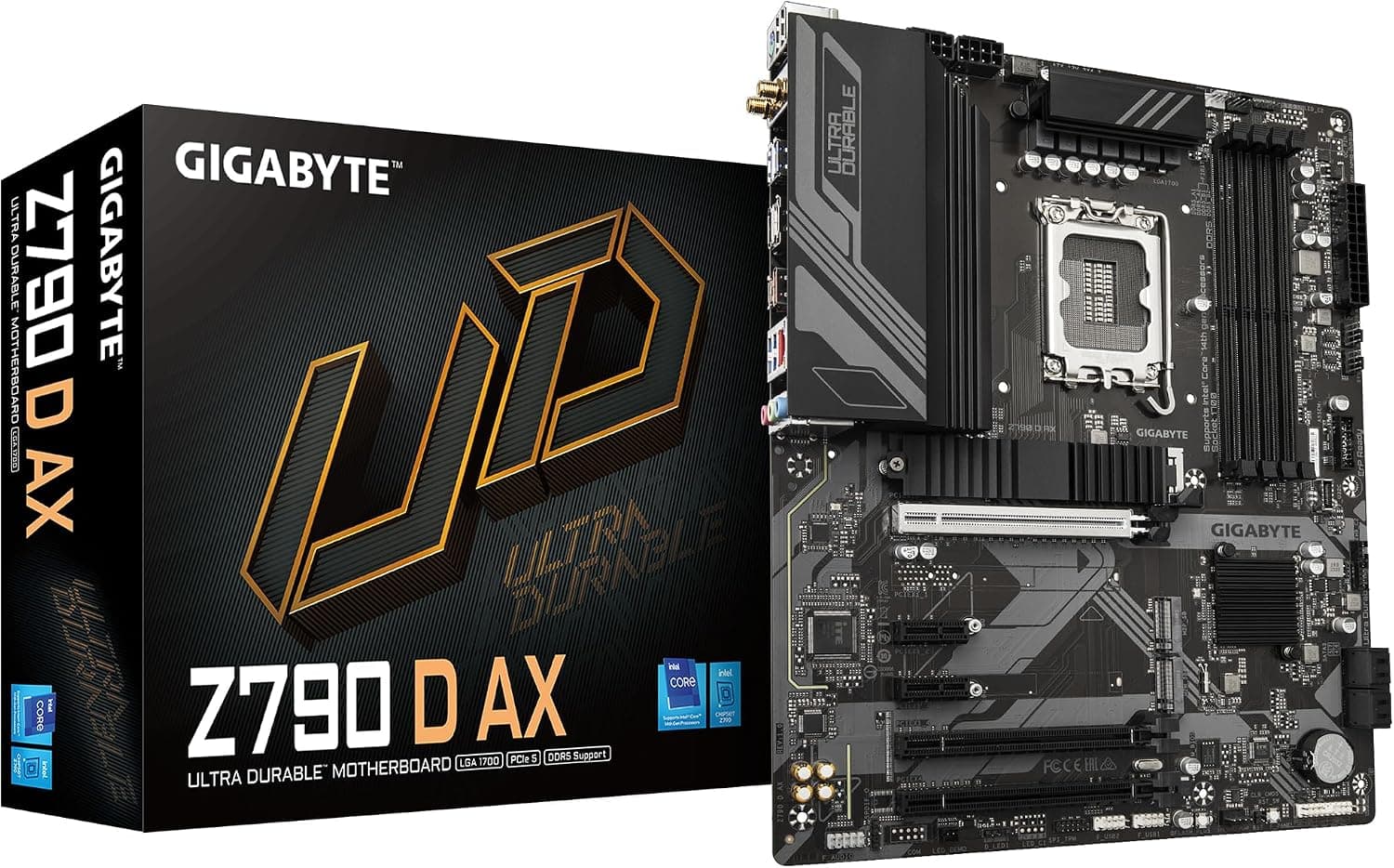
If you want to spend less, Gigabyte's lower Z790 models (such as the Z790 D or Z790 UD) and B760 boards are worth a look. If you are not overclocking the CPU, a B760 board plays games almost the same.
What you give up is mostly M.2 slots, VRM headroom and the newer Wi-Fi standard.
Whether your build really needs those three things should decide whether you buy this tier.
Who Should Buy
- Gamers running flagship CPUs such as the Core i9-14900K or 13900K.
The VRM headroom keeps things stable during long sessions or gaming while streaming. 2.
Video editors and 3D artists who want separate SSDs for media, cache and exports. Five M.2 slots make that easy.
Users whose network is already upgraded. With a Wi-Fi 7 router or a 5GbE/10GbE NAS, large file transfers and game downloads are less likely to be held back by the network.
People who build and service their own PCs often. EZ-Latch means M.2 swaps need almost no screwdriver work.
Who Should Skip
- Core i5 or lower, or any non-K CPU. You lose the main Z790 benefit, CPU overclocking, and much of the VRM goes unused.
- Anyone who needs only one or two SSDs. Most of the five M.2 slots, and much of the extra cost, would be wasted.
- Users on 1GbE wired and Wi-Fi 6 or older routers. Wi-Fi 7 and 5GbE only pay off when the rest of your network can match them.
- Anyone planning a CPU-only upgrade within a few years. LGA1700 is unlikely to get another CPU generation.
Things to Check Before Buying
Update the BIOS first. Stable high-speed DDR5 and Intel's fixes for 13th/14th Gen instability both depend on current firmware.
Do not blame memory compatibility while you are still tuning on the factory BIOS. Update first, then load XMP, then test stability.
Decide how you will use the PCIe 5.0 M.2 slot and the GPU. As explained above, using the PCIe 5.0 M.2 slot may change the GPU slot's bandwidth.
A thick GPU may also physically clash with the heatsink. Planning the layout before you build solves both problems.
Wi-Fi 7 and 5GbE depend on the other end. Full Wi-Fi 7 speeds need a Wi-Fi 7 router and a recent version of Windows 11.
Forgetting to attach the antenna leaves the signal very weak. 5GbE will only link at 1GbE or 2.5GbE if your switch or NAS is limited to those speeds.
Verify the seller and the listing. When the price was captured, the Amazon listing was shipped by a third-party marketplace seller.
Warranty and support for defective units can differ by seller. The listing data also had conflicting memory capacity figures and a vague LAN chip description.
Do not rely on the listing text alone. Check the images, the model number and Gigabyte's spec page to confirm you are getting the Z790 AORUS PRO X WIFI7 itself.
FAQ
Q. Is it fine with a Core i5-14400F?
A. It works, but a non-K CPU cannot be overclocked and will not use the VRM headroom.
Q. Can I reuse my DDR4 memory? A.
No. The board is DDR5 only, and DDR4 modules have a different notch position, so they will not physically fit.
Q. Will a PCIe 5.0 SSD slow down my graphics card? A.
On LGA1700 Z790 boards, the GPU slot usually drops to x8 when the PCIe 5.0 M.2 slot is used.
Check this board's manual for its exact behavior. With a PCIe 4.0 GPU, the impact in most games is generally small.
Q. Is the maximum memory 192GB or 256GB? A.
The listing shows both. Four 48GB modules give 192GB; four 64GB modules give 256GB.
Support for 64GB modules depends on BIOS version and CPU generation, so check Gigabyte's memory support list.
Q. Does it work without a Wi-Fi 7 router? A.
Yes. Wi-Fi 7 still connects to Wi-Fi 6/6E/5 routers, but your speed is limited by the router's standard.
Product Disclosure (Amazon)
- Manufacturer: GIGABYTE
- Seller: N+W cloud(インボイス登録済)
- ASIN: B0CSNG15GZ
- Note: This article covers a manufacturer-made product based on Amazon listing details.