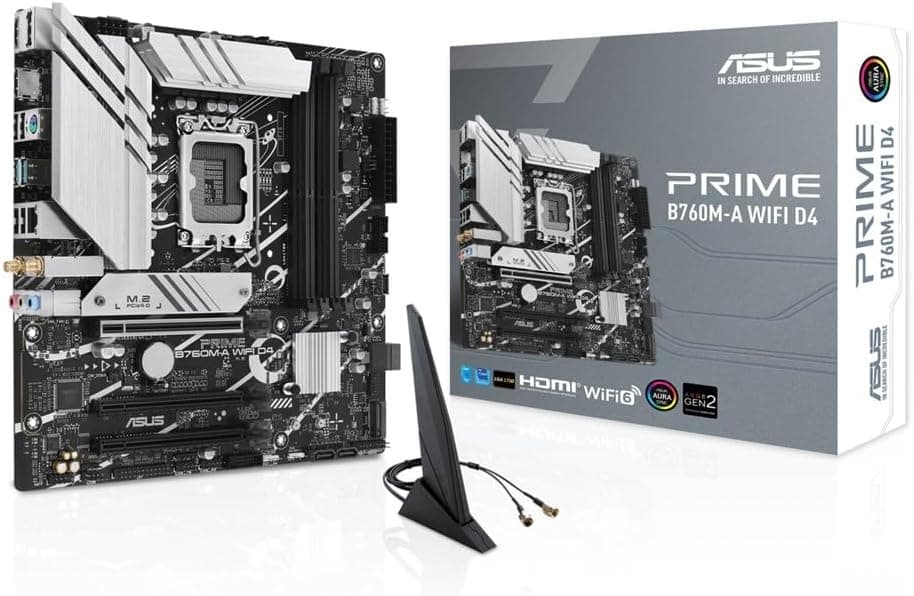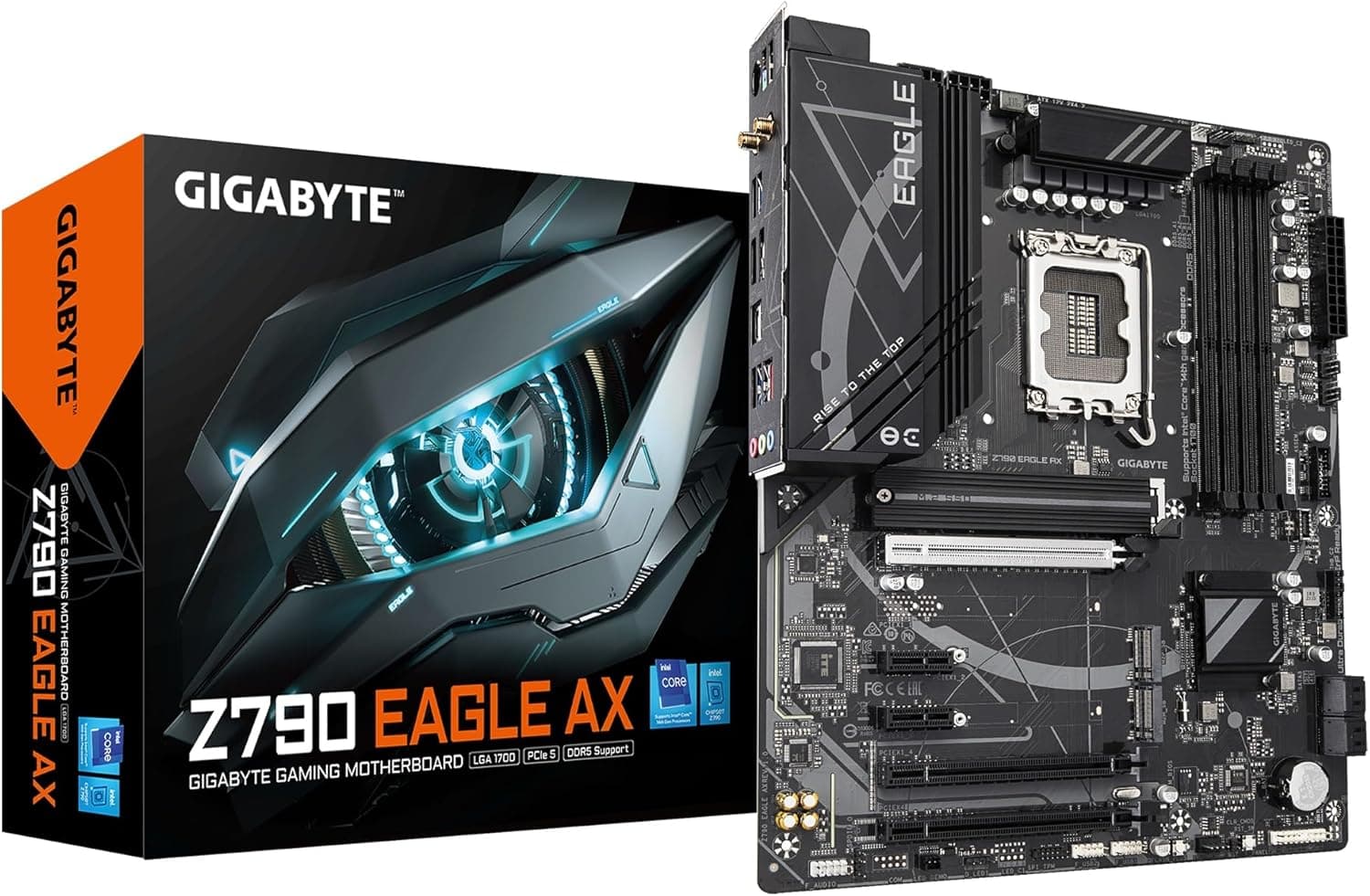
This article covers GIGABYTE Z790 EAGLE AX intel 第14・13・12世代 Coreプロセッサ対応 LGA1700 DDR5 WiFi 6E搭載 ATXマザーボード Z790 EAGLE AX MB6458.
Overview
The GIGABYTE Z790 EAGLE AX is an LGA1700 ATX motherboard built for Intel 14th, 13th, and 12th Gen Core processors. It comes with DDR5 memory support, a PCIe 5.0 x16 slot, and a total of three PCIe 4.0 M.2 slots, making it a well-rounded foundation for a mid-range gaming or productivity PC. Dual networking is covered by 2.5 GbE LAN and Intel WiFi 6E wireless, so you won't worry about connection bottlenecks. Positioned as an entry-to-mid Z790 board, the EAGLE AX omits flashy RGB lighting and oversized heatsinks to keep costs down without compromising core features. The rear I/O includes a USB 3.2 Gen2 Type-C port, one 10 Gbps USB-A port, and four USB 3.2 Gen1 Type-A ports, while the front header supports another Type-C port. For storage, three M.2 slots (all PCIe 4.0 x4) come with dedicated heatsinks, along with four SATA 3 ports. The Z790 EAGLE AX is a pragmatic choice for those who want a modern socket with DDR5 and PCIe 5.0, but don't need the premium extras found on AORUS models. It hits the sweet spot between price and everyday usability.
Compatibility Guide
CPU socket is LGA1700, compatible with Intel 14th, 13th, and 12th Gen Core processors (Core i9, i7, i5, i3). Memory is DDR5 only, supporting up to 192 GB via four DIMM slots with XMP 3.0 profiles for higher speeds. The board follows the standard ATX form factor (305×244 mm) and will fit most mid-tower cases. The power delivery is a 12+1+1 digital VRM design. It handles Core i5 and i7 comfortably; for a Core i9, ensure your case airflow and CPU cooler are up to the task. The primary PCIe x16 slot runs at PCIe 5.0, and the other four slots share PCIe 4.0 x4 or PCIe 3.0 x1 bandwidth — plan your expansion cards accordingly. All three M.2 slots support PCIe 4.0 x4 NVMe SSDs. There is no BIOS Flashback, so updating the BIOS requires a compatible CPU installed. If you plan to use a 14th Gen CPU out of the box, check the BIOS version beforehand.
Product Info
Released in early 2023, the Z790 EAGLE AX sits in the mid-range tier of GIGABYTE's Z790 lineup. It brings DDR5 and PCIe 5.0 without the premium price of the AORUS series. The board comes with a 2-year warranty in Japan (via authorized distributors). Networking is handled by a Realtek 2.5 GbE controller and an Intel WiFi 6E module (802.11ax) with Bluetooth 5.3, ensuring both wired and wireless connections are future-proof. The audio solution is a Realtek ALC897 codec — sufficient for casual gaming and media, but audiophiles may want an external DAC. The board lacks a BIOS Flashback button, which is its most notable limitation.
Best Use Cases
Mid-Range Gaming Build: Pair the Z790 EAGLE AX with a Core i5-14600K or Core i7-14700K, a DDR5-6000+ kit, and a modern GPU like an RTX 5070 or RX 9070 series. The PCIe 5.0 x16 slot leaves room for future GPU upgrades. Multi-Storage Workstation: The three M.2 slots let you run a fast OS drive, a scratch disk, and a large game or project library, all on NVMe SSDs. Combined with 2.5 GbE and WiFi 6E, large file transfers over the network stay smooth. Budget-First DIY Builder: If you want DDR5 and PCIe 5.0 but don't need RGB controllers or high-end VRMs, this board saves you money that can go toward a better CPU or GPU. It's also a solid platform for an entry-level 12th Gen build that can later be upgraded.
Things to Consider
The most significant drawback is the lack of BIOS Flashback — if you need to update the BIOS for a newer CPU, you'll need an older CPU installed first. The rear USB selection is modest: only one USB 3.2 Gen2 Type-A port. The ALC897 audio codec is basic; if high-quality onboard sound matters, consider stepping up to a board with an ALC1220 or ALC4080. The VRM is rated for 12+1+1 phases, which is fine for Core i5 and i7. Running a Core i9-14900K at sustained heavy loads may push the VRM temperatures higher than on premium boards, but it's still within safe limits with decent airflow. ## Alternatives
Main competitors in the same price bracket are the ASUS TUF GAMING Z790-PLUS WIFI and the MSI Z790 GAMING PLUS WIFI. The ASUS TUF model offers BIOS Flashback, a rugged design, and a slightly better audio codec (Realtek S1220A), but uses PCIe 3.0 for the second M.2 slot. The MSI board also has BIOS Flashback and includes WiFi 6E and 2.5 GbE, but lacks a front USB-C header in some configurations. The GIGABYTE Z790 EAGLE AX stands out by providing three PCIe 4.0 M.2 slots with heatsinks and both front and rear USB-C ports at the same price. If BIOS Flashback is a must for you, the ASUS or MSI boards are better choices. Otherwise, this GIGABYTE board delivers excellent value for the money.