Overview
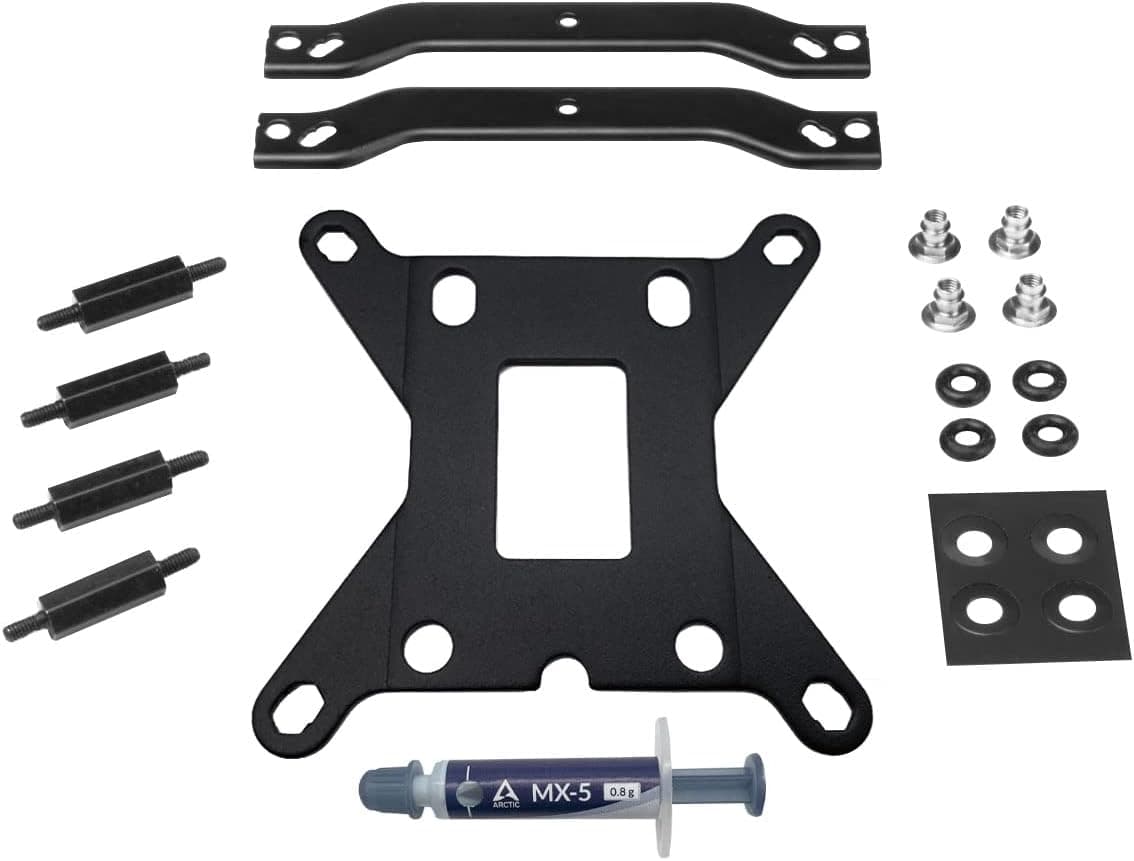
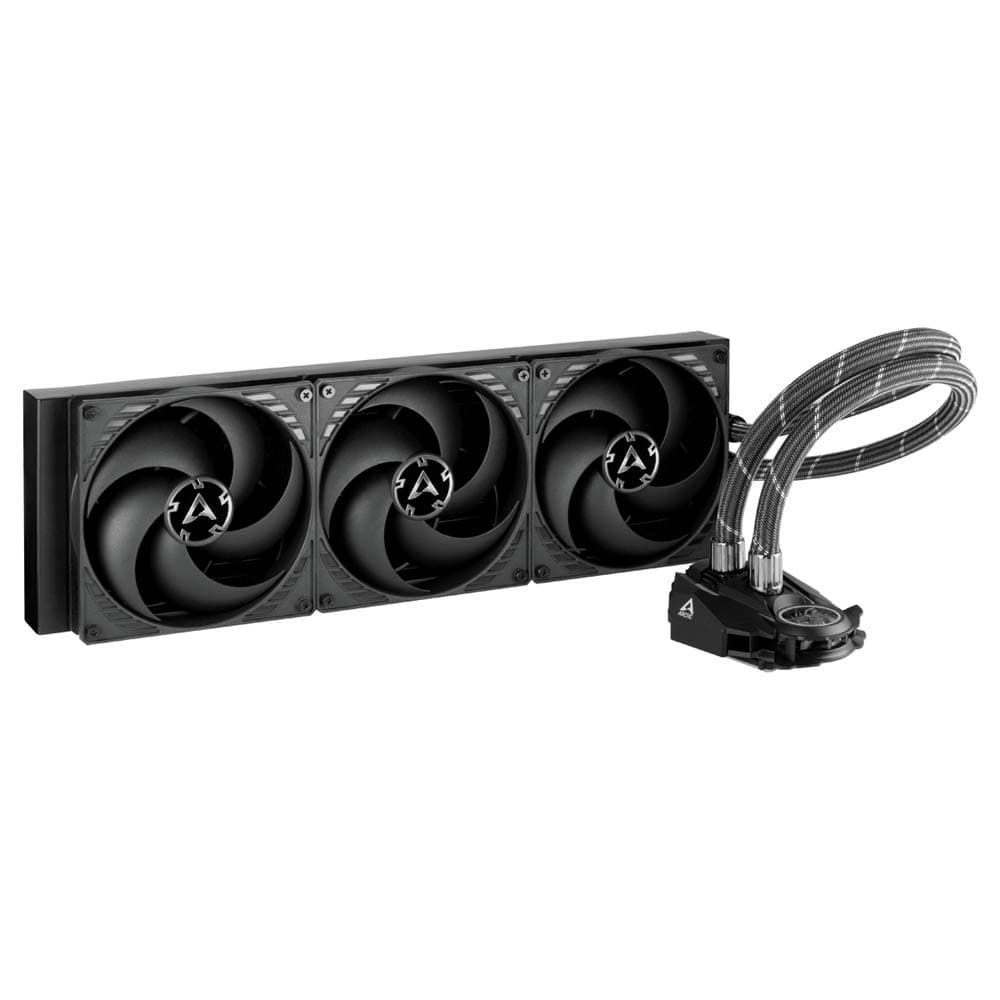
The ARCTIC Intel LGA1700 Upgrade Kit — Mounting adapter for Liquid Freezer II coolers is ARCTIC's official bracket set for installing a Liquid Freezer II all-in-one liquid cooler on Intel's LGA1700 socket. That socket is used by 12th Gen (Alder Lake) and newer processors.
If you own a Liquid Freezer II and are moving to an LGA1700 board, this is essentially your only realistic option. If you don't, you don't need it.
It adds compatibility only and does not improve cooling.
LGA1700 uses different mounting-hole spacing from the older LGA1200 and LGA115x sockets. A CPU sitting in it is also lower.
Older Intel brackets therefore don't line up. Even if you forced them on, the CPU might not get the right mounting pressure.
This kit makes up that difference.
Check the retailer's page for the latest user reviews. That is a lot of reviews for an accessory, which suggests many Liquid Freezer II owners went looking for this exact part.
Compatibility Guide
| Item | Detail |
|---|---|
| Supported socket | Intel LGA1700 |
| Compatible coolers | All ARCTIC Liquid Freezer II models |
| Not compatible | All AMD sockets, other ARCTIC coolers, third-party coolers |
| Dimensions | 100 x 100 x 10 mm |
| Color | Black |
The spec sheet covers every Liquid Freezer II model. You don't need a different kit for the 120, 240, 280, 360, or 420 mm radiator versions.
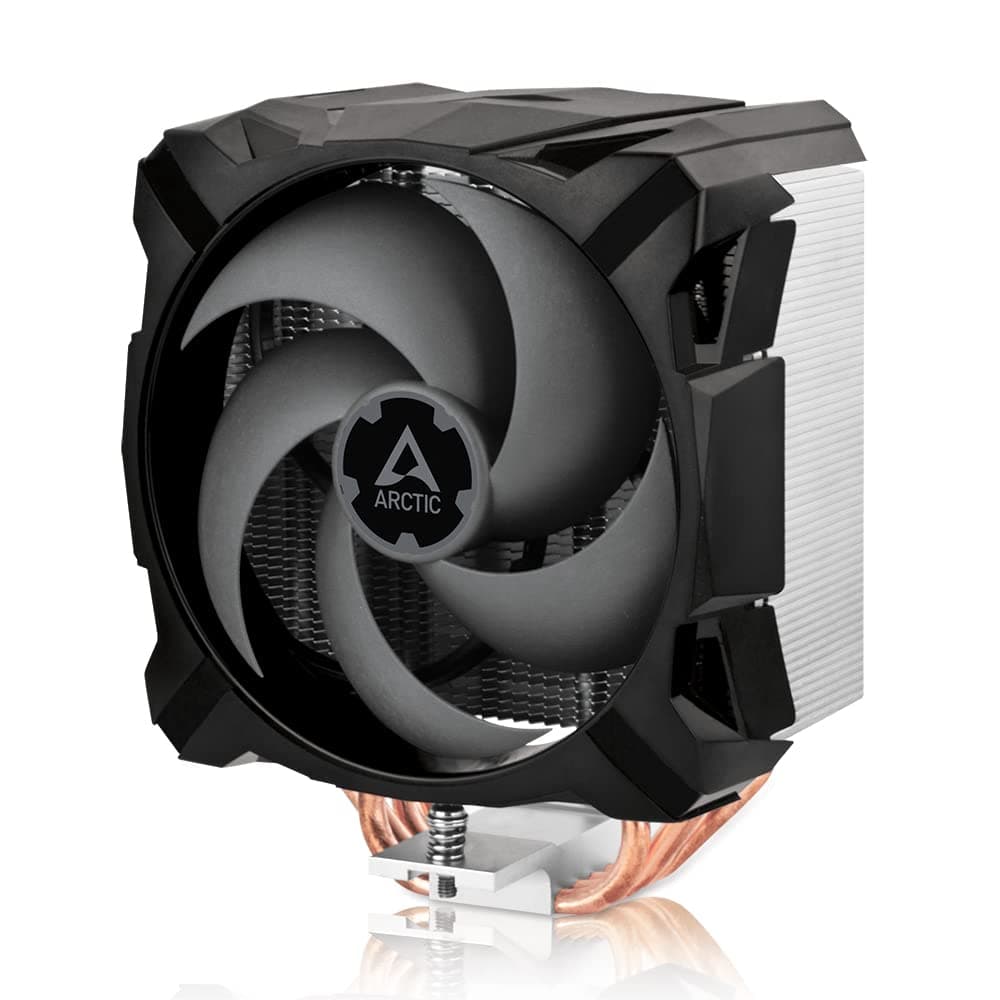
It will not fit ARCTIC's Freezer air coolers or the newer Liquid Freezer III, so check that your cooler's name says II before you order.
The usual mistake is getting the socket wrong. The only socket listed in the spec is LGA1700.
LGA1851 (Core Ultra 200S) is widely described as sharing LGA1700's hole spacing, but this kit's spec doesn't say so. Check ARCTIC's compatibility list if that's your plan.
AMD sockets are not supported.
The kit itself won't cause case clearance problems. It's a set of small 100 x 100 x 10 mm brackets, and your radiator and tube routing stay the same as before.
A new motherboard does move the heatsinks and memory slots around the socket, though. Test-fit the pump head orientation and tube routing on the new board.
The data lists a recommended 650 W power supply. This kit draws no power at all, so size your PSU for your CPU and graphics card.
Product Info
As of June 2026, Amazon Japan listed it at ¥6,595. The seller and shipper was the retailer Marumura, not ARCTIC directly.
Prices change with time and stock, so check the listing for the current price before buying.
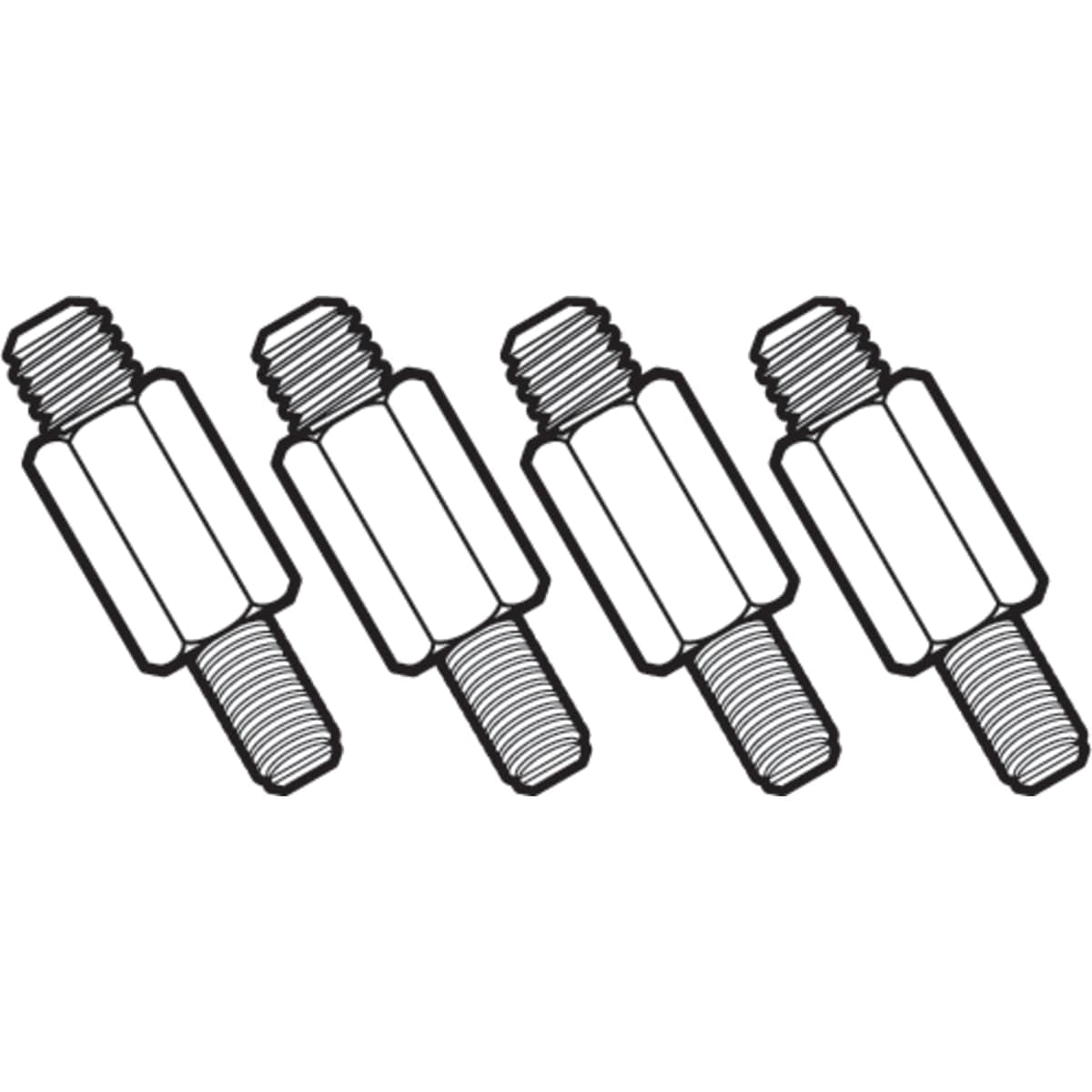
The kit centers on LGA1700 mounting brackets, screws, and an installation guide. The original article also listed a backplate and standoffs.
For the exact contents, check the listing or the manual. The kit arrived around early 2022, alongside Alder Lake.
Check ARCTIC's and the seller's warranty terms before purchase.
About ¥6,600 (at time of capture) can feel steep for brackets. But the Liquid Freezer II is a serious AIO with radiators up to 420 mm.
Compare the kit's price with what a replacement of the same class would cost, not with the price of the metal parts.
Installation Walkthrough
Follow the included manual for the exact steps. Here are the points where people commonly go wrong, in order.
Before removing the cooler, photograph the pump head orientation, the tube routing, and the fan cable connections.
Wipe off the old thermal paste and remove the old Intel bracket from the pump head.
Bag the bracket and screws together. 3.
Fit the LGA1700 brackets to the pump head and prepare the board side with the parts the manual specifies. 4.
Apply fresh thermal paste. Check the listing to see whether paste is included, and buy some if it isn't.
- Tighten the screws a little at a time in a diagonal pattern.
Fully tightening one screw at a time skews the pressure. 6.
After boot, check in the BIOS that the CPU temperature and pump speed are reported.
The original article said the pump unit has to be disassembled. What you actually swap is the mounting bracket on the pump head, and the coolant loop stays closed.
Opening the pump itself is a good way to break it.
Best Use Cases
The best fit is someone who already owns a Liquid Freezer II and is moving to a 12th Gen or newer Intel CPU on LGA1700. The cooler still has plenty of life left, and this kit is all you need to move it over.
It also suits people who got a prebuilt or used PC with a Liquid Freezer II and later switch to an LGA1700 board and CPU. If you'd rather spend your budget on the CPU or graphics card, paying only for brackets on the cooling side helps.
Skip it if you don't own a Liquid Freezer II, if you're on AMD, or if you use a Liquid Freezer III or another cooler. If you're buying a new cooler anyway, choose one that supports LGA1700 out of the box.
Alternatives
| Option | Suits | Trade-off |
|---|---|---|
| Reuse with this kit | Liquid Freezer II still in good shape | Cooling stays the same; you pay for brackets |
| Buy an LGA1700-ready AIO | Aging cooler, or you want new features | Higher cost; old cooler goes unused |
| Switch to an air cooler | You want to avoid pump wear and leak risk | Large towers can clash with RAM or the case |
Other brands sell LGA1700 kits too. Noctua's NM-i17xx-MP83 is for its own air coolers, and be quiet!
kits are for its own coolers. None of them are cross-compatible.
For Liquid Freezer II owners, this is effectively the only official kit.
Let the condition of your current cooler decide between reusing and replacing.
Things to Consider
Check your cooler's box first. Depending on production date, some Liquid Freezer II units are reported to include LGA1700 mounting parts.
Look through the accessory bags for brackets marked LGA1700 before you order. If you already have them, you don't need this kit at all.
The kit works only with the Liquid Freezer II series. It won't fit other ARCTIC lines or third-party coolers.
The Liquid Freezer III uses a different mounting system, so the similar name doesn't make it compatible.
Cooling performance doesn't change. High-end 12th to 14th Gen chips can run very hot under load, and a small Liquid Freezer II may leave little thermal headroom.
Being able to mount the cooler doesn't mean it can cool that CPU well. With a 120 or 240 mm model and a top-tier chip, plan your power limits too.
LGA1700 is widely known for slight CPU bending caused by the socket's retention pressure. This kit is not a fix for that.
Don't overtighten the screws, and check how the paste spreads once.
One note on pricing. In the collected price data, one entry labeled as a US store actually pointed to the Japanese listing.
The price in this article is Amazon Japan's price at the time it was captured. Verify it on the listing, and use the photos and title to confirm it's the right product.
FAQ
Q. Do the 240 mm and 360 mm Liquid Freezer II need different kits?
A. No. The spec covers every model in the series.
Q. Does it work on Core Ultra 200S (LGA1851)? A.
LGA1851 is often described as sharing LGA1700's hole spacing, but this kit's spec lists only LGA1700. Check ARCTIC's compatibility list.
Q. Can I go back to an older Intel socket later?
A. Yes, as long as you keep the original brackets and screws.
Q. Is there a risk of coolant leaks during installation? A.
You only swap the outer mounting bracket on the pump head. As long as you don't open the pump, the coolant loop isn't touched.
Q. Can I use it when moving to AMD AM5?
A. No. It is for Intel LGA1700 only.
Product Disclosure (Amazon)
- Manufacturer: ARCTIC
- Seller: マルムラ
- Fulfilled by: マルムラ
- ASIN: B09K452ZTR
- Note: This article covers a manufacturer-made product based on Amazon listing details.