Overview
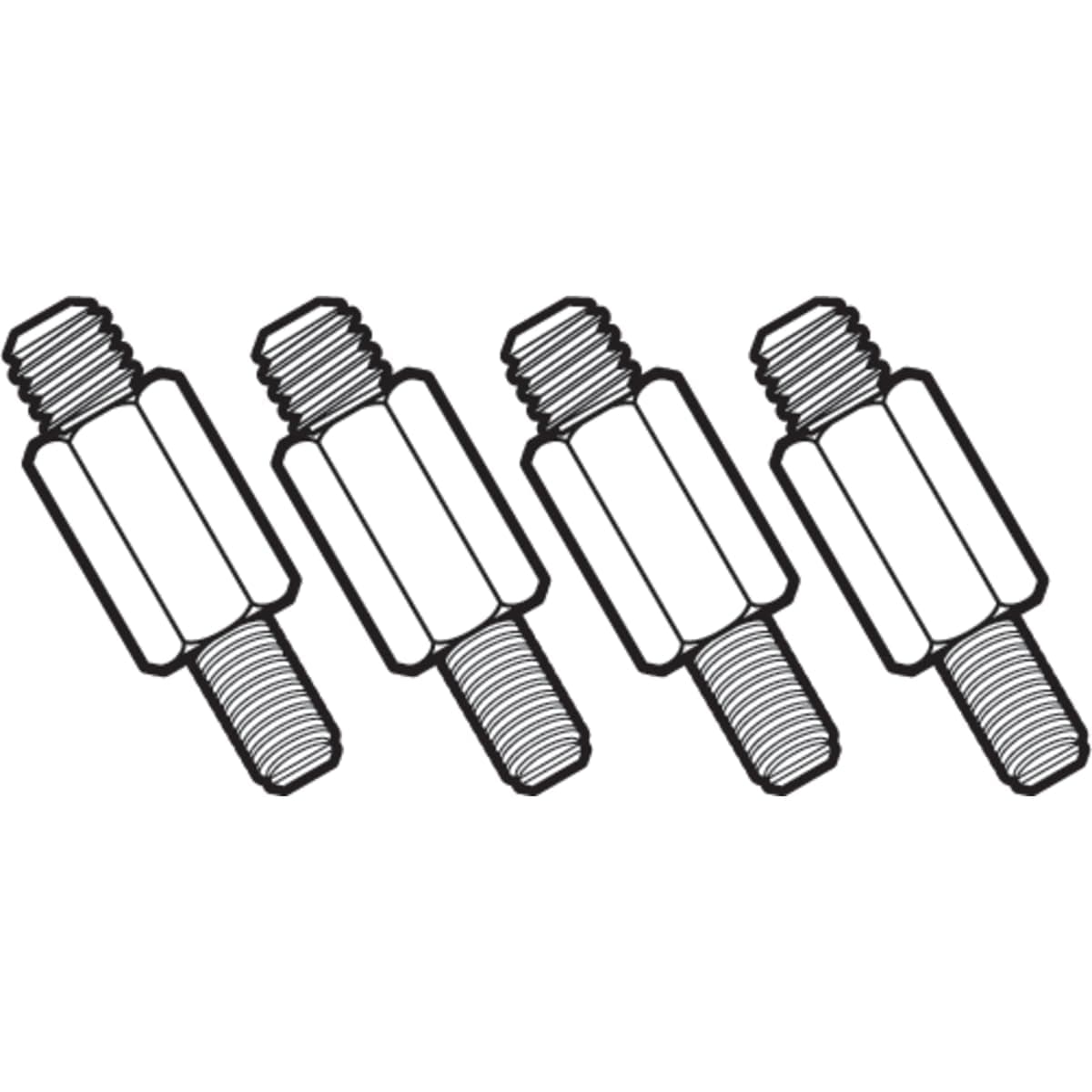
The Jingelmall LGA1700 Mounting Kit for Corsair AIO Coolers H60 H100i H150i H115i H100x is a bracket set that lets you reinstall an existing Corsair all-in-one liquid cooler on Intel's LGA1700 socket (12th Gen Alder Lake and later). The package contains one LGA1700 backplate and four stainless steel screws.
No pump, radiator, fan or thermal paste is included. This is not a cooler purchase — it is a part that extends the life of a cooler you already own.
The target audience is narrow. It solves exactly one problem: you own a Corsair AIO from the compatibility list, you are moving to an LGA1700 CPU such as the Core i5-12600K, Core i7-13700K or Core i9-13900K, and only the mounting hardware no longer fits.
If you do not already own a listed cooler, this product is of no use to you.
The Amazon.co.jp listing shows 77 reviews at a 90% favorable rating (4.5 out of 5 stars, captured 29 May 2026).
That is a decent number, but 77 is a small sample, and satisfaction with this kind of part depends heavily on which cooler revision the buyer actually had. Matching your exact model number matters far more here than the star average.
Why LGA1700 Needs a New Bracket
Intel changed the cooler mounting hole spacing with LGA1700: 78×78mm, versus 75×75mm on LGA115x and LGA1200. Three millimetres is enough that the old backplate simply will not line up.
That is the whole reason a perfectly healthy cooler suddenly cannot be installed.
The second, less obvious change is height. The combined socket and package height differs slightly from earlier platforms, so standoff length has to change too.
Forcing the old hardware into place — even if the holes somehow aligned — leaves the coldplate either under-pressured or over-pressured, which shows up as several degrees of extra CPU temperature. "The screws went in" is not the same as "it is mounted correctly."
LGA1700 also uses a rectangular heat spreader that can flex slightly under the retention mechanism. Some builders address this with a third-party contact frame, but that is a separate product with a separate job.
This kit is cooler-side mounting hardware only and does not address bending.
12th, 13th and 14th Gen all share LGA1700, so the same mounting logic applies across those three generations. Newer Core Ultra parts use a different socket, and this kit lists LGA1700 support only.
Compatibility Guide
Supported socket: Intel LGA1700 only. It will not work with AMD AM4/AM5, Intel LGA1200 or earlier, or HEDT sockets.
The listed compatible coolers are:
| Cooler | Note |
|---|---|
| H60 (2018 model) | Release year must match, not just the name |
| H100x RGB Platinum | Platinum family |
| H100i RGB Platinum / H115i RGB Platinum | Platinum family |
| H100i / H115i / H150i Elite Capellix RGB | Capellix generation |
| ELITE LCD series | LCD pump head models |
| PRO XT series | Listed in the product description |
The kit assumes a 4-pin power connector, water (AIO) cooling, and a desktop platform. The biggest trap is name reuse: Corsair has applied "H100i" and "H115i" across RGB Platinum, PRO XT, Elite Capellix and Elite LCD generations, and the pump head retention differs between them.
Check the CW-9060xxx style model number on the pump head or box before ordering. "It says H100i" is not confirmation.
Radiator fitment is a separate question. Whether your 240mm, 280mm or 360mm radiator clears RAM, VRM heatsinks and the case roof depends on your existing cooler and chassis, not on this kit.
If you are changing cases at the same time, measure first.
Product Info
This is a third-party product from Jingelmall, not an official Corsair accessory. The Amazon.co.jp price was ¥3,740 including tax as captured on 29 May 2026.
Prices move with sales and stock, so check the product page for the current figure before buying. The eBay side shows no fixed price; it varies per listing.
Contents are one LGA1700 backplate and four stainless steel screws. The metal construction is a genuine plus — there is less risk of stripping threads than with moulded plastic backplates.
Positioning is clear: a low-cost accessory for existing Corsair AIO owners.
In budget terms, this is roughly a tenth of what a new 240mm-class AIO costs. If your existing cooler is still healthy — normal pump noise, temperatures unchanged, bought within the last few years — spending a small amount on hardware is the rational call.
If the unit is five or more years old and pump life is a concern, putting that money toward a replacement may work out cheaper.
Installation and Common Mistakes
The job is straightforward but unforgiving if you skip steps: remove the pump head, strip the old backplate and standoffs, fit the new backplate from behind the motherboard, clean both the CPU and coldplate completely, apply fresh paste, then tighten the four screws in a diagonal pattern in small increments.
Three mistakes account for most bad outcomes. First, reusing old thermal paste — once broken, the bond does not recover, so fresh paste is mandatory and is not included.
Second, over-tightening: driving one screw fully home before the others skews mounting pressure. Third, air entrapment — if the pump head ends up higher than the top of the radiator, air collects in it, causing noise and reduced cooling.
Plan radiator placement before you start.
If you can remove the motherboard from the case, do it. Backplate swaps require rear access, and small cutouts in older cases usually force the issue anyway.
Alternatives
| Option | Best when | Downside |
|---|---|---|
| This third-party kit | Your cooler is healthy and you want to spend little | Not official; warranty handling unclear |
| Official retention kit | You prioritise certainty and support | Availability drops over time |
| New LGA1700-native AIO | Cooler is aging or pump is suspect | An order of magnitude more expensive |
| Switch to an LGA1700 air cooler | You value longevity over looks | Clearance needs rechecking |
Corsair offered official LGA1700 retention hardware for compatible coolers when the socket launched. It is worth contacting support to ask whether it is still obtainable — if it is, take that route first.
A third-party bracket is the answer to "official is unavailable or too slow," not the default choice.
Best Use Cases
- Owners of a listed Corsair AIO moving to LGA1700: skip the cooler replacement entirely and put the savings toward a GPU or memory.
- Owners of recent high-end units: a 360mm or LCD-head cooler is worth keeping, so the cost-to-value ratio here is strong.
- Users committed to the Corsair ecosystem: keep iCUE fan curves and RGB consistent while changing only the platform.
- Builders comfortable pulling the motherboard: a backplate swap requires rear access, so plan for the disassembly time.
Things to Consider
This is not an official Corsair part. There is no guarantee that tolerances match the original, and how a third-party bracket affects warranty coverage depends on the manufacturer's policy.
If your AIO is expensive, ask Corsair support about official retention hardware first.
Read the compatibility list carefully. As noted, "H100i" and "H115i" span several generations with different retention designs.
Match the CW-9060xxx model number and generation, not the marketing name. Skipping that check is the single most common cause of "the screws don't line up."
Discount the review sample accordingly: 77 reviews (captured 29 May 2026) is thin, and buyers who hit an incompatible combination often return the item without leaving feedback. A 90% favorable rating is not a compatibility guarantee.
Also be aware that manufacturer, brand and model fields on Amazon listings sometimes disagree with the actual item. Before ordering, compare the product photos — bracket shape, hole pattern, screw count — against the models named in the title, rather than trusting the registered specification text alone.
Finally, this kit does not improve cooling. It makes installation possible.
Any temperature drop comes from the fresh paste or from correcting a previously poor mount.
FAQ
Q. How does this differ from the official retention kit? A.
Same function, but this is a third-party part from Jingelmall. Prefer official hardware when you can get it; use this when availability or lead time rules that out.
Q. Does it work with 13th and 14th Gen CPUs? A.
Yes — all use LGA1700. Compatibility is defined by the socket, provided your cooler model is on the supported list.
Q. Can I use it on AM5 or LGA1200?
A. No. LGA1700 only; hole spacing differs on other platforms.
Q. Do I need to reapply thermal paste? A.
Yes. The pump head comes off during installation, so clean and repaste.
Paste is not included.
Q. Will my CPU run cooler after fitting this?
A. Not by design. It is a compatibility part, not a performance upgrade.
Q. Is the cooler itself included?
A. No. Only the backplate and four screws — no pump, radiator, fans or paste.