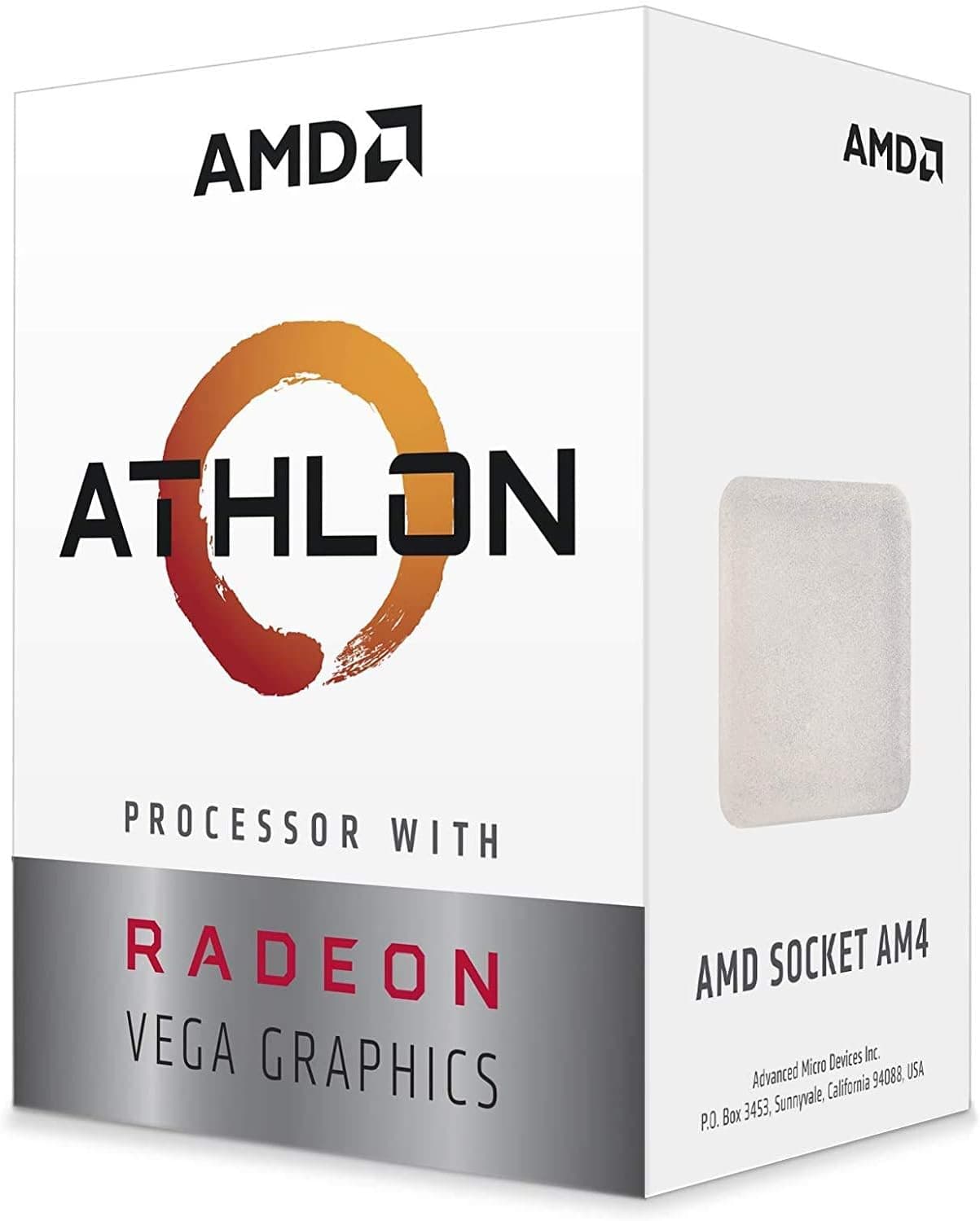
This article takes a close look at the AMD Athlon 3000G Desktop Processor with Radeon Vega 3 Graphics (Athlon 3000G below), including compatibility pitfalls and how it compares with its rivals.
Overview
The Athlon 3000G is AMD's entry-level desktop CPU for the AM4 socket. It is built on the Zen architecture and runs 2 cores and 4 threads at a 3.5 GHz base clock.
Its defining feature is the integrated Radeon Vega 3 graphics, which lets you get a picture on screen without buying a separate graphics card.
The short version: this CPU is for people who want the cheapest possible PC that handles office work, web browsing and video playback without a graphics card. If you have any serious plans for modern 3D gaming or video editing, rule it out from the start.
Its TDP is only 35W, which makes it exceptionally power-efficient. It is made on a 14nm process and has 5MB of combined L2+L3 cache.
It was released in November 2019 and remains a standard pick for building a PC on the smallest possible budget.
Check the retailer's page for the latest user reviews. Most of that praise likely comes from buyers who used it as expected, for office machines or home servers.
Do not read the high rating as a promise of gaming performance.
What Radeon Vega 3 Can and Cannot Do
Radeon Vega 3 is a small integrated GPU with three compute units (CUs), clocked from 300 MHz base to 1100 MHz boost. It has no dedicated video memory and borrows part of system RAM instead.
That means your memory configuration directly affects graphics performance, which is covered in the compatibility section.
| Task | Expectation |
|---|---|
| Documents, spreadsheets, email, browsing | Comfortable |
| Full HD video playback | Generally fine |
| AV1-encoded video | No hardware decode, so CPU load rises |
| Video calls | Workable, but little headroom with many apps open |
| Light games (Minecraft, League of Legends, etc.) | Low settings and low resolution assumed |
| Modern 3D games, video editing, 3D CG | Not suitable |
The last two rows mark the limit of this chip. Light games will run, but whether they are enjoyable depends on the title and settings.
If gaming is the main goal, you will need a discrete graphics card or a stronger APU.
Compatibility Guide
The socket is AM4. AMD 300, 400 and 500 series chipsets are the general target, but whether a given board actually works is decided by that board's CPU support list and BIOS version.
Before buying, check the motherboard maker's website to confirm the Athlon 3000G is listed and which BIOS version added support.
Common failure points:
- 500 series boards: Even newer boards do not always list the Athlon 3000G. Do not assume newer means compatible.
- Boards without video outputs: To use the integrated GPU, the motherboard needs HDMI, DisplayPort, DVI or VGA outputs. Many higher-end chipset boards have none, and with those you will get no picture without a graphics card.
Memory support is DDR4-2666 in dual-channel mode, up to 64GB (2x32GB). The key rule is to always install memory in pairs.
The integrated GPU uses system memory bandwidth directly, so single-channel memory noticeably lowers graphics performance. Pick 2x4GB over 1x8GB, and 2x8GB over 1x16GB.
The product data lists a recommended power supply of 650W. Treat that as a generic figure that includes builds with a graphics card.
With a 35W TDP, an Athlon 3000G running on integrated graphics generally does not need anywhere near that much. If you plan to add a graphics card later, size the PSU to that card's recommendation.
Whether a CPU cooler is included can depend on how it is sold (boxed or bulk). Check the included items on the product page, and if no cooler is included, buy an AM4-compatible one.
At 35W TDP, a large cooler is unnecessary.
| Check | Where to look |
|---|---|
| Socket | Must be AM4 |
| Board support | Maker's CPU support list and required BIOS version |
| Video output | HDMI or similar ports on the board's rear panel |
| Memory | DDR4, installed as a pair for dual channel |
| Cooler | Check the product page for whether one is included |
Product Info
| Item | Value |
|---|---|
| Cores / Threads | 2 / 4 |
| Base Clock | 3.5 GHz |
| TDP | 35 W |
| Process Node | 14 nm |
| Cache (L2+L3) | 5 MB |
| Integrated GPU | Radeon Vega 3 (300 MHz base / 1100 MHz boost) |
| Memory | DDR4-2666 (dual channel, up to 64GB) |
| Socket | AM4 |
The AMD Athlon 3000G launched in November 2019 as an entry-level processor and sits at the very bottom of the desktop CPU price range. Its multiplier is unlocked, so on boards with overclocking-capable chipsets (B and X series) there is some room to raise clocks.
That option is not available on chipsets such as A320, and pushing clocks trades away the chip's main strength, low power use.
As captured on August 31, 2026, Amazon Japan listed it at ¥7,500, and as captured on July 13, 2026, eBay US listed it at $49.99.
These are prices at the time of capture and change with sales and stock. Check the product page for current pricing before you buy.
Grey-import and bulk units may be handled differently, so it is worth confirming before purchase.
Alternatives
| Product | Cores / Threads | Integrated GPU | TDP | Socket |
|---|---|---|---|---|
| Athlon 3000G | 2 / 4 | Radeon Vega 3 | 35W | AM4 |
| Pentium Gold G7400 | 2 / 4 | Intel UHD Graphics 710 | 46W | LGA1700 |
| Ryzen 3 2200G (mostly used) | 4 / 4 | Radeon Vega 8 | 65W | AM4 |
| Ryzen 5 4600G | 6 / 12 | Radeon Graphics (7 CU) | 65W | AM4 |
Intel rivals in the same price range include the Celeron G5900 series, the Pentium Gold G6400 series and the newer Pentium Gold G7400. The Athlon 3000G wins on integrated graphics, with Radeon Vega 3 generally regarded as faster than Intel UHD Graphics 610/630.
Intel chips can be faster in single-threaded work, and the generational gap is clearer against the newer Pentium Gold.
On the used market, the Ryzen 3 1200 and Ryzen 3 2200G sometimes appear at similar prices. Both are 4-core/4-thread parts with stronger multi-threaded performance.
However, the Ryzen 3 1200 has no integrated graphics, so it needs a separate graphics card and is not a drop-in substitute. For integrated graphics, the real comparison is the Vega 8-equipped 2200G, with the usual caveats about used parts and motherboard BIOS support.
If you can stretch the budget a little, the 6-core/12-thread Ryzen 5 4600G is a strong step up. It is far ahead in both CPU and GPU performance, which tends to pay off if you plan to keep the machine for years.
Its supported chipset range is not identical to the Athlon 3000G's, so check the support list here too.
Overall, the Athlon 3000G meets a clear need: the lowest cost, low power draw, and integrated graphics good enough for everyday tasks. It is not a CPU you buy for performance; it is one that wastes nothing when your requirements match it.
Build Tips That Make a Difference
Use an SSD. On a 2-core/4-thread CPU, boot and app launch speed depend heavily on storage.
An HDD as the boot drive makes the whole PC feel slow, and people often blame the CPU.
Check the memory allocated to the integrated GPU. Many motherboards let you set how much memory the iGPU reserves in the BIOS.
If you have spare capacity, raising it can make display output and light games behave more smoothly.
Plan for an upgrade. Because it uses an AM4 board, you keep the option of swapping in a Ryzen CPU later.
How far you can go depends on the board and BIOS, so check the support for higher-end CPUs when choosing the motherboard.
Best Use Cases
- First-time builders on a tight budget. No separate GPU is needed, so you can build a minimal, working PC. Mistakes during a first build are also less costly.
- Always-on, low-power machines such as a file server or media center. The 35W TDP keeps heat, noise and electricity costs low.
- Office-focused users. Browsing, email, documents and spreadsheets are well within its reach, making it a fit for a family PC or a front-desk terminal.
- People who want a spare CPU with display output. Thanks to the integrated GPU, it is handy for testing AM4 boards or troubleshooting when a graphics card is suspect.
Things to Consider
This CPU is strictly entry-level and not suited to modern 3D gaming, video editing or other heavy workloads. Radeon Vega 3 can run light games, but serious gaming needs a discrete GPU.
Once you add one, the 2-core/4-thread CPU tends to become the bottleneck instead. If your plan is to add a graphics card later and turn it into a gaming PC, choosing a stronger CPU from the start is often cheaper overall.
The 2-core/4-thread layout hits its limits quickly in multi-threaded applications. Websites have grown heavier, and with many browser tabs open, or a video call running alongside other work, you will notice slowdowns.
Even for office use, if you keep many apps open at once, a 4-core or larger CPU is worth considering.
For video, note that there is no AV1 hardware decode. AV1 streams are decoded on the CPU, which can get heavy at higher resolutions.
If watching video is a main use, consider whether you can adjust quality settings on your streaming service.
As a home server, it is not suited to heavy work such as transcoding several videos at once. File storage, sharing and light always-on services are a realistic scope.
On compatibility, BIOS support and the presence of video outputs are the biggest pitfalls. Most cases of a new build with no picture come down to an outdated BIOS or a board with no video outputs.
Whether a cooler is included may also vary by how it is sold, so check the included items on the product page.
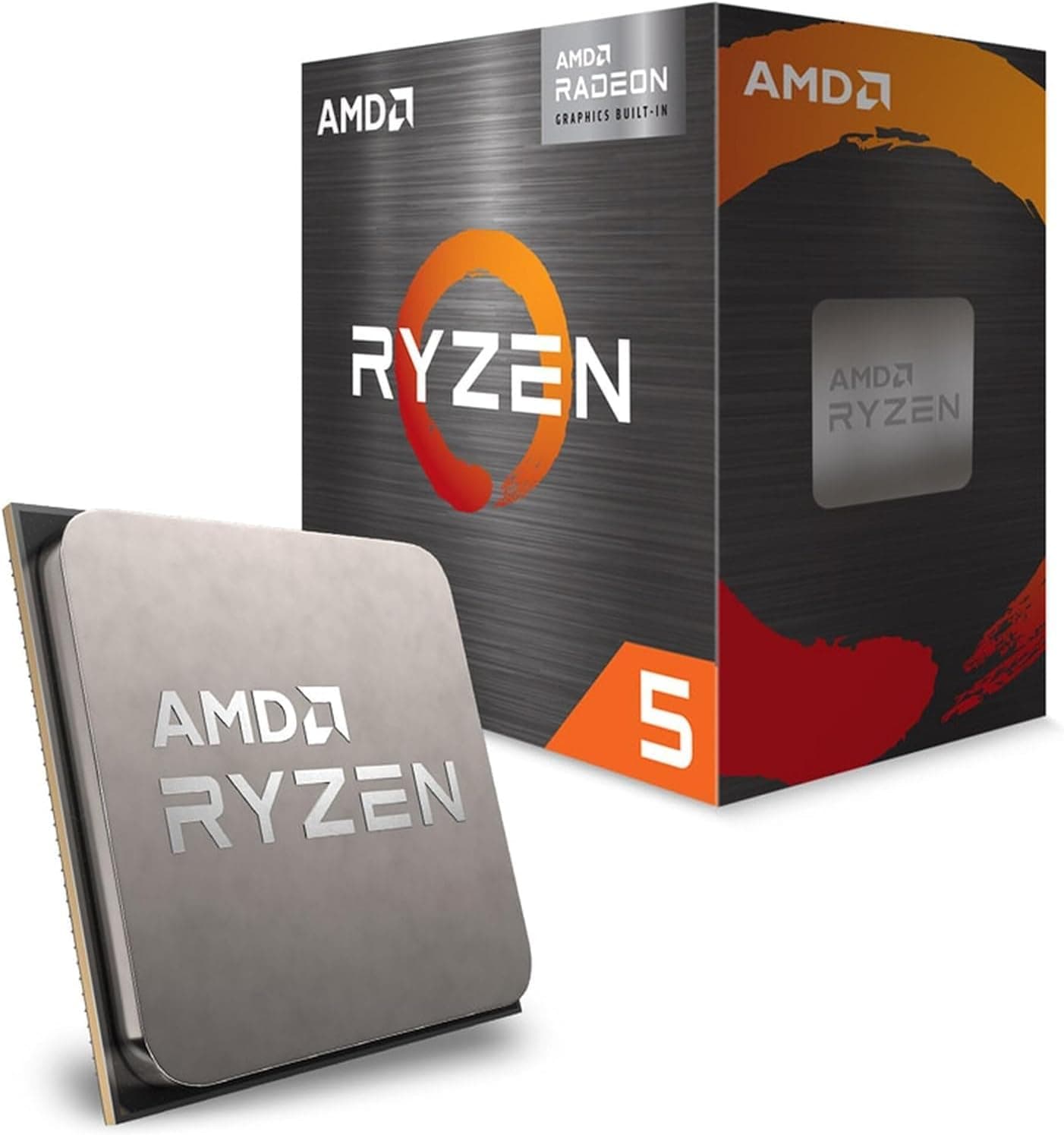
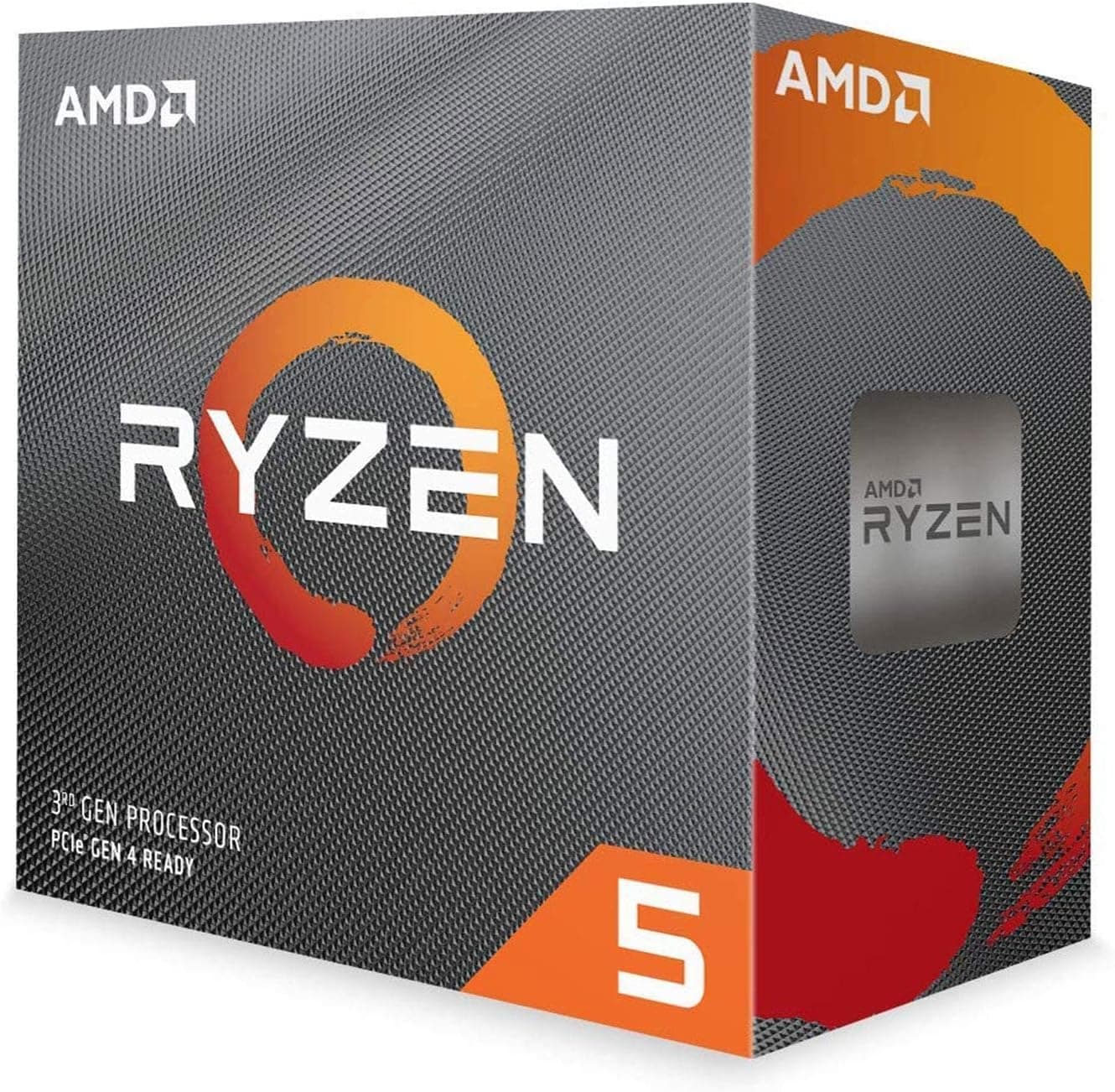
Finally, the Amazon listing names AMD as the manufacturer, which matches this product. The same model may appear as boxed, bulk or grey-import listings, so confirm by the images and title that you are buying the version you want.
FAQ
Q. Will I get a display without a graphics card? A.
Yes, as long as the motherboard has HDMI, DisplayPort or similar outputs. Many higher-end chipset boards lack them, so check first.
Q. Does it work with Windows 11? A.
Windows 11 has CPU requirements. Check the model against Microsoft's published list of supported processors before installing.
Q. How much memory do I need? A.
For everyday Windows use, 16GB as 2x8GB is an easy configuration. Because the iGPU borrows system memory, prioritize running two modules in dual channel over raw capacity.
Q. Can I upgrade just the CPU later? A.
Yes, on AM4 you can move to a Ryzen CPU if the motherboard supports it. How far you can go depends on the board and BIOS, so check the maker's support list.
**Q. The recommended PSU is listed as 650W. A. On integrated graphics alone, generally no. If you plan to add a graphics card, choose the PSU based on that card's recommendation.
Product Disclosure (Amazon)
- Manufacturer: AMD
- ASIN: B0815JGFQ8
- Note: This article covers a manufacturer-made product based on Amazon listing details.