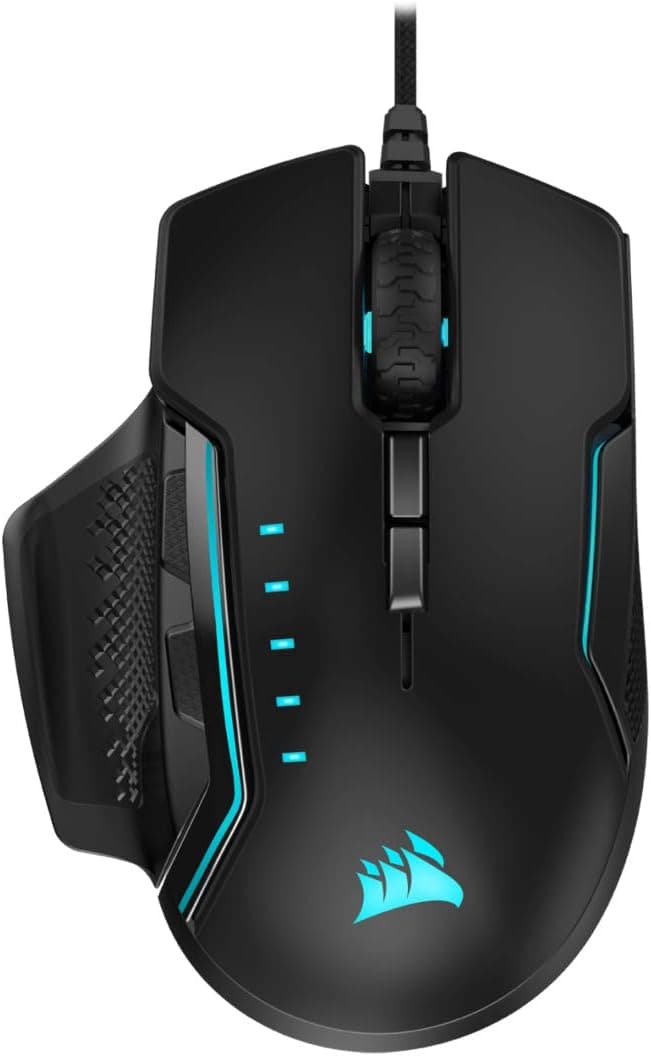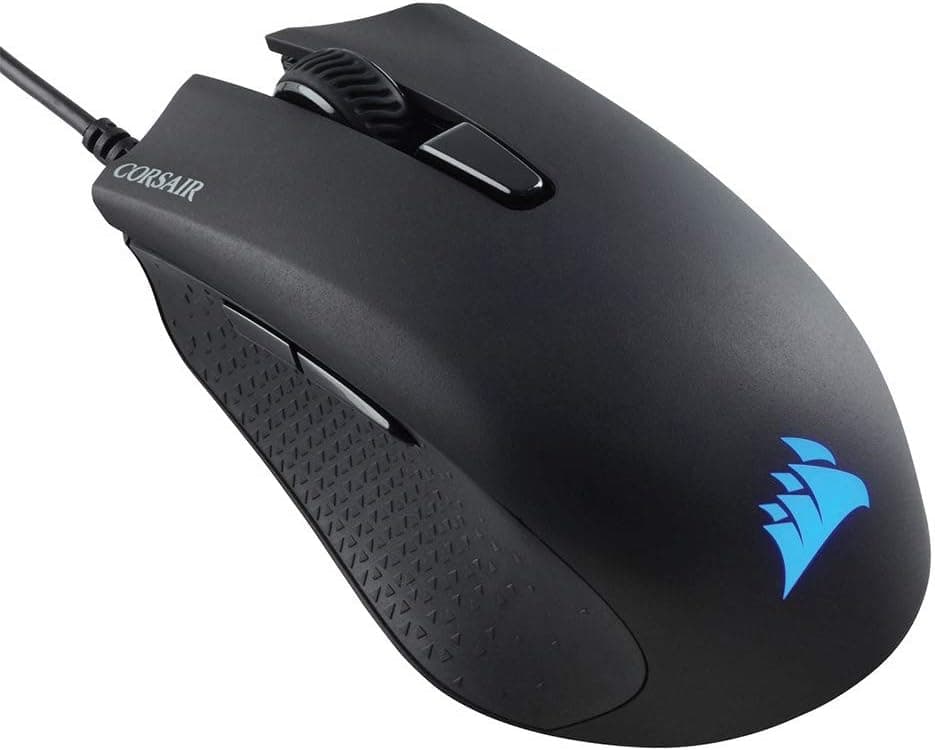
This article covers the Corsair HARPOON RGB PRO gaming mouse (MS370 / CH-9309011-AP), going beyond the spec sheet to explain who will be happy with it and who will regret buying it.
Overview
The Corsair HARPOON RGB PRO MS370 CH-9309011-AP is a right-handed wired gaming mouse aimed at the entry-to-mid segment. It pairs a 12,000 DPI optical sensor (PixArt PMW3325 class) with an 85g body, six programmable buttons, Omron switches rated for 50 million clicks, and support for Corsair's iCUE software.
The short version: this is a mouse for people who want a comfortable shape and durable switches without paying flagship money.
It is not a mouse for people chasing the current spec race — newest high-resolution sensors, 8,000 Hz polling, wireless freedom, sub-60g shells. Released around 2019, it has stayed on shelves because it covers the essentials rather than because it wins benchmarks.
On Amazon.co.jp it holds 4.0 out of 5 stars across 855 reviews (captured June 2026), a score that fits the product well: nothing to complain about, nothing to be amazed by.
How to Read the Specs
Raw numbers are not decision criteria. The table below adds what each value actually means in daily use.
| Item | Value | What it means in practice |
|---|---|---|
| Sensor | Optical (PixArt PMW3325 class) | Standard entry/mid tier; ample for normal FPS and MOBA play |
| Max DPI | 12,000 | Most players stay between 400 and 1,600; treat the ceiling as headroom |
| Weight | 85g | Light, but not ultralight — a middle ground between agility and stability |
| Buttons | 6 (programmable) | Standard layout: two main, wheel, DPI, two side buttons |
| Switches | Omron, 50M clicks | A genuine strength at this price |
| Connection | USB wired (USB-A) | No battery worries, but cable routing matters |
| Cable | Approx. 1.8m | Fine for desktop placement; check if your tower sits on the floor |
| Lighting | RGB (iCUE) | Understated; better for matching a setup than for show |
| Warranty | 2 years | Generous for the entry class |
The numbers worth caring about are the 85g weight and the Omron switches, not the DPI ceiling. Almost nobody plays at 12,000 DPI, while weight and switch feel shape every session and determine what the mouse feels like two years from now.
This product spends its budget on the latter.
Compatibility Guide
Connection is wired USB-A only — no dongle, no Bluetooth. So the first thing to check is whether you have a free USB-A port.
Some recent laptops and Mini-ITX builds ship with USB-C only, in which case you need an adapter or hub. It will work through one, but cheap hubs occasionally cause flaky detection, so plug directly into the machine when you can.
On Windows the mouse is recognized immediately, and installing iCUE lets you set DPI stages, remap buttons, and adjust RGB. On macOS it works fine as a mouse, but iCUE is Windows-only.
Because settings are stored in onboard memory, you can configure it once on a Windows PC and carry those settings over to the Mac. If you only own a Mac, factor in that you cannot do that pre-configuration.
On Linux it operates as a generic USB mouse, though it is not officially supported and configuration options are limited.
Game consoles are outside the intended use case unless you are using hardware that explicitly accepts USB mouse input. Plan around PC use.
The cable is roughly 1.8m: plenty for a desk-mounted PC, but with a large case on the floor and a deep desk, it can reach while still pulling under tension.
A mouse bungee or a simple cable clip that leaves slack near your hand removes most of the friction of going wired.
Product Info
The HARPOON RGB PRO launched around 2019 and remains widely available. The warranty is two years, and the box contains only the mouse and a quick-start guide — no spare skates, no weights, no replacement cable.
On pricing, here are the captured values with their timestamps. Amazon.co.jp listed it at ¥4,460 as captured on June 24, 2026, while Rakuten (Sakuraya Online) listed ¥6,030 as captured on August 14, 2026.
The eBay entry has no fixed price because listings vary. That gap alone tells you the story: street price swings by thousands of yen depending on retailer and timing.
Treat every figure here as a snapshot and check the product page before ordering; sales and point rebates move the effective cost further.
Review data from Amazon.co.jp shows 855 reviews at 4.0 out of 5 stars (captured June 24, 2026).
With a sample that large, the score reflects genuine mass-market performance rather than a handful of outliers. A 4.0 typically appears when buyers find nothing broken and nothing surprising.
Competitive Comparison
This price band is crowded, and shape plus weight are the practical tiebreakers. The Logitech G203 is smaller and closer to symmetrical; the Razer Viper Mini prioritizes low weight in an ambidextrous shell.
The HARPOON RGB PRO stakes out different ground: a right-handed ergonomic shape at 85g — not featherweight. If ultralight mice feel unstable to you, that is an advantage, not a compromise.
Moving up, the Razer DeathAdder line and BenQ ZOWIE's EC series are the natural comparisons, both refined for shape and sensor. If you can roughly double your budget, they may serve you longer.
But for a first mouse, a backup, or a workhorse you would not mourn, the HARPOON RGB PRO still makes a strong value argument. If wireless is a requirement, skip it entirely and shop lightweight wireless instead.
Real-World Feel
The shape suits palm and claw grips. Fingertip-grip users and people with smaller hands may find the body bulkier than they want.
Hand size and grip style matter more than sensor specs — get that wrong and no amount of performance keeps you using the mouse.
The RGB is restrained rather than decorative, useful mainly for matching other Corsair gear through iCUE. If you expect a light show you will be underwhelmed; some buyers consider the subtlety a plus.
The DPI button sits behind the wheel in the center, which is not ideal for switching mid-firefight. If you need instant sniper-style changes, remap DPI to a side button.
Best Use Cases
1. Budget-conscious FPS and action players. The 12,000 DPI sensor and 85g body rarely feel limiting in normal play.
Just plan around the centrally placed DPI button.
2. First-time gaming mouse buyers. iCUE customization, durable Omron switches, and a two-year warranty cover the essentials at a low entry cost.
Use it to learn which shape and weight you actually prefer before your next purchase.
3. Right-handed users who want an ergonomic shape. The sculpted body supports the hand well over long sessions.
Left-handed users should look at ambidextrous models.
4. Anyone who actively prefers wired. No battery level to watch, no charging interruptions, fewer latency variables.
With tidy cable routing, wired remains a rational choice.
Before You Buy
This is the section that matters most. First, do not buy this if you have any hope of going wireless. It is USB-wired only with no upgrade path.
Buying it as a stopgap usually ends with buying a wireless mouse anyway — paying twice.
Second, competitive players optimizing their gear will find it thin. The PixArt PMW3325-class sensor is entry-to-mid tier; expecting flagship sensor behavior, very high polling rates, or fine lift-off-distance tuning is asking the wrong product.
If you want to remove hardware as a variable at high ranks, spending more up front is cheaper in the end.
Third, 85g is light, not ultralight. Coming from a 50–60g perforated shell, it will feel noticeably heavier.
Coming from a mouse that felt too twitchy, it may feel exactly right. Know which side you are on before judging by the number.
Fourth, accessories are essentially absent — no spare skates, weights, or pouch. When the feet wear down you buy replacements separately.
Normal for the class, but worth knowing before you open the box.
Fifth, be careful with prices. The figures cited here were ¥4,460 on Amazon.co.jp in June 2026 and ¥6,030 on Rakuten in August 2026 — roughly a 1.35x spread at capture time.
Gaming mice see large retailer-to-retailer and sale-to-sale variation. Use these as reference only and confirm on the product page.
Finally, listing metadata on shopping sites is sometimes wrong. Model numbers, manufacturer fields, and compatibility notes occasionally belong to a different product.
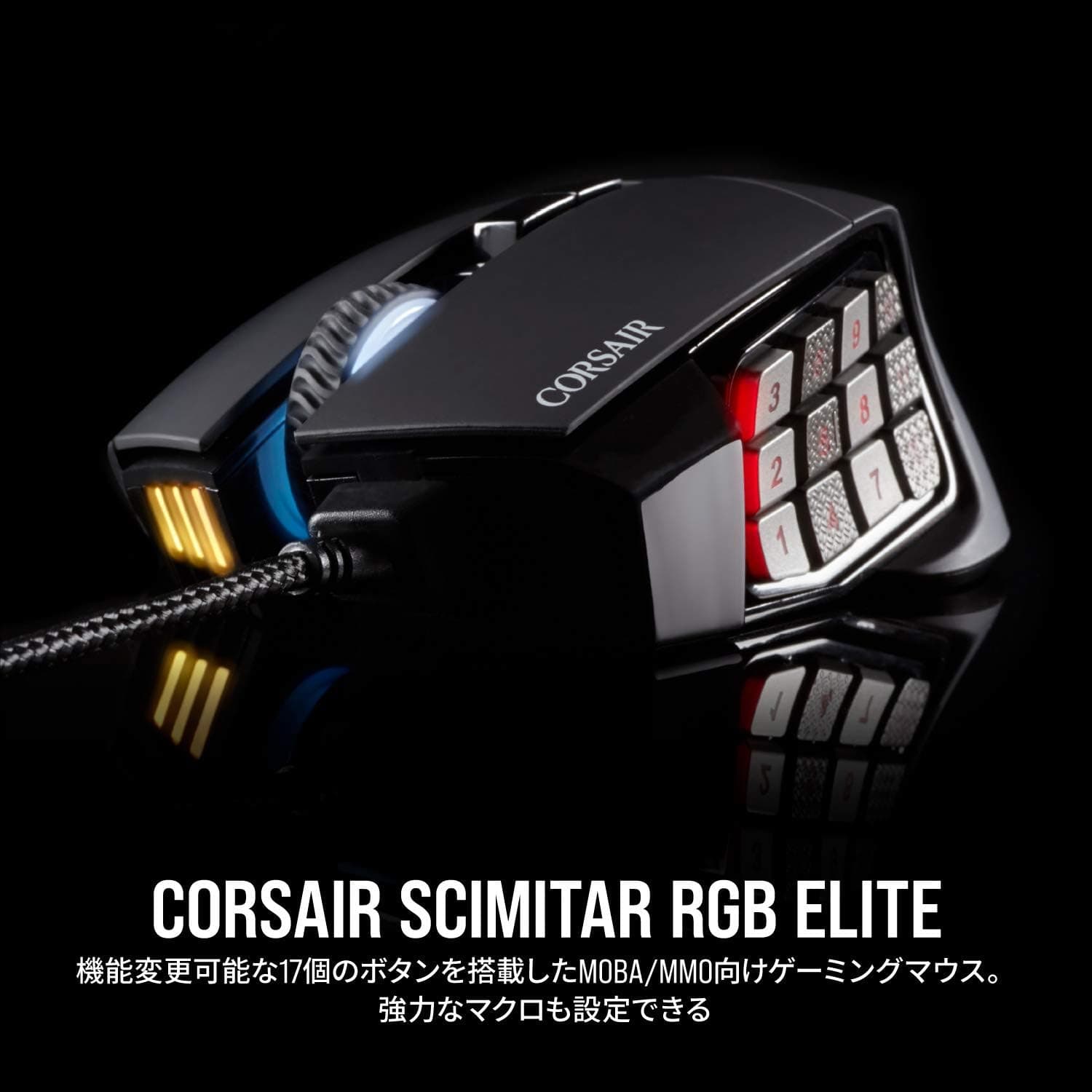
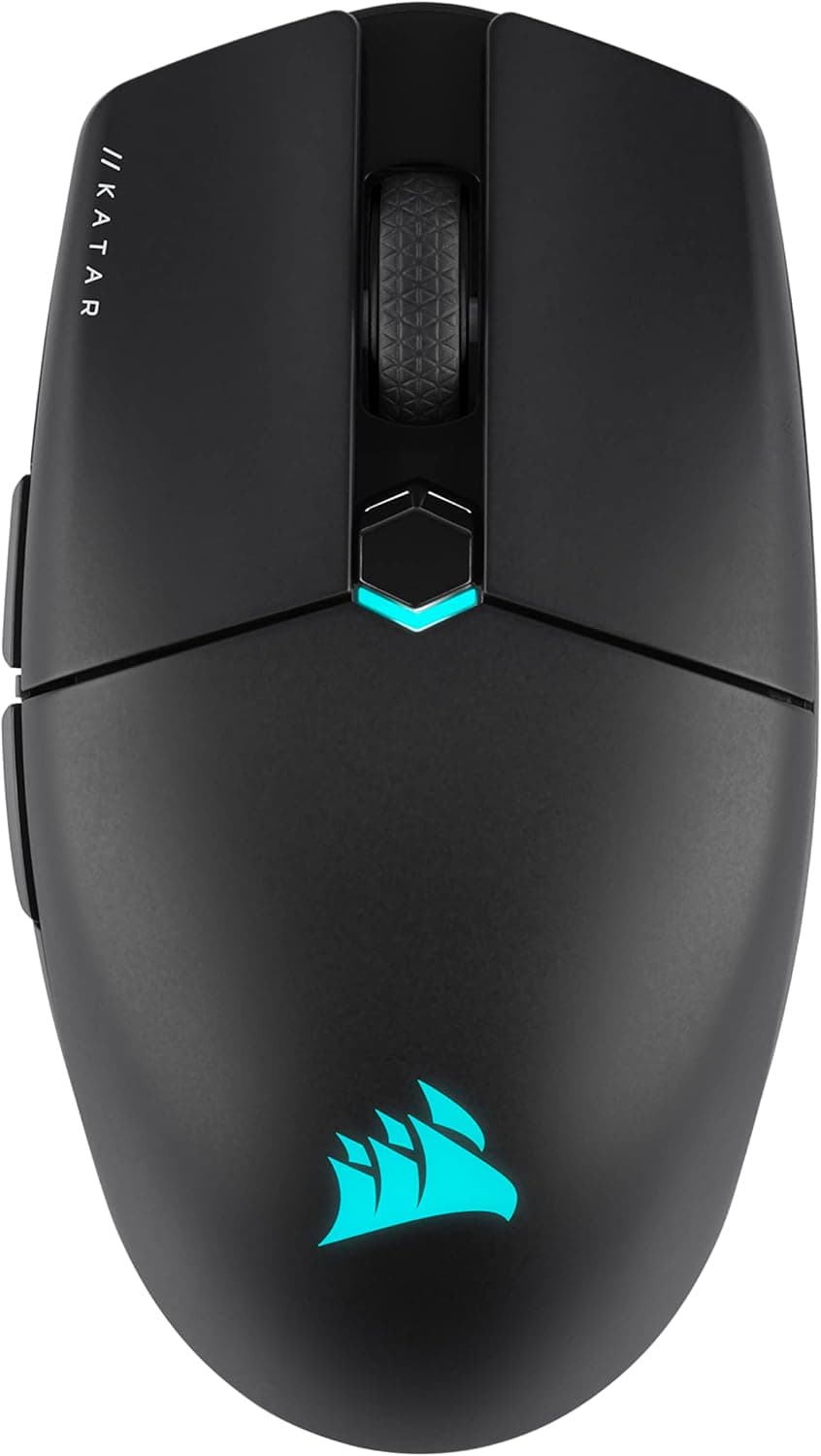
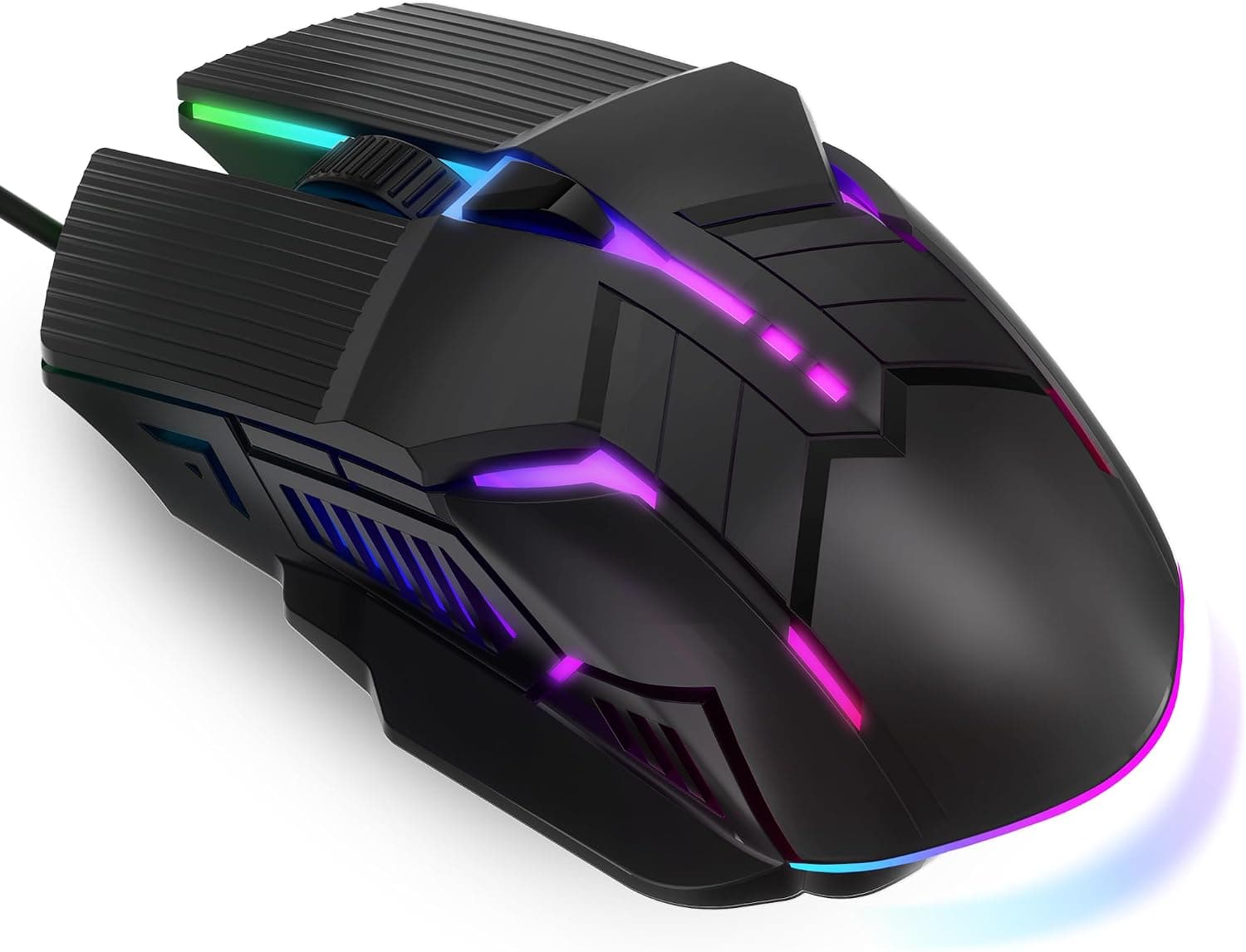
With this mouse in particular, the suffix (CH-9309011-AP and similar) distinguishes regional variants, and a wireless model shares the HARPOON name — an easy source of mix-ups. Check the product image and title against what you intend to buy before ordering.
FAQ
Q. Do I need iCUE? A.
No. It works as a standard mouse the moment you plug it in.
iCUE is for DPI stages, remapping, and RGB. Settings save to onboard memory, so it does not need to run constantly.
Q. Does it work on a Mac? A.
Yes as a mouse. iCUE is Windows-only, so to change settings you would configure it once on a Windows PC.
If the default DPI suits you, no configuration is needed.
Q. How should I use 12,000 DPI? A.
Most players sit between 400 and 1,600 DPI. Treat the ceiling as headroom and start low; excessively high DPI usually makes aiming harder, not easier.
Q. I have small hands — will it fit? A.
The shape favors medium to large hands using palm or claw grips. Fingertip users and smaller hands may prefer a more compact model.
Check the physical size if you can.
Q. How long do the switches last? A.
The Omron switches are rated for 50 million clicks, which corresponds to years of normal use, though individual units vary. The warranty is two years.
Q. Is the cable stiff? A.
It is a roughly 1.8m rubber cable.
Compared with modern soft braided cables it needs more attention, but a bungee or clip that leaves slack near your hand largely removes the drag.
Product Disclosure (Amazon)
- Manufacturer: CORSAIR
- Seller: Amazon.co.jp
- Fulfilled by: Amazon.co.jp
- ASIN: B07RXXXZ21
- Note: This article covers a manufacturer-made product based on Amazon listing details.