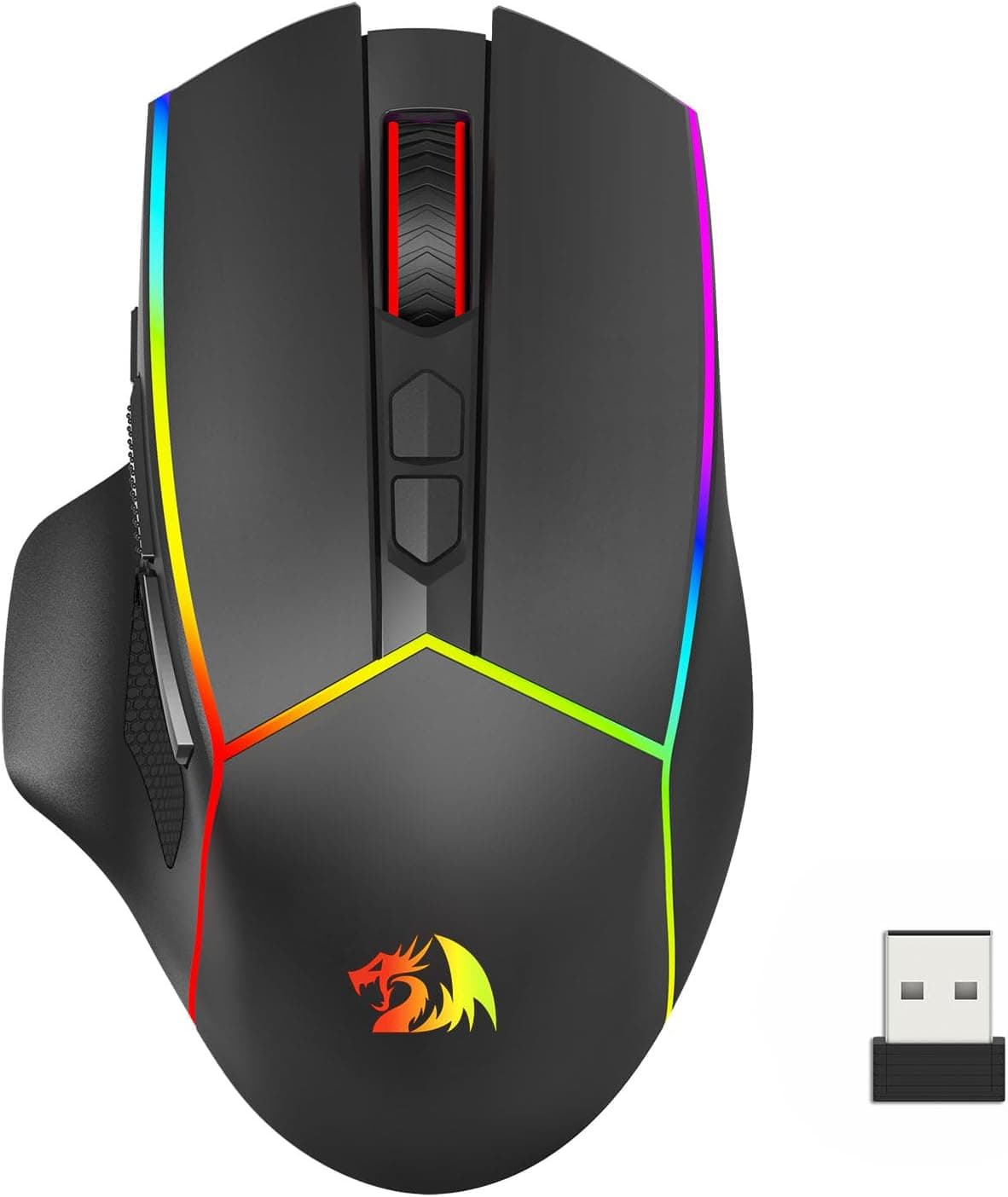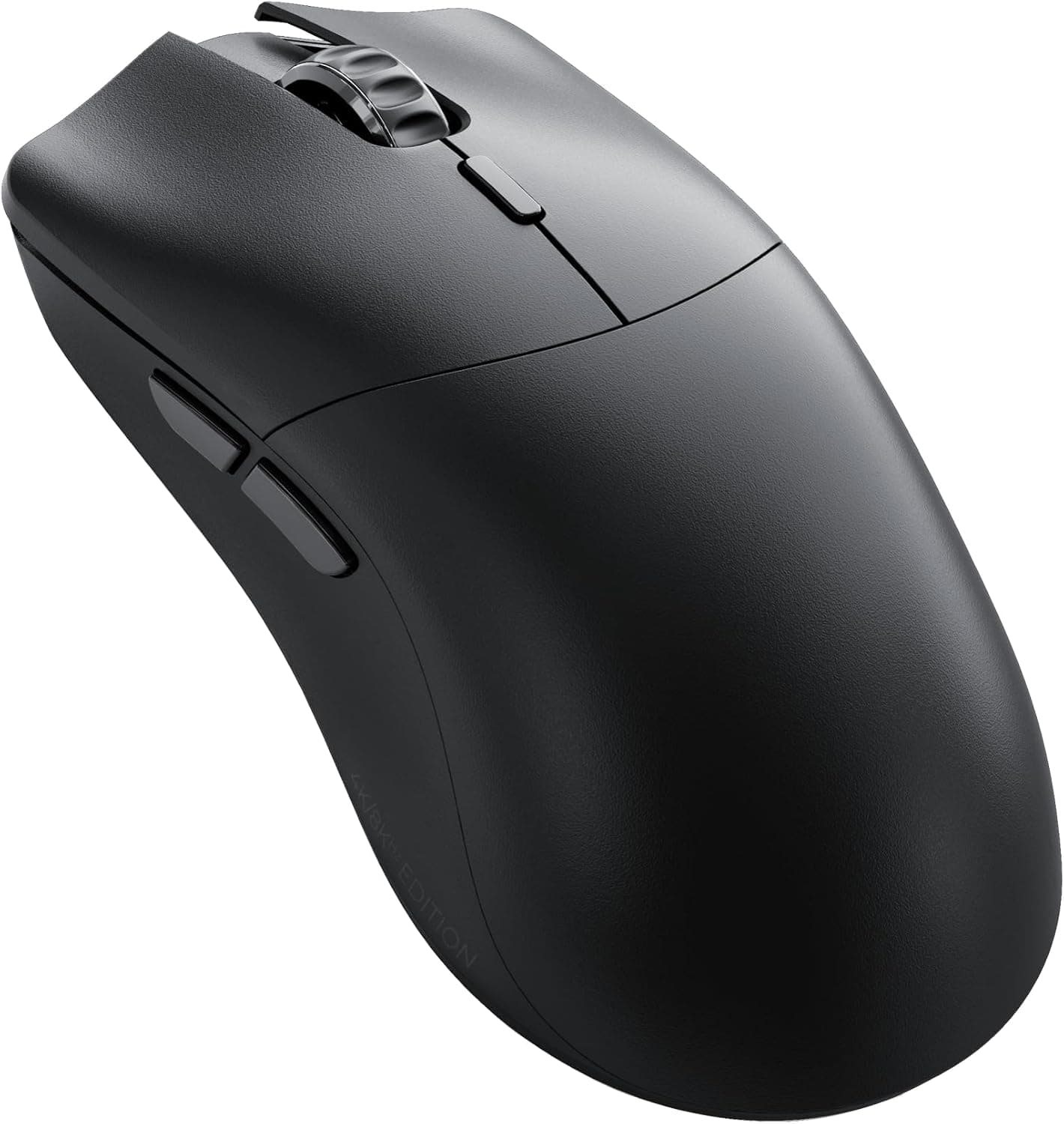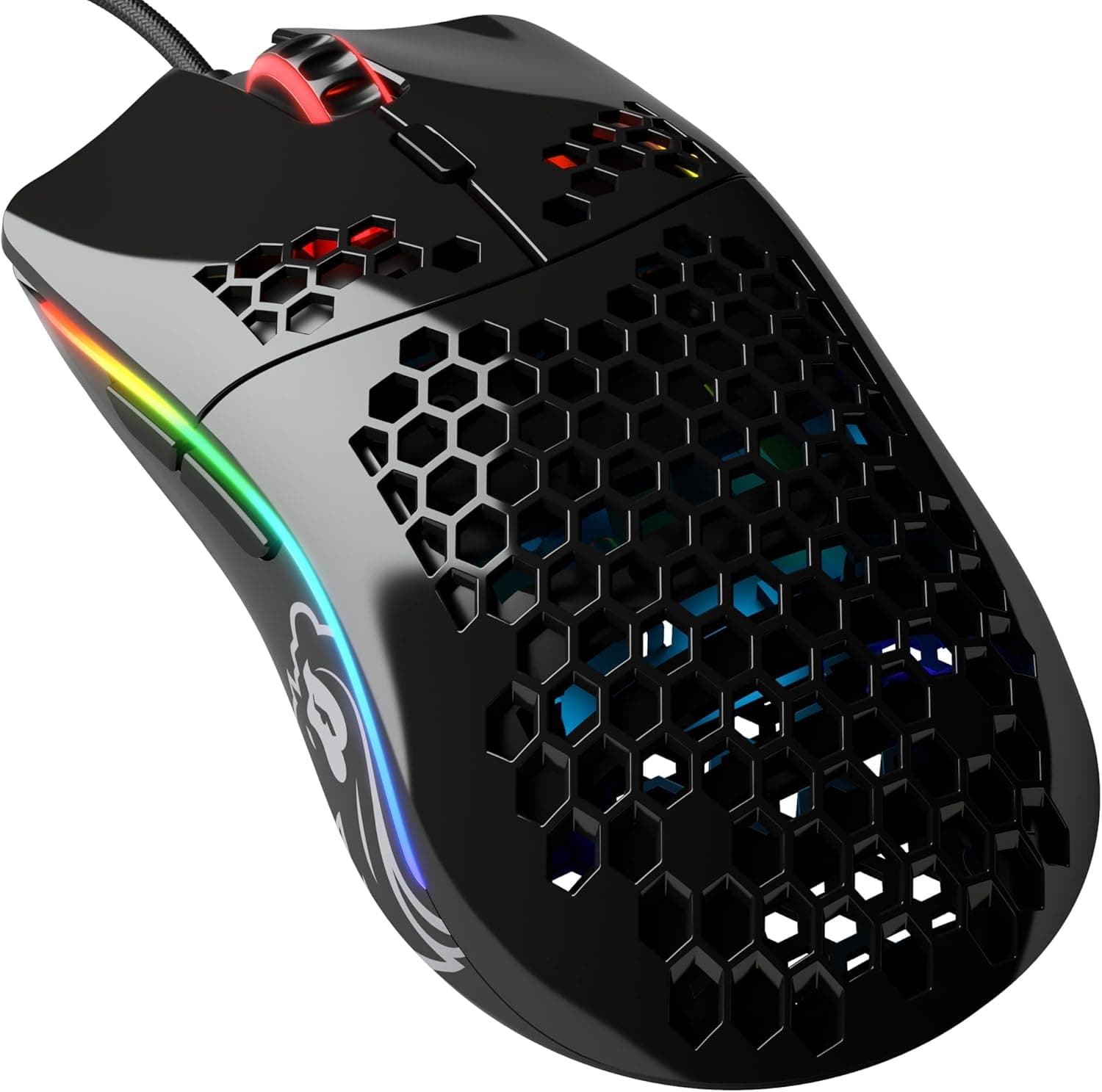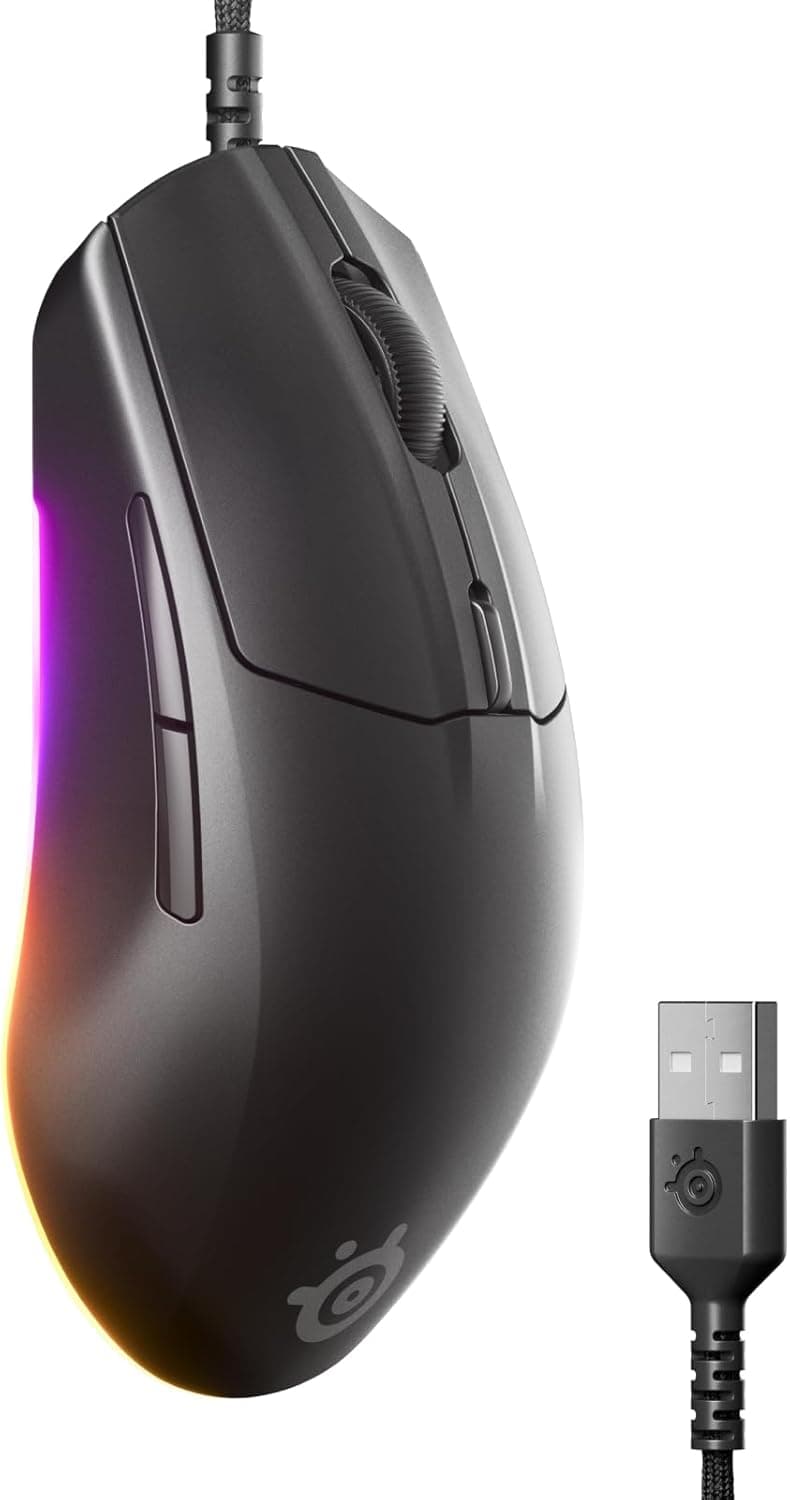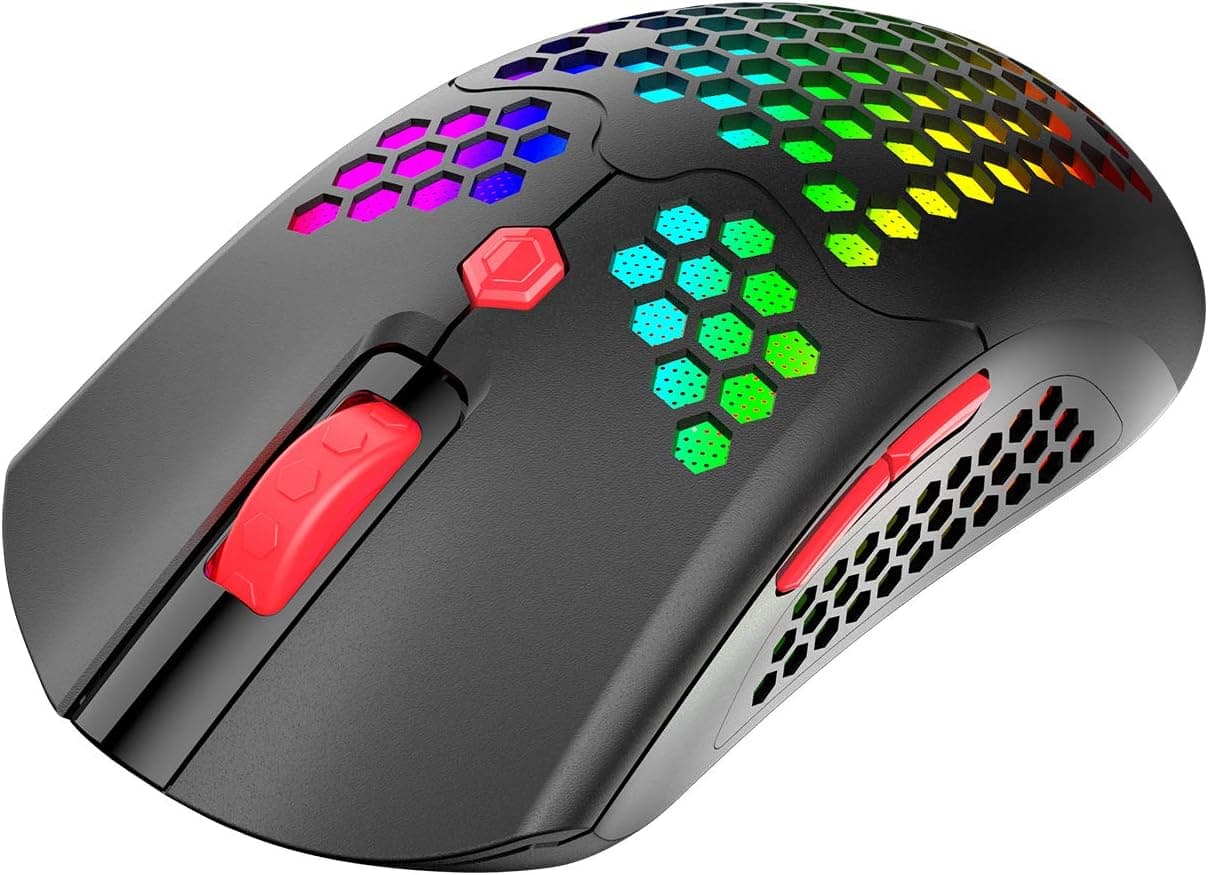
The ZIYOU LANG PAW3325 gaming mouse packs a 69g honeycomb shell and both wired and 2.4GHz wireless connectivity into an entry-level product selling for around ¥6,000.
This article works through the published specs and the Amazon review situation to explain who it fits and where you have to compromise.
Overview
The short version: this mouse is for people who want to try a lightweight shape and a wireless setup at once, as cheaply as possible. 69g sits in the lightweight class, achieved through a honeycomb (perforated) shell.
The sensor is the PixArt-family PAW3325, rated at up to 12,000 DPI with a 1000Hz polling rate and a 6000FPS refresh rate.
Conversely, it is not a strong recommendation for competitive players who plan to push hard. The PAW3325 is a power-efficient sensor widely used in wireless mice, and its ceiling is lower than the flagship sensors found in premium models.
In everyday FPS and casual play the difference is hard to feel, but users who rely on extreme high-speed swipes will notice the gap against higher-tier sensors.
| Item | Value |
|---|---|
| Sensor | PAW3325 |
| Max DPI | 12000 |
| Polling rate | 1000Hz |
| Refresh rate | 6000FPS |
| Weight | 69g |
| Battery | 800mAh |
| Buttons | 7 (programmable) |
| Connection | Wired USB / 2.4GHz wireless |
| Lighting | 16.8 million color RGB |
| Shape | Ambidextrous |
The two numbers that matter most in practice are weight and battery capacity. 69g is about the entry point for calling a mouse lightweight: not as extreme as sub-50g models, and easy to adapt to if you are coming from a standard 80-100g mouse.
800mAh is generous for a wireless mouse, and turning the RGB off meaningfully stretches the interval between charges.
Compatibility Guide
Connectivity is dual-mode: wired USB and 2.4GHz wireless.
In wireless mode the internal 800mAh battery powers the mouse, and plugging in the bundled USB cable lets you keep using it as a wired mouse while it charges. Being able to recover from a dead battery with a single cable is real peace of mind for a first wireless mouse.
The manufacturer lists Windows 2000/XP/Vista/7/8/10 and macOS as supported. That long list of legacy versions really means "recognized as a standard HID device" — on current Windows it works plug-and-play with no driver.
On macOS, however, the configuration software for button remapping, macros, and RGB is usually Windows-only, so assume detailed customization will not be available. Settings on this class of mouse are typically stored in onboard memory, so configuring on a Windows PC and then moving to a Mac is a workable strategy.
The 2.4GHz receiver stores in a compartment on the underside.
If you carry the mouse with a laptop, that quietly prevents the classic accident of losing the receiver alone. On the other hand, plugging the receiver into a hub on a laptop short of USB ports can cause instability from 2.4GHz interference or power delivery issues.
Use a direct port where possible, and keep it away from Wi-Fi routers and USB 3.0 devices.
There is no Bluetooth support, so an adapter is mandatory on machines with no USB-A port at all.
The shape is ambidextrous. That makes it grip-agnostic, but it also means it lacks the deep thumb rest and hold of an ergonomic right-handed shell.
If you have large hands and use a palm grip, compare the physical dimensions against your hand before buying.
Product Info
rmation
On Amazon.co.Check the retailer's page for the latest price.
That is roughly a 200 yen swing in about a month, so treat products in this bracket as constantly moving. The figures here reflect only the moment of capture, and sales or coupons can push them lower.
Check the product page for the current price before buying. The overseas marketplace listing has no concrete price captured, so this article does not cover it.
Check the retailer's page for the latest user reviews. Six reviews is far too small a sample to base a decision on. On a staple product with tens of thousands of reviews, 4.0 would roughly reflect reality; with six, a single low rating moves the average sharply.
Read it as "a product whose reputation has not settled yet," not "average quality." Decide based on how much unit-to-unit variation or DOA risk you are willing to absorb yourself.
The box contains the mouse, a USB charging cable, the 2.4GHz receiver, and a manual.
It launched in late 2020, so it is already several years old. If long-term warranty support matters to you, a product sold through an official domestic distributor is the safer buy.
Compared With the Competition
The ¥6,000 bracket is crowded, and the right answer depends on your priority. If wired is fine, a wired-only mouse at the same price can spend that budget on the sensor and switches instead, and often wins outright on raw performance.
"If you don't need wireless, wired-only gets you more" still broadly holds at this price.
If wireless genuinely has value for you, the calculus flips. No cable snag, an easier desk to keep tidy, and the ability to toss it in a bag with a laptop are comfort factors that never show up on a spec sheet.
As a cheap way to find out what a lightweight wireless mouse is actually like, this one is a straightforward pick.
If you want to cut weight further, sub-50g models exist in the same bracket. But the lighter they go, the more shell material is removed and the more rigidity suffers; users with a firm grip can notice shell flex.
69g is the balance point where you get the benefit of low weight without much rigidity anxiety — a sensible starting weight for a first lightweight mouse.
What Living With It Is Like
The honeycomb shell helps with airflow and weight, but dust, crumbs, and sweat get inside through the holes. Cleaning without disassembly comes down to compressed air and cotton swabs, so budget for periodic maintenance.
If your hands sweat a lot, expect grime to build around the edges of the perforations.
RGB supports 16.8 million colors, but in wireless mode every lit LED comes straight out of the battery.
To cut charging chores, run it dark or dim on wireless and save the lighting for when you are plugged in. Of the seven buttons, the extras are typically side buttons plus a DPI switch below the wheel; if mid-game misclicks bother you, disable them in software.
Before You Buy
1. Despite "wired" in the product name, this is a dual wired/wireless mouse. Buying on the name alone and expecting a wired-only model will not match reality.
Conversely, if you specifically want a lightweight wired-only mouse, the onboard battery makes this heavier than same-price wired-only rivals. For purely wired use, a battery-free model is the more rational choice.
**2. Do not shrug off the six-review sample size. If you are not prepared to troubleshoot a DOA unit or click-feel variation yourself, a staple model with a large review count will deliver more satisfaction overall.
3. Listing details can disagree with the physical product. On Amazon it is not unusual for a seller registration error to attach another product's manufacturer name, model number, or specs to a page.
Before buying, confirm with your own eyes that the images, title, and the physical traits (ambidextrous shell, honeycomb perforations, underside receiver storage) all match. Even under the same ASIN, a change of seller can change what is in the box.
4. Check whether the configuration software is actually obtainable. Products in this bracket often have manufacturer sites that are hard to navigate, making the software download page difficult to find.
If macros or fine DPI steps are a must, confirm availability with the listing or seller first. Without software you still get DPI switching and full plug-and-play basics.
5. A built-in battery means a finite lifespan. This model is several years old, and lithium-ion cells degrade within a few years depending on use.
Battery replacement is not designed for, so once wireless stops being viable your options are to keep using it wired or replace it. If longevity is the goal, a wired-only mouse is structurally better.
6. Read the warranty and return terms first. Coverage differs by seller.
Buying from an overseas seller can mean slow replacements for defective units and return shipping at your own expense. Price the hassle of support into your evaluation.
Best Use Cases
Judged by feature count the value is high, and nothing essential for a first gaming mouse is missing.
First-time lightweight mouse users — 69g is not extreme, so switching from a standard-weight mouse rarely breaks your muscle memory. It is a cheap way to test whether a lightweight shape suits you at all.
People who travel with a laptop — receiver storage plus wireless operation makes it easy to throw in a bag. You can also run wired at home and wireless on the road.
Mixed everyday and light gaming use — the low weight helps in office work and browsing too. Note that there is no silent-switch option, so click noise may stand out in a quiet room.
It is a poor fit for competitive players who want a current flagship sensor, buyers who value strong warranty and support, and anyone who finds cleaning a perforated shell tedious. Those three should look at higher-tier sensor models, domestically distributed products, and solid-shell lightweight mice respectively.
FAQ
Q. Does performance differ between wired and wireless? A.
The rated polling rate is 1000Hz in both. In general, though, wireless is more exposed to RF interference and battery state, so wired is steadier.
When response consistency matters most, use it wired.
Q. How long does the battery last? A.
Capacity is 800mAh, but actual runtime is not in the published data, so no firm figure can be given. It varies widely with RGB brightness, pattern, and hours of use.
As a rule of thumb, full-brightness lighting drains fast, so running dark is the way to stretch it. Check the product page for specifics.
Q. Can I use it while charging? A.
Yes. Connect the USB cable and it charges while working as a wired mouse, so a dead battery rarely interrupts a session.
Q. Does it work on a Mac? A.
Basic operation is plug-and-play. The software for remapping, macros, and RGB is likely Windows-only, so do not count on full customization from a Mac alone.
Q. Do I need 12,000 DPI? A.
Almost nobody does. Most FPS players on 1080p-1440p sit between 800 and 1600 DPI, so a high maximum is a spec ceiling rather than a practical advantage.
What matters is how cleanly it tracks at the DPI you actually use.
Q. Is the honeycomb shell vulnerable to dust and liquid? A.
With open perforations, expect no meaningful dust or splash resistance. If you spill drinks or work in a dusty space, a solid-shell lightweight mouse is the safer option.
Product Disclosure (Amazon)
- Manufacturer: ZIYOU LANG
- Seller: Amazon US
- Fulfilled by: Amazon US
- ASIN: B08P48MN1L
- Note: This article covers a manufacturer-made product based on Amazon listing details.