Overview
The Viper V4 Pro is a symmetrical wireless mouse aimed squarely at competitive FPS players.
The short version: this mouse prioritises weight, responsiveness and wireless freedom, and gives up button count, battery headroom and affordability in exchange. With only 6 buttons, it is not a fit for MMO-style games that lean on side buttons.
For players chasing millimetre-level aim consistency, it is one of the few current options that qualifies.
The symmetrical shape works for right- and left-handed users. That said, symmetrical does not mean universal.
Ultra-light mice tend to reward claw and fingertip grips more than palm grips, because the balance point matters more when there is less mass to settle the hand.
What 49 g and 8,000 Hz Actually Change
At 49 g, this mouse is roughly 15–30 g lighter than typical wireless gaming mice in the 60–80 g range. That sounds minor on paper, but at low sensitivity with large arm movements it changes both how fast you start a flick and how cleanly you stop one.
It also reduces wrist and forearm fatigue over long sessions, which most people notice before any competitive benefit.
That is not a dramatic, obvious difference.
Read the maximum as an indicator of sensor headroom, not a setting. What matters is clean tracking at low DPI and no coordinate drift during fast swipes.
Compatibility Guide
The mouse works while charging, so you never have to stop playing to top up. Windows 10 or later is the baseline, plus any environment where Razer Synapse runs.
Onboard memory storage for profiles is common on mice at this level, but check the product page for the exact profile count.
The practical stumbling blocks:
- Non-Windows systems. Basic operation should be fine, but Synapse feature coverage varies by OS. If deep customisation matters to you, confirm software support for your platform before buying.
One physical note: at 49 g, cable stiffness matters a lot. Used wired, cable tension can cancel out much of the weight advantage.
The intended use is wireless play with wired charging.
Product Info
The 180-hour figure is a manufacturer rating under its own conditions. Planning around "charge weekly with a few hours of daily play" keeps expectations realistic.
Check the retailer's page for the latest price. On the overseas marketplace side, an eBay US listing showed $241.99 as captured on 13 July 2026.
All of these are prices at time of capture — sales, currency shifts and stock levels move them. Always check the live listing before buying.
Domestic-channel units also carry official warranty support, which is worth weighing at this price.
Check the retailer's page for the latest user reviews. A perfect score from five ratings carries almost no statistical weight.
Do not treat it the same way you would a score built on tens of thousands of reviews. This is normal for a recently released product, but it means the rating is weak evidence either way.
How to Compare It Against Rivals
Lightweight wireless mice have multiplied in recent years.
| Axis | Where the Viper V4 Pro lands | What to check |
|---|---|---|
| Weight | 49 g (ultra-light class) | The gap to ~55 g rivals can be hard to feel |
| Buttons | 6 (bare minimum) | Not enough for button-heavy genres |
The key point is that the difference between 49 g and 55 g is often smaller than the price difference implies. Capable ~55 g wireless mice start around ¥10,000.
For someone genuinely pushing rank, it is a rational investment; for casual play it is overspending.
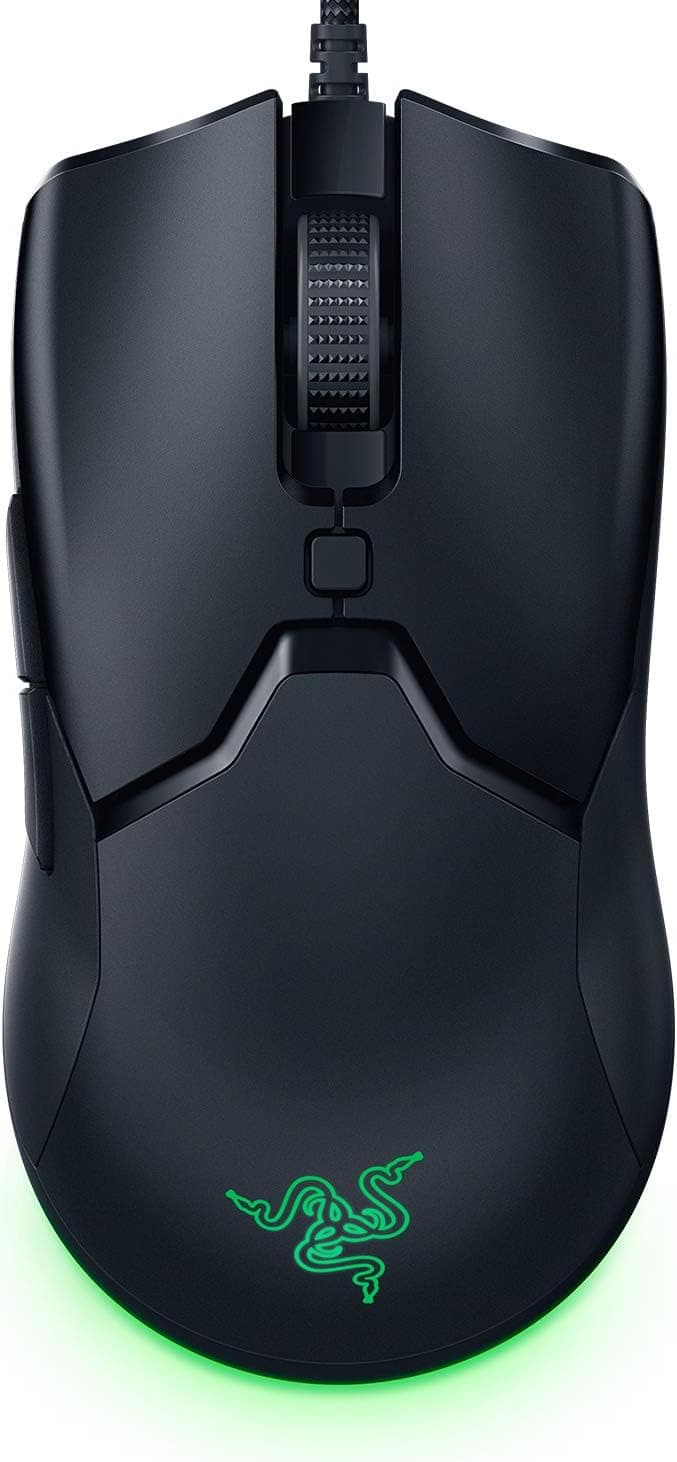
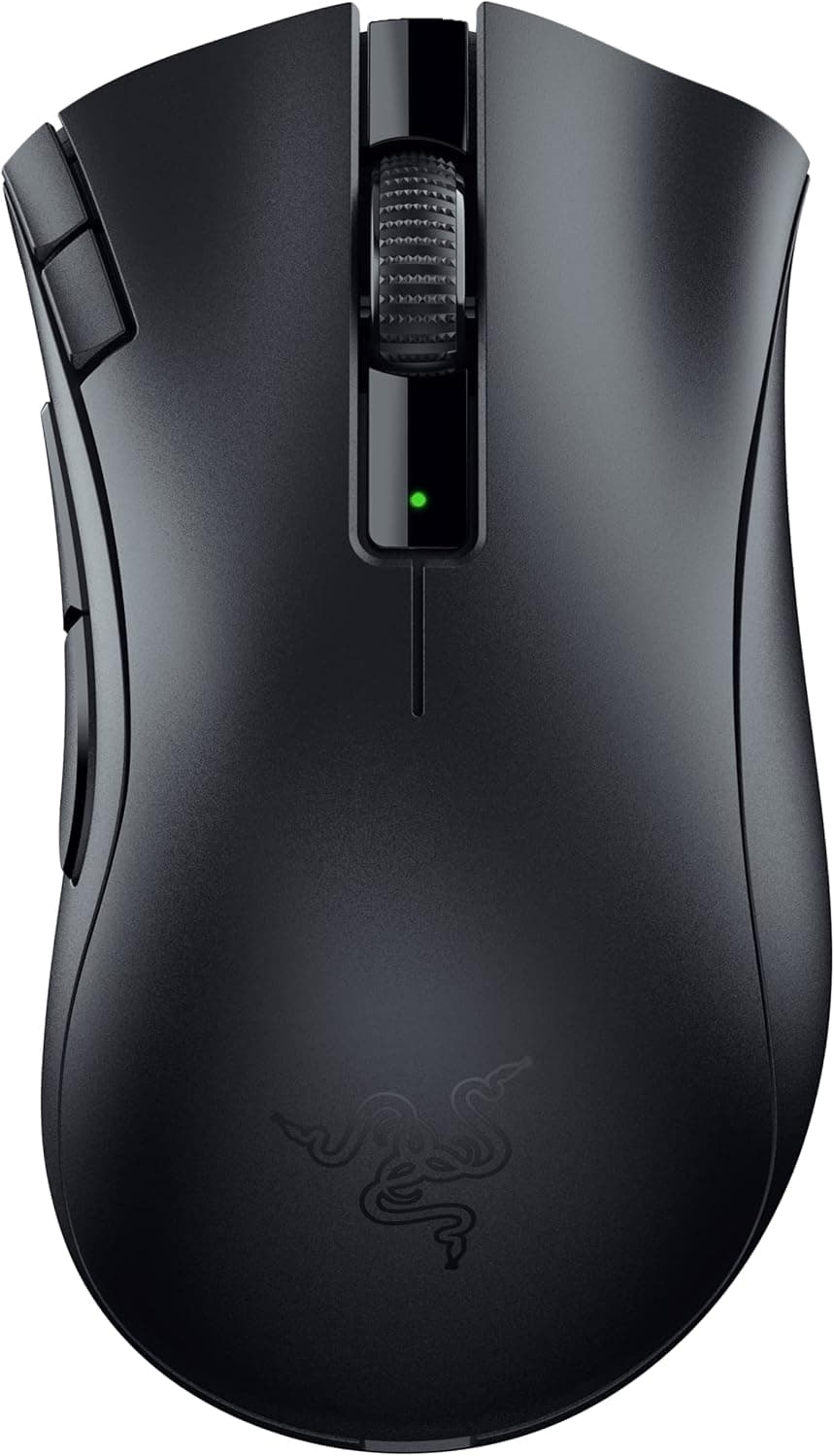
Even within Razer the character differs. Ergonomic DeathAdder-style shapes suit palm grippers who want to rest the whole hand; the wired 2nd-gen Viper is a cheaper way to try a symmetrical shape.
Shape trumps specs — if the shell does not fit your hand, no sensor will fix it. Hold one in a store if you can, or compare dimensions against a mouse you already know fits.
Setup Starting Points
A few defaults to start from, then tune to taste:
- DPI: Begin at 800 or 1,600. When switching from another mouse, match your effective 360° turn distance for a smoother transition.
- Lift-off distance: Set it low. Light mice get picked up often, and a low LOD reduces cursor drift on repositioning.
- Grip tape: Light mice get slippery with sweat. Use the mouse bare for a few days before applying the included tape — it can be hard to remove cleanly once on.
Best Use Cases
Second, players who feel wrist or forearm fatigue during long sessions. Weight reduction pays off physically before it pays off competitively, and the change from a heavy mouse is usually obvious within days.
Third, anyone who wants wireless convenience without conceding responsiveness. If cable drag is what pushed you toward wireless but latency held you back, this addresses both.
Fourth, players who prefer symmetrical shapes, and left-handed users. High-end symmetrical options are limited enough that this alone keeps it on the shortlist.
Before You Buy
In many cases, spending on a monitor or GPU first produces a far bigger felt improvement. A mouse is not what wins games — worth saying plainly.
Six buttons is a deliberate limitation. For MMOs, MOBAs or anything needing many binds, two side buttons will feel short.
If FPS is not your main genre, a multi-button model will satisfy you more.
Do not take 180 hours at face value. Runtime shrinks at high polling rates, and ultra-light mice generally use smaller batteries by design.
If you forget to charge things, get into the habit of plugging it in overnight from day one.
Treat a light mouse with a little more care. Its internals are optimised for mass reduction, so drops and hard knocks are worth avoiding.
If your style involves frequent lifts, position the pad so the mouse cannot slide off an edge.
Watch both the price and the review count. The figures here are as captured (¥26,980 in June and August 2026) and may have moved since.
Decide based on fit with your setup and genre, not the score.
Check the listing details yourself. Store pages occasionally carry incorrect registered information — manufacturer, model number or bundled accessories belonging to a different model.
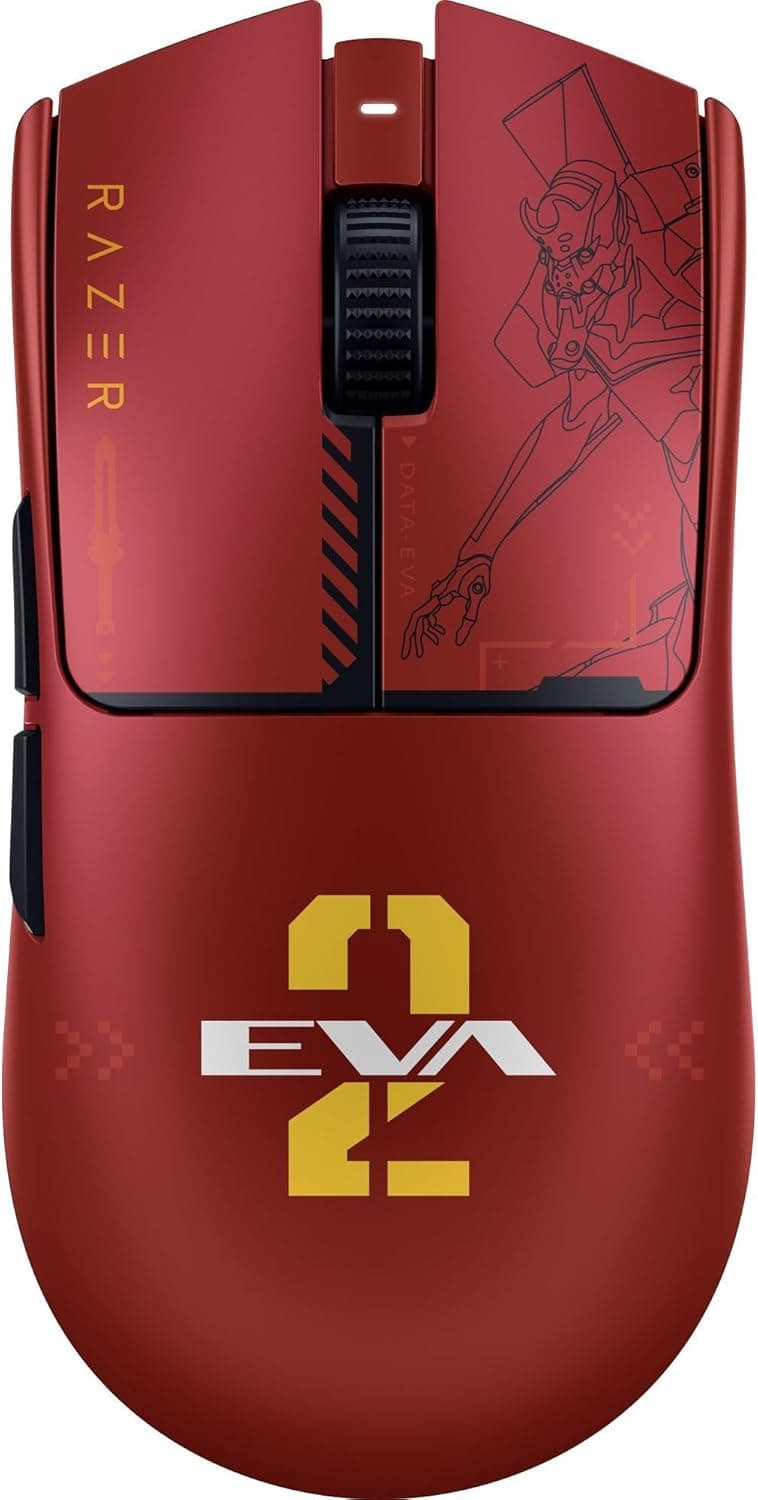
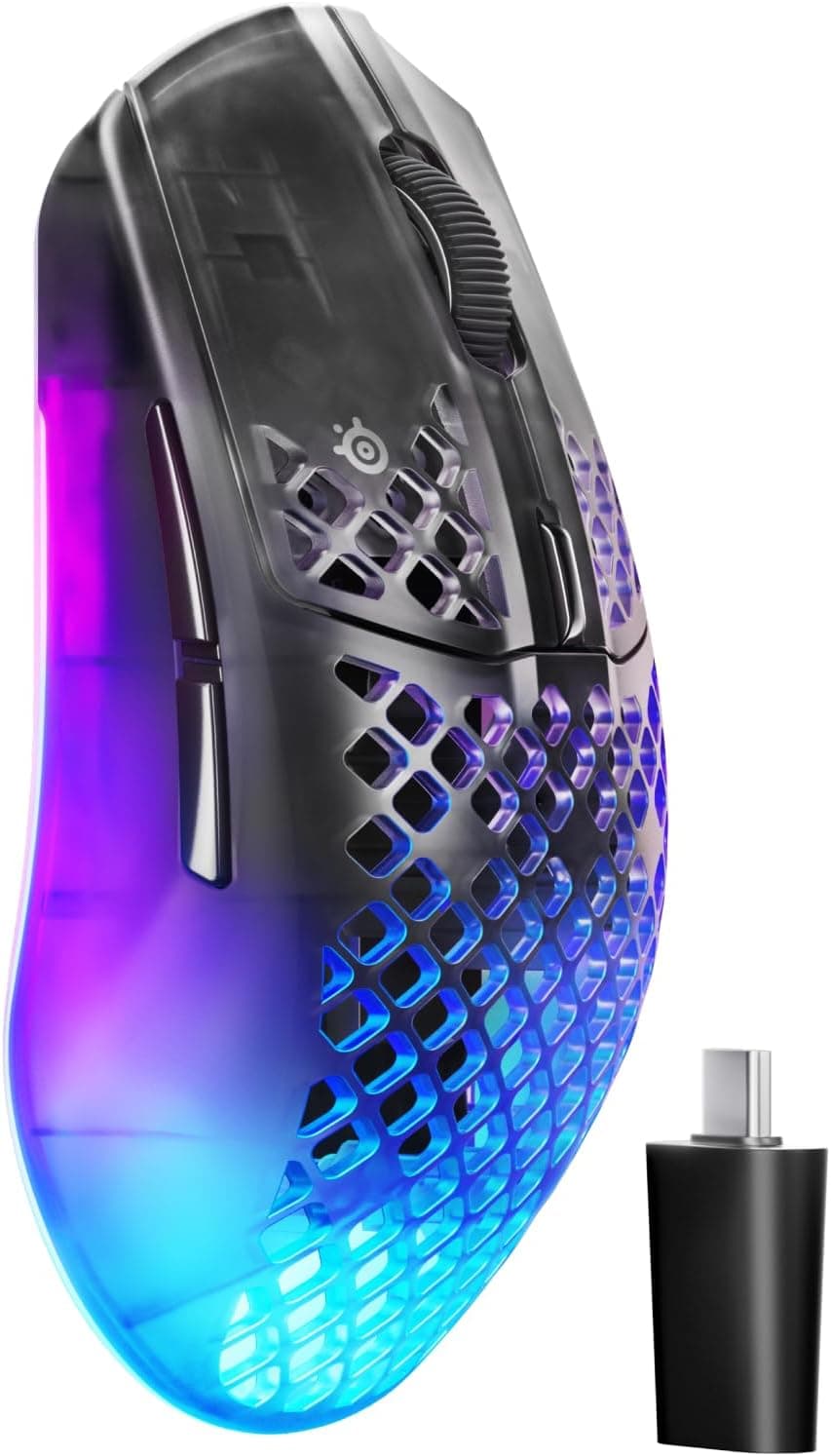
Before ordering, confirm from the images and product name that you are looking at the Viper V4 Pro, and that you can distinguish colour variants, generations, and grey-import versus domestic-channel stock. It saves a return.
FAQ
Q.
A. No.
Q. Can left-handed players use it? A.
The symmetrical shell is fine for either hand. Side button placement depends on the product's design, so check the spec sheet for left-hand usability.
Q. How long does the battery last?
A. Rated at 180 hours. Expect less at higher polling rates. You can play while charging over USB-C.
Q. Is 49 g too light to control? A.
Coming from a heavy mouse, you may overshoot for a few days. Sensitivity tuning and a short adjustment period usually solve it, but people who like a planted, weighty feel may not get along with it.
Q. Will I feel the difference against a cheaper ~55 g mouse? A.
On weight alone, possibly not much. Outside competitive play, the price difference may not feel justified.
Q. Is Synapse required? A.
Basic operation works on connection alone. Software is needed for DPI and button customisation.
Check the product page for details on saving settings to onboard memory.
Product Disclosure (Amazon)
- Manufacturer: Razer(レイザー)
- Seller: Amazon.co.jp
- Fulfilled by: Amazon.co.jp
- ASIN: B0GLM7WKVH
- Note: This article covers a manufacturer-made product based on Amazon listing details.