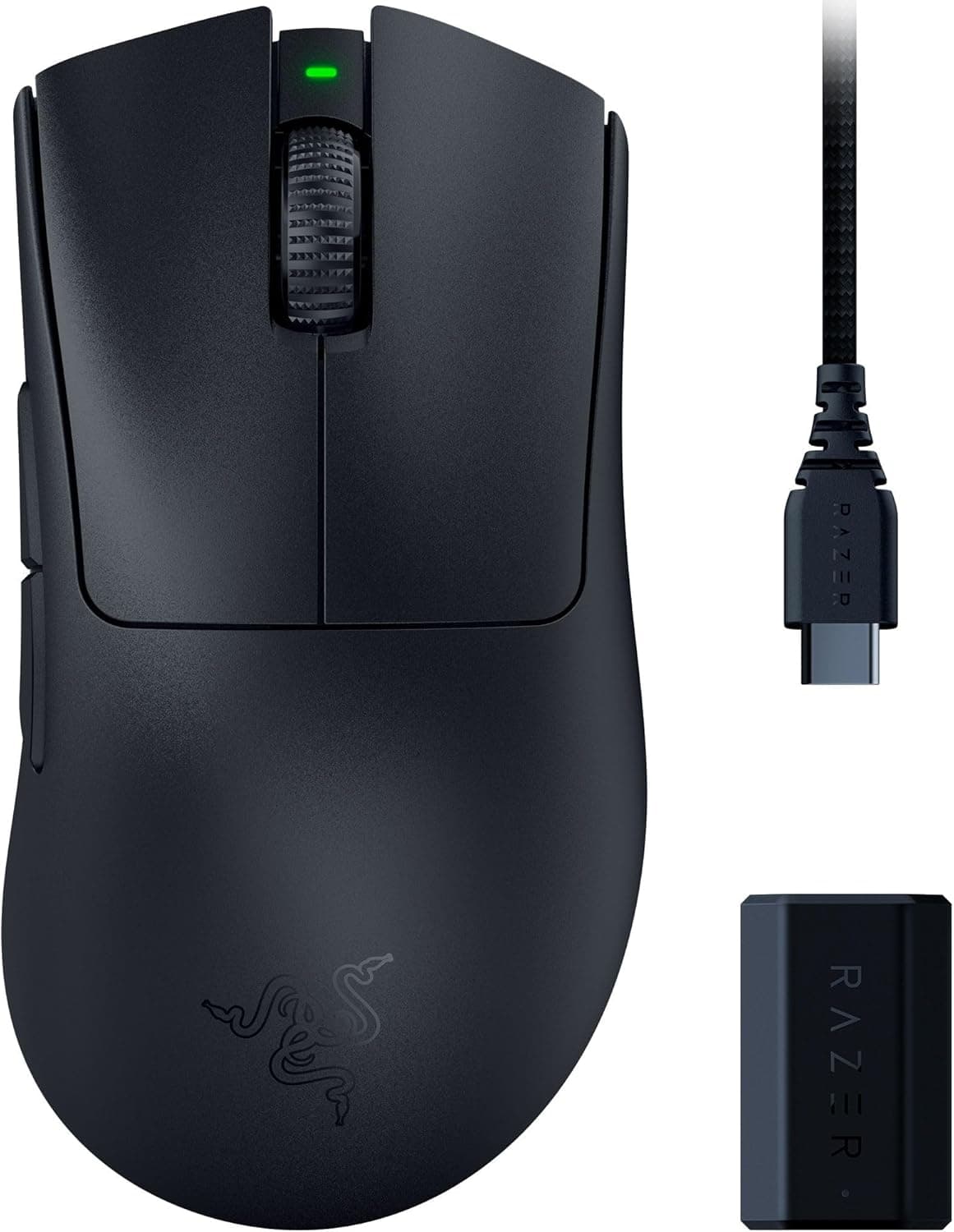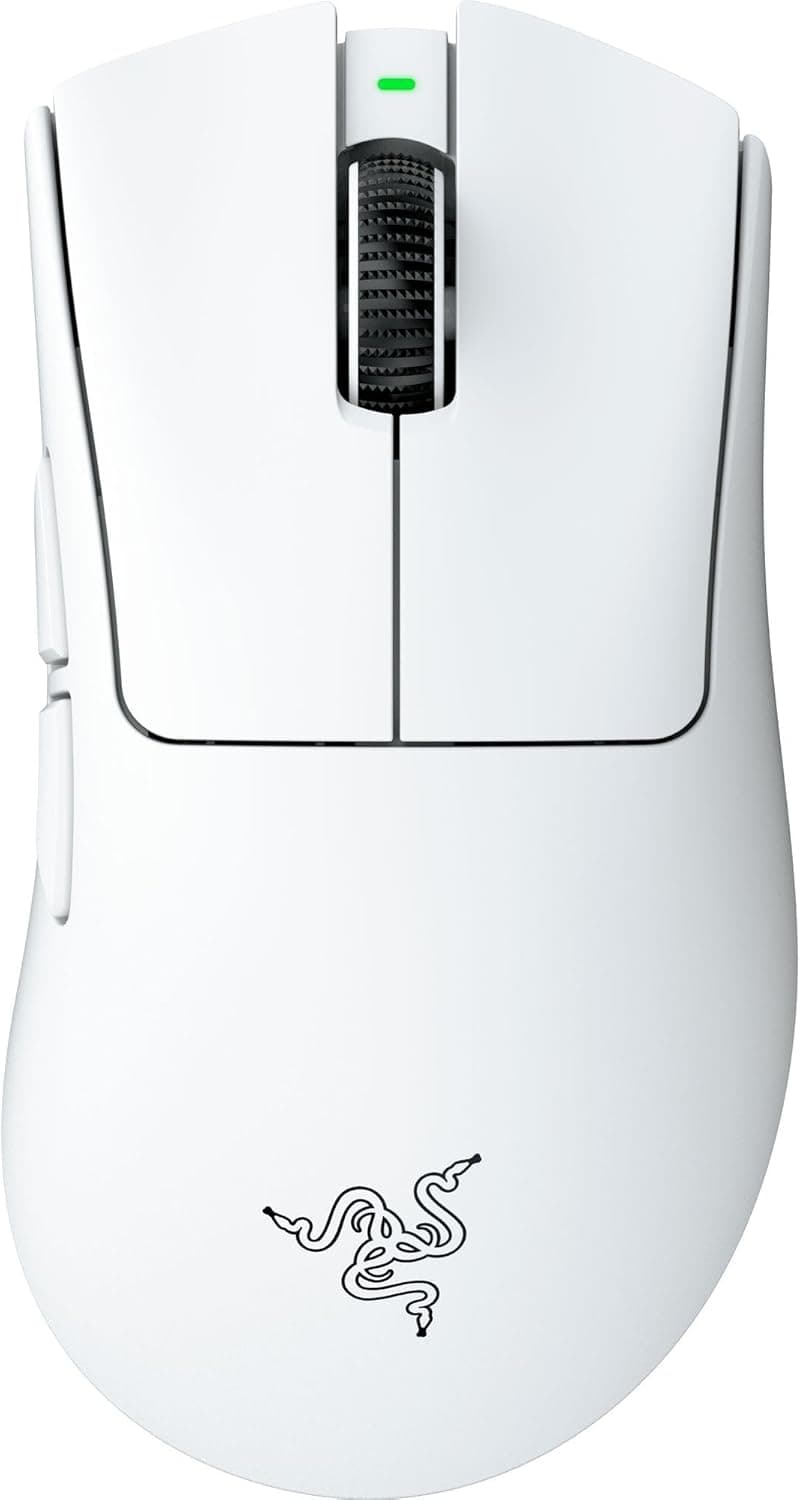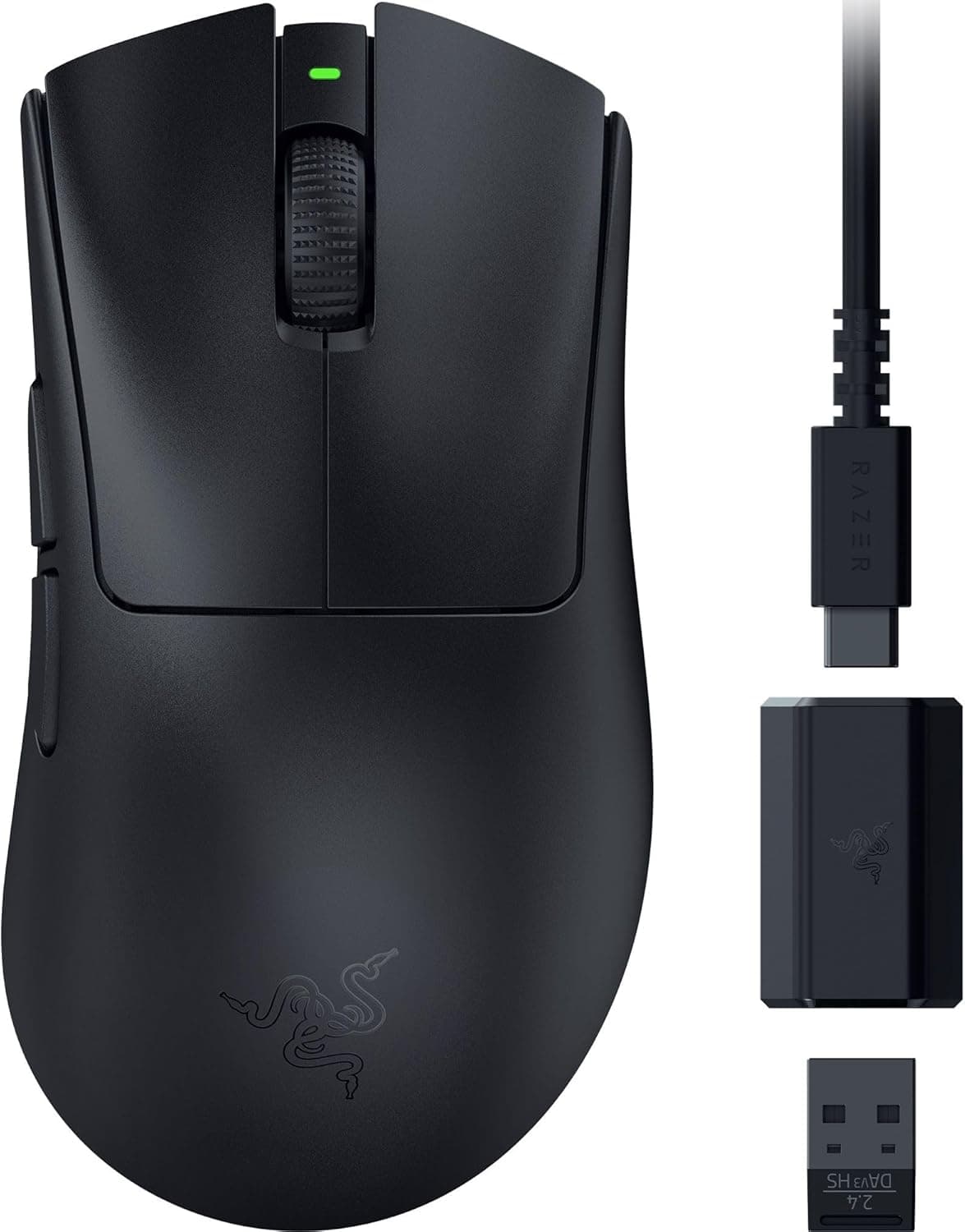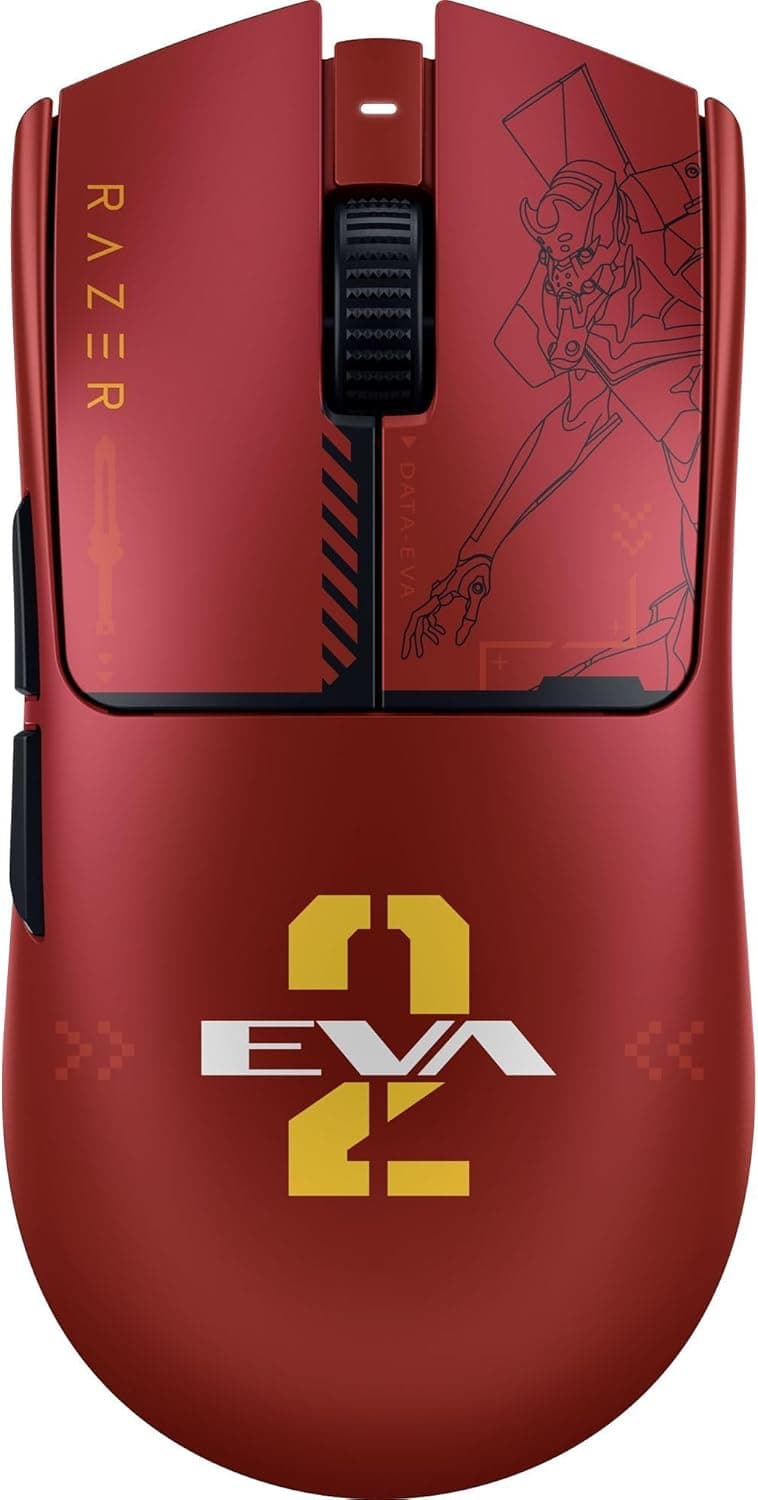
This article covers the Razer Viper V3 Pro EVANGELION (EVA-02) Edition Gaming Mouse. It focuses on how to read the specs and what to know before you buy.
Overview
In short, the Razer Viper V3 Pro EVANGELION (EVA-02) Edition is for players who want a top-tier lightweight wireless esports mouse and an Evangelion EVA-02 themed design in one product. Under the shell is Razer's high-end Viper V3 Pro: 54 grams, the second-generation Razer Focus Pro 35K optical sensor, up to 35,000 DPI, and up to 8,000 Hz polling.
If you only care about performance, a standard colorway is also an option. This article therefore digs into why you would pick the collab edition, and what it takes to actually benefit from 8,000 Hz.
The design is inspired by the EVA-02 unit from the Evangelion anime, with red and orange accents that fans will recognize. The lightweight body was developed with professional esports players, so it keeps wrist and arm fatigue low during long sessions.
On the other hand, it has only six buttons and is not meant for button-heavy genres such as MMOs.
What the Specs Tell You
| Item | Value | What it means |
|---|---|---|
| Weight | 54g | Very light for a wireless mouse; most noticeable with low-sensitivity, arm-driven aiming |
| Sensor | Razer Focus Pro 35K (2nd Gen) | Razer's high-end sensor; tracking accuracy is unlikely to be a limitation |
| Max DPI | 35,000 | Mostly headroom; most players use roughly 400 to 1,600 DPI in games |
| Polling Rate | 8,000 Hz | Reports about every 0.125 ms, at the cost of higher CPU load |
| Switches | Razer Optical Mouse Switch Gen-3 (90M clicks) | Optical actuation avoids the double-click issues common with mechanical switches |
| Buttons | 6 | A minimal, esports-oriented layout |
The numbers that matter most here are weight and polling rate, not DPI. A 35,000 DPI ceiling looks impressive on paper but is rarely used in real games.
The 54 g weight, however, directly affects how easily you can stop a flick and make small corrections. If you are coming from a heavier mouse, you may overshoot for the first few days.
Adjusting your sensitivity slightly usually fixes this quickly.
At 8,000 Hz, the mouse reports its position eight times as often as a typical 1,000 Hz mouse. That makes cursor motion smoother and trims input latency slightly.
Whether you can feel it depends heavily on your monitor refresh rate and your PC's processing headroom. On a 60 Hz monitor for office work, the difference from 1,000 Hz is hard to notice.
Compatibility Guide
Supported operating systems are Windows 10/11 (64-bit) and macOS. Razer Synapse is recommended for button remapping, DPI and polling rate settings.
Synapse features on macOS may differ from Windows, so Mac users should check Razer's official support information before buying.
The mouse works both wired and wirelessly via Razer HyperSpeed Wireless, and either way it uses one USB-A port on the PC. Reaching 8,000 Hz wirelessly requires the included dongle.
The signal gets less stable the farther the dongle is from the mouse, so place it on your desk with an extension cable rather than behind the PC. USB hubs and front-panel ports can cause instability at high polling rates.
If you have issues, try a port directly on the motherboard first.
| Setup | Expected fit |
|---|---|
| High-refresh monitor + recent desktop PC | Gets the most out of 8,000 Hz |
| 60 Hz monitor, mostly office use | Works fine, but little noticeable gain over 1,000 Hz |
| Older CPU or laptop | 8,000 Hz adds load; 1,000 to 2,000 Hz is the safer choice |
| macOS | Works, but check Synapse feature differences |
Running at 8,000 Hz noticeably increases CPU load just from processing mouse input. In some games, this can lower frame rates or cause stutter.
This applies to high-polling mice in general, not just Razer. The reliable approach is to start at 8,000 Hz, then step down to 4,000, 2,000 or 1,000 Hz if something feels off, until you find a stable setting for your system.
Product Info
rmation
Prices at the time of capture were as follows. All of them change, so check the product page for current pricing before you buy.
| Store | Price | Captured |
|---|---|---|
| Amazon.co.jp | ¥25,949 | June 28, 2026 |
| Amazon.co.jp | ¥27,259 | August 26, 2026 |
| eBay (overseas listing) | $242.99 | August 2, 2026 |
On Amazon.co.Check the retailer's page for the latest price.
Limited collaboration models often get more expensive as stock runs low, or through marketplace resellers. The eBay figure is an overseas listing and may not include shipping or import taxes, so do not compare it directly with Japanese retail prices.
As of June 28, 2026, the Amazon.co.Check the retailer's page for the latest user reviews.
The score is high, but the sample is too small to judge long-term durability or unit-to-unit variation.
The EVANGELION Edition is said to have launched around late 2025. The box includes the wireless dongle, a USB-A to USB-C charging cable, and replacement grip tape.
This is a high-end esports mouse built for competition rather than office work. As a limited collaboration, stock may run out, so buy early if you want one.
Comparison with Competitors
Lightweight wireless mice are a crowded category. Here are common alternatives, limited to what their product names state.
| Product | Weight | Highlights |
|---|---|---|
| Razer Viper V3 Pro EVANGELION (EVA-02) Edition | 54g | 35,000 DPI, 8,000 Hz, collab design |
| Pulsar X2H Mini | 52g | Symmetrical, PAW3395, 26,000 DPI |
| ATTACK SHARK R6 | 38g | Ultra-light with PAW3950 MAX |
| Pulsar CrazyLight Series | 38g | Ultra-light, 32,000 DPI |
| Razer Viper Mini | 61g | Small wired model, 8,500 DPI |
If weight is all you care about, the 38 g models are lighter. This mouse's strengths are Razer's high-end sensor paired with optical switches, the proven Viper shape, and easy access to domestic authorized-distributor warranty in Japan.
Budget buyers may prefer other lightweight brands, and the Viper Mini is a cheaper way to try a small Razer shape. The price makes the most sense when you specifically want the Evangelion design.
Recommended Users
Evangelion fans: The EVA-02 themed limited design has collectible value, and it is also a top-tier mouse for daily use.
FPS/TPS players: The 54 g body and 8,000 Hz polling shine in games that demand fast aiming, such as Apex Legends and VALORANT, where you constantly flick and fine-tune.
Players moving to a lighter mouse: The weight is noticeable immediately. Being wireless, it has no cable drag and pairs well with low-sensitivity, arm-driven aiming.
Owners of high-refresh monitors and recent PCs: The more your setup can actually use 8,000 Hz, the more this price tier makes sense.
Before You Buy
Compare with the standard colorway if performance is all you want: The internals are the Viper V3 Pro, so a regular color may be easier to find. The price difference pays for the design and limited availability.
Check both prices side by side.
8,000 Hz is not plug-and-play speed: As noted above, if your PC or monitor cannot keep up, you may feel little benefit while still paying the CPU cost. Higher polling also drains the battery faster in wireless mode.
A practical approach is to use 1,000 Hz day to day and raise it only for matches or focused practice.
Right-handed, with minimal buttons: The shape is close to symmetrical, but the side buttons are only on the left, so it is effectively a right-handed mouse and not suited to left-handed users. With six buttons, it is also a poor fit for MMOs or shortcut-heavy productivity work.
Grip tape vs. the design: The included grip tape improves control, but depending on placement it can cover the EVA-02 artwork.
Decide where you will apply it before you start. Third-party grip tape made for older models such as the Viper V2 Pro may not match this shape, so always check the compatibility listing.
Watch out for resellers and overseas listings: Prices for limited editions vary widely by seller. Overseas or parallel-import units may not be covered by the domestic authorized warranty.
If warranty matters, choose listings with a clear seller and fulfiller.
Long-term durability and unit variance are not yet well documented.
FAQ
Q. Does it perform differently from the standard Viper V3 Pro? A.
The specs covered here (54 g, Focus Pro 35K 2nd Gen, up to 8,000 Hz) are the Viper V3 Pro configuration. The main differences are the design and limited availability.
Check the product page for any accessory differences.
Q. Should I always use 8,000 Hz? A.
No. It helps most with a high-refresh monitor and a PC with CPU headroom.
If you see stutter, drop to 1,000 to 4,000 Hz.
Q. Does it work on a Mac?
A. macOS is listed as supported and the mouse works, but Synapse features may differ from Windows.
Q. Can I use it wired?
A. Yes. It connects with the included USB-A to USB-C cable, and you can play while charging.
Q. Does hand size matter? A.
The Viper line is slim and low, and is generally said to suit claw and fingertip grips. If you have large hands and prefer a full palm grip, try one in store or check the dimensions first.
Product Disclosure (Amazon)
- Manufacturer: Razer(レイザー)
- Seller: Amazon.co.jp
- Fulfilled by: Amazon.co.jp
- ASIN: B0GMFVZ4R6
- Note: This article covers a manufacturer-made product based on Amazon listing details.