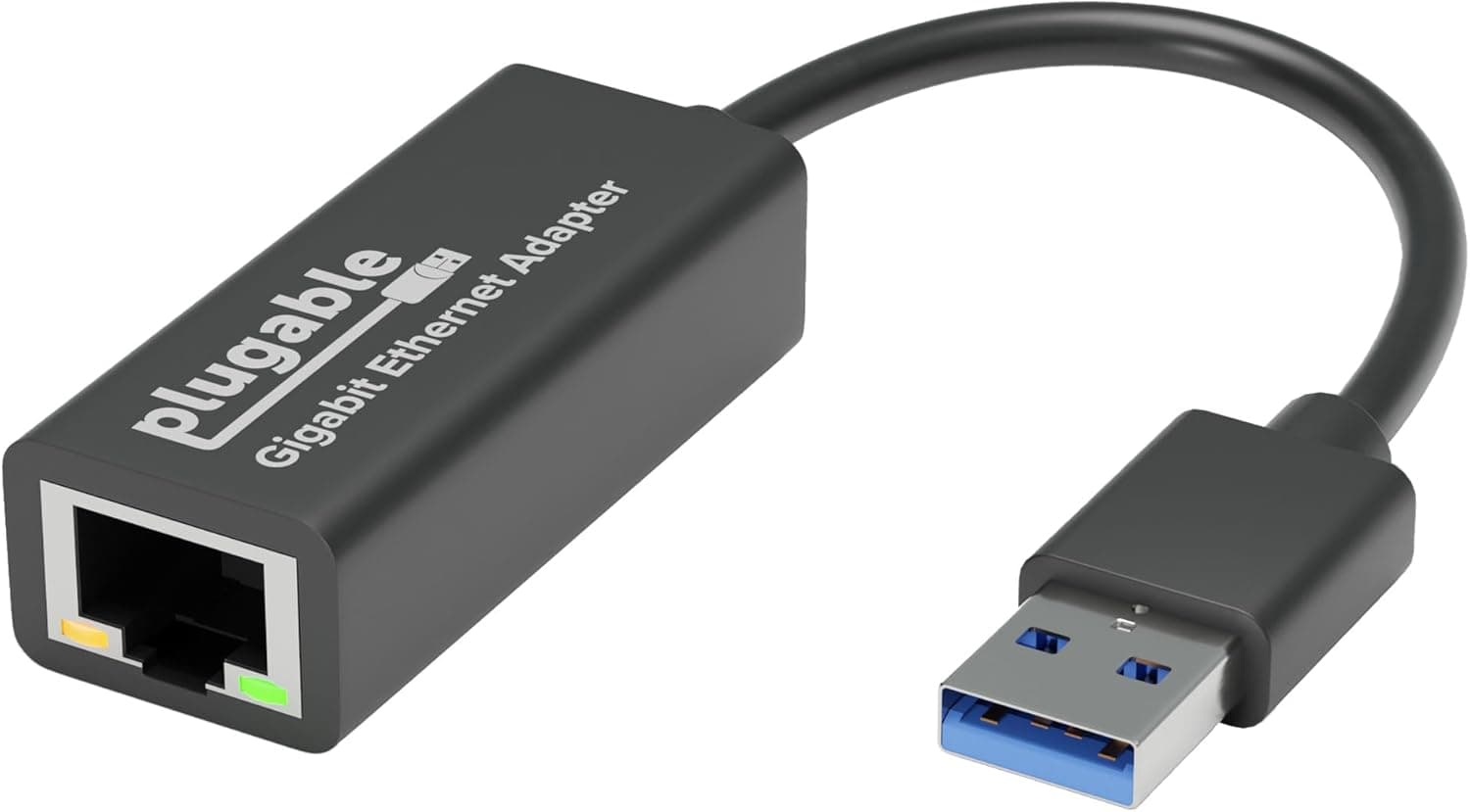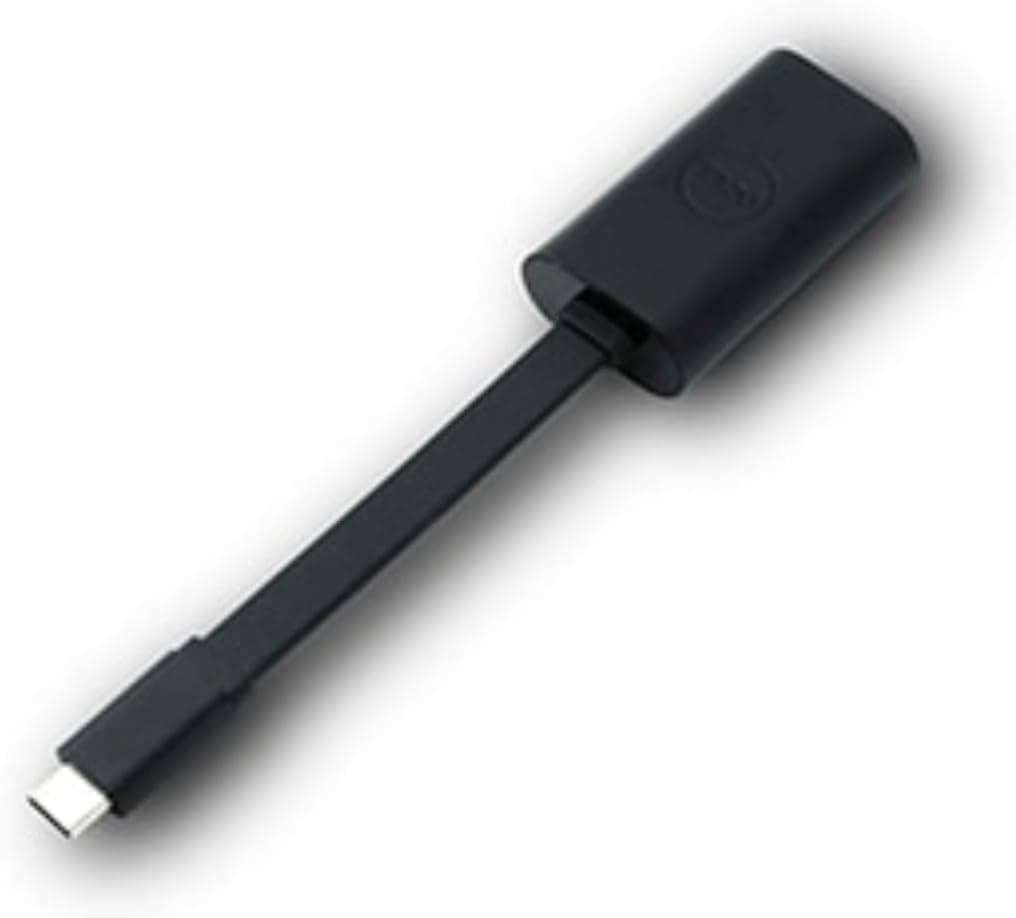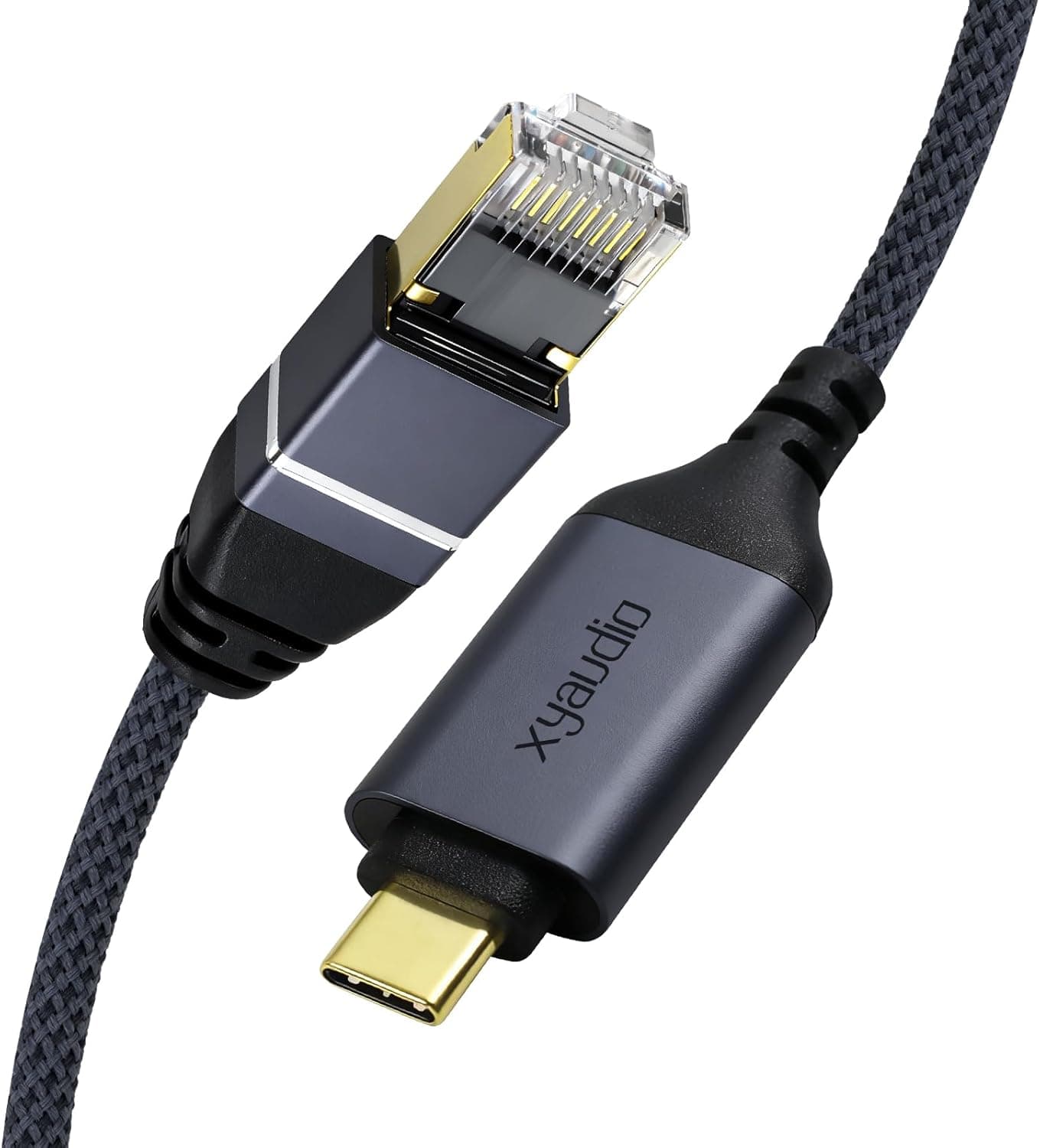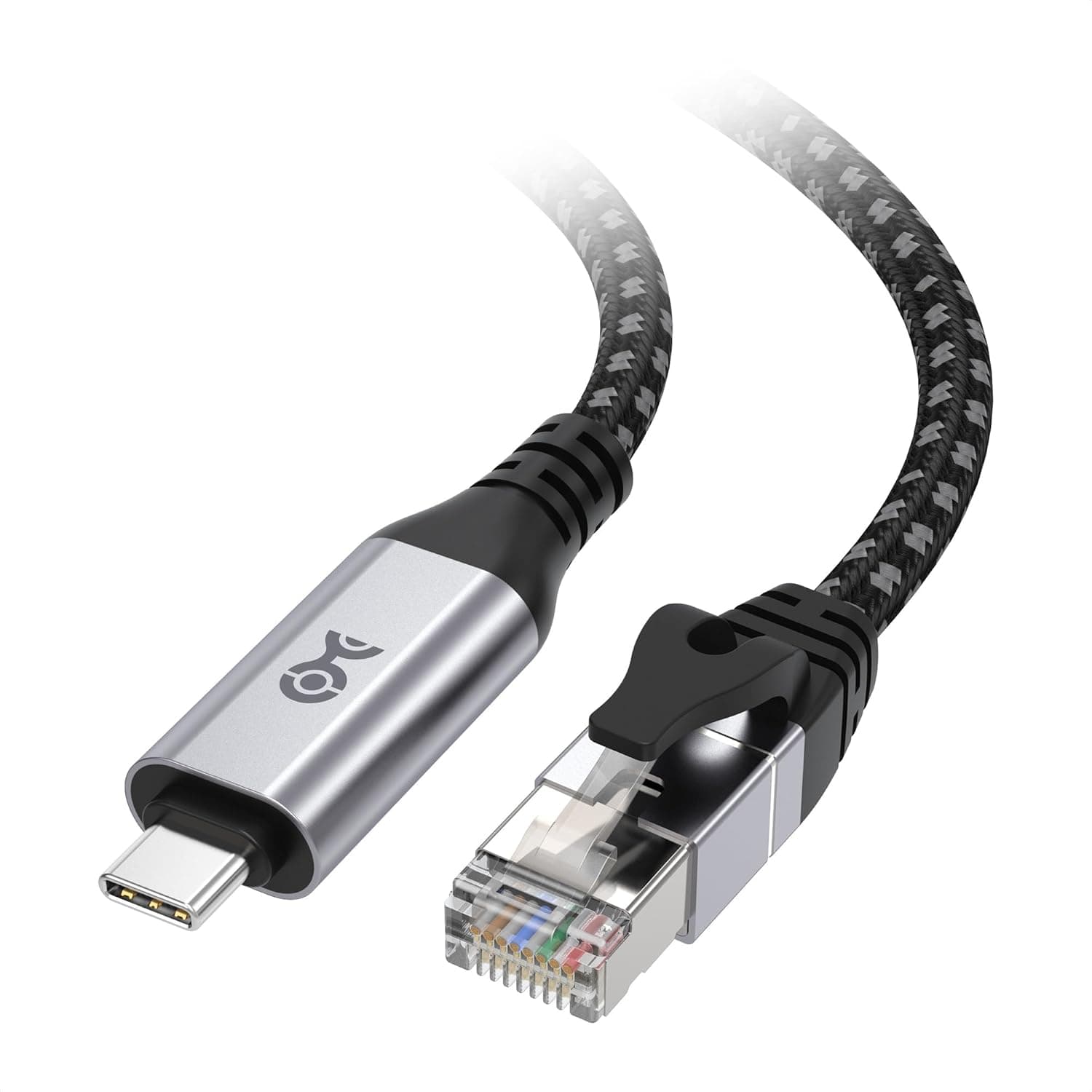
This article takes a deeper look at Cable Matters プラグアンドプレイ編組USB C — the Cable Matters plug-and-play braided USB-C to Ethernet cable in its 0.9 m (3 ft) length — including the details that lead to buyer's remorse.
Short version: if you own a USB-C-only laptop and just need to fall back to a wired Gigabit connection now and then, this is exactly right. If you are on a 2.5 Gbps line or want a permanent desk setup, look elsewhere.
Overview
This is an adapter-in-the-cable design: a USB-C male plug on one end, an RJ45 male plug on the other, and a network chipset built into the cable itself. No hub, no dongle, nothing else to carry.
It supports up to 1000 Mbps (Gigabit), the cable is Cat6 class, the jacket is braided nylon, and the connector housings are silver aluminum.
The target user is clear. You have a MacBook Air, a Surface Pro, or a similar thin laptop with only USB-C ports, and you want an escape hatch when the Wi-Fi at a hotel, a meeting room, or a relative's house is not trustworthy.
The 0.9 m length is itself a statement: this is a travel cable, not a desk cable.
On Amazon.co.jp it holds 4.6 out of 5 stars across 90 reviews (92% positive, captured 25 June 2026).
Ninety reviews is a modest sample — enough to say buyers are happy, not enough to infer a defect rate.
Compatibility Guide
Supported host interfaces are USB-C, USB4, Thunderbolt 3, Thunderbolt 4, and Thunderbolt 5. Supported operating systems are macOS, Windows, and Chrome OS, all without driver installation.
MacBook, iPad Pro, Dell XPS, Surface Pro, and most other USB-C laptops and tablets recognize it on plug-in.
| Item | Spec | What it means in practice |
|---|---|---|
| Connectors | USB-C (M) to RJ45 (M) | No dongle, and one fewer contact point to fail |
| Length | 0.9 m (3 ft) | Will not reach a router on the floor |
| Max speed | 1000 Mbps | Links at 1 Gbps even on a 2.5G/10G line |
| Cable class | Cat6 | More than enough for Gigabit |
| Jacket | Braided nylon | Abrasion-resistant, but stiffer than thin cables |
| Housing | Silver aluminum | Rigid and heat-spreading; mild warmth is normal |
The compatibility trap worth knowing: a port shaped like USB-C does not guarantee USB-C bandwidth. As a general rule, saturating Gigabit needs USB 3.0-class bandwidth or better.
Plugged into a USB-C port that only carries USB 2.0 signalling — budget tablets, some phones, the throwaway USB-C on a monitor — it may link but never reach full speed.
Stick to the listed interfaces: USB-C, USB4, Thunderbolt 3/4/5.
Anything not listed should not be assumed. Linux, iPhone, Nintendo Switch, and Android phones are not named among the supported systems.
They may work, but do not buy it for that purpose without confirming on the product page first.
The RJ45 end is ordinary Ethernet, so a router or a switch both work. If 0.9 m does not reach, run a normal LAN cable to a switch or wall jack and let this product handle the last metre.
Product Info
Prices at the time they were captured — all of them move with sales and exchange rates, so check the listing for the current figure:
- Amazon US listing: ¥4,184 (captured 25 June 2026)
- Amazon Japan: ¥4,133 (captured 26 August 2026)
- eBay US: $17.99 (captured 3 August 2026)
That is a ¥51 drop over roughly two months — unusually stable for this category. The flip side is that waiting for a big discount is unlikely to pay off.
Buy it when you need it.
The box contains the cable and nothing else: no software, no extra adapter. Warranty is the manufacturer's standard coverage; check Cable Matters' official page for terms.
The ASIN is B0DJNBL79Z, sold and shipped by Amazon US.
It sits in the entry-to-mid segment. Bare USB-C LAN adapters cost less, but you then need a separate LAN cable.
The ¥4,000-ish price buys integration, a braided jacket, and one fewer connector in the chain.
How It Compares
Three alternatives cover the same job. A standalone USB-C LAN adapter is cheaper and lets you pick any cable length, at the cost of two items to carry and two extra contact points.
A 2.5 Gbps adapter is the right call if your line, router, and switch are all 2.5G — no price advantage compensates for a 1000 Mbps ceiling.
A USB-C hub or Thunderbolt dock with a built-in LAN port wins for a fixed desk. This cable wins on exactly one axis: carrying one thing instead of two.
Best Use Cases
Travellers with USB-C-only ultraportables. MacBook Air and Surface Pro owners who occasionally need wired networking away from home.
At 0.9 m it disappears into a bag and still reaches a desk port or a hotel wall jack.
Remote workers and heavy video-call users. In a crowded apartment building or a coworking space, switching to wired just for meetings is a genuinely effective fix.
Gigabit means the line, not the cable, is the bottleneck on big uploads.
Online gamers chasing latency. The benefit of going wired shows up in jitter and latency stability more than in raw throughput.
Note that most gaming laptops already have an RJ45 port, in which case you do not need this.
Anyone who wants a diagnostic tool on hand to answer "is it the Wi-Fi or the line?" in thirty seconds.
Before You Buy
0.9 m is shorter than you picture. This is the number one regret.
It will not span from a floor-standing router to a laptop on a desk. For a permanent setup, buy a longer variant or an adapter plus a LAN cable of your chosen length.
1000 Mbps is a hard ceiling. On a 2.5 Gbps or 10 Gbps line, inserting this cable drops you to 1 Gbps.
If a speed test disappoints you, this is often why. Buy a 2.5 Gbps adapter instead if that is your situation.
Check the bandwidth of your USB-C port. USB 2.0-class USB-C ports will throttle it.
Monitor and keyboard USB-C ports are frequently low-speed; plug directly into the machine.
No PoE and no charging. It cannot draw power from the LAN side, and it cannot charge your laptop.
If you want power and Ethernet over one port, you need a 2-in-1 adapter with pass-through charging.
Braided cable is stiff. Abrasion resistance costs flexibility.
Failures almost always happen at the connector strain relief, so coil it in a wide loop rather than folding it tightly.
The chipset model is not published. Standard drivers cover nearly every case, but if you need a specific NIC chip for corporate imaging or virtualization passthrough, verify before ordering.
Do not trust listing metadata blindly. Marketplace fields such as seller, fulfiller, and compatible-device lists are often auto-populated and sometimes disagree with the physical product.
Before ordering, confirm visually from the images and title that you are getting the Cable Matters USB-C to RJ45 cable in the 0.9 m length — longer variants are usually sold as other options on the same page, and that is an easy mis-click.
FAQ
Q. Do I need to install drivers? A.
No, not on macOS, Windows, or Chrome OS. If it is not detected, try a different USB-C port, then plug directly into the machine rather than through a hub.
Q. Will I really get 1 Gbps? A.
The ceiling is 1000 Mbps; Ethernet overhead typically puts real-world results in the low 900 Mbps range. Substantially below that points to the USB-C port's bandwidth, the router, or the line itself.
Q. Is it safe on a Thunderbolt 4 port? A.
Yes. Thunderbolt 3/4/5 and USB4 are all listed interfaces.
Gigabit is trivial next to Thunderbolt bandwidth, so running it alongside an external SSD has essentially no impact.
Q. Does it work with an iPhone or Android phone? A.
Only macOS, Windows, and Chrome OS are listed. Phone use is not a supported scenario, so do not buy it for that.
Q. My company restricts USB devices — will it work? A.
It appears as a USB network adapter, so device-control policies may block it. Check with IT before using it on a managed machine.
Q. Can I extend the LAN side? A.
Yes — the RJ45 end is standard Ethernet, so a switch or a coupler works. Every extra junction costs a little signal quality, so for long runs buy a longer cable outright.
Product Disclosure (Amazon)
- Manufacturer: Cable Matters
- Seller: Amazon US
- Fulfilled by: Amazon US
- ASIN: B0DJNBL79Z
- Note: This article covers a manufacturer-made product based on Amazon listing details.