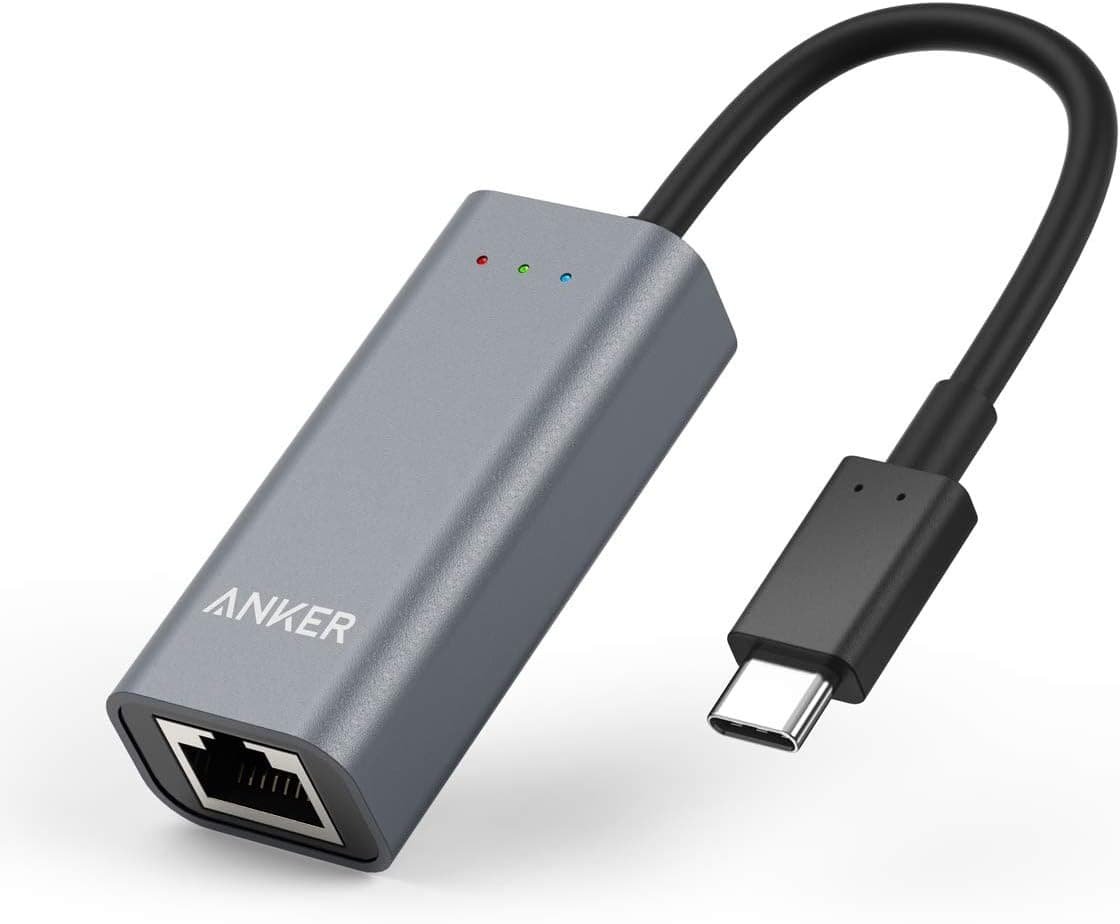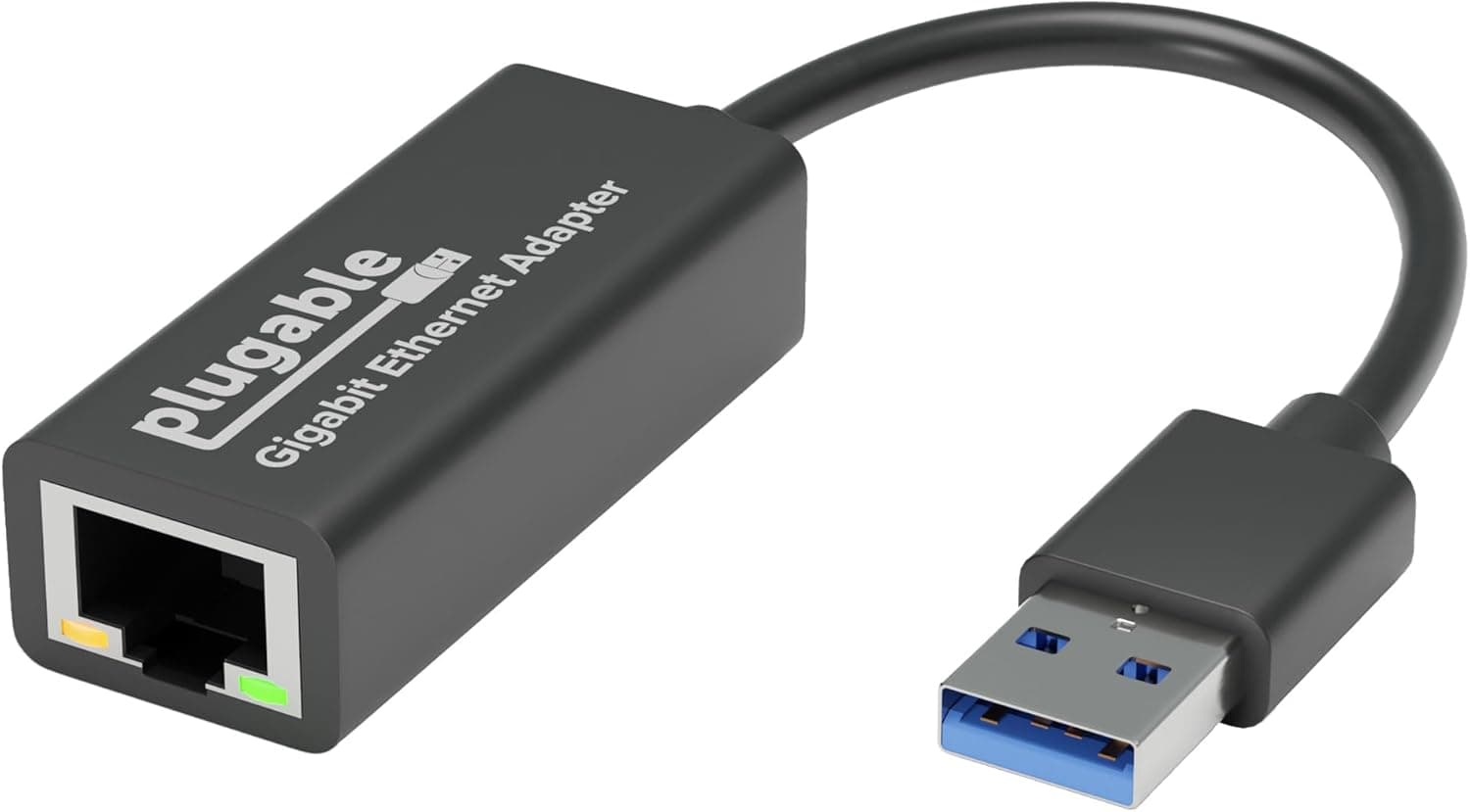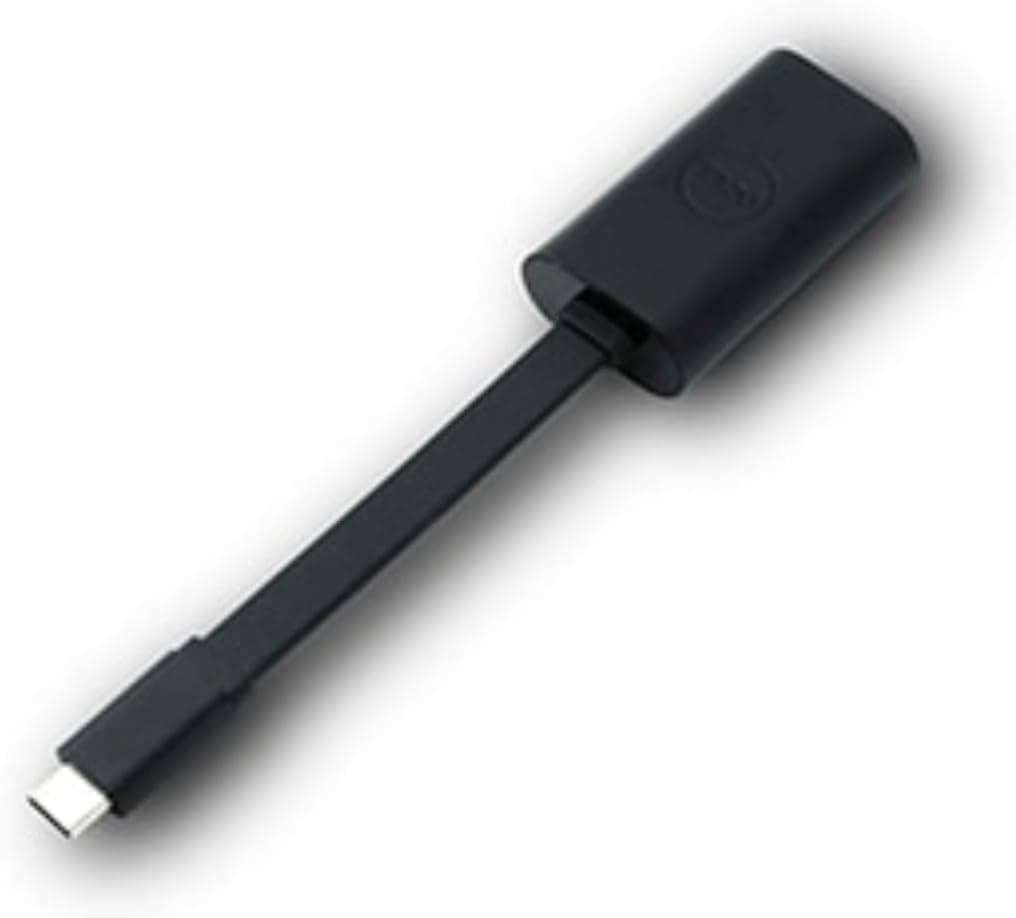
This article takes a closer look at the DELL 470-ABND cable interface, using the listed specifications, capture-time pricing, and actual review counts.
Overview
The DELL 470-ABND cable interface is a compact, Dell-branded adapter that adds a wired RJ-45 network port to laptops and tablets that only have USB-C. The short verdict: it suits people who want a dependable gigabit link on a thin laptop, and IT administrators who deploy operating systems over PXE.
Outside those two cases, the reasons to choose it get thin.
The design is simple — a USB-C male connector on one end, an RJ-45 female port on the other. Drivers are built in, so it is genuinely plug-and-play.
It supports 10/100/1000 Mbps and the IEEE 802.3, 802.3u, and 802.3ab standards, meaning 1000BASE-T is the ceiling.
PXE boot support is the standout. Most home users will never touch it, but in environments that push OS images over the network it can justify the purchase on its own.
Put differently, part of what you pay for here is "it works reliably in a managed deployment," not raw speed.
Connectivity & Compatibility
The requirement is essentially one item: a USB-C port. Thunderbolt 3/4 ports are USB-C compatible and work fine, and Windows, macOS, Chrome OS, and mainstream Linux distributions recognize the adapter without extra drivers.
No external power is needed; it draws what it needs from the host port.
A common misunderstanding involves USB-C port capabilities. Whether your port supports DisplayPort Alt Mode or how much Power Delivery it offers has no bearing on this adapter.
It uses the data lanes only, and it provides neither video output nor pass-through charging. Buying it expecting a docking station will disappoint.
On throughput, the port generation matters. To actually reach 1000 Mbps you want a port with USB 3.x-class bandwidth; a USB 2.0-class port may fall short of the theoretical ceiling.
Conditions vary by machine, so measure on your own hardware if real throughput matters. For cabling, Cat5e or better is sufficient for gigabit — there is no need to buy expensive Cat8 alongside it.
Tablet use is best described as "often works, not guaranteed." Many USB-C tablets handle it, but USB host implementation is device-dependent and OTG support can decide the outcome.
Do not buy on the assumption that your specific tablet will work. Devices with USB-A only will need a separate USB-A conversion adapter.
Product Info
Check the retailer's page for the latest price. Prices move frequently and sales can push it lower, so always check the product page for the current figure.
The eBay side shows no fixed price because listings are individual; treat that as a used and parallel-import market range.
Nothing is included beyond the adapter itself — no cable, no printed manual. Warranty is Dell's standard one year, though handling can differ by seller and purchase channel.
Market position is entry-level: no novel features, just first-party reassurance from a major brand.
At that volume, the score indicates that the basics (plug it in, it is recognized, it stays connected) are widely reproducible. For an adapter, that consistency is worth more than headline specs.
Comparison With Alternatives
There are really only two axes here: speed and connector type.
| Aspect | DELL 470-ABND | 2.5GbE USB adapters | PCIe add-in cards |
|---|---|---|---|
| Max speed | 1000 Mbps | 2500 Mbps | Varies (2.5G–10G) |
| Connection | USB-C | USB-C / USB-A | Desktop PCIe slot |
| Laptop portability | High | High | Not portable |
| Drivers | Built in | Sometimes required | Usually required |
As the table shows, this is not a product that competes on speed. If your internet plan is 1 Gbps and your router and switches top out at gigabit, a 2.5GbE adapter changes nothing you can feel, and this one is enough.
If your NAS and switch are already 2.5GbE, however, choosing gigabit here creates an obvious bottleneck.
For a desktop, a PCIe card is the more natural upgrade than any USB adapter.
Best Use Cases
- Laptop users on unreliable Wi-Fi: In crowded apartment buildings or busy offices, even a gigabit wired link feels noticeably more stable. As a fix for dropped video calls, this beats spending more on a faster-rated adapter.
- IT admins and imaging teams: PXE boot plus zero driver installation pays off when you set up many machines. A few saved minutes per unit adds up quickly at scale.
- Frequent travelers: It needs no external power and nothing else in the bag, so it works as an emergency connection for hotels that only offer wired LAN.
- Anyone who needs one guaranteed session: Plug it in only for large transfers or OS updates you cannot afford to have fail.
It is a poor fit for USB-A-only devices, for anyone who needs 2.5GbE or faster, and for anyone hoping to combine video output and charging on the same port.
For that last case, look at a multi-port docking station instead.
Points to Check Before Buying
The main compromise is the 1000 Mbps ceiling. Affordable 2.5GbE routers and NAS units are now common, and if you upgrade those later this adapter becomes the slow link in the chain.
If you expect to use it for years, check what speeds your existing network gear supports before ordering.
Second, it occupies a port. On a thin laptop with only one or two USB-C ports, whether you can charge and use the network at the same time will shape daily use.
Confirm you have a separate charging port.
Physical handling deserves attention too. With this form factor, the weight and pull of the LAN cable transfer straight into the USB-C port.
Catching the cable with your foot can damage the port on the laptop itself, so anchoring the cable at the desk edge is worth doing. Most failure stories with adapters like this come from cable strain, not build quality.
Finally, about the listing data. The Amazon listing shows a third-party seller rather than Dell, and depending on which regional store you view, currency and price display can appear inconsistent.
Amazon listing metadata is partly linked automatically, and cases of mismatched product information do occur. Before buying, confirm from the product images and title that you are looking at a Dell USB-C to RJ-45 adapter, and check that the 470-ABND model number and the ASIN line up.
That one check prevents most wrong purchases.
FAQ
Q. Are drivers really unnecessary? A.
It operates as plug-and-play on Windows, macOS, Chrome OS, and mainstream Linux. Older OS versions or unusual configurations can be exceptions, so validate one unit first if you are deploying in bulk.
Q. Does it work with an iPad or other tablets? A.
Many USB-C tablets work, but host-mode implementation varies by model and OTG support can decide the result. Check the tablet maker's information if you need certainty.
Q. Will I actually get 1 Gbps? A.
It supports 1000BASE-T on paper, but real throughput depends on your plan, router, cabling, and the host port generation. On a gigabit network, high-hundreds of Mbps is a reasonable expectation.
Q. Can I charge while using it? A.
No. It provides Ethernet only and does not support pass-through charging.
Charge from another USB-C port or use a powered dock.
Q. Does it work with non-Dell computers? A.
Yes. It is a Dell accessory, but there is no brand lock — any laptop with a USB-C port should recognize it.
Q. Is upgrading to a 2.5GbE adapter worth it? A.
Only if your router, switch, and destination NAS all support 2.5GbE.
If any link stays at gigabit, your speed will not increase.
Product Disclosure (Amazon)
- Manufacturer: Dell
- Seller: サイライズ【適格請求書発行事業者】
- Fulfilled by: Amazon
- ASIN: B016FK6SCW
- Note: This article covers a manufacturer-made product based on Amazon listing details.