One LAN drop, two devices that need wired connections. The Tenda SG103M answers that narrow problem cheaply.
This article covers what it actually does well and where you have to compromise.
Overview
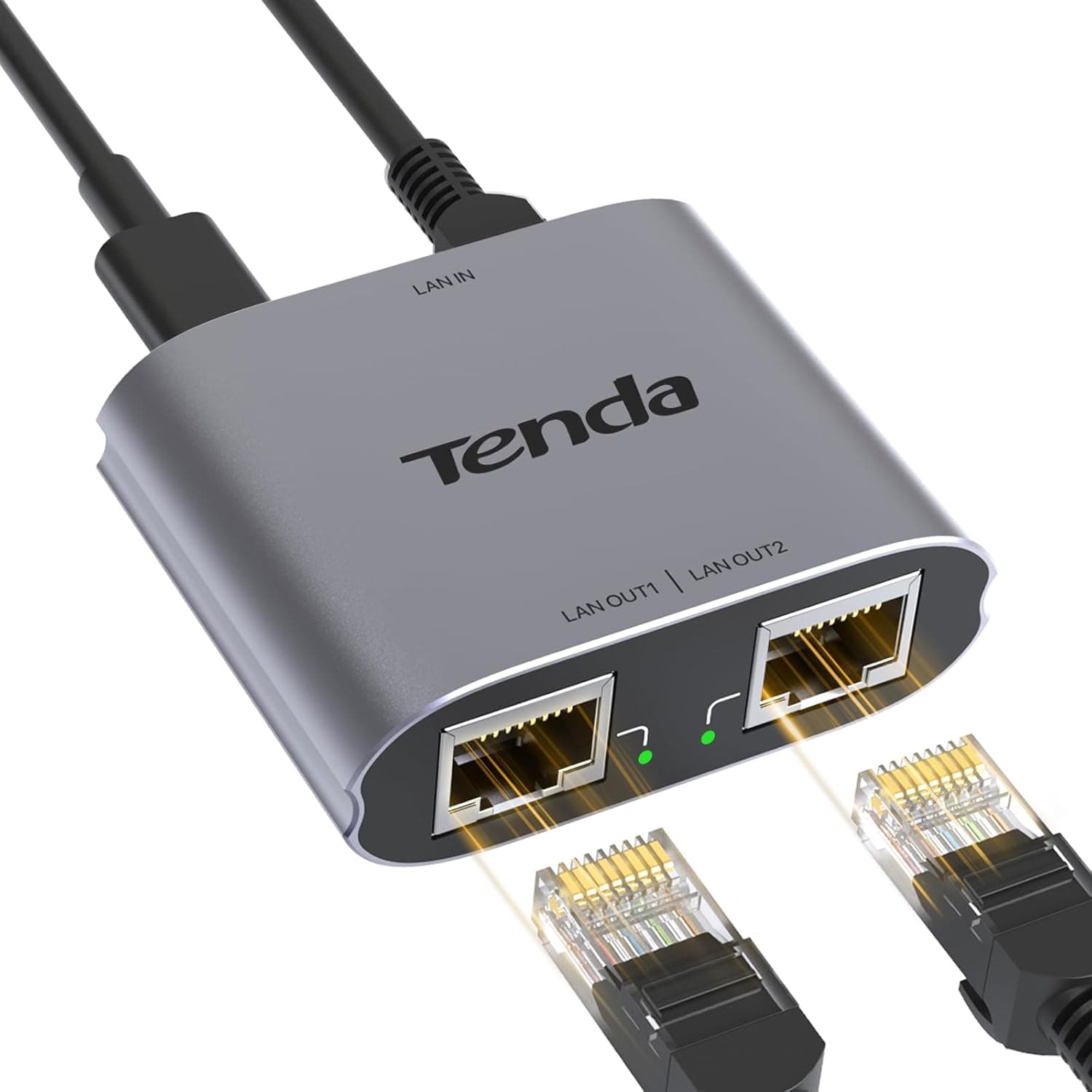
The Tenda SG103M is a gigabit-rated Ethernet splitter that turns one input port into two output ports. It supports up to 1000 Mbps and suits anyone who wants to add a wired connection without running new cable.
The aluminum housing is compact, and the bundled USB power cable means no extra AC adapter.
In short: this is the lowest-cost way to get two devices online where you cannot add another cable run. It is not networking gear for redesigning a network.
Amazon.co.Check the retailer's page for the latest user reviews.
Compatibility Guide
The unit has three RJ45 ports: one input, two outputs. Supported standards are IEEE 802.3ab (1000BASE-T), 802.3u (100BASE-TX), and 802.3 (10BASE-T), with auto-negotiation matching whatever the connected device supports.
It works with PCs, laptops, routers, game consoles, printers, and network cameras — any standard RJ45 device.
Three things trip people up during installation. First, power: the supply method is USB (5V, Micro USB connector), so you need a USB charger or a spare USB port on a PC, TV, or router nearby.
This is not a fully passive, cable-only device. Second, cable quality: gigabit needs Cat5e or better with all four pairs wired.
Old Cat5 or cheap two-pair flat cables will drop you to 100 Mbps or cause unstable links. Third, the upstream port: the input goes to a LAN port on a router or switch.
Plugging it into a modem's WAN side will not necessarily hand out addresses to multiple devices.
Note that the market also carries older, unpowered LAN splitter adapters sold in pairs, which divide the four pairs two-and-two and are limited to 100 Mbps by design. This product requires USB power and works as a single unit, so it is a different construction.
Check the product page for packaging and specification details before buying.
Product Info
Key specifications: three ports (one in, two out), 1000 Mbps maximum data rate, IEEE 802.3ab / 802.3u / 802.3 support, aluminum housing, and USB power (5V, Micro USB).
Aluminum helps with heat and rigidity, which is reassuring for a device left powered around the clock. The box contains the splitter, a USB-A to Micro USB power cable, and an install guide — nothing more.
As captured on September 4, 2026, the price on Amazon.co.jp was ¥3,469.
Prices move often with stock and sales, so confirm the current figure on the product page before buying. Its market position is squarely budget convenience; it does not compete with managed switches.
Choosing Between Alternatives
Three kinds of products solve nearby problems: splitter adapters like this one, small unmanaged gigabit switches, and USB Ethernet adapters.
| Need | Right hardware | Why |
|---|---|---|
| Share one wall port between two devices | Splitter adapter like the SG103M | Smallest, cheapest, USB-powered placement freedom |
| Three or more devices, or heavy simultaneous load | Gigabit switch | Per-port bandwidth and room to grow |
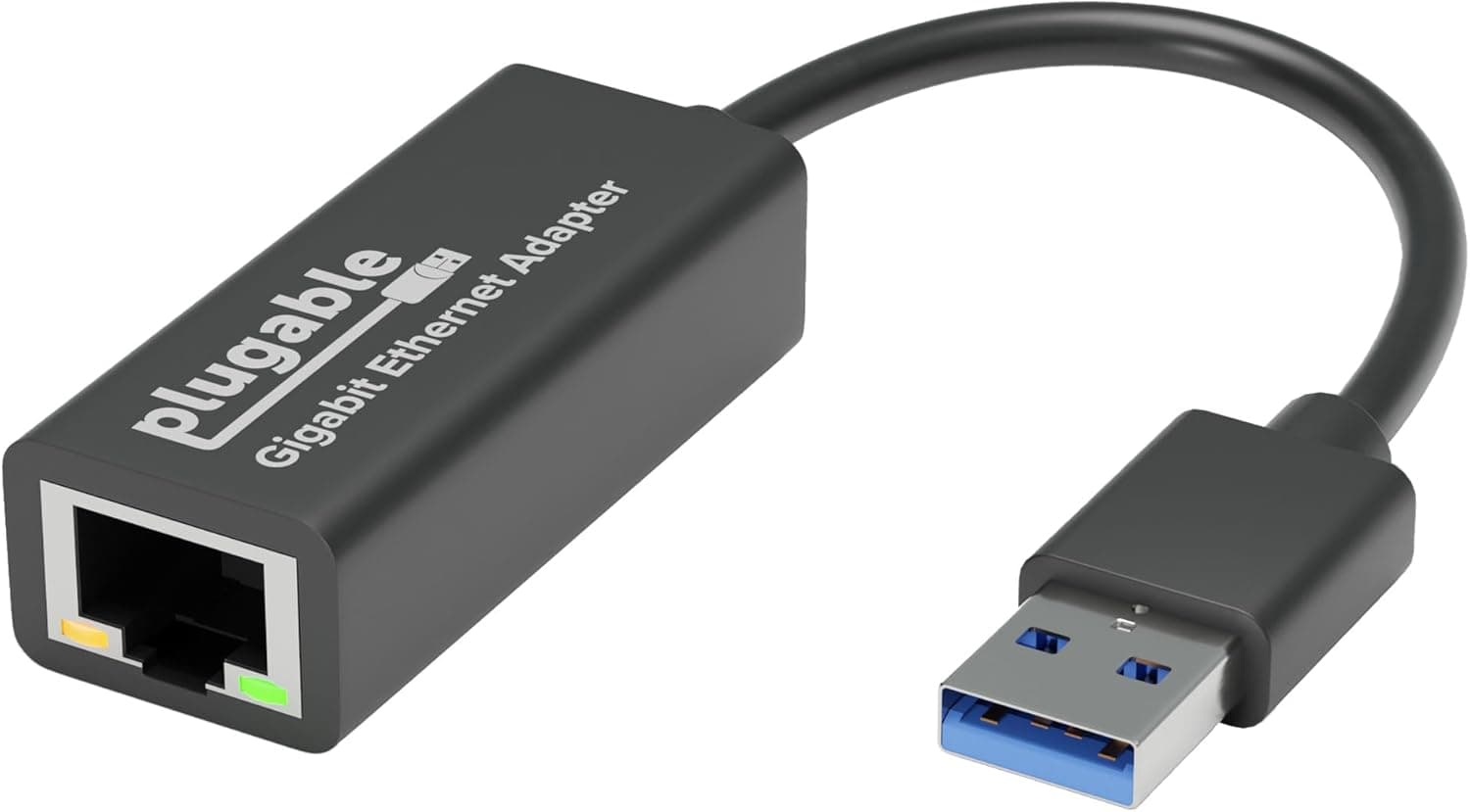
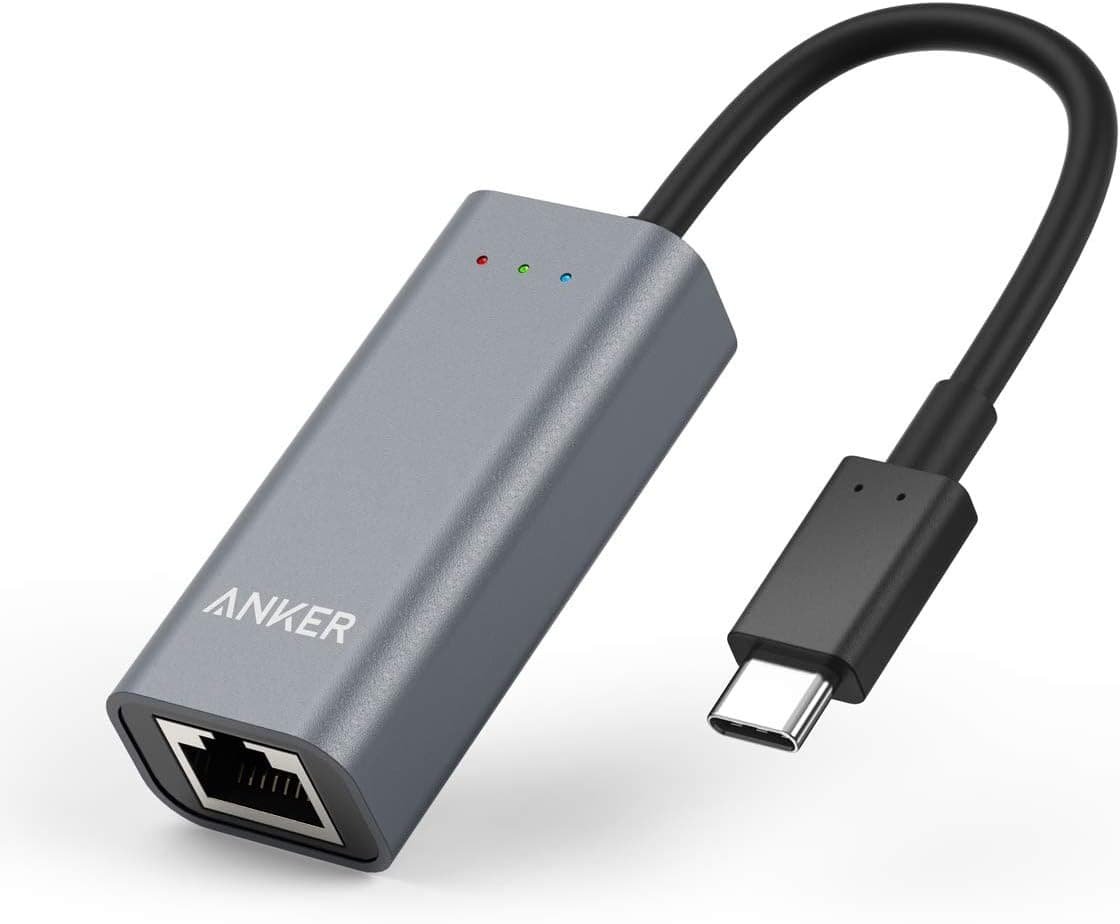
| Laptop has no RJ45 jack at all | USB Ethernet adapter | The problem is a missing jack, not a missing port |
The deciding factors are device count and simultaneous load. If you need three or more devices, or both devices push large transfers constantly, a switch works out cheaper in the end.
If one side is a console or printer that sits idle most of the time, the splitter is genuinely enough. If your laptop simply lacks an Ethernet jack, that is USB adapter territory, not splitter territory.
Setup
Installation takes minutes. Run the cable from your router or wall port into the input, then run Cat5e-or-better cables from the two outputs to your devices.
Connect the bundled USB cable for power, then confirm link lights and OS-level network detection. If speeds fall short, swap cables first — cable-related slowdowns are far more common than faults in the splitter itself.
Best Use Cases
If only one Ethernet drop reaches your desk but you want both a desktop PC and a console wired, this solves it. Just plan around bandwidth sharing if both will be busy at once — competitive gaming plus 4K streaming is not the ideal pairing.
Temporary network expansion. Hotel rooms, pop-up offices, and event spaces often have exactly one wired port.
A small USB-powered unit is easy to carry and can run from a power bank or a laptop USB port.
Budget-conscious buyers. The ¥3,469 captured in September 2026 is modest for adding wired connectivity.
But there is no VLAN, QoS, or link aggregation whatsoever. If you want real control over your network, buy a managed switch from the start.
Before You Buy
The biggest misconception is that splitting adds bandwidth. Only one cable feeds the unit, so the two devices together cannot exceed that single upstream link.
Heavy downloading on one side affects the other. If low ping matters most, consider what else shares that link.
Power is the next issue. Behind a TV or beside a router you often have Ethernet but no USB outlet, which means adding a charger.
Decide where it goes before you buy. The connector is Micro USB, which is awkward in a USB-C world — do not lose the bundled cable.
Do not expect management features. There is no VLAN, QoS, port mirroring, or SNMP, and no way to see what is happening on each port when something breaks.
For permanent business networks, that lack of visibility is a real limitation.
Finally, a note on listing data. Network accessories frequently have listing details — manufacturer, model number, rated speed — that do not match the physical product, and a single page may offer several variants with different specifications.
Check the product images, title, and selected variant before ordering, and assume the price will differ from the one quoted here.
FAQ
Q. Does it work without power? A.
The specified supply method is USB (5V, Micro USB). Treat it as a powered device and confirm a USB power source is available where you plan to install it.
Q. Does connecting two devices halve my speed? A.
Not always. The two share one upstream link, so contention only happens when both transmit at once.
If one is idle, the other can use nearly the full link.
Q. Can I mix a console and a PC? A.
Yes. Consoles, PCs, printers, and network cameras all work.
Just know that a large download on one device can affect online play on the other.
Q. Splitter or switch? A.
Switch if you have three or more devices, or two devices under constant heavy load. Splitter if it is two devices, one of them light, and you want minimum cost and size.
Q. I only get 100 Mbps. A.
Suspect the cable first. Swapping to Cat5e or better with all four pairs wired usually fixes it.
Also verify the device's own Ethernet port is not limited to 100 Mbps.
Product Disclosure (Amazon)
- Manufacturer: Tenda
- Seller: Amazon US
- Fulfilled by: Amazon US
- ASIN: B07S85NWSP
- Note: This article covers a manufacturer-made product based on Amazon listing details.