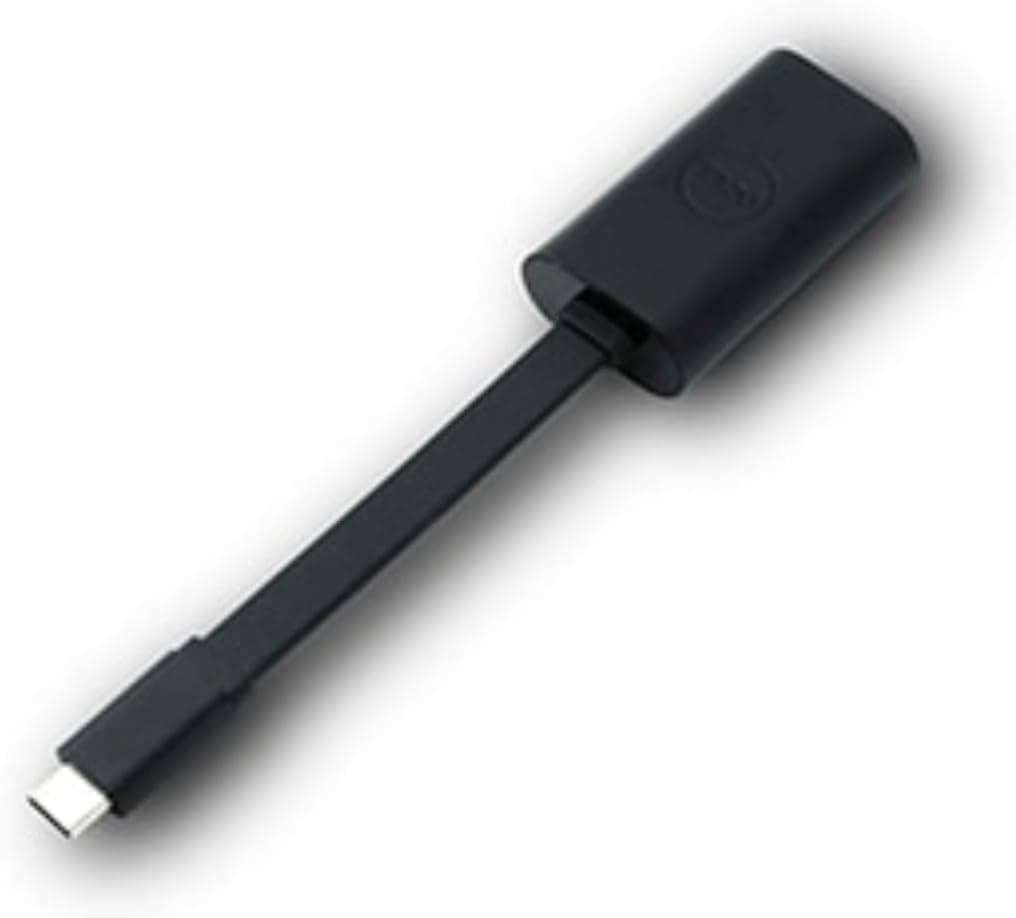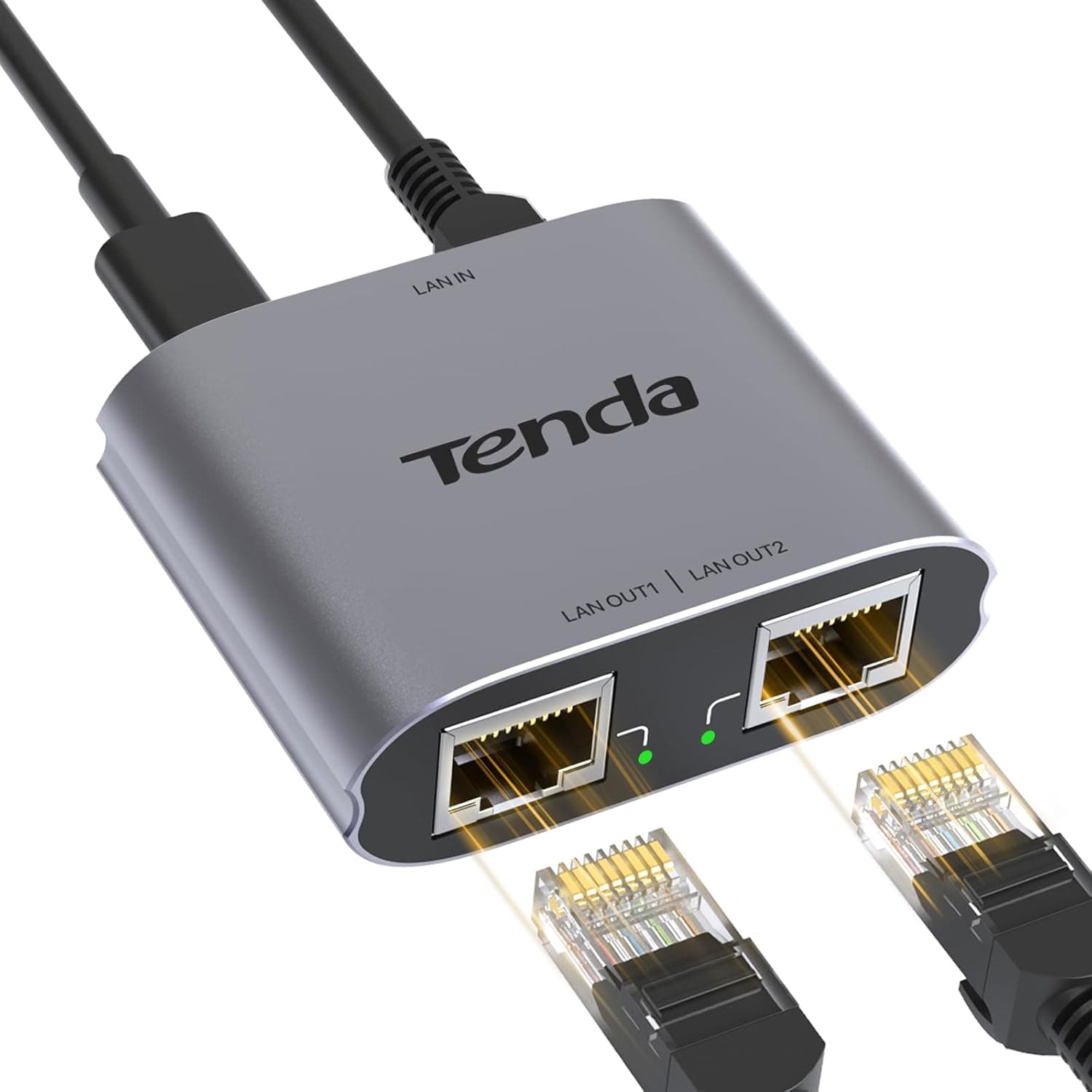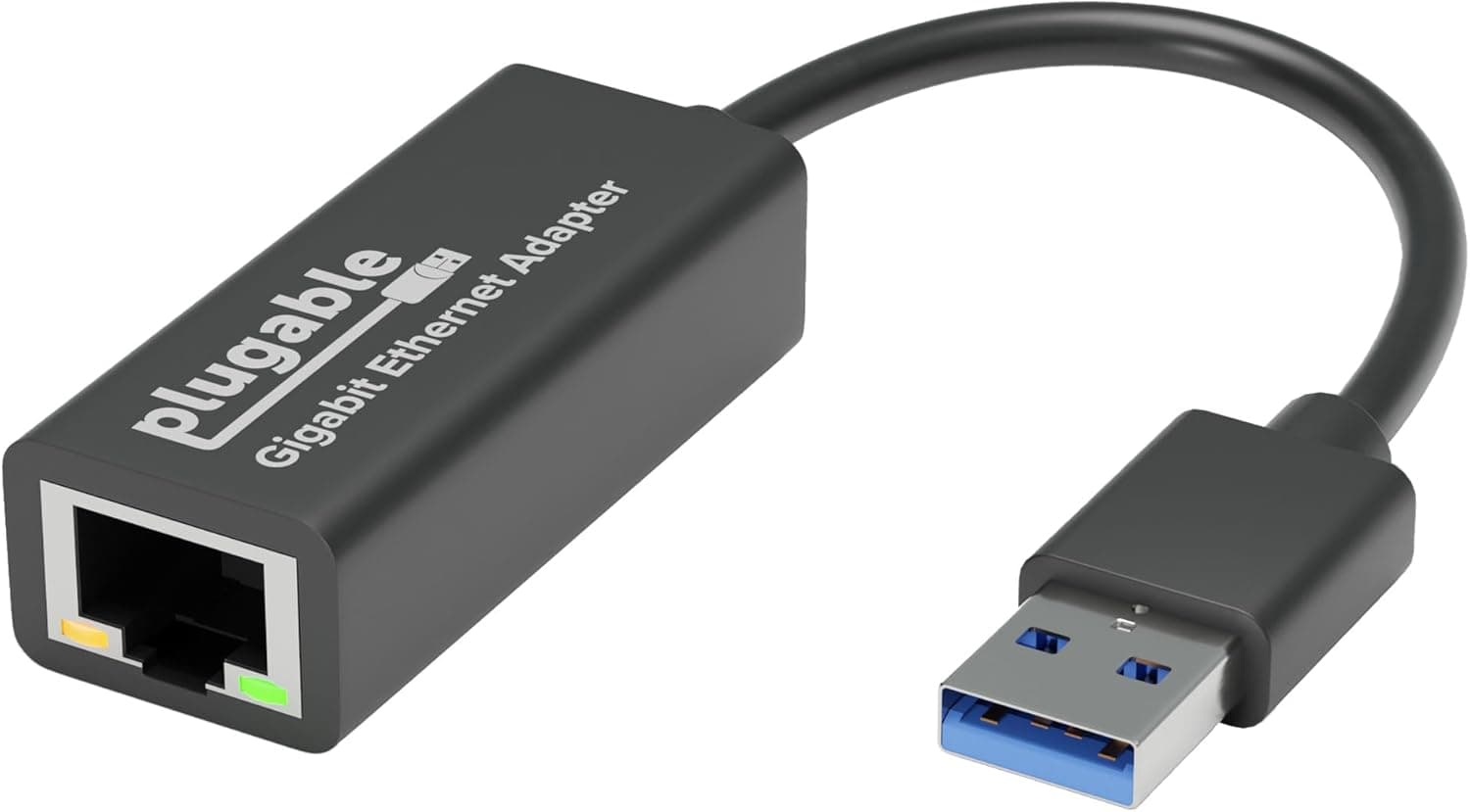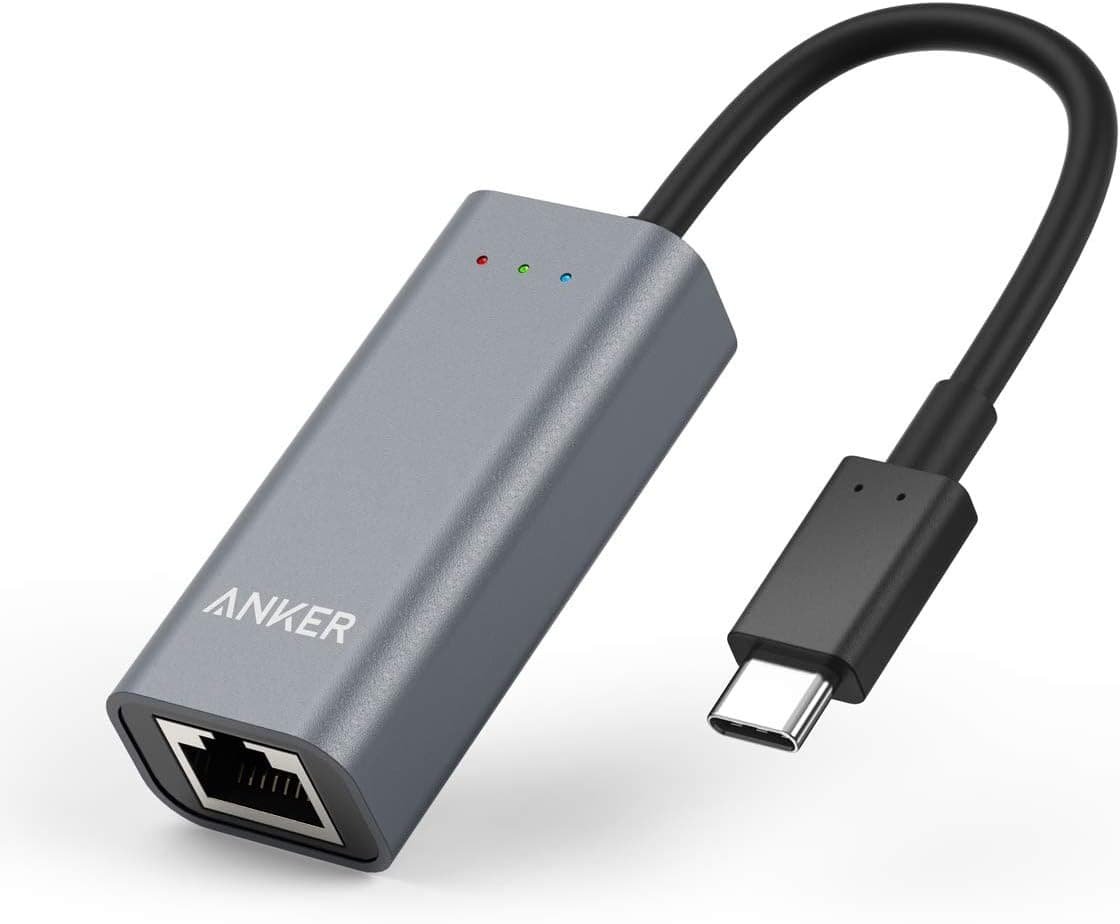
This adapter adds a 1 Gbps wired network connection to laptops and tablets that only have USB-C ports. Below we cover where it actually works, what you have to give up, and a listing inconsistency worth knowing about before you buy.
Overview
This is a single-function USB-C to RJ-45 dongle rated for gigabit Ethernet (10/100/1000). It measures 58 x 25 x 18 mm, weighs about 32 g, and carries an 18-month warranty.
It is aimed at people whose Wi-Fi connects but drops or fluctuates — not at anyone who needs sustained multi-gigabit throughput, who should be looking at a PCIe 10GbE card instead.
For reference, the Amazon.co.Check the retailer's page for the latest user reviews.
That is a solid score for this class of accessory, though we have not independently reviewed the review text itself.
Compatibility Guide
Listed OS support covers Windows 10/8/7/Vista/XP, macOS 10.6 through 10.12+, and Linux kernel 2.6.14 and newer, all using built-in OS drivers with no separate installation.
Note that the presence of XP and Vista on that list reflects how long the product has been sold, not a guarantee of current Windows 11 or latest-macOS validation — check the listing for up-to-date wording if this is for business use.
| Check | What to look for |
|---|---|
| USB-C port generation | Gigabit needs USB 3.x-class bandwidth; a USB 2.0-only port caps well below 1 Gbps |
| Nintendo Switch | Not supported. Do not buy this to wire up a Switch |
| macOS sleep | A patch is offered for OS X 10.10+ to stop the adapter dropping after sleep |
| Ethernet cable | Cat5e or better is the practical minimum; old Cat5 can fall back to 100 Mbps |
| Router port | A 100 Mbps port upstream caps you at 100 Mbps regardless of the adapter |
Physical fit matters too. Thick tablet cases or recessed USB-C ports on very thin laptops can stop the housing seating fully.
At roughly 32 g it puts little strain on the port, but leaving it plugged in while the machine is in a bag is still a bad habit.
Also note what it does not do: no PoE, and no pass-through charging. If you want power and networking over one port, you need a dock, not this.
Product Info
| Item | Value |
|---|---|
| Interface | USB-C / Gigabit Ethernet |
| Data rate | 1 Gbps (10/100/1000) |
| Dimensions | 58 x 25 x 18 mm |
| Weight | approx. 32 g |
| Warranty | 18 months |
| Supported OS | Windows 10/8/7/Vista/XP, macOS 10.6-10.12+, Linux 2.6.14+ |
The Amazon.co.Check the retailer's page for the latest price.
Prices move, especially during sales, so confirm the current figure on the product page. That sits in the normal band for a USB-C gigabit dongle — above no-name budget units, below multi-port docks.
The box contains the adapter only; there is no driver disc or utility software. That means plug-and-play setup, but also that link-speed forcing or VLAN tagging has to be handled through your OS network settings rather than a vendor control panel.
What to Expect in Daily Use
The real benefit is consistency, not peak speed. A USB gigabit adapter rarely hits the theoretical figure; landing somewhere around 900 Mbps is typical.
What changes is that the sudden dips Wi-Fi suffers from — microwave interference, congested neighbouring channels — simply stop happening.
Those brief freezes in video calls and spikes in game ping usually come from jitter rather than average bandwidth, and that is where wired wins clearly. It cannot fix congestion on your ISP's side, though.
Wiring up removes instability in the part of the path you control, nothing more.
How It Compares
There are three ways to get wired networking onto a modern machine: a single-port dongle like this one, a multi-function dock that also handles video and power, or a PCIe card for a desktop. If you carry the laptop around and might need Ethernet at a hotel or venue, the dongle is the lightest, most reliable option.
If it lives on a desk with a monitor and charger, a dock cuts cable count. If your goal is fast NAS transfers on a desktop, skip USB entirely and fit a 10GbE card — buying the wrong category here means buying twice.
Best Use Cases
- Remote workers on frequent video calls — the cheapest fix if your call quality problems come from Wi-Fi. If you sit next to the router and Wi-Fi is already stable, you can skip it.
- Owners of thin laptops or MacBooks with no Ethernet port — useful in hotels and meeting rooms where only wired access exists. At 32 g it can just live in the bag.
- People moving large files to a NAS or cloud storage — transfer times become predictable, assuming the other end is not the bottleneck.
- Laptop gamers — good for reducing latency variance. Not for Switch owners, since the console is explicitly unsupported.
Before You Buy
First, be aware of an inconsistency in the listing data. The brand name in the product title and the manufacturer information registered on the page did not match in the source we worked from.
On Amazon marketplace listings it is not unusual for a single ASIN to accumulate mixed brand data, or for a seller to apply their own product name. Check the product images, packaging shots, and title against each other so you know which company actually made the unit you are buying. Warranty claims go through the manufacturer or seller, so getting this wrong can make the 18-month coverage effectively unusable.
For that reason this article avoids asserting a manufacturer and focuses on specifications and compatibility.
Second, accept the performance ceiling. This is a 1GbE device.
If you subscribe to a multi-gigabit internet plan, everything through this adapter is capped below 1 Gbps — the classic reason people upgrade their line and see no improvement. You need a 2.5GbE or faster adapter to benefit from those plans.
Third, be realistic about heat and duty cycle. Small USB Ethernet adapters get noticeably warm under sustained transfers.
That is normal, but do not leave one powered inside a closed bag. For a machine that needs 24/7 wired networking, an onboard port or an expansion card is the better tool.
FAQ
Q. Do I need to install drivers? A.
No, on the listed operating systems it uses built-in drivers, and no driver media is included. macOS 10.10 and later users can apply a patch to prevent disconnection after sleep.
Q. Does it work with the Nintendo Switch? A.
No. The Switch is explicitly listed as unsupported.
Choose a product that states console compatibility.
Q. Will I really get 1 Gbps? A.
1 Gbps is the spec ceiling. Real throughput over USB conversion is normally lower, and your router, cable grade (Cat5e or better), or internet plan will cap it further if any of them is slower.
Q. Can I use it on a USB-A port? A.
The interface is USB-C. An adapter may work physically, but stacking conversions invites detection failures and speed loss.
Buy the USB-A version instead.
Q. Can it run alongside Wi-Fi? A.
Both can be enabled, but the OS picks one as the primary route. Adjust interface priority in your network settings, or turn Wi-Fi off, to force wired.
Q. Where do I claim warranty? A.
Coverage is stated as 18 months, but the claim route depends on the actual manufacturer and seller. Given the brand inconsistency noted above, keep your order record and packaging, and start with the seller you bought from.