Overview
The Asus ROG MAXIMUS Z790 EXTREME is the pinnacle of Intel's LGA1700 motherboard lineup, built around the Z790 chipset. It supports 12th, 13th, and 14th Gen Core processors, up to 192GB of DDR5 memory, and comes in an EATX form factor for maximum expansion. This board is designed for enthusiasts who demand the best in overclocking, connectivity, and build quality.
With a staggering 20+1 power stage VRM, dual Ethernet (10Gb and 2.5Gb), WiFi 6E, and support for PCIe 5.0 across both GPU and M.2 slots, the MAXIMUS Z790 EXTREME leaves little to be desired. It also includes Asus's exclusive DIMM.2 module for additional M.2 storage, and a comprehensive set of USB ports including Thunderbolt 4 support.
Priced at around ¥44,500 (as of September 2026), it offers flagship features at a more accessible price point compared to some competitors like the MSI MEG Z790 GODLIKE or GIGABYTE Z790 AORUS XTREME.
Compatibility Guide
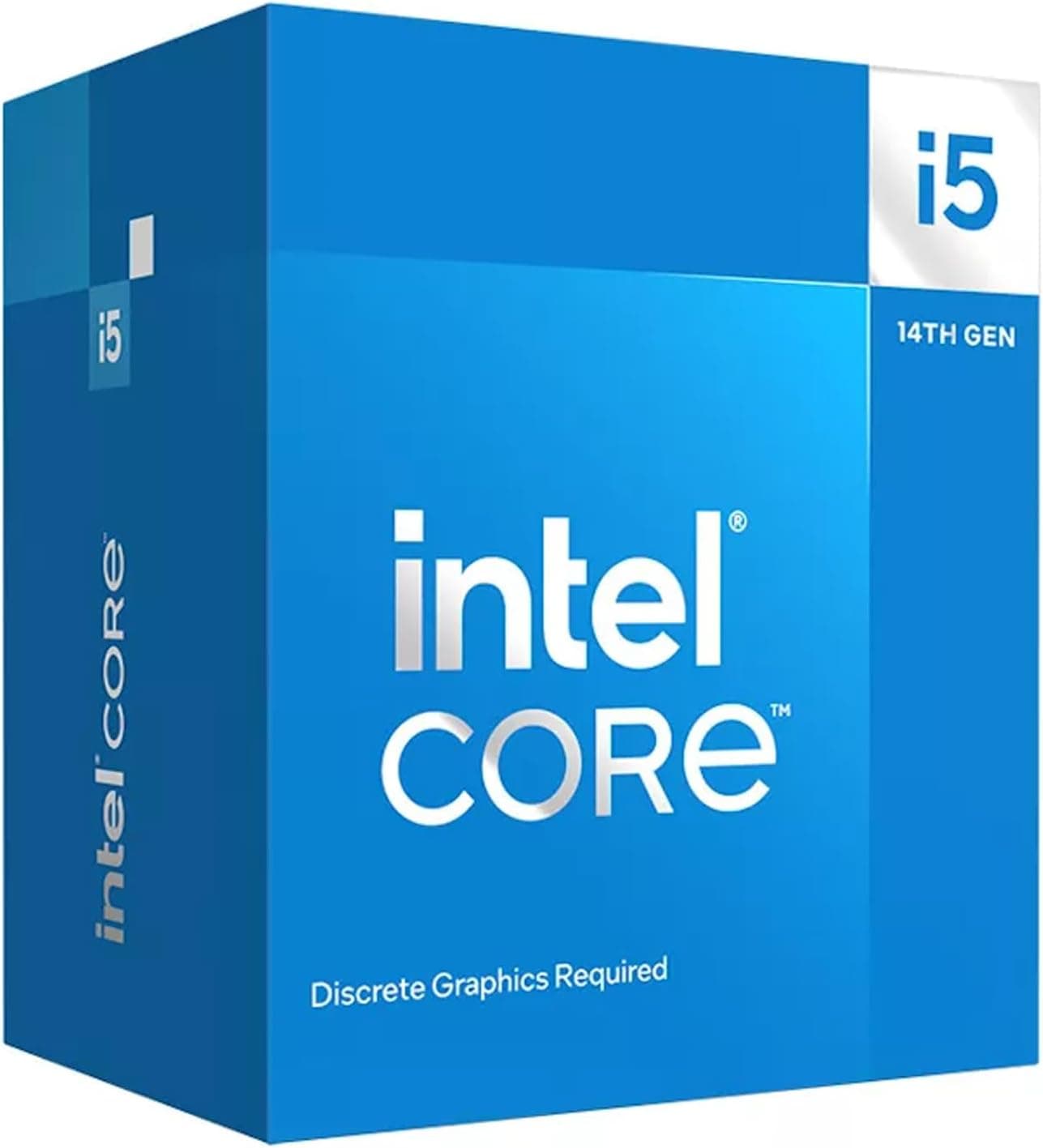
- CPU Socket: LGA1700 (Intel Core i9-14900K, i7-14700K, i5-14600K, etc.)
- Memory: DDR5 only, up to 192GB, supports overclocked speeds beyond 8000MT/s (refer to QVL)
- Form Factor: EATX (305mm x 277mm) – verify your case supports EATX
- Power: Dual 8-pin EPS12V + 24-pin ATX; recommended PSU 850W+ for high-end CPU+GPU builds
- Storage: 5x M.2 slots (1x PCIe 5.0 x4, 4x PCIe 4.0 x4) + 6x SATA 6Gbps
- PCIe: 2x PCIe 5.0 x16 (x16/x8 or x8/x8), 1x PCIe 4.0 x16 (x4)
Ensure your CPU cooler has sufficient clearance. The VRM heatsinks are tall, and some air coolers may overhang the RAM slots. For optimal RAM overclocking, use kits from the QVL list.
Product Info
Released in late 2022, the ROG MAXIMUS Z790 EXTREME remains a current-generation high-end board. Its market position is firmly in the "enthusiast high-end" tier, justified by the 20+1 VRM with 90A stages, 10Gb Ethernet, WiFi 6E, and advanced overclocking tools like the ROG True Volt Monitor. The standard warranty is 3 years. Pricing around ¥44,500 makes it relatively affordable for a flagship, though still expensive compared to mainstream Z790 boards.
Best Use Cases
- Extreme Overclocking
For pushing an i9-14900K to its limits under custom water or LN2, the MAXIMUS Z790 EXTREME's VRM and BIOS provide granular control. If you're a casual gamer who never overclocks, this board is overkill. - Multi-GPU Workstation
Dual PCIe 5.0 x16 slots allow two GPUs for rendering, AI training, or compute. However, most modern workloads scale poorly with multiple GPUs, and single GPU builds are often more cost-effective. - Storage-heavy Content Creation
With five M.2 slots and six SATA ports, you can run a massive RAID array for video editing or large databases. If your workflow is cloud-based or you only need one SSD, a B760 board would suffice. - Long-term Investment
Supports multiple Intel generations (12th to 14th) and future DDR5 memory upgrades. If you plan to keep your PC for 4–5 years without changing the platform, this board is future-ready. Note that Intel's next socket (LGA1851) will not be compatible.
Things to Consider
The EATX form factor is the primary limitation — many ATX cases will not fit this board. Double-check case dimensions. The VRM heatsinks can also interfere with some large air coolers; a liquid cooler may be preferable.
DDR5-only means you cannot reuse older DDR4 memory. For budget-conscious builders, a Z790 board with DDR4 support might be a better choice. Also, the board is overkill for locked CPUs or mainstream i5 processors — you'd be paying for features you won't use.
Competitors like the GIGABYTE Z790 AORUS XTREME offer similar specs but at a higher price, while the MSI MEG Z790 GODLIKE is even more expensive with more bundled accessories. The Asus board strikes a good balance for those who want flagship performance without the highest price tag.
FAQ
Q: Can I use this motherboard with a Core i5-14600K?
A: Yes, it will work perfectly. However, you won't need the massive VRM or advanced overclocking features. Consider whether those features justify the cost for your use case.
Q: How many PCIe 5.0 M.2 SSDs can I use?
A: Only one of the five M.2 slots is PCIe 5.0 (the top slot, connected directly to the CPU). The other four are PCIe 4.0 via the chipset.
Q: Does this board support Thunderbolt 4?
A: It has a Thunderbolt 4 header, allowing you to add a Thunderbolt 4 card (sold separately). It also includes USB 3.2 Gen 2x2 Type-C front-panel support.