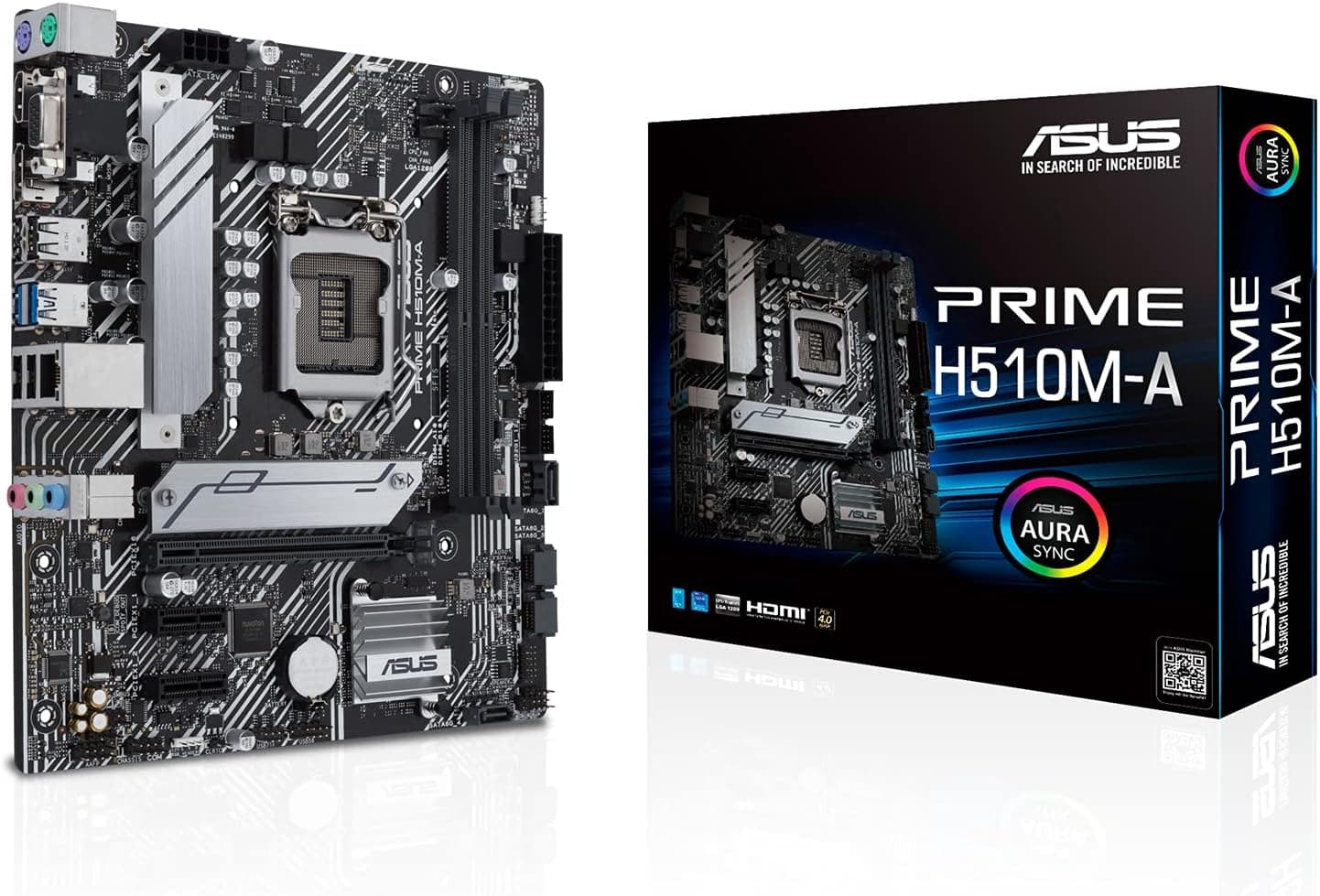
This article covers Gigabyte X870 GAMING X WIFI7.
Overview
Gigabyte's X870 GAMING X WIFI7 is an ATX motherboard built for AMD's AM5 socket, supporting Ryzen 7000/8000/9000 series processors. It taps the X870 chipset to deliver PCIe 5.0 on both the primary x16 slot and one of four M.2 slots, alongside quad-channel DDR5 memory support up to 256GB. Onboard Wi-Fi 7 (802.11be) and 2.5GbE LAN make it a future-ready networking solution, whether you're gaming or transferring large files.
Positioned in the mid-to-high tier, this board suits builders who want current-gen connectivity without stepping all the way up to a flagship X870E. It's overkill for budget or office builds, but ideal for a Ryzen 7/9 system with a modern GPU and fast storage.
Compatability Guide
- Socket: AM5 – works with all Ryzen 7000/8000/9000 CPUs. Update BIOS to at least version F2 (or newer) to avoid boot issues with Ryzen 9000.
- Memory: Four DDR5 DIMM slots, dual-channel architecture with EXPO support. Rated at 5600 MT/s JEDEC, but overclocking well beyond 8000 MT/s is achievable with a quality kit and proper CPU memory controller.
- Form factor: Standard ATX (305×244 mm). Requires an ATX or larger case – will not fit in Micro-ATX or Mini-ITX cases.
- Expansion: One PCIe 5.0 x16 slot (CPU-attached), two PCIe 4.0 x16 (from chipset). The two secondary slots share bandwidth, so using both will drop them to x4 mode.
- Storage: One M.2 Gen5 x4 slot (CPU), three M.2 Gen4 x4 slots, four SATA III ports. All M.2 slots come with their own heatsink – important for Gen5 drives that run hot.
- Power: Standard 24-pin ATX plus two 8-pin EPS12V connectors. High-end CPUs (e.g., Ryzen 9 9950X) and power-hungry GPUs can push total system draw over 700W, so choose a quality 850W+ PSU.
Product Info
- Chipset: AMD X870
- CPU Socket: AM5
- Form Factor: ATX
- Memory Capacity: Up to 256GB DDR5 (4 slots, EXPO)
- Expansion Slots: 1× PCIe 5.0 x16, 2× PCIe 4.0 x16 (x4 bandwidth when occupied)
- M.2 Slots: 4 total (1× Gen5, 3× Gen4)
- SATA: 4× SATA 6Gb/s
- Networking: Wi-Fi 7 (802.11be) + Bluetooth 5.3, 2.5GbE LAN (Realtek)
- Audio: Realtek ALC897 codec, 7.1-channel HD audio
- USB: 1× USB-C 20Gbps, 4× USB-A 10Gbps, 4× USB-A 5Gbps, 4× USB 2.0
- Warranty: 3 years
The X870 GAMING X WIFI7 sits firmly in the mid-high market segment. It offers nearly all the latest I/O standards without the premium of an X870E board, making it a sweet spot for enthusiasts who need PCIe 5.0 and fast networking but don't require dual-chipset connectivity.
Best Use Cases
- High-refresh gaming with Ryzen 7/9 and RTX 5080-class GPUs – The PCIe 5.0 x16 slot ensures no bottleneck for upcoming graphics cards, and the Gen5 M.2 slot slashes load times. Not for budget builders who can easily use B650 and save $100.
- Content creation – video editing, 3D rendering, complex simulations – With support for 128GB+ DDR5, multiple fast M.2s, and good PCIe lane distribution for add-in cards (capture card, 10GbE), it handles heavy workflows. Skip if you need Thunderbolt 4 or USB4 (no native ports).
- Future-proof mid-range builds – AM5 longevity and PCIe 5.0 readiness make this a board that can survive a GPU upgrade or two. Avoid if you're on a tight budget or building a secondary office machine.
Things to Consider
- Size matters – ATX form factor is physically larger; not all cases fit 244mm wide boards. Check case specs carefully.
- X870 vs B650 trade-off – You pay a premium for X870 but gain extra PCIe lanes, Wi-Fi 7, and sometimes better memory overclocking. If you don't need those, B650 is a smarter choice.
- Wi-Fi 7 is still niche – Few routers support the standard, and most users won't see a benefit over Wi-Fi 6E today. Consider it future-proofing rather than an instant upgrade.
- BIOS updates required – Early Ryzen 9000 compatibility may need a BIOS flash using the Q-Flash Plus USB port (no CPU/RAM needed). Do this before building to avoid headaches.
FAQ
Q: Can I use a PCIe 4.0 GPU in the PCIe 5.0 slot?
A: Yes, backward compatibility is fully supported. The slot will run at PCIe 4.0 speed automatically. No performance loss in current games.
Q: Which M.2 slot supports PCIe 5.0?
A: The top M.2 slot (closest to the CPU) is Gen5. Use that for your primary OS drive if you want the fastest speeds. Lower slots are Gen4.
Q: What is the maximum RAM speed this board supports?
A: Officially up to 8000 MT/s with EXPO kits, but many users reach 8200+ with careful memory tuning. Check the QVL list on Gigabyte's website for tested modules.