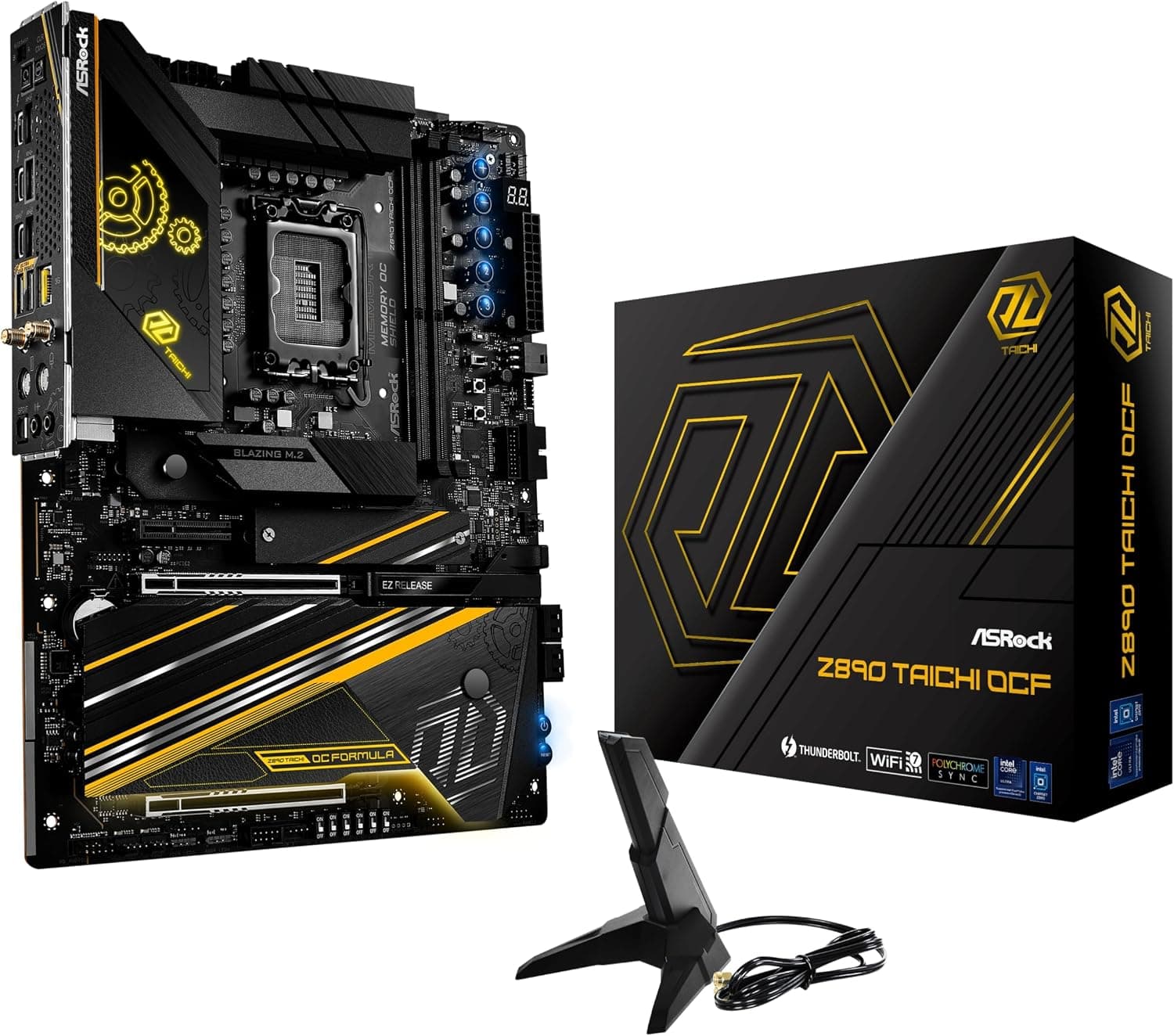
This article covers ASRock マザーボード Z890 Taichi OCF Intel CPU Core Ultra (LGA1851) 対応 Z890 チップセット DDR5 ATX マザーボード 【国内正規代理店品】.
Overview
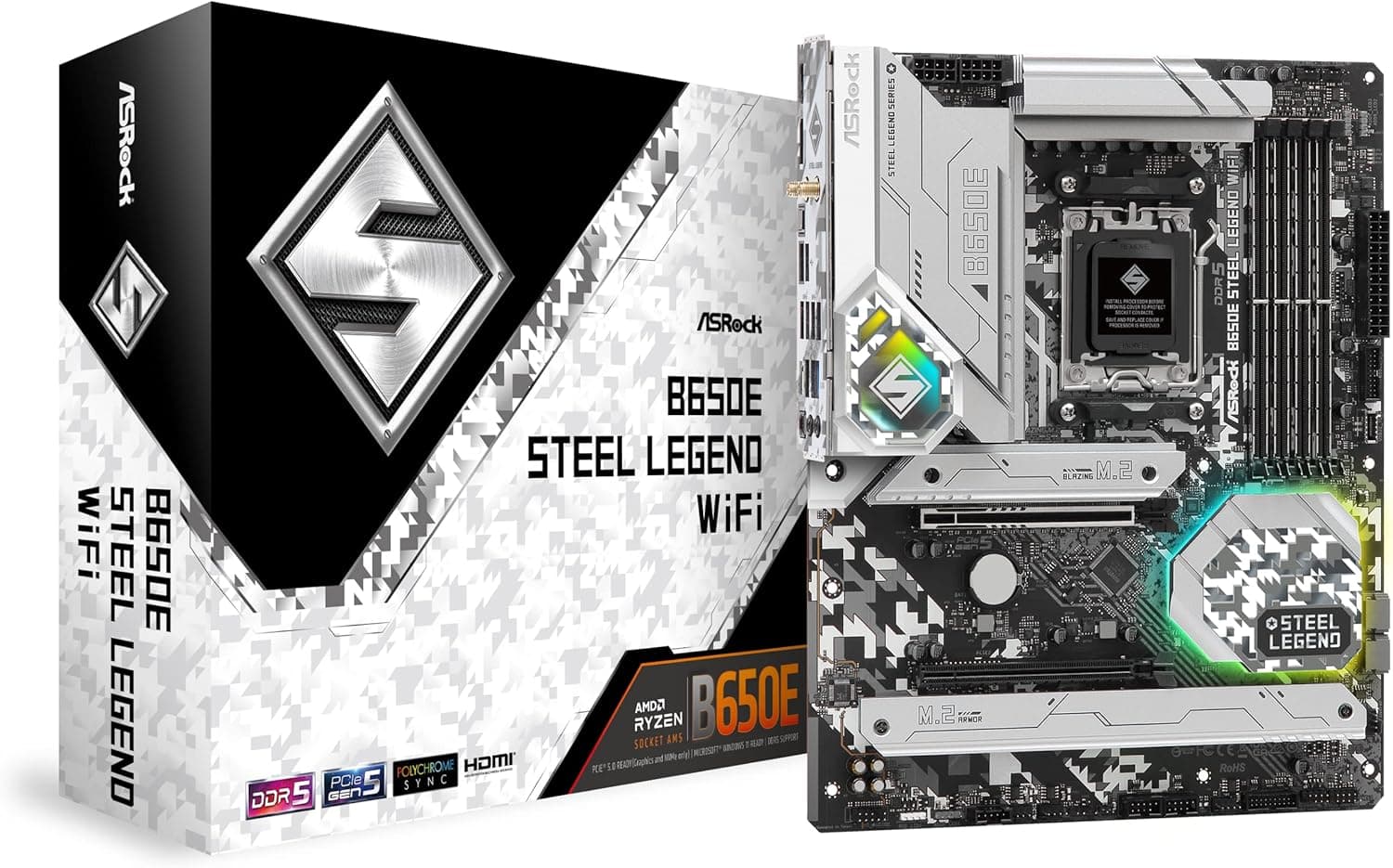
The ASRock Z890 Taichi OCF is the flagship overclocking motherboard from ASRock, built for Intel Core Ultra processors (LGA1851) with the Z890 chipset. The "OCF" stands for OverClocking Formula, and this board lives up to that name with a massive 24+2+1 phase VRM design and support for DDR5 memory speeds beyond 10133 MHz. It's a no-compromise platform for enthusiasts who want to push every last MHz out of their hardware. This ATX motherboard features two PCIe 5.0 x16 slots, Wi-Fi 7, 2.5GbE LAN, and Bluetooth 5.4 as standard. With four M.2 slots (one Gen5, three Gen4) and eight SATA 6Gbps ports, storage expansion is generous. The Taichi OCF is positioned at the very top of ASRock's motherboard lineup, competing directly with ASUS ROG Maximus Z890 and GIGABYTE Z890 AORUS XTREME, but with a distinct focus on memory and CPU overclocking that sets it apart.
Compatibility Guide
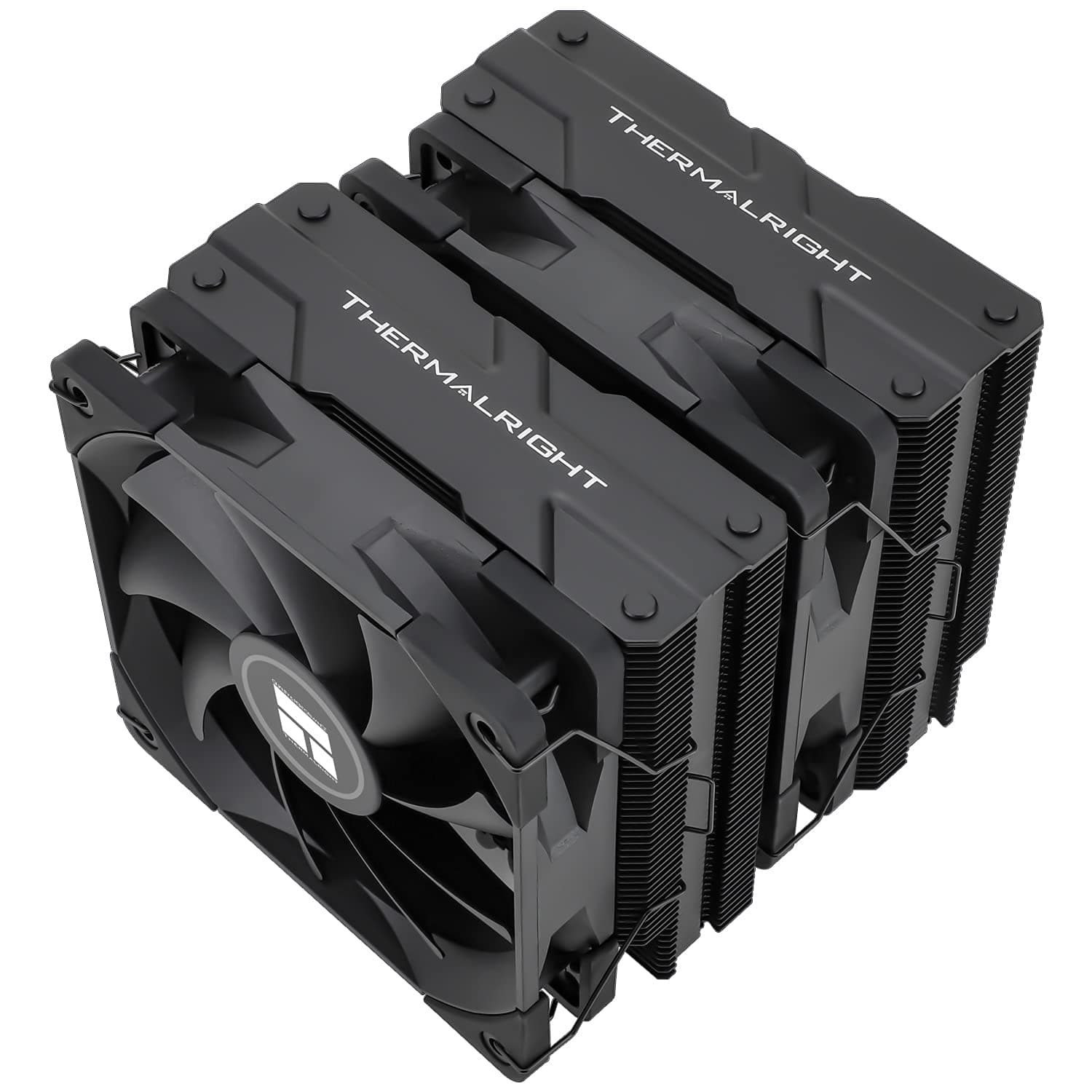
The LGA1851 socket is exclusive to Intel Core Ultra 200-series (Arrow Lake) processors. It is not backward compatible with LGA1700 coolers, so you will need a new cooler or a mounting kit specifically for LGA1851. Memory support is DDR5 only, with four slots supporting up to 128 GB. Overclocking to 10133 MHz+ is possible, but stability depends on the CPU's memory controller and the memory kit itself. Form factor is standard ATX. Ensure your case supports ATX and has enough clearance for a top-mounted radiator if you plan to use liquid cooling. Power delivery requires a 24-pin main connector plus two 8-pin EPS12V connectors. For a high-end build with a Core Ultra 9 285K and a flagship GPU, a PSU rated at 850W or higher is recommended. Storage interfaces include one PCIe 5.0 M.2 slot, three PCIe 4.0 M.2 slots, and eight SATA 6Gbps ports. You can mix NVMe SSDs and HDDs freely, but note that only one M.2 slot runs at Gen5 speeds.
Product Info
The ASRock Z890 Taichi OCF launched in October 2024 alongside Intel's Core Ultra 200 series. Its retail price in Japan is around ¥89,000 (tax included), placing it in the high-end segment of Z890 motherboards. ASRock offers a standard 3-year warranty for official domestic channel products. Market positioning: this is a high-end, overclocking-focused board. It is not meant for casual users; it is designed for extreme overclockers who use liquid nitrogen or high-end air/water cooling to chase benchmark records. For everyday gaming or productivity, a mid-range Z890 board would be more cost-effective.
Best Use Cases
Extreme Overclockers & Benchmarkers: The 24+2+1 phase VRM and optimized PCB layout provide clean power delivery even under sub-zero temperatures. If you compete in HWBot or just love tweaking voltages and timings, this board is built for you. High-End Gamers: Pairing a Core Ultra 9 285K with an RTX 5090 and fast DDR5-8000+ memory will deliver exceptional 4K gaming performance. The dual PCIe 5.0 x16 slots allow for multi-GPU setups (though SLI/NVLink is not supported). Content Creators (Video Editing, 3D Rendering): With up to 128 GB of DDR5 and multiple fast NVMe drives, this board can handle large projects smoothly. However, it lacks official ECC memory support, so for mission-critical workstations, consider a W880 chipset board. Not for Beginners: The BIOS has an overwhelming number of settings, and the price is high. First-time builders should look at more affordable Z890 options like the ASRock Z890 Pro RS.
Things to Consider
First, the LGA1851 socket requires a new cooler — LGA1700 coolers are not compatible without a specific mounting kit. Second, memory overclocking is highly dependent on the CPU's memory controller; the advertised 10133 MHz may not be achievable with every chip. Third, the price of around ¥89,000 is a significant investment; if you don't plan to push extreme overclocks, a cheaper Z890 board will serve you just as well for gaming or daily use. Also note that only one M.2 slot supports PCIe 5.0; the other three are PCIe 4.0. If you need multiple Gen5 SSDs, you'll need an expansion card. The onboard audio is Realtek ALC4082, which is decent but not audiophile-grade; dedicated DAC/amp users won't care. ## FAQ
Q: Can I use my LGA1700 CPU cooler on this motherboard? A: No. The LGA1851 socket has a different mounting hole pattern. You need a cooler that explicitly supports LGA1851, or a conversion kit from your cooler manufacturer. Q: What memory speed should I aim for? A: The board officially supports DDR5-10133 MHz (OC). For daily stability, DDR5-8000 to 8400 is a realistic target with a good CPU and memory kit. Always check the QVL list on ASRock's website. Q: What PSU wattage do I need? A: For a Core Ultra 9 285K and a high-end GPU like RTX 5090, 850W is the minimum. If you plan to overclock both CPU and GPU, go with 1000W or higher. Ensure your PSU has two 8-pin EPS12V connectors.
Product Disclosure (Amazon)
- Manufacturer: ASRock
- Seller: Amazon US
- Fulfilled by: Amazon US
- ASIN: B0DJRPLRJB
- Note: This article covers a manufacturer-made product based on Amazon listing details.