Overview
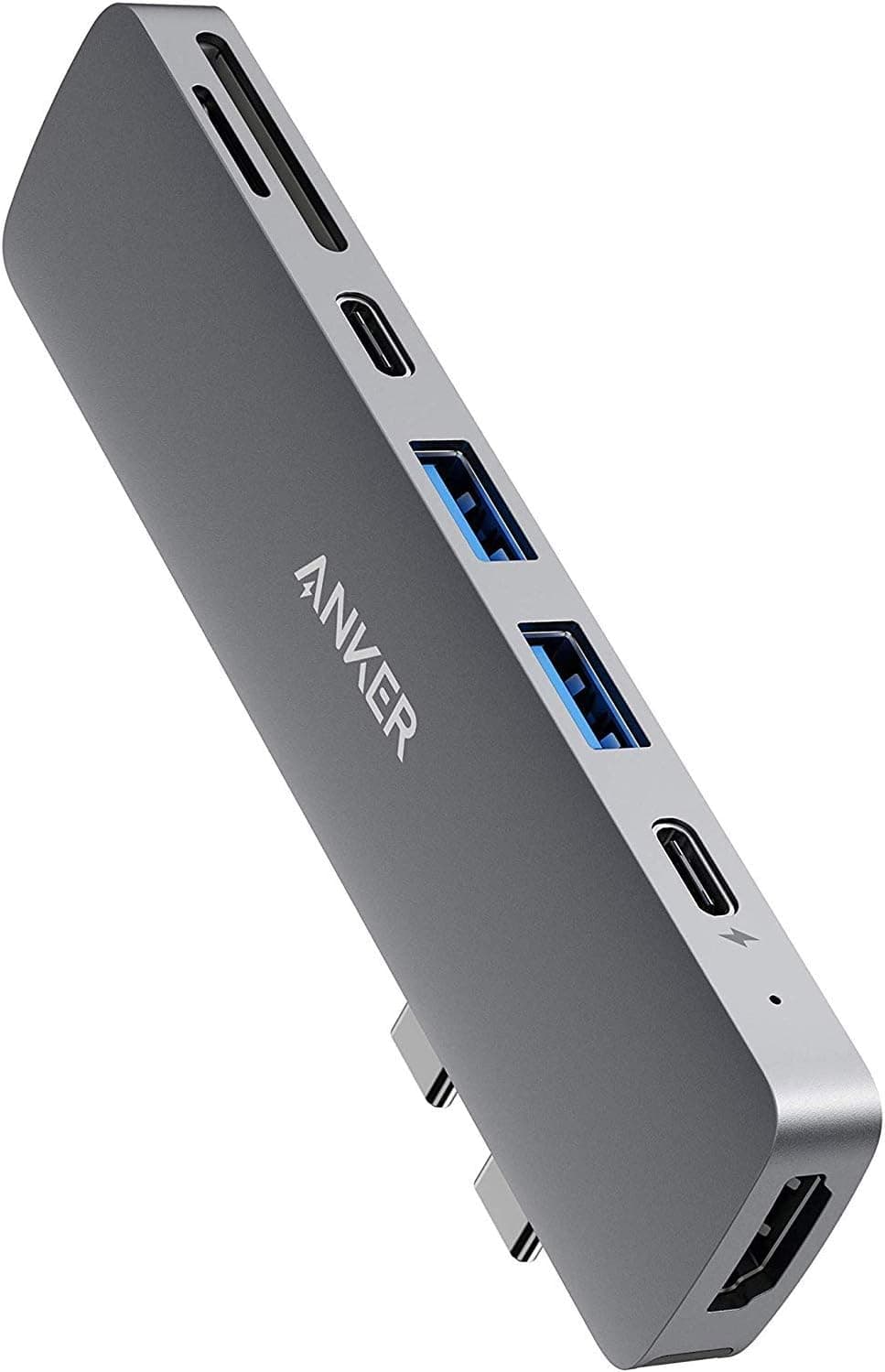
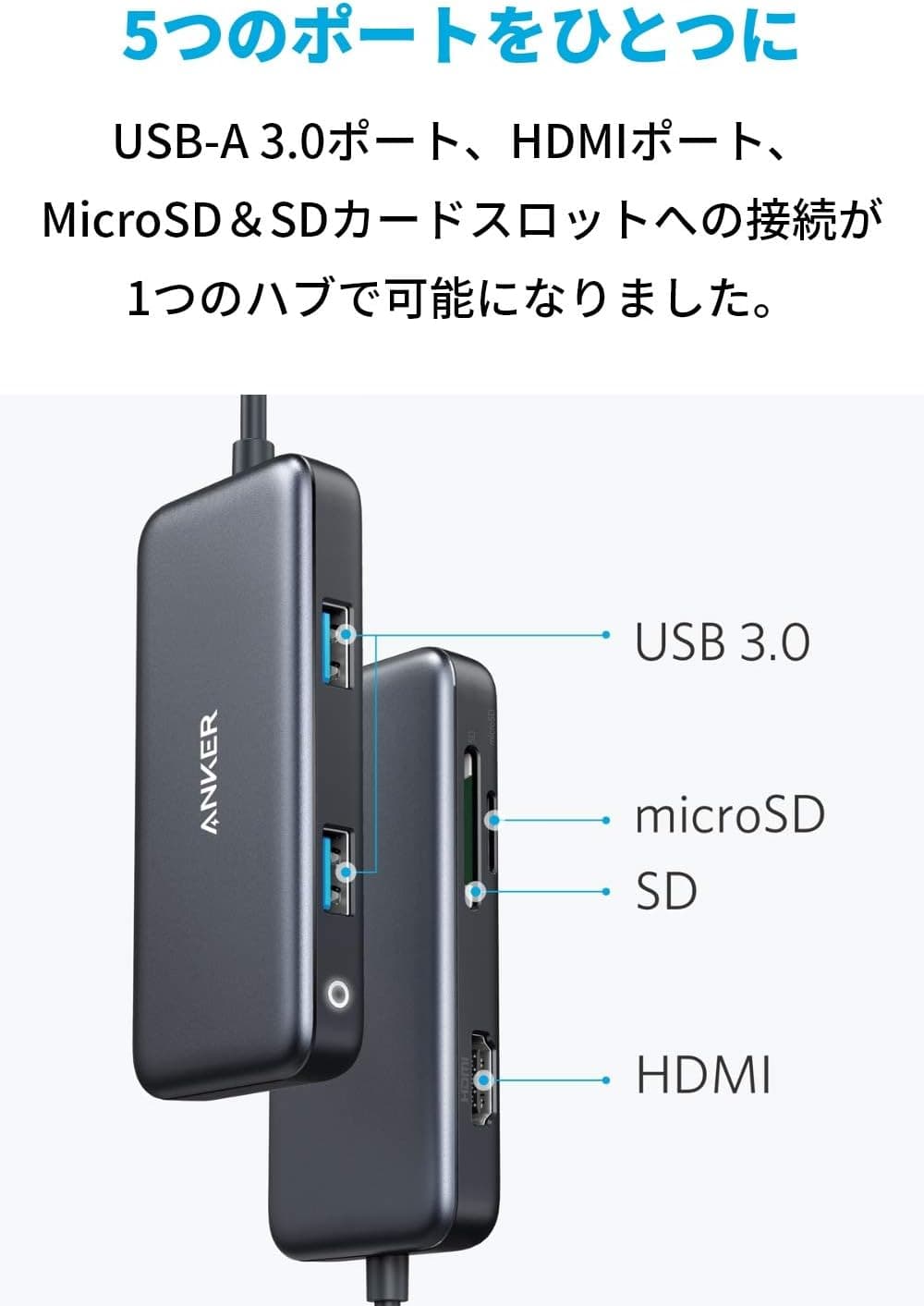
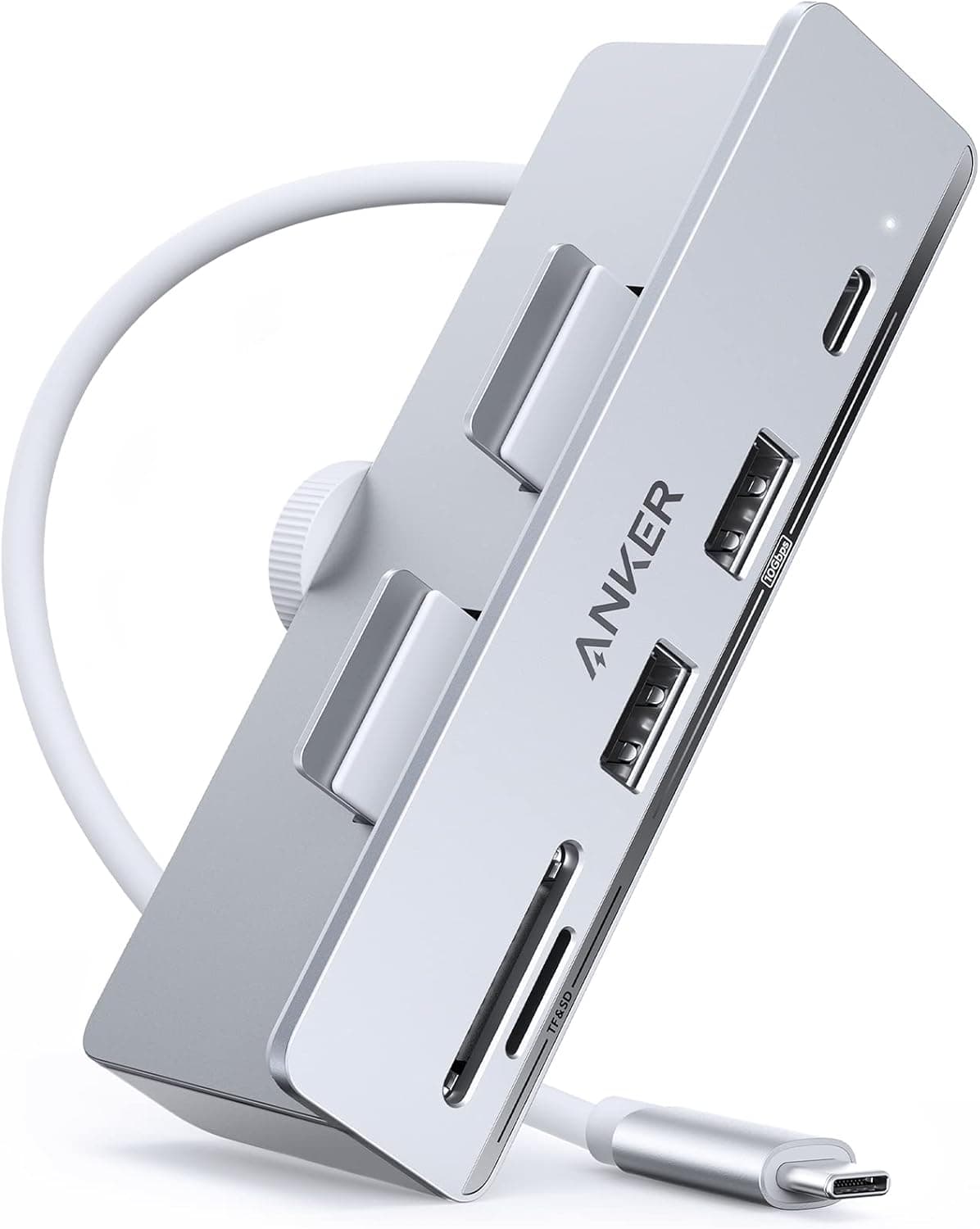
The Anker 535 USB-C Hub — 5-in-1 10Gbps Hub and Card Reader for iMac (model A8353) is made for iMac models with Thunderbolt 3 ports. It has two USB-A ports and one USB-C port, all USB 3.2 Gen 2 at 10Gbps, plus a UHS-II SD card slot and a microSD card slot.
The goal is to let you plug in peripherals and memory cards from the front of your desk instead of reaching around the back of the iMac.
In short, it suits iMac owners who often import photos or video from camera SD cards and want fast USB ports within easy reach. It is the wrong choice if you need a second monitor output or fast phone charging.Check the retailer's page for the latest user reviews.co.
How It Differs From Laptop Hubs
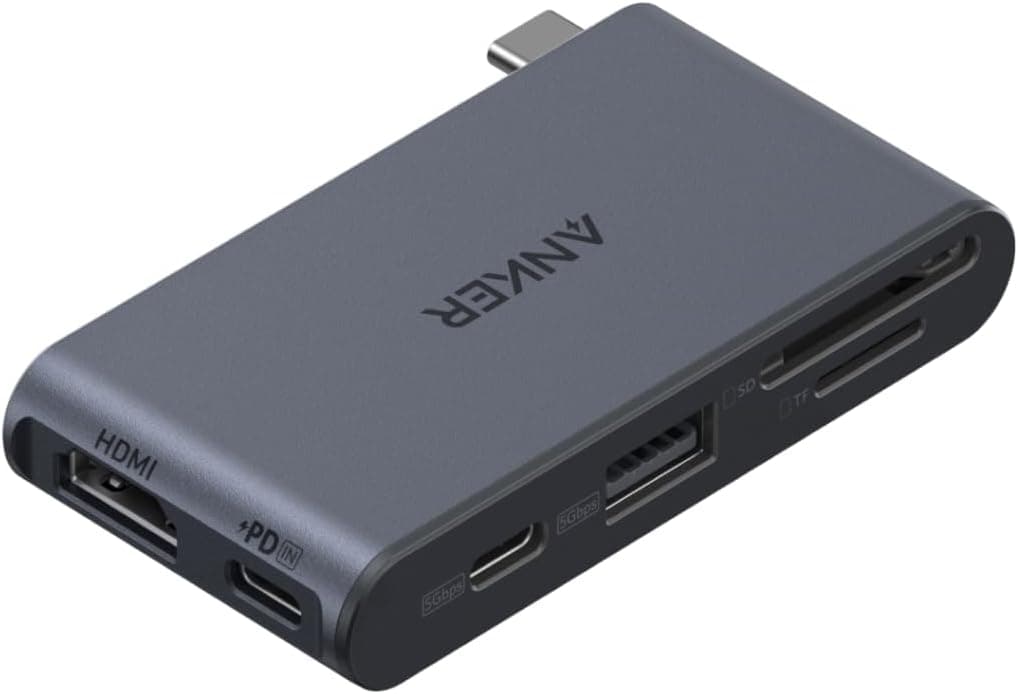
Most USB-C hubs on the market are built for laptops. They add HDMI output and USB Power Delivery passthrough so a laptop with few ports can expand over a single cable.
This hub does the opposite. It has no video output and no power input.
Instead, all three data ports run at 10Gbps, and the card reader supports UHS-II at up to 312MB/s.
An iMac has a built-in display and gets its power from the wall, so the video and charging features of laptop hubs are mostly wasted on it. This hub puts that budget into data transfer and card reading instead.
Choose it based on what you want within reach of your iMac, not on how many features it lists compared with general-purpose hubs.
Compatibility Guide
| Item | Details |
|---|---|
| Compatible models | Thunderbolt 3 iMacs (24-inch 2021 / 27-inch / iMac Pro / 21.5-inch) |
| Not supported | Older iMacs with Thunderbolt 2 ports only |
| Connection | Plugs into a Thunderbolt 3 port on the iMac |
| Power | Bus-powered from the iMac's port |
| OS | macOS |
First, check that your iMac has Thunderbolt 3 (USB-C shaped) ports. Older iMacs with only Thunderbolt 2 are not supported.
Thunderbolt 2 ports are a different shape from USB-C, so the hub will not even plug in without an adapter. Check your model and year under About This Mac, and look at the rear ports before you buy.
Second, watch out for iMacs that are not on the list. The listed models are the Thunderbolt 3 versions of the 24-inch (2021), 27-inch, iMac Pro and 21.5-inch iMac.
The specs do not confirm support for newer iMacs, so check the product page or Anker's guidance first.
Third, bus power has limits. The hub has no power adapter and draws everything from one iMac port.
A mouse, a keyboard or a USB flash drive is unlikely to cause trouble. Several power-hungry devices at once, however, may make it unstable.
Running a portable SSD and a bus-powered hard drive together is best avoided.
Finally, the hub's USB-C port is USB 3.2 Gen 2 (10Gbps), not Thunderbolt.
A Thunderbolt drive or dock plugged into it will not get Thunderbolt speeds or features. Connect those devices directly to the iMac and use the hub for ordinary USB devices and card reading.
Product Info
The hub is sold on Amazon Japan as Anker USB Cハブ iMac用 535 USB Cハブ (5-in-1). It launched around April 2022 as a mid-range hub.
It comes in silver to match the iMac and carries an 18-month warranty. The box includes the hub, a welcome guide and warranty documentation.
| Item | Details |
|---|---|
| Configuration | 5-in-1 |
| USB-A | 2 ports (USB 3.2 Gen 2, 10Gbps) |
| USB-C | 1 port (USB 3.2 Gen 2, 10Gbps) |
| SD card | 1 slot (UHS-II, up to 312MB/s) |
| microSD card | 1 slot (UHS-II, up to 312MB/s) |
| Color | Silver |
| Warranty | 18 months |
On Amazon.co.Check the retailer's page for the latest price.
As of August 2026, however, it was ¥18,589, more than twice as much. The price on the same listing can change a lot depending on stock and who is selling it, for example when a marketplace seller's price is shown.
Check the current price and the seller on the product page before you buy. Prices also change during sales.
With only a few hundred reviews, the average alone does not tell you much. Reviews from people using the same iMac model as yours are more useful.
Recommended Users
- Creators working with photos and video on an iMac: The SD and microSD slots support UHS-II and are rated up to 312MB/s. The more often you import RAW files or 4K video from cards, the more you will notice the difference. To reach that speed, the card must also support UHS-II.
- iMac users who want a tidier desk: You can plug in USB devices and memory cards without reaching behind the iMac. This saves the most effort if you swap flash drives or cards often.
- People who use several USB devices at once: With two USB-A ports and one USB-C port, you can connect an external SSD, a mouse and a keyboard together. Every port runs at 10Gbps, so a portable SSD can reach its full speed.
- Buyers who care about the warranty: The 18-month warranty suits people who want to avoid cheap hubs with unclear warranty terms.
Before You Buy
There is no video output. The five ports are two USB-A, one USB-C, SD and microSD.
There is no HDMI or other video port. The specs also do not say the USB-C port supports video output.
Do not buy this hub to add a monitor. For a second display, connecting it directly to a Thunderbolt port on the iMac is the reliable option.
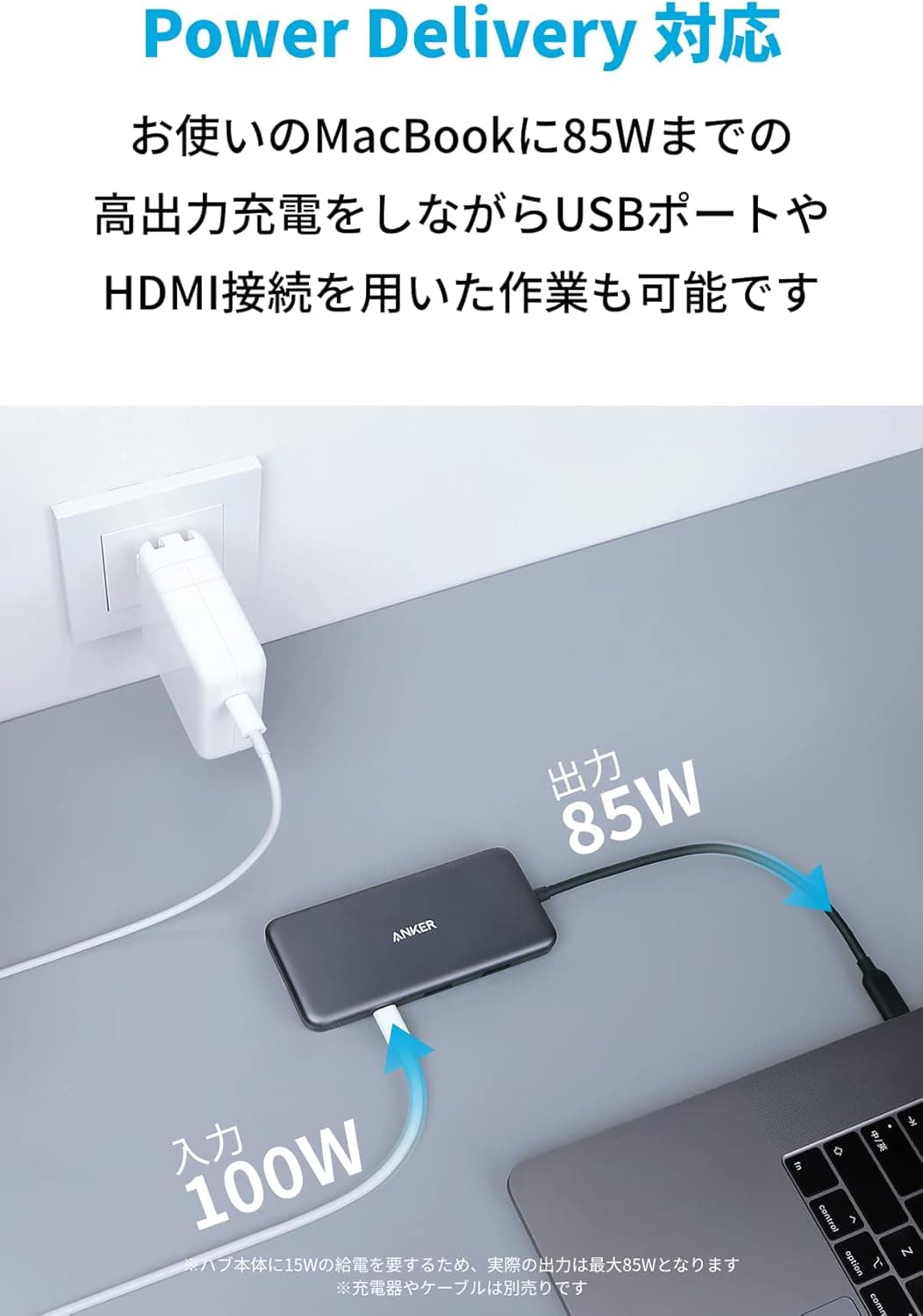
It is not a charger. The hub runs on bus power, and the specs do not mention a USB PD power input or fast charging.
Use a dedicated charger if you want to fast-charge a phone or tablet.
Several high-power devices can make it unstable. Connecting unpowered external hard drives or other power-hungry devices at the same time may cause them to disconnect.
If you need that setup, consider a self-powered hub with its own AC adapter.
10Gbps is the limit for each port. The whole hub connects through one iMac port.
When several ports copy large files at once, they share that bandwidth and each one slows down. Keep this in mind if you import from an SD card while backing up to an external SSD at the same time.
It takes up one of the iMac's ports. On an iMac with few ports, plugging in the hub leaves fewer Thunderbolt ports free.
If you use several Thunderbolt devices, count how many ports will be left before you buy.
**The price moves a lot. If a listing looks far above the usual price, check whether the seller is Anker's official store, or wait and buy later.
FAQ
Q. Does it work with a MacBook or Mac mini? A.
The only listed models are Thunderbolt 3 iMacs. Because the hub is built for the iMac, treat other Macs as unsupported and check the product page if you need to know.
If you want a general-purpose USB-C hub, a laptop-oriented model is the more natural choice.
Q. Can I use the SD and microSD slots at the same time? A.
The available specs do not confirm whether both cards can be read at once. If you plan to do this, check the product page first.
Q. Will a regular SD card reach 312MB/s? A.
No. UHS-II speeds need both the card and the reader to support UHS-II.
A UHS-I card will only reach its own maximum speed.
Q. Will an external SSD run at full speed? A.
Each port supports USB 3.2 Gen 2 (10Gbps), so a portable SSD using the same standard can reach its full speed.
A Thunderbolt SSD will not run as Thunderbolt through the hub, so connect it directly to the iMac.
Q. Will it work on a Thunderbolt 2 iMac with an adapter? A.
iMacs with only Thunderbolt 2 ports are listed as unsupported. There is no guarantee it will work through an adapter, so we do not recommend it.
Product Disclosure (Amazon)
- Manufacturer: Anker
- ASIN: B09XGYWJ3F
- Note: This article covers a manufacturer-made product based on Amazon listing details.