The Anker 5-in-1 Premium USB-C Hub【4K HDMI Output Port】 adds video output, card readers and legacy USB-A to laptops and tablets that only carry USB-C. The short verdict first: if you use a MacBook or an iPad Pro and want one small device that drives an external screen, pulls photos off memory cards and accepts USB-A sticks, this is still a practical buy.
If you need 4K at 60Hz, want to charge the host through the hub, or need wired Ethernet, look elsewhere. Below, the specs, prices and review data are used to show exactly where that line falls.
Overview
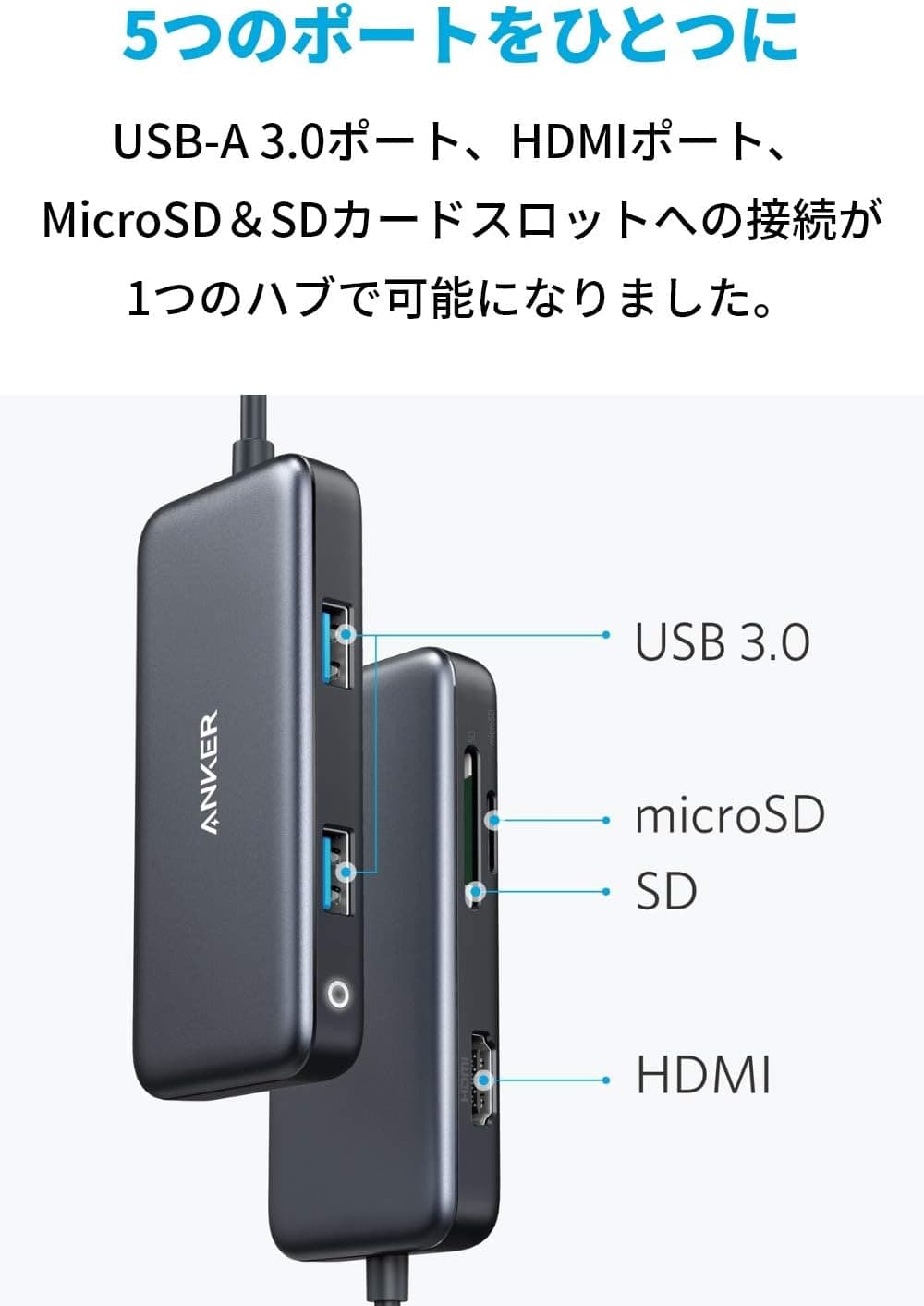
The hub turns a single USB-C connection into five ports: one HDMI output, two USB-A ports at USB 3.0 (5Gbps), one SD card slot and one microSD card slot.
That is the first thing to internalise, because the count of five is already used up. There is no Ethernet jack, no USB Power Delivery input, no USB-C data port and no 3.5mm audio jack.
Knowing the breakdown of 5-in-1 before you order prevents the classic post-purchase surprise.
| Item | Value |
|---|---|
| Ports | 5 (HDMI ×1 / USB-A ×2 / SD ×1 / microSD ×1) |
| HDMI output | 4K (3840×2160) |
| USB-A transfer rate | 5Gbps (USB 3.0) |
| Card slots | SD, microSD |
| Power pass-through | Not supported |
| Host requirement | USB-C with DisplayPort Alt Mode |
On paper that looks plain, but it is the classic travel-hub layout: display out, card in, legacy USB, in the smallest possible volume. Amazon reviews stood at 533 entries and 4.4 out of 5 stars (88% positive) as of 2026-05-29.
A 4.4 average held across more than five hundred reviews reads less like a standout and more like consistency, which is exactly what you want from a dongle.
Positioning is entry to mid-tier: not a do-everything desktop dock, but a bag-friendly tool for real work.
Quick Answer by Use Case
| What you want to do | Good fit? | Why |
|---|---|---|
| Project slides onto a meeting-room screen or TV | Yes | 30Hz is fine for mostly static content |
| Daily desk work on a 4K monitor | Partly | The 30Hz ceiling makes the cursor feel sluggish |
| Video editing or gaming at 4K60Hz | No | The hub cannot output that mode |
| Ingesting SD / microSD from cameras or drones | Yes | Both slots are built in, no extra adapter |
| USB-A mouse, keyboard, flash drive | Yes | USB 3.0 (5Gbps) is plenty for these |
| Moving large files from a portable SSD | Partly | The 5Gbps link is shared with other ports |
| Wired Ethernet | No | There is no LAN port |
| Charging the laptop through the hub | No | No power pass-through |
Almost every No in that table comes down to two things: 60Hz video and charging. If neither is on your requirement list, this 5-in-1 covers the rest.
Deciding which side of that line you are on is the fastest way to choose a hub in this price bracket.
Compatibility Guide
The host needs one thing: a USB-C port with DisplayPort Alt Mode. Officially supported devices include MacBook Pro (2016-2018), MacBook Air, iPad Pro, and Windows notebooks or Chromebooks with full-function USB-C.
Mac USB-C and Thunderbolt 3 or later ports carry video, so they are safe. Windows laptops are the risk: identical-looking USB-C ports can be charge-only or data-only.
Check the maker's spec sheet for a DisplayPort Alt Mode or video-output note, or look for a lightning bolt (Thunderbolt) or D symbol beside the port. Get this wrong and the failure is confusing rather than obvious: USB-A and the card reader work fine, while HDMI stays black.
Second, there is no power pass-through. While the hub occupies a USB-C port, that port cannot charge the machine.
How much this hurts depends on your port count.
- MacBook Air or Pro with two USB-C ports: one for the hub, one for the charger. Barely an issue.
- Thin laptops, Chromebooks or iPads with a single USB-C port: no charging while the hub is attached. Watch the battery on long sessions and presentations.
- Permanent desk use: if you want constant power, step up to a model with PD input (usually 7-in-1 and above). It works out cheaper than replacing this one later.
USB-C iPad Pro models work too. Importing from SD cards happens through the Photos or Files app, but how an external display behaves — mirrored or extended — depends on the app you are running, so check your main app's external display support first.
Bandwidth matters as well. The two USB-A ports and both card slots share a single USB 3.0 (5Gbps) link, so copying from an SD card while writing to external storage is slower than either task alone.
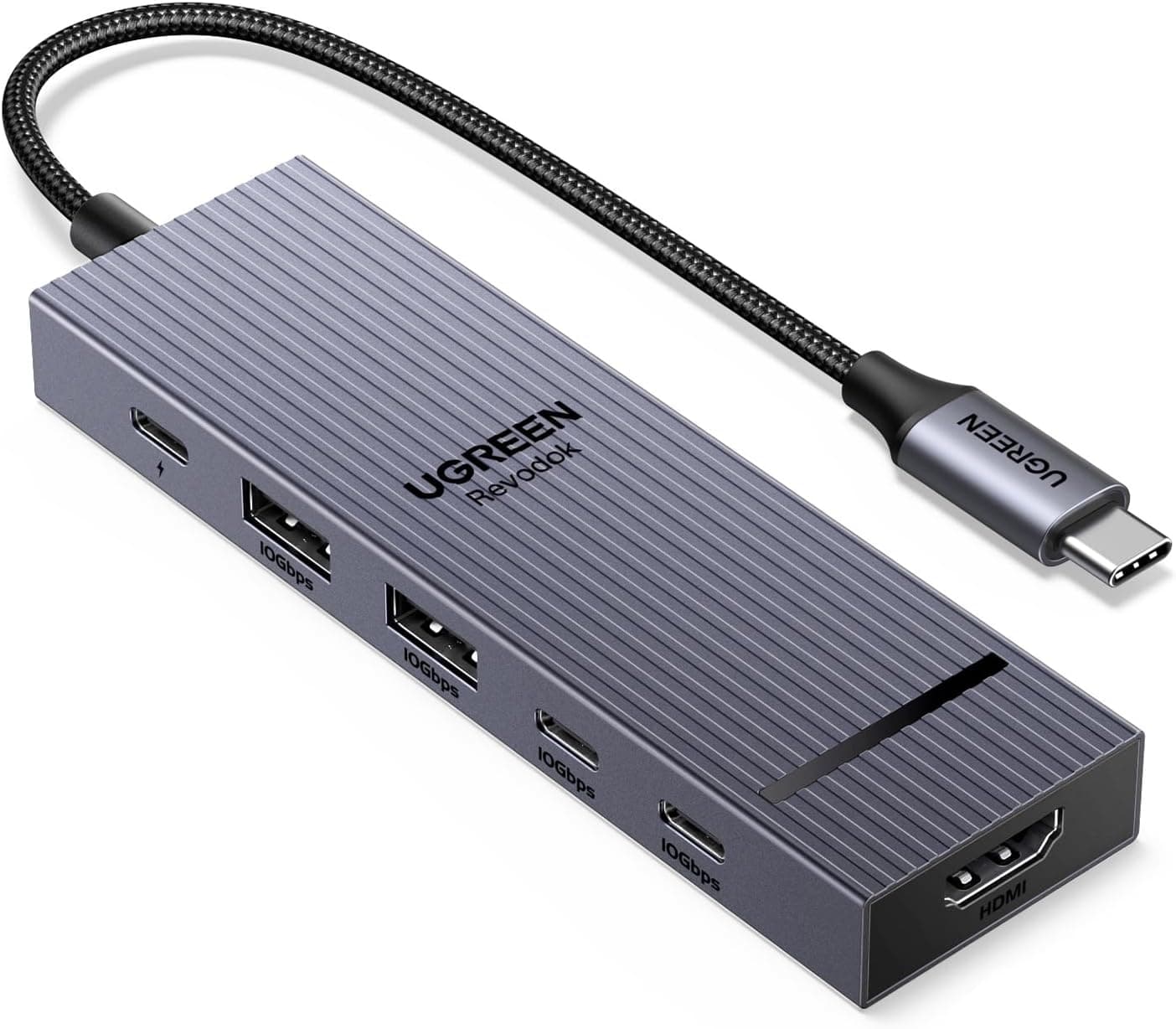
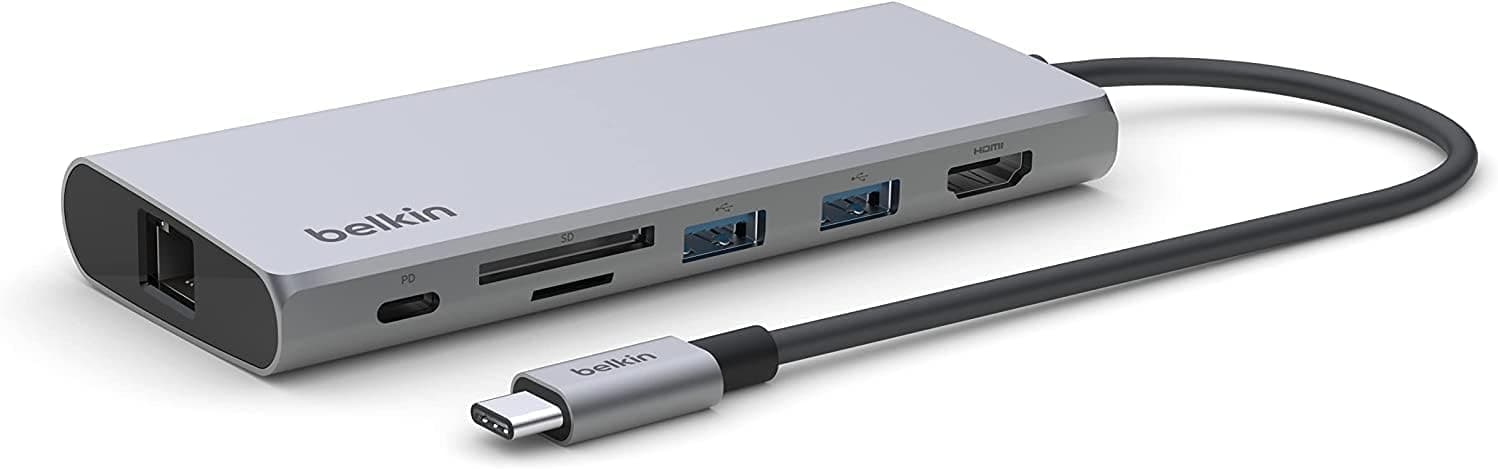
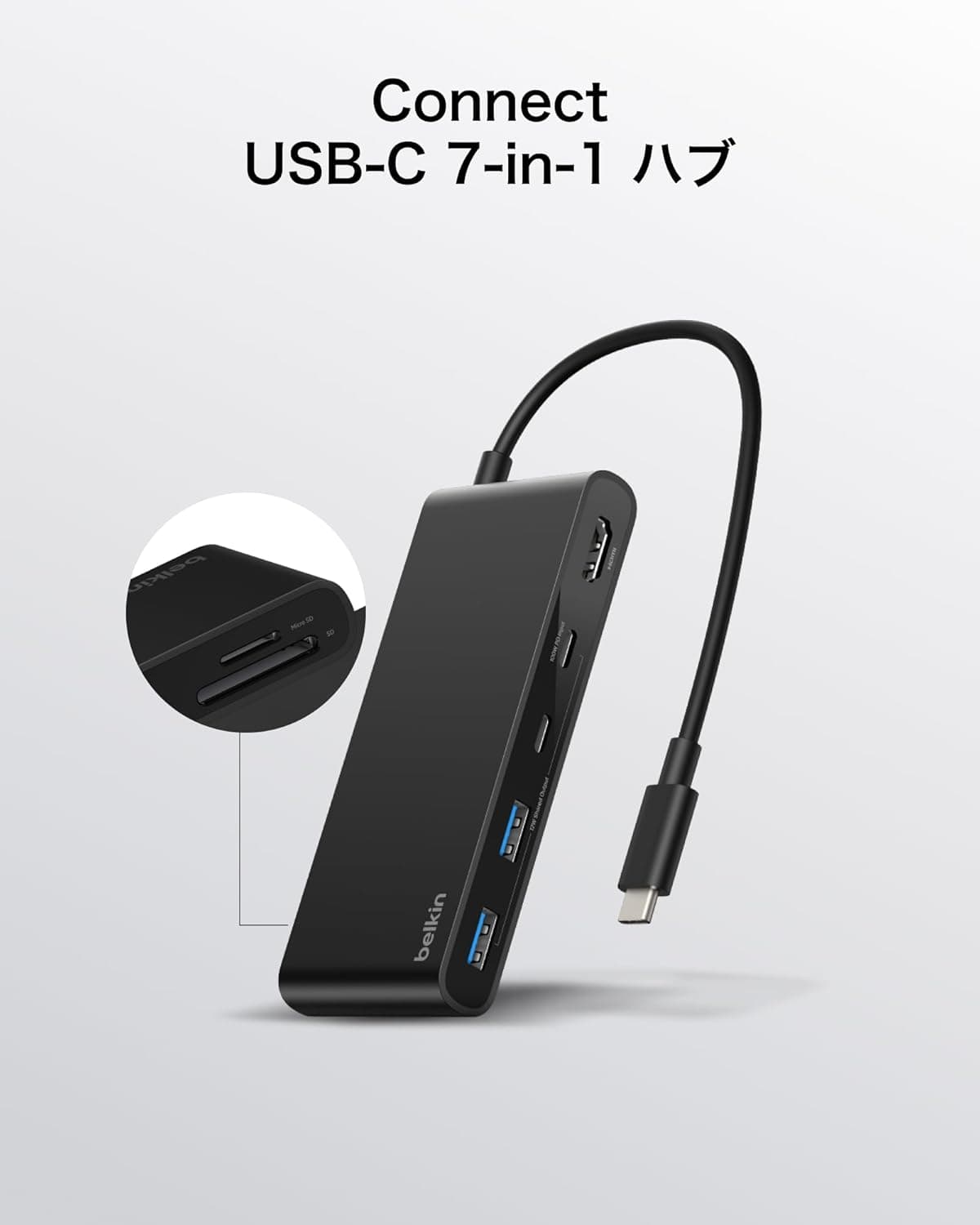
The hub is bus-powered, so high-draw portable hard drives can behave unreliably. Physically it is a slim, few-centimetre body with a travel pouch included; check the product photos for cable length and orientation, since that is what decides how it sits on a crowded desk.
Living With the 4K30Hz Ceiling
HDMI supports 4K (3840×2160), but at that resolution the refresh rate tops out at 30Hz. Thirty refreshes per second is invisible when you are reading text, working in spreadsheets or showing slides.
It becomes noticeable the moment you move the mouse, where the pointer lags slightly behind your hand. For video preview work or gaming, it is plainly insufficient.
There are two workarounds. Drop the resolution and keep 60Hz — full-HD class output at 60Hz is the common case, though the exact modes available depend on your device and monitor pairing.
Or buy a hub that advertises 4K60Hz from the start. If your external output is mostly meeting-room projection, the first option is enough.
If you stare at a 4K panel all day, the second is worth the money. Decide by hours per day in front of that screen, not by the price difference.
Product Info
Pricing has moved between captures. The Amazon listing showed ¥3,990 as of 2026-05-29 and ¥4,190 as of 2026-08-27 — roughly 200 yen, or about 5%, in three months.
Sales and stock levels push it both ways, so treat every figure here as a snapshot from the capture date and check the product page for the current price before buying.
On the overseas marketplace side, an eBay US listing showed $14.50 as of 2026-07-08.
That looks far below the Japanese price, but listings like this often mix used, open-box and parallel-import stock, shipping and import fees are extra, and domestic warranty support may not apply. Check the item condition and warranty terms rather than chasing the number.
In the box: the hub, a travel pouch and a manual. Warranty is Anker's standard 18 months, extendable on product registration — a real difference from no-name alternatives, since there is an actual support channel behind it.
Reviews, as noted, stood at 533 entries and 4.4 stars as of 2026-05-29.
The Amazon listing gives Anker as the manufacturer and B07NRYRNC5 as the ASIN, both consistent with the product covered here.
How It Compares
Other 5-in-1 hubs that advertise 4K60Hz — Satechi's OntheGo 5-in-1, for example — spend their extra cost exactly where a daily 4K monitor user feels it. If you would otherwise live with 30Hz sluggishness every day, that premium pays for itself.
If your external output is occasional projection, it does not.
If charging matters, look at higher port-count models such as Anker's own 343 (7-in-1). Models at that level generally add USB-C PD input and wired Ethernet, which makes them better desk docks.
MacBook-specific plug-in designs like UGREEN's 6-in-2 occupy both USB-C ports at once but leave no dangling cable, which keeps a desk tidy. And if all you actually need is more USB-A sockets for power-hungry gear, a self-powered hub with its own AC adapter is the right tool — hanging everything off a bus-powered pocket hub is how instability starts.
Who It's For
First, professionals on a MacBook Air or MacBook Pro with only USB-C. Meeting-room projectors, a colleague's USB-A flash drive, a camera's SD card: tasks you rarely need but cannot skip when they come up, all solved by one pouch.
Carrying fewer separate adapters is itself the benefit.
Second, photographers and drone operators. With both SD and microSD built in, different cards across different gear read without a stack of adapters.
It suits the field routine of dumping footage to a laptop and making a second copy on the spot.
Third, iPad Pro users building a light workstation. External display output, USB-A peripherals and photo import all happen through one device.
Just go in knowing you cannot charge the iPad while the hub is plugged in.
Before You Buy
The biggest trap is the missing power pass-through. It is one line on a spec sheet, but it shapes daily use more than any other number here: on a single-port machine, using the hub means not charging.
Several hours in a cafe or meeting room has to start from a full battery. For some buyers this alone rules the product out.
Next, the 4K30Hz ceiling. The phrase 4K support describes resolution, not smoothness.
If a 4K monitor is your everyday display, buy a 4K60Hz model instead of this one.
There is no Ethernet port, so environments that require wired networking need a different hub. There is also no USB-C data port, meaning USB-C external SSDs and card readers cannot plug in directly — you will need a USB-C to USB-A cable for those.
All four data ports share one 5Gbps link, so reading a card while writing to external storage slows both. If you move large media every day, that sharing is a genuine constraint.
Compact hubs also commonly share one controller between the two card slots, which can limit simultaneous use; if you plan to read SD and microSD at the same time, check the product page Q&A first.
Heat is worth a mention. A small hub has little surface area to shed heat, so sustained 4K output plus large transfers can leave the body warm.
That is normal, but avoid burying it under cloth or paper.
Mind the stated compatibility range too. The listed support stops at MacBook Pro (2016-2018).
That does not mean newer machines fail, but it does mean nobody documented your model. For a current Mac or Windows laptop, look through the reviews and Q&A for reports from the same model before ordering.
Finally, listing data itself. Amazon product details depend on what the seller registered, and manufacturer names or model numbers sometimes contradict the actual item.
Nothing looked inconsistent for this product (Anker, ASIN B07NRYRNC5), but confirm from the product images and title that you are buying this 5-in-1 model. Anker sells several similar-looking hubs with different port layouts, so mix-ups are easy.
FAQ
Q. Can I charge while using it?
A. No.
There is no power pass-through, so the host cannot be charged through the hub. On a machine with two USB-C ports, use the free one for your charger.
On a single-port device, charging and hub use are mutually exclusive.
Q. Can it output 4K at 60Hz?
A. No.
4K (3840×2160) output runs at up to 30Hz. If you need 60Hz, lower the resolution or choose a hub that advertises 4K60Hz.
Q. Does it have Ethernet?
A. No.
The five ports are HDMI, two USB-A, SD and microSD. For wired LAN, look at 7-in-1 or larger models with a dedicated port.
Q. Can I connect an external SSD or HDD?
A. Yes, if it uses USB-A.
Speed is capped at USB 3.0 (5Gbps) and shared with the other ports.
Because the hub is bus-powered, high-draw portable hard drives can be unstable.
Q. Does it work with an iPad Pro?
A. Yes, with USB-C iPad Pro models.
Card import works through the Photos or Files app. How an external display is presented depends on the app's own support, so test with the app you rely on.
Product Disclosure (Amazon)
- Manufacturer: Anker
- ASIN: B07NRYRNC5
- Note: This article covers a manufacturer-made product based on Amazon listing details.