Overview
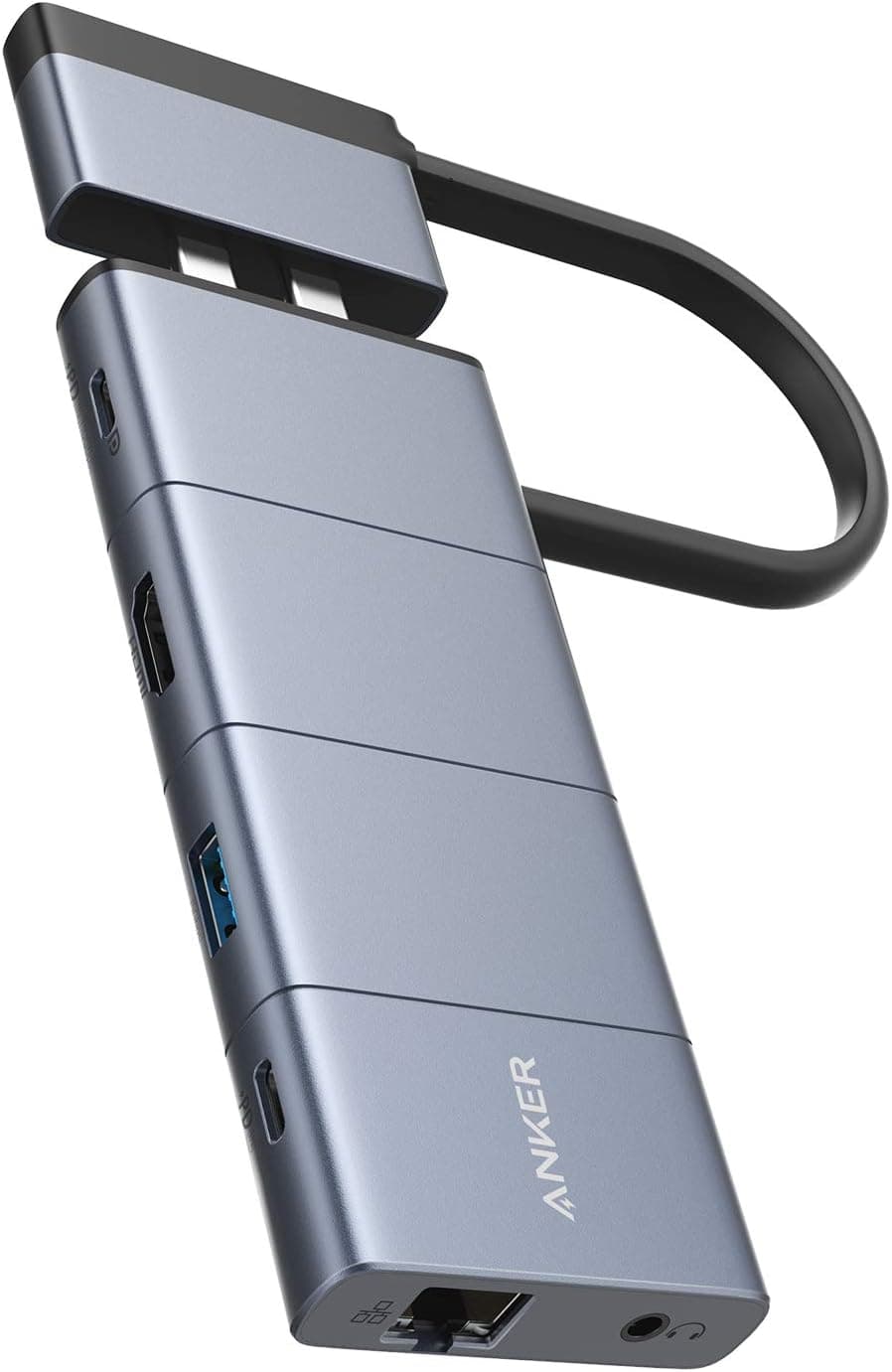
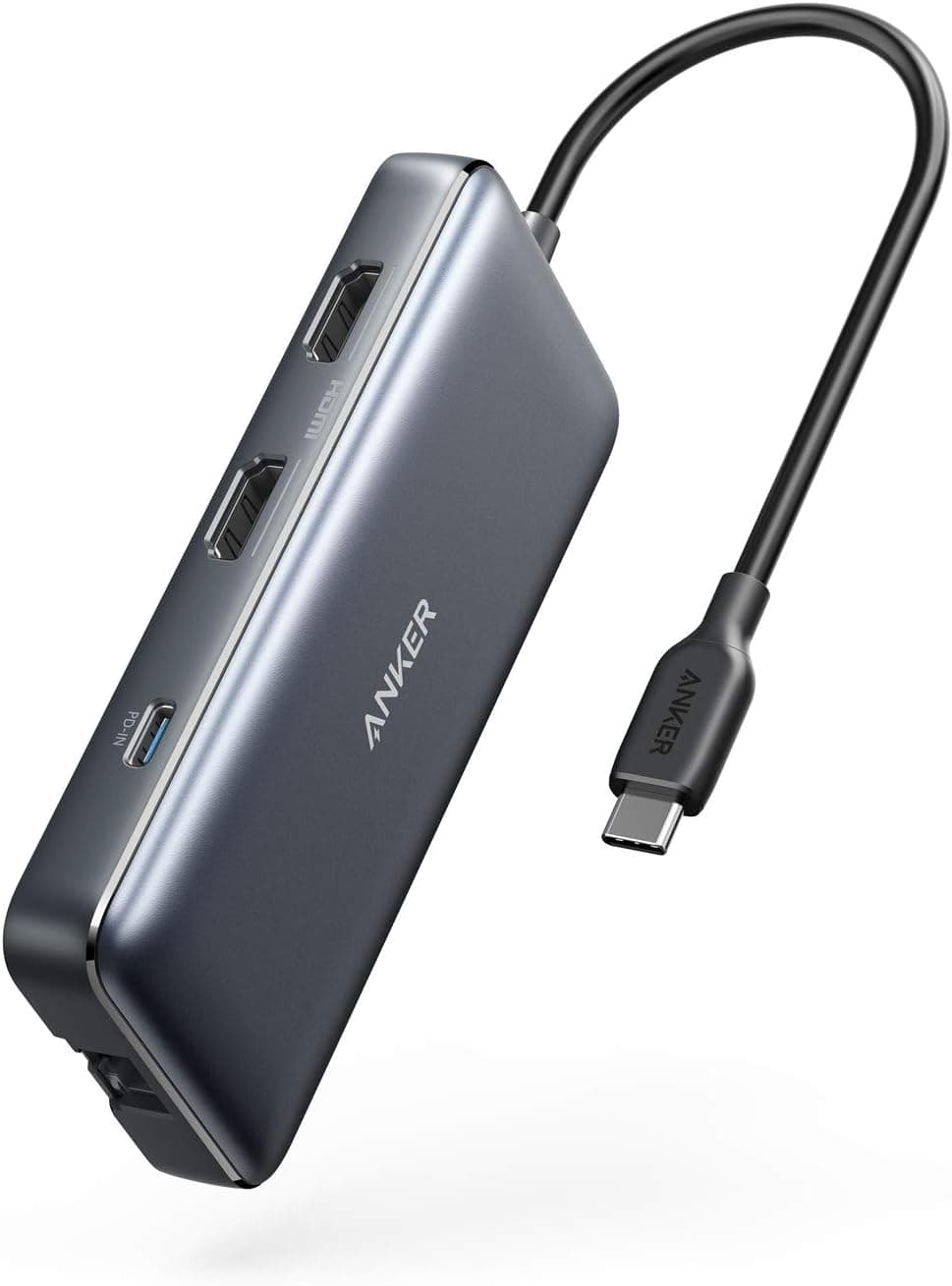
The Anker PowerExpand 8-in-1 USB-C PD メディアハブ (Anker PowerExpand 8-in-1 USB-C PD Media Hub) adds ports to a laptop or tablet that connects over USB-C. According to the official manufacturer page, it measures about 118 × 55 × 17mm and weighs about 110g.
The model number is A83800A1 (gray), and the release month is listed as June 2020.
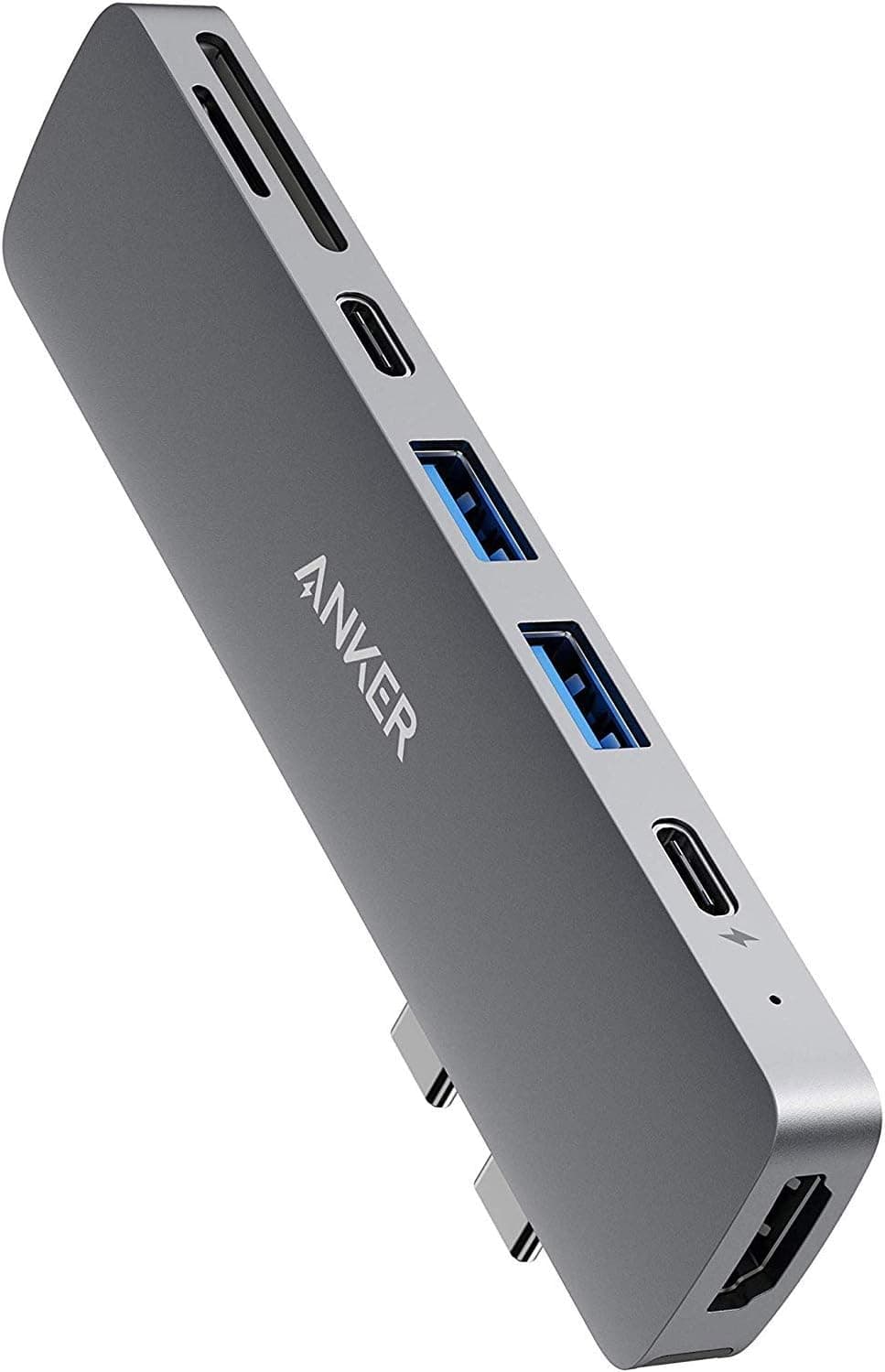
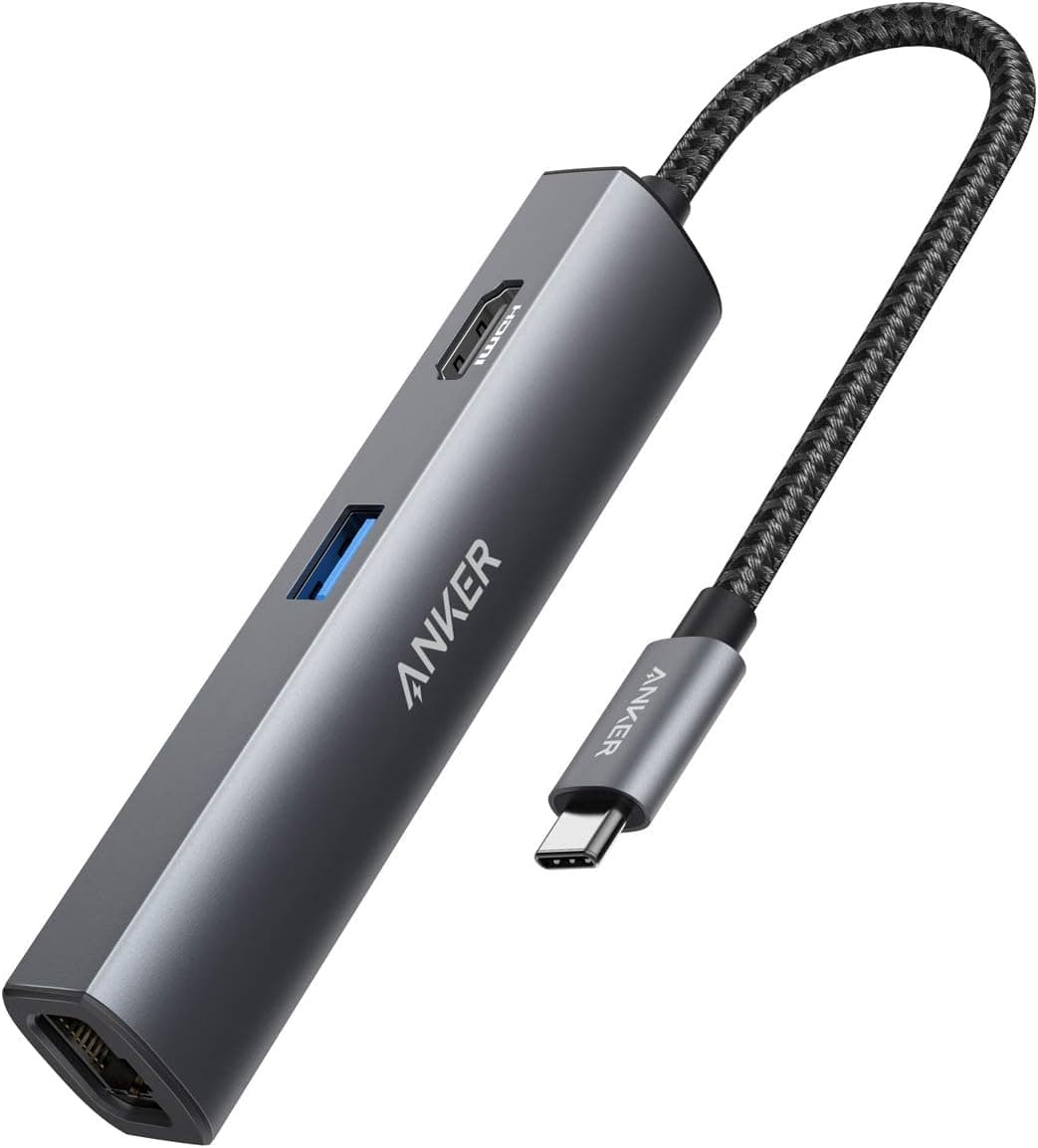
The official page lists these ports: USB-A 3.0 data ports (2 ×), a USB-C charging port with PD support, a microSD & SD card slot, an Ethernet port, and HDMI ports (2 ×).
Video output, wired LAN, card reading and peripherals are combined in this layout.
Compatibility Guide
The table below follows the compatible and incompatible devices listed on the official manufacturer page.
| Category | Official page listing |
|---|---|
| Laptops | MacBook Pro (2015 / 2016 / 2017 / 2018 / 2019), MacBook Air (2018 / 2019), Dell XPS (13 inch / 15 inch), Google Chromebook Pixel (2017) |
| Tablets | iPad Pro 12.9 inch (fifth generation) |
| Not compatible | Nintendo Switch, Apple USB SuperDrive, the AC adapter supplied with the Dell XPS 13, AC adapters supplied with Samsung smartphones and tablets |
Compatible devices center on laptops and the iPad Pro. The incompatible list includes a game console and certain AC adapters, so check whether your own devices are on it before buying.
For iPad Pro use, the official notes ask you to confirm in advance that the tablet runs iPad OS.
Video output has a condition. For 4K (60Hz) output, the official page asks you to confirm that your laptop supports DisplayPort 1.4.
Product Info
rmation
Here are the official port details, organized by port.
- USB-A 3.0 (2 ×): up to 5Gbps. No charging or video output.
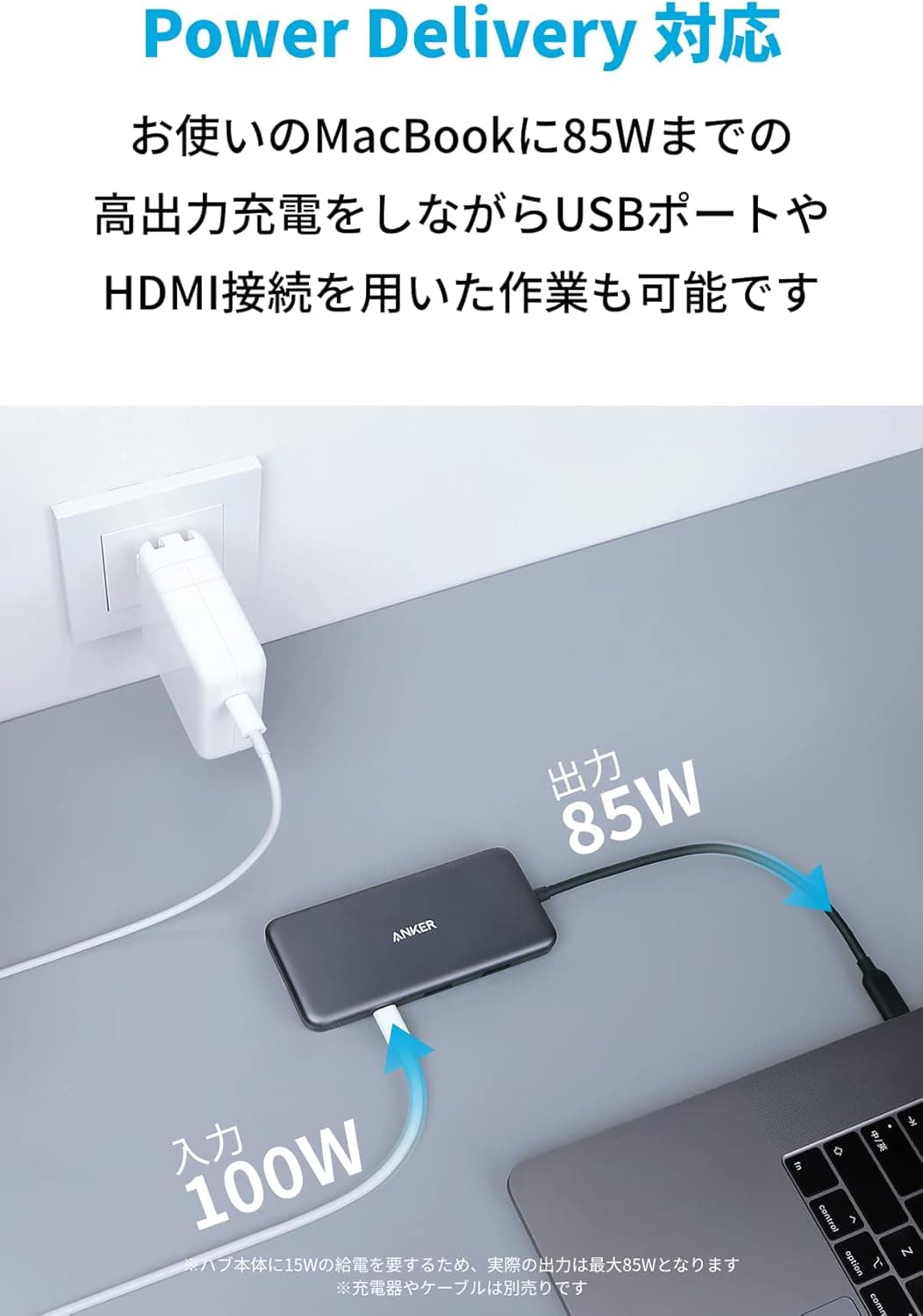
- USB-C PD charging port: up to 100W input and up to 85W output. No data transfer or video output.
- microSD & SD card slot: up to 104MB / s.
- Ethernet port: up to 1Gbps.
- HDMI (2 ×): supports up to 4K (60Hz). With both ports in use at once, output is up to 4K (30Hz).
The official page states in both the port details and the notes that the USB-C port is for charging only. Plugging external storage into it will not transfer data, so plan on using the USB-A ports for data devices.
On power, the page says the hub itself needs 15W, so actual output is up to 85W. Of the 100W maximum input, 15W is consumed by the hub.
For full-speed charging, use a cable rated for 100W output. For 85W charging, the page tells you to use a charger capable of 100W output.
A charger must also supply at least 15W plus the minimum your computer needs.
Who It Suits
- Laptop users who want dual displays over HDMI: the official page says using both ports gives up to 4K (30Hz), and that two screens at 4K (60Hz) is not possible. It suits people who decide how they will use their screens first.
- People who want to match charger and cable to what they own: 85W output requires a charger capable of 100W output plus a 100W-rated cable. If you already own both, the conditions are easier to meet.
- People who often connect by wired LAN: the Ethernet port is rated up to 1Gbps. The official page also includes steps for connection trouble.
Before You Buy
These are the points from the official notes worth checking before purchase.
- Mac OS devices cannot show a different screen on each of multiple displays.
- Pass-through charging to smartphones and tablets is not supported.
- The USB-A ports do not support charging.
- 2.4GHz wireless devices, MIDI devices and USB 3.0 devices may not be supported.
- Depending on your environment, connecting many devices at once may cause delays.
- Check the ports and terminals for foreign objects before use.
If Ethernet will not connect, follow the official steps. First update your device's OS.
If it still does not start, contact Anker customer support.
Check the sales page for the current price and stock.
FAQ
Q. Can I read data from storage plugged into the USB-C port? A.
No. The official manufacturer page says the PD USB-C port is charging only and cannot transfer data.
Q. Can I get 4K (60Hz) with both HDMI ports in use? A.
No. The official page says output is up to 4K (30Hz) when both ports are used.
4K (60Hz) output requires a laptop that supports DisplayPort 1.4.
Q. Does it work with the Nintendo Switch?
A. No. The official page lists the Nintendo Switch as incompatible.