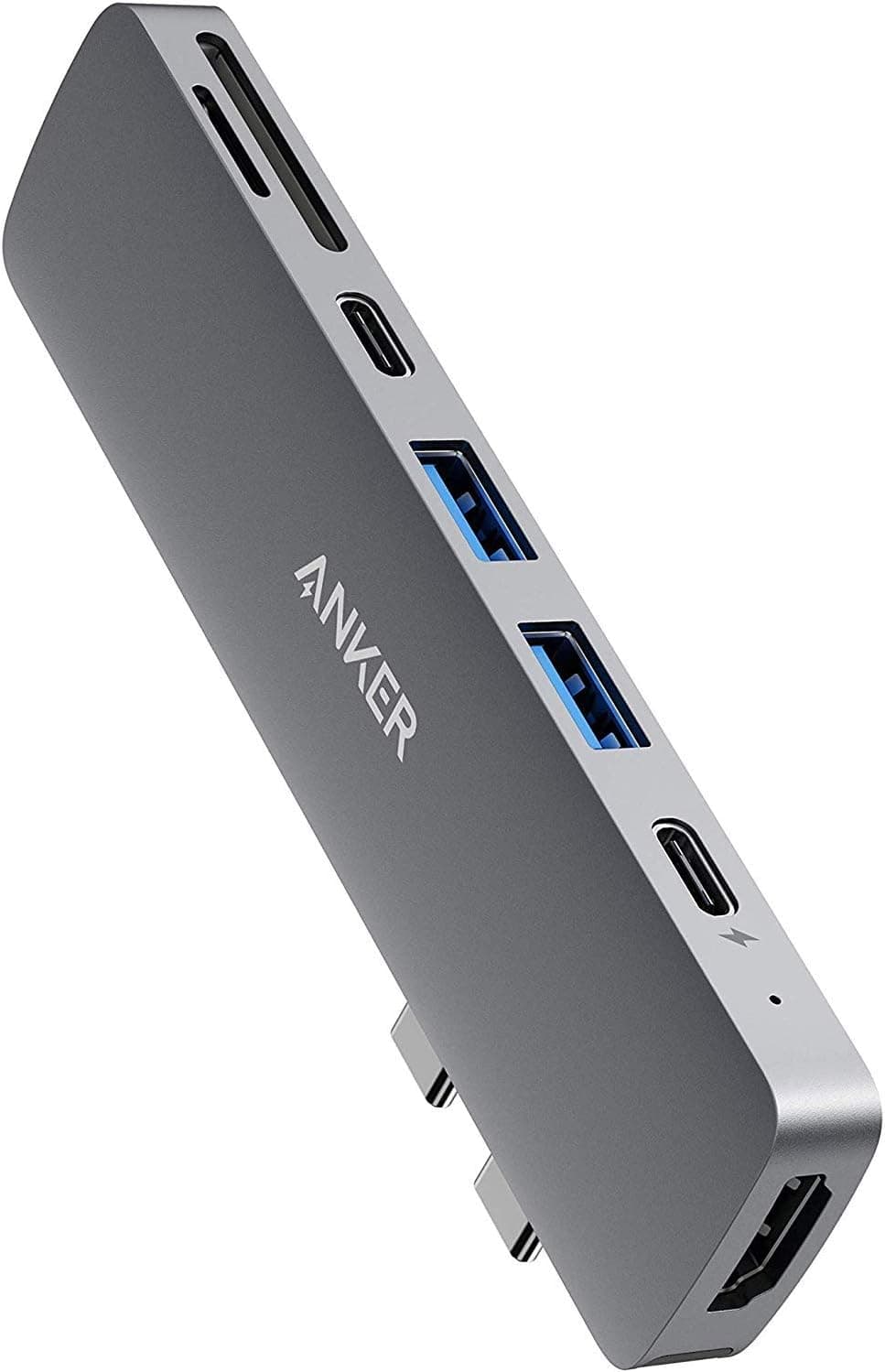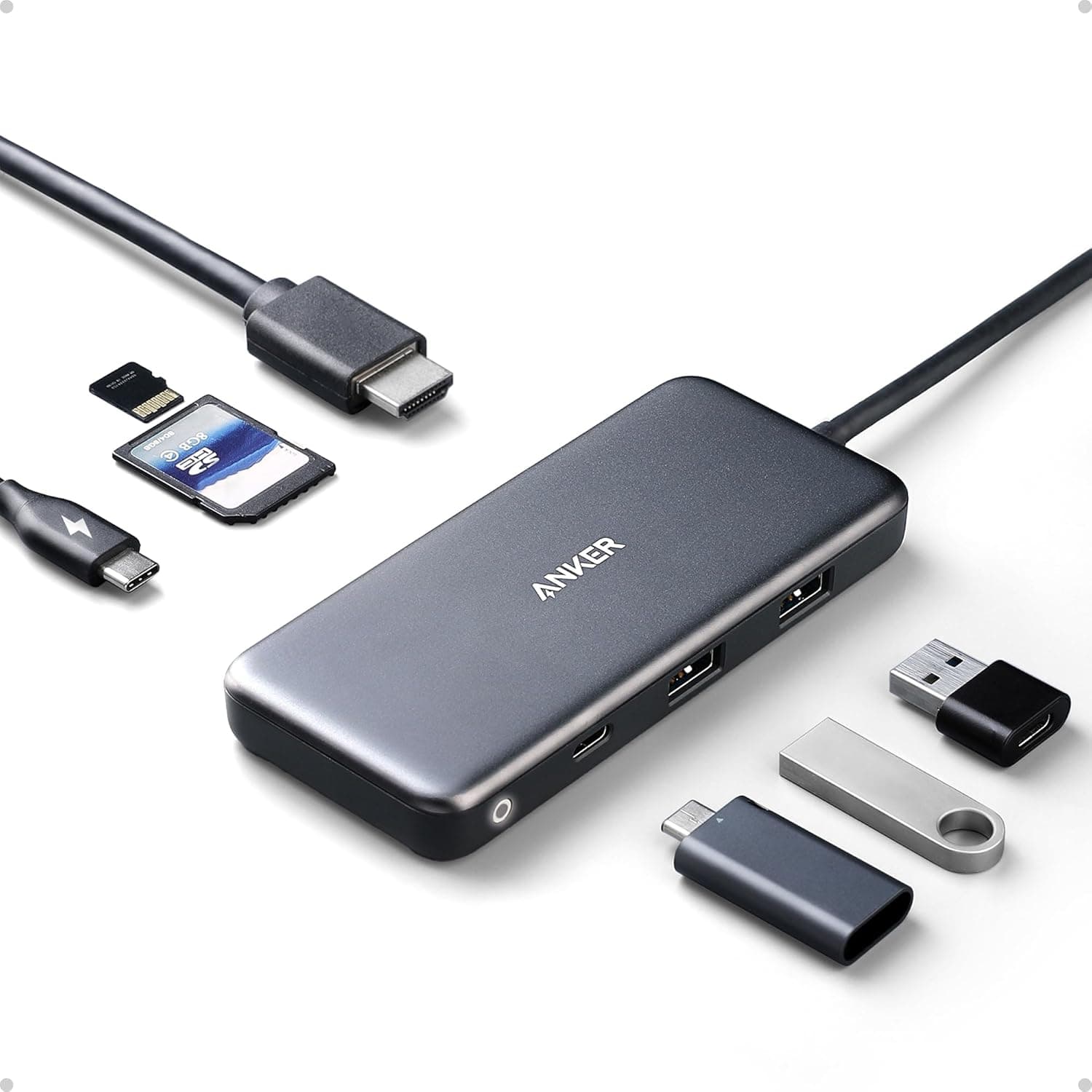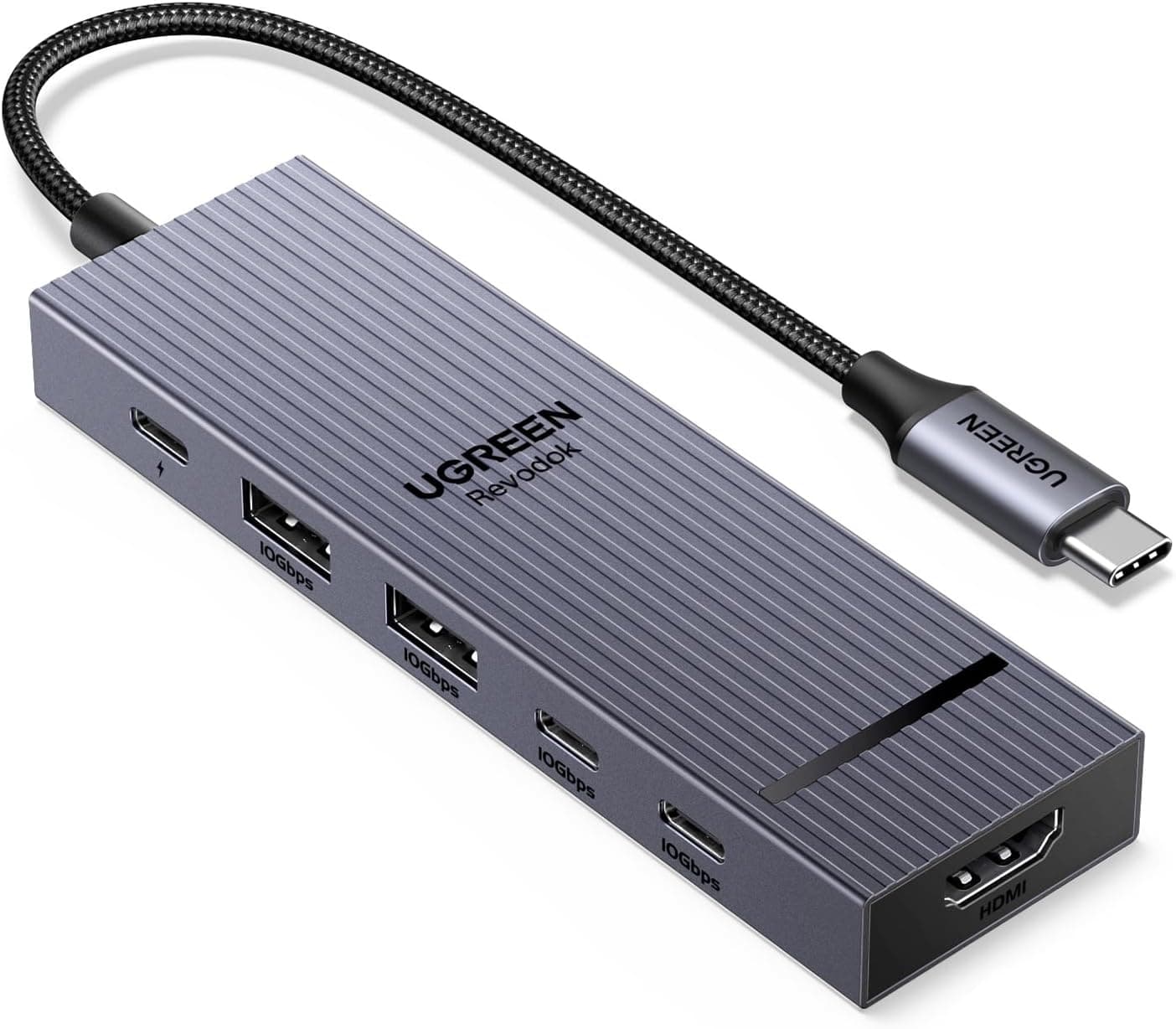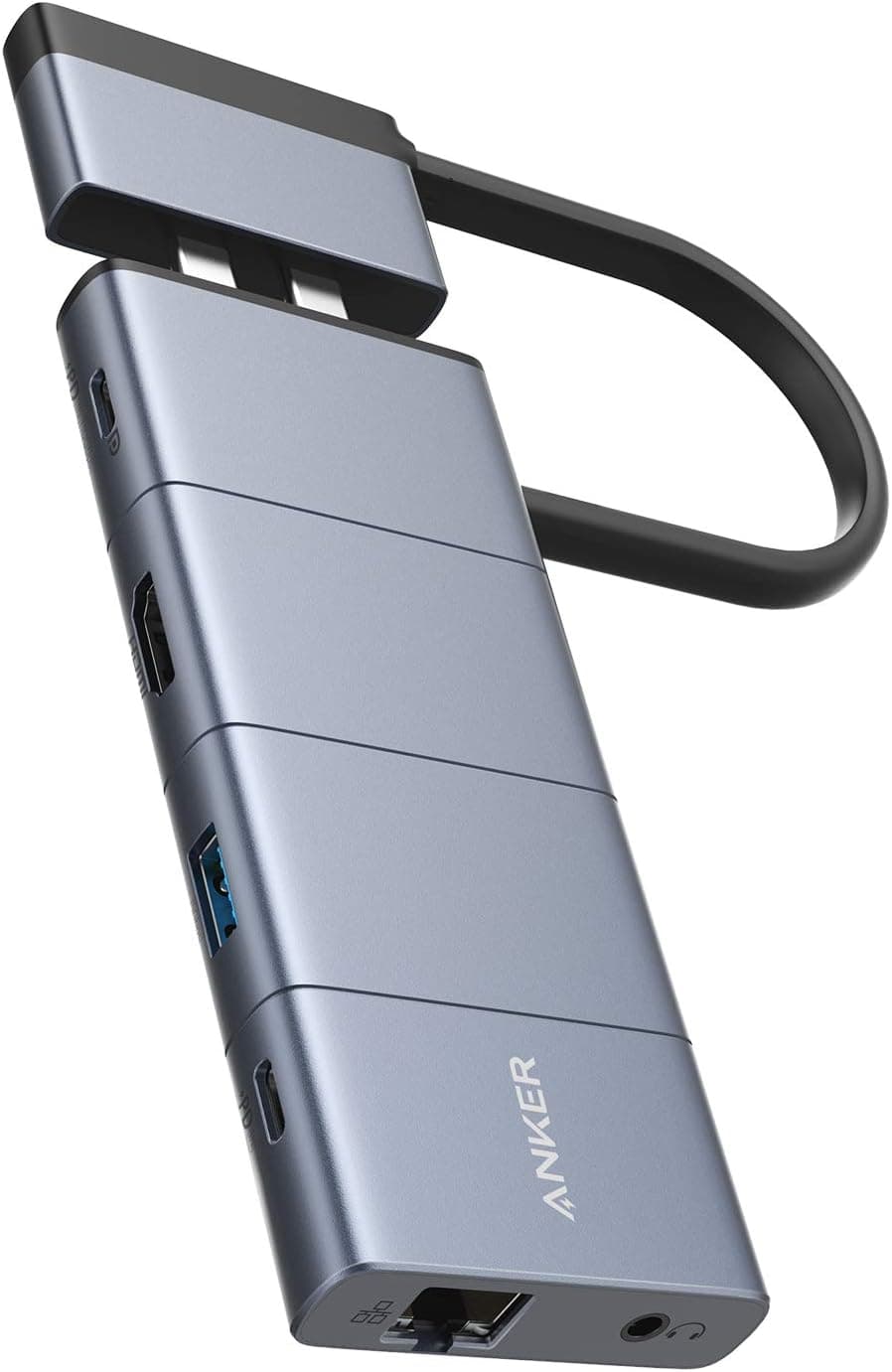
This article covers Anker PowerExpand 9-in-2 USB-C メディアハブ.
Overview
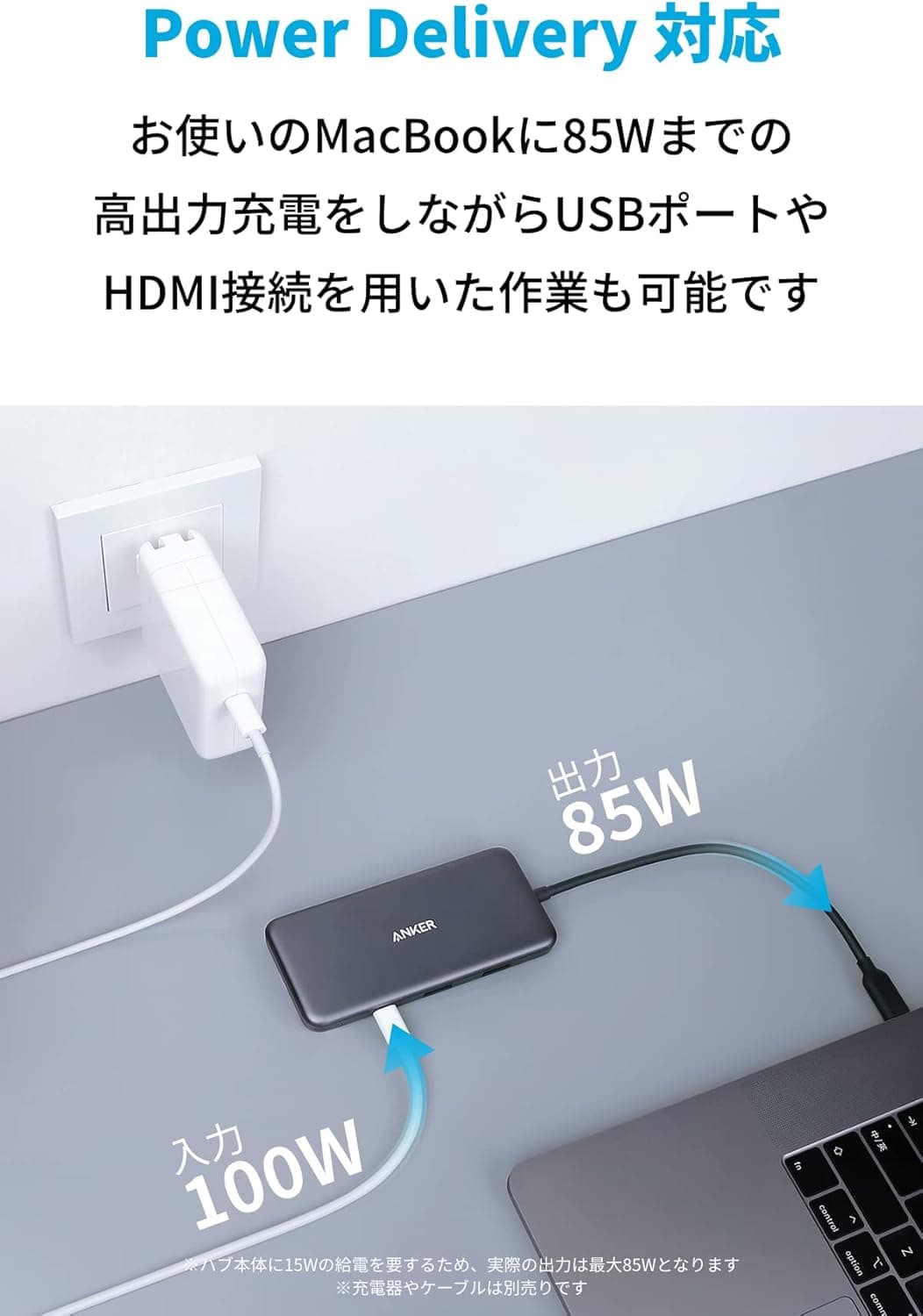
The Anker PowerExpand 9-in-2 USB-C Media Hub is a versatile multi-port hub designed for USB-C laptops, particularly MacBook Pro and MacBook Air. It expands two USB-C ports into nine ports: HDMI, two USB-A, Ethernet, microSD/SD card slots, 3.5mm audio jack, and a multi-function USB-C port that supports 100W Power Delivery pass-through charging and up to 10Gbps data transfer. It also enables 4K video output at 60Hz via the multi-function USB-C port. This hub targets users who need a single compact solution to connect an external monitor, wired network, storage cards, and peripherals without carrying multiple adapters. Anker's reputation for reliability and its clean, minimalist design make it a popular choice among remote workers and creative professionals. It sits in the mid-to-high price tier for USB-C hubs, offering a well-rounded port selection with high power delivery and fast data speeds.
Connectivity & Compatibility
The hub connects to any laptop with two USB-C ports that support Thunderbolt 3/4 or USB-C with DisplayPort Alt Mode and Power Delivery. Compatible with MacBook Pro/Air (2018 onward, including M1/M2/M3 models) and many Windows laptops with USB-C capabilities. Port breakdown: HDMI: up to 4K@30Hz directly; 4K@60Hz via the multi-function USB-C port (requires a separate DisplayPort Alt Mode cable). Note: M1 MacBook Air/Pro 2020 cannot drive two external displays simultaneously – only one monitor works. Multi-function USB-C port: 100W PD pass-through charging, 10Gbps data, 4K@60Hz video. Video output requires a cable supporting DisplayPort Alt Mode. USB-A ports (x2): USB 3.0 at 5Gbps. Gigabit Ethernet: 1Gbps. microSD / SD card slots: UHS-I compatible. 3.5mm audio jack: combos headphone and microphone. On Intel-based MacBooks, dual external monitors are supported. On Apple Silicon (M1/M2/M3), only one external display works due to chip limitations. Windows laptops typically support dual displays if the USB-C host supports DP Alt Mode and MST (Multi-Stream Transport).
Product Info
The Anker PowerExpand 9-in-2 USB-C Media Hub was released in 2021. Its retail price is around ¥10,000–¥12,000 (currently ¥10,790 on as of June 2026). It is positioned as a mid-to-high tier USB-C hub, offering premium features like 100W PD and 10Gbps data alongside a balanced port set. It comes with an 18-month manufacturer warranty in Japan. The package includes the hub, user manual, and customer support card. The attached USB-C cable is approximately 20 cm long. Dimensions are 128 x 53 x 14 mm (5.0 x 2.1 x 0.55 inches), making it compact enough for travel. This hub occupies a sweet spot in Anker's lineup, bridging the gap between basic adapters and more expensive Thunderbolt docks. Its key differentiator is the multi-function USB-C port that handles charging, data, and video simultaneously, which is still relatively rare at this price point.
Best Use Cases
MacBook users (especially M1/M2/M3): Solves the single-port limitation by providing HDMI, USB-A, Ethernet, and SD card slots. Ideal for users who need to quickly connect to a monitor and wired network at a desk. However, if you require dual external displays, consider an Intel-based MacBook or a Windows laptop instead. Creative professionals on the go: Photographers and videographers benefit from the SD/microSD slots for fast card imports. The 10Gbps USB-C port allows fast external SSD transfers, while 100W PD keeps the laptop charged during editing sessions. * Remote workers and office users: Connect a monitor, keyboard, mouse, and wired Ethernet through a single cable. The audio jack is handy for headsets during calls. Keep in mind that only two USB-A ports are available, so if you need to attach multiple USB-A peripherals (e.g., external drives, card readers), you may need an additional USB-A hub.
Product Disclosure (Amazon)
- Manufacturer: Anker
- Seller: AnkerDirect
- Fulfilled by: Amazon
- ASIN: B08NJR2LQW
- Note: This article covers a manufacturer-made product based on Amazon listing details.