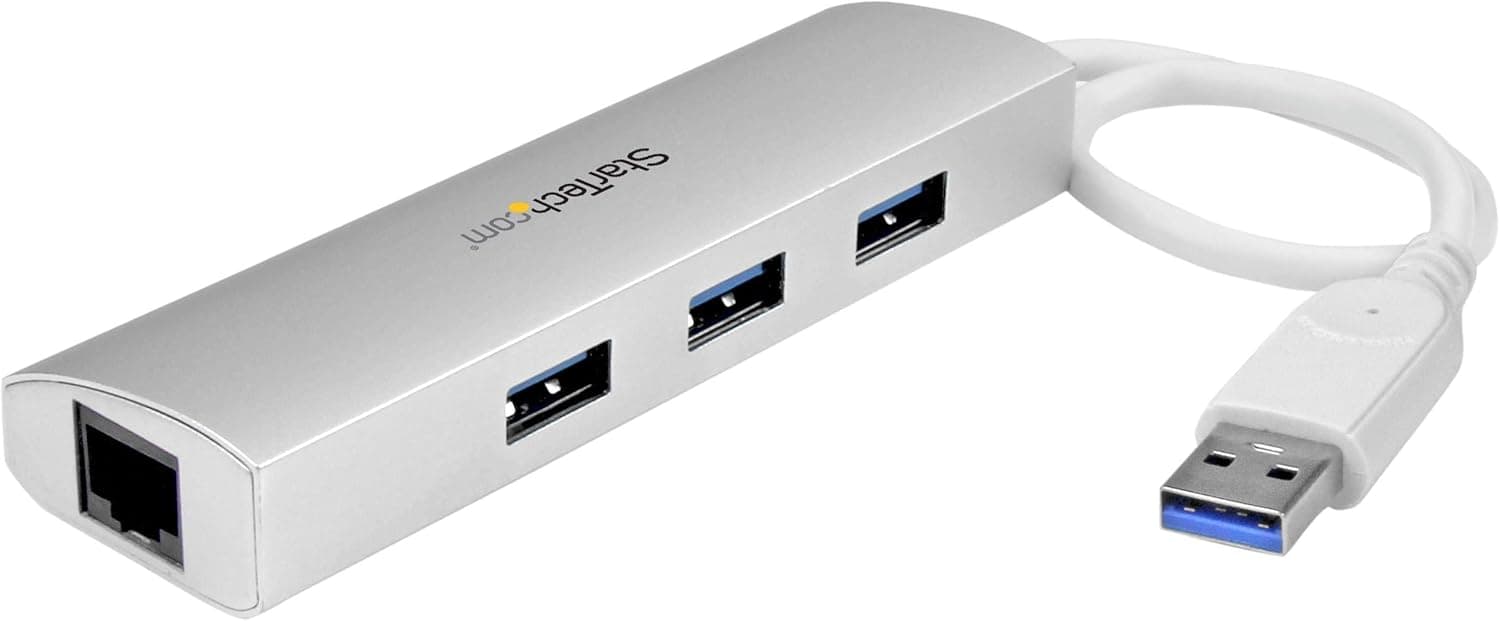
This article covers the StarTech.com ST3300G3UA 3-port portable USB 3.0 hub with built-in Gigabit Ethernet, looking at specs, pricing, and where it actually fits.
Overview
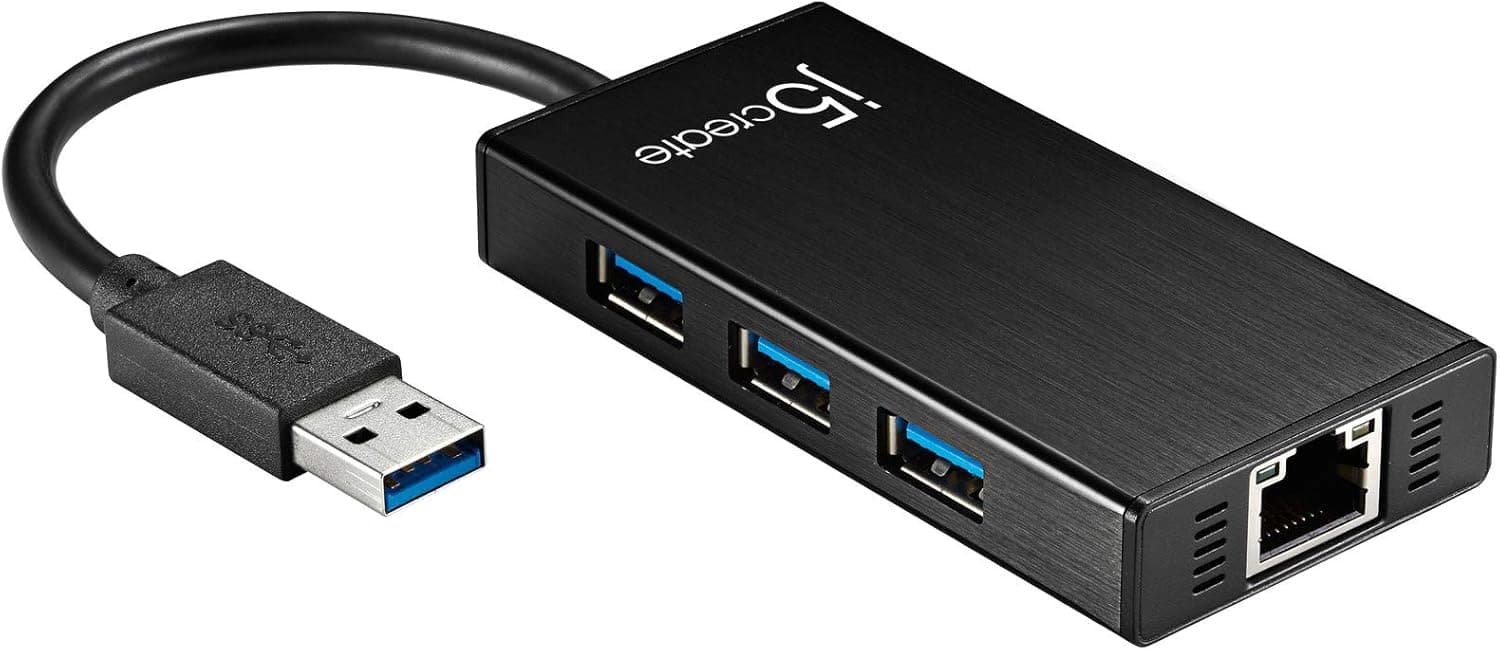
The ST3300G3UA combines three USB-A ports and a Gigabit Ethernet (RJ-45) port in a single bus-powered unit. Put simply, it targets one specific person: someone with a USB-A host port on their laptop who needs to solve wired networking and port shortage at the same time.
It is not competing with modern USB-C docks that also handle video output and power delivery.
Rated data throughput is 5Gbps (USB 3.2 Gen 1 class), with 1Gbps Ethernet.
The aluminum housing weighs about 70g — light enough to live in a bag permanently. No AC adapter is required.
On Amazon.co.Check the retailer's page for the latest user reviews.
Compatibility Guide
Check one thing first: the host connector is USB-A. Laptops with only USB-C ports (recent MacBooks, some thin Windows machines) need a separate USB-C adapter, which adds bulk and undercuts the whole point of a portable hub.
If USB-C is your main machine, buy a USB-C dock instead.
OS support is broad — Windows, macOS, Linux, ChromeOS, and Android — with no driver installation required. That matters on locked-down corporate machines where you cannot install drivers, and on Linux laptops and Chromebooks.
The Ethernet side supports Wake on LAN, jumbo frames, and VLAN tagging, putting it a step above a bare consumer LAN dongle. Overcurrent protection is built in.
The USB ports are backward compatible with USB 2.0/1.x devices, so mice, keyboards, flash drives, and wired headsets all work.
But because the unit is bus-powered, three USB ports and an Ethernet controller share the power from a single host port. More on that below.
| Spec | Value | What it means in practice |
|---|---|---|
| Data transfer rate | 5 Gbps | Plenty for USB 3.0-era SSDs and external drives |
| USB ports | 3 | Mouse + keyboard + flash drive fills it |
| Ethernet speed | 1 Gbps | Won't bottleneck typical home or office lines |
| Power | Bus-powered | No AC brick, but limited current |
| Housing | Aluminum | Good heat dissipation; shows scratches |
| Weight | approx. 70 g | Light enough to carry every day |
The numbers alone look ordinary. What stands out is the combination: 1Gbps wired networking in a 70g body with no power brick.
In a crowded office, a hotel, or a busy coworking space, that wired link is what decides your real-world experience.
Product Details
At capture time, Amazon.co.jp listed it at ¥6,717 (captured 29 June 2026) and Rakuten (IS Direct) at ¥7,807 (captured 14 August 2026).
Both fluctuate with sales and stock, so always check the current price on the product page before buying. eBay listings vary by seller with no fixed benchmark price.
Against buying a plain USB 3.0 hub and a separate Gigabit LAN dongle, this is not badly priced.
Add StarTech.com's 2-year manufacturer warranty and lifetime free technical support and the positioning is clear: not the cheap option, but a defensible one for work use.
The real question is how much you value having a support desk to call compared with a no-name hub.
The 170-review sample is not huge, but it is meaningful for a business-leaning brand, and the 4.3 average is stable rather than polarized.
How It Compares
Within StarTech.com's own lineup the role is obvious.
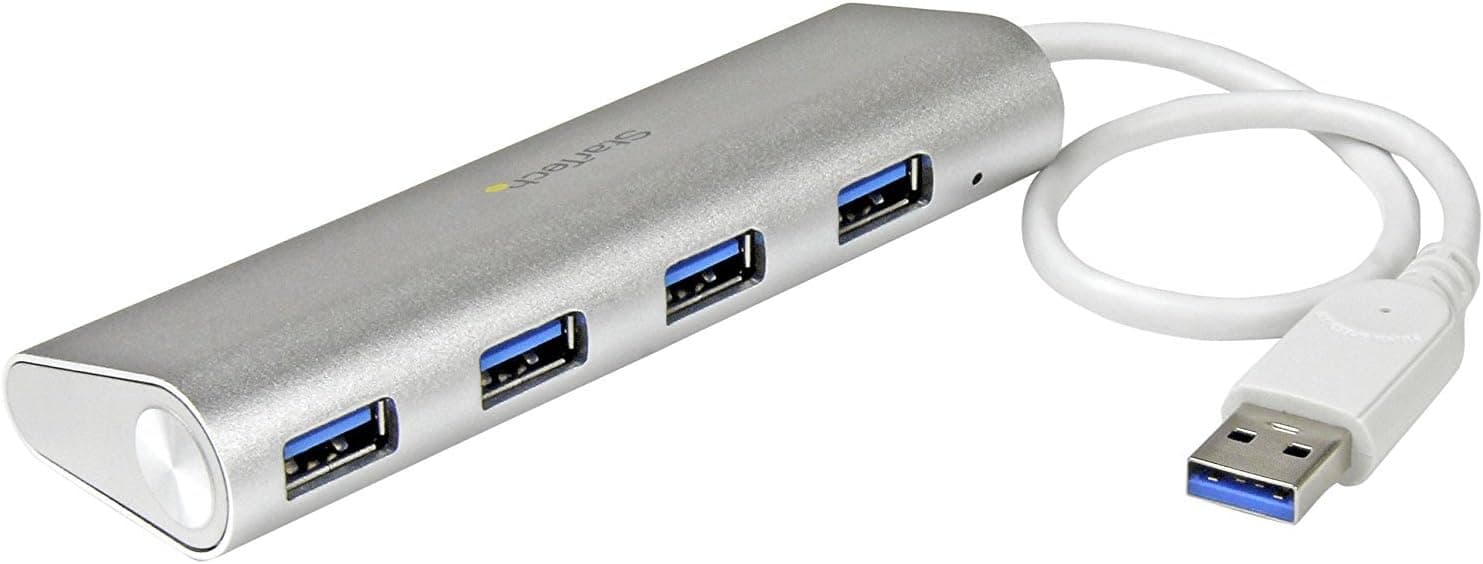
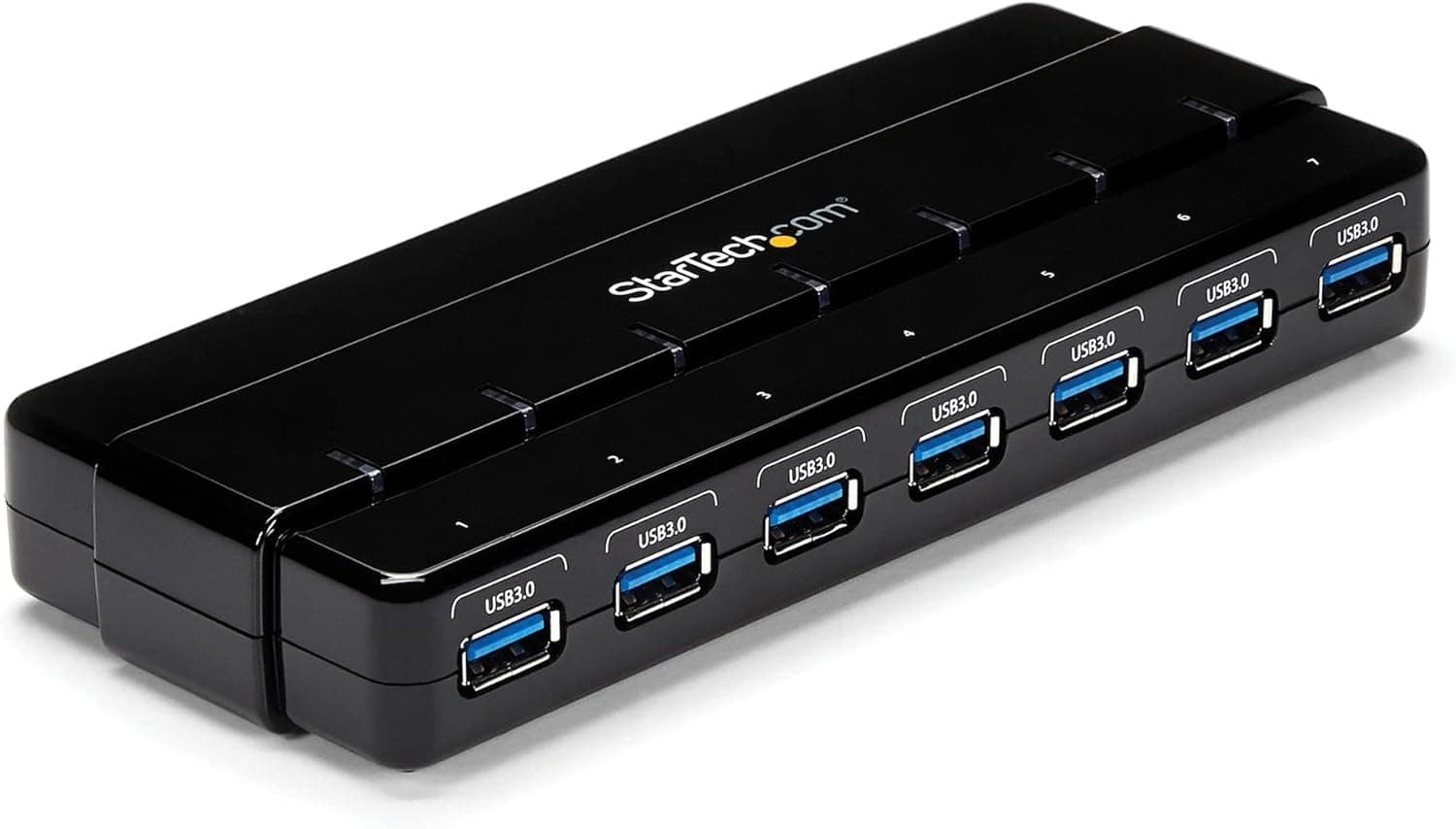
A powered 7-port model suits a permanent desk setup; a 4-port portable model suits people who only need USB ports. This model's entire differentiator is the built-in wired LAN.
If you do not need Ethernet, spend the same money on a hub with more ports.
It gets compared with USB-C multiport hubs that add HDMI and 100W PD charging, but those are a different category rather than a rival. Those require a USB-C host; this one works directly with the USB-A ports on older and business-grade laptops.
The connector on your machine decides which side you belong on.
Real-World Use
The strongest case is an environment where Wi-Fi cannot be trusted: a meeting room that degrades as people join, a hotel network that crawls at night. Switching to wired often makes the problem disappear outright.
Video calls, remote desktop, large file transfers, and online gaming all benefit more from stability than raw speed.
The second case is work that mandates wired networking — factory or inspection terminals, network gear configuration, PXE-based OS deployment. A thin laptop without an RJ-45 port is useless there, and 70g of accessory fixes it.
Who It's For
- Laptop owners with a USB-A port who need wired Ethernet — it plugs straight in, no adapter chain.
- Anyone working where Wi-Fi is unreliable — meeting rooms, hotels, coworking spaces.
- Travelers cutting down on gear — one device instead of a hub plus a LAN dongle, and no power brick.
- Users who cannot install drivers — plug-and-play on restricted corporate machines, Linux, and ChromeOS.
- Business buyers who value support — 2-year warranty and lifetime free technical support.
Before You Buy
1. The host side is USB-A. Get this wrong and the box is useless the moment you open it.
On a USB-C-only machine you would need an adapter, at which point a USB-C dock is the better purchase. Check your laptop's ports first.
2. Bus power means limited current. Hanging a portable HDD, several charging phones, or a bus-powered audio interface off it at once can cause dropouts and unstable detection.
If you rely on external storage, buy a self-powered hub with an AC adapter. Think "three low-power devices," not "three of anything."
3. Bandwidth is shared. The three USB ports and the Gigabit LAN split a single 5Gbps host link.
Copying from an external SSD while pushing a large transfer over Ethernet will slow both. It is not designed for everything running flat out simultaneously.
4. No video output, no PD charging, no card reader. If "USB hub" makes you picture a modern multiport dock, this will feel sparse.
It does two things: USB ports and wired LAN. Do not buy it to drive an external monitor.
5. It is an older-generation model. Still perfectly usable, but it is USB 3.2 Gen 1 (5Gbps) and 1GbE.
If you have a 2.5Gbps line or run a NAS over 2.5GbE, this will cap you.
6. Verify the listing yourself. Retail listings occasionally carry manufacturer, model, or price data belonging to a different product.
Nothing looked contradictory at the time of writing, but confirm the model number (ST3300G3UA) against the product images and title, and always trust the live page for pricing over any captured figure.
FAQ
Q. Will it work with a USB-C-only MacBook? A.
With a USB-C to USB-A adapter it should, but if you need an adapter anyway, buy a native USB-C hub instead.
Q. Do I need to install drivers? A.
No. It is listed as driver-free on Windows, macOS, Linux, ChromeOS, and Android.
Some OS versions may take a moment on first detection.
Q. Can I connect an external HDD? A.
Avoid making a bus-powered portable HDD a permanent fixture. Use a drive with its own power supply, or a self-powered hub.
Q. Will I really get 1Gbps over Ethernet? A.
The port is rated for it, but real throughput depends on your line, router, cable category, and what the USB ports are doing. Value it for stability rather than peak speed.
Q. Is it good for a desktop setup? A.
It works, but a powered hub with more ports is more comfortable at a fixed desk. Portability is this model's point.
Q. What about warranty? A.
A 2-year manufacturer warranty plus free technical support with no stated expiry. Check the manufacturer and retailer for exact terms.
Product Disclosure (Amazon)
- Manufacturer: StarTech.com(スターテック)
- Seller: Startech Japan KK
- Fulfilled by: Amazon
- ASIN: B017PDY3NE
- Note: This article covers a manufacturer-made product based on Amazon listing details.