Overview
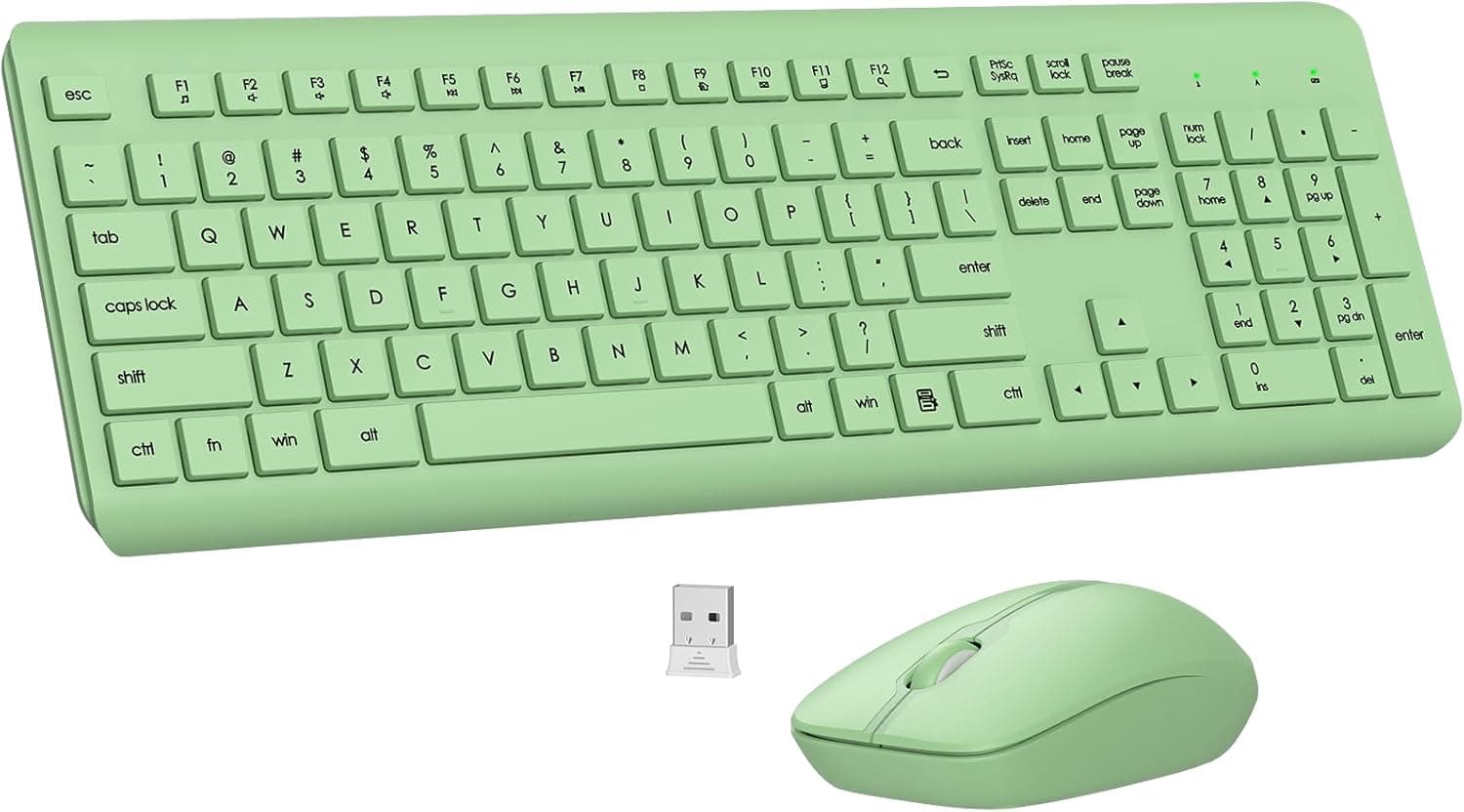
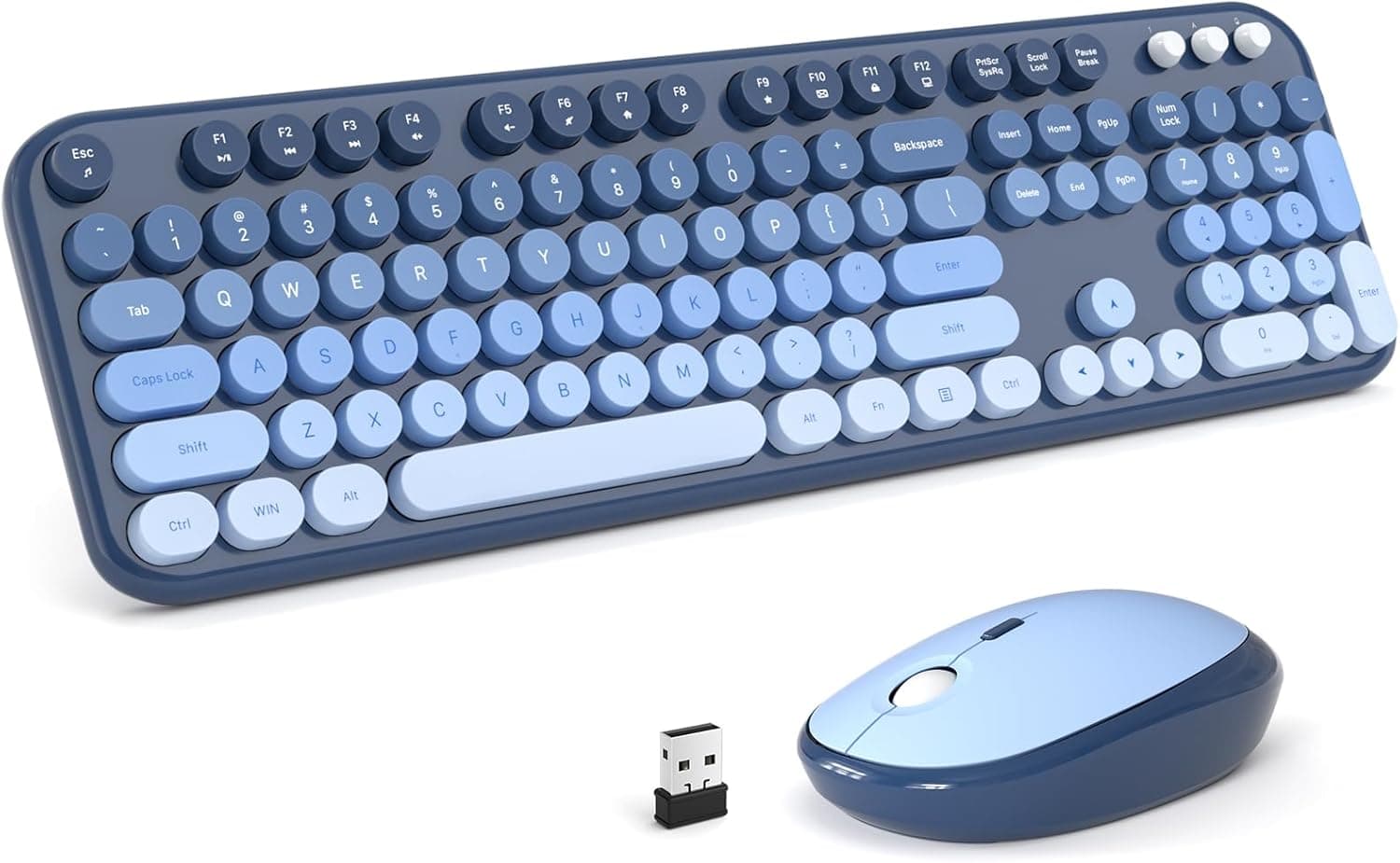
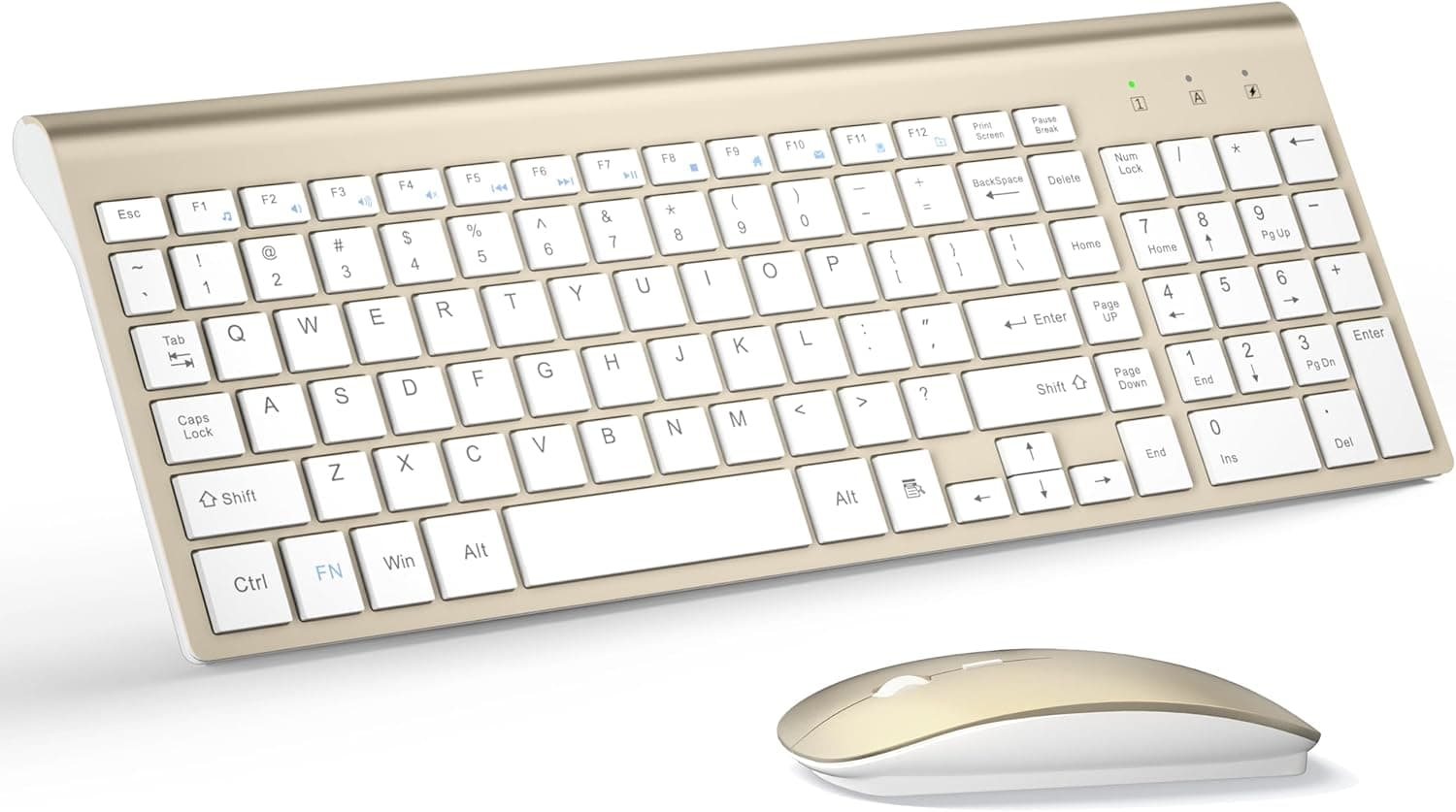
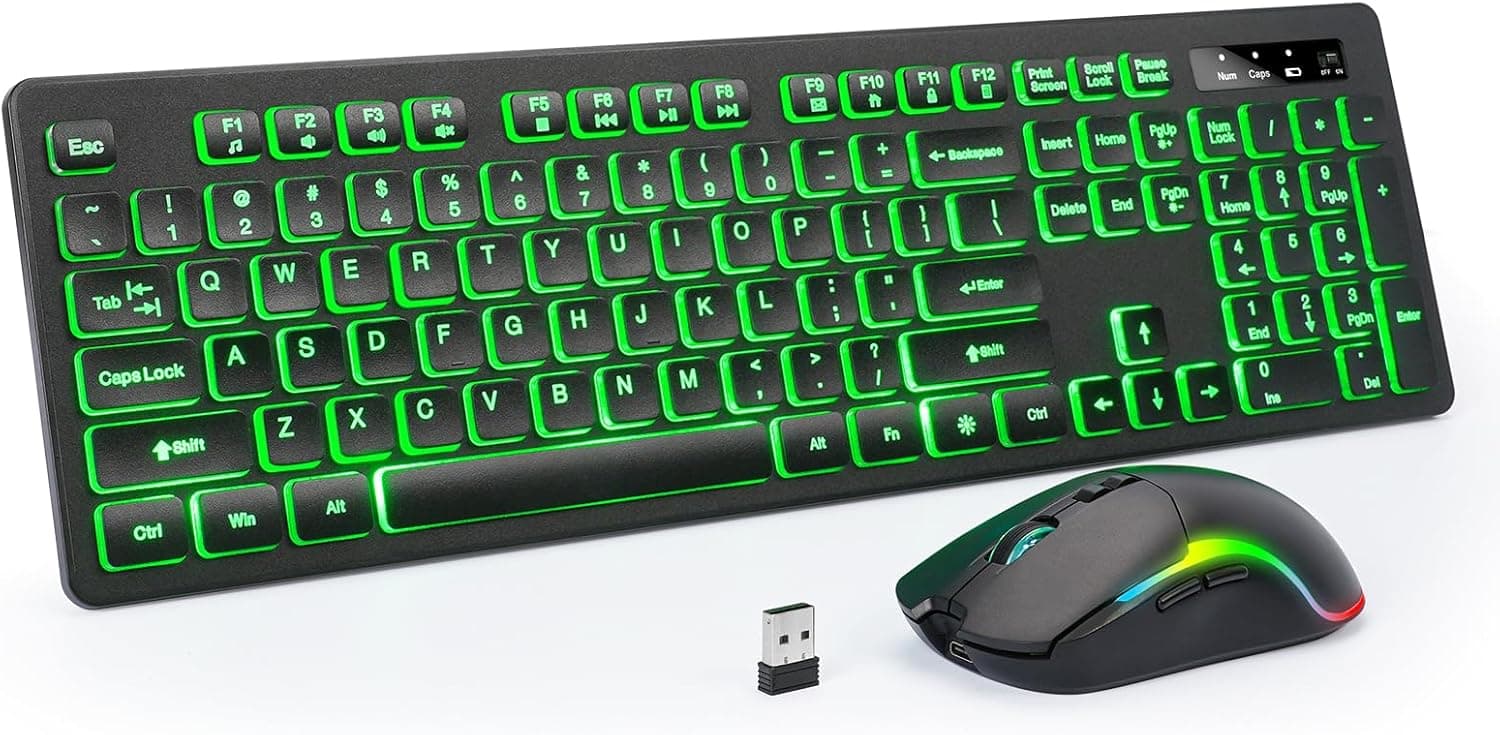
The KOPJIPPOM 2.4GHz wireless keyboard and mouse set targets one specific buyer: someone who wants a lit, full-size input setup for a Windows PC in a single purchase.
The keyboard is a 104-key full-size membrane layout with a numeric keypad and function row; the mouse has six buttons including the scroll wheel and charges over USB. Connection is 2.4GHz through a bundled USB nano receiver, with no driver installation and stated support for Windows 7/8/10/11.
The honest headline is that the selling point here is not typing feel or sensor precision — it is getting RGB backlighting on a full-size wireless layout as a bundle. If you want mechanical switches, Bluetooth flexibility, or a sensor you can trust in a shooter, this configuration will not deliver.
The sections below separate what you can reasonably expect from what you have to accept.
Compatibility Guide
| Item | Detail |
|---|---|
| Connection | 2.4GHz wireless (USB nano receiver) |
| Supported OS | Windows 7 / 8 / 10 / 11 |
| Keyboard layout | Full-size, 104 keys with numpad |
| Keyboard type | Membrane |
| Backlight | RGB, adjustable brightness and color (6 colors) |
| Mouse | 6 buttons incl. scroll wheel, USB rechargeable |
The single most important constraint is no Bluetooth. You need one free physical USB-A port.
That rules out iPads, Android tablets, phones, and thin laptops with only USB-C unless you supply your own adapter or hub — which adds back the desk clutter a wireless set is supposed to remove. The spec sheet lists no Type-C adapter in the box, so assume you will buy one yourself if you need it.
Only Windows is listed. Generic 2.4GHz HID devices often produce basic input on macOS, Linux, or ChromeOS, but that is not a guaranteed behavior here, and the 104-key layout maps awkwardly to Command and Option on a Mac.
If macOS is your main platform, choose a set that states macOS support.
Physical fit matters too. A full-size 104-key board is typically around 40cm wide, so on a shallow desk or a keyboard tray you may find less mouse room than expected.
If number entry is not central to your work, a tenkeyless layout leaves noticeably more space for the mouse.
Finally, plan the receiver placement. The 2.4GHz band shares space with Wi-Fi, Bluetooth devices, and noise leaking from USB 3.0 ports.
If you see cursor jumps or dropped keystrokes, move the receiver to a USB 2.0 port, use a front-panel port, or pull it onto the desk with a short USB extension cable.
That one change resolves most cases.
Product Info
The listed price on Amazon.co.jp was ¥13,540 as captured on 26 August 2026.
Prices move often, including through sales and coupons, so check the product page for the current figure. The other registered source is an eBay search link — a keyword results page, not a specific listing or confirmed price.
Treat it only as a starting point for comparing overseas offers.
Being straightforward about it: ¥13,540 is not cheap for a membrane combo with an unpublished mouse DPI. This category is crowded with options in the low thousands of yen, so if price is your main criterion, this set is unlikely to win on that axis at the captured figure.
If it has since dropped, the calculus changes — judge by what the page shows you.
User rating stands at 3.8 out of 5 (76% positive) from just 5 reviews, captured 20 June 2026.
The count matters more than the score. With five reviews, two lucky units swing the average up and one early failure swings it down; the number neither proves nor disproves quality.
Do not read it the way you would read a rating built on thousands of reviews. Buy this expecting an unproven track record.
The box typically contains the keyboard, mouse, USB receiver, charging cable, and manual. Warranty terms follow the manufacturer's policy — confirm the period and contact route on the retail page.
How It Compares
| What you want | This set | Look elsewhere for |
|---|---|---|
| Visibility in the dark | Strong — 6-color adjustable RGB | Non-backlit silent models won't do |
| Quiet typing | Middling — membrane noise is real | Sets that state silent switches |
| Mac / tablet use | Poor — no Bluetooth, Windows only | Bluetooth or multi-OS combos |
| Gaming precision | Weak — DPI unpublished, membrane | Wired gaming mouse + mechanical |
| Portability | Weak — full-size 104 keys | Folding or compact layouts |
| Battery upkeep | Strong — mouse recharges by USB | AA models can run 6–12 months |
One nuance worth flagging: rechargeable is not automatically better. Efficient AA-powered mice can run for many months and recover instantly with a fresh cell, while a built-in battery eventually sets the lifespan of the whole product.
At this price tier, cell quality and cycle life are rarely published, so treat long-term battery health as an unknown. The same applies to the backlight — running it at full brightness all day will shorten runtime, so low brightness for daily use is the practical setting.
What You Notice in Daily Use
A few things never appear on a spec sheet but shape satisfaction. Legends on backlit keycaps often lose contrast when the lighting is off, so if you plan to type in a bright room with the RGB disabled, expect readability appropriate to the price.
Budget membrane boards also tend to have limited key rollover, so pressing move, jump, and sprint together can drop an input — a non-issue for text work. And most wireless peripherals sleep after idle time, sometimes swallowing the first click or keystroke on wake; that half-second delay is normal behavior, not a fault, but it grates if you work in short bursts.
Best Use Cases
- Windows desktop users who work in dim rooms. Six adjustable backlight colors make key positions easy to find, which helps most if you have not fully memorized touch typing.
- People who enter numbers daily. The dedicated numpad on a 104-key layout suits accounting, inventory, and spreadsheet work better than a tenkeyless board plus a bolt-on numpad.
- Anyone cutting cable clutter. Both devices are wireless off a single receiver, and the rechargeable mouse removes the disposable-battery habit.
- Buyers outfitting a machine in one go. Moving house, building a second PC, or replacing a whole desk setup — a combo saves the effort of picking two products.
Before You Buy
Start with who should not buy this. Competitive FPS and MOBA players should look elsewhere: the mouse DPI, polling rate, and sensor model are all unpublished, so consistent aim is not something you can count on.
A dedicated wired gaming mouse is the better spend. Likewise, if you already know mechanical switches, the membrane bottom-out will feel flat.
"For gaming" in a product description means "usable in games," not "validated for competition."
The lack of Bluetooth is the constraint people regret most. Pairing with a tablet, switching to a Mac, or using a USB-C-only laptop all require extra hardware you did not budget for.
Confirm you have a free USB-A port on the machine you intend to use.
Understand the rechargeable trade-off. When the mouse runs flat, you stop working unless it can be used while plugged in.
Keeping a spare wired mouse in a drawer eliminates that risk entirely, and over the long run the internal cell will determine when the product retires.
Watch the price. At the captured ¥13,540 this sits above much of the category.
Compare it directly against other full-size RGB wireless combos at their current street prices before ordering.
Also verify the listing itself. At this price tier, manufacturer names, model numbers, and category labels on retail pages are frequently inconsistent with the actual product — the source data for this article included unrelated category tags.
Check the product images, title, and reviewer photos to confirm the item you receive is the one you intended to buy.
And do not shrug off the five-review sample. Quality variance is simply not visible yet.
Buy from a seller whose return process you can confirm, and test every key and the mouse charging immediately on arrival.
FAQ
Q. Does it work with a Mac or iPad? A.
The stated support is Windows 7/8/10/11 only. iPads and phones cannot host the USB receiver at all.
A Mac with a USB-A port will often accept basic input, but it is not guaranteed and the 104-key layout maps awkwardly to Mac modifiers.
Q. How many backlight colors are there? A.
The spec lists RGB with six colors and adjustable brightness. Follow the bundled manual for lighting modes; brighter and longer lighting means shorter runtime.
Q. What DPI is the mouse? A.
Not published. It should be fine for office work, browsing, and casual games, but pick a product that states its DPI if you need a specific number.
Q. Is typing quiet? A.
Membrane keys avoid the sharp click of blue mechanical switches, but this is not as quiet as sets explicitly designed for silence. For late-night or shared spaces, look for a stated silent design.
Q. The cursor jumps or keystrokes drop — why? A.
Usually 2.4GHz interference.
Move the receiver away from USB 3.0 ports, try a USB 2.0 or front port, extend it onto the desk with a USB cable, and keep distance from routers and metal obstructions.
Q. Do both devices charge the same way? A.
The mouse is USB rechargeable; check the product page for how the keyboard is powered. The receiver is designed to store inside the keyboard so it is harder to lose in transit.