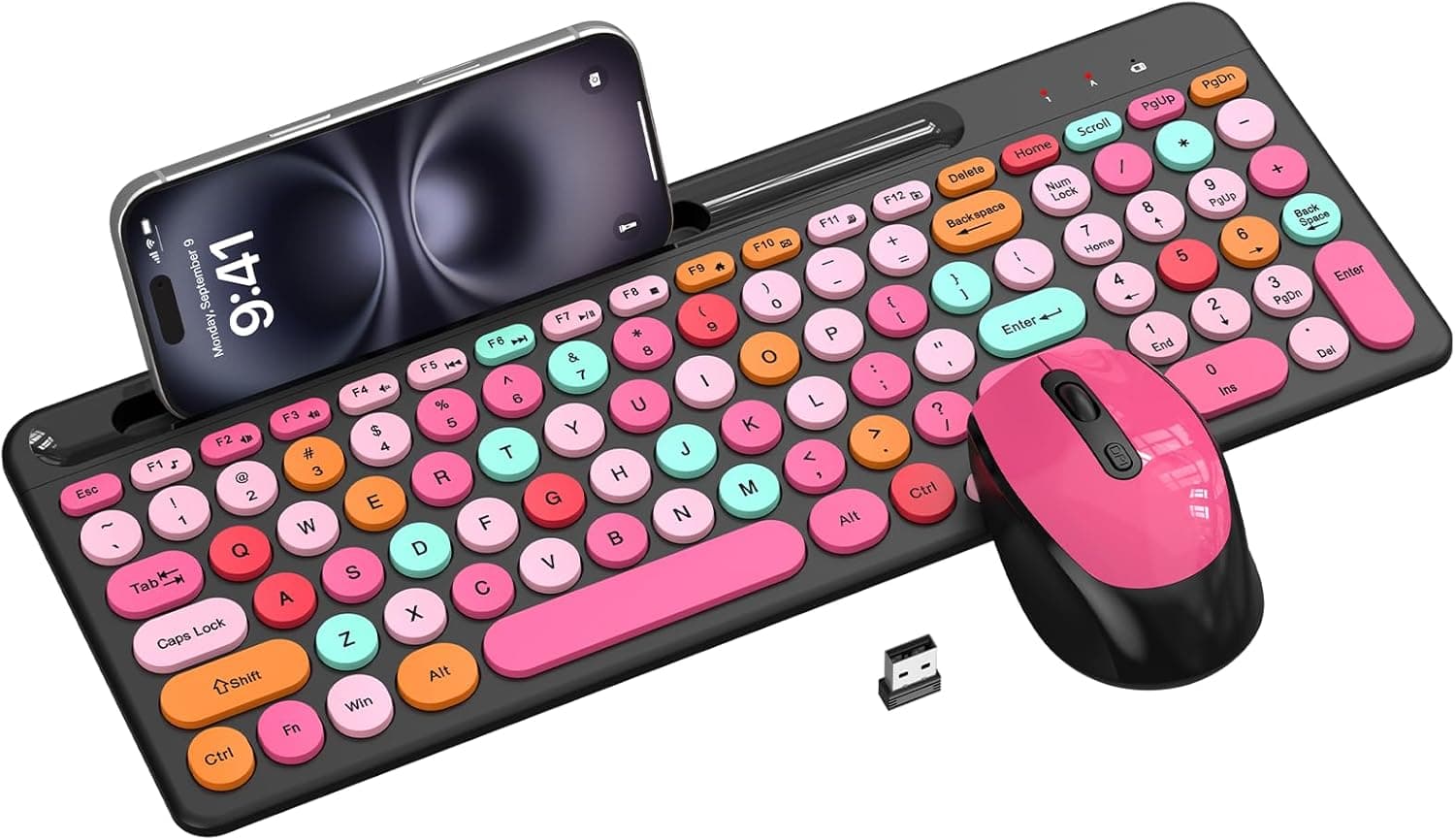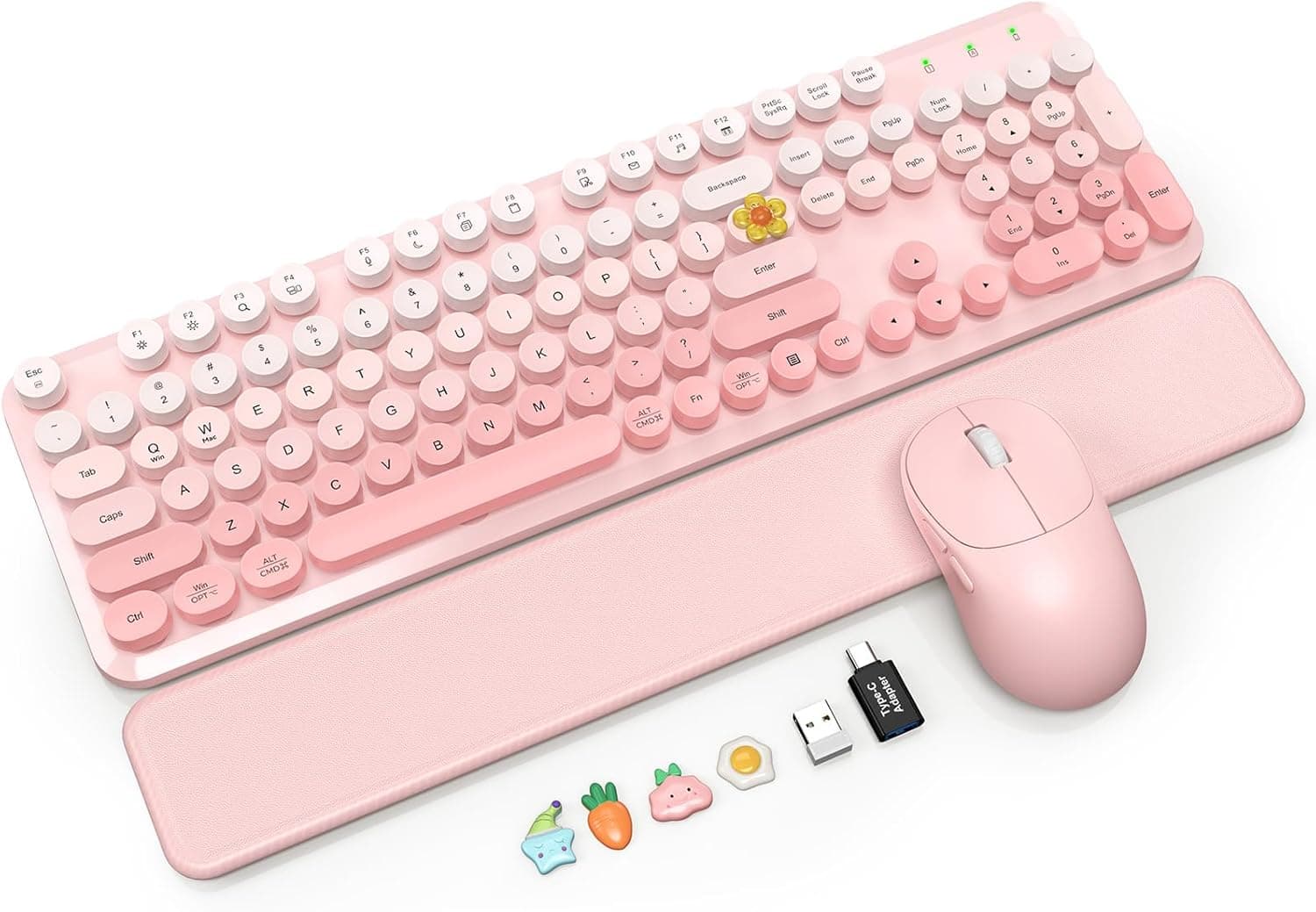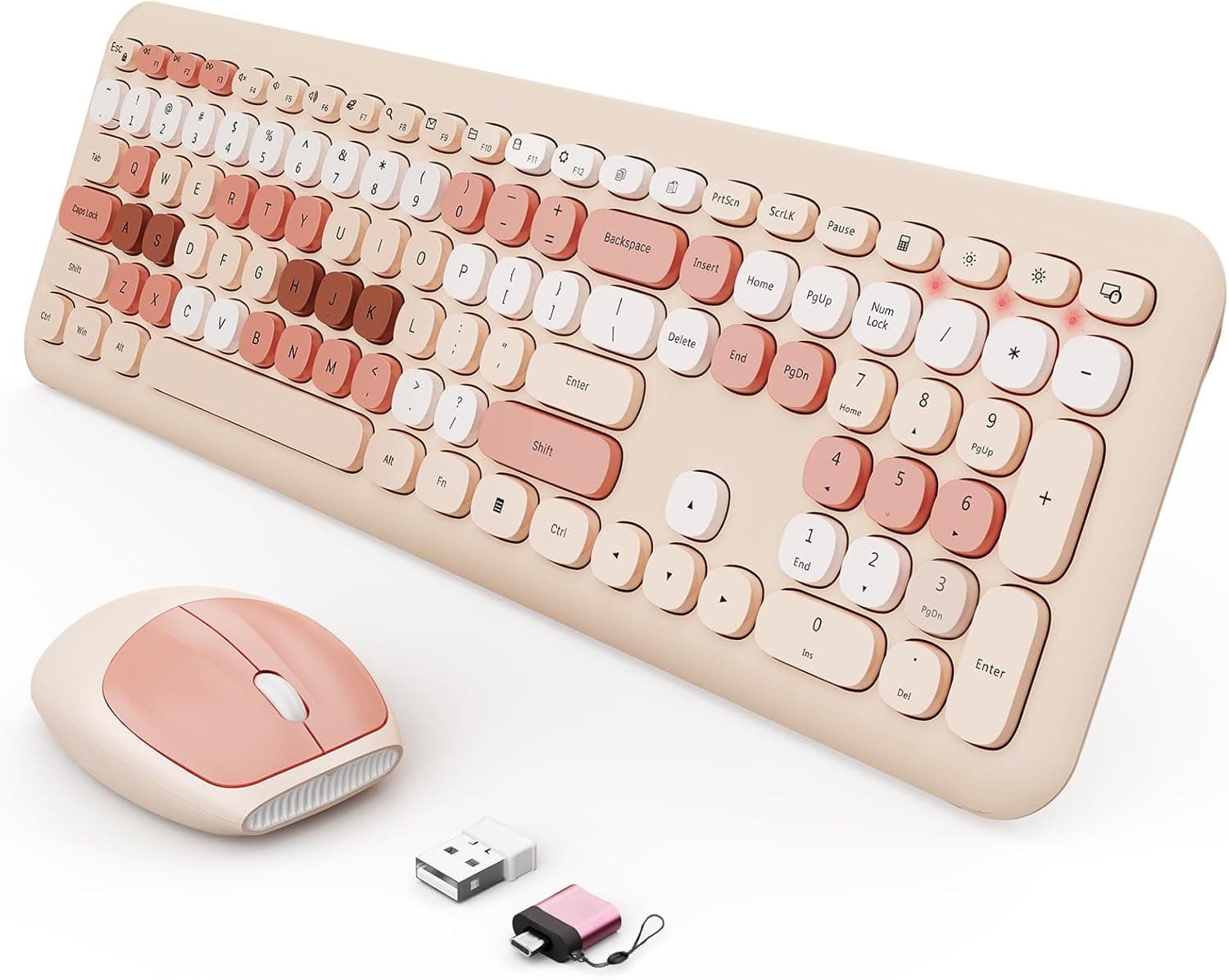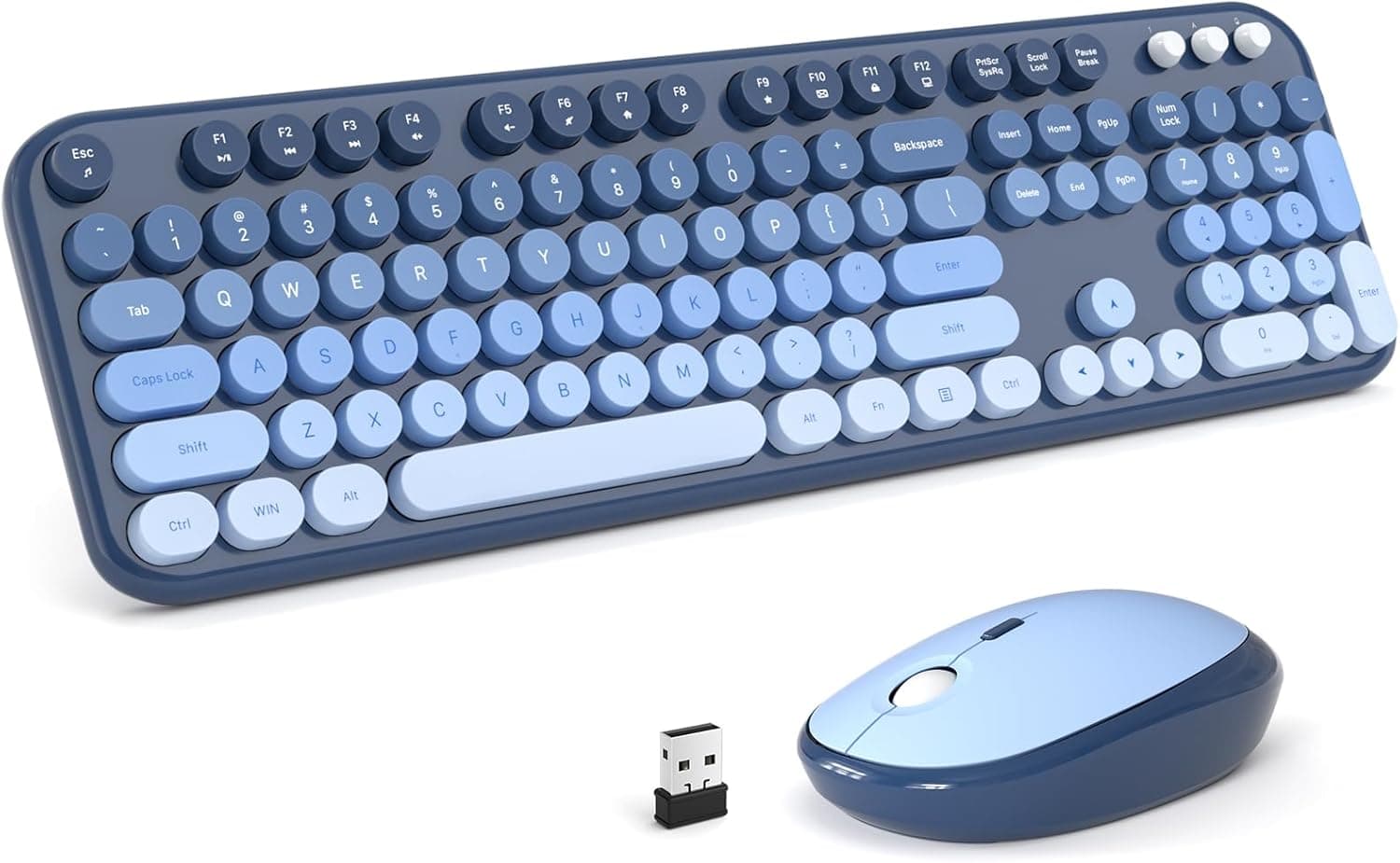
The MOFII Lovely Sea Blue Gradient Wireless Keyboard and Mouse Combo pairs retro round keycaps with a cool-toned gradient finish in a full-size wireless set. On Amazon.co.Check the retailer's page for the latest user reviews.
Below is what actually matters before you buy.
Overview
This is a practical keyboard set for people who want to change how their desk looks. It is not chosen for performance: the typewriter-style round keys and the blue gradient shell are the point, while typing performance sits at the level of a normal membrane wireless set.
The keyboard is full-size with a numeric keypad, the mouse is included, and a single 2.4GHz USB receiver drives both.
It fits home-office desks and personal setups where appearance counts and cable clutter does not. If crisp key feel or gaming response is your priority, look at a different category from the start.
MOFII sells this retro shape in several colors. This article covers the Sea Blue Gradient variant specifically, so check the color name on the listing before ordering.
Compatibility Guide
The stated target is Windows PCs, desktop and notebook. Plug the bundled USB receiver into a free port and it works — no driver install.
The maker does not spell out OS versions, but a 2.4GHz HID receiver of this type normally runs on the stock Windows 10 / 11 drivers.
| Item | Detail | Practical note |
|---|---|---|
| Connection | 2.4GHz wireless (USB receiver) | Not Bluetooth; needs one free USB-A port |
| Ports used | 1 (shared by keyboard and mouse) | Light on notebook port budgets |
| OS | Windows (desktop / notebook) | macOS and Chrome OS not guaranteed |
| Layout | Full-size with numeric keypad | Allow roughly 400 mm of desk width |
| Not supported | Tablets, smartphones | No USB host, no connection |
Three things trip people up. USB-C-only laptops cannot take the USB-A receiver directly, so budget for an adapter or hub.
Receivers plugged into rear-panel or hub ports sit further from the hands and are more prone to cursor stutter — a short extension that brings the receiver onto the desk usually fixes it. And 2.4GHz shares its band with Wi-Fi and USB 3.0 devices, so keeping the receiver away from a router or an external SSD helps.
On macOS the receiver may well move the cursor and send keystrokes, but modifier placement and function-key mapping will not match, so treat Mac use as unsupported rather than as a feature.
Product Info
Brand MOFII; color Lovely Sea Blue Gradient; round retro keycaps; full-size layout with numpad; 2.4GHz wireless via USB receiver; Windows PCs, desktops and notebooks.
Both units appear to run on batteries, but the count and type are not stated in the available data — confirm that, and whether cells are included, on the product page.
Pricing deserves care. Two captures exist for the same ASIN: ¥14,573 as of 6 June 2026 and ¥9,299 as of 27 August 2026 — roughly a ¥5,000 swing.
That spread means sales and seller changes move this listing a lot, so both figures are snapshots only; check the live page. The higher figure in particular is steep for an entry-level combo, and at that level it is worth comparing against major-brand sets in the same budget.
A review count in the hundreds at least confirms real volume rather than an untested batch.
How It Compares
Logitech's MK line (MK270, or the quiet-focused MK295) is the default rival here. The big-brand advantage is published battery life, conventional key layout, and a clear support channel.
MOFII's advantage is narrow and specific: the retro round keys and the gradient color.
So the split is simple. Buy MOFII if you want the desk to look different; buy a major brand if this is the machine you type on eight hours a day.
Worth noting: round keycaps offer less flat contact area than square ones, and fingers catch the edges more easily, so touch-typing accuracy can dip while you adjust. That preference split is likely part of why the score sits at 4.3 rather than higher.
Before You Set It Up
Decide where the receiver lives. Sets like this usually hide a receiver slot under the keyboard or inside the mouse battery door; find it on day one if you plan to travel with the set.
Also measure your desk. A full-size board is wide, and once you add wrist clearance in front of it, monitor arms and laptop stands can get tight.
Best Use Cases
- First-time wireless users — plug in and go, with no pairing to redo and no configuration step.
- Numeric data entry — the numpad is genuinely useful if you currently do spreadsheet work on a laptop's built-in keyboard.
- Secondary or shared machines — a sensible place to spend little.
Things to Consider
Typing feel matches the price. Soft membrane-class action, no crisp mechanical click, no fast key return.
Heavy writers will not be satisfied here.
Not a gaming set. Mouse DPI and polling rate are unpublished.
Latency is fine for office work, but anything where milliseconds count is out of scope.
Lose the receiver and the set is dead. Unlike Bluetooth gear, the dongle generally cannot be replaced.
That is the core weakness of 2.4GHz, and it matters most if you travel with it.
Price swings are large. As noted, captures ranged from ¥14,573 to ¥9,299 on the same listing.
There is no reason to buy during a high-price window.
Verify the listing details yourself. Amazon listing metadata — manufacturer, seller, color, bundled items — is sometimes registered incorrectly.
Since this model ships in multiple colors, a mismatch between the title and the photo is the likeliest error mode. Check the product image against the color name before ordering.
Check the key layout language. The data does not state whether this is a JIS or US layout.
On a US board, symbol placement and Japanese input keys differ. If you type Japanese daily, confirm this first.
FAQ
Q. Can it connect over Bluetooth?
A. No. It is 2.4GHz via the bundled USB receiver only, so you need a free USB-A port.
Q. Does it work on a Mac? A.
Windows is the only stated support. It may function, but modifier mapping will be wrong.
Not recommended for Mac.
Q. How long does the battery last? A.
No figure is published in the available data. Sets of this type typically run for months, but confirm on the product page.
Q. Does it use two USB ports?
A. No — one receiver serves both keyboard and mouse, so a single port.
Q. Is it usable for games? A.
Fine for casual or slow-paced titles; unsuitable for competitive FPS or MOBA play, with no DPI specification given.
Q. What is the review standing?
A.
Product Disclosure (Amazon)
- Manufacturer: Mofii
- Seller: Takumido
- Fulfilled by: Takumido
- ASIN: B0G58CDPV7
- Note: This article covers a manufacturer-made product based on Amazon listing details.