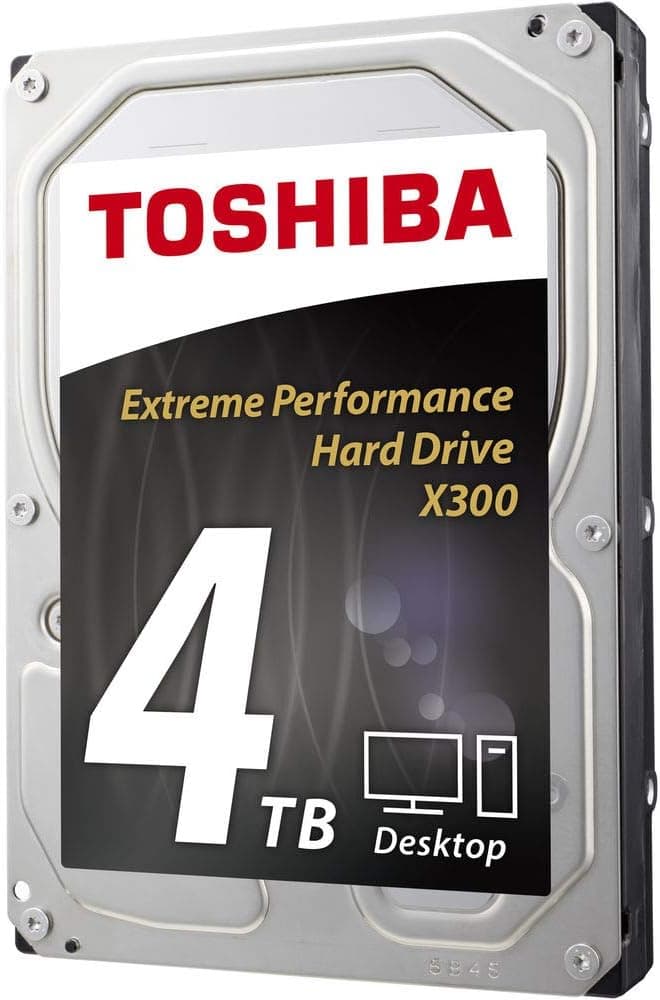
The Toshiba X300 4TB Performance Desktop and Gaming Hard Drive (model HDWE140XZSTA) is a 3.5-inch internal hard drive meant to add bulk capacity to gaming desktops and workstations.
This article looks at where it actually fits, and what you have to accept in exchange.
Overview
The short version: this is a place to put things, not a boot drive. It offers 4TB, 7,200RPM, a SATA 6.0Gb/s interface, a 3.5-inch form factor, and a 2-year warranty.
The natural setup is an NVMe SSD for the OS and your daily games, with everything else — game installs you play occasionally, recordings, project assets — offloaded here.
As of data captured in May 2026, the Amazon.co.jp listing showed 1,178 reviews at 4.4 out of 5 stars (88% positive).
At that review count, the score is a reasonable signal that dead-on-arrival units are not a widespread problem. It says less about multi-year reliability, so read it as an early-failure indicator rather than a longevity rating.
One caveat before anything else: the published specs list cache as both 128MB and 256MB, and the supplied data does not settle which applies to this model. X300 variants differ by capacity and production batch, so if cache size matters to your decision, confirm HDWE140XZSTA on the manufacturer's spec sheet.
This article does not treat either figure as established fact.
Where It Sits
Desktop hard drives split roughly three ways: quiet 5,400RPM-class models, 7,200RPM performance models, and drives built for 24/7 duty in NAS or surveillance boxes. The X300 is squarely in the middle group — faster sequential throughput and shorter access waits, at the cost of more heat, noise, and power draw than a slower-spinning drive.
| Spec | Value | What it means |
|---|---|---|
| Capacity | 4 TB | Dozens of large game installs, or a lot of footage |
| Spindle speed | 7,200 RPM | Faster than 5,400RPM class, but louder and more vibration |
| Interface | SATA 6.0Gb/s | A mechanical drive will not saturate this link |
| Form factor | 3.5-inch | Desktop only; it will not fit a laptop |
| Warranty | 2 years | Shorter than the 3–5 years common on NAS-grade models |
That last row matters more than the rest. A two-year warranty signals that the manufacturer positions this as a general desktop drive, not an always-on workhorse.
Use it outside that envelope and both the failure math and the warranty change meaning.
Compatibility Guide
Physically it is simple. The drive mounts in a standard desktop 3.5-inch bay and is not compatible with laptops or slim cases.
It needs one SATA data cable to the motherboard and one SATA 15-pin power connector from the PSU. SATA 6.0Gb/s is backward compatible, so it will work on older SATA 3.0Gb/s boards; sequential transfers may bump against that older ceiling, but nothing else will notice.
What actually trips people up is counting, not fitting. Check these before you order:
- Free 3.5-inch bays. Many current mid-towers ship with only one or two, and yours may already be full.
- Free SATA power connectors. SSDs and optical drives eat these quickly; you may need a splitter.
- SATA port sharing on the motherboard. On many boards, populating an M.2 slot disables specific SATA ports. Most "the drive won't show up in BIOS" cases are this. Check the manual's shared-port table first.
- Cable reach. Rear-panel drive trays sometimes sit farther from the ports than the bundled cable allows.
Windows, macOS, and Linux all support the drive. A new HDD arrives uninitialized, so on Windows you open Disk Management, initialize as GPT, and format the full 4TB as a single NTFS partition.
MBR cannot address more than 2TB, which is the one thing to get right. If you plan to use it externally, remember that 3.5-inch drives need 12V — pick an enclosure with its own AC adapter, not a bus-powered one.
On NAS use, a careful note: this is sold as a desktop drive, and its intended duty cycle differs from lines designed for packed multi-bay enclosures running around the clock. For a multi-drive NAS, a model the vendor explicitly markets for NAS duty is the safer pick on vibration handling and error recovery behavior.
Product Info
Beyond the table above, Toshiba lists ramp loading and drive stabilization technologies for this performance line. The first parks the heads away from the platter when idle to survive knocks; the second addresses in-chassis vibration.
Both matter more in a case that already holds several spinning drives.
Pricing needs care, because the source data disagrees with itself. An eBay US capture from July 2026 recorded $149.99, which is broadly plausible for a 4TB 7,200RPM drive.
The Amazon.co.jp capture from May 2026 recorded ¥56,391 — an order of magnitude off the going rate for a 4TB desktop HDD, and most likely a price scraped from a different variant or a different product entirely.
This article therefore does not present that yen figure as the price of this drive. Either way, HDD pricing moves constantly, so check the current listing and confirm the selected variant is the 4TB model.
Real-World Performance
No benchmark data was supplied, so treat this as a general guideline rather than a measured claim: 7,200RPM 3.5-inch drives typically sustain somewhere around 150–200MB/s sequentially on the outer tracks, dropping as they fill toward the inner ones.
Random access is a different story — seek time and rotational latency put mechanical drives nowhere near NVMe. That is the nature of the medium, not a flaw in this model.
Practically, games installed here will load noticeably slower than from an SSD. The winning strategy is triage: daily online titles stay on the SSD, while finished campaigns and sale-bought backlog live on the X300.
For video work, it is fine as a project archive and export target, but not as a scratch disk for real-time 4K playback.
Compared To The Alternatives
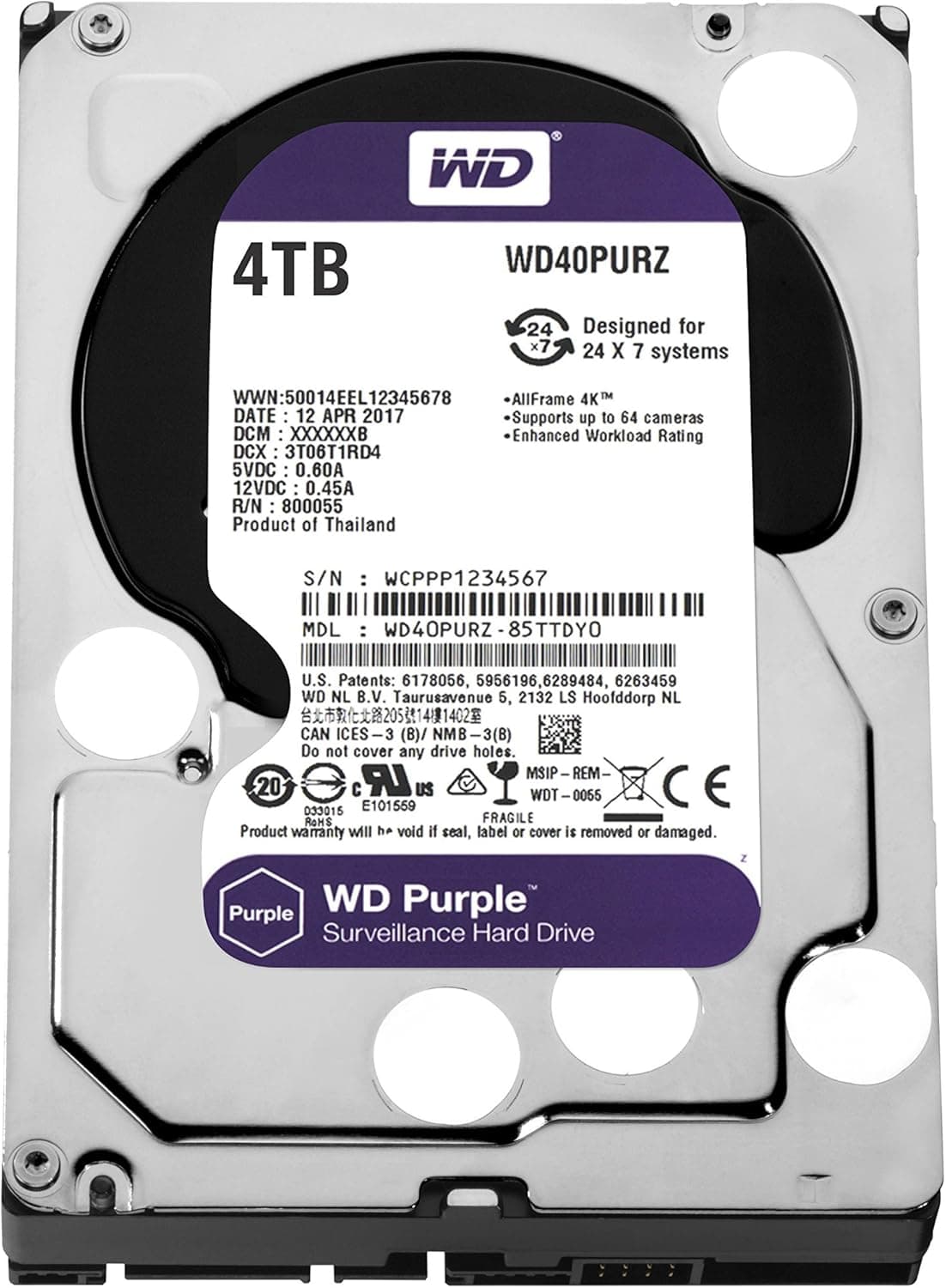
The obvious 4TB rival is the Western Digital WD Purple (WD40PURZ), tuned for continuous surveillance writes rather than mixed desktop access — a different job. If quiet operation and NAS duty matter more, a 5,400rpm CMR NAS drive such as WD Red Plus runs cooler and quieter with a longer warranty, trading away sequential speed.
SSHD hybrids like FireCuda only accelerate repeatedly accessed data, which is beside the point when your goal is cheap bulk capacity. The choice reduces to: X300 for speed per terabyte, a slow NAS drive for silence and warranty, an SSD if you actually need speed.
Best Use Cases
- PC gamers whose libraries are full of 100GB-plus titles. 4TB buys years of headroom, and the 7,200RPM spindle keeps more of the offloaded library genuinely playable in place.
- Creators archiving video, photo, or 3D assets. Cost per terabyte wins for finished-project storage.
- Anyone who already owns a fast NVMe SSD and is simply out of room. This drive is a complement to an SSD, not a replacement.
- Builders with a spare 3.5-inch bay. Installation is two cables.
Things to Consider
The cache spec contradicts itself. The listing shows both 128MB (in the product title) and 256MB (in the spec fields).
Confirm HDWE140XZSTA against the manufacturer's spec sheet if cache size drives your decision.
Listing data may not match the product. As noted, the Japanese listing carried a price far outside the normal range for a 4TB HDD.
Pages like this often bundle multiple capacities under one entry, so the displayed price can belong to a different variant. When you open the page, verify from the image and title that you are looking at the 4TB HDWE140XZSTA — and treat the manufacturer and brand fields with the same skepticism.
Expect noise and vibration. A 7,200RPM drive is audibly louder than a 5,400RPM one, and seek chatter survives most quiet cases.
For a living-room PC or a streaming rig with an open mic, plan on anti-vibration mounts or a bottom-mounted bay.
The recording method (CMR or SMR) is not stated in the supplied specs. If your workload involves sustained heavy writes, confirm this on the product page before buying.
The warranty is two years, shorter than the 3–5 years typical of NAS-grade drives. This is not the drive for 24/7 duty or as the sole home of business data.
And the universal rule: one drive is not redundancy. 4TB of capacity is also 4TB of potential loss.
Never make this the only copy — pair it with a second drive or cloud backup. "I bought a big HDD, so I'm safe" is the most common and most expensive misunderstanding.
Who should skip it: anyone chasing faster OS and app launches, laptop or small-form-factor users, people who need silence, and anyone building a packed 24/7 NAS. A different product category will serve all four better.
FAQ
Q. Can I use it as a boot drive? A.
It works, but don't. Boot and app launch times suffer badly.
Put the OS on an SSD and use this for data.
Q. Will it work on an older SATA 3.0Gb/s board? A.
Yes. SATA 6.0Gb/s is backward compatible.
Sequential transfers may hit the older ceiling, but the practical impact is small.
Q. Can it go in a PS5 or a laptop? A.
No. It is a 3.5-inch desktop drive.
For laptop use, put it in an externally powered 3.5-inch USB enclosure.
Q. The PC doesn't see the drive. A.
New drives ship uninitialized and won't appear in Explorer. Open Disk Management, initialize as GPT, format NTFS.
If it's absent there too, recheck the power connector and your board's M.2/SATA port-sharing table.
Q. Is the cache 128MB or 256MB? A.
The listing disagrees with itself and this article won't guess. Check HDWE140XZSTA on Toshiba's spec sheet.
In practice, cache size affects felt performance far less than spindle speed or recording method.
Q. How should I read the reliability numbers? A.
Data captured in May 2026 showed 1,178 reviews at 4.4 out of 5 (88% positive) — a fair proxy for low early-failure rates, but silent on multi-year endurance.
Combined with the 2-year warranty, run it with backups.
![AHD770G-1TU32G1-CBK [HD770Gシリーズ ポータブルHDD 1TB Black]](/_next/image?url=https%3A%2F%2Fm.media-amazon.com%2Fimages%2FI%2F81zqXpEbPGL._AC_SL1500_.jpg&w=1920&q=75)