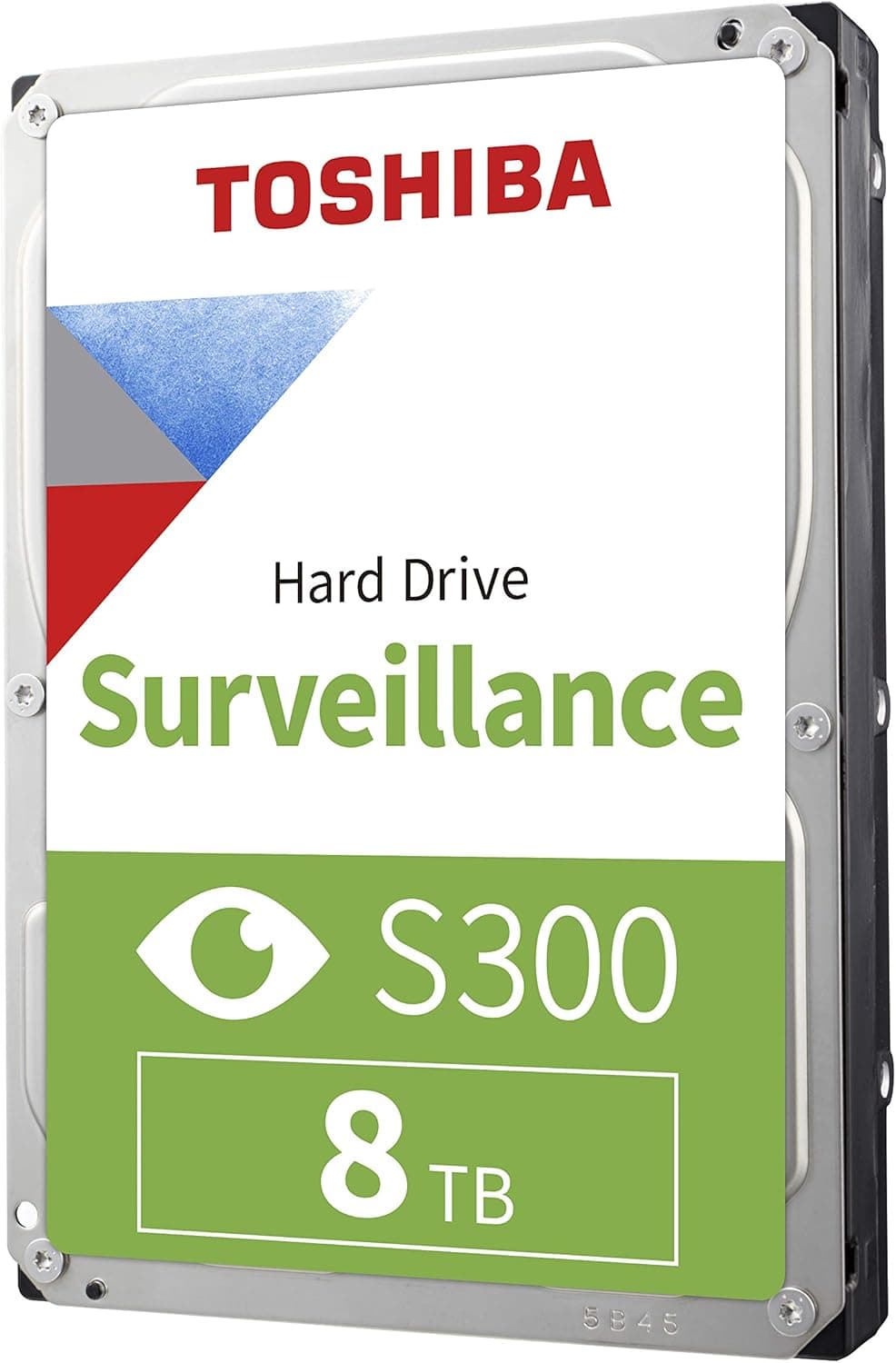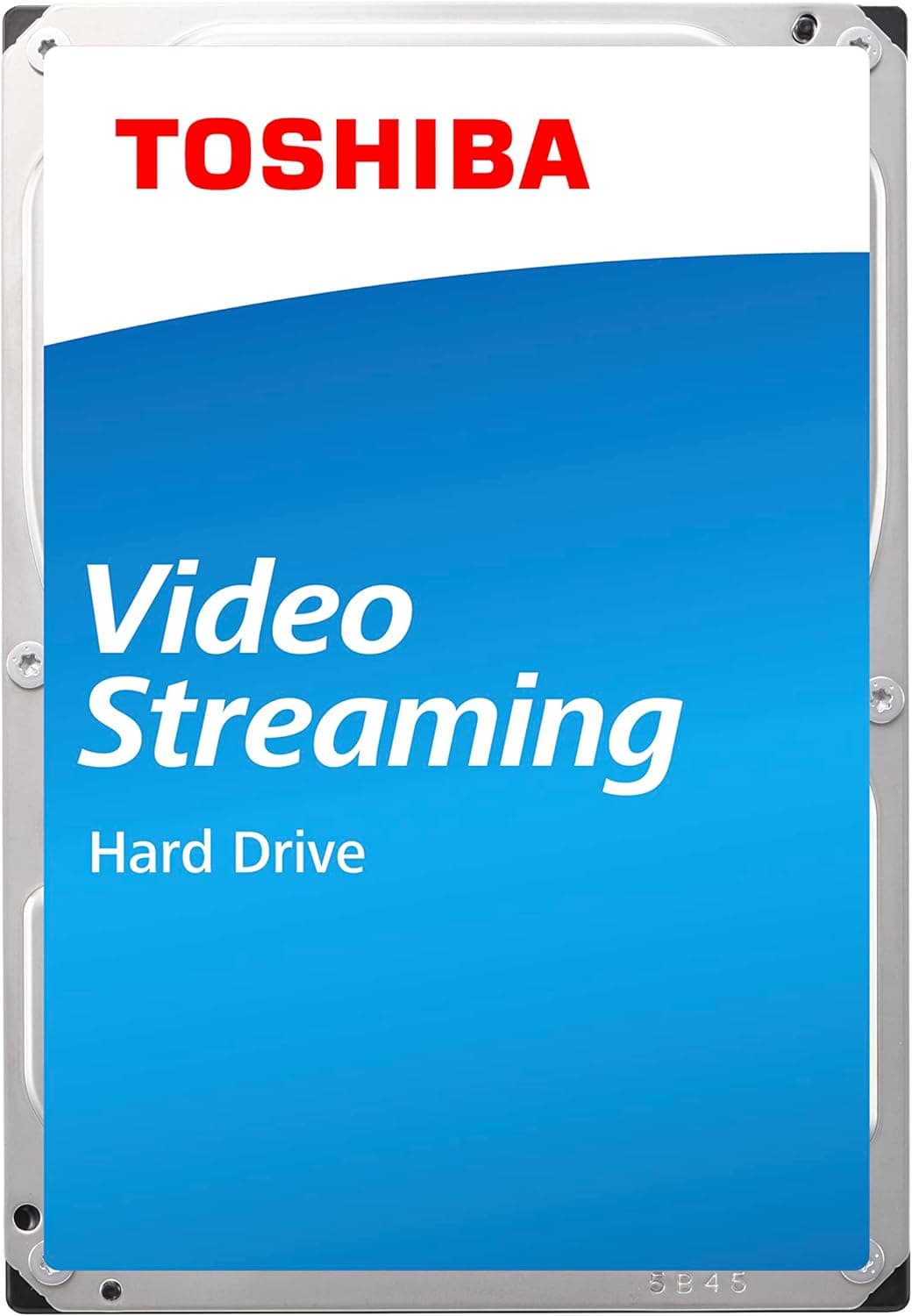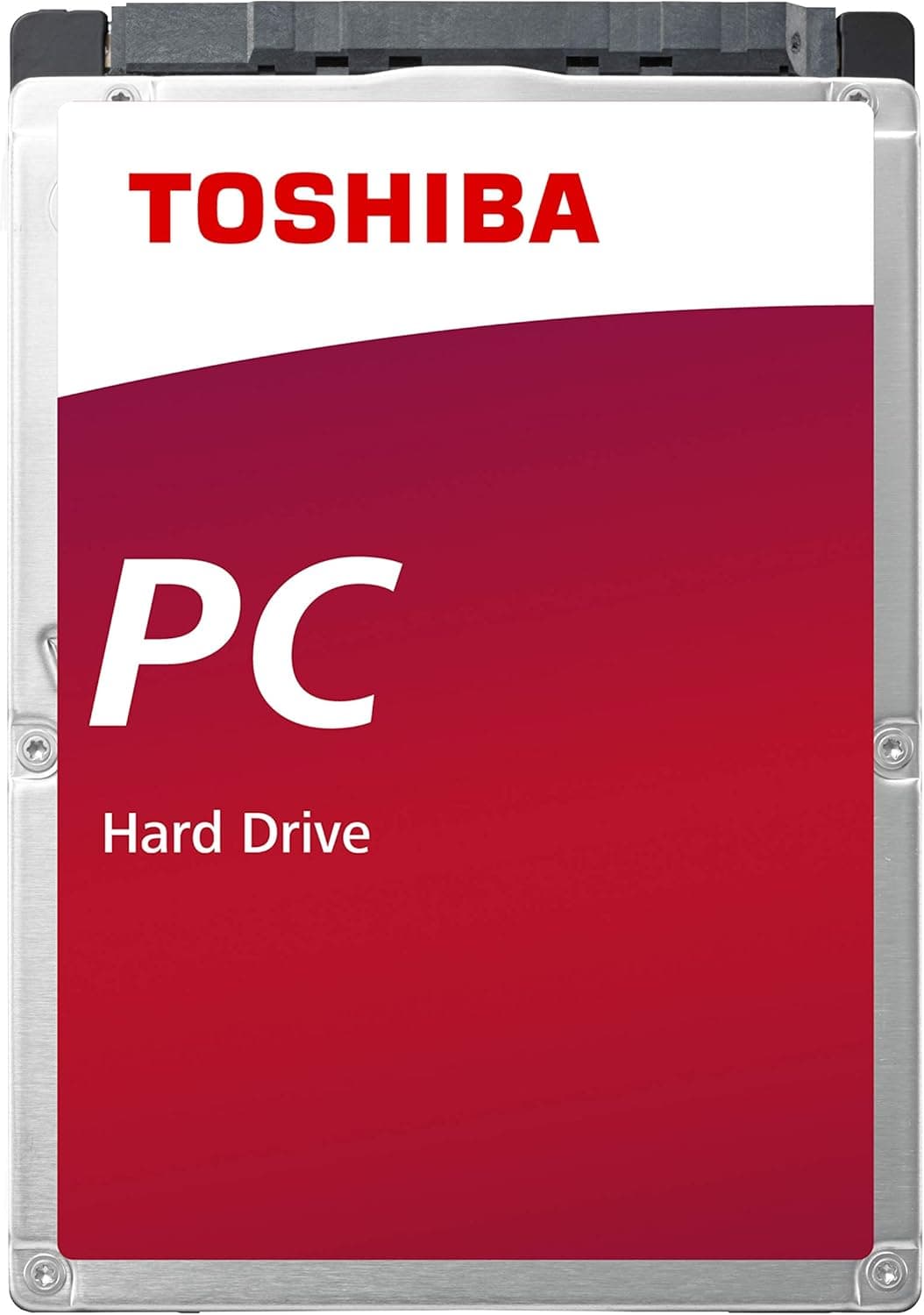
This article covers 東芝(TOSHIBA) 2.5インチ HDD 500GB 内蔵型 ノートパソコン ミニPC 向け PCモデル CMR 【国内正規代理店品】2年保証 MQ01ABD050-2YW.
Overview
The Toshiba MQ01ABD050 is a 2.5-inch internal hard drive with a 500GB capacity, spinning at 5,400 RPM and using a SATA 3.0 interface (6 Gbps). Its standout feature is the adoption of CMR (Conventional Magnetic Recording), which ensures consistent write performance—unlike SMR drives that can suffer from write speed degradation under random workloads. This drive is designed for laptops, mini PCs, and external enclosures. With a standard 9.5mm thickness, it fits most 2.5-inch bays. It's also a popular choice for turning a USB enclosure into a portable backup solution. In the market, the MQ01ABD050 sits in the entry-level tier. It won't compete with SSDs for speed, but it offers unbeatable cost per gigabyte and reliable long-term storage, especially for data archiving and backup scenarios.
Compatibility Guide
The MQ01ABD050 uses a standard SATA interface (Serial ATA 600) and is compatible with SATA 2.0 as well. Its 2.5-inch form factor and 9.5mm height make it suitable for most laptop and mini PC drive bays. However, some ultra-thin notebooks require 7mm drives, so always check the clearance before purchasing. Power is supplied via the SATA power connector. For desktop use, you'll need an available SATA data port and a power cable from the PSU. For external use, a USB-to-SATA adapter or enclosure is required.
Product Info
This drive has been on the market for several years but remains widely available as new stock, often through authorized Japanese distributors. Pricing typically falls between 1,500 and 2,000 yen, making it one of the most affordable 500GB storage options. A two-year warranty is included. Market positioning: entry-level. While read/write speeds are modest (around 100 MB/s sequential), the CMR technology provides stable random write performance, which is a key advantage over cheaper SMR drives. It's ideal for bulk storage where speed isn't critical.
Best Use Cases
Upgrading an older laptop's storage: If you're replacing a failing HDD or adding a second drive (via optical bay adapter), the MQ01ABD050 offers a cost-effective capacity boost. Not recommended for the OS drive, but perfect for data. Building a DIY external backup drive: Pair it with a 2.5-inch USB enclosure for a portable, low-cost backup solution. The CMR nature ensures backups run consistently without slowdowns. Long-term data archiving: HDDs are preferred for cold storage because they retain data for years without power, unlike SSDs which can lose charge over time. This drive is excellent for photo libraries, video archives, and documents. Budget-conscious builds: When every yen counts, a 500GB HDD at under $15 is hard to beat. Use it as a secondary storage drive in a desktop PC where a large SSD would be overkill. ## Alternatives
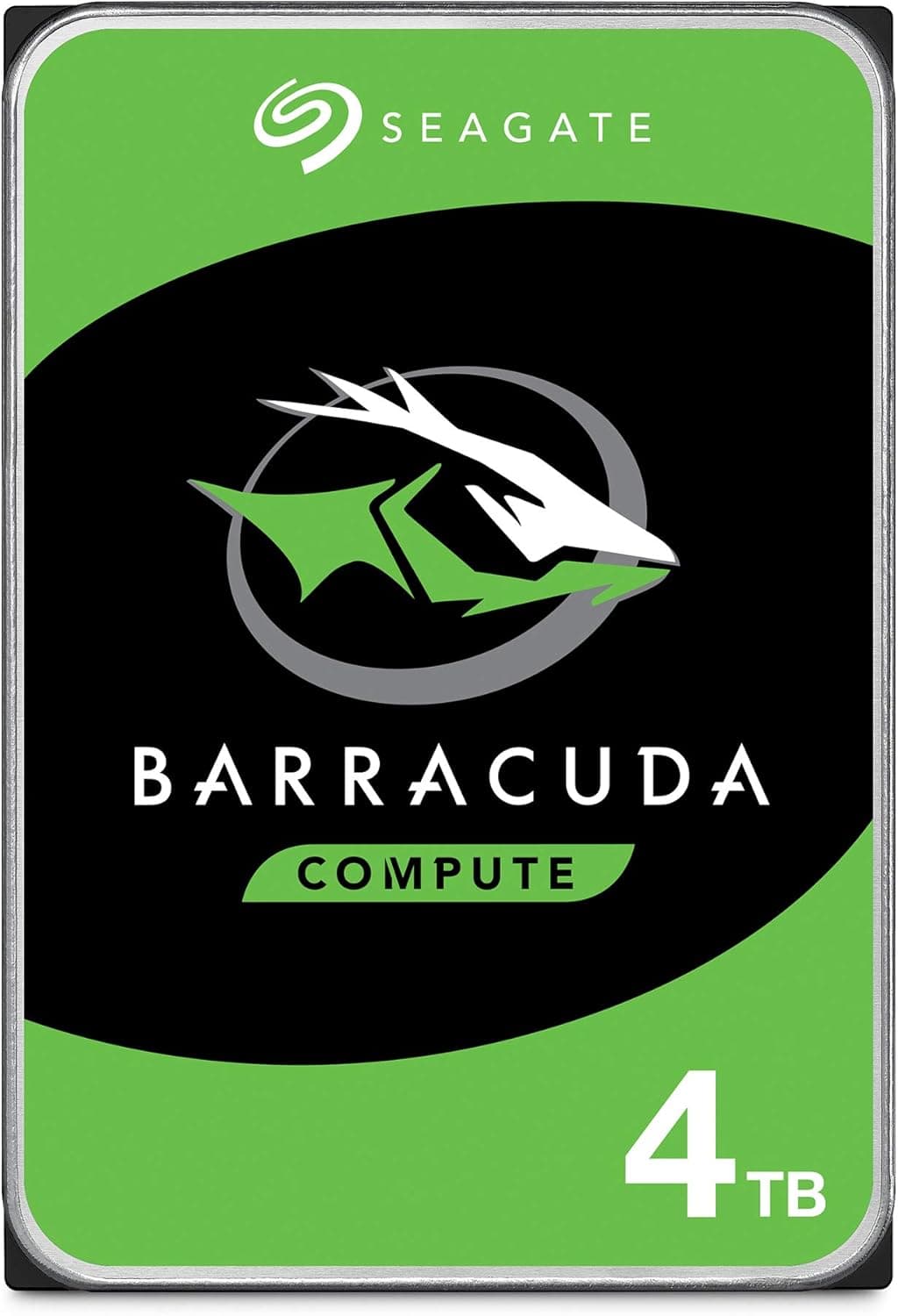
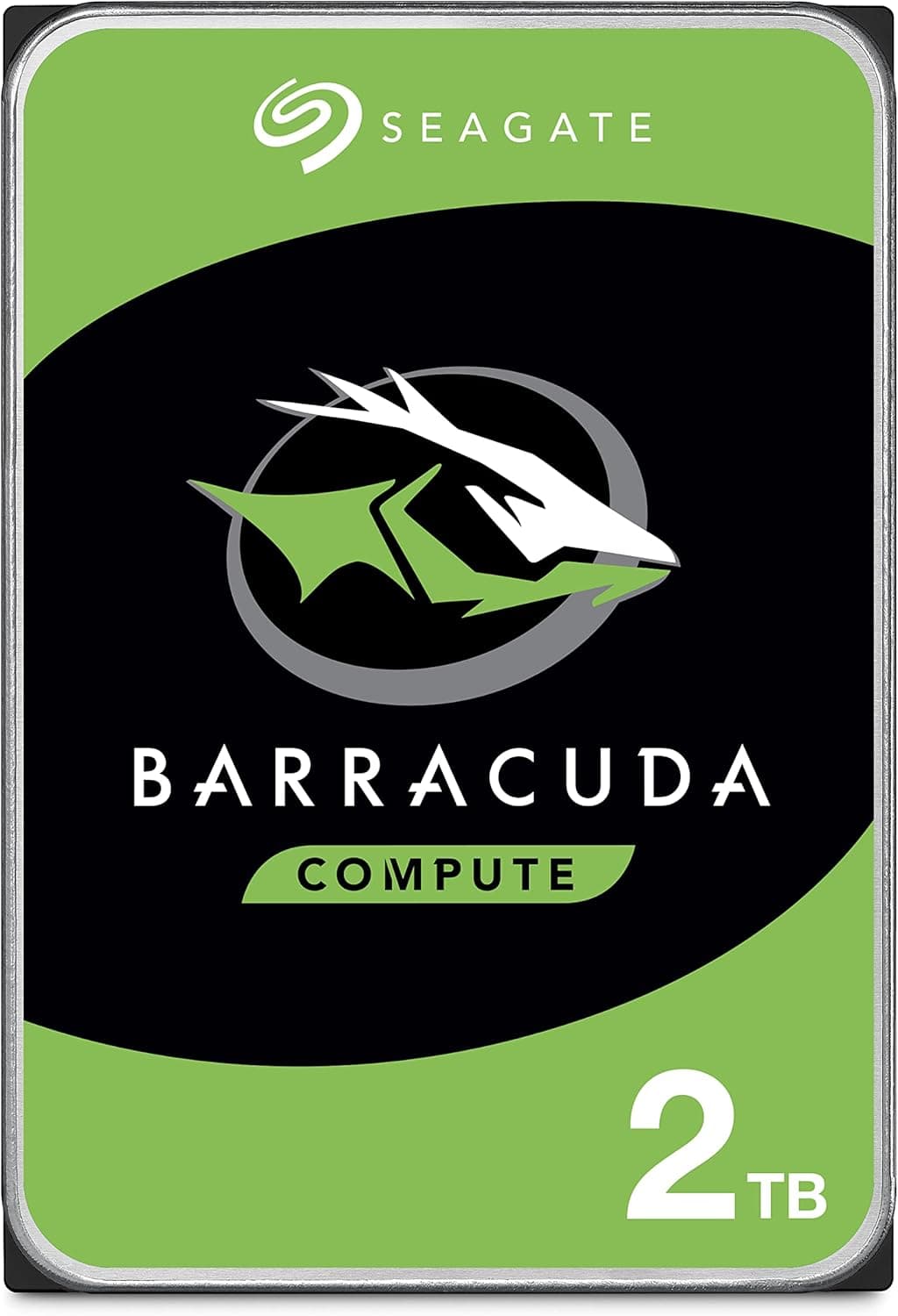
A direct competitor is the Seagate BarraCuda 2.5-inch 500GB (ST500LM030), also 5,400 RPM and CMR. The Toshiba often edges ahead in price and warranty support in the Japanese market. Western Digital's Blue 500GB (WD5000LPCX) is another CMR option, but typically costs more. For those who absolutely need the lowest cost, SMR drives like the Seagate BarraCuda Compute are available, but they come with the performance trade-off mentioned earlier. If you plan to write data frequently, the CMR-based Toshiba is the safer bet.
Things to Consider
First and foremost, this is not a boot drive candidate. Its sequential read speeds hover around 100 MB/s, which will make Windows or macOS feel sluggish. Always pair it with an SSD for the operating system. 500GB may feel small by today's standards. If you store large games, 4K videos, or extensive software libraries, consider a 1TB or larger model. This drive is best suited for secondary storage or light backups. Physical fit: The 9.5mm height is standard, but some ultrabooks and thin mini PCs only accept 7mm drives. Measure your drive bay before ordering. Also, the drive is a bare internal unit—no cables or screws included. Lastly, while the price is attractive, the technology is dated. If you need even moderate speed, a 2.5-inch SATA SSD (like the Crucial MX500) costs around 5,000 yen for 500GB and offers 5x faster performance. Consider your budget and usage carefully. ## FAQ Q: Can I use this HDD in a desktop PC? A: Yes, as long as the case has a 2.5-inch mounting slot or you use an adapter bracket. The motherboard must have a SATA port available. Q: What is CMR and why does it matter? A: CMR (Conventional Magnetic Recording) writes data in non-overlapping tracks, ensuring stable write performance. SMR (Shingled Magnetic Recording) overlaps tracks to increase density but causes write slowdowns when rewriting. For reliable backup or frequent writes, choose CMR. Q: How long does the warranty last? A: This specific listing includes a 2-year warranty from the authorized Japanese distributor. Details are provided by the seller.
Product Disclosure (Amazon)
- Manufacturer: 東芝(TOSHIBA)
- ASIN: B06Y1XLWFM
- Note: This article covers a manufacturer-made product based on Amazon listing details.