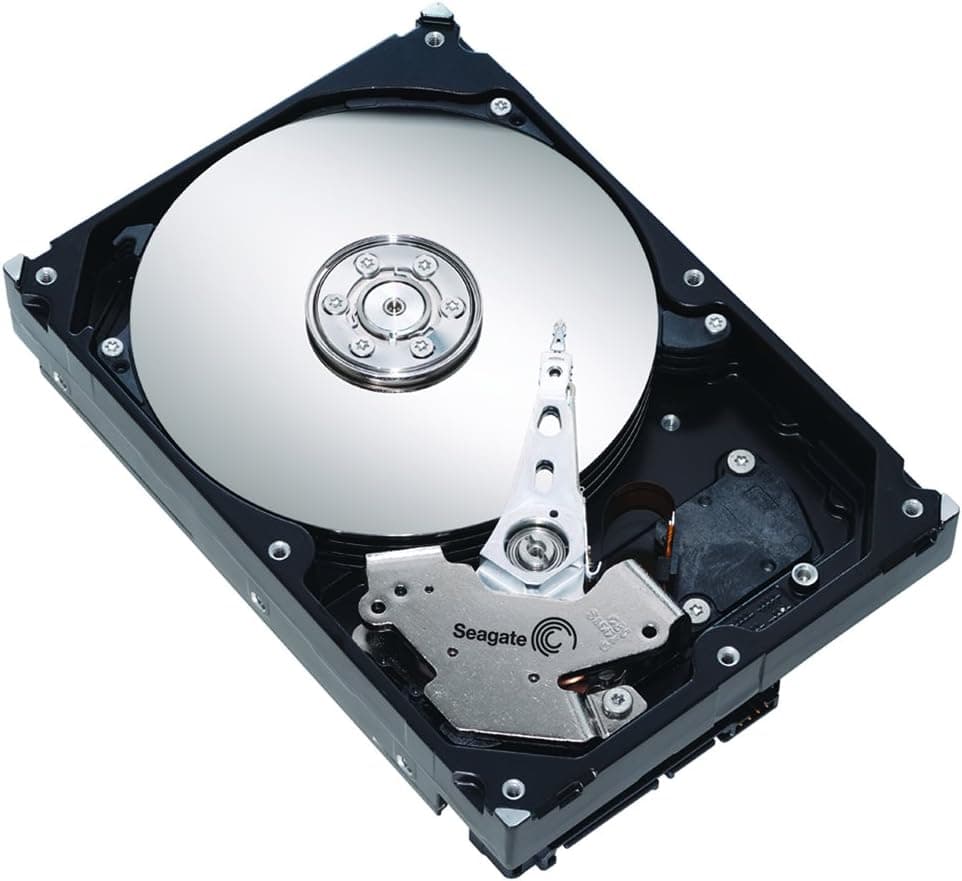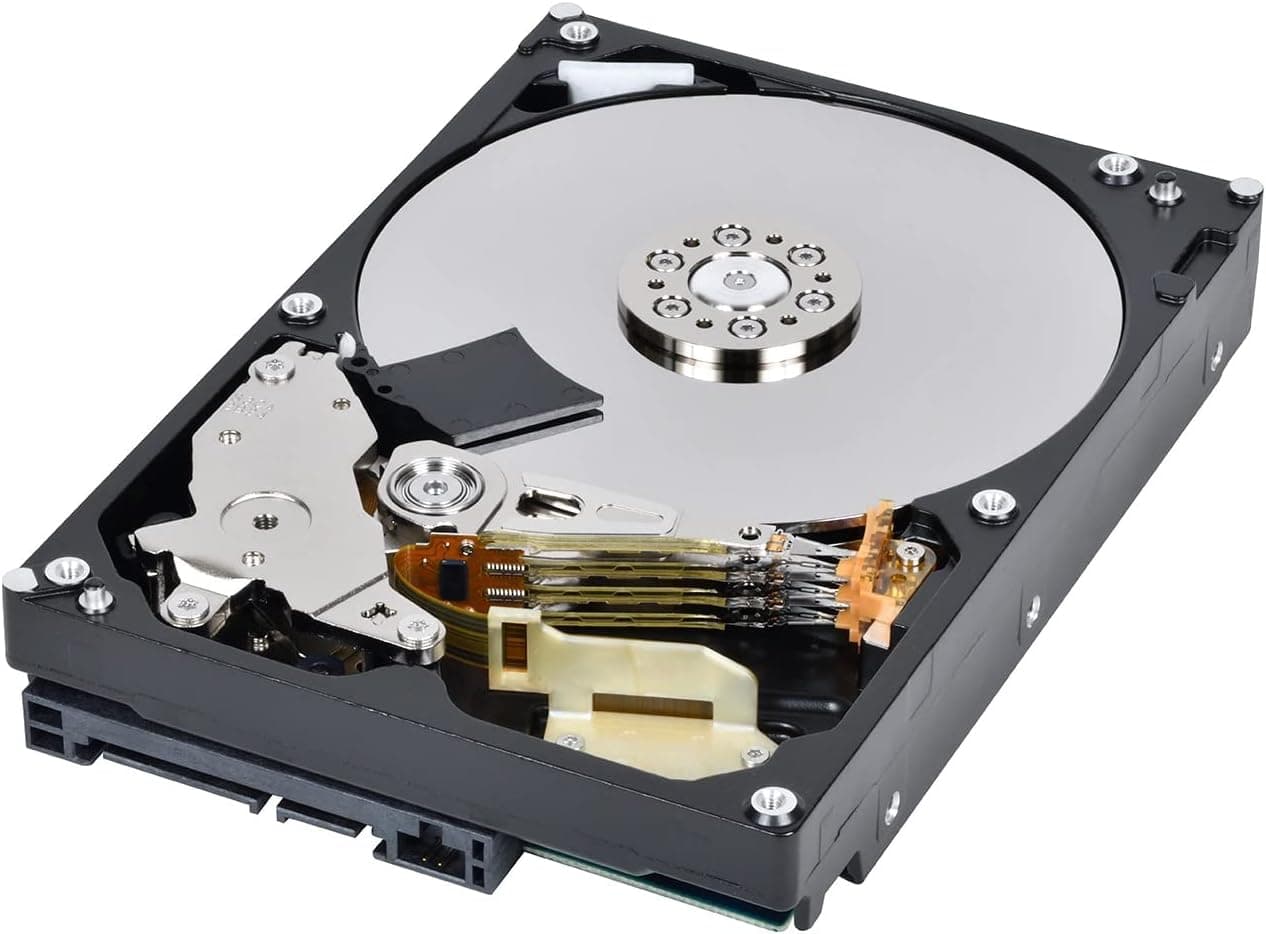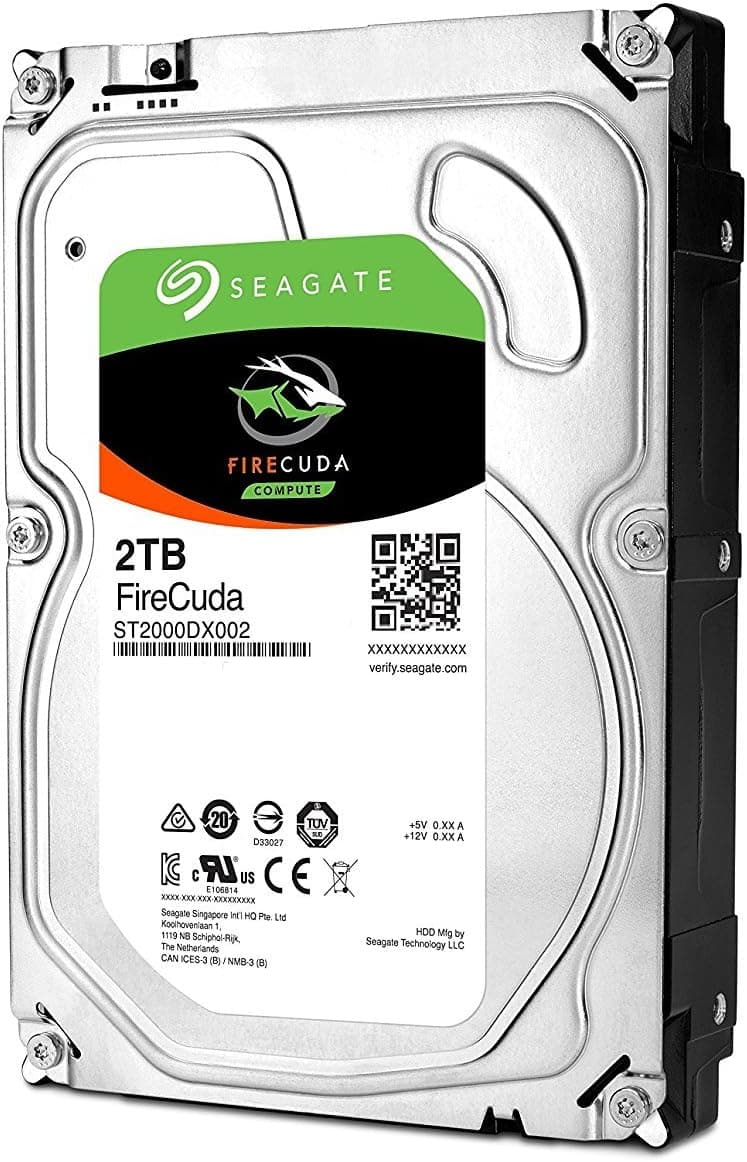
ST2000DX002 [FireCuda(2TB SSHD 3.5インチ SATA 6G 7200rpm 64MB)] is a 2TB, 7200RPM, 3.5-inch hard drive with 8GB of NAND flash layered on top — a solid state hybrid drive (SSHD).
This article separates where that hybrid design actually helps from where it does nothing, so you can tell whether this drive still makes sense for you or whether a plain HDD or an SSD is the better call.
Overview
The spec sheet reads 2TB, 7200RPM, 64MB DRAM cache plus 8GB NAND flash, SATA 6Gbps, and sequential reads up to 156 MB/s.Check the retailer's page for the latest user reviews.
The short version: you would buy this for capacity plus a small comfort bonus, never for speed. As a boot drive it loses to even a SATA SSD, and an NVMe SSD is not in the same conversation.
As a second or third drive in a desktop — the place where files sit and get read occasionally — it can shave real time off repeat reads compared with a plain hard drive. How much you value that difference decides the purchase.
One naming trap is worth clearing up first. "FireCuda" today also covers NVMe SSDs and high-capacity HDDs.
This product is the SSHD branch of that name, and a shared badge does not mean shared internals. Always confirm the model number ST2000DX002 when you read reviews or comparisons.
Use Case Cheat Sheet
| Use case | Good fit? | Why |
|---|---|---|
| OS / boot drive | No | Random performance is HDD-class; the gap to an SSD is obvious |
| Home for your most-played AAA game | Partly | Titles run 50–150GB; the cache is 8GB, so the whole game never speeds up |
| Library for older or occasional games | Yes | Gets you 2TB while the parts you reload often get quicker |
| Photo, video and music archive | Yes | Read-heavy work suits the design |
| Heavy sustained writes / recording | Partly | Write speed is the same as a plain HDD |
| 24/7 NAS or RAID | No | Built for desktop workloads; pick a NAS-rated drive |
The pattern is consistent: this drive earns its keep when reads dominate and you touch the same files repeatedly. Think of an SSHD not as "halfway between HDD and SSD" but as "an HDD with a shortcut for the things you read most."
Compatibility Guide
- Physical size — Standard 3.5-inch internal dimensions and standard mounting holes, so it drops into any desktop 3.5-inch bay. It will not fit a 2.5-inch laptop bay.
- Interface — SATA 6Gbps (SATA III), backward compatible with SATA II. Worth a clarification here: since the platters top out around 156 MB/s, SATA II's effective bandwidth (roughly 270 MB/s) is not a real bottleneck. On an older board you lose far less than the spec sheet implies.
- Power — One SATA power connector, roughly 5–8W in use, which is typical for a 3.5-inch drive. No special PSU requirements; just keep spin-up current in mind if you run several drives at once.
- Partitioning — 2TB sits inside the ~2.2TB MBR ceiling, so even legacy BIOS setups can use the full capacity. GPT works fine too.
- Case considerations — Modern cases keep trimming 3.5-inch bays, and the surviving bay often sits right behind the front intake or clashes with a long graphics card. Measure before you buy, and use a bay with rubber-damped mounting: this is a 7200RPM drive and it will transmit vibration.
- External use — 3.5-inch drives need 12V, so a USB bus-powered enclosure will not spin it up. You need a 3.5-inch enclosure with its own AC adapter.
Product Info
- Capacity: 2TB. Interface: SATA 6Gbps (SATA III). Spindle: 7200 RPM.
- Cache: 64MB DRAM plus 8GB NAND. These do different jobs — the DRAM is an ordinary read/write buffer, while the NAND holds copies of data you read often. Judging the drive on the 64MB figure alone misses the point.
- Sequential read: up to 156 MB/s. Type: SSHD (Solid State Hybrid Drive).
This article deliberately quotes no price. The automatically collected figure was off by an order of magnitude for a 2TB internal drive, and the "Amazon US" entry came through in JPY at the identical amount — clearly inconsistent data, and a common pattern when a discontinued part is resold from marketplace stock.
Prices move a lot, so check the current figure on the product page. The useful test is how much of a premium it carries over a plain 2TB 7200RPM drive, and how much SSD capacity that premium would buy instead.
How It Compares
| Type | Sequential read (typical) | Random performance | Cost per TB |
|---|---|---|---|
| Standard 7200RPM HDD | ~150–200 MB/s | HDD-class | Lowest cost |
| SATA SSD | ~550 MB/s | Orders of magnitude faster | Medium |
| NVMe SSD | Several thousand MB/s | Fastest | Highest |
Against a plain hard drive, sequential numbers barely move. The gap only opens on repeat reads, and that single behaviour is the entire value proposition.
So the real decision is not SSHD versus HDD — it is whether you need 2TB of spinning capacity or would rather take whatever SSD capacity the same money buys. If you want all 2TB to feel fast, this drive cannot deliver that.
What It Feels Like in Use
The NAND cache learns which data gets read repeatedly and keeps a copy. That means the first access is always at hard drive speed; the benefit shows up on the second and third pass.
Right after a clean install, or in workflows where the files change every time, you will barely notice it.
The capacity math matters too. Modern AAA titles run 50–150GB against an 8GB cache, so the whole game never fits.
What does fit is the small set of files read on every launch — executables, configuration, frequently used assets. Expect "boot and menus feel a bit lighter, but loading a large map is the same as a plain HDD," and you will not be disappointed.
Writes behave exactly like a 7200RPM hard drive. Bulk copies and recording capture do not get faster.
And if you try to measure the benefit with a benchmark, it mostly will not show up in the numbers: synthetic tools write random data once and read it back, which gives the caching logic nothing to learn. This drive's advantage only appears in day-to-day feel after several days of real use.
Best Use Cases
- You reopen the same files constantly. Reference libraries, a fixed asset set, a VM image you boot on a schedule — stable access patterns are exactly what the cache rewards.
- You are reviving an older desktop. Even on a SATA II board you give up almost nothing, which makes this a sensible capacity upgrade for an aging machine.
- Skip it if you want one drive to make the whole PC feel fast, you edit 4K video or process RAW batches with constant writes, or you are building a 24/7 NAS. None of those match the design.
Things to Consider
Start from the fact that this product is discontinued. SSHDs were phased out across the industry, so what is on sale now is old stock or used units.
Mechanical drives sitting unpowered for years carry a higher early-failure risk, so check SMART data the day it arrives — power-on hours and power cycle count should look like a new drive. Several thousand hours means you did not get what you paid for.
Check the seller and the warranty. This listing is fulfilled by a marketplace seller, so return terms and warranty handling can differ from a manufacturer or authorised distributor purchase, and coverage often depends on the distribution route.
Confirm it before ordering. Separately, listing metadata (manufacturer, model, capacity) is sometimes wrong — on any storefront, not just this one.
Verify from the images and title that you are buying ST2000DX002. As noted above, the price data on this listing was inconsistent as well.
Do not use it as the OS drive. Windows 11 will install and boot, but random performance is HDD-class, so startup, updates and app launches all trail an SSD noticeably.
Put the OS on a separate SSD — even a modest SATA one — and let this drive handle data. Note also that Windows' drive optimisation treats it as a hard drive and runs defragmentation rather than TRIM.
That is expected behaviour, not a fault.
Noise and vibration are 7200RPM-typical. Without a damped mount or a quiet case, seek noise and resonance may bother you, especially in a small case sitting on your desk.
Read the review score carefully. Listing reviews are sometimes merged across capacities and related models.
Finally, the data itself still lives on spinning platters, so mechanical failure risk is no different from any hard drive. A cache does not make a drive durable — keep a separate backup.
FAQ
Q: Does ST2000DX002 work with a PS5, PS4 or Xbox? A: The PS5's internal expansion slot takes M.2 SSDs only, so this drive is out.
The PS4 uses a 2.5-inch internal bay, so a 3.5-inch drive has to go into an AC-powered external enclosure and connect over USB.
Q: Can I build a PC with this as the only drive?
A: It works, but it is not advisable — you will feel the wait on every boot and app switch.
Q: My board only has SATA II. Will performance suffer?
A: Barely. At up to 156 MB/s, the drive stays well inside SATA II's bandwidth.
The mechanics, not the interface generation, set the ceiling.
Q: Benchmarks show the same numbers as a plain HDD. Is my unit faulty?
A: Most likely it is fine. The NAND cache only helps data it has seen repeatedly, and benchmarks write fresh random data every run, so there is nothing to learn.
Judge it by feel after a few days of normal use.
Q: Can I use it in a NAS or for continuous recording? A: That is outside its intended use.
This is a desktop-workload drive, not rated for 24/7 duty, RAID arrays or sustained writes. For a NAS, choose a drive marketed for it, such as IronWolf or WD Red Plus.
Product Disclosure (Amazon)
- Manufacturer: シーゲイト(SEAGATE)
- Seller: ☆ショップANNIE☆
- Fulfilled by: ☆ショップANNIE☆
- ASIN: B01IEKG2HM
- Note: This article covers a manufacturer-made product based on Amazon listing details.