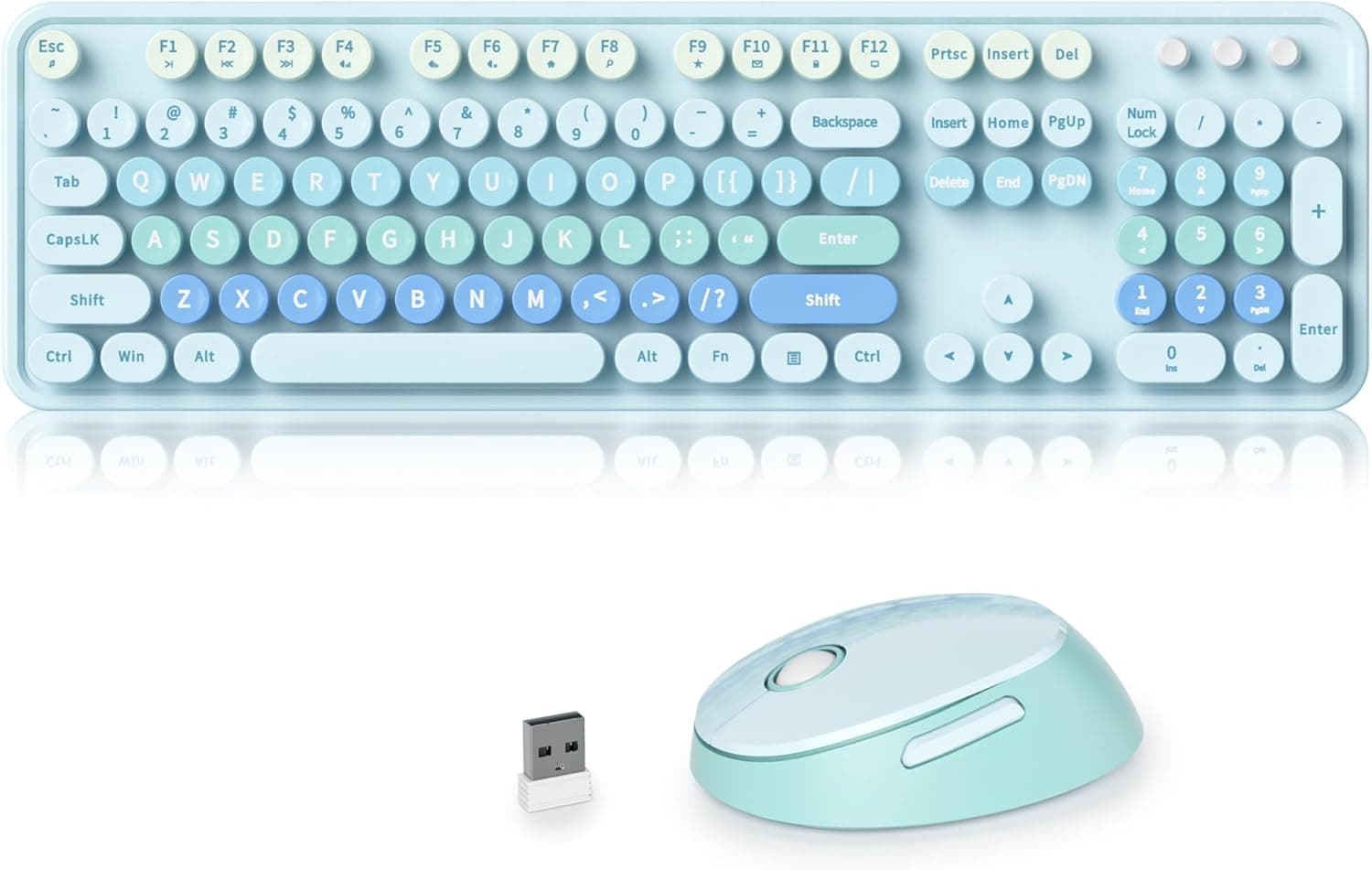
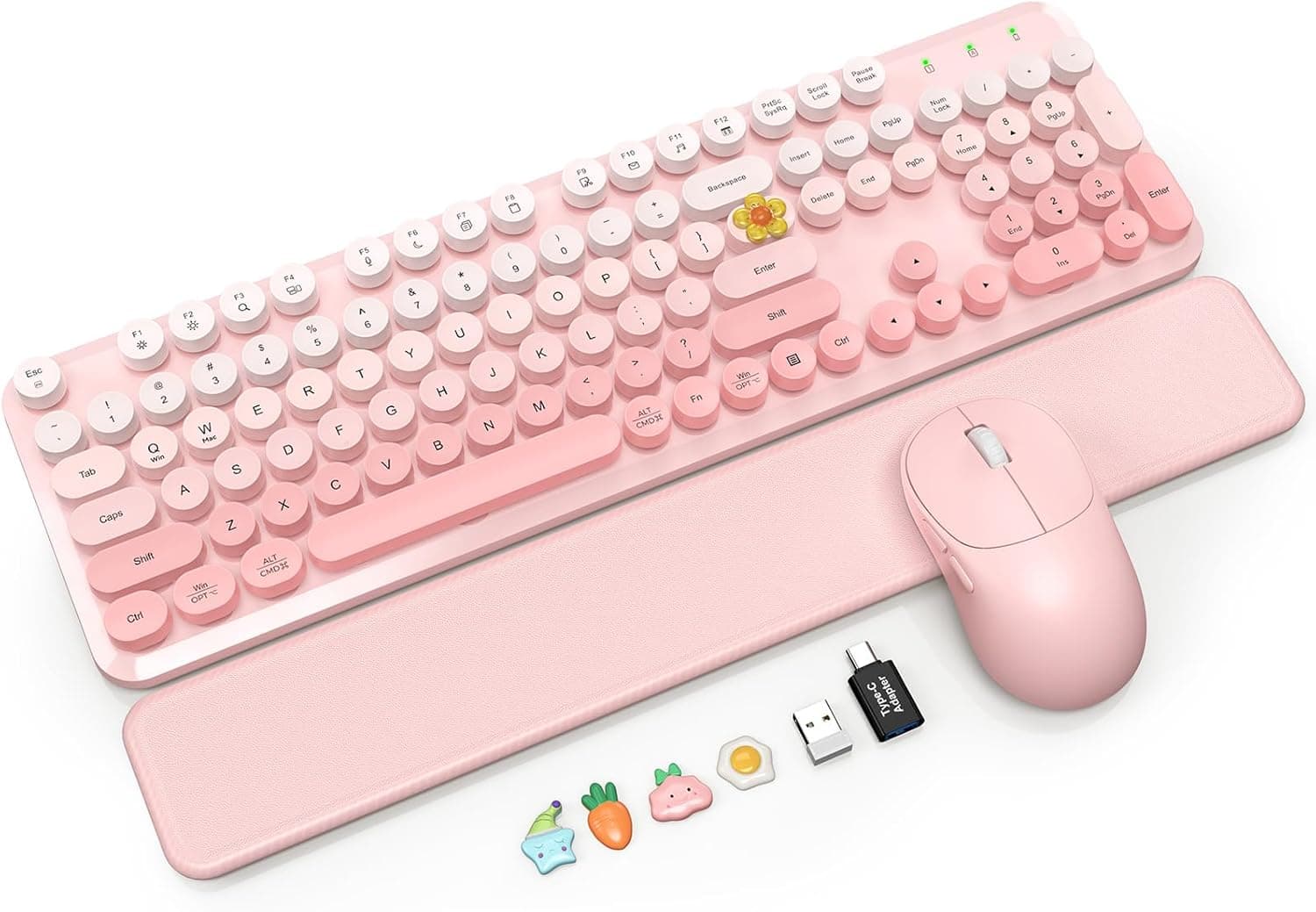
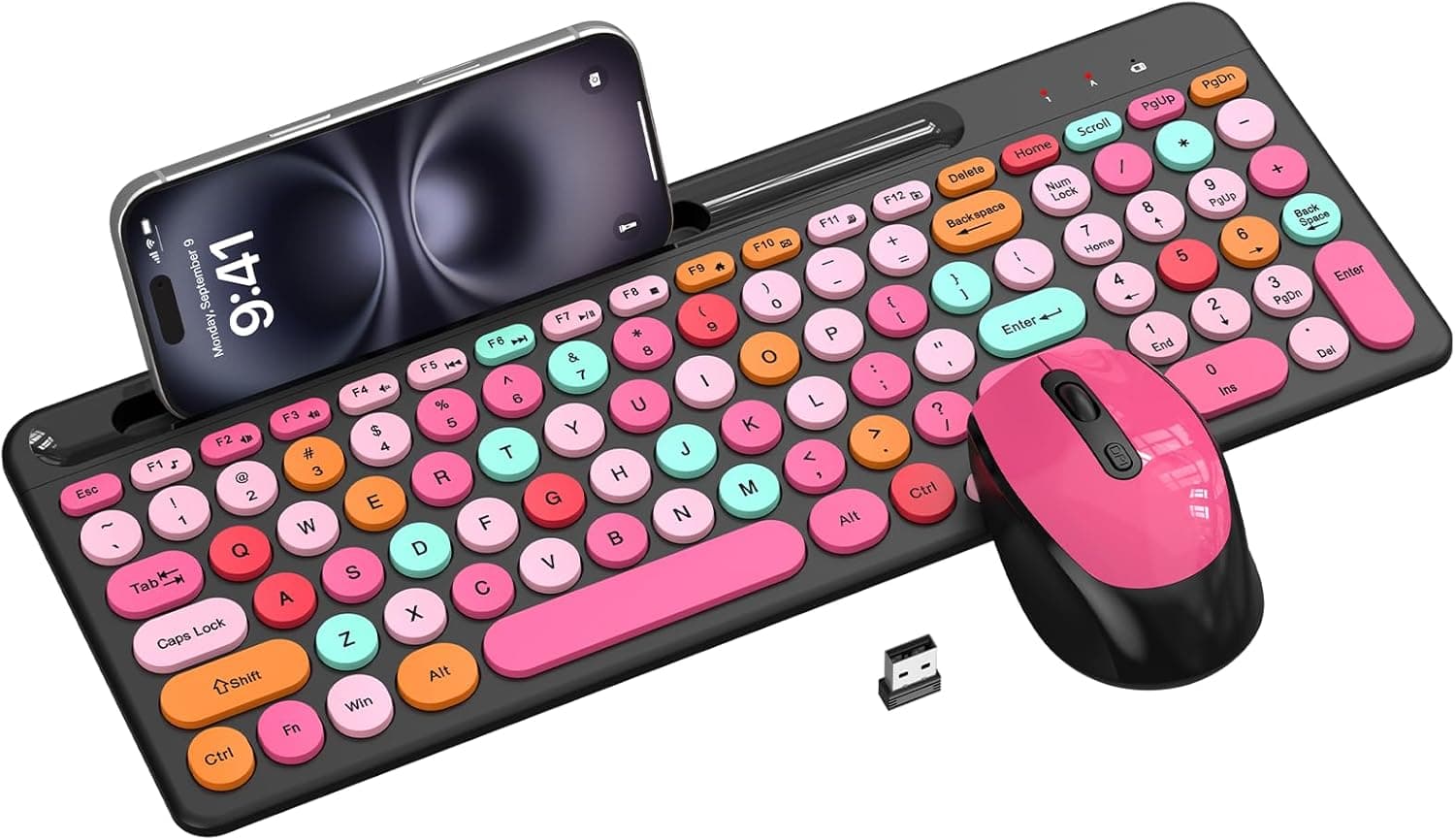
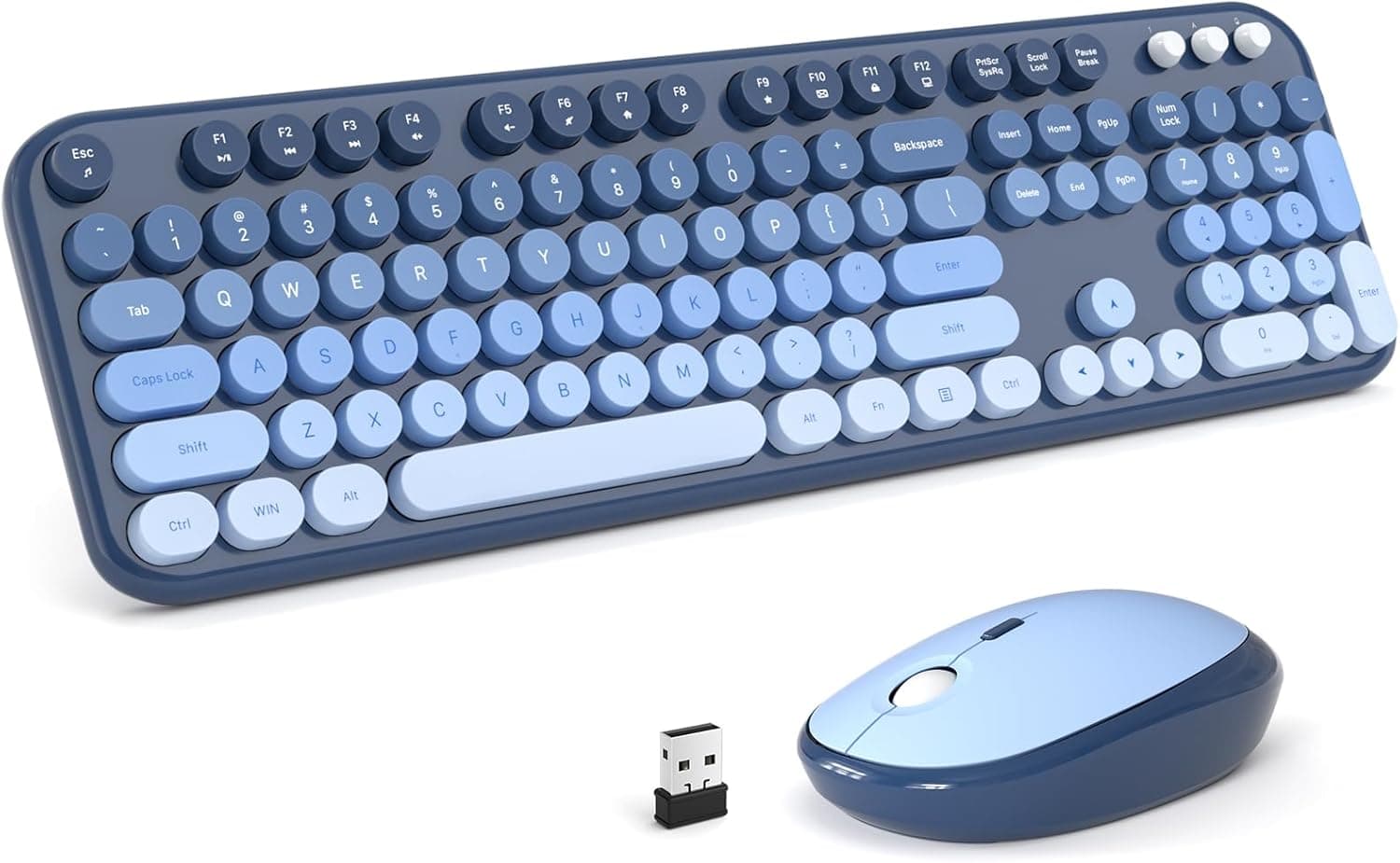
This article takes a close look at ワイヤレスキーボードとマウスのコンボ、レトロラウンドキーキャップ、フルサイズタイプライタースタイルキーボード、電話/タブレットホルダーと3レベルDPIマウス付き、2.4GHzコードレス接続 Windows/PC/ノートパソコン用 (ワインレッド) — the Trueque retro typewriter wireless keyboard and mouse combo — using its actual specifications and review data.
Overview
This is a 2.4GHz wireless keyboard and mouse set styled after a vintage typewriter, with round keycaps and a deep wine-red (burgundy) finish.
The honest framing is this: it is not a keyboard you buy for typing performance, it is a keyboard you buy for how it looks and for the built-in holder. The 104-key full-size layout with a numeric keypad covers everyday work — documents, spreadsheets, browsing — without compromise.
A 10.2-inch slot is molded into the top edge of the keyboard, letting you prop up a phone, a tablet, or paper notes.
The mouse offers three DPI steps: 800, 1200, and 1600. Both devices run off a single 2-in-1 USB receiver with a wireless range of up to 10 meters.
No drivers or software are required — plug in the receiver and type.
At that volume, the rating suggests a product that works as advertised. But 4.2 also means a meaningful minority is unhappy about something, and it is worth knowing what that something usually is.
Compatibility Guide
The single most important check: this combo supports Windows 7 / 8 / 10 / 11 only. The compatibility notes explicitly exclude macOS, iOS, Android, and any Bluetooth-only device.
Because a tablet can sit in the holder, buyers often assume they can type on that tablet — they cannot. The holder is a resting place, not a connection.
| Environment | Works? | Notes |
|---|---|---|
| Windows 10 / 11 desktop | Yes | Needs one free USB Type-A port |
| Windows laptop | Yes | Type-A-free models need an adapter |
| macOS / MacBook | No | Not supported; Windows key layout |
| iPad / Android tablet | No | No Bluetooth, so no connection |
| Bluetooth-only PC | No | A USB port for the receiver is mandatory |
| Consoles (PS5 etc.) | Unsupported | Not a tested configuration |
Physical fit matters too. A 104-key full-size board is as wide as any standard keyboard, and the holder slot makes it deeper than usual.
On a shallow keyboard tray, or a desk where a monitor arm post sits close to you, interference is likely. Measure your space before ordering.
Power comes from two AAA batteries in the keyboard and two in the mouse, none included. This is not a rechargeable set, so buy batteries alongside it if you want to use it on day one.
Rechargeable NiMH cells are an option, but their 1.2V nominal output is lower than the 1.5V of alkalines, and low-battery behavior can differ.
Verify operation with alkalines first.
The 2-in-1 receiver serves both devices, which saves a USB port but creates a single point of failure: lose the receiver and you lose both the keyboard and the mouse. These dongles are typically pre-paired and not sold separately, so make a habit of storing it in the mouse's dongle bay when travelling.
Product Info
rmation
The core specs: 104-key full-size layout, 2.4GHz wireless via USB receiver, mouse DPI of 800 / 1200 / 1600, up to 10m of range, Windows 7 / 8 / 10 / 11 support, two AAA batteries each for keyboard and mouse (sold separately), and a 10.2-inch holder slot.
As a rule of thumb, use 1200 DPI on a 1080p display, 1600 on QHD or wider workspaces, and 800 for fine selection work.
Check the retailer's page for the latest price. That figure is a snapshot — sales and stock shift it, so check the current listing price before buying.
Bluntly, that is not cheap for a membrane 2.4GHz combo; comparable sets start well below it.
Treat the difference as the price of the retro styling and the holder, not of typing performance.
In the box: keyboard, mouse, 2-in-1 USB receiver, and a manual. No batteries.
Warranty follows the seller's return and exchange policy rather than a stated multi-year manufacturer term, so read those conditions at checkout.
How It Compares
Retro typewriter combos have multiplied in the last few years, and there are really only four axes that separate them: color, whether a holder is built in, OS support, and connection type. Typing feel is membrane across the board, so it rarely decides anything.
This one lands at "wine red + built-in holder + Windows-only + 2.4GHz only." Rivals come in green or brown, and some ship a Type-C adapter that extends them to Chromebooks.
Check whether your PC has a spare USB Type-A port first, and the shortlist narrows itself. If you also use a Mac, this model is out.
One more trade-off worth naming: a 2.4GHz dongle works in BIOS and during OS reinstalls, which Bluetooth often does not — but it permanently occupies a port.
On a thin laptop with two ports total, that is not a trivial cost.
What Living With It Is Like
Round keycaps look striking, but they present less flat surface to your fingertip than square caps. Fast typists usually need a few days before the edges stop catching them, and typo rates rise at first.
If you type deliberately, you may never notice. A fair share of the criticism behind that 4.2-star average likely traces to this and to the soft bottom-out typical of membrane switches.
The holder earns its keep: taking a call on your phone while writing notes on the PC, or following a recipe or reference document on a tablet. Be aware that a tablet in a thick folio case may not fit the 10.2-inch slot — large tablets in book-style cases are the usual problem.
Best Use Cases
- You reference a phone or tablet while typing. The holder removes one stand from a cramped desk.
- You need a numeric keypad. A good full-size companion board for a laptop-based data-entry workflow.
- You want zero setup. Plug-and-play, no drivers, no configuration utility.
- You are Windows-only. A simple environment makes the OS limitation a non-issue.
Before You Buy
Not for gaming. Membrane keys with no guaranteed N-key rollover, plus a wireless mouse that is not built for tracking speed.
For FPS, fighting, or rhythm games, buy dedicated wired gear.
Mac users should look elsewhere. macOS, iOS, and Android are unsupported, and there is no Bluetooth multi-device pairing to switch between machines.
Do not underestimate battery operation. Four AAA cells (two per device), none included.
In an era of rechargeable peripherals, unpredictable battery death is a real annoyance — the mouse especially. Keep spares.
Judge the price yourself. ¥12,152 at capture time is high for this spec class.
If the styling and holder do not appeal to you, this is an expensive way to buy a membrane combo. Prices move often; decide on the price you actually see.
Expect more cleaning. Round keycaps leave wide gaps between keys, so dust and crumbs fall in easily.
Plan on periodic compressed-air cleanup.
Listing metadata is not always accurate. Manufacturer, model number, and color fields on marketplace pages depend on seller input and are sometimes mixed up between variants.
Before ordering, confirm visually from the product images and the color name in the title that you are buying the wine-red version. Price and review counts may also be shared across color variants.
FAQ
Q. Can I connect over Bluetooth? A.
No. It uses the bundled 2.4GHz USB receiver only, which requires one free Type-A port.
On port-limited laptops, plan for a hub or adapter.
Q. Does it work with a Mac or iPad? A.
No. Compatibility is limited to Windows 7 / 8 / 10 / 11.
A tablet can sit in the holder, but you cannot type to it.
Q. How long do the batteries last? A.
No official runtime figure is published, so no firm number can be given. With two AAA cells per device, expect something in line with typical membrane wireless keyboards.
Keep spares on hand.
Q. How should I use the three DPI steps? A.
1200 suits 1080p, 1600 suits higher resolutions or multi-monitor setups, and 800 helps with fine selection or retouching. It switches with one button, so experiment.
Q. Can the keyboard and mouse use separate receivers?
A. No. One 2-in-1 receiver serves both, so losing it disables the whole set.
Q. Is it quiet? A.
Membrane switches are quieter than clicky mechanical ones, but this is not marketed as a silent keyboard. If near-silence matters for late-night or call-heavy use, choose a model that explicitly advertises silent switches.