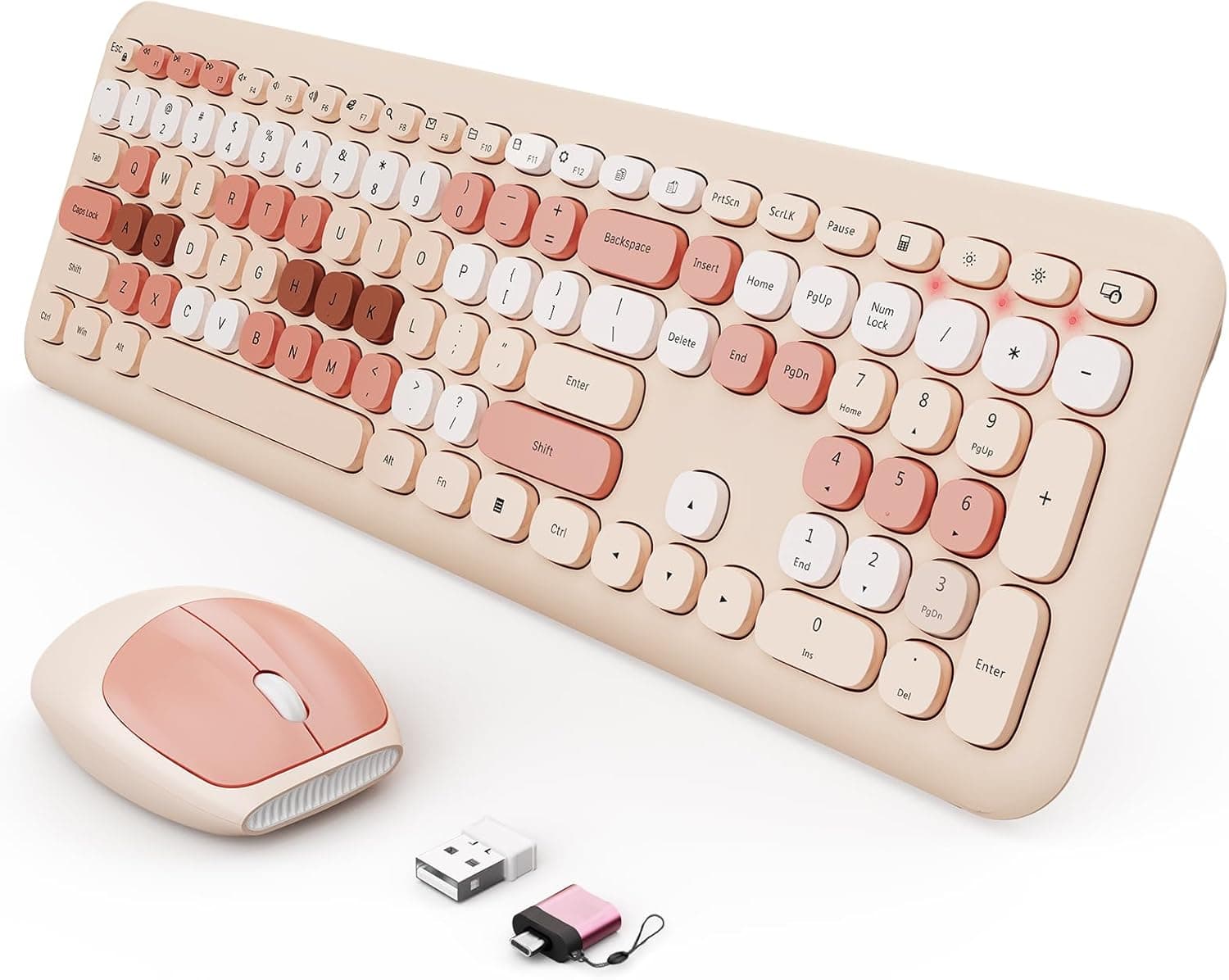
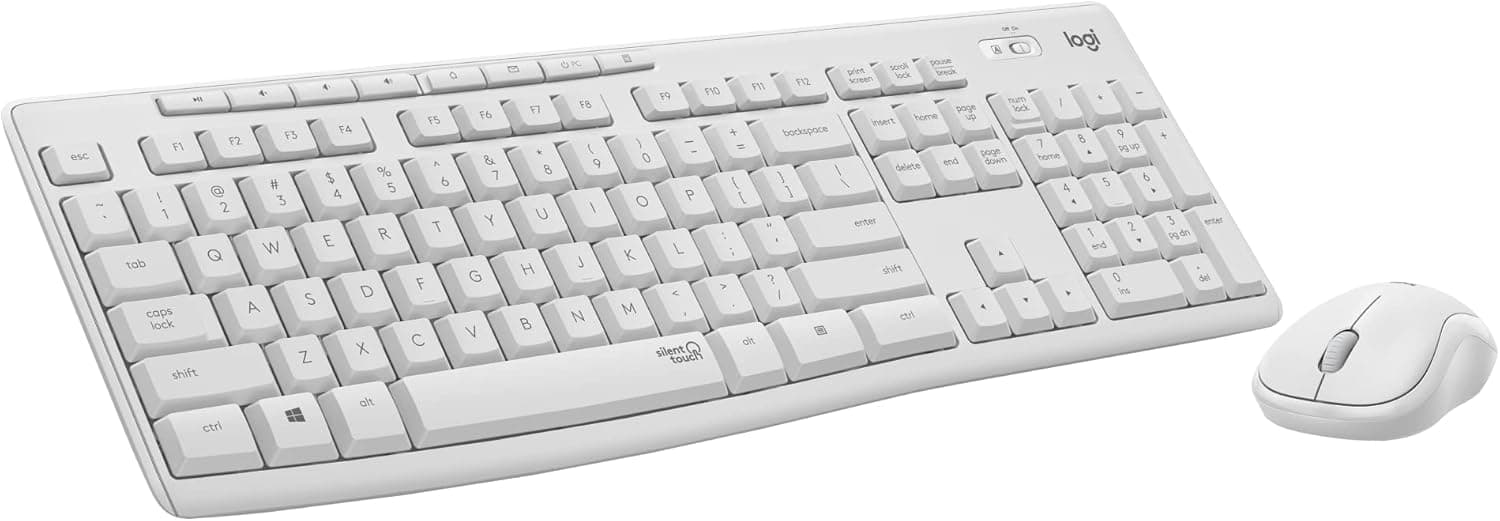
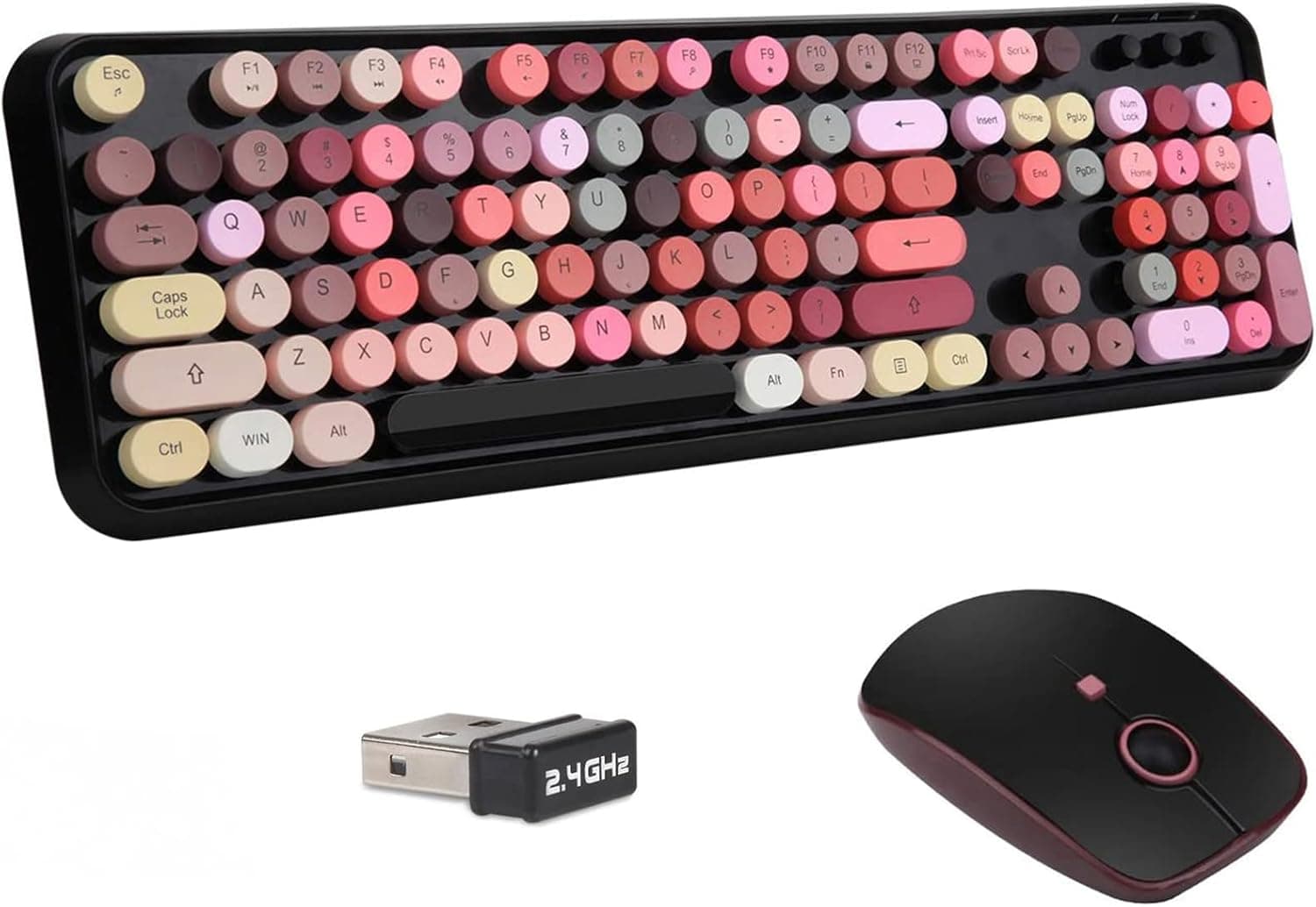
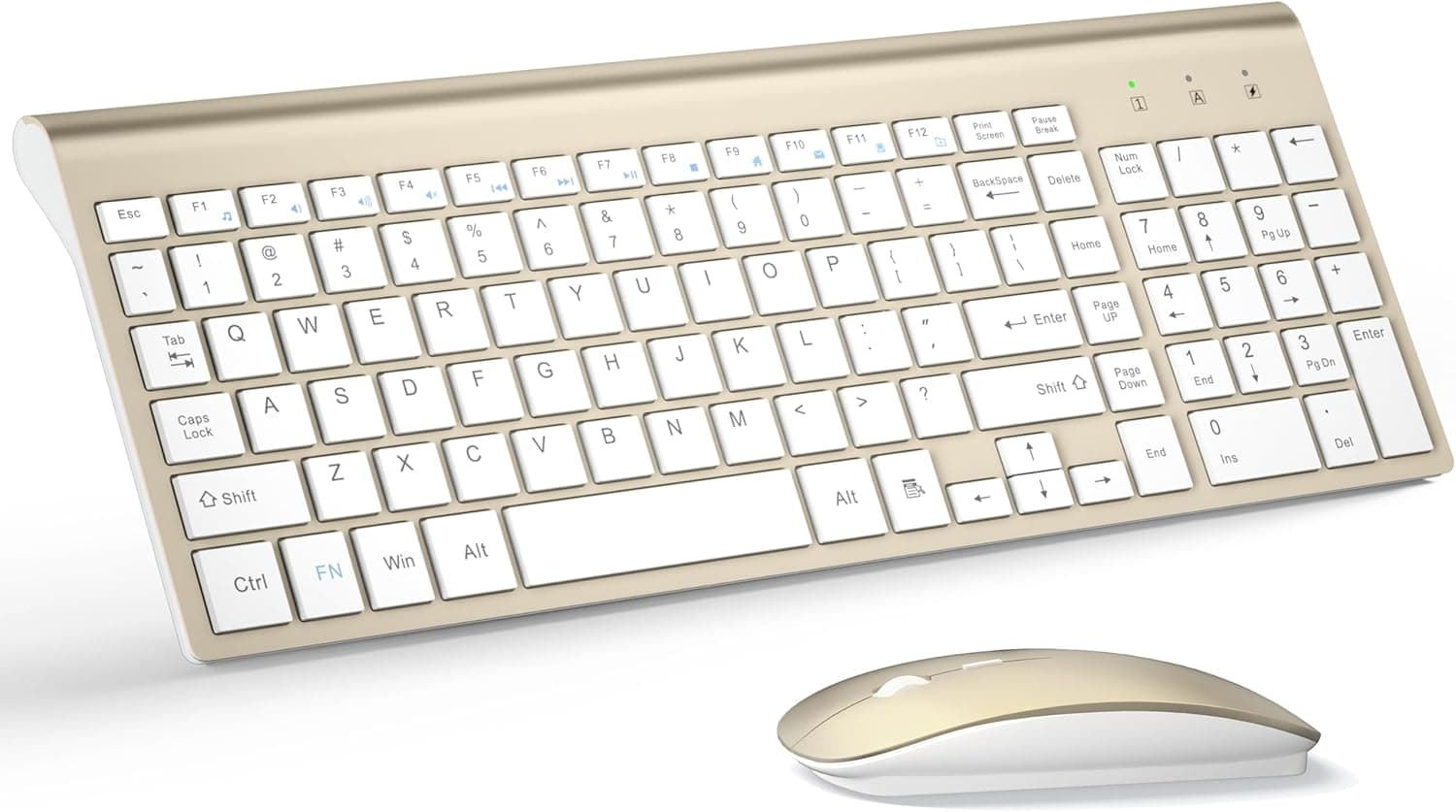
This article covers the GTSP タイプライター カラフルグリーンワイヤレスキーボードとマウスのコンボ 2.4GHz フルサイズレトロキュートオフィスコンピューター キーボードラウンドキーキャップ付きデスクトップノートパソコン PC (カラフルグリーン), sold in English-language listings as the GTSP Typewriter Colorful Green Wireless Keyboard and Mouse Combo.
Everything below is based on the published specifications plus the price and rating captured on the dates noted.
Overview
This is a full-size wireless keyboard and mouse set wrapped in round, typewriter-style keycaps and a bright green color scheme. The short version: it is not a set you buy for typing performance or quiet operation.
It is a set you buy for how your desk looks. Plain 2.4GHz combos start at a fraction of this price, so almost everything this product adds is design value, and that is the honest frame for judging it.
The keyboard uses a full-size 104-key layout including a numeric keypad, and the mouse runs at 1600 DPI. Both devices share a single nano receiver, and each takes one AA battery (included).
Wireless range is stated as about 10 meters.Check the retailer's page for the latest user reviews.
| Item | Detail |
|---|---|
| Connection | 2.4GHz wireless, one nano receiver for both devices |
| Key layout | Full-size, 104 keys |
| Keycap shape | Round (typewriter style) |
| Mouse DPI | 1600 |
| Supported OS | Windows / macOS / Chrome OS / Linux |
| Wireless range | Approx. 10 m |
| Power | 1x AA battery each (keyboard and mouse, included) |
| Color | Colorful Green |
Those figures are the manufacturer's published values. Items that are absent from the spec sheet — switch type, key travel, typing noise, battery life, key rollover — are left out here rather than guessed at.
Compatibility Guide
Because this is a receiver-based set, compatibility comes down to one question: do you have a free USB-A port? No driver install is needed; the set registers as an ordinary HID device.
Windows, macOS, Chrome OS and Linux are all listed as supported.
The practical stumbling blocks are these.
- USB-A is mandatory. Thin laptops and tablets with only USB-C need an adapter or hub. Cheap hubs can cause dropped input, so plug directly into a built-in USB-A port whenever you can.
- One receiver runs both devices. Convenient, but losing the receiver disables the keyboard and the mouse at once, and the specs do not describe any way to re-pair to a replacement dongle. Give it a fixed storage spot if you travel with the set.
- The 2.4GHz band gets crowded. Plugging the receiver next to a USB 3.0/3.2 port can cause cursor jumps and missed keystrokes. This is a well-known interference issue rather than a defect; a short USB extension cable, or moving to a front-panel port, usually fixes it.
- 10 meters assumes line of sight. A rear port on a metal desktop case, with a desk surface in between, cuts the effective distance sharply. Judge by obstacles, not by meters.
- No Bluetooth. You cannot pair directly with a phone, tablet or game console. Tablet use requires an OTG adapter (sold separately) to expose a USB-A port, and power delivery limits make that unreliable on some devices.
- 104 keys is the standard count for a US layout. Japanese JIS keyboards are normally 108 to 109 keys, so this set is very likely English (US). Symbol positions such as @, : and _ differ, and there are no conversion keys. Check the keycap legends in the listing photos before ordering, and if it is a US board, switch the keyboard layout to English (US) in Windows under Settings, Time and language. Skipping that step is why people report that symbols will not type correctly.
Product Info
The Amazon product page showed ¥15,054 as captured on 26 August 2026. Prices move often and coupons or sales change the picture, so always check the current figure before ordering.
Wireless keyboard and mouse combos start in the low thousands of yen, so ¥15,054 is not cheap for the category — whether the styling is worth that gap is the whole decision. The overseas marketplace entry is a search link only, with no fixed asking price.
The box contains the keyboard, the mouse, the nano receiver, two AA batteries (one per device) and a manual. Warranty handling varies by seller, so confirm before ordering whether defective units go back to the manufacturer or the store.
Design-led products collect enthusiastic ratings right after unboxing, while complaints about durability and layout arrive later as a thin tail of low scores. Reading the one- and two-star review text is more informative than the average.
Typing Feel and Keycap Shape
Round keycaps feel clearly different from ordinary square ones. Your fingertip meets less surface, and the valleys between keys are wider, so the faster you touch-type the more mistakes you will make at first.
Expect several days to a week of adjustment.
On the other hand, if you look at the keys while typing, each round cap reads as a distinct target, and people with long nails often find fewer snagging corners. The trade-off is cleaning: wide gaps let dust and crumbs fall straight through, so keep a can of compressed air nearby.
The switch type is not published. Given the price bracket and styling, a non-mechanical design is likely, but that cannot be stated as fact — check the listing if you want to compare noise or durability numerically.
What is clear is that this is not marketed as a quiet keyboard.
How It Compares
Within the same wireless keyboard-and-mouse category, your priority decides the pick. If silence matters most, look at combos that explicitly advertise silent switches.
If portability or desk space matters, a 78-key compact combo or a 60% model fits better. If wrist strain is the problem, a split or folding ergonomic keyboard is the right family.
This GTSP set wins on appearance alone, and buyers who know that going in tend to be happy with it.
Best Use Cases
It suits people who put desk aesthetics first. The retro typewriter look photographs well and fits creators who want a stream backdrop or a social-media-ready desk.
Being full size, it keeps a numeric keypad, so data entry and spreadsheet work are unaffected.
It also works as a tidy secondary set at home. One receiver brings up both devices, so cabling stays minimal and there is a single dongle to move when you take the laptop elsewhere.
Buying keyboard and mouse together also keeps the colors matched, which a mixed pair rarely achieves.
It is the wrong choice if quiet operation, firm tactile feedback, Bluetooth multi-device switching, or a Japanese layout is a hard requirement. None of those gaps close with practice, so pick a different product instead.
Before You Buy
Listing metadata can be wrong. The automated data gathered for this article contained a different company's name (ASUS) in the manufacturer field, plus an ASIN that did not match the source product page.
Those clearly erroneous values were left out of this article, but you may hit the same inconsistency on the page itself. Manufacturer and model fields are seller-entered and frequently wrong, so confirm the product from the images and the title before ordering.
Do not treat ¥15,054 as fixed. That was the figure captured on 26 August 2026.
Products like this swing widely with coupons and sales, and near-identical designs often appear under other brand names. If you are not in a hurry, watch the price for a few days.
It runs on one AA per device, not a built-in rechargeable pack. If swapping cells annoys you, choose a rechargeable model; if you value being able to swap in seconds when power dies, disposables are an advantage.
Rechargeable AA cells sit at a slightly lower voltage, which can trigger low-battery warnings early.
It is not quiet. Shared offices and late nights next to a sleeping household are poor fits.
No noise figure is published, so if silence is a requirement, buy something that states it.
Do not expect a gaming keyboard. The 2.4GHz link itself is fast enough for games, but key rollover and keystroke endurance are unpublished, so there is no way to confirm behavior when WASD and modifiers are pressed together.
For gaming, buy a board that advertises it.
Guard the receiver. As noted, losing it likely takes both devices out of service, and spare dongles are unlikely to be available separately.
FAQ
Q. Does it work on a Mac? A.
macOS is listed as supported, so it works with a USB-A port, hub or adapter. The legends follow a Windows layout, so command and option positions will not match the printing.
Q. Is it a Japanese layout? A.
The spec says full-size 104 keys, which is the standard count for a US layout; Japanese boards are usually 108 to 109 keys. Check the Enter key shape and symbol legends in the listing photos before buying.
Q. Can I use it with an iPad or a phone? A.
Not directly, because there is no Bluetooth. An OTG adapter (sold separately) can expose a USB-A port, but results depend on the device and power delivery.
For certainty, choose a Bluetooth model.
Q. How long do the batteries last? A.
No rated battery life is published. With one AA per device, check the listing for auto-sleep behavior and keep a few spare cells on hand.
Q. Can I use only the keyboard or only the mouse? A.
Yes, since both run from the shared receiver. However, assume you cannot re-pair either device to a third-party dongle.
**Q. The cursor jumps and keystrokes go missing. A. Move the receiver first. USB 3.0 ports are a common interference source; a short extension cable or a front-panel port usually resolves it. If not, fit fresh batteries to isolate the cause.