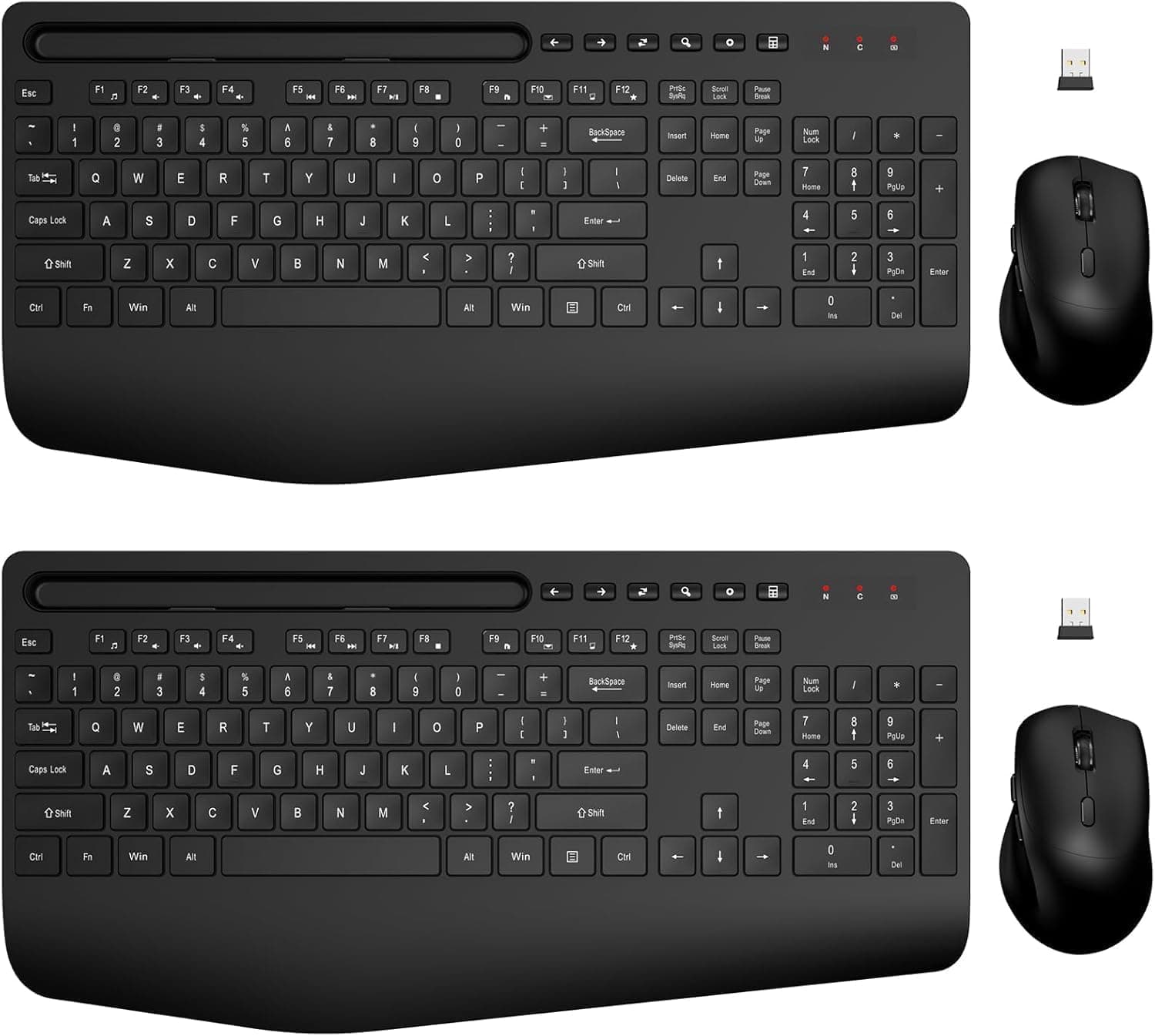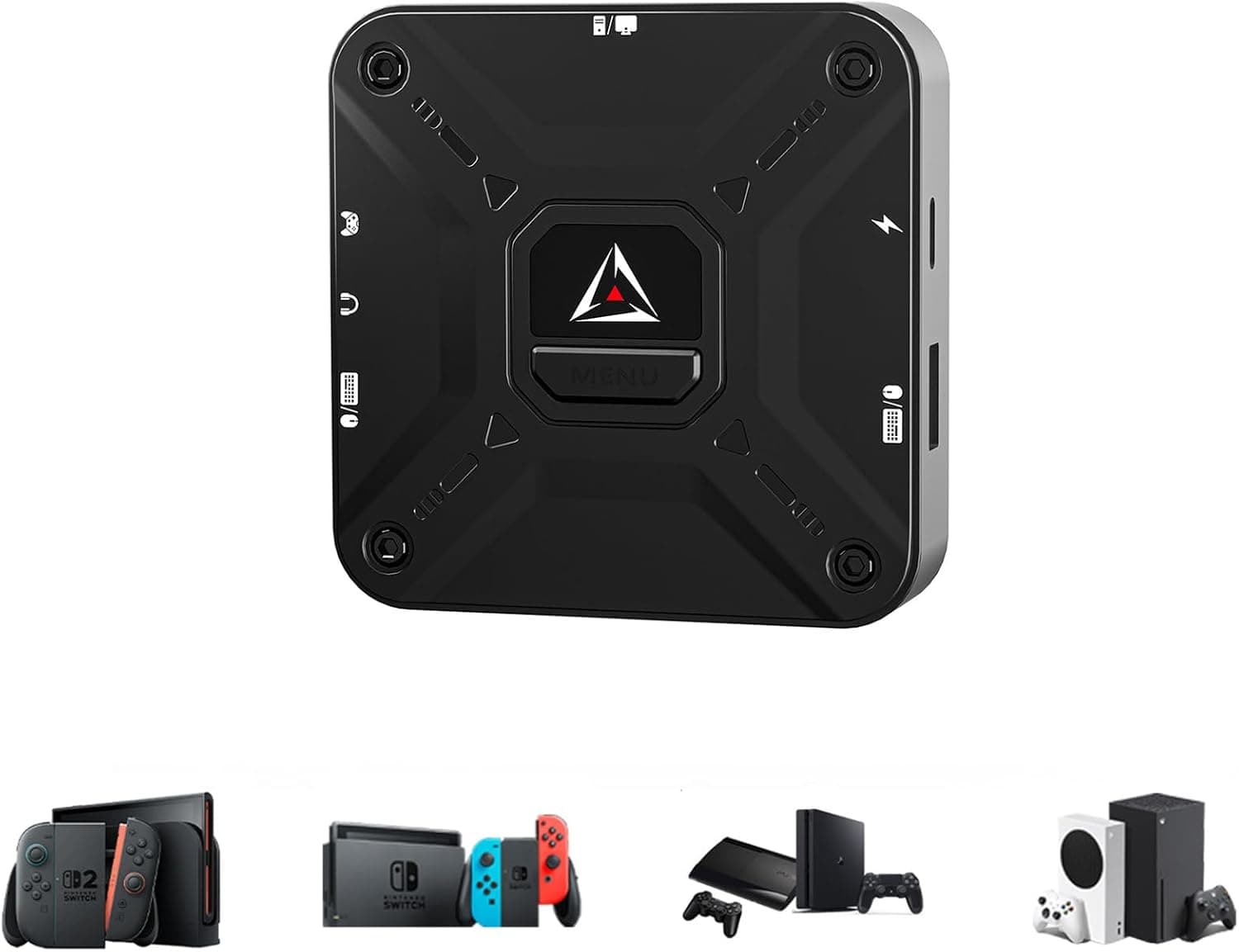
This article is a detailed buyer's guide to the CHEERKONTEK キーボードとマウスアダプター Xbox Series X (model AX360P).
Overview
The CHEERKONTEK AX360P is an input converter that lets you use a wired keyboard and mouse on Xbox Series X/S, Xbox One, and Xbox 360. The short version: it exists for console FPS players who want to stop aiming with a thumbstick.
It is not a general-purpose keyboard-and-mouse combo, and it does not include a keyboard or mouse. The unit measures 76 × 76 × 15 mm, connects over USB Type-A, and ships with an OTG adapter and data cables so your existing wired peripherals plug straight in.
Mechanically, it translates keyboard and mouse input into Xbox controller signals. As far as the game is concerned, a controller is connected.
That is why it works regardless of whether a specific title supports keyboard and mouse natively — and it is also the source of the design's inherent limits, covered below.
Key bindings are customizable through a dedicated mobile app, and setup is plug-and-play with no drivers. Amazon.co.jp reviews stood at 22 ratings and 4.5 out of 5 stars (90% positive) as of June 23, 2026.
That is a strong score, but 22 ratings is a small sample — treat it as a hint, not proof.
Compatibility Guide
The AX360P supports three console generations: Xbox Series X/S, Xbox One, and Xbox 360. The single most important requirement is that an original Xbox controller is mandatory.
The converter does not work on its own; the controller must stay connected as an authentication device. If you no longer own a genuine controller, or only have a third-party pad, verify this before buying.
| Item | Detail | Common pitfall |
|---|---|---|
| Consoles | Xbox Series X/S / One / 360 | Older 360-era titles behave inconsistently |
| Interface | USB Type-A | No wireless (2.4 GHz dongle or Bluetooth) support |
| Auth device | Genuine Xbox controller | Third-party pads may fail authentication |
| Dimensions | 76 × 76 × 15 mm | Three cables converge on one small box |
| In the box | Converter, USB Type-C cable, Android data cable, OTG adapter | Keyboard and mouse not included |
| Key mapping | Customizable via mobile app | Check app availability on the product page |
Keyboard and mouse plug directly into USB Type-A. Wireless peripherals are not supported, so if everything you own is 2.4 GHz or Bluetooth, budget for wired replacements.
A common misconception is that a USB receiver counts as "wired" — converters like this are generally built around peripherals that enumerate cleanly as wired HID devices, so receiver-based operation is best treated as unsupported.
Cable management matters more than the spec sheet suggests. Controller, keyboard, and mouse cables all converge on a 76 mm box on your desk.
If you play low-sensitivity with big mouse sweeps, route the mouse cable through a bungee or clip so it does not tug mid-flick.
What Actually Shapes the Experience
The feel of this device comes down to one thing: how mouse movement maps onto stick deflection. Moving the mouse faster equals pushing the stick further, so you hit the game's maximum turn rate as a hard ceiling.
The standard workaround is to max out in-game sensitivity; leave it low and you get the classic "I swiped across the pad and still couldn't turn around" complaint.
Aim assist and stick deadzone settings matter too. On titles with a large deadzone, small corrective movements get swallowed and tracking feels notchy.
If your game exposes a deadzone slider, tuning it changes the experience dramatically. The flip side: if you do not enjoy this kind of tinkering, this product will frustrate you.
Alternatives Worth Weighing
Input converters range from expensive dedicated boxes (the XIM family is the best-known example) to affordable units like this one. Premium models generally differentiate through better conversion algorithms and more polished configuration software; the AX360P trims features to keep the entry cost down.
The other alternative is skipping a converter entirely. Some Xbox titles support keyboard and mouse natively, and for those, plugging peripherals straight into the console is simpler and better for latency and feel.
Check whether your main games have native support first. If the titles you care about do not, that is exactly where this adapter earns its place.
Product Info
Prices at time of capture: Amazon.co.jp listed it at ¥14,996 as of August 26, 2026, while a separate capture of the same ASIN showed ¥15,467 as of June 23, 2026.
That is roughly ¥470, about 3%, of movement across two months — normal drift for sales and stock levels. Both figures are point-in-time; check the product page for the current price.
Core specs: compatible with Xbox Series X/S, Xbox One, and Xbox 360; USB Type-A interface; 76 × 76 × 15 mm; black. The box contains the AX360P converter, a USB Type-C cable, an Android data cable, and an OTG adapter.
Key mapping is customizable via the mobile app, and setup is plug-and-play.
Reviews stood at 22 ratings, 4.5 out of 5 stars (90% positive), captured June 23, 2026.
The seller and fulfiller are both JoLeap, so warranty and returns follow that seller's standard policy. One data quirk: one price record is labeled "Amazon US" but links to the same ASIN on Amazon.co.jp.
Harmless labeling noise, but confirm which storefront and currency you are actually buying in.
Best Use Cases
- Console FPS players who want mouse precision — ideal if you would rather trust your own aim than stick-based aim assist, especially in crossplay titles.
- PC players who join friends on Xbox — keep your keyboard-and-mouse muscle memory in console lobbies, with minimal switching overhead.
- Tinkerers who want custom binds — the mobile app lets you build per-game layouts.
- Anyone with wired peripherals already on the desk — no need to rebuy gear, so the real cost is just the adapter.
It is a poor fit if you treat consoles as the lean-back, controller-in-hand platform, or if fiddling with sensitivity and deadzone settings sounds like a chore rather than part of the fun.
Things to Know Before Buying
The genuine controller requirement is the big trap. People buy the adapter assuming it replaces the controller, then discover it must stay plugged in as an authentication device — taking up desk space and a cable along with it.
There is no on-screen mouse pointer. Input is converted to right-stick movement, so it never becomes true PC cursor control.
Max out in-game sensitivity as a baseline, and expect some residual quirks even then. If you are expecting a one-to-one PC experience, you will be disappointed.
This is the compromise you accept.
Wireless peripherals will not work. If your only keyboard and mouse are wireless, add wired replacements to the budget.
Older Xbox 360 titles are also inconsistent — not every game behaves identically. If you are buying for one specific title, research it first.
The 22-review sample is small. A 90% positive rate (captured June 23, 2026) looks great, but small samples amplify individual units and unusual setups.
Do not weigh it like a listing with thousands of ratings.
Also worth noting: Amazon listings occasionally carry manufacturer, model, or category metadata that does not match the actual product. This article covers the CHEERKONTEK AX360P (ASIN: B0GJZJ1TG7) — confirm the product image and title match before you order, and treat the price shown on the live page as authoritative.
Finally, this is an input converter, not a cheat tool. Whether you may use it in online multiplayer is governed by each game's and platform's terms of service; some titles match or restrict converter users separately.
FAQ
Q. Can I use it without a genuine Xbox controller?
A. No. A controller must remain connected as an authentication device.
Q. Will a wireless keyboard or mouse work?
A. No. You need wired USB Type-A peripherals.
Q. Is there a mouse cursor on screen? A.
No. Mouse input is converted to right-stick movement, so high in-game sensitivity is effectively required.
Q. How much input lag does it add? A.
No official latency figure is published, so we will not guess one. Any conversion layer is inherently worse than plugging in directly — factor that in if you play competitively.
Q. What does it cost? A.
¥14,996 on Amazon.co.jp as of August 26, 2026, and ¥15,467 in a separate June 23, 2026 capture.
Both are point-in-time and change with sales; check the listing.
Q. Does it work reliably on old Xbox 360 games? A.
The generation is supported, but behavior varies by title. Look for reports on your specific game first.
Product Disclosure (Amazon)
- Manufacturer: CHEERKONTEK
- Seller: JoLeap
- Fulfilled by: JoLeap
- ASIN: B0GJZJ1TG7
- Note: This article covers a manufacturer-made product based on Amazon listing details.