Overview
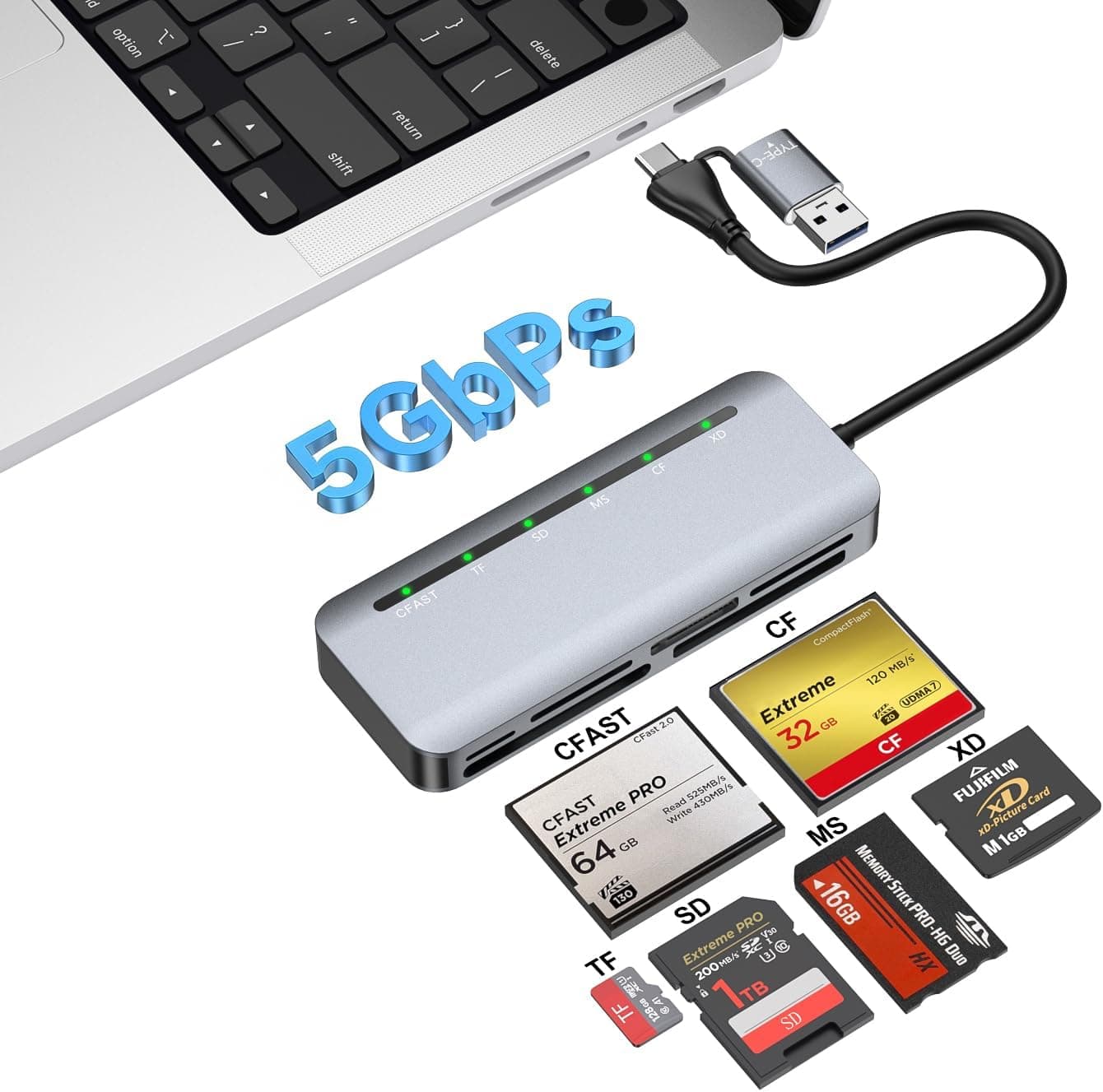
外付メモリカードリーダー28 (External Memory Card Reader 28) is a USB 3.0 multi-card reader that reads and writes 28 card types across SD, microSD, CF, Memory Stick, and xD-Picture Card.
The short verdict: it is a practical pick if you have a mix of card formats and just need reasonably fast transfers from all of them. It is not the right tool if you want full performance from UHS-II SD cards or CFexpress.
It runs on USB bus power, so you do not need an AC adapter. According to the specs, it works on Windows, macOS, and Linux without extra drivers.
On Amazon.co.jp it was rated 4.3 out of 5 from 4,381 reviews as of October 2026, a large and steady body of feedback.
Compatibility Guide
Supported card families
The specs list these media families:
| Family | Main cards | Typical use |
|---|---|---|
| SD | SD / SDHC / SDXC | Digital cameras, camcorders |
| microSD | microSD / microSDHC / microSDXC | Smartphones, dashcams, game consoles |
| CF | CompactFlash | DSLRs (older to mid-range) |
| MS | Memory Stick family | Older Sony cameras and devices |
| xD | xD-Picture Card | Older Olympus and Fujifilm cameras |
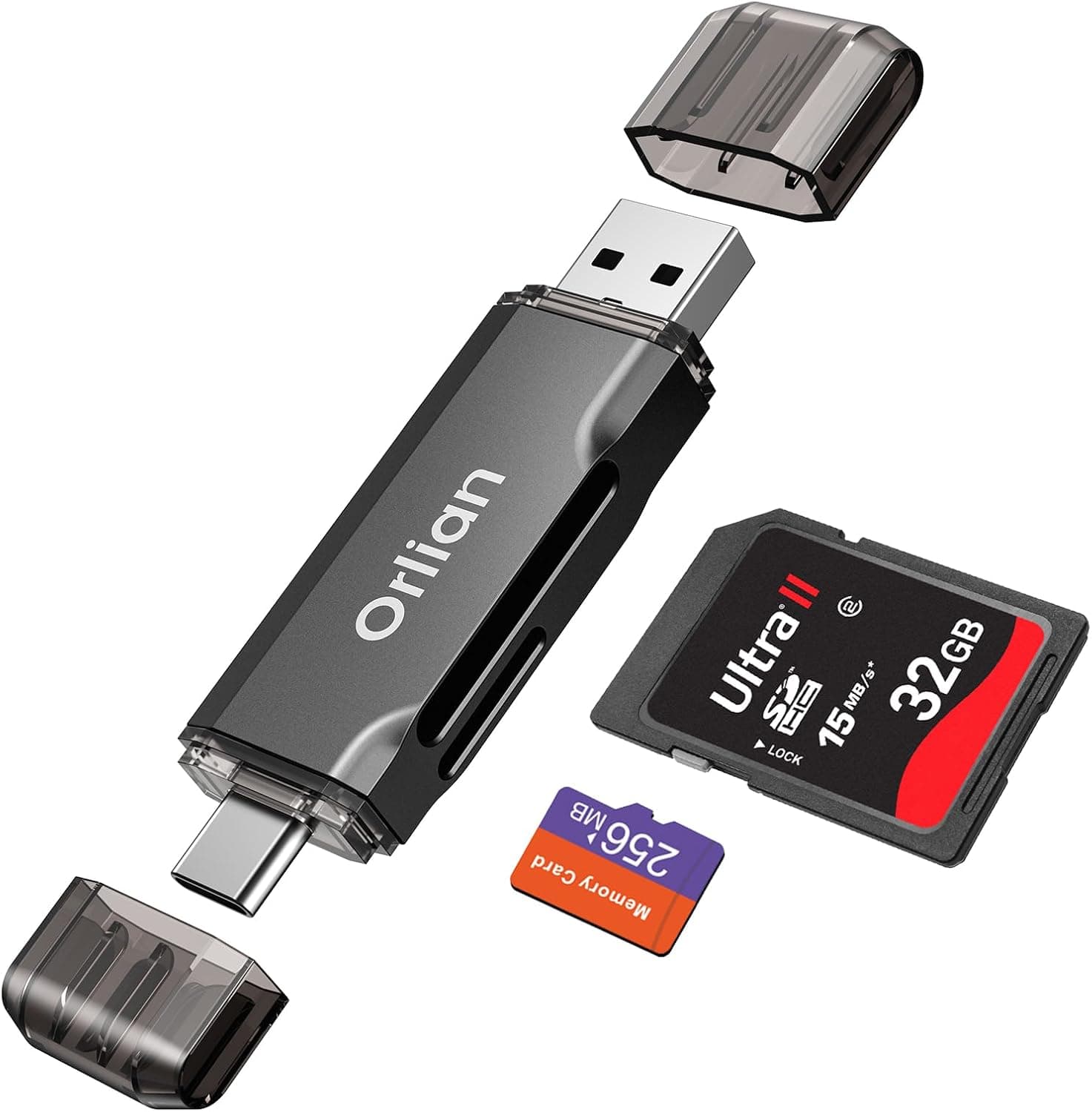
The 28 figure most likely counts size and capacity variants of these families (Duo, PRO, mini, and so on) separately. It does not mean 28 physically separate slots. Check the slot diagram on the product page to see which card goes where.
CF is not CFexpress
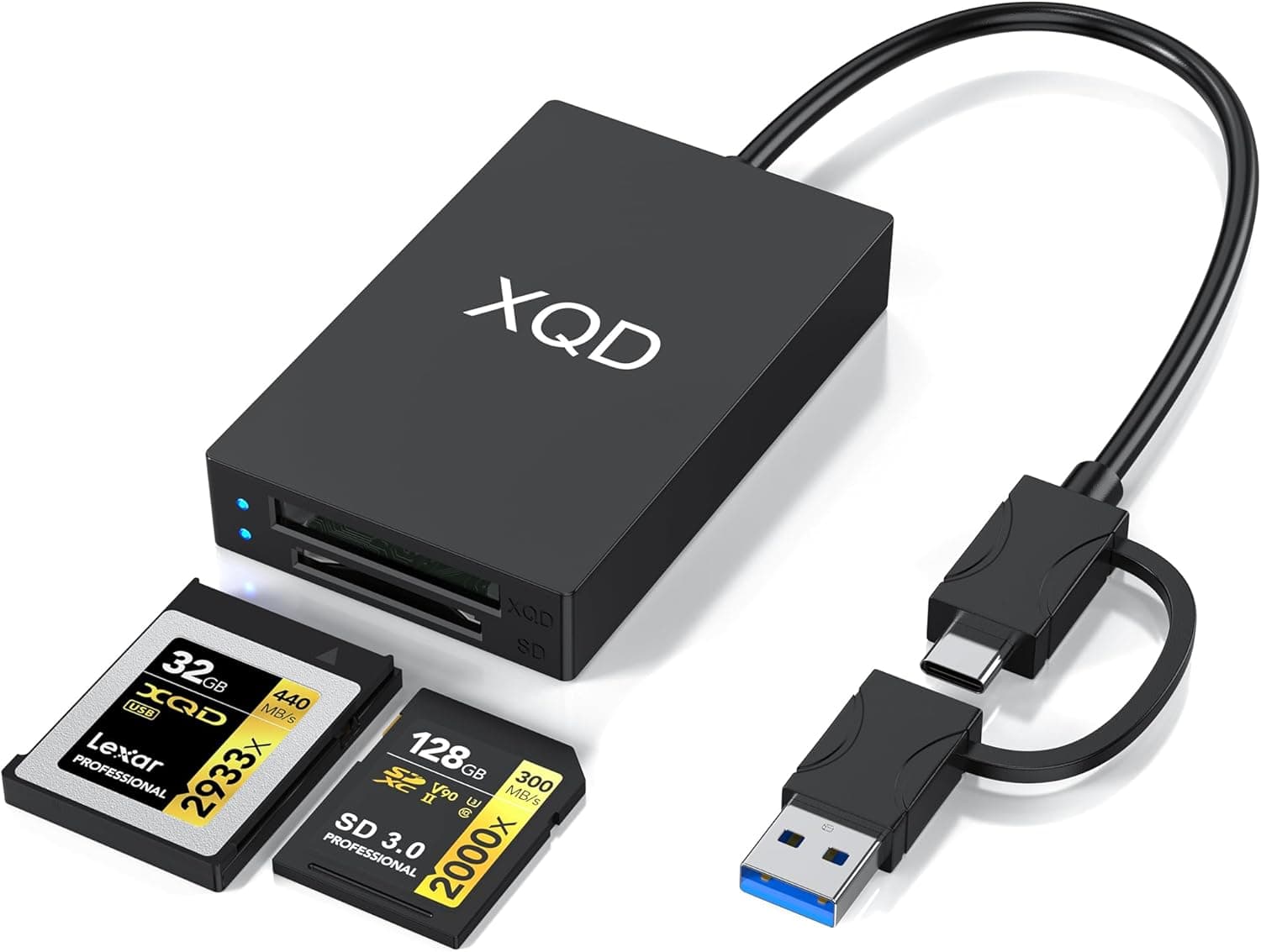
The names are similar, but CF (CompactFlash) and CFexpress use different connectors and interfaces. This reader supports CF.
CFexpress Type A and Type B cards will not fit. If your mirrorless camera uses CFexpress, you need a dedicated reader.
USB ports and real-world speed
The interface is USB 3.0 (backward compatible with USB 2.0), with a theoretical maximum of 5Gbps.
That number is the USB bandwidth ceiling. Actual speed is set mostly by the card.
A typical UHS-I SD card, for example, has a bus limit of 104MB/s, so no reader can push it past that.
One catch: plug it into a USB 2.0 port and it drops to USB 2.0 speed (480Mbps theoretical). Some desktop front-panel ports and cheap USB hubs are still USB 2.0.
For large photo or video imports, plug it directly into a USB 3.0 or faster port.
OS and file systems
It is listed as driverless on Windows, macOS, and Linux. However, SDXC and microSDXC cards of 64GB or more are usually formatted as exFAT, and older operating systems may not handle exFAT.
If a card is detected but its files cannot be read, check the OS file system support before blaming the reader.
Power and connector
Because it is bus-powered, it works straight from a laptop. Unpowered USB hubs, though, may not supply enough power and can cause unstable operation.
The provided specs do not say whether the PC-side plug is USB-A or USB-C. If your laptop or Mac only has USB-C, check the connector on the product page and get an adapter if needed.
Product Info
Key specs:
| Item | Detail |
|---|---|
| Interface | USB 3.0 (USB 2.0 compatible) |
| Supported card types | 28 |
| Max transfer speed | 5Gbps (theoretical) |
| Supported OS | Windows / macOS / Linux |
| Power | USB bus power |
As of October 2, 2026, it was listed at ¥4,203 on Amazon.co.jp.
Prices change with sales and stock, so check the product page for the current price before buying. A price in the few-thousand-yen range is typical for a multi-slot USB 3.0 card reader.
As of the same date, Amazon.co.jp reviews averaged 4.3 out of 5 across 4,381 ratings.
With that many reviews, the score is less likely to be skewed by a few unusually good or bad units.
The product name has no brand, and the provided data does not identify the manufacturer, warranty, or included accessories. If warranty or support matters to you, check the seller and manufacturer listed on the product page.
Compared With Other Card Readers
| Type | Best for | Difference from this reader |
|---|---|---|
| This reader (multi-slot, USB 3.0) | People with mixed formats, including legacy cards | Strength is format coverage |
| 2-in-1 SD/microSD reader | SD and microSD only | Smaller and lighter, but no legacy formats |
| UHS-II SD reader | Fast SD for burst shooting and video | Higher SD speed ceiling |
| CFexpress reader | Current mirrorless cameras | Different standard; this reader cannot replace it |
If you only use SD and microSD, a smaller 2-in-1 reader is enough. If you want to rescue photos from old xD cards or Memory Sticks, a multi-format reader like this one is the right tool.
Broad format support is the main reason to choose it.
Best Use Cases
- People with cards in several formats: one reader covers SD, CF, Memory Stick, and xD, so you do not need a separate reader for each.
- People sorting photos from old digital cameras: current compact readers often cannot read xD-Picture Card or Memory Stick.
- Anyone moving microSD data from phones or dashcams: plugging the card straight into a PC is quicker than transferring through the phone.
- Laptop users: it is bus-powered, so there is no power adapter to carry.
Before You Buy
Do not expect UHS-II speed. The provided specs say nothing about UHS-II support.
UHS-II cards usually still work in UHS-I readers, but only at UHS-I speed. If you regularly import high-resolution RAW bursts or 4K video, consider a dedicated UHS-II reader.
No CFexpress or XQD. As noted above, CF and CFexpress are different standards. Check your camera's card slot before buying.
USB 2.0 ports are slow. When people say a USB 3.0 reader feels slow, the cause is usually a USB 2.0 port.
Check the product page about using several slots at once. Multi-slot readers differ in how they handle several cards inserted together, such as whether you can read and write at the same time and whether each slot shows up as its own drive.
The provided data does not cover this, so check the product page if you need it.
The product name has no brand. Amazon lists many similarly named multi-format readers, and listing details sometimes get mixed up with other products.
Match the ASIN (B094C83B7L), the photos, and the title to confirm it is the right product before buying.
Eject the card before pulling it out. Removing a card mid-write can corrupt data. With any reader, eject from the OS first.
FAQ
Q. Does it work with iPhone or iPad? A.
The provided specs list Windows, macOS, and Linux, but not iOS or iPadOS. For iPhone use, a reader made for iPhone is the safer choice.
Q. Can it read a 1TB microSDXC card? A.
microSDXC is supported, but the provided data does not state a maximum capacity. Check the product page if you plan to use very large cards.
Q. Will every card transfer at 5Gbps over USB 3.0?
A. No. 5Gbps is the theoretical USB ceiling. Real speed depends on the card.
Q. Do I need to install drivers?
A. According to the specs, no drivers are needed on Windows, macOS, or Linux.
Q. Can I use CFexpress cards?
A. No. CFexpress is a different standard and needs a dedicated reader.