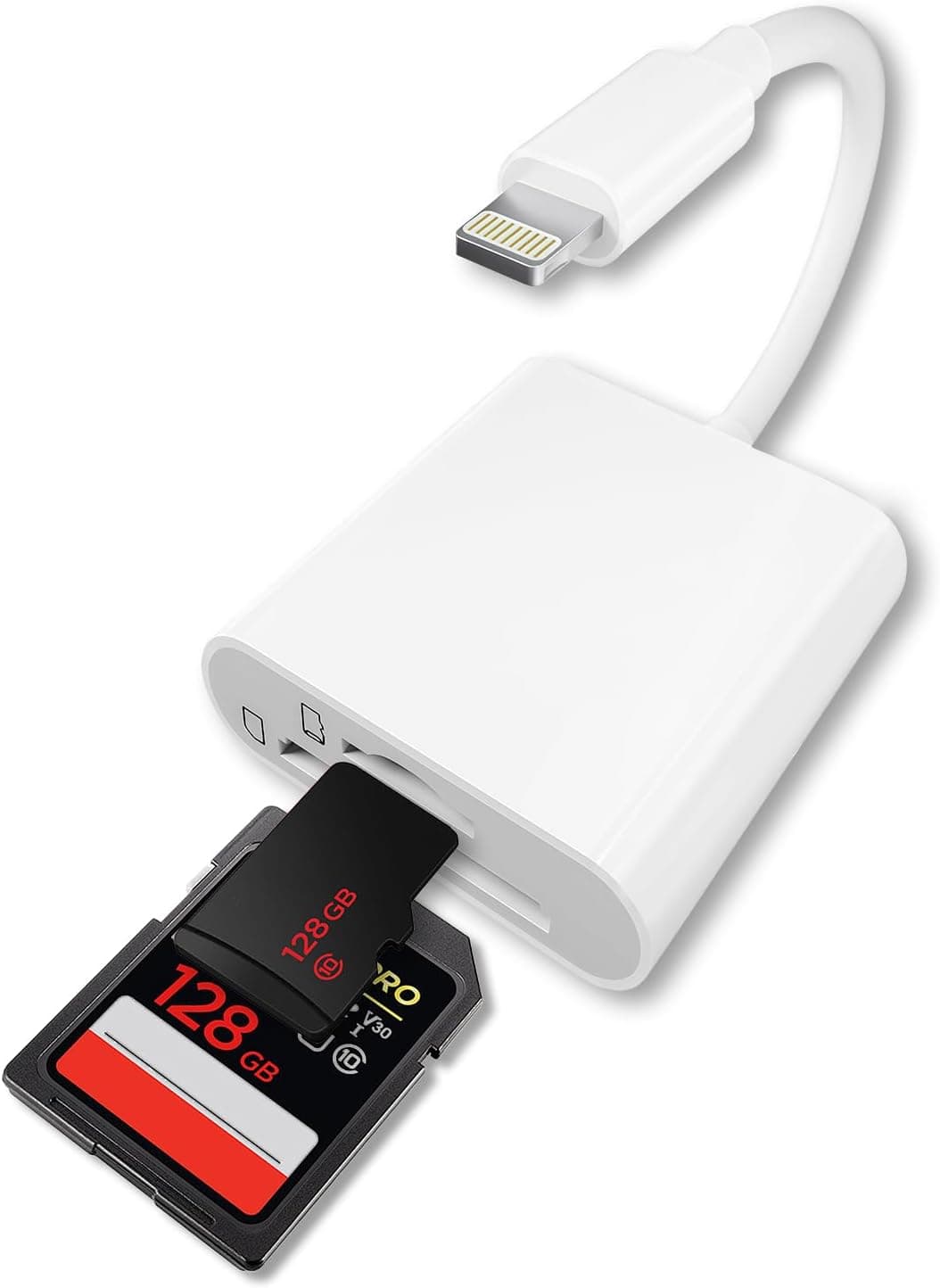
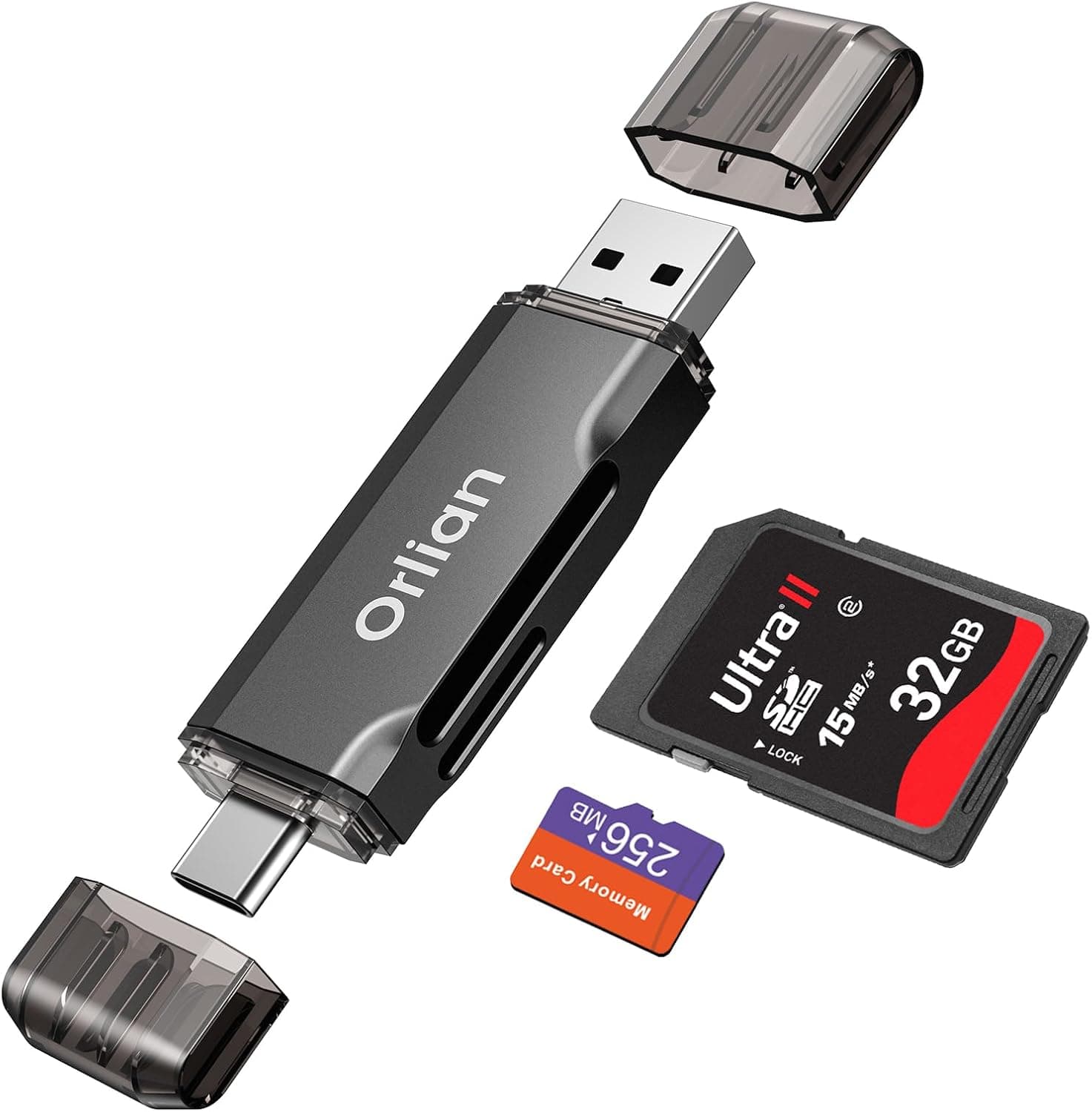
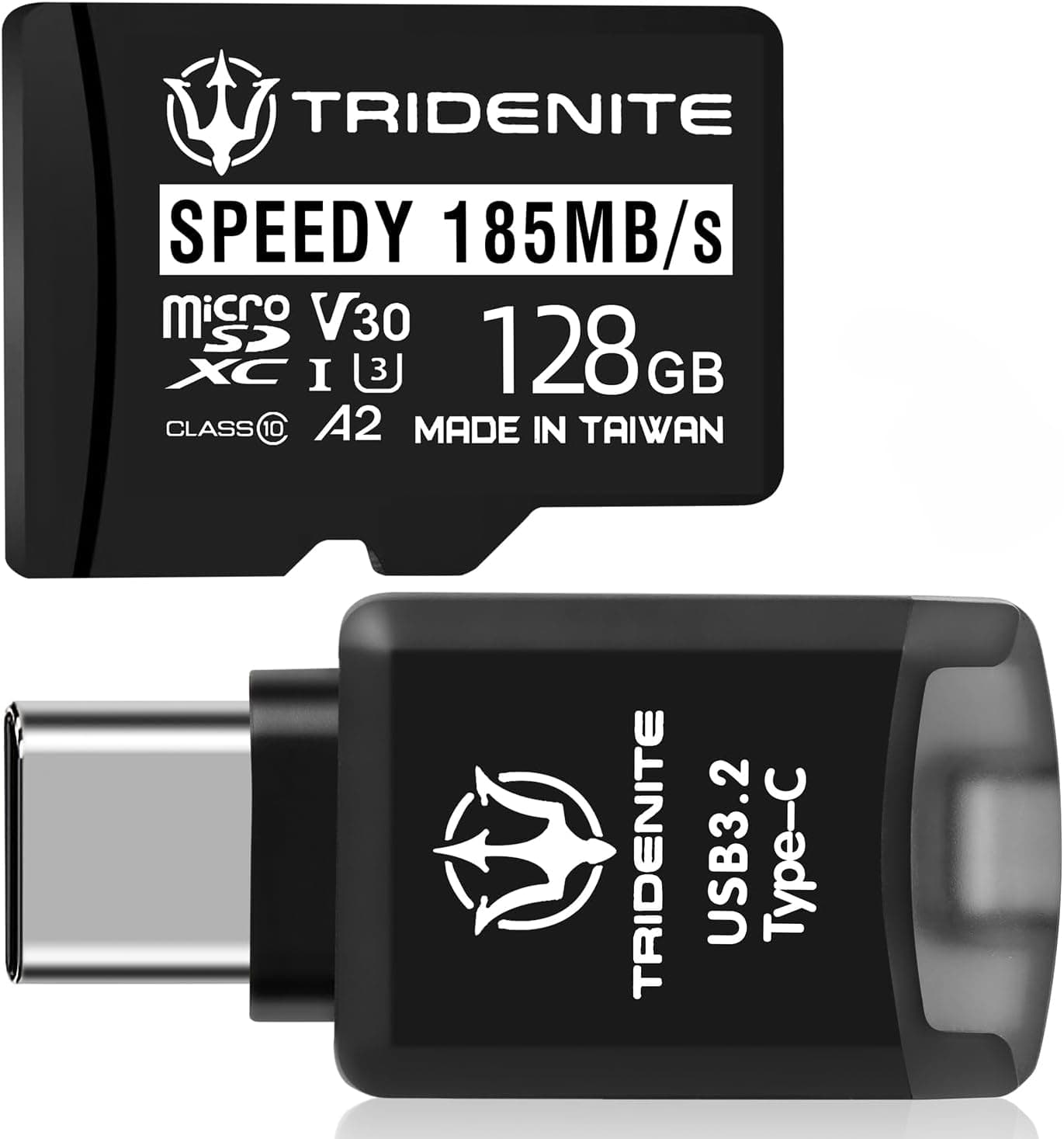
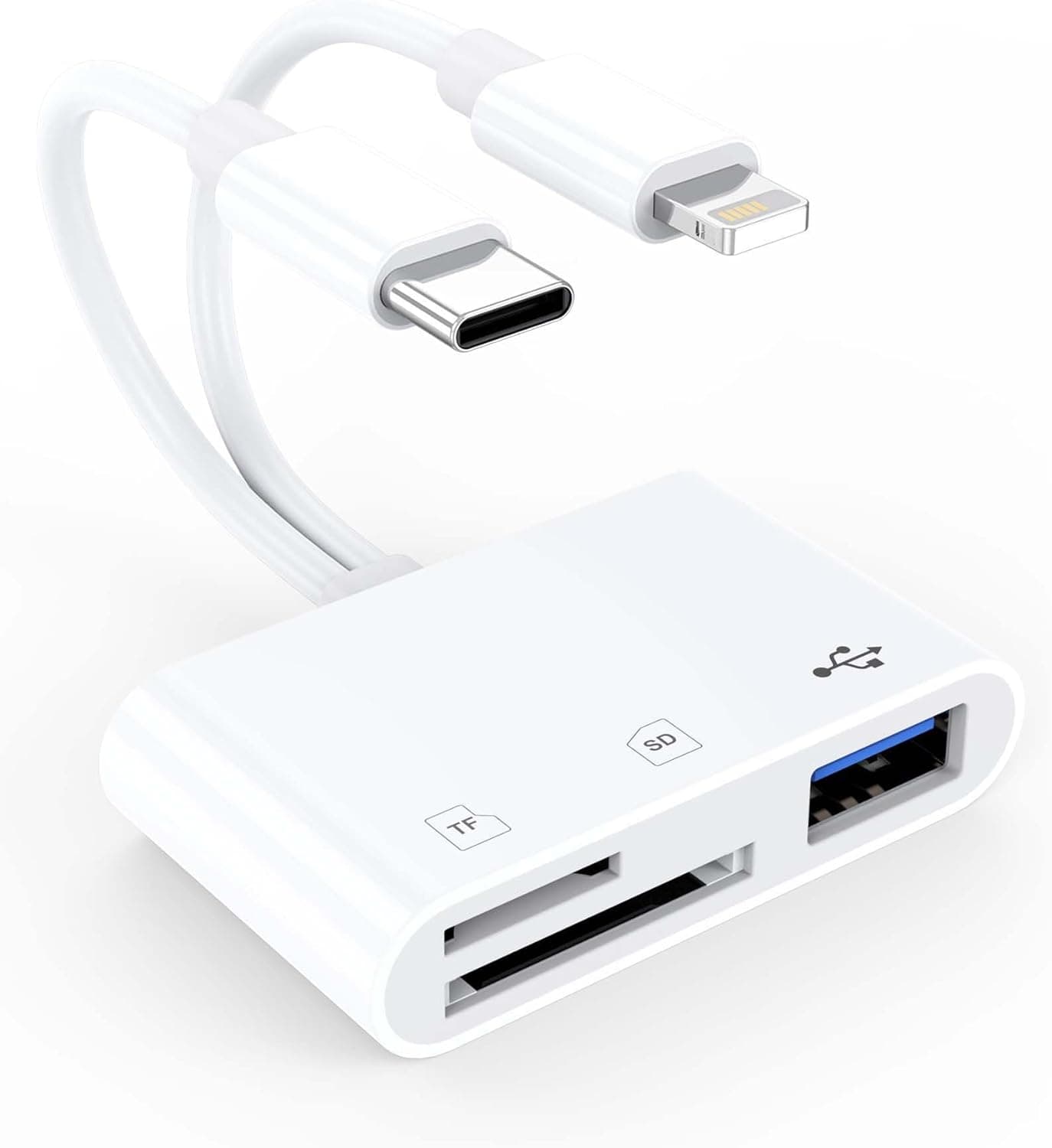
This article covers the TOMPOL sdカードリーダー タイプc【2026年新チップ】2in1 SD, a USB Type-C card reader. The short version: it's an inexpensive way to pull photos and videos off camera cards onto a USB-C iPhone (15 or later), an Android phone, or a MacBook.
As of September 30, 2026, it was listed on Amazon Japan for ¥949. The listing doesn't state a transfer speed, though, so anyone moving large volumes of 4K footage every day should compare it with the higher-end readers covered below.
Overview
Moving photos and videos from a camera or phone to another device is much easier with a dedicated card reader. The TOMPOL SD Card Reader Type-C 2in1 has two slots: one for a full-size SD card and one for a MicroSD (TF) card, and both can be inserted at the same time.
If you shoot with a camera plus a phone or an action camera, you'll spend less time swapping cards.
Its main appeal is simplicity. You don't need a driver or a companion app.
Plug it into a Type-C port and it works with photos, videos, music, and documents such as Excel and PDF files. It reads and writes, so you can copy files from the card to your device and also from your device back onto the card.
It makes backing up footage and organizing files across devices noticeably easier, and the small body is easy to carry every day or on trips. It isn't built to compete with professional high-speed readers, though.
That difference is explained in the comparison section below.
Compatibility Guide
The listing names iPhone 15/16/17 series, iPad Pro, MacBook models, and Android phones and tablets with a USB Type-C port. It's plug-and-play, with no external power or drivers needed.
There are still some device-specific points to know.
| Host device | Works? | Watch out for |
|---|---|---|
| iPhone 15/16 (standard and Plus) | Yes | The port is USB-C, but data runs at USB 2.0 speed (480Mbps max). Expect tens of MB/s in practice |
| iPhone 15 Pro and later Pro models | Yes | The phone supports USB 3, but the reader's own interface isn't specified |
| iPhone 14 and earlier (Lightning) | Not directly | Choose a Lightning-compatible reader instead |
| iPad Pro (USB-C) | Yes | Import through the Files or Photos app |
| MacBook (USB-C) | Yes | Reads MicroSD without an adapter, even on Macs with a built-in SD slot |
| Windows PC | Yes, with a USB-C port | Desktops with only USB-A ports need an adapter |
| Android phones and tablets | Most models | Some models need OTG enabled or a file manager app |
iPhone 15 owners should note that the standard and Plus models have a USB-C connector but still transfer data at USB 2.0 speed, the same as the older Lightning models.
The theoretical maximum is 480Mbps (about 60MB/s), and real-world speeds are lower. For example, copying a full 32GB card at an effective 40MB/s works out to roughly 13 minutes.
A faster reader won't change that ceiling.
The listed card formats are SD, SDXC, MMC, and MicroSDHC. That covers SD cards from DSLRs and mirrorless cameras, as well as MicroSD cards from action cams, drones, dash cams, and security cameras, as long as they fall within those standards.
However, MicroSDXC (MicroSD cards of 64GB and larger) is not on the list. Modern action cameras and drones often use 64GB-plus MicroSDXC cards, so if you plan to use one, check the product page or ask the seller before buying.
The file system matters too. SDXC cards are usually formatted as exFAT.
iPhone, iPad, Mac, and Windows generally read exFAT, but older or some Android devices may not. If a card isn't recognized, check its format and your device's support before assuming the reader is faulty.
Product Info
| Item | Detail |
|---|---|
| Card slots | SD x1 + MicroSD (TF) x1 (both can be inserted at once) |
| Supported standards | SD / SDXC / MMC / MicroSDHC |
| Connector | USB Type-C |
| Dimensions | approx. 10 x 5 x 2 cm |
| Color | White |
| Warranty | 12 months (free repair/replacement) |
| Price | ¥949 (Amazon.co.jp, as of September 30, 2026) |
| Reviews | 5.0 out of 5 (14 reviews, as of September 29, 2026) |
The ¥949 price recorded on September 30, 2026 matches the original article's estimate of around 1,000 yen. Prices change with sales and stock, so check the current price on the product page before buying.
At this price, buying a spare for a camera bag or a laptop bag is easy to justify. The 12-month warranty covers quality defects with free repair or replacement.
The reader has a perfect 5.0 rating, but from only 14 reviews (as of September 29, 2026).
That isn't enough to judge long-term durability or how it behaves across many devices. Reviews that mention whether it worked with a specific phone or laptop will tell you more than the star rating.
The listing mentions a "2026 new chip," but the provided specs don't name the controller, the USB generation (2.0 or 3.x), or the read/write speeds in MB/s.
The original article described it as supporting high-speed transfer, but there are no figures to back that up. UHS-I and UHS-II cards will normally work in a reader like this, but without clear reader specs there's no guarantee they will reach their top speeds.
The listed size of about 10 x 5 x 2 cm is large for a pocket card reader, so it may be the package size. Check the product photos for the actual size of the reader.
The specs don't mention an included cable or adapter, so a PC with only USB-A ports will need a separate adapter.
How to Use It
On an iPhone or iPad, insert the card into the reader, plug the reader into the Type-C port, and open the Files app. The card appears as an external location.
Camera cards with a DCIM folder can often be imported straight into your photo library from the Photos app. Wait until the import has finished before you unplug the reader.
On Android, the card appears as USB storage in the built-in Files app or your phone maker's file manager. If nothing appears, check whether OTG is turned off in the settings.
On a computer, the card shows up as an external drive, just like a USB flash drive.
On any device, unplugging the reader while it's still writing can corrupt the card. On a computer, eject the drive before you pull the reader out.
On a phone, make it a habit to confirm the copy has finished first.
Comparison with Higher-End Readers
Card readers that all say "SD" and "USB-C" can still be aimed at very different users. This reader's strengths are its low price and its ability to plug into both phones and computers.
Higher-end models such as the SanDisk Professional PRO-Reader and ProGrade Digital's dual-slot SD UHS-II reader clearly state USB 3.x or UHS-II support, and they're designed for fast bulk imports on a computer.
The decision is straightforward. If you move a few gigabytes at a time, mostly onto a phone, this reader will rarely hold you back.
That's especially true on a standard iPhone, where USB 2.0 speed is the limit anyway.
If you import tens of gigabytes of RAW photos or 4K video from UHS-II cards to a computer every session, a reader with published speed specs will save enough waiting time to justify its higher price.
Recommended Users
It suits camera owners who want to move shots from a DSLR or mirrorless camera to their phone right away, whether to post on social media or share with family. Take the card out of the camera after a shoot, put it in the reader, and you can review and import photos without a computer.
It's also a good fit for people who want to keep phone photos and videos on a local card instead of in the cloud. Plugged into an iPhone 15 or later, or an Android phone's Type-C port, it works as external storage.
That helps if you're running low on iCloud or Google Photos storage, or if you're traveling somewhere with a poor connection.
If you use both SD and MicroSD, for example a mirrorless camera plus an action cam or drone, one reader handles both formats and you won't need to hunt for adapters. Just confirm MicroSDXC support first if your cards are 64GB or larger.
It isn't the right tool if your computer already has an SD slot and you import several large cards every day for work. In that case, look at USB 3.2 Gen 2 or UHS-II readers with published speed specs.
Before You Buy
No speed figures are listed. Despite the "2026 new chip" wording, the provided specs don't confirm the USB generation or the MB/s read/write speeds.
Before buying, think about how much data you'll move and to which device, and if you shoot a lot of 4K video, compare it with a reader that publishes its speeds.
MicroSDXC (64GB and larger) isn't listed. The MicroSD support listed is MicroSDHC, which tops out at 32GB.
If you plan to use 64GB, 128GB, or 256GB MicroSDXC cards, which are common in action cams and drones, check the product page Q&A or the seller's description first. Skipping this check is likely the most common way to end up with the wrong reader.
It won't plug into Lightning iPhones. iPhone 14 and earlier use Lightning, so this Type-C reader won't fit directly.
Chaining adapters can lead to power shortfalls or unreliable recognition, so a Lightning-compatible reader is the safer choice.
On a phone, the phone sets the speed. The standard and Plus iPhone 15/16 models transfer at USB 2.0 speed despite having a USB-C port.
Large video imports will take a while no matter which reader you use.
There are only a few reviews so far. The 5.0 rating comes from just 14 reviews (as of September 29, 2026), so durability and device-compatibility feedback is still limited.
If you get a defective unit, the 12-month warranty applies, so contact the seller promptly.
The listed size may not match the reader. About 10 x 5 x 2 cm is large for a travel card reader and may be the package size.
Check the product photos to see whether it will fit your pouch or camera bag.
FAQ
Q. Will it work with an iPhone 14? A.
No. iPhone 14 and earlier use Lightning, so this USB Type-C reader won't plug in directly.
Choose a Lightning-compatible reader instead.
Q. Can it read both cards at the same time? A.
The listing says both cards can be inserted at once, but it doesn't say whether both appear as separate drives at the same time. If you want to copy directly between the two cards, check the product page first.
Q. Does it support a 128GB MicroSD card? A.
A 128GB MicroSD card is MicroSDXC, and the listing only mentions MicroSDHC (up to 32GB). Confirm support with the seller before buying.
Q. Do I need a driver or an app? A.
No. iPhone, iPad, Mac, Windows, and Android all see it as USB storage.
Some Android phones may need OTG enabled or a file manager app.
Q. How fast is it? A.
The provided specs don't give a figure. Real-world speed is set by the slowest of three things: the card, the reader, and the host device.
On a standard iPhone, expect tens of MB/s at USB 2.0 speed.
Product Disclosure (Amazon)
- Manufacturer: TOMPOL
- Seller: TOMPOL Direct 直営
- Fulfilled by: Amazon
- ASIN: B0HJKYZ2Y8
- Note: This article covers a manufacturer-made product based on Amazon listing details.