This article covers the TOMPOL 2-in-1 multi card reader (MFi certified, Lightning connector, aimed at iPhone 14-era devices), including the things worth knowing before you buy.
Overview
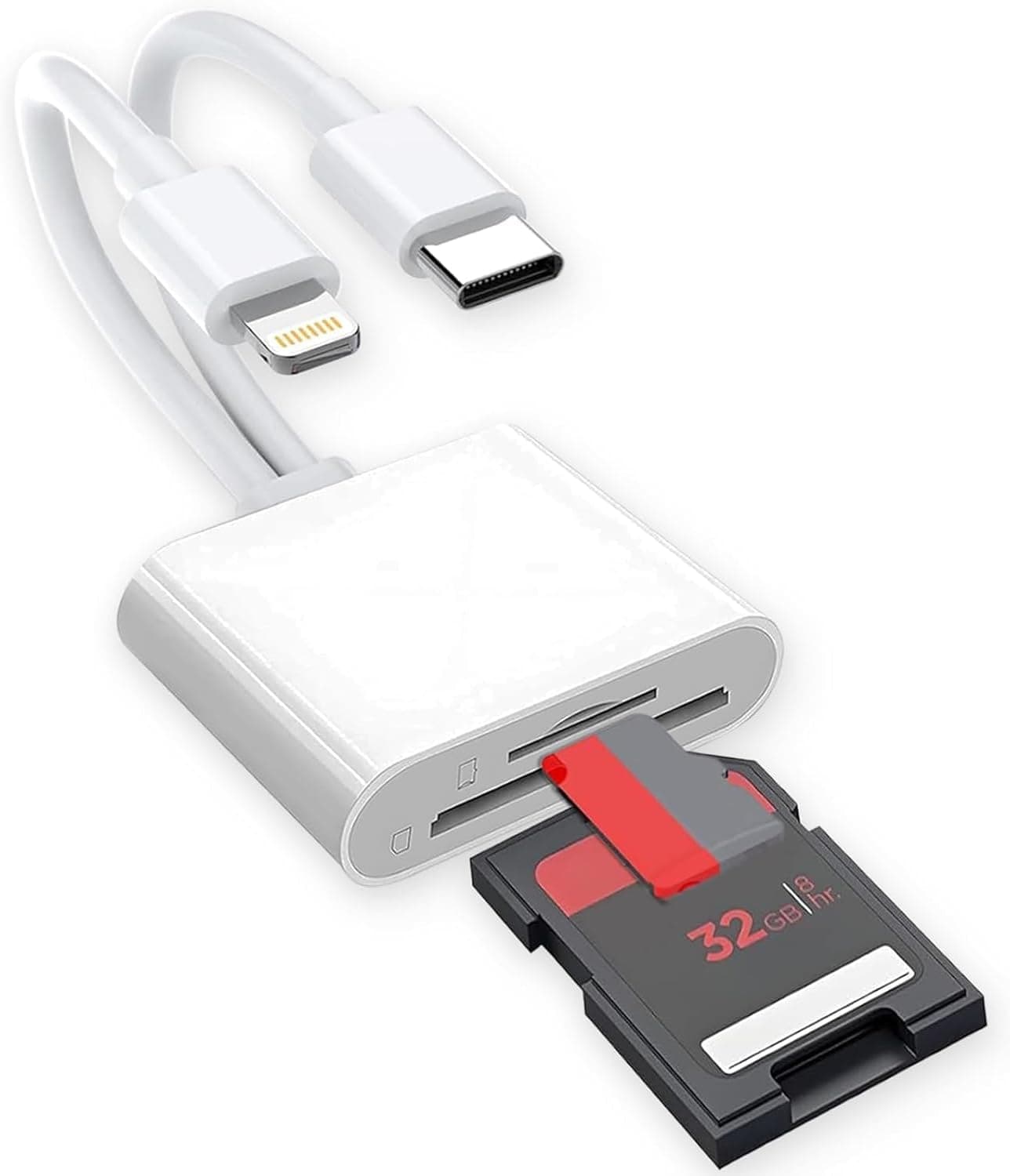
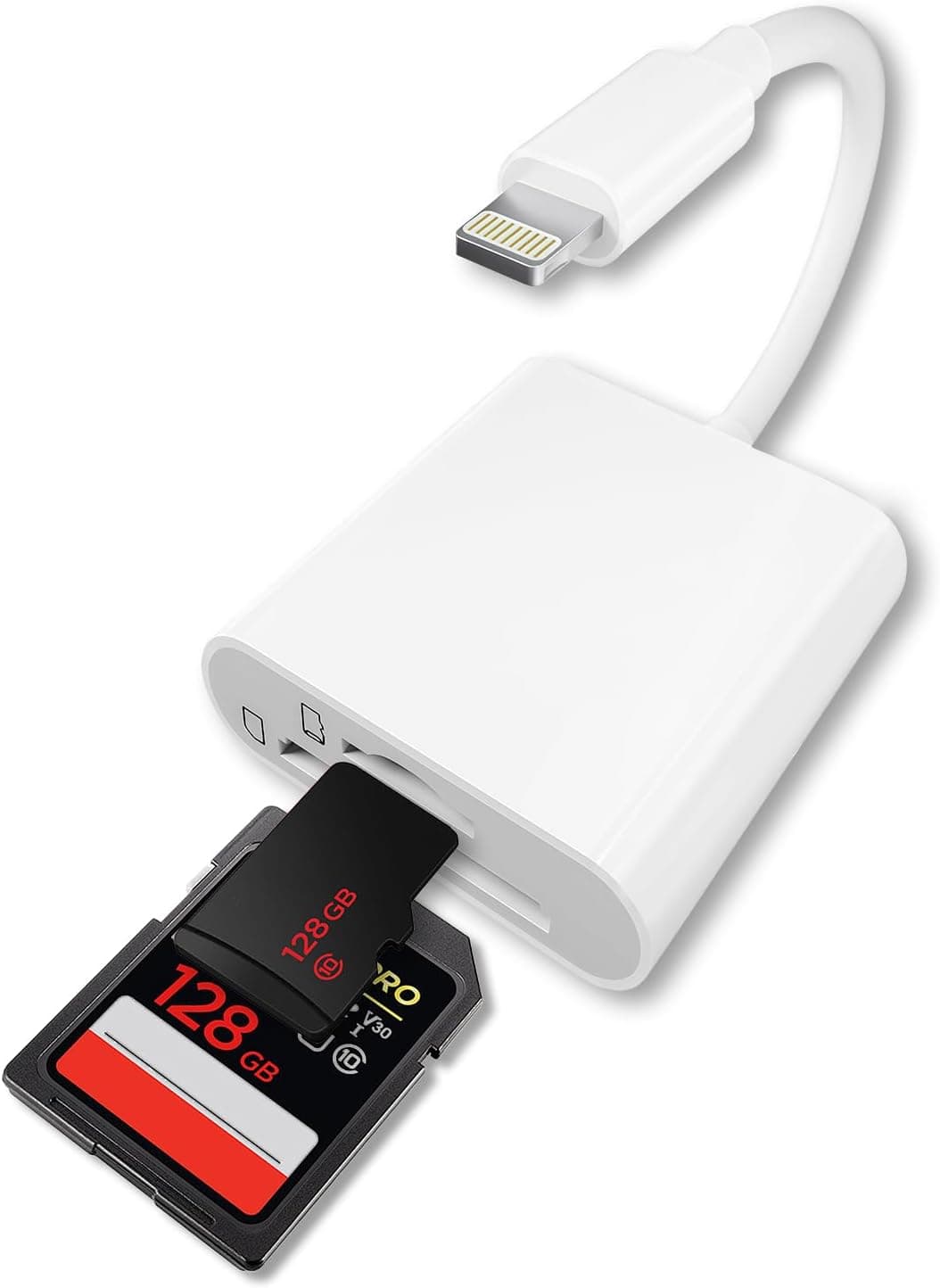
The TOMPOL 2-in-1 iPhone SD card reader plugs straight into the Lightning port of an iPhone or iPad and reads SD and microSD (TF) cards. It is MFi certified, so iOS compatibility is covered.
Put simply, this is a tool for people who want to pull shots off a camera, GoPro or dash cam without opening a computer.
At 12 grams it disappears into a pocket or a camera bag pouch. It is an accessory you leave in your bag permanently, not a desk-bound device for moving huge volumes of data every day.
For anyone comfortable with that trade-off, it delivers well for the money.
On Amazon.co.jp it carried 27 reviews with a 5.0 out of 5 rating (100% positive) at the time the data was captured in September 2026.
With only 27 reviews, read that perfect score as "no major complaints yet" rather than proof of long-term reliability — a 5.0 from 27 people is not the same signal as a 4.3 from thousands.
Compatibility Guide
The first thing to check is whether your iPhone still uses Lightning. This reader has a Lightning connector and supports iOS 9.2 and later, so it fits iPhones up to the iPhone 14 series and Lightning-equipped iPads.
It does not fit the iPhone 15 and later, or recent iPad Pro / Air / mini models, which moved to USB-C. This is by far the most common buying mistake.
If you are close to upgrading your phone, a USB-C reader will serve you longer.
There are two slots — SD and microSD — and both can be used at the same time. Not needing to carry a microSD-to-SD adapter is a small thing that matters a lot if you shoot with a drone or action cam (microSD) alongside a mirrorless body (SD).
No app installation is needed; iOS recognises the card automatically. Photos and videos come in through the Photos app, and everything else is handled via the Files app.
RAW images and documents such as PDF, Word and Excel are listed as supported. Note that "readable" and "previewable" are different things: proprietary RAW formats iOS does not understand will copy across but may show no thumbnail.
That is an iOS limitation, not a fault of the reader.
One physical gotcha is case interference. Thick or rugged cases with a raised wall around the Lightning port can stop the connector seating fully.
If the card is not detected, remove the case and try again.
| Check | This product |
|---|---|
| Connector | Lightning (not compatible with USB-C iPhone 15 and later) |
| OS | iOS 9.2 or later |
| Slots | SD + microSD, usable simultaneously |
| Weight | 12g |
| App required | No — plug and play |
The spec sheet is deliberately simple, which means the buying decision really comes down to one question: is your port Lightning or USB-C?
How It Actually Gets Used
The typical workflow is to pull the SD card from the camera between shoots, plug it into the reader, connect to the iPhone, and import only the frames you actually want. Selecting a handful of images to post rather than dumping the whole card is what this product is built for.
Do not expect high speed. Lightning accessories are generally limited to USB 2.0-class bandwidth, which is a limit of the interface rather than of this particular reader.
A few JPEGs feel instant; moving several 4K clips means waiting. Plan to leave the phone alone while long video transfers run.
It is also a passive accessory with no power input, so reading a large card for a long stretch will drain the phone. On a trip, pair it with a power bank.
How It Compares
Card readers serve very different audiences. ProGrade Digital's UHS-II dual-slot and CFexpress Type A readers are professional tools for pulling large volumes into a computer as fast as possible — a different price bracket and a different job.
Lexar's 2-in-1 USB 3.1 reader is a general PC/Mac device for desk work, not phone-first use.
This reader does not compete with those. It is an entry-class product whose value is finishing the job on the phone alone, and its real rivals are similarly priced Lightning or USB-C plug-in readers.
If you are on a USB-C iPhone, a USB-C version of the same concept is the natural substitute.
Product Info
The key specs are 12g weight, two card slots (SD + microSD), support for SD and microSD media, and a Lightning connector. Only the reader itself is included — no cable, no pouch.
It sits at the entry level of the market with a deliberately minimal feature set.
The price was ¥999 on Amazon.co.jp as captured in September 2026.
Card readers are a volatile category for pricing and coupons, so always check the current price on the product page before ordering; sales can push it lower and stock issues can push it higher. The eBay entry returns a search listing rather than a specific price, so buying through Amazon is the practical route in Japan.
Warranty depends on the seller, though roughly 30 days of initial-defect coverage is typical at this price. The release date appears to be around 2025, but that cannot be confirmed from published information — check the listing details if it matters to you.
Best Use Cases
- Camera and mirrorless users — import shots to the phone on the spot for review or posting, with no laptop required.
- Frequent travellers — 12g is negligible in a bag, and it works as an on-the-road holding place for footage.
- Action cam / drone / dash cam owners — both SD and microSD fit, so no hunting for an adapter.
- Anyone clearing out old cards — check what is on the SD cards in your drawer and keep only what matters.
- Anyone who just wants one in the bag — at the captured price of ¥999, it removes a category of annoyance even if used rarely.
Things to Know Before Buying
The connector is the big trap. It will not work with the iPhone 15 or later, or USB-C iPads.
Buying on the words "for iPhone" alone leads to a reader that physically will not plug in. Look at your phone's charging port before you order.
If an upgrade is coming, buy the USB-C version instead and save the money.
It is not for speed-critical work. A photographer moving hundreds of RAW files a day on location will hit the Lightning bandwidth ceiling.
For that, a computer plus a UHS-II reader remains unbeaten. You buy this because it skips the computer, not because it is fast.
Card format and capacity matter. Very large cards, or cards formatted in a camera-specific scheme, may not mount.
iOS also cannot read cards formatted outside exFAT/FAT32. If a card is not recognised, suspect the file system first.
Copying is not the same as backing up. Data moved from a card to the phone still lives on one device; lose the phone and you lose the files.
Treat it as temporary safekeeping and move everything to a computer or cloud storage once you are home.
Do not take the listing details at face value. Amazon listings occasionally carry manufacturer names, model numbers or compatibility claims that do not match the item shipped, and cheap accessories sometimes change quietly under the same ASIN.
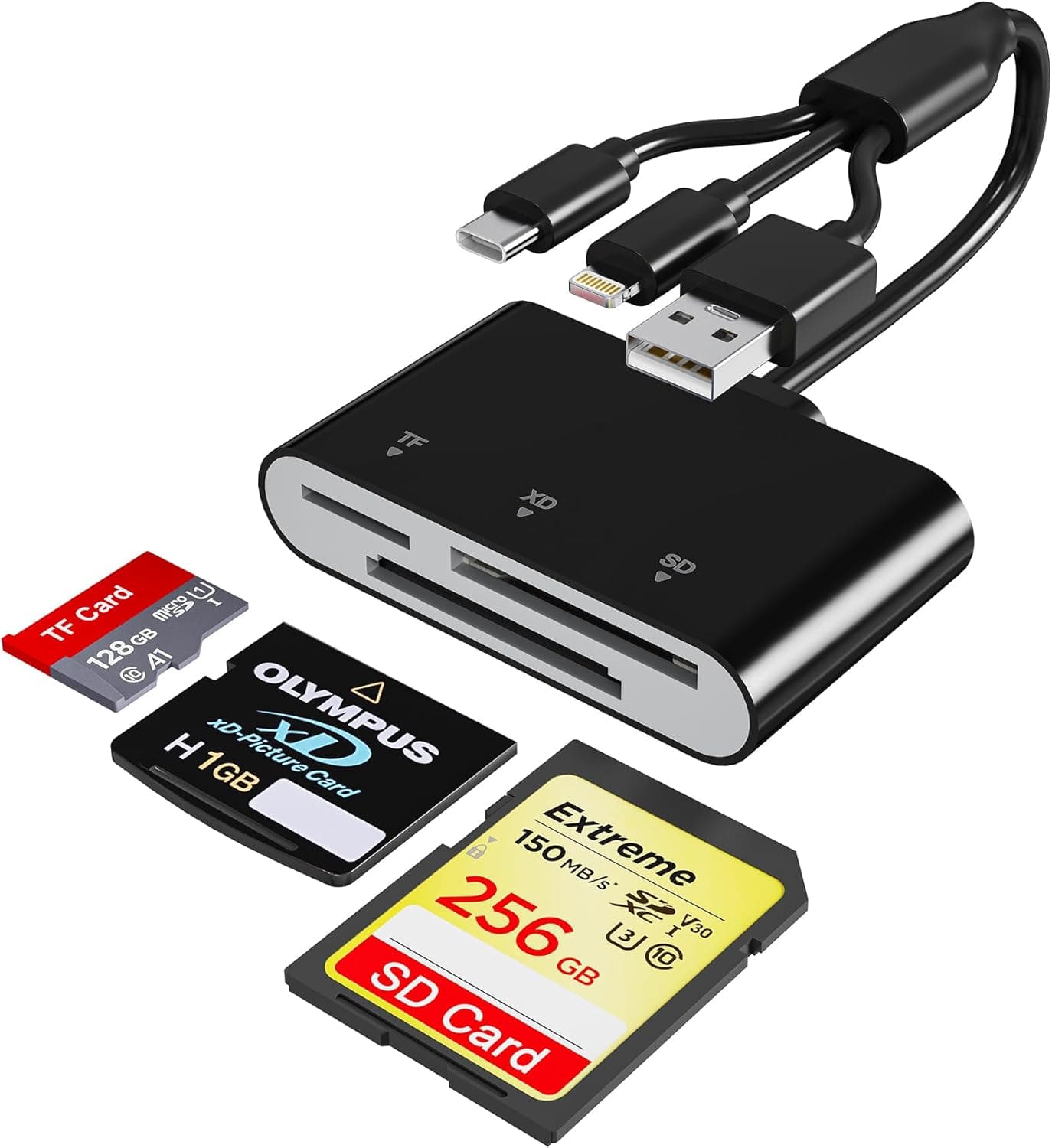
Before ordering, confirm from the product images and title that you are looking at a Lightning connector with two slots.
Read the rating carefully. 100% positive across 27 reviews is a good sign, but a small sample says nothing about durability.
This is a device you plug and unplug constantly, and wear on the connector and slots only shows up over time. Judge it as a consumable at this price point.
FAQ
Q. Does it work with the iPhone 15 or 16? A.
No. Those use USB-C, so a Lightning connector cannot physically connect.
Choose a USB-C reader instead.
Q. Do I need to install an app? A.
No. iOS detects the card automatically; photos and video go through the Photos app, other files through the Files app.
Q. Can I use SD and microSD at the same time? A.
Yes, the two slots are independent. Reading both at once splits the available throughput, so handle one card at a time when you are in a hurry.
Q. Can it import RAW files? A.
RAW reading is listed as supported. Proprietary RAW formats iOS cannot preview will still copy, but may not show a thumbnail.
Q. Can I write from the iPhone back to the card? A.
Two-way transfers go through the Files app, and what is possible depends on iOS file handling. If you have a specific workflow in mind, confirm it on the product page first.
Q. Video transfers are slow — is it broken? A.
Usually not. The Lightning bandwidth ceiling makes long 4K clips take a while.
Leaving the screen on during the transfer keeps things stable.
Product Disclosure (Amazon)
- Manufacturer: TOMPOL
- Seller: TOMPOL工場-直営
- Fulfilled by: Amazon
- ASIN: B0GW7C4F66
- Note: This article covers a manufacturer-made product based on Amazon listing details.