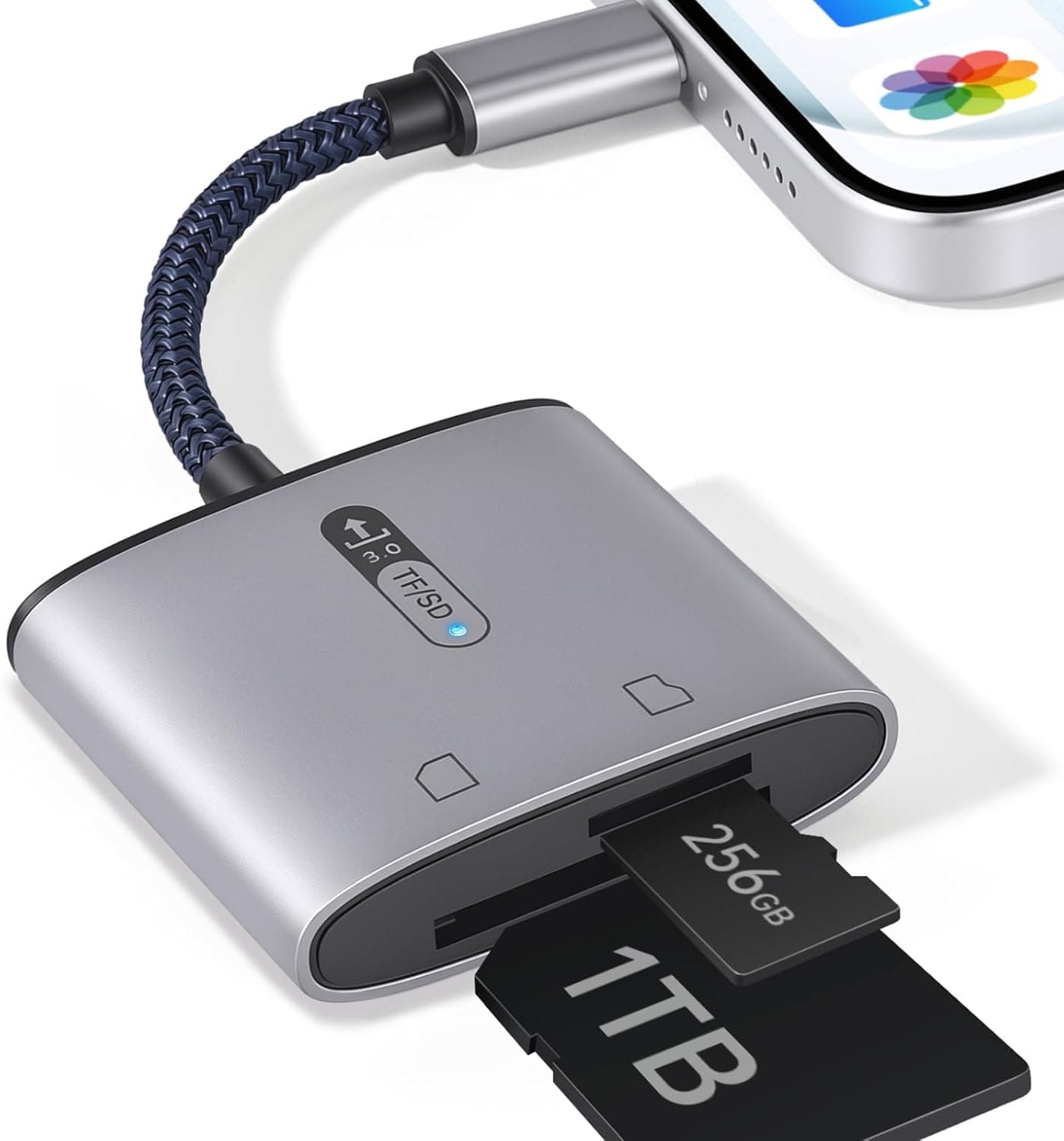
This article takes a closer look at the Zleo ハンティングトレイルカメラメモリーカードリーダー Type-Cポート付き 2イン1 USB-Cメモリーカードアダプター インジケーター付き高速プラグアンドプレイ Android, focusing on what actually matters in the field: will it work with your phone, and where will you get stuck?
Overview
The Zleo MH-367 is a 2-in-1 card reader that lets you pull the SD or microSD card out of a trail camera and read it directly on a USB-C phone or tablet. No app, no driver, and an LED indicator shows activity.
The target user is obvious: hunters and wildlife watchers who do not want to carry a laptop into the woods, plus anyone who simply wants to open a camera card on a phone.
Just as importantly, this is not a performance product. The published specs cover only four things: USB-C connection, dual SD/microSD slots, an LED, and driver-free operation.
The USB generation (2.0 vs 3.x) and any UHS-II support are not stated anywhere.
Buy it expecting speed and you will be disappointed. Whether you can accept it purely as a field-check tool is the one factor that decides if it is right for you.
As of September 2026 the listing shows 25 reviews averaging 4.9 out of 5 (98% positive).
That is a strong score, but 25 reviews is a small sample — not enough to judge long-term durability the way you could with a product that has thousands.
Compatibility Guide
The interface is USB-C (Type-C), with two slots covering full-size SD (what most trail cameras use) and microSD (drones, action cameras) without an adapter.
| Device | Works? | Notes |
|---|---|---|
| iPhone 15 / 16 / 17 | Yes | Import via the stock Photos or Files app |
| iPad Pro / Air (USB-C) | Yes | A thick case may block the connector |
| MacBook / Mac | Yes | Appears in Finder as removable media |
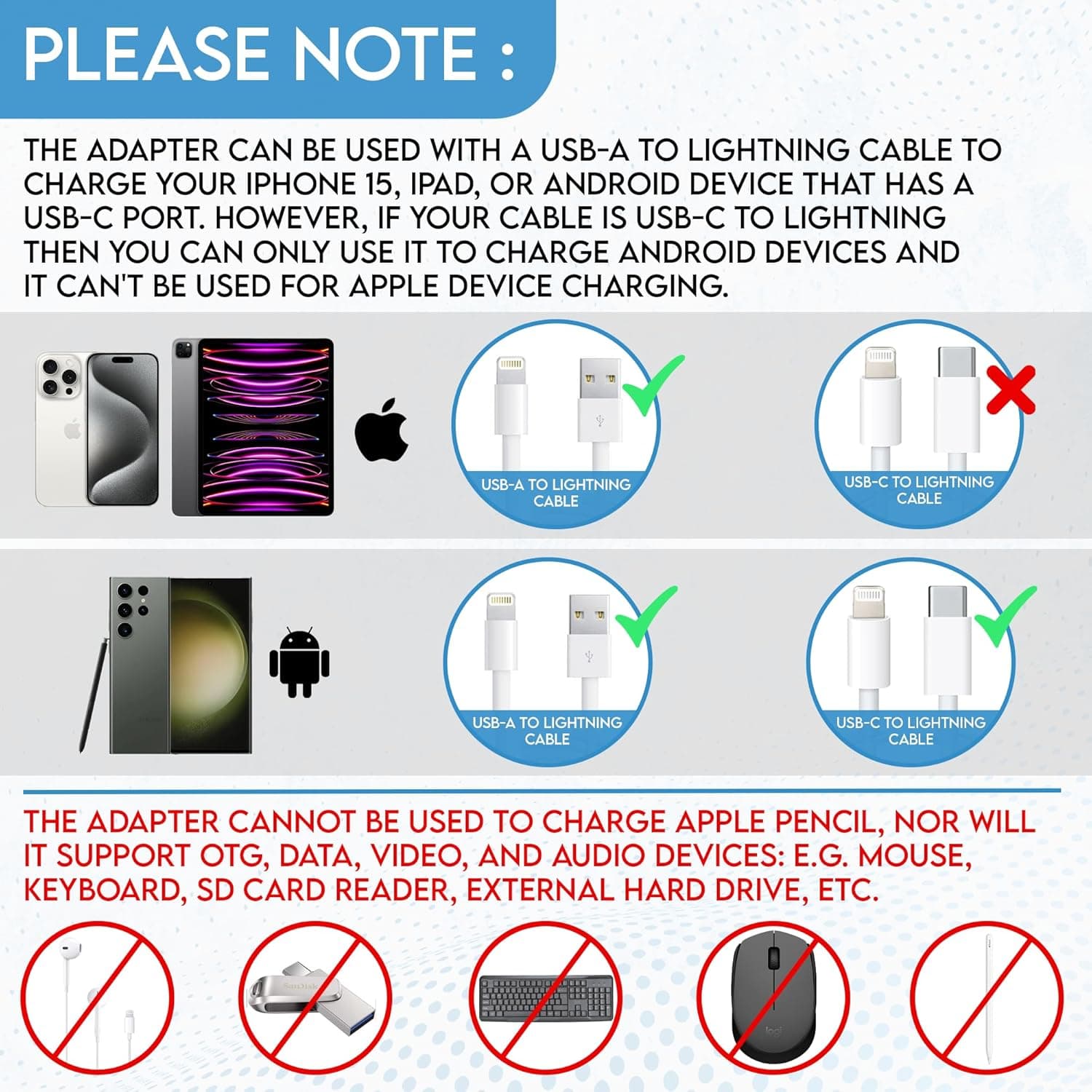
| Android phones/tablets | Maybe | OTG support required, and it must be enabled |
| iPhone 14 and older (Lightning) | No | Wrong connector; no direct connection |
Android is where most people run into trouble. A USB-C port does not guarantee OTG (USB host) support, and even supported devices often ship with it disabled.
The setting is named differently by each maker — "OTG", "USB OTG", "external storage" — and some phones switch it back off automatically after a period of inactivity. If nothing happens when you plug in, check your phone's settings before assuming the reader is faulty.
File systems are the other blind spot. Cards of 32GB and under are usually FAT32, while 64GB and larger are typically exFAT, and some Android devices or older OS versions fail to mount exFAT.
Formatting the card in the trail camera itself is the safest route; if a card is not recognized, check its capacity and format first.
Speed and Realistic Usage
Since no USB generation is published, do not treat this as a fast-transfer device. Trail camera stills are usually only a few megabytes each, so speed barely matters for a quick check.
Dumping dozens of 4K clips, on the other hand, could mean a long wait.
The practical trick is not to transfer everything. Browse the card directly in Files or your Android file manager, preview what you shot, and copy only the few frames you actually need.
Handled that way, the reader's raw speed stops mattering. If you want a full field backup, carrying spare cards and swapping them is faster than copying.
Product Info
These are the published specifications, not measured figures:
| Item | Value |
|---|---|
| Model | MH-367 |
| Supported cards | SD / microSD |
| Interface | USB-C (Type-C) |
| LED indicator | Yes |
| Plug and play | Yes (no app required) |
Only the reader itself is included — no extra cables or adapters. Ratings stand at 25 reviews averaging 4.9 (98%) as of September 2026.
We deliberately do not quote a price here. The figure on the listing is an order of magnitude out of line with what a simple 2-in-1 USB-C reader costs; that bracket normally buys a professional UHS-II dual-slot or CFexpress reader.
Rather than repeat a likely data error, check the current price on the product page yourself. As a sanity check, comparable USB-C 2-in-1 readers are generally available for a small fraction of that.
Competitive Comparison
Among "SD readers you plug into a phone," the MH-367 is marketed for trail cameras but is mechanically a generic USB-C 2-in-1 — not meaningfully different from similar units.
If you need throughput, UHS-II dual-slot readers or desktop CFexpress readers are a different class of product. If all you do is view cards on an iPhone, a compact iPhone-oriented reader is equally sufficient.
The MH-367's real advantages are two: one device covers both SD and microSD, and the LED gives you visible power/activity feedback.
Best Use Cases
- Hunters running multiple trail cameras — check captures on the spot while walking your camera line and decide the next placement immediately. This group gains the most from leaving the laptop behind.
- Campers and birdwatchers — pull the SD from a compact camera, review and share right there. No app means you can even borrow a companion's phone.
- USB-C generation iPhone/Android owners — ideal if you have an iPhone 15 or newer and want direct SD access without adding cables or software.
- People with mixed card formats — SD in the camera, microSD in a drone or action cam: one unit covers both.
Things to Check Before Buying
Treat the listed price with suspicion. As noted, the price shown is implausibly high for this class of product and is likely a listing or data-collection error.
You will see the same page, so before ordering, confirm that the price, product image, and title all match, and compare against typical prices for similar readers. Amazon listing details (manufacturer, model number, price) occasionally carry data from a different product.
Do not buy this for speed. Neither the USB generation nor UHS support is specified.
"High speed" appears in the product name, but with no published figures behind it, you should not count on measured performance. If you routinely offload large volumes of 4K video, a UHS-II desktop reader will save you real time.
Android users hit the wall after purchase. On a phone without OTG host support, no amount of correct plugging will make it appear.
Verify your device's USB host/OTG capability first — nothing on the reader side can fix this.
Only 25 reviews. A 4.9 average is good, but 25 samples say little about long-term durability, especially connector wear from frequent insertion.
Field use means dust, sand, and humidity; carry it in a small zip bag and treat it as a consumable.
Do not assume both slots work at once. Many 2-in-1 readers recognize only one card, or behave erratically, when both slots are populated.
With no spec confirming simultaneous use, plan on inserting one card at a time.
No CFexpress or CF support. If you also shoot on a high-end mirrorless or cinema body, this single unit will not cover your workflow.
FAQ
Q. Will it work with an iPhone 14 or older? A.
No. A USB-C port on the device is required.
Lightning iPhones need a reader that explicitly states Lightning support.
Q. Do I need to install an app? A.
No. It is plug and play — use Photos or Files on iPhone, Finder on Mac, or any file manager on Android.
Q. Nothing happens when I plug it into my Android phone. A.
Check OTG support and whether OTG is enabled in settings; some phones turn it off again automatically. Then check the card's format (FAT32 / exFAT) and, if possible, test with a card freshly formatted in the trail camera.
Q. What is the maximum card capacity? A.
No maximum is published. Typical trail camera cards of 32GB or 64GB are normally fine, but confirm the supported ceiling on the product page if you plan to use high-capacity cards.
Q. Can I insert SD and microSD at the same time? A.
Simultaneous use is not stated in the specs. For reliable operation, use one card at a time.
Q. Can I play videos directly? A.
You can open card video files in your device's player, but some codecs may not play. To be safe, copy the file to the device first.
Product Disclosure (Amazon)
- Manufacturer: Zleo
- Seller: Roomy Room
- Fulfilled by: Roomy Room
- ASIN: B0GRTLYXP3
- Note: This article covers a manufacturer-made product based on Amazon listing details.