Overview
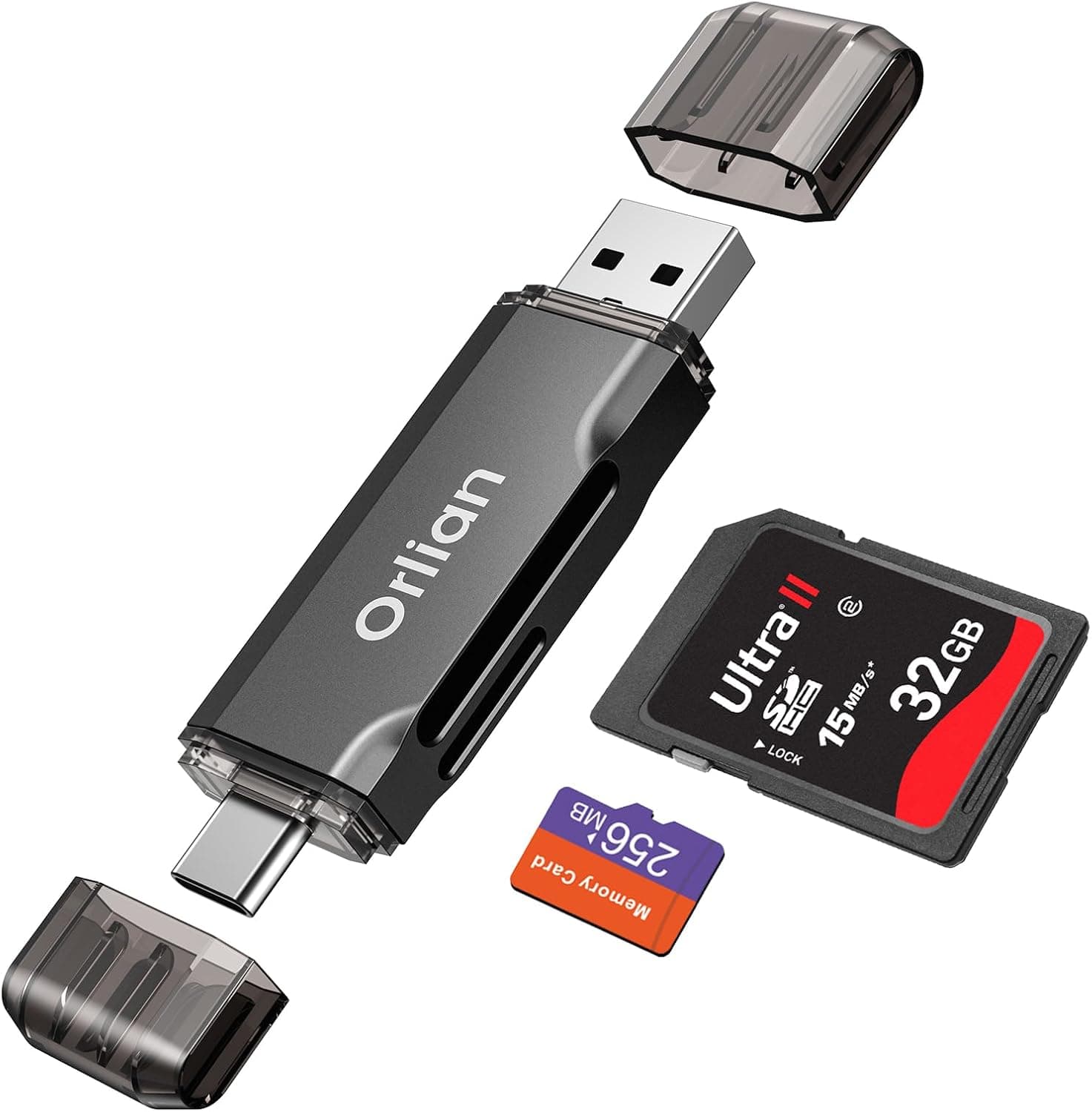
Listed on Amazon as "TIANSONG SD MicroSD - USB-Cカードリーダー Type-CメスからUSBオスコンバーター iPad Pro 2020", the TIANSONG SD MicroSD USB-C Card Reader is a compact adapter that plugs into a computer's USB-A port. It has SD/microSD card slots and a USB-C female port, so one device reads memory cards and also connects USB-C devices to a USB-A computer.
It uses USB 2.0, with a data transfer rate of 480 Mbps.
In short, it is fast enough for moving phone or camera photos a few hundred to a thousand at a time. It feels slow if you regularly move tens of gigabytes of RAW files or 4K video.
It is a no-frills tool for people with a USB-A-only PC who want card reading and a USB-C connection in one small device.
On Amazon.co.jp it is rated 4.7 out of 5 stars (94% positive, 41 reviews, as of October 2026).
That is not many reviews, but satisfaction is high. It is described as driver-free on Windows, macOS, and Android, so you plug it in and use it right away.
What "iPad Pro 2020" in the Name Means
The product name mentions iPad Pro 2020, but the connector that goes into your computer is USB-A male. You cannot plug it straight into an iPad Pro 2020's USB-C port to read SD cards.
This is how it is meant to be used: you connect a USB-C device, such as an iPad Pro, a Samsung Galaxy S21, or a USB-C MacBook Air, to the reader's USB-C female port with a USB-C cable. The reader then plugs into another computer that has only USB-A ports.
To read SD cards directly on an iPad or a USB-C-only laptop, choose a reader with a USB-C male plug. This is the easiest mistake to make with this kind of product.
Compatibility Guide
| Item | Details |
|---|---|
| Plug into PC | USB-A male (bus powered) |
| Device-side port | USB-C female |
| Supported cards | SD / SDHC / microSD / microSDHC |
| USB standard | USB 2.0 (480 Mbps) |
| USB-C power | No USB PD charging |
| Supported OS | Windows 10/11, macOS, Android (no drivers) |
Supported Cards and Capacity
The listed card types are SD, SDHC, microSD, and microSDHC. SDHC tops out at 32GB, so 64GB-and-larger SDXC/microSDXC cards are not on the list.
Our data cannot confirm whether SDXC cards work. If you plan to use 64GB or larger cards, check the supported capacity on the product page before buying.
Many current phones, action cameras, and handheld consoles use 64GB-plus cards, so this is easy to overlook.
UHS-II high-speed transfers are not supported. UHS-I cards should work because they are backward compatible, but their speed is capped by USB 2.0.
Computer Requirements
Any USB-A port will work. Plugging it into a USB 3.0 or faster port (often blue) is fine, but it still runs at USB 2.0 speed.
It draws power from the USB bus, so no external power is needed. If you also connect a phone through a bus-powered hub, power may run short and the connection may become unstable.
Plugging directly into the computer is safer.
It is described as Android compatible, but the male plug is USB-A. To plug it into a USB-C phone, you need a separate USB-A female to USB-C male OTG adapter.
What the USB-C Port Cannot Do
The USB-C port runs at USB 2.0 speed only and does not support USB 3.0 or faster transfers.
It does not support USB PD charging or video output (DisplayPort Alt Mode), so it cannot power a laptop or drive an external monitor.
Note also that the USB Type-C specification discourages adapters that convert a USB-C female port to a USB-A male plug. Connect only devices that receive power (phones, tablets, cameras) to the USB-C side.
Do not connect a charger or another computer through a USB-C cable.
Transfer Speed Estimates
USB 2.0's 480 Mbps works out to about 60 MB/s in theory.
Real-world speeds are typically around 30-40 MB/s. The table below assumes about 35 MB/s and is a rough estimate; card performance and file count will change the results.
| What you transfer | Example size | Estimated time |
|---|---|---|
| 1,000 phone photos (~3MB each) | ~3GB | ~1.5 min |
| 1,000 JPEGs (~10MB each) | ~10GB | ~5 min |
| 500 RAW files (~50MB each) | ~25GB | ~12 min |
| A full 32GB card of video | ~32GB | ~15 min |
Daily photo imports finish in a few minutes, so most people will not mind the speed. Moving a whole trip's RAW files or 4K video, however, often means waiting more than 10 minutes.
A USB 3.x reader with a UHS-I card can often do the same 25GB in a few minutes, so this reader is not for people who move large amounts of data often.
The card slots and the USB-C port most likely share a single USB 2.0 connection.
You can read a card and transfer data through the USB-C port at the same time, but each will be slower. Check the product page to see whether the SD and microSD slots can be read at the same time.
Product Info
As of October 2026 it was listed on Amazon.co.jp for ¥4,162.
Prices change with sales and stock, so check the current price on the product page. The listing names Amazon US as the seller and shipper, so it may be an imported item.
Check delivery times and return conditions before ordering.
| Item | Details |
|---|---|
| Manufacturer | TIANSONG |
| USB standard | USB 2.0 |
| Data transfer rate | 480 Mbps |
| Supported cards | SD / SDHC / microSD / microSDHC |
| Connectors | USB-A male / USB-C female |
| Power | USB bus power |
| In the box | Reader only (no software or extra cables needed) |
| Warranty | Not stated by the manufacturer |
| Rating | 4.7 out of 5, 41 reviews (as of October 2026) |
It appears to have been released around 2021, but we could not confirm the exact date. It sits in the entry-level class of combined card readers and USB-C adapters.
A note on price: standalone USB 2.0 card readers are often available for around ¥1,000.
Compared with that, ¥4,162 at capture time is on the high side. Whether it is worth it depends on how much you value having the USB-C adapter built in and carrying one less item.
If you only need to read cards, a single-purpose reader or a USB 3.x model may be cheaper and faster.
Best Use Cases
- People still using USB-A-only PCs: Suits desktops and older laptops when you want one small device for both SD card reading and USB-C connections.
- Occasional phone and camera photo imports: Moving a few hundred to a thousand JPEGs at a time takes only minutes, even on USB 2.0. Cameras with a USB-C port should also work over a cable. It is not suited to bulk RAW transfers or getting full speed from UHS-II cards.
- Connecting USB-C phones or tablets to older PCs: Connect an iPad Pro or Android phone with a USB-C cable and plug the reader into a USB-A PC. The microSD slot also helps when managing a phone's card. It does not support fast charging or USB 3.0+ speeds, and charging speed depends on the PC's port.
- Business travelers: It replaces a separate card reader and USB-C adapter and is small enough to carry easily. It cannot charge a laptop over USB PD or output video, so you will need other adapters for those.
Before You Buy
It does not plug into an iPad or USB-C computer. Despite "iPad Pro 2020" in the name, the computer-side plug is USB-A male.
To read SD cards directly on a USB-C device, choose a reader with a USB-C male plug.
64GB+ cards are not on the supported list. Only SDHC/microSDHC are listed, and SDXC/microSDXC support cannot be confirmed.
Check the capacity of your cards first.
It is too slow for large transfers. As the table above shows, about 25GB of RAW files takes roughly 12 minutes, and a 32GB video card about 15 minutes.
If you move tens of gigabytes every day for video editing or professional work, a USB 3.x or faster reader will save you time.
It is not a charger. It has no USB PD support, and power depends on the PC's USB-A port.
Typical USB-A ports supply little power, so a connected phone charges slowly and may even lose charge while in use. Do not connect a charger or another computer to the USB-C side.
The review count is small. A 4.7 rating is strong, but with 41 reviews (as of October 2026) there is limited evidence about long-term durability or unit-to-unit quality.
No official warranty period is stated.
Read the listing carefully. The product name lists device models, which makes the product's actual shape unclear.
The listing also shows Amazon US as the seller and shipper. Listing details can be wrong, so check the product photos to confirm the connector layout (USB-A male plus USB-C female) before buying.
Comparison with Alternatives
| Type | Best for | Difference from this product |
|---|---|---|
| This product (USB-A male + USB-C female + card slots) | USB-A PC users who want card reading plus a USB-C adapter | Two jobs in one; USB 2.0 speed |
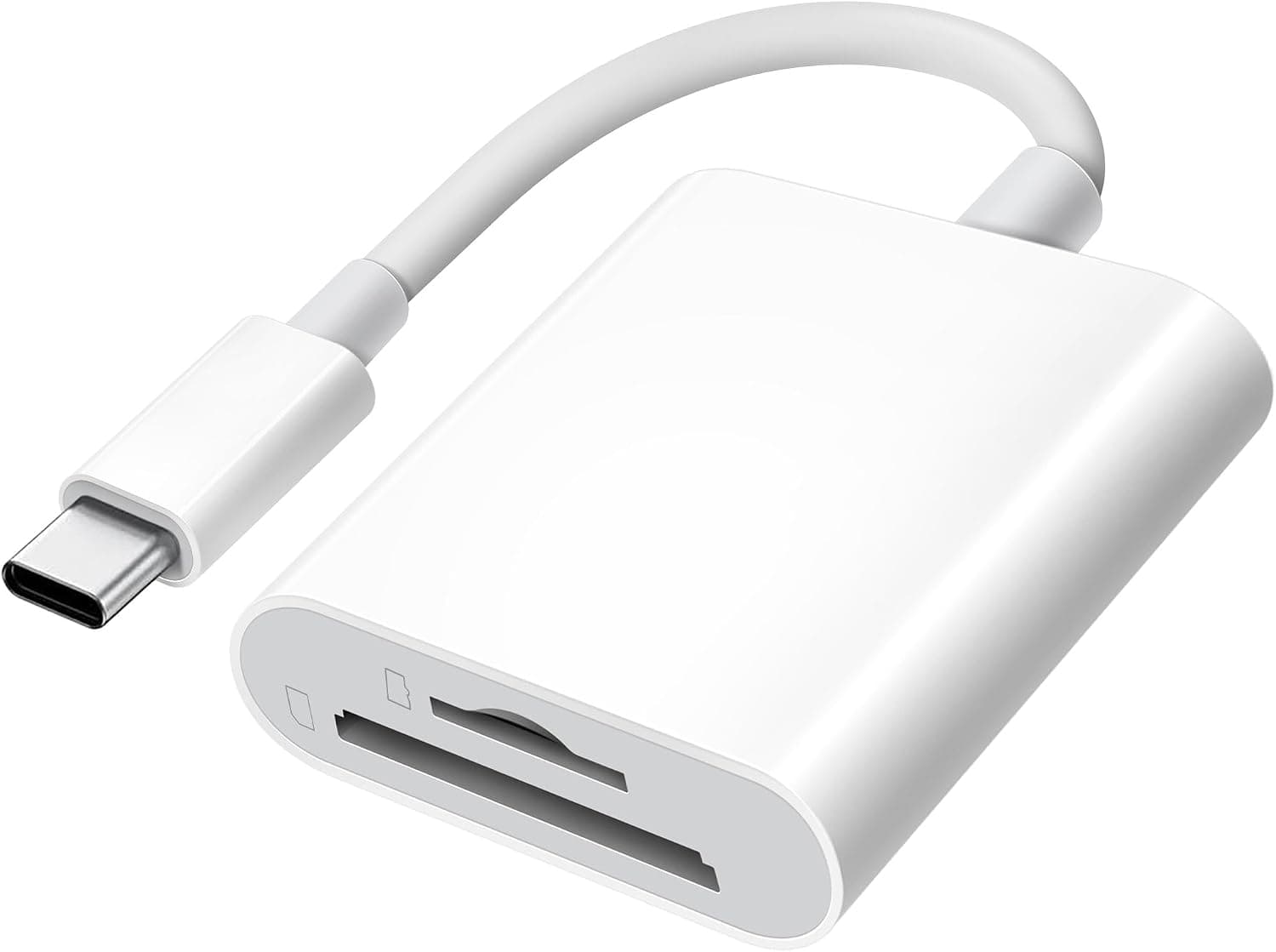
| USB-C male SD reader | Reading directly on iPads, Android phones, USB-C laptops | Plugs straight into USB-C devices; needs an adapter for USB-A PCs |
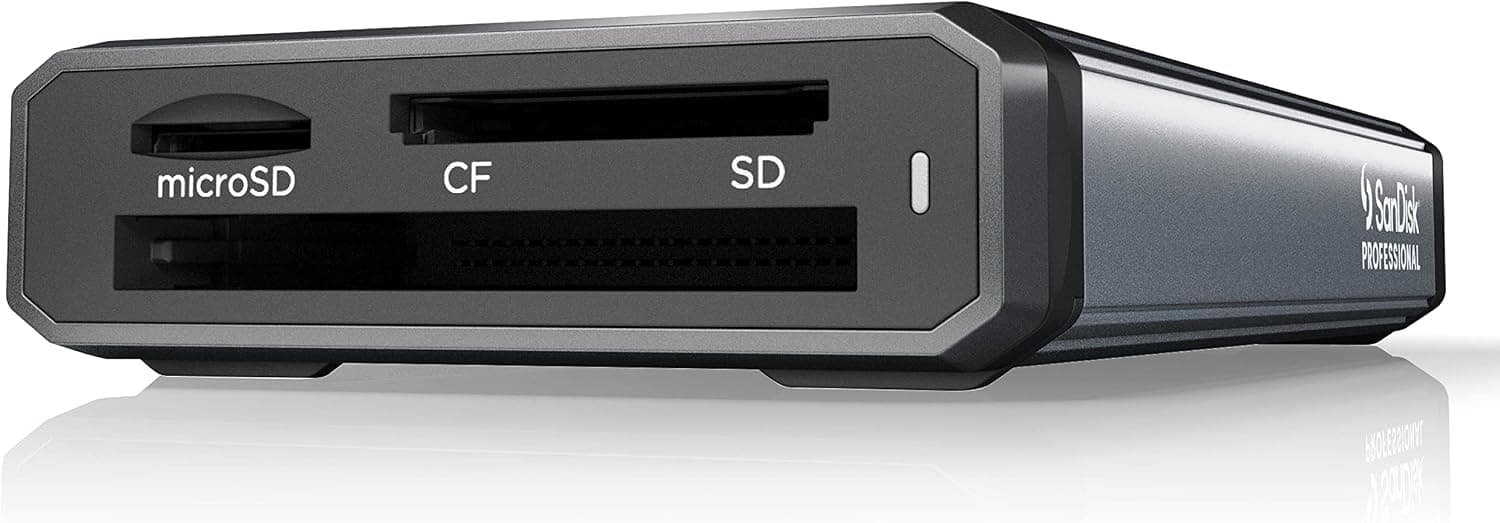
| USB 3.x multi-card reader | People handling lots of RAW or 4K video | Often several times faster; no USB-C adapter function |
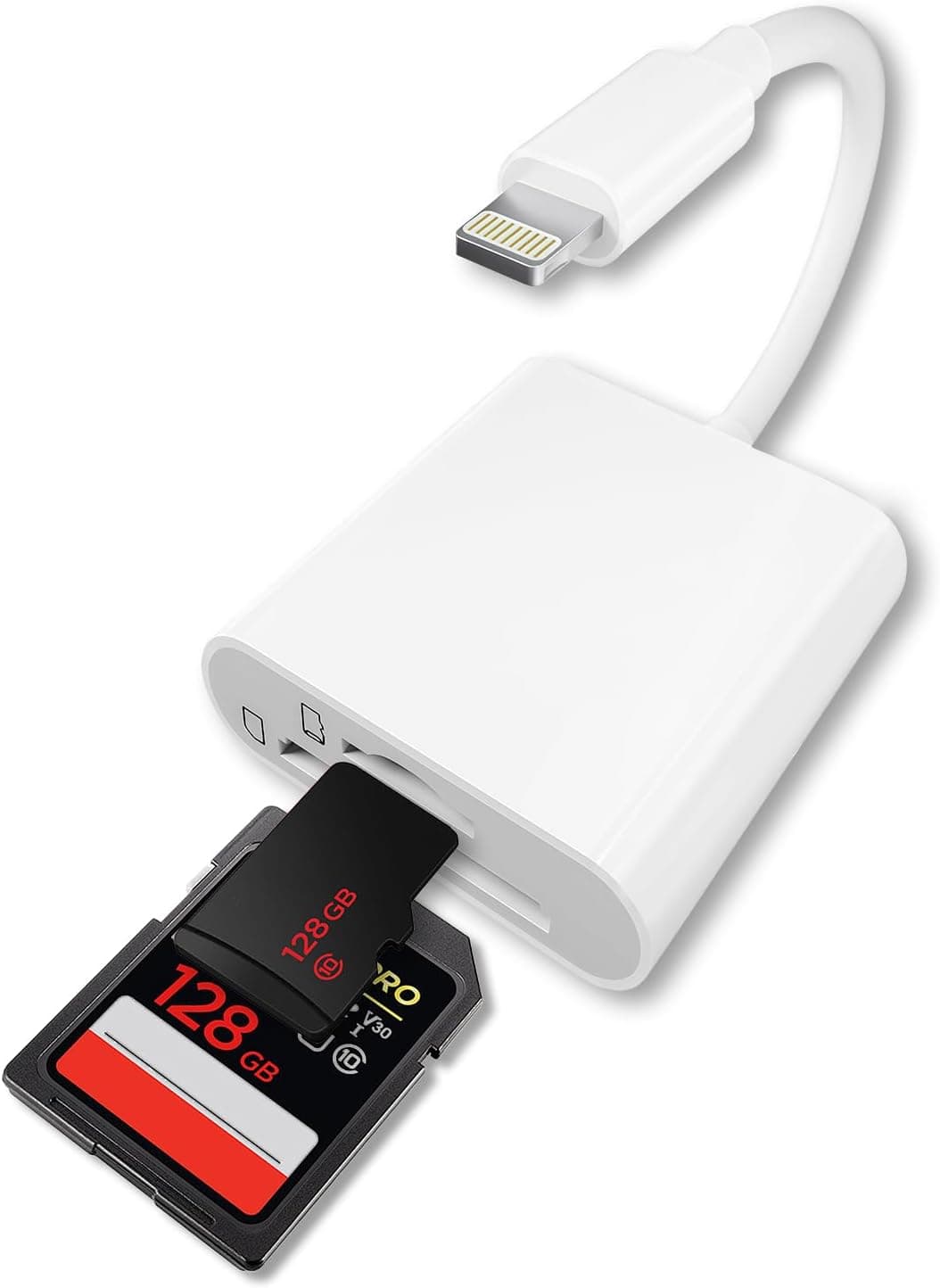
| Lightning SD reader | Importing photos on Lightning iPhones | Connects to the iPhone, not to a PC |
The choice comes down to two questions: what device the reader plugs into, and how much data you move at once. If it plugs into a USB-A PC and you mostly move photos, this reader is enough.
If it plugs into a USB-C device, or you move tens of gigabytes at a time, choose another type.
FAQ
Q. Can I plug it directly into an iPad Pro 2020 to read SD cards? A.
No. The computer-side plug is USB-A male.
To read cards directly on an iPad Pro, you need a reader with a USB-C male plug.
Q. Will a 128GB microSD card work? A.
Only SDHC/microSDHC (up to 32GB) are listed, so 64GB-plus SDXC support cannot be confirmed. If you need it, check the product page before buying.
Q. Is it faster in a USB 3.0 port? A.
No. It is a USB 2.0 (480 Mbps) device and runs at USB 2.0 speed in any port.
Expect about 30-40 MB/s in practice.
Q. Do I need to install drivers? A.
No. It is described as plug-and-play on Windows 10/11, macOS, and Android.
To use it with an Android phone, you need a separate USB-A female to USB-C male adapter.
Q. Can the USB-C port charge a laptop or output video to a monitor? A.
Neither. It does not support USB PD charging or video output (DisplayPort Alt Mode).
The USB-C port is limited to USB 2.0 data and whatever power the PC's port provides.
Product Disclosure (Amazon)
- Manufacturer: TIANSONG
- Seller: Amazon US
- Fulfilled by: Amazon US
- ASIN: B096LGJ251
- Note: This article covers a manufacturer-made product based on Amazon listing details.