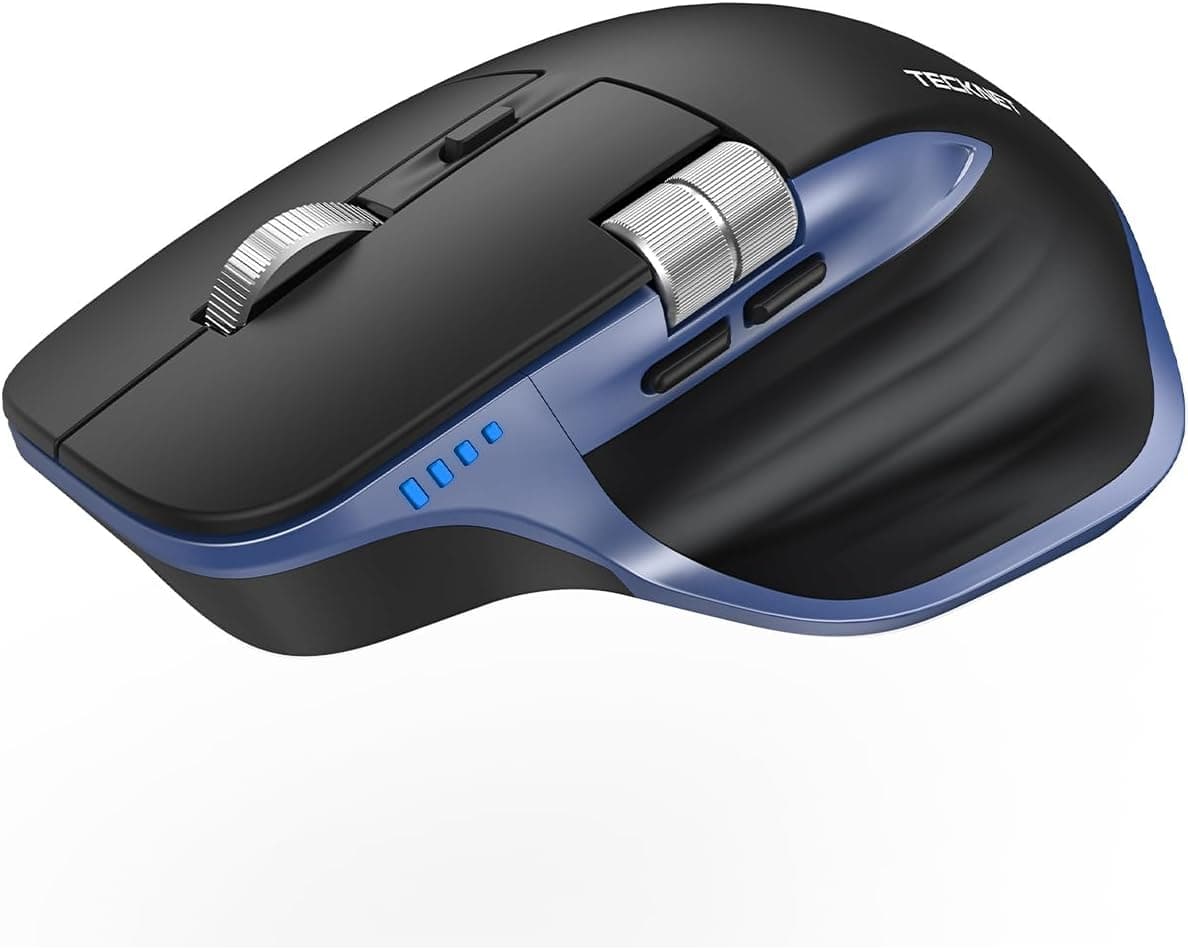
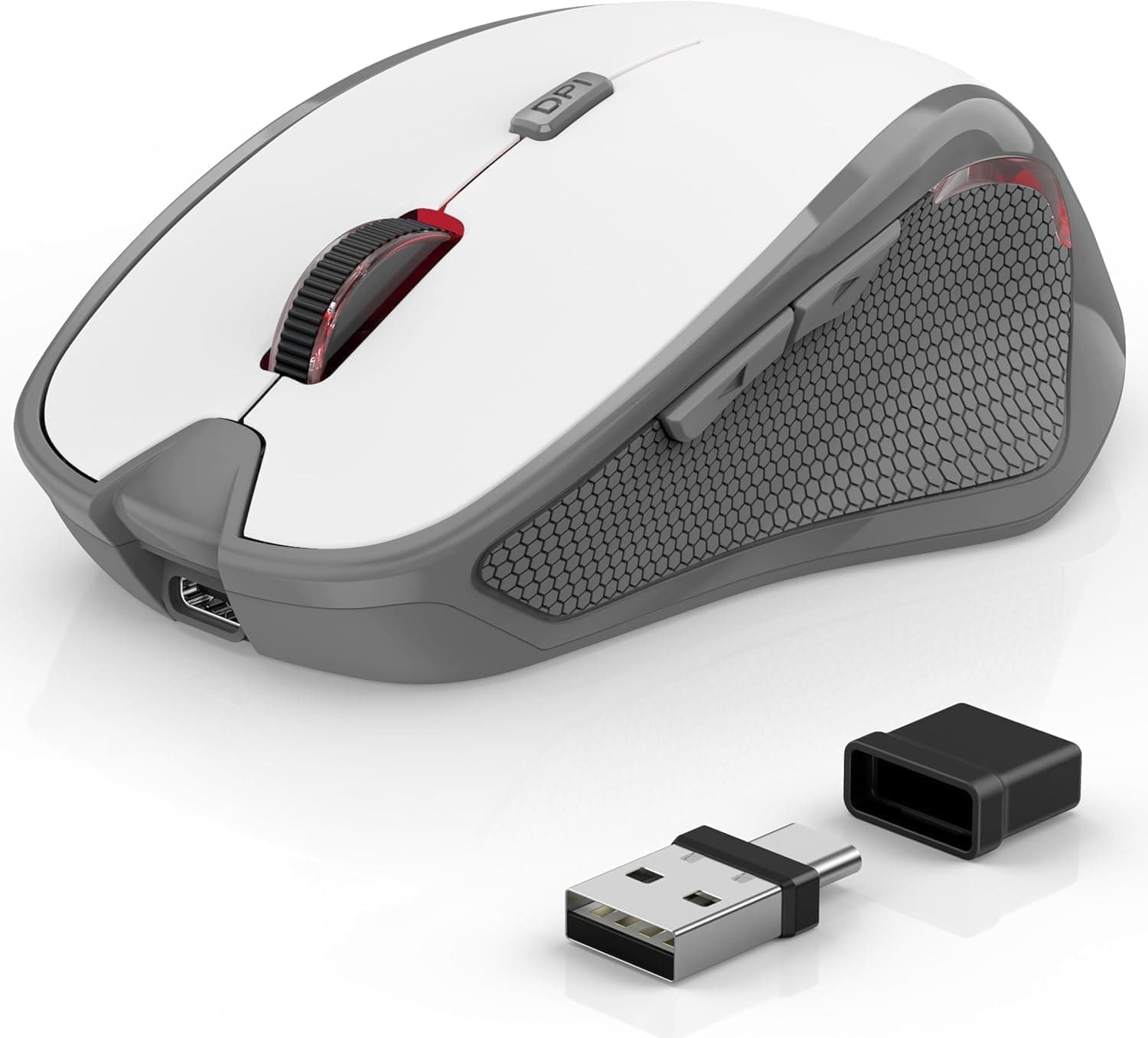
The TeckNet wireless mouse pairs a compact ergonomic shell with a 2.4GHz USB-A receiver, six buttons, five DPI steps, and a claimed battery life of up to 24 months.
This article works through the published specs, the captured prices, and the review data to show where it fits — and where it clearly does not.
Overview
This is an entry-level productivity mouse, not a gaming device. You plug in the USB-A receiver and it works: no driver install, no pairing sequence, no companion software.
DPI cycles through 800 / 1200 / 1600 / 2000 / 2600 via a button on the mouse itself, which covers everything from precise spreadsheet work to moving across a 4K desktop.
The positioning is straightforward: a low-cost daily driver. There is no high-polling-rate sensor, no onboard memory, no macro engine.
What it offers instead is a single AAA cell lasting up to 24 months and a price low enough that a second or third unit is an easy decision. Typical buyers are laptop users tired of the trackpad, or anyone adding a spare mouse for the office or a family PC.
On Amazon.co.Check the retailer's page for the latest user reviews.
A four-figure review count at that rating suggests the product is not plagued by widespread defects. Bear in mind that an average like this reflects satisfaction relative to the price paid, not absolute build quality.
Reading the Key Specs
| Spec | Value | What it means in practice |
|---|---|---|
| Connection | 2.4GHz (USB-A mini receiver) | No pairing; works in BIOS and during OS installs |
| DPI | 800 / 1200 / 1600 / 2000 / 2600 | 1200–1600 for 1080p, 2000–2600 for 4K |
| Buttons | 6 | Left, right, wheel click, DPI toggle plus side buttons in a typical layout |
| Battery | Up to 24 months (1× AAA) | Replacements measured in years, not weeks |
| Dimensions | 106 x 68 x 39 mm | Slightly small; palm-grip users with large hands may find the rear short |
| OS support | Windows / Mac / Chrome OS / Linux | Standard HID, no drivers |
| Colour | White | Shows grime; plan on periodic cleaning |
Two numbers matter most: DPI and size. A 2600 DPI ceiling looks modest next to 20000 DPI gaming sensors, but it is ample for office work.
DPI really matters on high-resolution displays — leave a 4K screen at 800 DPI and you will sweep the mouse repeatedly to cross it; run 2600 DPI on a 1080p panel and fine cell selection overshoots. Start at 1600 and adjust from there.
At 106 mm long, the body sits below the roughly 120 mm typical of full-size mice. That helps in a bag but can leave the heel of a large hand unsupported in a palm grip.
This is one of the few things you can settle with a ruler: measure your current mouse and compare.
Compatibility Guide
The requirement is simple — a free USB-A port. Windows, macOS, Chrome OS, and Linux all recognise it as a standard HID device.
Because no driver is needed, it also works during an OS reinstall and inside BIOS/UEFI menus, something many Bluetooth mice cannot do. If you handle your own PC setup and recovery, that alone justifies keeping one around.
On a USB-C-only laptop or an iPad, however, it will not work without an adapter or hub, which erodes the plug-and-play appeal. Many thin laptops carry a single USB-A port, so decide in advance whether you want that port permanently occupied by a receiver.
If USB-A is scarce, a Bluetooth model makes more sense.
Glass surfaces are explicitly unsupported. Optical sensors read surface texture to calculate movement, so a clear glass desk gives them nothing to track; heavily glossy or mirrored tops can also be unreliable.
A basic mouse pad solves it entirely, so order one alongside if that describes your desk.
The 2.4GHz band is shared with Wi-Fi and microwave ovens.
A receiver buried in a rear port behind a metal case can produce cursor stutter or brief dropouts. On a desktop, use a front port or run a USB extension up to the desk surface.
The quoted 15 m range is a best-case, line-of-sight figure rather than something to rely on day to day.
Product Info
rmation
The Amazon.co.jp listing showed ¥1,599 as captured on 4 June 2026, and Rakuten (Astershop) showed ¥2,095 as captured on 17 August 2026.
Both are point-in-time figures that move with sales, coupons, and stock, so always check the current price on the product page. This puts it squarely in the ¥1,000–2,000 utility-mouse bracket, competing with store-brand models and entry-level Logitech units.
The box contains the mouse, the receiver, and a manual. AAA batteries are not included, so have one ready if you want to use it on arrival.
The 24-month figure is an estimate that depends heavily on battery chemistry and daily hours. If you use rechargeable NiMH cells, note their 1.2V nominal voltage against alkaline's 1.5V — the mouse will run, but expect a shorter window and possibly earlier low-battery warnings.
The receiver stows inside the mouse body. That sounds minor until you realise receiver loss is the single biggest failure mode for 2.4GHz mice — lose it and the mouse is dead.
If you toss peripherals into a bag, a dedicated storage slot is a genuine buying reason.
How It Compares
The realistic alternatives are Logitech's M325/M510/M525 family and TeckNet's own Bluetooth models. What established brands add is warranty coverage, support, and a documented track record on switch durability.
Logitech also lets several devices share one Unifying/Logi Bolt receiver. This mouse offers none of that; it competes purely on price.
Where it wins is simplicity. No software install, no account, no background service.
On a locked-down work laptop where you cannot install anything, or on a shared family PC, having nothing extra to configure is an advantage rather than a compromise.
Comparing it to a Razer Basilisk or DeathAdder is a category error. Those bring high-precision sensors, optical switches, high polling rates, and macro software at many times the price.
For competitive FPS or MOBA play, this mouse is not a candidate. This article treats it as a work tool.
Best Use Cases
- Anyone doing long desk sessions: the contoured shell and rubber side grips reduce strain compared with a flat trackpad.
- Budget-focused buyers: a low purchase price plus battery changes measured in years keeps total cost down.
- People who want a second or third mouse: office desk, parents' house, spare machine — this is exactly that slot, and replacing it if it fails costs little.
- DIY PC troubleshooters: driver-free operation in BIOS/UEFI makes it a useful emergency spare.
Before You Buy
Lose the receiver and the mouse is finished. Most 2.4GHz mice bind to one specific dongle, generic replacements will not work, and budget brands rarely sell spares.
The in-body storage slot exists precisely for this, but only helps if you use it every time.
Nothing claims silent switches. Absent that claim, assume ordinary audible clicks.
If you work late in a shared bedroom, in a quiet office, or on calls where your mic picks up the desk, look specifically for a silent-switch model. Quiet switches add cost, so a low price is a hint in the opposite direction.
It may be small for large hands. At 106 mm it is shorter than a standard full-size mouse, so palm-grip users may find the rear unsupported.
Claw and fingertip grips are less affected. Measure your current mouse before ordering rather than planning on a return.
Glass desks are out. This is stated in the specification, not a defect — optical sensors need texture.
Use a mouse pad, or choose a sensor type rated for glass.
The white finish shows wear. Contact areas on inexpensive plastics yellow over time with skin oils.
Assume periodic cleaning if appearance matters to you.
Accept the limits for gaming. 2600 DPI is enough for casual titles, but budget 2.4GHz mice rarely publish polling rate or sensor tracking figures, so competitive play is not a safe assumption.
Read "light gaming" as browser games, turn-based titles, and simulations.
Finally, a note on listing data. Amazon product pages sometimes carry incorrect manufacturer, model, or compatibility entries.
Here the manufacturer and brand both read TECKNET / TeckNet and match this article's subject, but confirm the product image and title before ordering — especially if the page offers colour or model variations, since the selected variant may differ from the one described here.
FAQ
Q. Does the battery really last 24 months? A.
That is a manufacturer estimate; actual life depends on hours of use, battery type, and DPI setting. Eight-hour workdays will shorten it considerably, though it still beats most wireless mice on replacement frequency.
Q. Can I use rechargeable batteries? A.
Any AAA fits physically, but NiMH cells run at 1.2V versus alkaline's 1.5V, which can shorten runtime or trigger early low-battery behaviour.
Alkaline is the safer choice for long deployments.
Q. Does it support Bluetooth? A.
No. It uses the bundled USB-A receiver only.
For devices without USB-A, choose a Bluetooth model instead.
Q. Do the side buttons and DPI toggle work on a Mac? A.
Cursor movement, primary clicks, and scrolling work natively. Side button behaviour depends on the application, and macOS is less consistent than Windows here; a third-party input utility may be needed for exact mappings.
Q. Which DPI should I use? A.
Start at 1200–1600 for 1080p, 1600–2000 for 1440p, and 2000–2600 for 4K. Larger desktops want higher values.
Switching happens on the mouse, so no software is required.
Q. Is it usable for games? A.
Fine for browser, simulation, and turn-based titles. Not suited to FPS or fighting games where input precision and latency decide outcomes — buy a dedicated gaming mouse for those.
Product Disclosure (Amazon)
- Manufacturer: TECKNET
- Brand: TeckNet
- Seller: BRICKLAYING
- Fulfilled by: Amazon
- ASIN: B0H2VGV91R
- Note: This article covers a manufacturer-made product based on Amazon listing details.