Overview
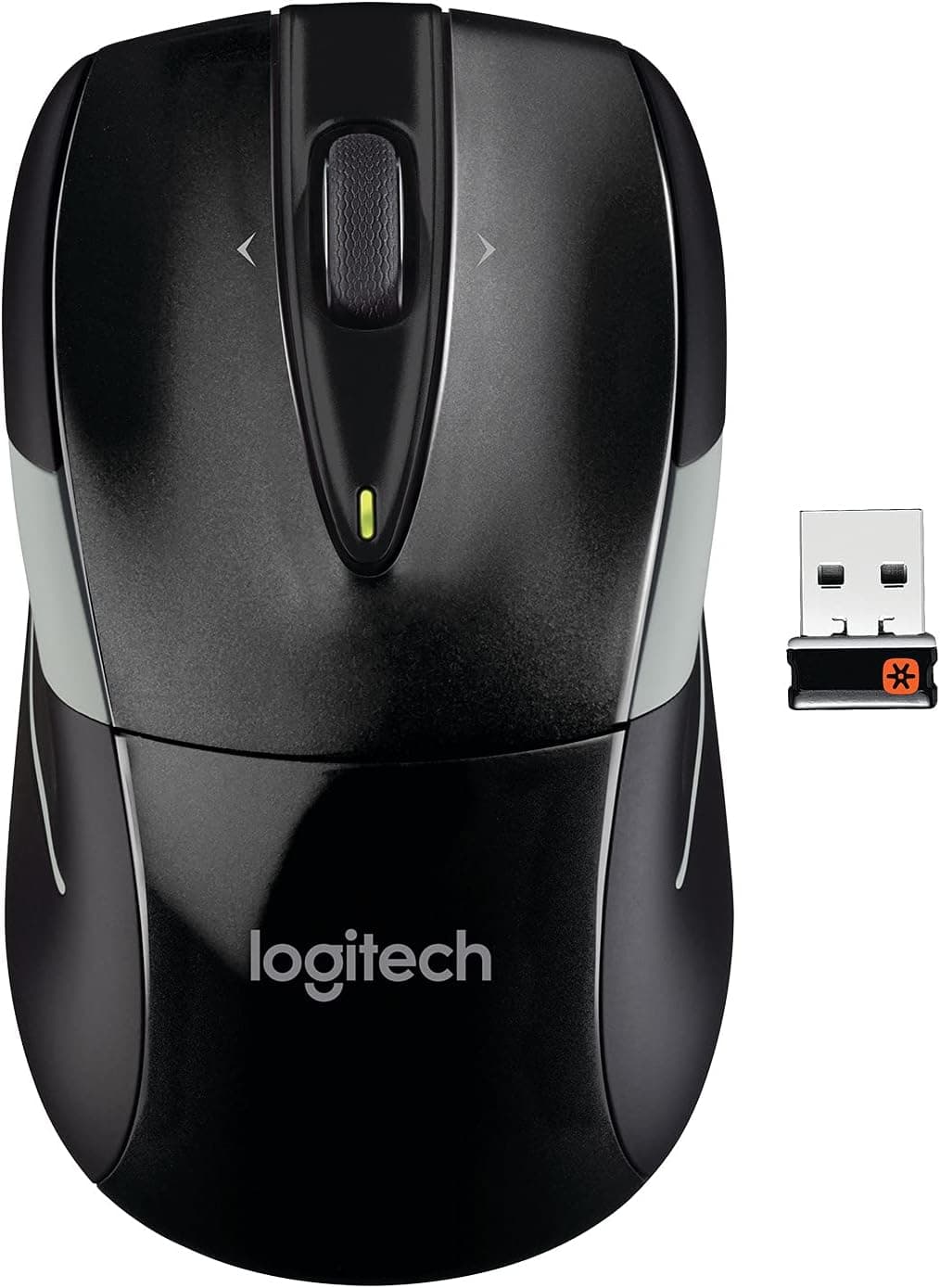
The LogiMouse M525 Wireless NB Mouse Blk is a compact wireless mouse from Logitech. The short verdict: it exists for people who want one cheap, dependable mouse to replace a laptop trackpad — not for gamers, and not for anyone who relies on extra thumb buttons.
The spec sheet is deliberately short. Wireless 2.4GHz via a USB receiver, a laser/optical hybrid sensor, three buttons, an ambidextrous shell, and one included lithium polymer battery.
There is no DPI toggle, no side buttons, and no onboard profiles. In exchange, there is nothing to install: plug the receiver in and it works.
User feedback is strong. Very few peripherals hold 4.7 at that review volume; it reflects a long-selling design with few bad units.
Compatibility Guide
All you need is one free USB-A port. Windows, macOS, and Chrome OS machines recognise the receiver using in-box OS drivers, with no software to install — useful on locked-down corporate machines.
The critical caveat is that Bluetooth is not supported. On modern thin laptops with only USB-C, you will need an adapter or hub to seat the USB-A receiver.
It works fine through a hub, but if your laptop has exactly one USB-A port, the mouse claims it permanently. Tablets, phones, and Bluetooth-only devices are effectively out of scope.
On desktops, receiver placement matters. The 2.4GHz band can be disturbed by USB 3.0 devices and nearby routers, so a receiver buried in a rear port sometimes produces cursor stutter.
Moving it to a front port, or using a short USB extension to bring it near the mouse, resolves most of these cases.
Surface-wise, the laser/optical hybrid handles wood desks, cloth pads, and painted surfaces without complaint. Glass and highly reflective mirror finishes are the weak spot — budget for a cheap mousepad if your desk is glass.
Product Info
| Item | Detail |
|---|---|
| Connection | Wireless (2.4GHz USB receiver) |
| Tracking | Laser / optical |
| Button count | 3 |
| Hand orientation | Ambidextrous |
| Battery | Lithium polymer, 1 included |
| OS support | Windows / macOS / Chrome OS (USB-A required, no Bluetooth) |
"Three buttons" means left click, right click, and wheel click. There are no forward/back thumb buttons, so if you navigate browsers with your thumb, rule this one out now.
The symmetrical shell suits left-handed users and shared family machines.
On the battery: the listing states one lithium polymer cell, but Logitech mice in this class commonly run on removable alkaline cells, so the listed type may not match the unit you receive. Check the manual or the battery compartment label after purchase.
Either way the cell is user-replaceable — a flat battery does not mean a new mouse.
Check the retailer's page for the latest price. It most likely reflects a listing error, a multi-pack, or an unrelated product.
This article does not treat that number as a reference price. Check the product page for the current, actual price before ordering.
How It Compares
Within Logitech's own wireless range, the M525 sits at the bottom tier — the one that gets cheap, light, and durable by leaving features out.
Against same-class models like the M185 or M317, the spec tables look nearly identical, so the real comparison is shell shape and hand fit, not numbers. Users with large hands often end up claw-gripping a compact mouse like this, which grows tiring over a full workday.
If you have big hands or spend eight hours a day on the mouse, a larger ergonomic model such as the MX Master series will cost less in the long run.
Comparing it to gaming mice is not meaningful. Polling rate and DPI are not published, and competitive play was never the target.
Where the LogiMouse M525 Wireless NB Mouse Blk wins is price, weight, and requiring zero configuration.
Best Use Cases
- Office-first workflows — documents, spreadsheets, and browsing are well within its abilities, with stable tracking.
- Shared or family PCs — symmetrical shape works for anyone, and no drivers are needed.
- A spare in the drawer — the ideal backup for when your main mouse dies mid-deadline.
- Left-handed users — genuinely ambidextrous, which is rare in a market full of right-hand ergonomic shells.
Things to Check Before Buying
Do not trust the captured price. The ¥23,422 figure recorded in August 2026 is an order of magnitude off for this class of mouse.
It may reflect a grey-import listing, a multi-unit bundle, or an out-of-stock markup. Note also that the seller is a third-party marketplace merchant rather than a Logitech distributor, which is one reason pricing can swing.
Confirm the seller, quantity, and final checkout total before you commit.
Listing metadata sometimes disagrees with the physical product. Manufacturer, model number, and battery type are entered by the seller and can be wrong.
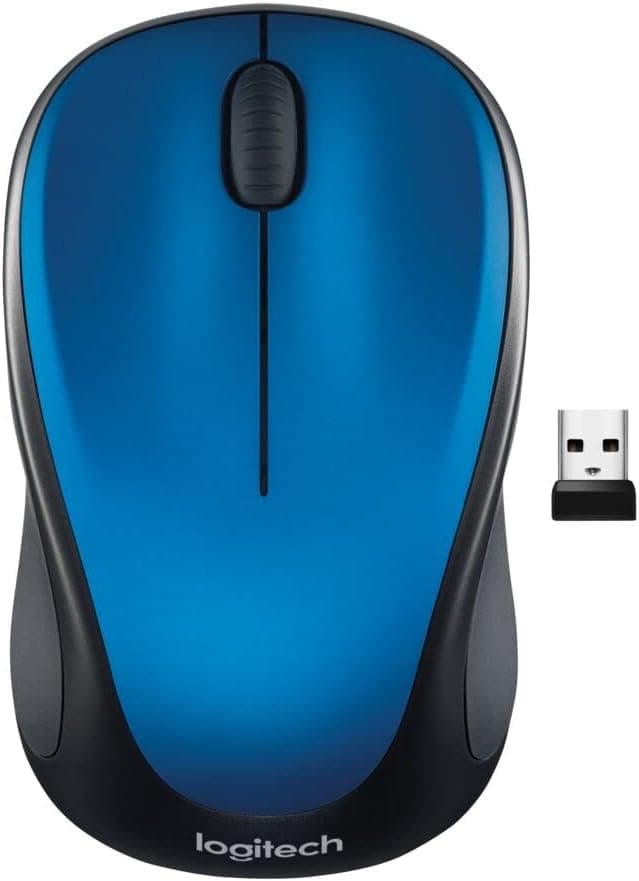
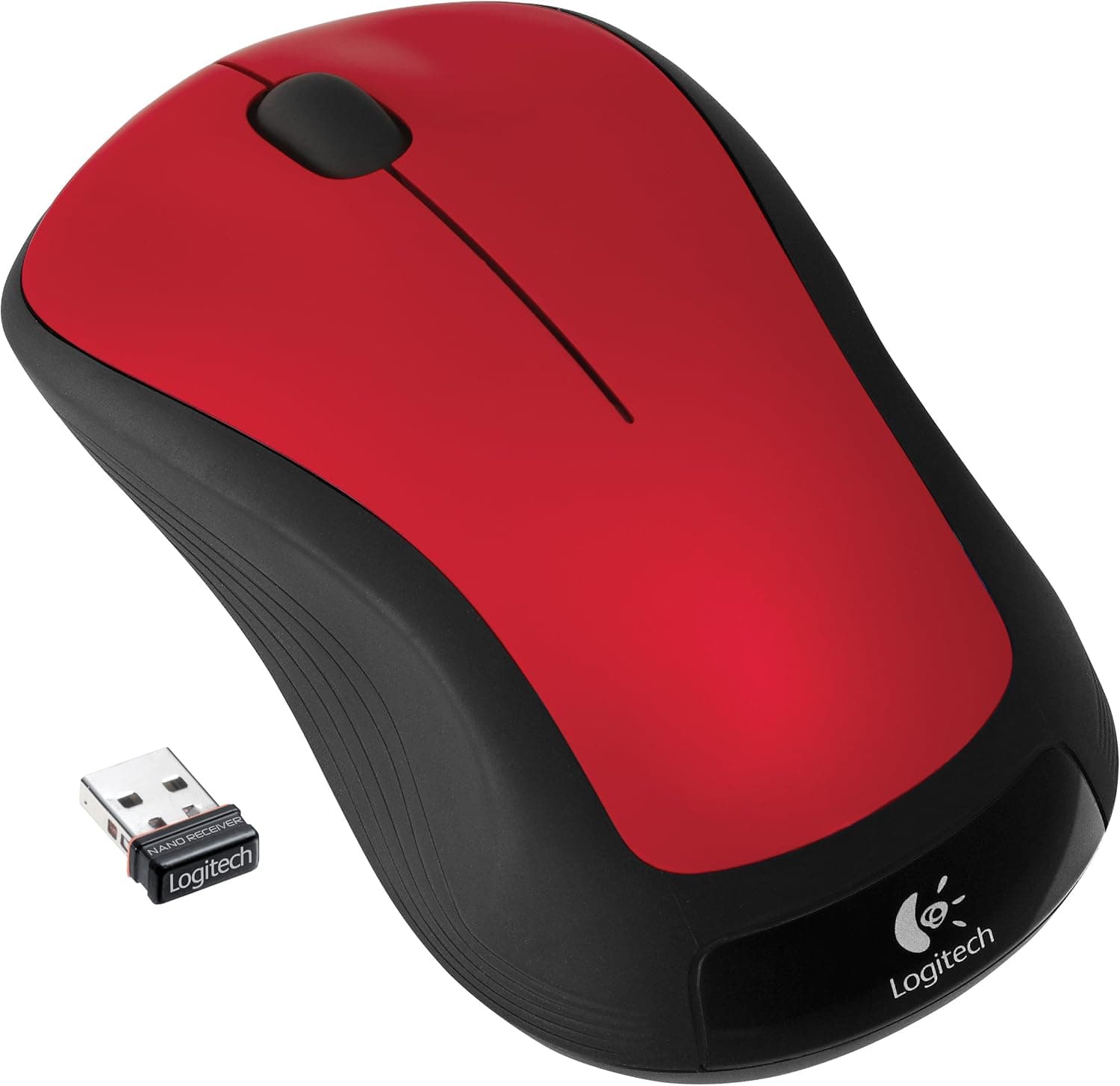
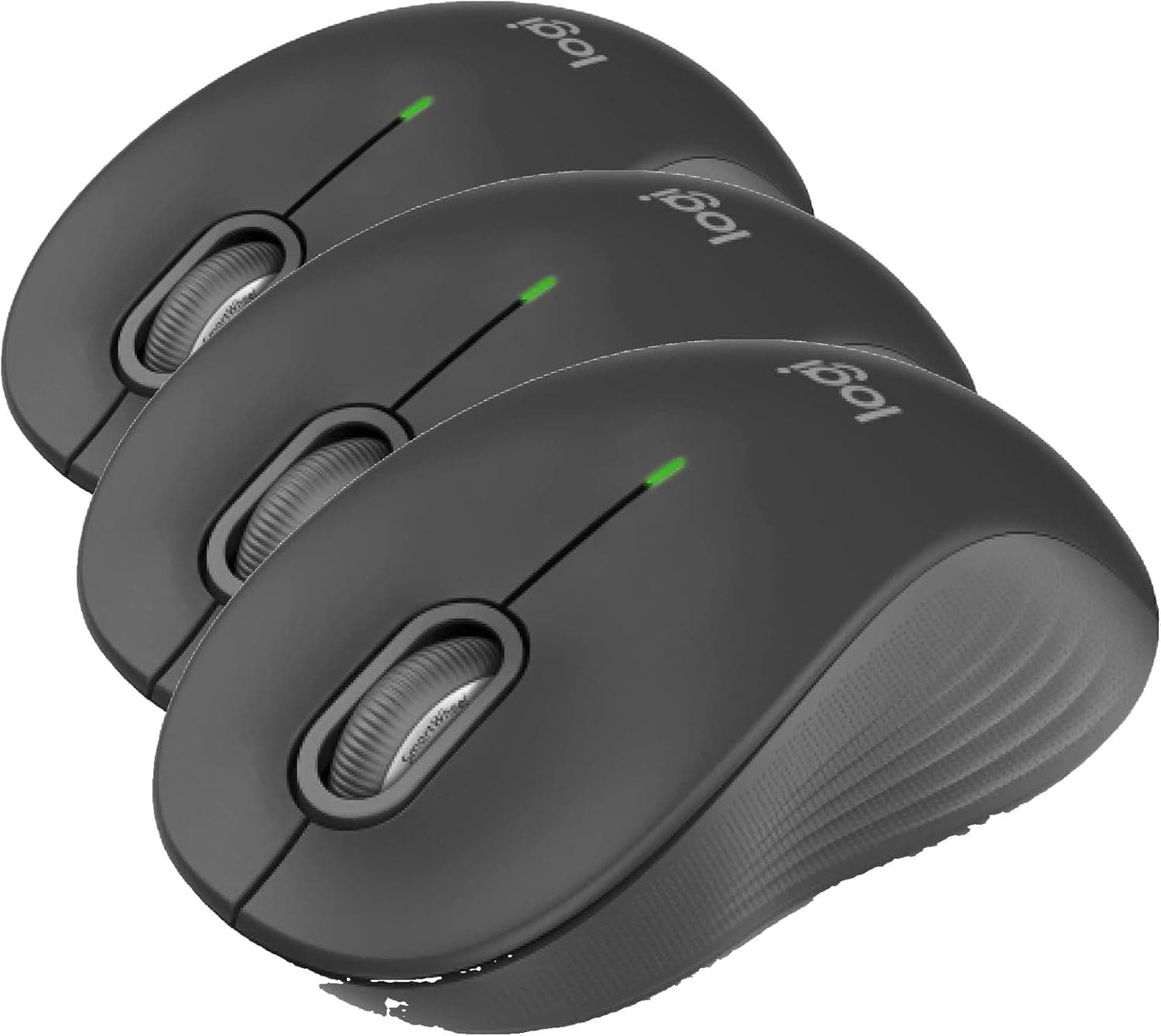
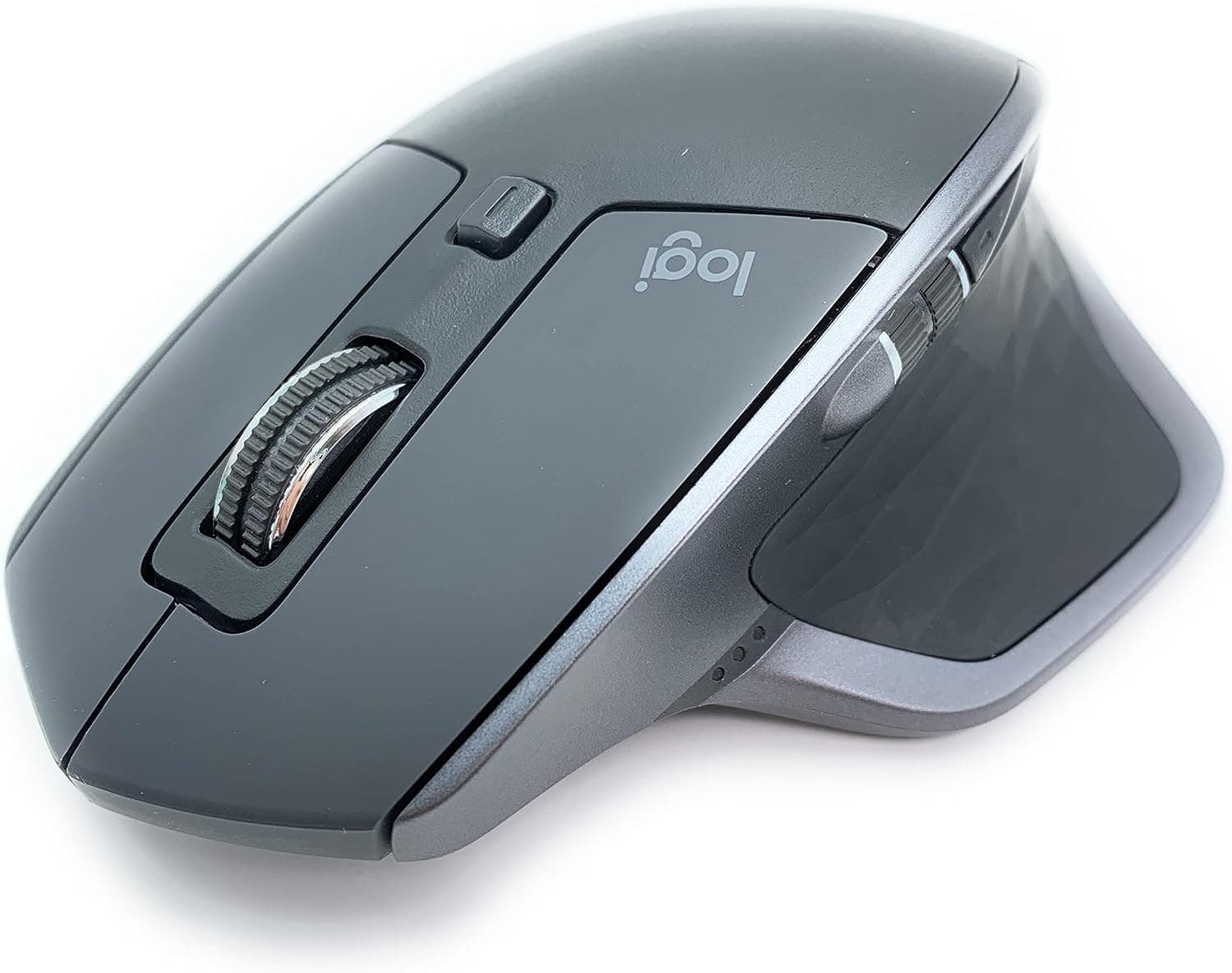
"LogiMouse" is not Logitech's official product naming, which suggests a seller-supplied title. Verify the product using the images and the M525 marking on the chassis before ordering.
No Bluetooth is the single biggest compromise. It permanently occupies a USB-A port, which is a real cost on port-starved laptops.
The receiver is fingernail-sized and easy to lose in transit; check whether your unit has an internal storage slot for it. If you lose only the receiver, Logitech Unifying receivers can sometimes be paired to another compatible device, but this varies by model — check the marking on the underside first.
Three buttons starts to feel tight. There is nowhere to map browser-back, show-desktop, or a DPI toggle.
Coming from a multi-button mouse, you will notice. Coming from a trackpad, you will not.
Old stock is a real possibility. The M525 has been sold for many years, so a long-warehoused unit may arrive with a depleted battery.
If it does not respond out of the box, swap in a fresh cell before assuming a defect.
FAQ
Q. Can I connect it over Bluetooth? A.
No. It only works through the bundled 2.4GHz USB receiver, so USB-C-only machines need an adapter or hub.
Q. How well is it reviewed?
A.co.jp — a 94% positive score as captured in August 2026.
Q. Is it usable for gaming? A.
Casual titles, yes. FPS or MOBA play, no — there is no DPI switching and no side buttons.
Buy a dedicated gaming mouse instead.
Q. How long does the battery last? A.
No runtime figure is published in the available data. Mice of this type commonly run for months, but confirm on the product page or in the manual.
Q. Does it work on a glass desk?
A. Glass and mirror finishes can defeat even laser/optical sensors. A cheap mousepad solves it.
Q. Is it suitable for left-handed use?
A. Yes. The shell is symmetrical and genuinely ambidextrous.
Product Disclosure (Amazon)
- Manufacturer: Logitech
- Seller: JUNJUNストア
- Fulfilled by: JUNJUNストア
- ASIN: B005KSAHZU
- Note: This article covers a manufacturer-made product based on Amazon listing details.