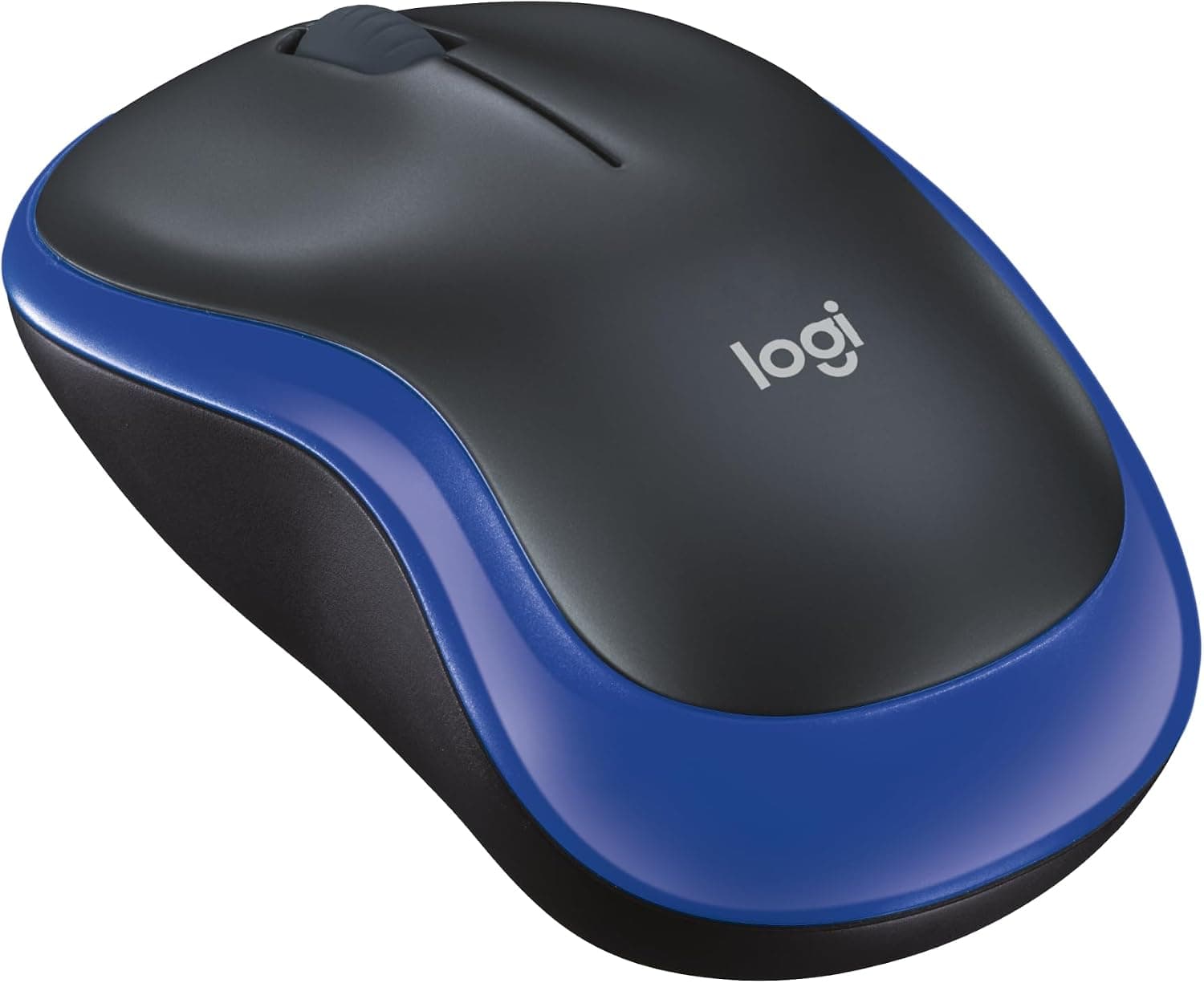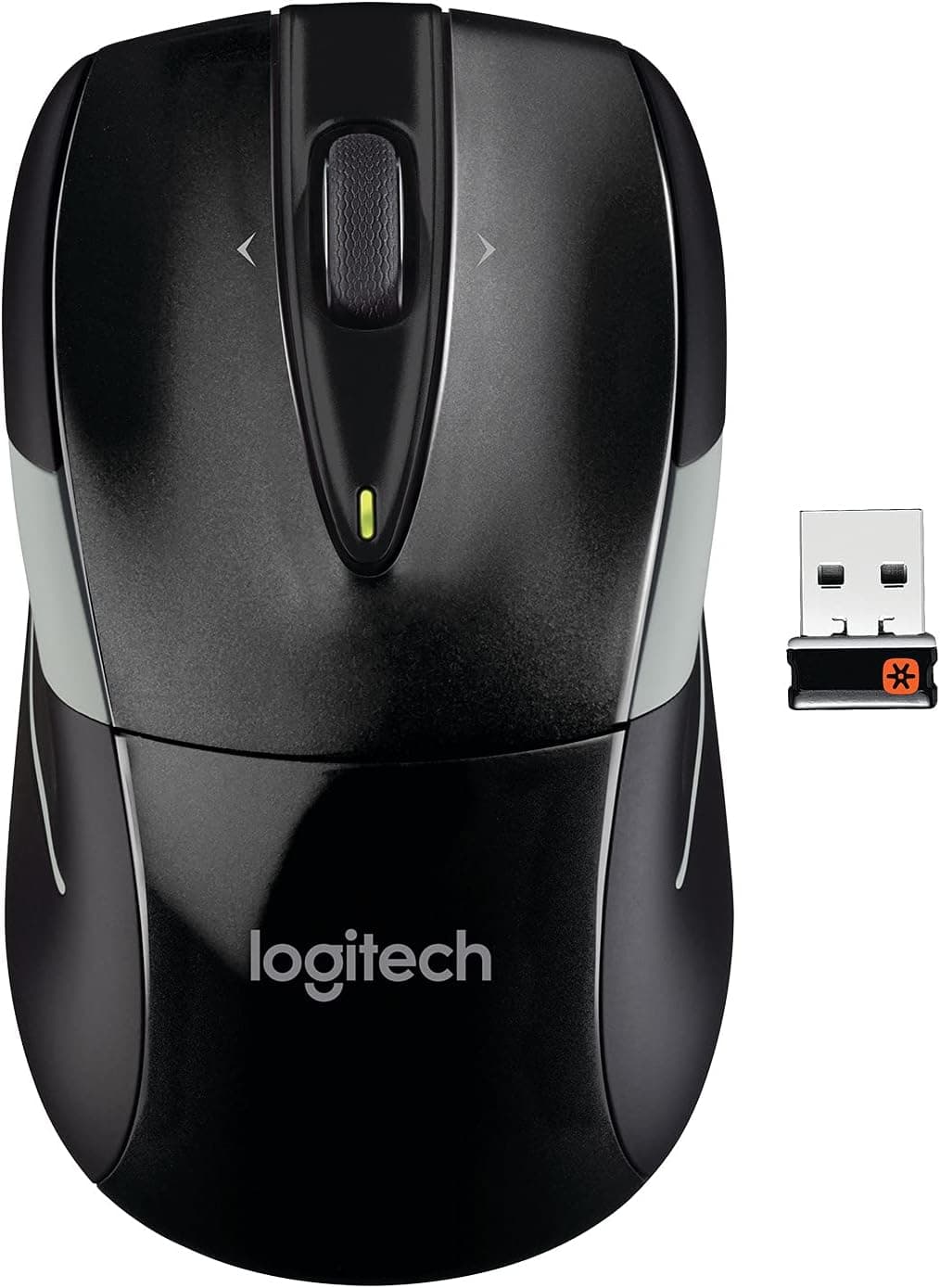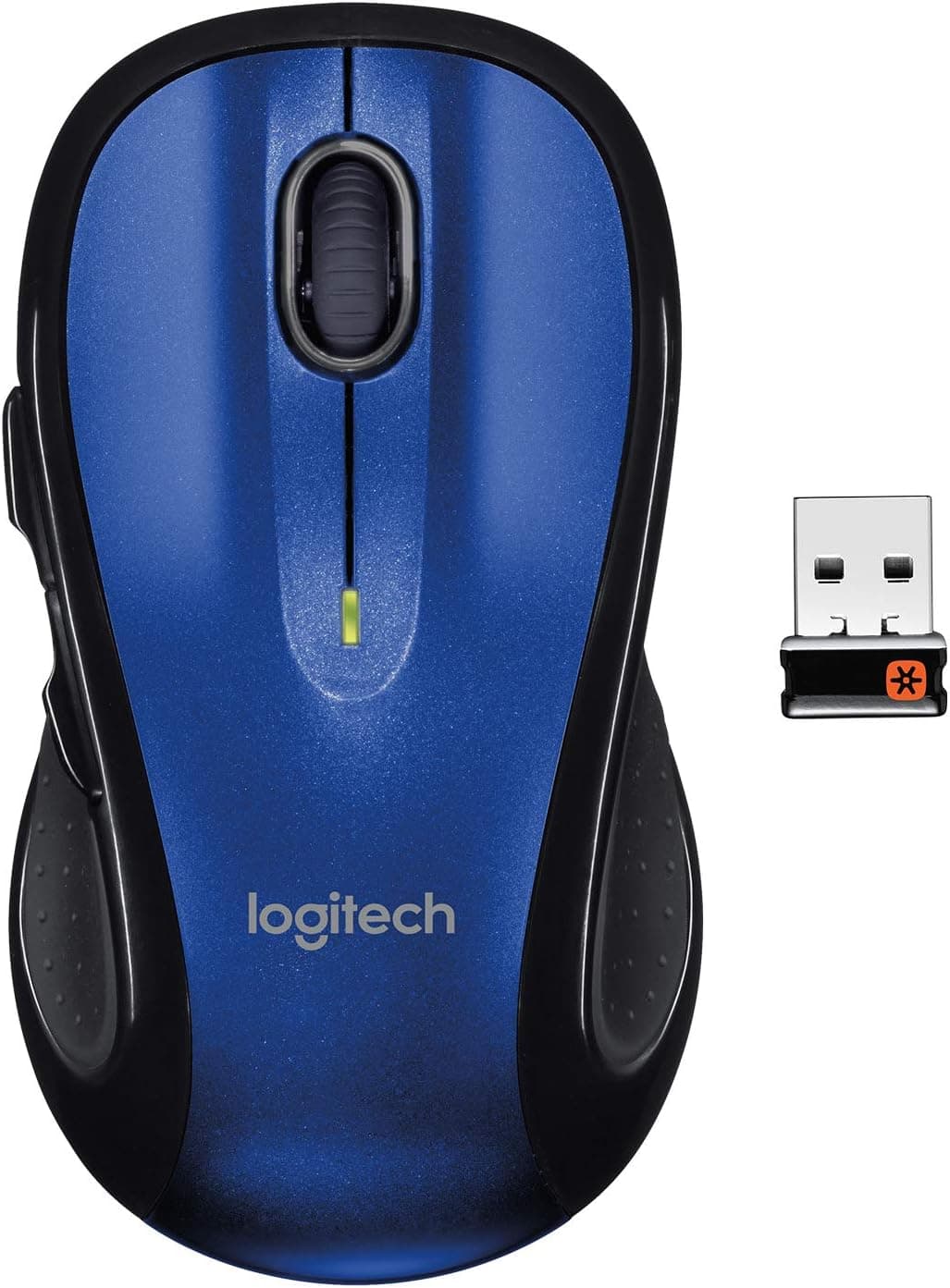
This article covers LOGITECH M510 WIRELESS LASER MOUSE-BLUE. The Logitech M510 Wireless Laser Mouse is a reliable and comfortable input device designed for everyday productivity.
It features a laser sensor with 1000 DPI resolution for precise tracking on various surfaces, and a 2.4 GHz wireless connection that eliminates cable clutter.
The blue color variant adds a fresh look to any desk setup. With an ambidextrous design, the M510 suits both right- and left-handed users.
It offers five programmable buttons and a scroll wheel, enhancing workflow efficiency in office applications. Powered by two AA batteries, it boasts an impressive battery life of up to two years, reducing the need for frequent replacements.
Supported OS: Windows 7/8/10/11, macOS 10.5 or later, Chrome OS, Linux (basic functions) Connection: 2.4 GHz wireless via USB receiver Compatible Devices: Desktop PCs, laptops, and tablets with USB port (OTG support) Note: Not Bluetooth compatible; requires a free USB port.
The included receiver may or may not be Logitech Unifying compatible depending on the production batch. Check the package for the Unifying logo if you need multi-device pairing.
Released in 2011, the M510 remains a popular choice due to its solid build and practical features.Check the retailer's page for the latest price.
The package includes the mouse, USB receiver, two AA batteries, and a quick-start guide. Warranty is two years from Logitech.
Office Workers: The ergonomic shape reduces hand fatigue during long hours, and the precise laser sensor works well on most desk surfaces. Wireless freedom keeps the workspace tidy.
Laptop Users: Plug the tiny receiver into a USB port and you're ready to go. The long battery life means you won't need to carry spare batteries often.
Left-Handed Users: The symmetrical design accommodates left-handed use, though the side buttons are only on the left side, which may be less convenient for lefties. Budget-Conscious Buyers: For under $30, you get a reliable wireless mouse with laser tracking and excellent battery life—great value for everyday computing.
No Bluetooth: This mouse relies solely on the USB receiver, so it cannot connect to devices without a USB port, such as many tablets or smartphones. Not for Gaming: With 1000 DPI and a low polling rate, it's not suitable for fast-paced gaming.
Stick to office or casual use. Receiver Compatibility: If you want to use the Unifying receiver to pair multiple devices, ensure the included receiver has the Unifying logo.
Otherwise, you may need to purchase a separate Unifying receiver. Software Limitations: Logitech Options allows button customization, but macOS users may find fewer features compared to Windows.
Q: Can I use this mouse with a Mac? A: Yes, it works with macOS 10.5 and later.
Basic pointer and scroll functions are fully supported, but some advanced customization features in Logitech Options may be limited. Q: How long does the battery last?
A: Logitech claims up to two years with two AA batteries. In typical office use, you can expect over a year of battery life.
Q: What if I lose the receiver? A: You can purchase a Logitech Unifying receiver separately and pair it with the M510, provided the mouse is Unifying-compatible.
If not, you'll need to find a replacement receiver of the same model.
Product Disclosure (Amazon)
- Manufacturer: Logitech
- Seller: KARASHIストア
- Fulfilled by: KARASHIストア
- ASIN: B006JRIDHK
- Note: This article covers a manufacturer-made product based on Amazon listing details.