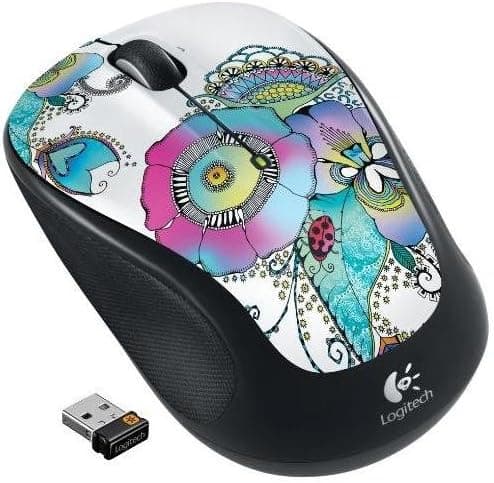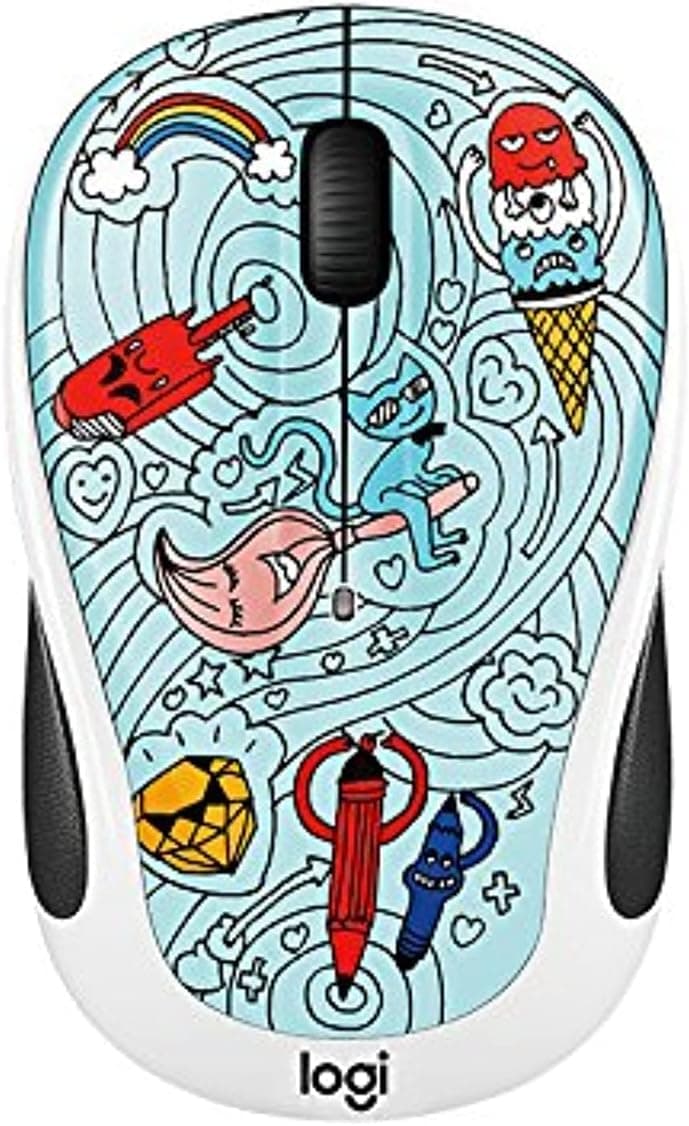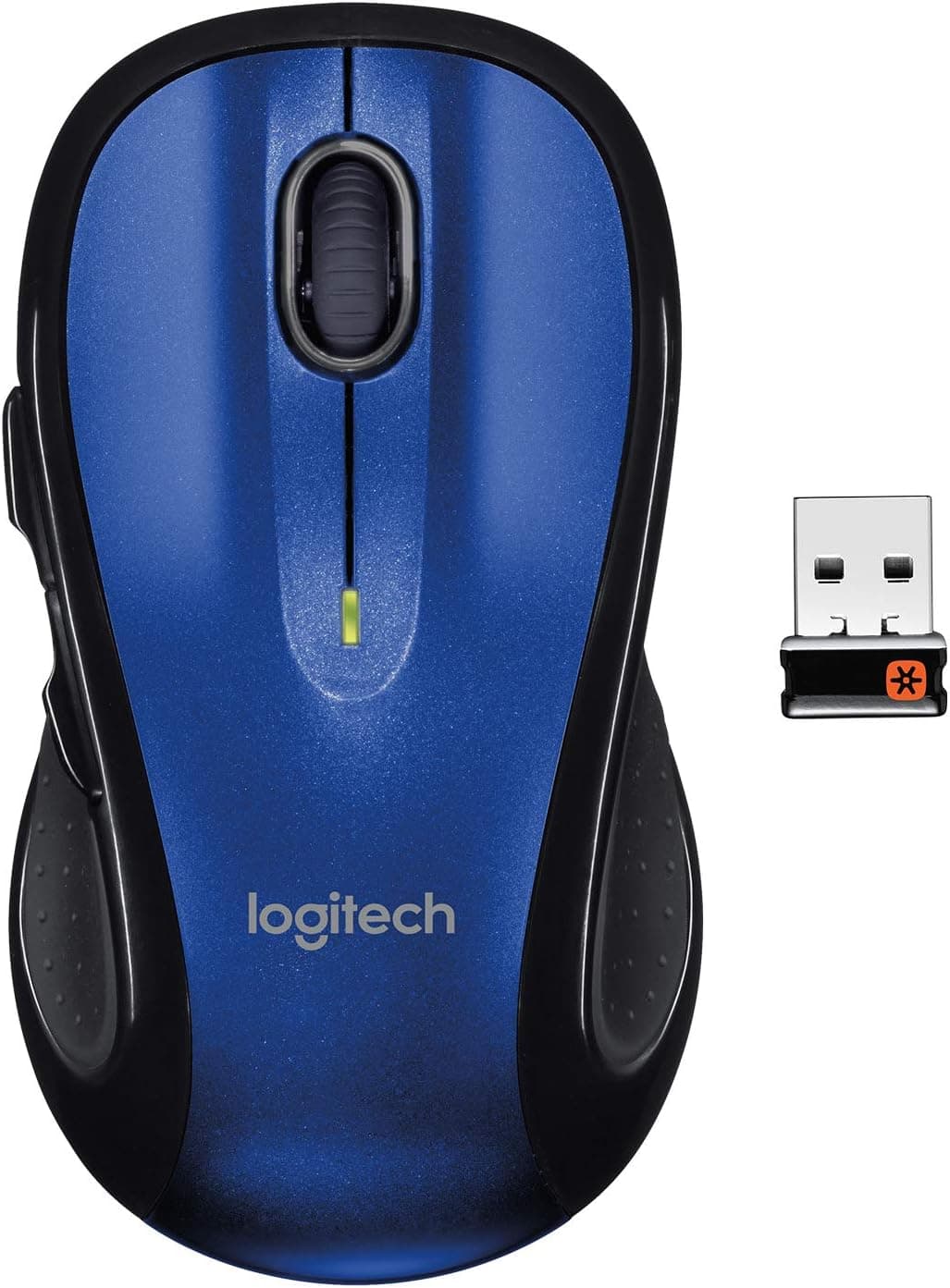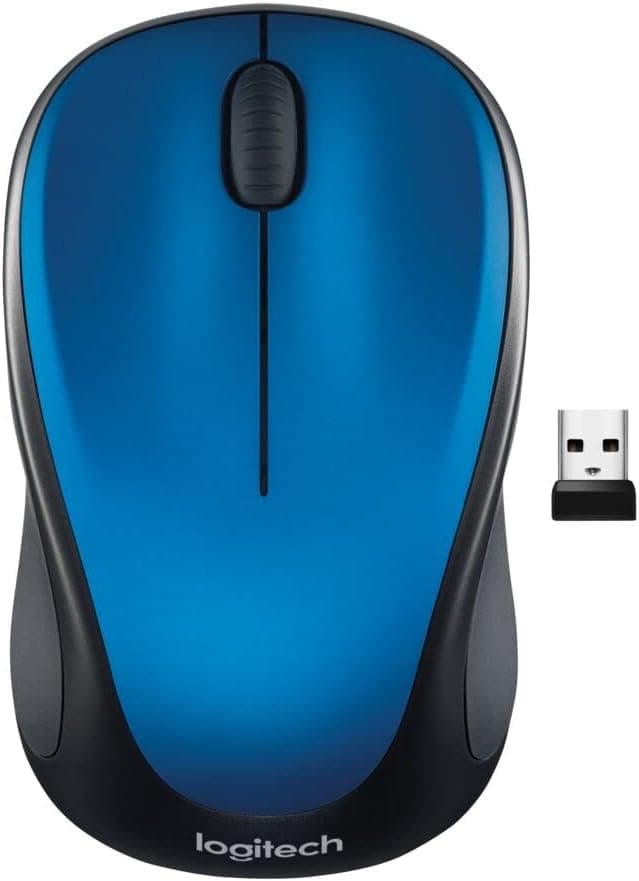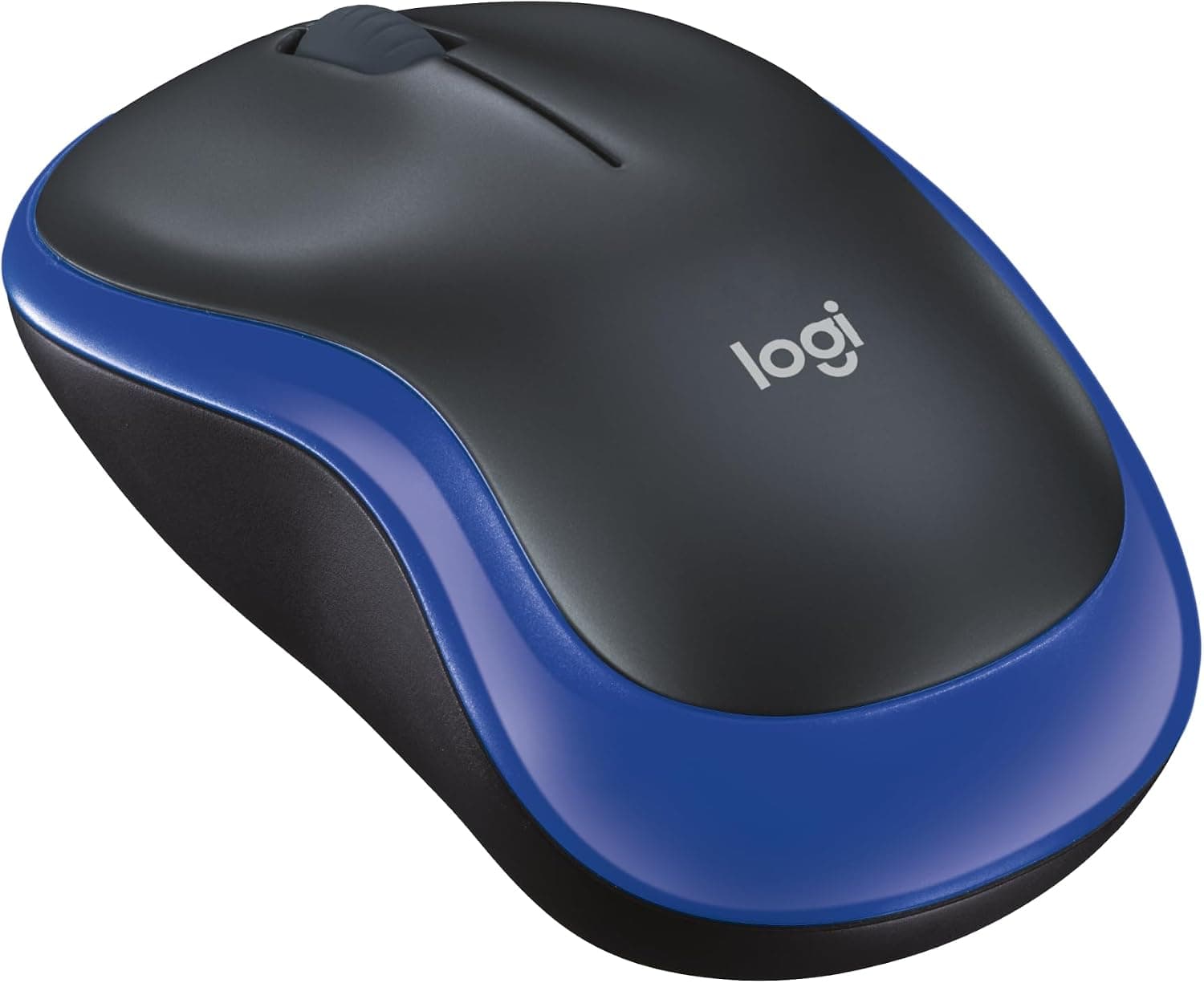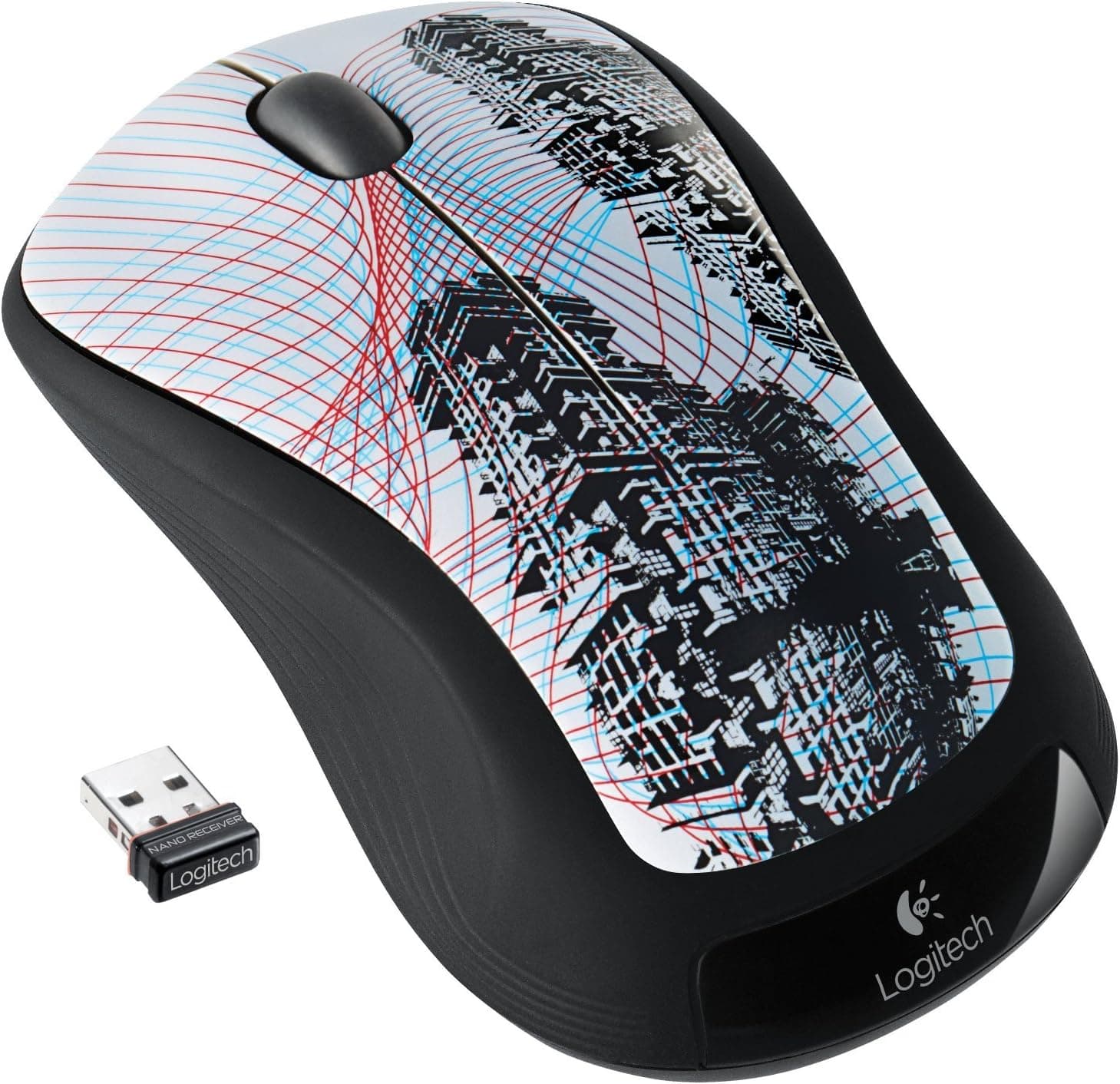
This article looks at the Logitech M310 Wireless Mouse (Sky Scraper, parallel import) using its published specifications and the review data available on Amazon, including the places where it will disappoint you.
Overview
The Logitech M310 Sky Scraper is a three-button optical mouse using a 2.4GHz wireless link.
The short verdict: this is a deliberately simple office and travel mouse, not a gaming or creative tool. Its near-symmetrical contour and soft rubber grips are meant to work in either hand.
On paper it offers a 1000 DPI optical sensor, three buttons, a single AA battery, and a stated battery life of about 12 months. The bundled nano receiver plugs into a USB port and works without a driver install.
"Sky Scraper" refers to the bluish-grey colorway, which stands apart from the usual all-black office mouse.
On Amazon.co.Check the retailer's page for the latest user reviews.
That is a small sample, but the pattern is clear: an inexpensive mouse that does what buyers expected.
Compatibility Guide
The M310 uses a 2.4GHz RF link through the included nano receiver, which requires one free USB-A port.
There is no Bluetooth mode. That is the first fork in the road, because the receiver permanently occupies a port.
On a USB-C-only laptop you will need an adapter or hub, so budget for that before ordering.
The stated OS support is Windows XP / Vista / 7 and Mac OS X 10.4 or later, which reflects the era the product launched in.
Receiver-based mice of this type generally run on the OS's built-in HID driver, so basic operation on newer systems is the usual expectation rather than a guarantee. Since newer versions are not on the official list, assume that fine-grained button remapping through a Logitech utility may not be supported.
If configuration matters to you, choose a current-generation model instead.
Treat the receiver as part of the mouse. These devices are normally paired with the receiver they ship with, and whether a spare receiver from another model will work should be confirmed on the product page.
Losing the receiver can leave you with an unusable mouse, so make a habit of returning it to the storage slot when travelling.
Environment matters too. The 2.4GHz band shares space with Wi-Fi and other wireless peripherals, and plugging the receiver directly beside a USB 3.0 port can cause cursor stutter.
Moving to a different port, or using a short USB extension to get the receiver away from the chassis, is the standard fix. Because the sensor is optical, glass tops and glossy black desks will cause tracking problems — use a mousepad or a textured surface.
Product Info
| Item | Value |
|---|---|
| Resolution | 1000 DPI |
| Buttons | 3 (including wheel click) |
| Connection | 2.4GHz RF (nano receiver) |
| Power | 1x AA battery |
| Battery life | Approx. 12 months |
| Supported OS | Windows XP/Vista/7, Mac OS X 10.4+ |
1000 DPI looks small next to modern gaming mice that advertise 16000 DPI or more, but it is entirely sufficient for documents and browsing at around 1080p. The real friction appears on 4K panels or multi-monitor desks, where crossing the screen means lifting and repositioning the mouse repeatedly.
Raising the pointer speed in the OS compensates, at the cost of fine positioning accuracy — the classic trade-off.
The three-button count is the other spec that shows up in daily use: there are no side buttons for browser back/forward. If you lean on those constantly, this is a difference you will feel every day.
If you never use them, the simpler layout means fewer accidental presses.
Power comes from one AA cell rated for roughly 12 months. There is no charging cable to manage, but the cell adds weight, which will feel heavy if you are used to ultralight mice.
On price: the figure captured for this article looks unusually high for an entry-level wireless mouse, and we could not determine whether that is a data-collection error or an import-channel markup. For that reason no amount is quoted here.
Prices move a lot — check the current price on the product page. If it is clearly above comparable current-generation models, there is no strong reason to choose this one.
Alternatives and Comparison
Within Logitech's entry-level wireless range, the M185, M325 and M525 families are the usual comparison points.
- Shape and size: the M310 is a fuller-size body that suits a palm grip. The M185 class is smaller and easier to throw in a bag.
- Scroll quality: higher models may add tilt scrolling or a finer wheel, which matters if you scroll horizontally in spreadsheets.
- Availability and warranty: a parallel import and a domestic retail unit differ in who handles a defective unit.
If gaming is anywhere in your plans, the M310 is not a candidate. Sensor resolution, polling, and button count are all built for office work.
Points to Check Before Buying
1. What "parallel import" actually costs you. The manual may not be in Japanese and the warranty terms can differ from domestic units.
A mouse needs no manual, so that part is minor — but if the unit is defective, your contact is the seller, not the manufacturer. Read the seller's return policy and window before ordering.
2. Old stock. The M310 has been sold for a long time, so a unit you receive is not necessarily from a recent batch.
Soft rubber grips can become tacky with age; this is normal material behaviour rather than a defect specific to this model. If that bothers you, choose a model without rubber grips.
3. Do not trust the listing blindly. Amazon listings can show seller, fulfiller, or accessory details that do not match what actually ships, and parallel imports often have several sellers on one ASIN — so colour and included accessories may vary by seller.
Check the product images and title yourself, and confirm what that specific seller is shipping. If the listing data looks inconsistent, pick a different seller.
4. Sanity-check the price. As noted, the captured price looked high for this class.
Compare against current-generation models before committing; a parallel import that costs more than the domestic version has no reason to exist.
5. Who should skip it. Anyone who needs Bluetooth to keep USB ports free, anyone who relies on side buttons, anyone working across 4K or multi-monitor setups, anyone who wants quiet clicks (this model does not advertise silent switches), and anyone who wants a rechargeable device.
If one of these applies strongly, look elsewhere.
Best Use Cases
1. Office users in documents and spreadsheets. 1000 DPI is comfortable at typical resolutions, and there is nothing to configure.
On a locked-down work PC where you cannot install utilities, plug-and-play is a genuine advantage.
2. Laptop users who dislike trackpads. Plug in the receiver and it works; roughly 12 months per AA means fewer dead batteries on the road.
3. Left-handed users or anyone alternating hands. The near-symmetrical shape makes it usable either way, at the cost of side-button functionality.
4. Anyone who wants a spare. As a backup or a shared family-PC mouse, a battery-powered unit that survives being ignored for months is convenient.
It is not suited to gaming, photo and video editing, or CAD — those need precision this price class does not target.
FAQ
Q. Does it support Bluetooth?
A. No. It works only through the bundled nano receiver, which occupies one USB port.
Q. Will it work on Windows 11 or recent macOS? A.
Official support lists Windows XP/Vista/7 and Mac OS X 10.4+.
Mice of this type usually run on the OS's built-in driver, so basic use is the general expectation, but newer systems are not officially guaranteed and utility-based customisation may not work.
Q. Can I replace a lost receiver? A.
Standalone receivers are hard to source, and the mouse alone may be unusable. Store it in the mouse's receiver slot when travelling.
Q. How is it rated?
A.co.jp at the time of capture. Read that with the small sample size in mind.
Q. Is it usable for games?
A. Not recommended. 1000 DPI and three buttons target office work, not fast FPS aiming or button-heavy MMOs.
Q. Can I use rechargeable batteries? A.
Standard AA rechargeables generally work, but their slightly lower voltage may shorten runtime below the stated 12 months.
Product Disclosure (Amazon)
- Manufacturer: Logitech
- Seller: fuji.harmotech
- Fulfilled by: fuji.harmotech
- ASIN: B007PJ4Q5E
- Note: This article covers a manufacturer-made product based on Amazon listing details.