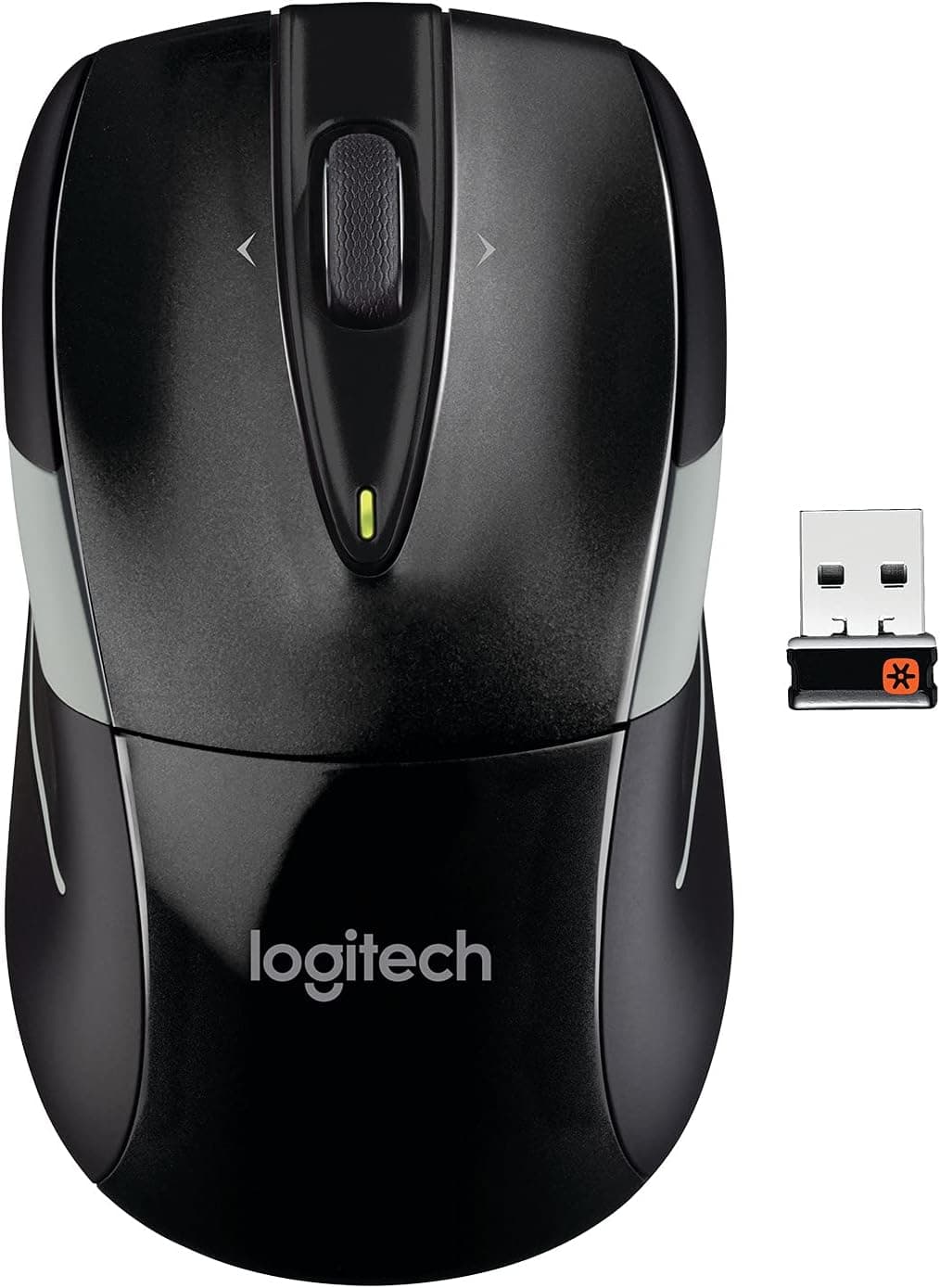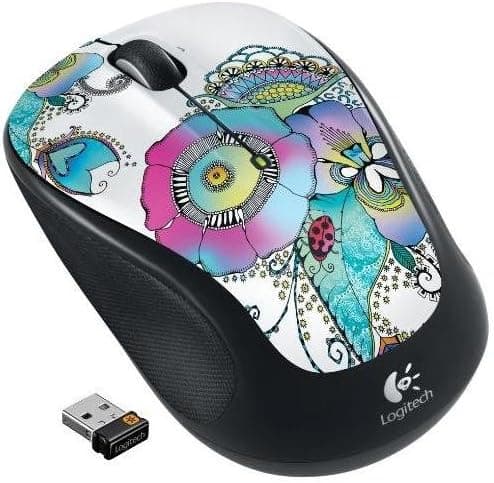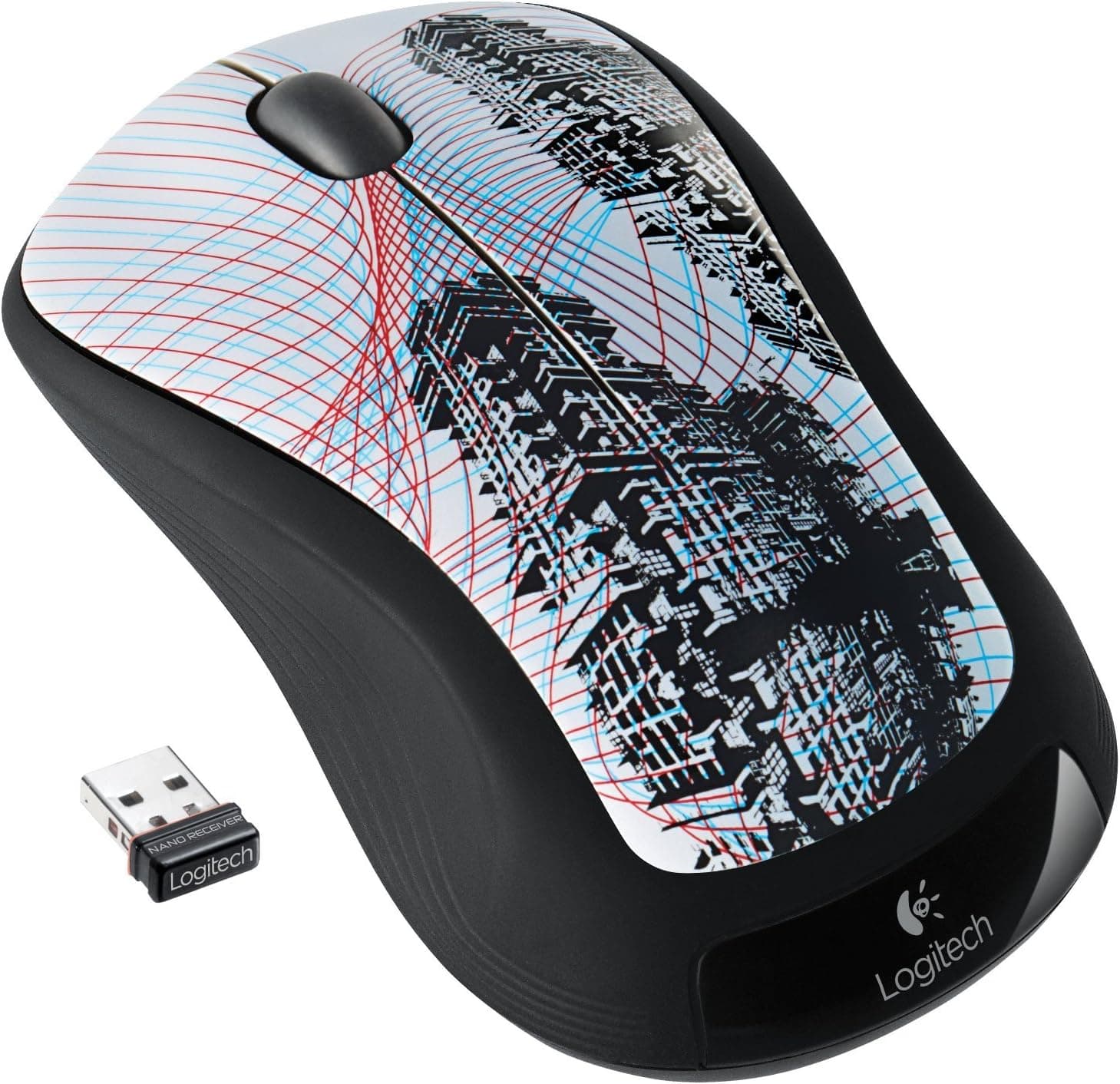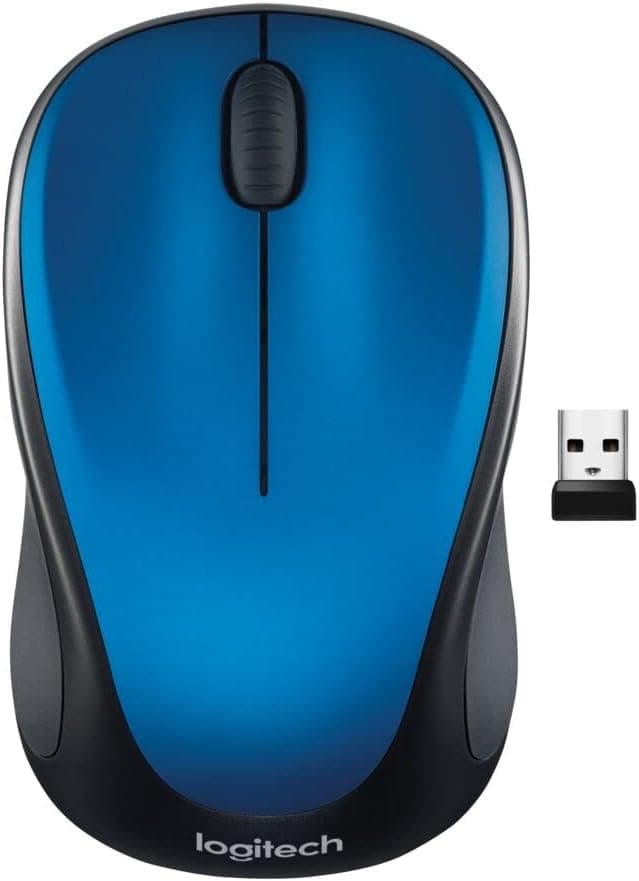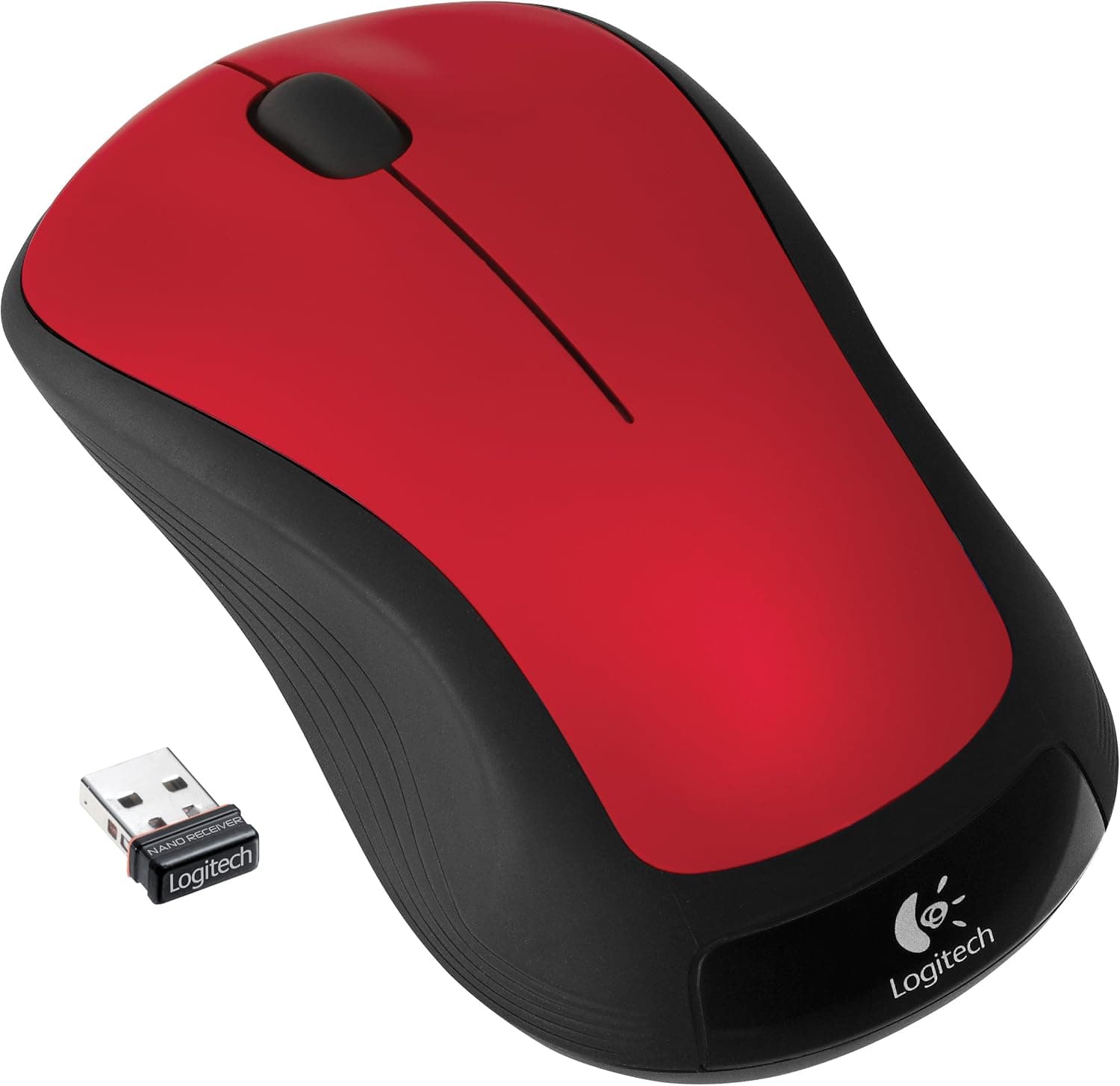
This article covers Wrls Mse M310 Hands Red [並行輸入品] — the red version of the Logitech M310 wireless laser mouse — using the data we were able to capture for it.
Overview
The M310 is built around one idea: get through documents and web browsing without ever thinking about batteries or pairing. It offers three buttons plus a scroll wheel, a laser sensor, and a single AA battery rated at roughly 12 months.
The ambidextrous shell works in either hand, so left-handed users and people who switch hands during long sessions are both covered.
For an entry-level mouse, gathering over four thousand reviews and still holding 4.6 says less about peak performance than about the absence of complaints: it doesn't break, it doesn't need configuring, and the battery doesn't run down.
Don't read that score as praise for speed or customization.
Here is the short answer by use case.
| Use case | Fit | Why |
|---|---|---|
| Office work, documents, browsing | Excellent | Three buttons are enough; one battery change a year |
| Travel with a laptop | Good | Nano receiver can stay plugged in |
| Left-handed / switching hands | Good | Symmetrical shape |
| Photo and video editing | Marginal | No side buttons, no DPI switch |
| FPS / MOBA gaming | Poor | Response and customization fall short |
The decision really comes down to one question: do you need side buttons and DPI switching? If not, nothing here is missing.
If you do, you will notice within the first week.
Compatibility Guide
Connection is 2.4 GHz wireless through the bundled USB nano receiver.
The mouse registers as a standard HID device, so no driver installation is required. The listed operating systems are Windows XP/Vista/7/8/10/11 and Mac OS X 10.5 or later on Intel hardware — dated wording for a product from around 2011, but in practice any machine with a free USB port will drive it.
Just remember that the manufacturer's support statement stops at that list.
The real stumbling blocks are physical rather than software. First, the port: the receiver is USB-A, so thin modern laptops with only USB-C need an adapter or hub.
Since the receiver's whole appeal is that you can leave it in place, a permanent hub or dock is the better setup.
Second, the receiver itself. The compatibility data states it is dedicated to the M310 and not Unifying compatible, which means you should assume that losing it makes the mouse unusable.
You can check whether a receiver is Unifying by looking for the small orange star logo on the dongle or the box — worth doing the day it arrives. Most Logitech wireless mice include a storage slot for the receiver inside the battery compartment, so make a habit of parking it there when travelling.
Third, the surface. A laser sensor tracks fine on fabric, wood and slightly uneven desks, but glass tops and highly reflective finishes can still confuse it.
If you work on a glass desk, keep an inexpensive mousepad handy.
Setup and First-Day Pitfalls
Setup is battery in, receiver in, done. If the cursor stutters or drops out anyway, 2.4 GHz interference is almost always the cause.
Plugging the receiver next to a USB 3.0 device or a portable SSD invites noise; moving it to another port, or using a short USB extension cable to get it away from the chassis, usually fixes it.
On a desktop, front or top ports beat rear ports simply because they are closer to the mouse.
One note on power. The 12-month figure is a rated estimate that depends on how you use it, and leaving the mouse powered on around the clock will shorten it.
If you won't use it for a while, remove the battery or switch it off at the base if your unit has a power switch. Alkaline and NiMH rechargeable cells both work, though rechargeables sit at a lower nominal voltage, so low-battery warnings may not behave exactly as the manual describes.
Product Info
The Logitech M310 (model 910-002486) arrived around 2011 as an entry-to-mid-range wireless mouse. The unit covered here is the glossy red parallel import; the box contains the mouse, the USB nano receiver, one AA battery and a quick-start guide.
Core specifications are 2.4 GHz wireless, a laser sensor, three buttons plus a scroll wheel, one AA cell, and a rated battery life of about 12 months.
Check the retailer's page for the latest price.co.jp as captured on 19 September 2026** (ASIN B004ZEZB88). Parallel imports move with stock levels and exchange rates, so check the listing for the current figure before ordering. Note also that the captured data includes an entry labelled "Amazon US", but it points at the same Japanese listing with the same yen figure — it is not evidence that the mouse is cheaper overseas.
What matters more is that ¥6,741 is not the going rate for a current entry-level wireless mouse. This is a long-discontinued model moving through import channels, and at the same money you will find contemporary mice with extra buttons, silent switches or built-in rechargeable cells.
Choosing the M310 means paying that difference for the colour and for a thoroughly proven design.
What the Ratings Tell You
On a mouse with three buttons and effectively no software customization, that is the only axis reviewers can grade. It is not a statement that the mouse suits gaming or precision editing work — translate the average into your own use case before trusting it.
How It Compares
Three axes matter: button count (do you want back/forward under your thumb?), power source (disposable cell or built-in rechargeable?), and connection (dedicated receiver or Bluetooth?).
The M310 takes the minimal option on all three — no side buttons, AA battery, dedicated dongle.
A disposable cell has a genuine advantage: nothing stops mid-task because you forgot to charge, and a convenience store fixes any outage. Comparing it to today's 50-gram rechargeable gaming mice is beside the point.
The realistic alternatives are same-price mice with extra buttons, silent clicks and USB-C charging, or dual-mode models that switch between Bluetooth and 2.4 GHz across several machines.
If you can't spare a USB port, or you move between a PC and a tablet, a Bluetooth mouse is the more natural fit.
Who It's For
First, office workers who spend their day in documents and browsers. The symmetrical shell suits most hand sizes, and a rated 12 months per battery means the swap barely registers as a chore.
Second, people who carry a laptop: the nano receiver barely protrudes, and the laser sensor copes with café tables and fabric. Third, left-handed users, or anyone who likes to switch hands when their wrist tires — this is exactly the case where an ambidextrous shape pays off.
It is a poor fit for gamers, for editors who lean on back/forward buttons, and for anyone who needs quiet clicks. Those needs sit outside what this mouse was designed to do, and the same budget spent elsewhere will make you happier.
Before You Buy
1. Missing side buttons hurt more than you expect. The spec is three buttons plus a wheel.
If you habitually hit "back" with your thumb, count how often you do that in a day before deciding.
2. Treat the receiver as irreplaceable. It is described as dedicated to this mouse, so assume no generic substitute exists.
Decide where it lives before you travel with it.
3. It is a parallel import. Packaging and documentation may not be in Japanese, and warranty handling differs from domestic retail stock — coverage depends on the seller's policy, so confirm it first.
In Japan, 2.4 GHz wireless devices also involve the technical conformity (技適) marking; if that matters to you, ask the seller directly.
4. The price sits above current entry models. ¥6,741 as captured on 19 September 2026.
Current mice at that money may add silent switches, extra buttons or rechargeable batteries. Unless this specific red M310 is what you want, compare them side by side once.
5. Verify the listing yourself. Online listing metadata — seller, model number, compatibility tables — sometimes disagrees with the physical product, and import listings vary from seller to seller.
Confirm from the product photos and title that you are buying the red M310 itself before ordering. Price and review counts here are point-in-time captures and may differ from what you see now.
FAQ
Q. Does the battery really last 12 months? A.
That is the rated figure and an estimate that depends on use. Heavy daily use shortens it; switching the mouse off during idle periods extends it.
Q. Can I buy a replacement receiver? A.
The receiver is described as dedicated to the M310, so don't count on a generic replacement. Losing it likely means losing the mouse.
Q. AA or AAA?
A. One AA cell, and one is included in the box.
Q. Will it work on an Apple Silicon Mac? A.
The official list stops at Intel-based Mac OS X 10.5 and later.
It is a standard USB mouse by design, but understand that anything beyond that list is outside the manufacturer's stated support.
Q. Is it usable for gaming?
A. Not recommended. Response, button count and customization were never aimed at gaming.
Q. Are the clicks quiet? A.
It is not marketed as a silent mouse. For shared offices or late-night work, choose a model with silent switches.
Product Disclosure (Amazon)
- Manufacturer: Logitech
- Seller: ショップEDAMAME
- Fulfilled by: ショップEDAMAME
- ASIN: B004ZEZB88
- Note: This article covers a manufacturer-made product based on Amazon listing details.