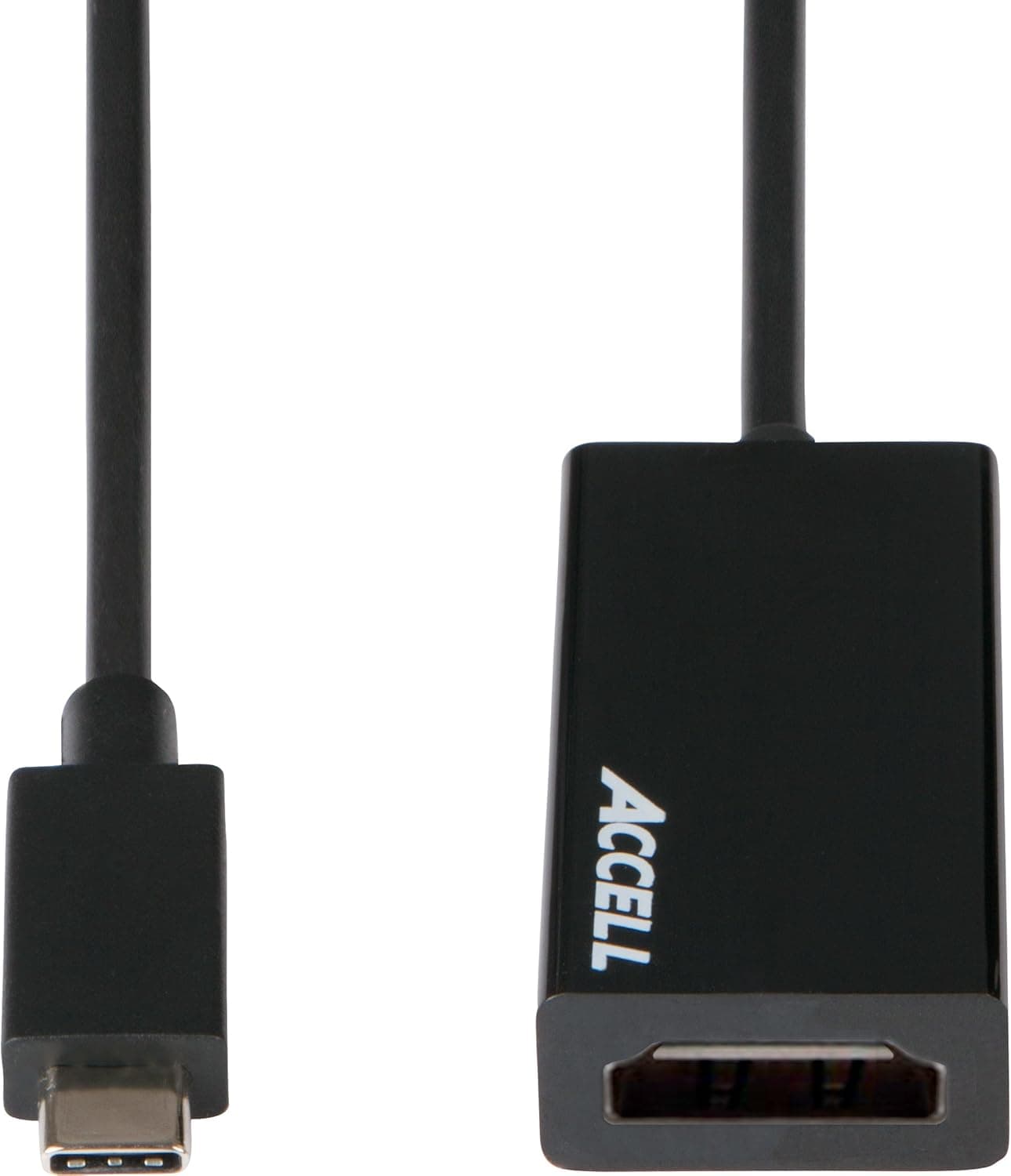
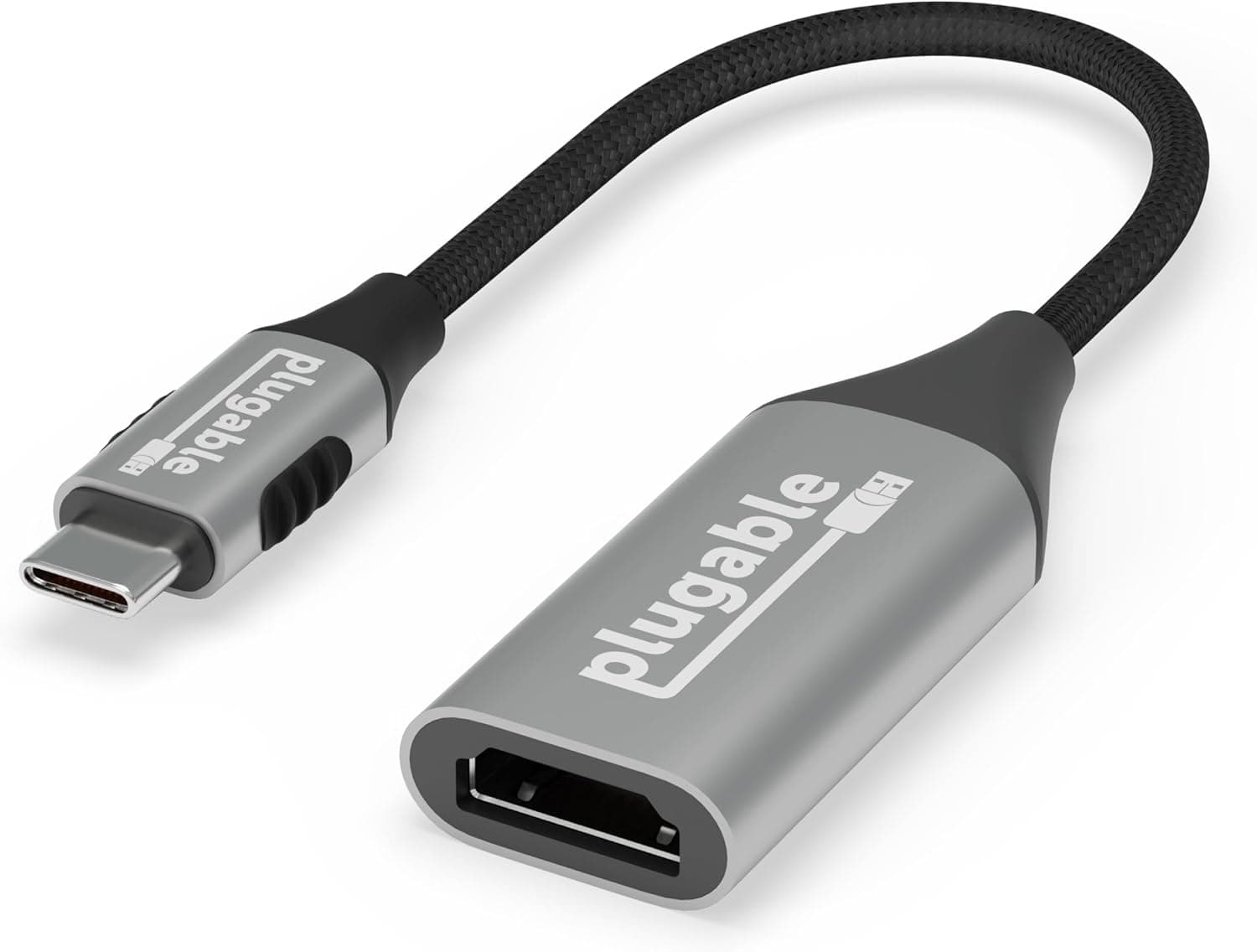
Satechi USB C 変換アダプタ HDMI 4K (60Hz) (スペースグレイ) (MacBook Pro) — sold in English-speaking markets as the Satechi USB-C to HDMI Adapter (4K 60Hz, Space Gray) — does exactly one thing: it turns a USB-C port into an HDMI output. That single-purpose design is both the reason to buy it and the reason some people regret it, so this article draws that line clearly.
Overview
This is a USB-C (male) to HDMI (female) adapter supporting up to 3840×2160 at 60Hz over HDMI 2.0.
The short verdict: it suits people who have a spare USB-C port and only need video out. It is not a docking station.
There is no Power Delivery passthrough, no USB-A port, and no card reader — just one video path.
The housing is aluminum and measures 5.2 × 2.3 × 1 cm, small enough to disappear into a laptop sleeve pocket.
The Space Gray finish is matched to MacBook Pro and MacBook Air. It is plug-and-play with no drivers, and carries a 2-year warranty.
Amazon.co.jp reviews stood at 129 ratings and 4.6 out of 5 stars (about 92% positive) as captured in June 2026.
That is not a huge sample, but holding 4.6 years after launch suggests few unit-to-unit surprises.
Note that this score reflects users whose hardware actually supports DisplayPort Alt Mode — see below.
Compatibility Guide
There is one hard requirement: the host USB-C port must support DisplayPort Alt Mode (or Thunderbolt 3/4). USB-C is a connector shape, not a feature guarantee.
A charge-and-data-only USB-C port will produce a black screen, and this is by far the most common failure. Look for a Thunderbolt lightning bolt or DP marking beside the port, or a spec sheet that explicitly lists DisplayPort Alt Mode.
The listed compatible devices include MacBook Pro, MacBook Air, iPad Pro, MacBook, iMac, iMac Pro, Dell XPS 9250, Chromebook, ASUS ZenBook Pro, HP Spectre x360, Microsoft Surface Go/Pro, Samsung Galaxy Tab Pro, and Razer Blade Stealth/Pro. Treat that as representative examples rather than a guarantee — port specs change between generations of the same model name.
| Check | Requirement | If unmet |
|---|---|---|
| USB-C port function | DP Alt Mode / Thunderbolt 3/4 | No signal at all |
| HDMI cable | HDMI 2.0 (18Gbps) rated | 4K drops to 30Hz |
| Monitor input | 4K 60Hz capable HDMI | Lower res or refresh rate |
| Free ports | Occupies one USB-C | No simultaneous charging |
The HDMI cable is sold separately, and an older HDMI 1.4-era cable (10.2Gbps) caps 4K at 30Hz.
Use a Premium High Speed cable or better. Most "the cursor stutters" complaints trace back to the cable, not the adapter.
Also consider physical clearance: with a thick case or closely spaced ports, a bulky HDMI plug can crowd the neighboring port.
Product Info
| Item | Value |
|---|---|
| Max resolution | 3840×2160 @ 60Hz |
| Connector | USB-C (male) → HDMI (female) |
| HDMI standard | HDMI 2.0 |
| Housing | Aluminum |
| Dimensions | 5.2 × 2.3 × 1 cm |
| Color | Space Gray |
| Warranty | 2 years |
Pricing as captured: ¥7,800 on Amazon.co.jp on 26 Aug 2026, and $25.99 on eBay US on 23 Jul 2026.
Prices for adapters move constantly with sales and exchange rates, and many USB-C to HDMI adapters sell well below this, so check the product page for the current figure. The numbers here are a snapshot, not a standing price.
The box contains the adapter and a user manual only. The 2-year warranty covers material and workmanship defects under normal use.
Satechi is an established Apple-accessory brand and this model has stayed in the catalog for years.
How It Compares
Three options exist. A single-function adapter like this one is light, runs cool, and has few failure points, but consumes a USB-C port.
A multiport hub adds USB-A and PD charging, which matters more on a two-port MacBook Air. An all-in-one USB-C to HDMI cable removes one connection point but fixes your cable length.
Choose this adapter if charging is covered by another port, if you rely on HDMI cables already installed in meeting rooms, or if you want to avoid hub heat and firmware quirks. If you always need to charge while driving an external display, buy a PD hub instead — it works out cheaper than buying both.
Things to Check Before Buying
1. No charging passthrough. On a MacBook Pro with two USB-C ports this is fine.
On a single-port machine you cannot charge while outputting video — a real problem during long presentations.
2. 4K 60Hz requires the whole chain. Adapter specs alone do not deliver 60Hz.
After connecting, verify the refresh rate in System Settings → Displays on macOS.
3. iPad external display support is app-dependent. iPadOS mirrors unless an app explicitly supports extended display, and some streaming apps block external output entirely for DRM reasons.
4. Listing metadata can disagree with reality. For long-running ASINs, marketplace labels and accessory lists sometimes drift (this listing carries an "Amazon US" label against an amazon.co.jp link).
Confirm the product image, title, and color before ordering, and be suspicious if a price sits far off the typical range — that often signals a different variant.
5. Budget for the cable. Add a 4K 60Hz-rated HDMI cable to your total before comparing options.
6. No HDR gaming or 120Hz. HDMI 2.0 bandwidth caps 4K at 60Hz. High-refresh gaming output is out of scope.
Best Use Cases
Space Gray MacBook Pro / Air owners driving a 4K display. Plug in and go, no drivers, matching finish.
Unnecessary if your laptop already has a built-in HDMI port, as recent 14/16-inch MacBook Pro models do.
iPad Pro users presenting or watching video. Plenty for conference room screens and hotel TVs, with clean 4K 60Hz stills — as long as you accept mirroring as the main mode.
Frequent travelers who pack light. At 5.2 × 2.3 × 1 cm in aluminum, it survives being tossed in a pouch, and meeting rooms usually supply the HDMI cable.
Skip it if you have only one USB-C port, need charging while mirroring, want 4K 120Hz or HDR, or cannot confirm DisplayPort Alt Mode support on your device — the last one is avoidable with a two-minute spec check.
FAQ
Q. Does it work on Windows laptops? A.
Yes, provided the USB-C port supports DP Alt Mode or Thunderbolt 3/4. ZenBook Pro, Spectre x360, and Surface Go/Pro are listed examples.
Q. I only get 30Hz at 4K. A.
Suspect the HDMI cable first — HDMI 1.4-era cables cap 4K at 30Hz.
Then check the monitor's HDMI input mode.
Q. Can it charge my laptop too?
A. No. Video output only, with no PD passthrough. Use a multiport hub if you need both.
Q. Is an HDMI cable included?
A. No. Only the adapter and manual are in the box.
Q. Does audio pass through? A.
Yes, HDMI carries audio, so a display with speakers can play sound. You may need to select HDMI as the output device.
Q. How long is the warranty?
A. Two years, covering material and workmanship defects under normal use.