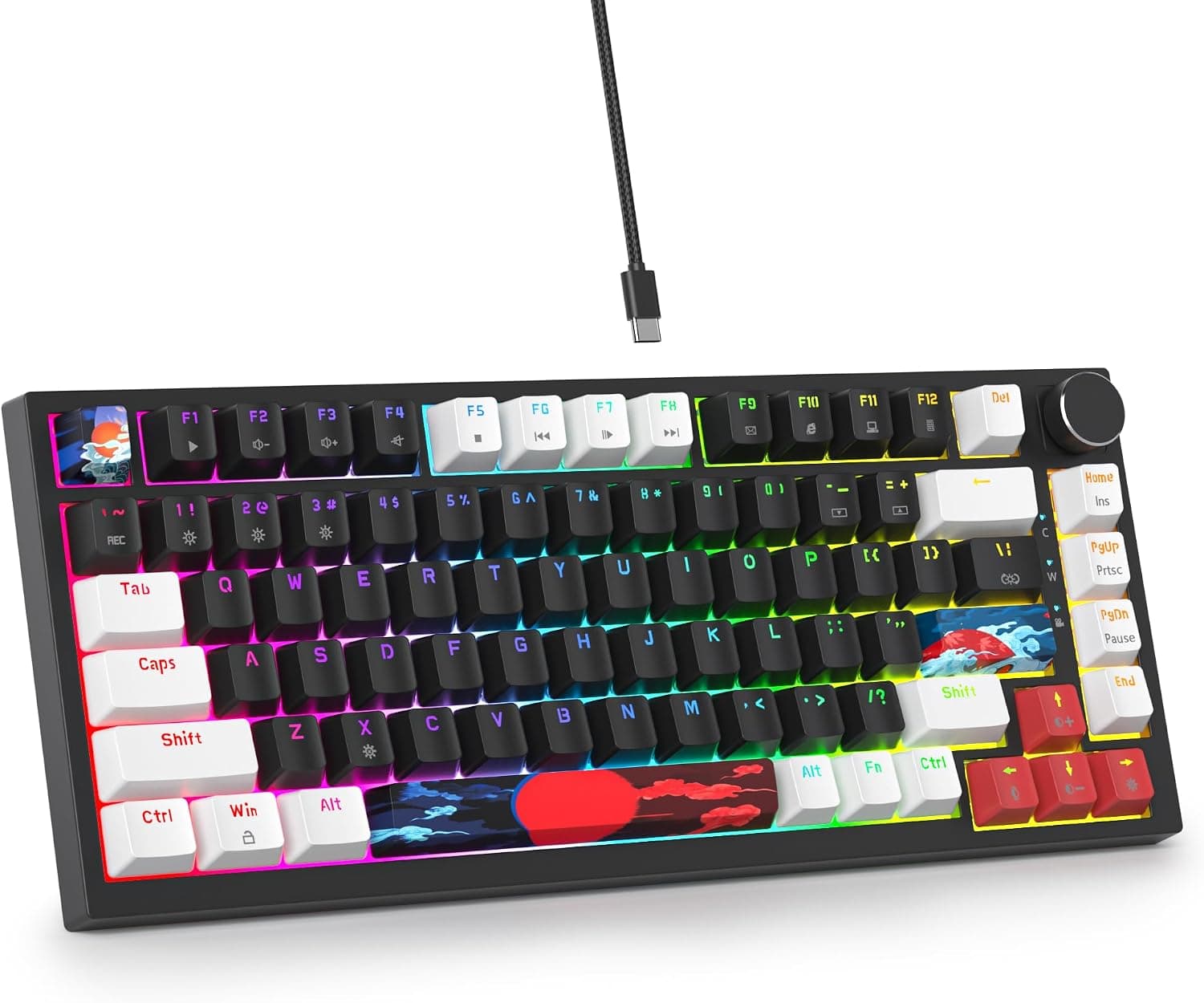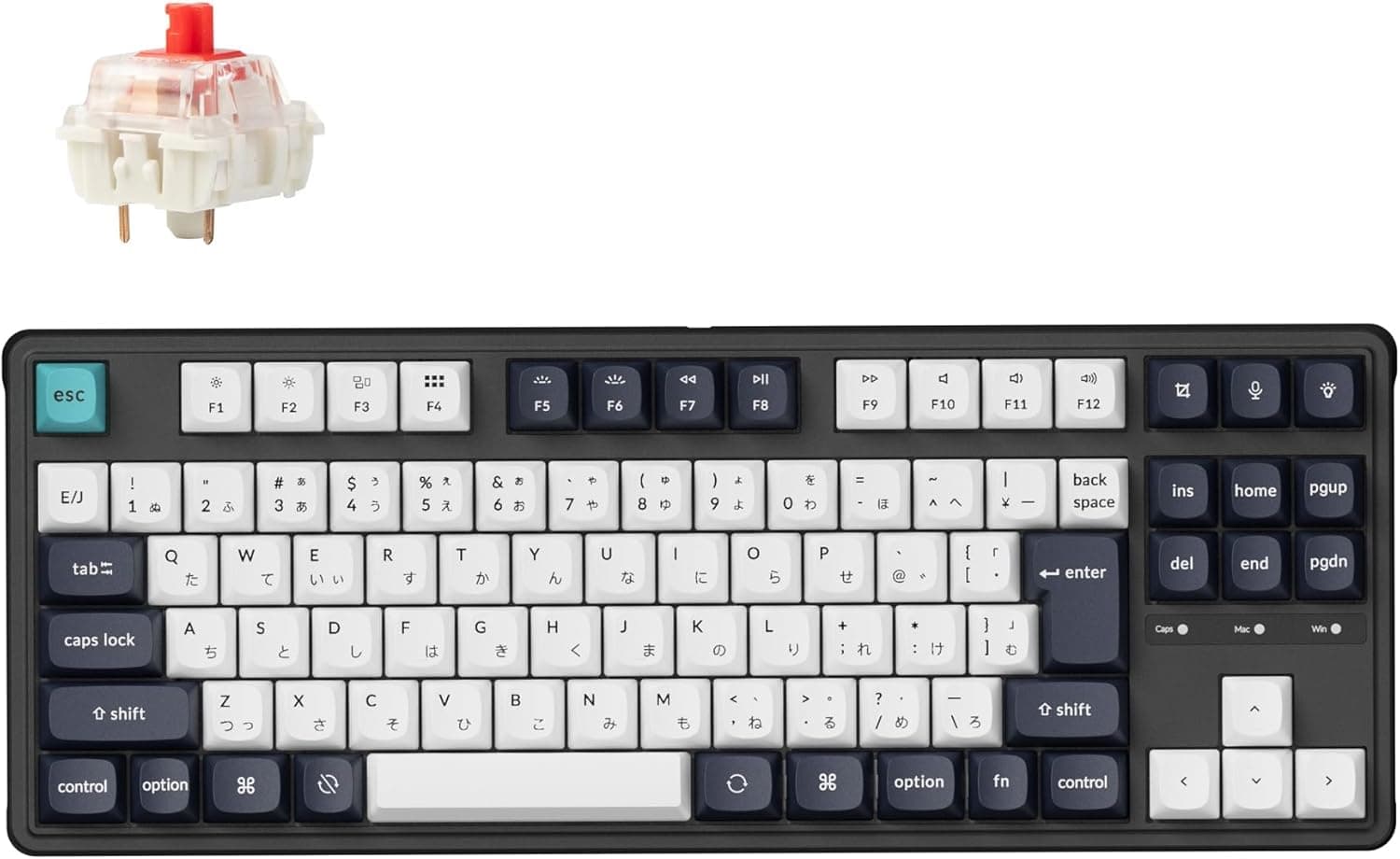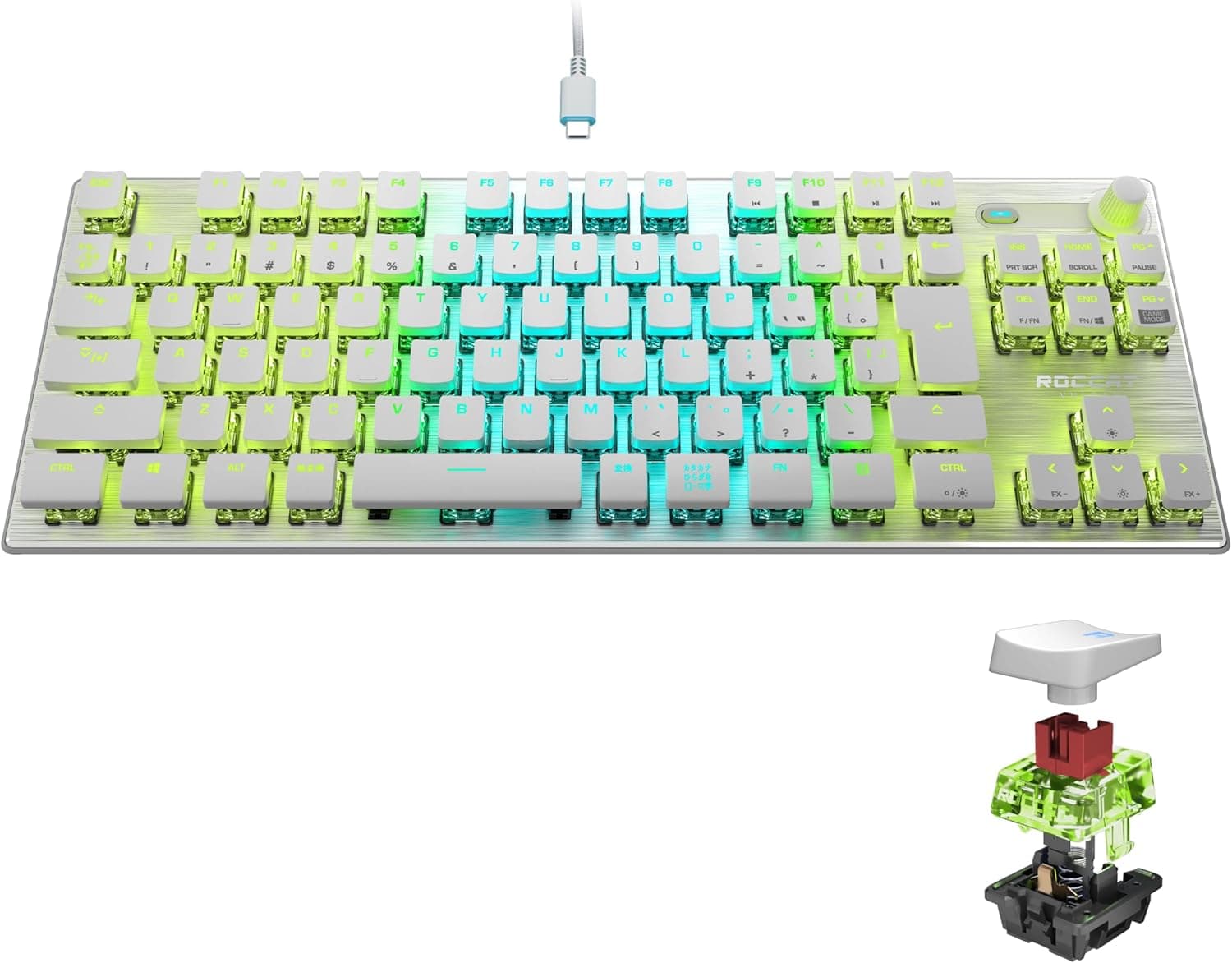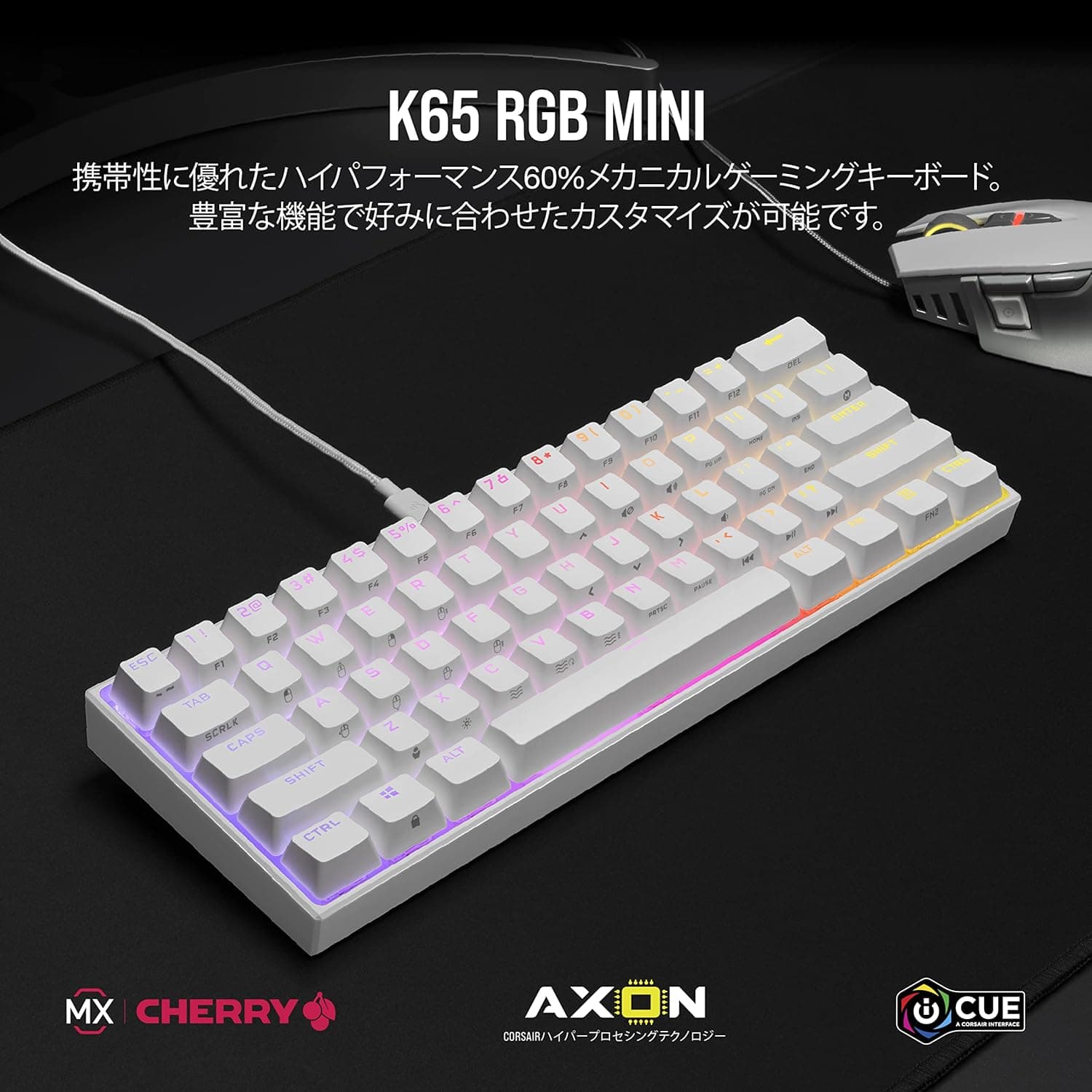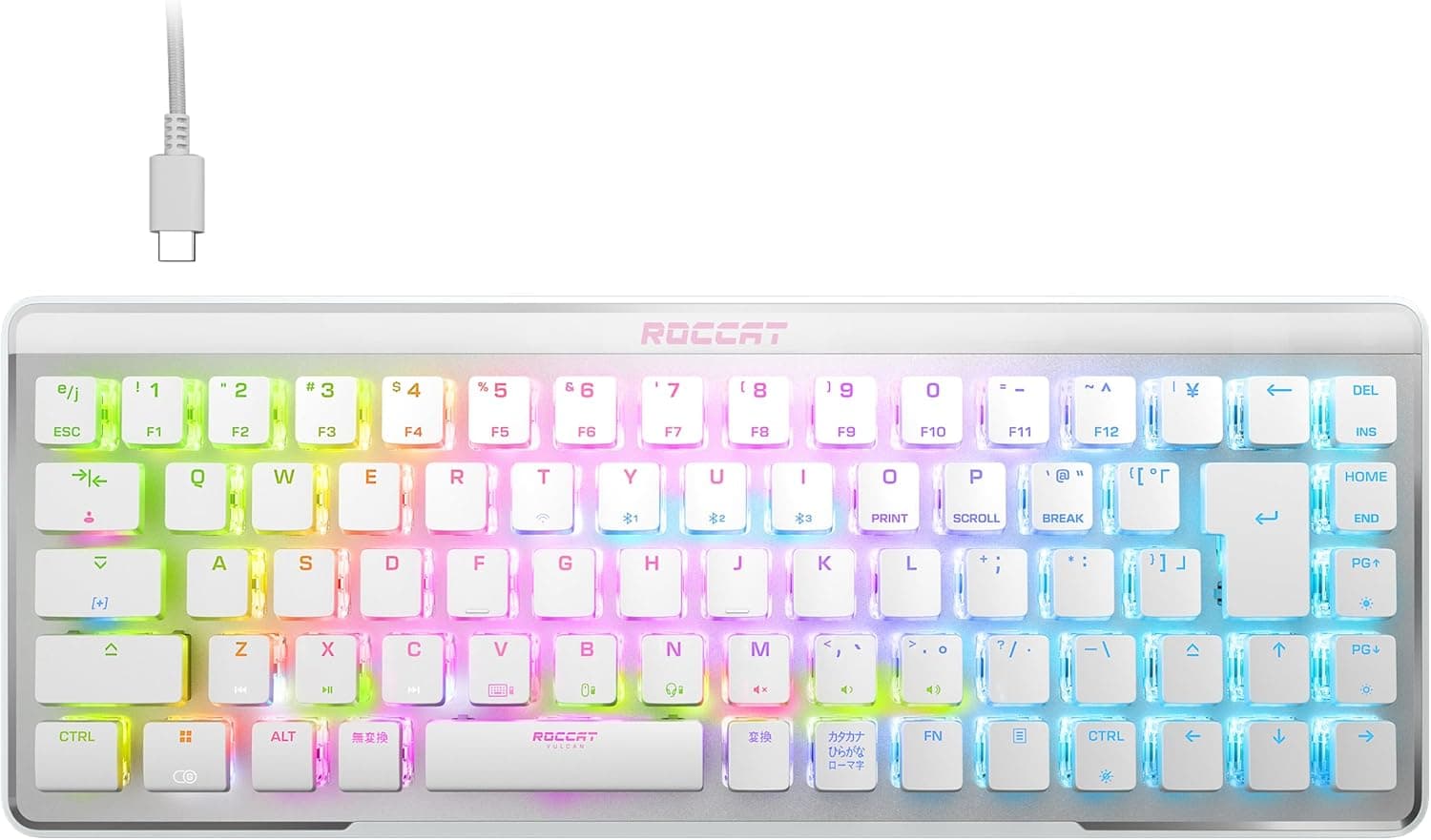
The ROCCAT Vulcan II Mini Air is a wireless gaming keyboard that compresses a Japanese JIS layout into a 65% footprint. This article works through the published specs alongside real captured pricing and review data to cover not just who it suits, but where you have to compromise.
Overview
The short version: this board exists for people with two overlapping demands — keep the JIS layout, and free up desk space — plus a third if you want 2.4GHz low latency and Bluetooth multi-device pairing in one device.
The 65% layout (roughly 68 keys) drops the numpad and function row but keeps dedicated arrow keys, so you avoid the usual compact-board frustration of doing cursor movement through an Fn layer.
Switches are ROCCAT's own TITAN II optical linears, rated at 150 million keystrokes. Optical actuation uses a light beam rather than a metal contact, which structurally avoids the chatter (double-input) that eventually plagues contact switches.
Being linear, there is no tactile bump — the key sinks at a constant weight to the bottom. Good for rapid repeats and fast releases in games; less satisfying if you want feedback while typing.
Battery life is quoted at up to 240 hours with the proximity sensor dimming the RGB. That figure is not measured with the lighting blasting at full brightness, so real-world runtime depends heavily on how you configure the RGB.
Why a 65% JIS Layout Matters
Compact Japanese-layout keyboards are a thin category compared with ANSI. JIS carries extra keys — eisu/kana, henkan/muhenkan — and a tall non-rectangular Enter, all of which fight against key-reduction layouts.
The Vulcan II Mini Air stands out less for raw performance than for the fact that a JIS 65% exists at all.
In practice you need to accept that F1–F12 and the numpad move to an Fn layer. That barely matters in games, but if you lean on F2 in Excel, F5 in a browser, or F7/F8/F9 for kana and alphanumeric conversion in a Japanese IME, you will be rebuilding muscle memory.
Count how often you actually hit the function row before you buy.
Connectivity & Compatibility
Supported operating systems are Windows and macOS. Three connection paths are available: 2.4GHz Stellar Wireless, Bluetooth 5.1, and wired USB-C.
Bluetooth stores up to three paired devices you can switch between. The sensible split is the 2.4GHz dongle for gaming and Bluetooth for a laptop or tablet.
Watch out for how the OS identifies the layout. If macOS or a tablet OS registers the board as ANSI, the printed symbols will not match what you type.
Windows can do the same if a previous ANSI keyboard left its layout setting behind. If the legends do not match your input, suspect the OS keyboard-layout setting before assuming a hardware fault.
Physically, the keycaps use a cross-shaped (MX-compatible) stem, so third-party sets fit. The catch is that 65% plus JIS is a narrow intersection — a generic 108-key ANSI set will leave you with mismatched right Shift, spacebar, and conversion keys.
If you plan to recap, choose a set that explicitly covers JIS, or one sold in per-key quantities.
Up to five profiles are stored onboard, so a configured board carries its bindings and macros to another PC without software. That quietly matters if you move between home, office, and events.
Product Info
The headline published specifications:
| Item | Value |
|---|---|
| Key count | 65% (approx. 68 keys) |
| Switch | ROCCAT TITAN II optical linear |
| Connectivity | 2.4GHz Stellar Wireless / Bluetooth 5.1 / wired USB-C |
| Battery | Up to 240 hours (with dimming) |
| Keystroke lifespan | 150 million |
| Dimensions | 356 x 167 x 39 mm |
| Weight | 840 g |
| Supported OS | Windows, macOS |
| Onboard profiles | Up to 5 |
| Keycaps | Cross-type (MX) stem |
On pricing, two captured figures are available. A Rakuten retailer listed it at ¥10,090 as of August 2026, and Amazon.co.jp at ¥8,999 as of June 2026.
Both are prices at the time of capture and move frequently with sales and stock — always check the live listing before buying. Around the ¥10,000 mark is mid-tier for a wireless 65%, and reasonable given the bundled dongle and optical switches.
Review data from Amazon.co.jp showed 3.8 out of 5 stars across 39 reviews (76% positive, captured June 2026).
Thirty-nine is a very small sample. A handful of one- or two-star entries shifts that average by 0.2–0.3, so rather than reading 3.8 as "average product," read it as "opinion is split, or the sample has not accumulated yet." Read the individual reviews before deciding.
How It Compares
The obvious rival in compact optical boards is the Razer Huntsman Mini, but that is a 60% without dedicated arrows, and mostly wired. Add "keep the arrows" and "go wireless" and the field narrows fast.
If wired is fine and you want lower cost, the Huntsman Mini family comes out cheaper overall.
If typing feel is your priority, modern gasket-mount and hot-swap boards are the real competition. The Vulcan II Mini Air solders its optical switches, so you cannot swap them to tune the feel later.
Anyone who likes to evolve a board over time will be happier with a hot-swap model. This is a difference in philosophy, not price — sort it out first when comparing.
For office-leaning multi-device use, a scissor-switch board like Logitech's MX KEYS line is the alternative. If you can give up gaming response, it wins on quietness and long typing sessions.
Gaming primary, work secondary — take this board. Work primary, occasional gaming — look elsewhere.
Best Use Cases
The strongest fit is a gamer who refuses to give up JIS but needs mouse room for FPS or MOBA play. The lower your sensitivity and the wider your mouse arcs, the more the removed numpad width pays off.
Dedicated arrow keys also make this viable for people who previously avoided compact boards entirely.
It also suits anyone juggling two or three devices: the 2.4GHz dongle for the gaming PC, Bluetooth for a work laptop and a tablet, all from one board.
Onboard profiles mean you never rebuild your setup after moving.
And it suits people who want fewer cables but cannot tolerate latency. The 2.4GHz link is hard to distinguish from wired in practice, and if the battery dies you plug in USB-C and keep playing rather than dropping out mid-match.
It does not suit people who prioritize quiet operation, people who want to tune switch feel themselves, or people who hammer the function row and numpad daily.
Before You Buy
Start with the published dimensions. The spec lists 356 x 167 x 39 mm at 840 g, but 356 mm is unusually wide for a 65% board (most land around 310–330 mm), and 840 g is heavy for the class.
Packaging dimensions or figures from another configuration may have been mixed in, so if your desk space or keyboard tray is tight, verify the real measurements on the manufacturer's product page rather than trusting this number. On the upside, real mass does mean the board stays put while you type.
Second, check the listing metadata. Retail product pages sometimes carry manufacturer names, model numbers, or dimensions that belong to a different item.
Confirm from the images and title that you are buying the Japanese JIS wireless model — an ANSI version and a wired Vulcan II Mini are also sold, and grabbing the wrong layout or connection type is an easy mistake here.
Do not take the 240-hour battery figure at face value either. It is a maximum with proximity-sensor dimming active; run the RGB bright and constant and it drops sharply.
If "charge it less often" is your motivation, plan on restrained lighting.
Being linear, this board is not quiet. Optical linears ring on bottom-out and can carry into voice chat or remote meetings.
If you share a room or type late at night, budget for dampening rings.
Finally, there is no hot-swap. If the switch feel does not agree with you, there is no escape route.
Try a TITAN switch in a store first if you can.
FAQ
Q. Should I use 2.4GHz or Bluetooth? A.
2.4GHz for gaming, Bluetooth for everything else.
Bluetooth wins on convenience and device switching; the dedicated dongle wins on latency and connection stability.
Q. Does the JIS layout work correctly on a Mac? A.
macOS is supported. If symbols land in the wrong place, reset the keyboard type to JIS in macOS settings — that resolves most mismatches.
Q. Can I fit aftermarket keycaps? A.
Physically yes, thanks to the MX-compatible cross stem. But sets covering both 65% and JIS are limited, so a generic set will likely leave some keys unmatched.
Q. Can I game while charging? A.
Yes. Over USB-C it runs as a wired keyboard while charging, so battery level never matters.
For long sessions, just leave the cable connected.
Q. How do I type numbers and function keys? A.
Through the Fn layer. Expect a speed penalty until the new finger positions become automatic if you use them often.
Q. Where is it cheapest? A.
At capture time, Amazon.co.jp was ¥8,999 (June 2026) and a Rakuten retailer ¥10,090 (August 2026).
Prices move often, so compare both when you buy.