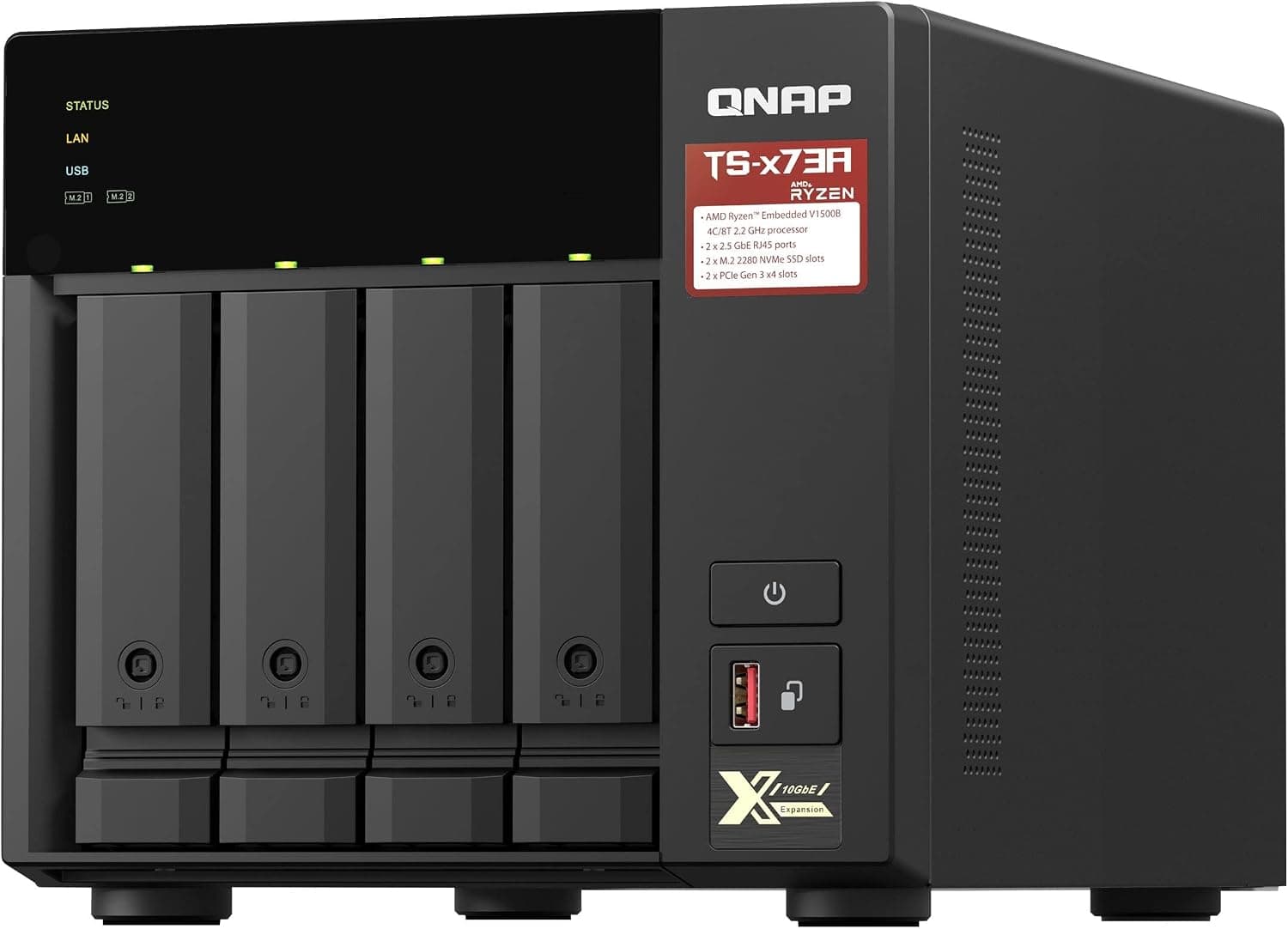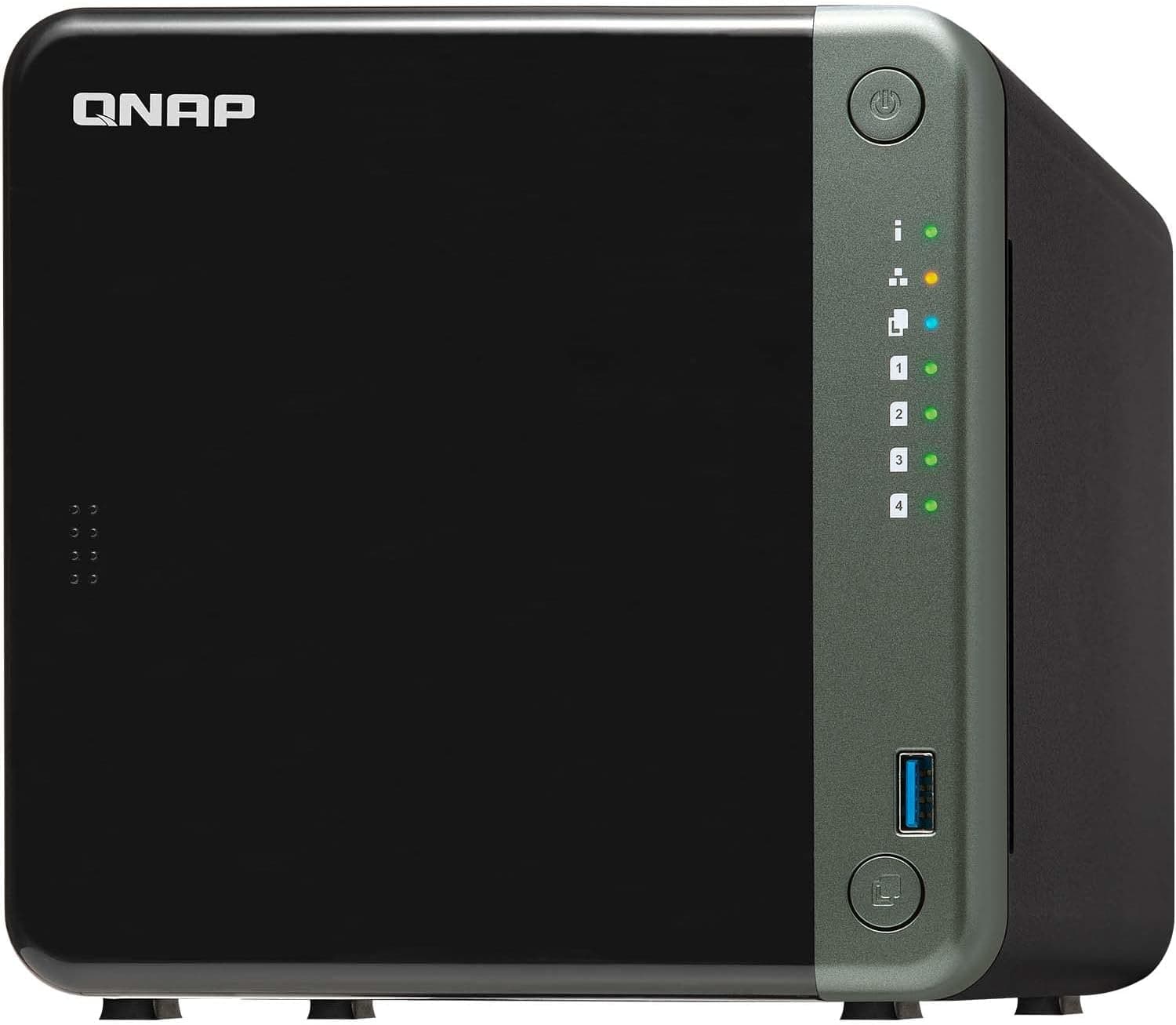
This article takes a deep look at the QNAP TS-453D — 4-bay NAS with dual 2.5GbE ports and PCIe expansion slot.
It covers the compatibility pitfalls, where real-world speed tops out, and who should skip it.
Overview
In short, the QNAP TS-453D is a 4-bay NAS for people who want to pool four hard drives and use 2.5GbE speeds at home or in a small office.
It runs an Intel Celeron J4125 (4 cores/4 threads, 2.0GHz base, up to 2.7GHz) with 4GB of DDR4 (8GB max).
That is plenty for file sharing, backups, and media streaming. It is not powerful enough, however, for running several virtual machines or for many users hitting it with heavy workloads at once.
Its headline feature is two built-in 2.5GBASE-T LAN ports.
You get 2.5GbE without an add-in card, a clear upgrade if a 1GbE NAS has left you waiting on transfers.
There is also one PCIe Gen 2 x4 slot, so you can add a QNAP QM2 card for M.2 SSD caching or a 10GbE network card later.
HDMI 2.0 output (4K@60Hz) and real-time transcoding make it usable as a media server too.
It runs QNAP's own QTS operating system, with snapshots, cloud backup, and file sync. On Amazon.co.Check the retailer's page for the latest user reviews.
Compatibility Guide
Here are the items worth checking before you buy.
| Item | Spec | Common pitfall |
|---|---|---|
| Drive bays | 4 × 3.5-inch SATA 6Gb/s (hot-swap) | 2.5-inch HDD/SSD also fit. Drives are bought separately |
| Memory | 2 × DDR4 SO-DIMM (4GB × 1 installed, 8GB max) | Official limit is 8GB. Beyond that is unsupported |
| LAN | 2 × 2.5GBASE-T (RJ45) | Stays at 1Gbps unless the switch and PC are 2.5GbE too |
| PCIe | 1 × Gen 2 x4 | Gen 3+ cards are capped at Gen 2 x4 speed |
| USB | 2 × USB 3.2 Gen1, 3 × USB 2.0 | Useful for external drives and a UPS |
| Video | HDMI 2.0 (4K@60Hz) | The NAS can output straight to a TV |
| Power | 90W external DC adapter | A failed adapter needs a matching replacement |
The table is a quick guide. The sections below explain the points where people most often trip up.
Choosing Drives
There are four 3.5-inch SATA 6Gb/s bays with hot-swap support, and 2.5-inch SATA HDDs/SSDs also fit.
A NAS normally runs 24/7, so choose drives sold for NAS use rather than desktop drives. QNAP publishes a compatibility list for each model, so check that the drive you want is on it.
Be careful with drives branded for another vendor's NAS. Synology's HAT series, for example, is intended for Synology systems, and support or compatibility terms may differ in a TS-453D.
If you plan to build RAID 5 or similar, CMR drives are the safer choice, because SMR drives tend to take much longer to rebuild.
Memory
There are two DDR4 SO-DIMM slots, and the unit ships with one 4GB module. The official maximum is 8GB in dual-channel.
To upgrade, the simple path is adding a matching module in the empty slot for 4GB × 2. You will find reports online of larger configurations working, but they are outside manufacturer support.
They also make problems harder to diagnose, so avoid them for business use.
Network
To get 2.5GbE speeds, the switch (or router) in between and the PC's LAN port must also support 2.5GbE or faster.
If any single device in the path is 1GbE, the link drops to 1Gbps there. This is the most common reason people say their new NAS is no faster.
Port trunking combines the two ports for up to 5Gbps in total. That figure is the aggregate when several devices access the NAS at once.
Copying a file from a single PC normally will not exceed 2.5Gbps.
Bonding with IEEE 802.3ad (LACP) also requires a switch that supports it.
PCIe Slot
The slot is PCIe Gen 2 x4, so Gen 3 or newer cards are limited to Gen 2 x4 speed (roughly 2GB/s in theory). That is enough for a single-port 10GbE card.
A QM2 card carrying two M.2 NVMe SSDs, however, will not reach the SSDs' native speed.
Pick a card that QNAP's compatibility list explicitly supports for the TS-453D, and check the card size that fits.
Placement
The unit is a tower measuring 168 × 170 × 226 mm (H × W × D) with a net weight of 2.37 kg.
Four drives add noticeable weight, so check your shelf's load rating. Cooling comes from a single 120mm fan, so avoid the back of a cramped shelf or anywhere heat builds up.
Power is an external 90W DC adapter, so plan where the brick sits and how the cable runs.
Where Speed Tops Out
2.5GbE has a theoretical ceiling of about 312MB/s, and real transfers typically land around 250–290MB/s.
Effective 1GbE is roughly 110MB/s, so copying large video files should take less than half the time.
Network speed is only part of the picture, though. A single hard drive's sequential speed is often below the 2.5GbE ceiling, depending on the model.
A four-drive RAID is generally what it takes to approach that limit. With large numbers of small files, the drives' random-access performance becomes the bottleneck, and network speed barely matters.
Adding an SSD cache in the PCIe slot tends to help most with those small, scattered reads and writes. On the other hand, a 10GbE card will rarely be saturated by four hard drives.
Consider 10GbE when building around SSDs or when several people move large files at the same time.
Compared With Rivals
The usual comparison at this price is Synology's 4-bay NAS lineup.
| Model | CPU | LAN (standard) | Expansion |
|---|---|---|---|
| QNAP TS-453D | Intel Celeron J4125 (4 cores) | 2 × 2.5GbE | 1 × PCIe Gen 2 x4 |
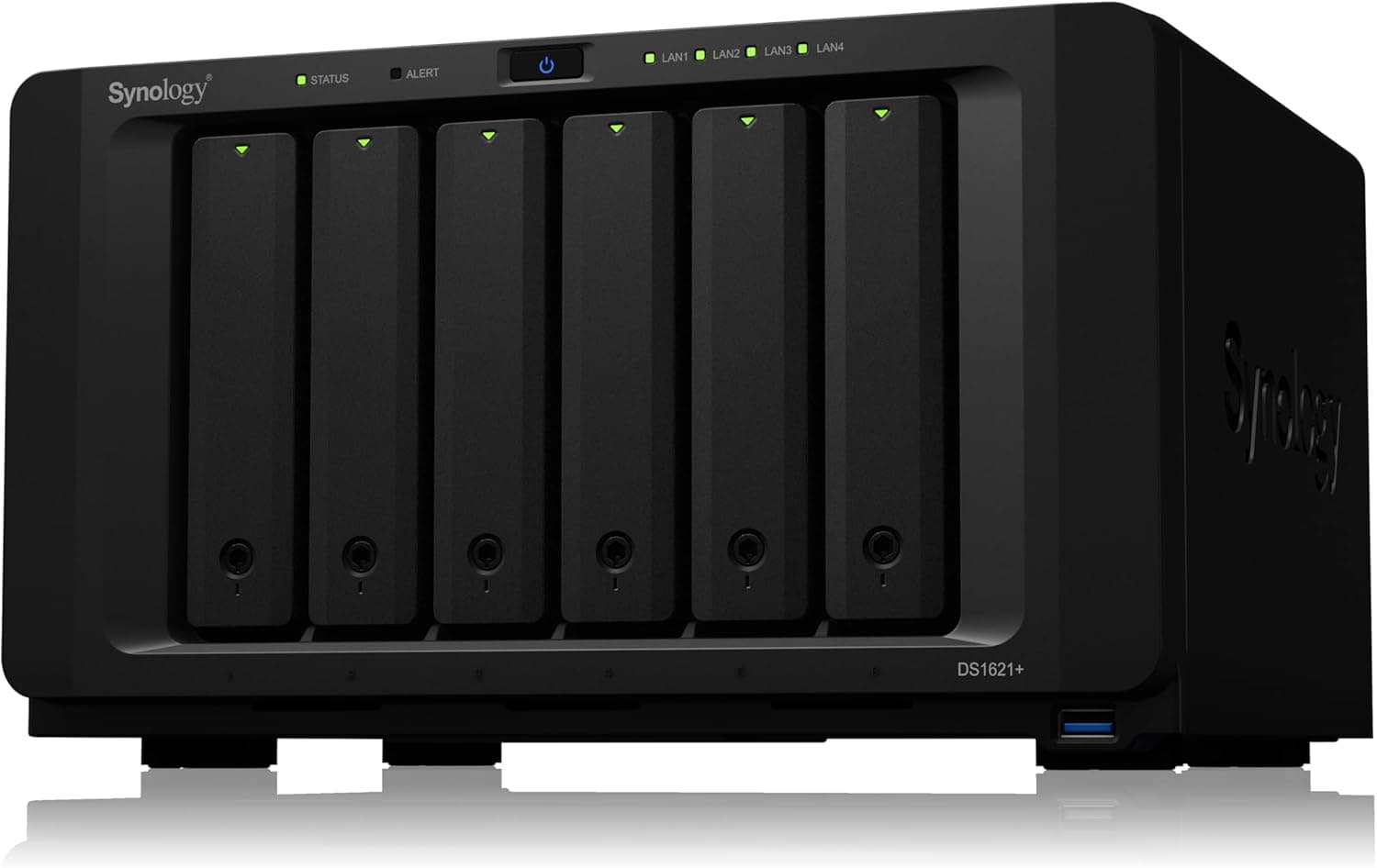
| Synology DS920+ | Intel Celeron J4125 (4 cores) | 2 × 1GbE | 2 × M.2 NVMe slots |
| Synology DS923+ | AMD Ryzen R1600 (2 cores/4 threads) | 2 × 1GbE | 10GbE expansion slot, M.2 slots |
| Synology DS425+ | Quad-core CPU | 2.5GbE | Check the product page |
The TS-453D and DS920+ share the same J4125 CPU, so baseline performance is similar. The difference is how they expand.
The TS-453D has two 2.5GbE ports and a general-purpose PCIe slot, while the DS920+ stays at 1GbE but has M.2 slots built in.
Choose the TS-453D for faster LAN, or the DS920+ if you want an SSD cache without an add-in card.
The DS923+ can be expanded to 10GbE, but its CPU has no integrated graphics, which makes it a poor fit for hardware video transcoding. For streaming video to a TV or on the go, the TS-453D's J4125 with integrated GPU has the edge.
The DS425+ is a newer 4-bay model with 2.5GbE.
If you are unsure about buying the older TS-453D today, include it in your comparison.
The operating system is another major difference. QNAP's QTS offers many features and apps and suits people who like fine-grained control.
Synology's DSM is often praised for a cleaner interface that first-time NAS owners find easier. Which fits you depends on how much you enjoy tuning settings yourself.
Example Setups
- Family photo and video storage: RAID 5 across four drives survives one drive failure and gives you three drives' worth of capacity. If safety matters more, RAID 6 tolerates two failures (two drives' worth of capacity).
- Small-office file server: Schedule regular snapshots so you can roll back files that were deleted or overwritten by mistake.
- Media server: Connect to a TV over HDMI, or stream to devices on your LAN with apps such as Plex.
Whatever the use, RAID is not a backup. RAID keeps the NAS running when one drive dies, but it does not protect against accidental deletion or ransomware.
Keep a separate copy on a USB external drive (such as an enclosure like QNAP's TR-002) or in the cloud.
Product Info
The QNAP TS-453D is a mid-range NAS for SMBs that QNAP released in 2020.
| Item | Detail |
|---|---|
| CPU | Intel Celeron J4125 (4C/4T, 2.0GHz, up to 2.7GHz) |
| Memory | 4GB DDR4 SO-DIMM (8GB max, 2 slots) |
| Drive bays | 4 × 3.5-inch SATA 6Gb/s (hot-swap) |
| LAN | 2 × 2.5GBASE-T RJ45 |
| PCIe | 1 × PCIe Gen 2 x4 |
| USB | 2 × USB 3.2 Gen1, 3 × USB 2.0 |
| HDMI | HDMI 2.0 (4K@60Hz) |
| Dimensions (H × W × D) | 168 × 170 × 226 mm |
| Weight (net) | 2.37 kg |
| Power consumption (operating) | 25.98 W |
| Noise level | 21.1 dB(A) |
| Fan | 1 × 120mm |
On Amazon.co.Check the retailer's page for the latest price.
NAS prices swing with stock and sales, so check the product page for the current price before buying. NAS units like this are usually sold diskless, so budget separately for four drives.
Included accessories are a 90W power adapter, a Cat5e Ethernet cable, screws, and a quick installation guide. The warranty is listed as 3 years, but terms can vary by sales channel, so confirm them on the product page.
Rated operating power is 25.98W.
For a device that runs around the clock, that matters if you watch your electricity bill. The figure depends on the number and type of drives, so treat it as a guide.
Compared with higher-end models such as the TS-473A, it trails in CPU power and maximum memory. Still, it is fully capable as an SMB file server or media server.
Recommended Users
- SMB file server administrators: 2.5GbE speeds up daily backups and file sharing, and snapshots protect against accidental deletion. Port trunking also adds link redundancy.
- Home media server builders: HDMI output and real-time transcoding let you play 4K video directly on a TV or stream it through Plex or Emby.
- Users who want to upgrade later: The PCIe slot accepts an M.2 SSD cache or a 10GbE card whenever you need more performance.
- People who want an easy 2.5GbE setup: Compared with the same-CPU Synology DS920+, it ships with dual 2.5GbE and a PCIe slot.
Before You Buy
Who should skip it: If you want to run several virtual machines or keep heavy apps such as databases running full time, the 8GB memory cap and the J4125's limited power will hold you back. For those uses, look at higher-end models with a stronger CPU and more memory.
If you are not comfortable researching and configuring a NAS yourself, it is worth comparing rivals with simpler interfaces.
It is an older model: The TS-453D launched in 2020. If you buy it now, check QNAP's product support status to see how long QTS updates will continue.
The same budget may also buy a newer-generation model.
Security is essential: QNAP NAS devices have been targeted by ransomware in the past, including Qlocker and DeadBolt. Start with the basics: do not expose the NAS directly to the internet through router port forwarding, keep QTS and apps up to date, and disable the default admin account in favor of an account with two-factor authentication.
For remote access, going through a VPN is the safer approach.
Media streaming has conditions: Hardware transcoding in Plex generally requires a paid Plex Pass. Supported formats and the number of simultaneous streams are also limited.
Do not expect it to transcode high-bitrate 4K video to several devices at once.
Noise depends on the drives: The rated 21.1 dB(A) is for the unit itself, and drive spin and seek noise come on top.
It may be noticeable in a bedroom or quiet study, so consider placing it in another room.
Check the listing carefully: The TS-453D may be sold in configurations with different memory sizes, so compare prices between identical configurations. Before buying, confirm from the product photos and model number that the listing is the unit you want.
FAQ
Q. Does it work on a 1GbE network?
A. Yes. The 2.5GbE ports connect to 1GbE equipment, but speed is limited to 1Gbps in that case.
Q. If I bond both ports, will one PC get 5Gbps? A.
Normally not. The bonded bandwidth is the total across multiple devices accessing at once.
Treat 2.5Gbps as the ceiling for a single PC.
Q. Can I upgrade the memory to 16GB? A.
The official maximum is 8GB. Anything beyond that is outside manufacturer support, so stay at 8GB if stability matters.
Q. Can I install an M.2 SSD directly in the unit?
A. There are no onboard M.2 slots. To use M.2 SSDs, add a QM2 card in the PCIe slot.
Q. Are hard drives included?
A. It is usually sold diskless. Check the product page to see whether a listing includes drives.
Product Disclosure (Amazon)
- Manufacturer: QNAP(キューナップ)
- ASIN: B0897C8XTT
- Note: This article covers a manufacturer-made product based on Amazon listing details.