Overview
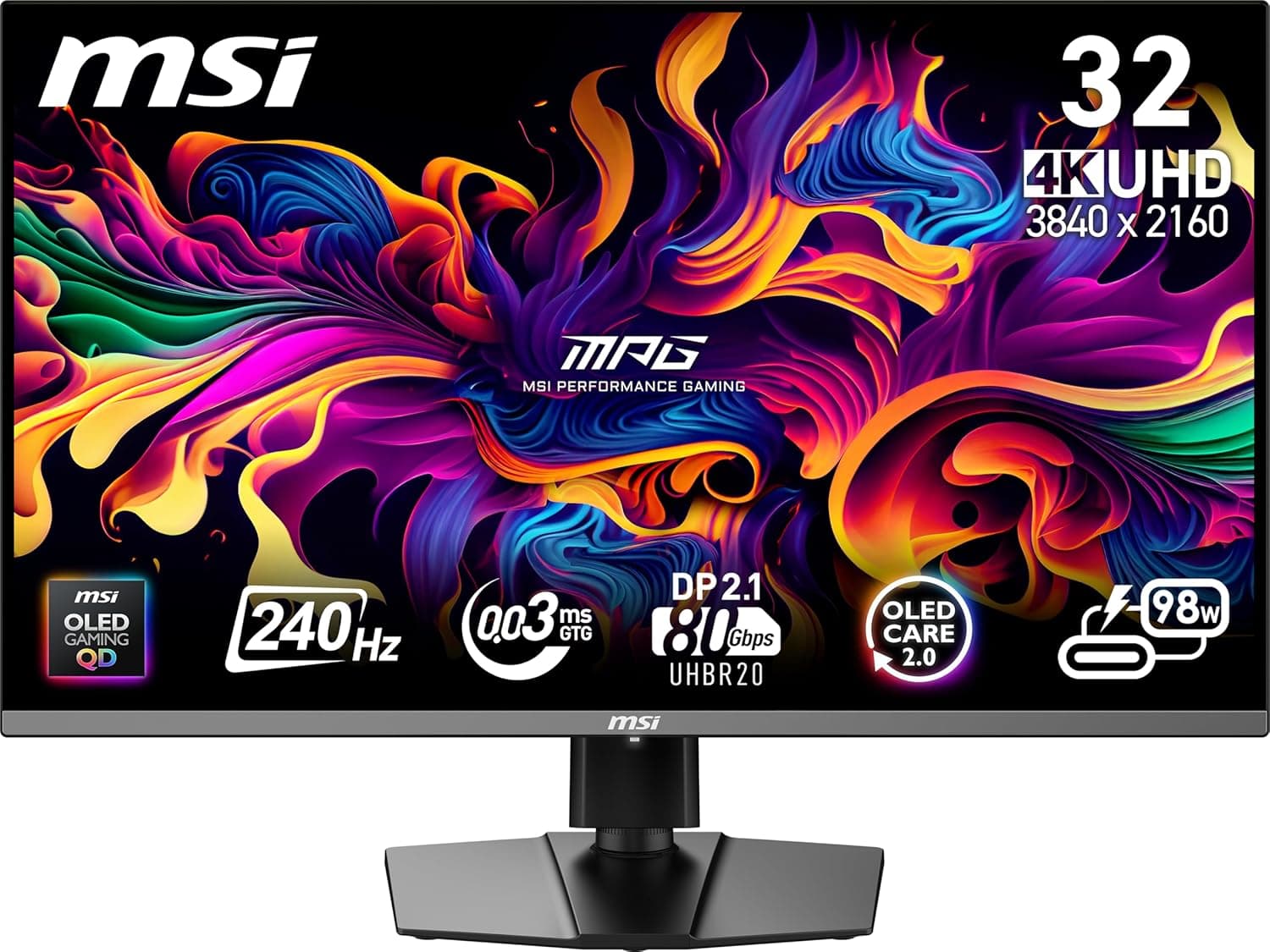
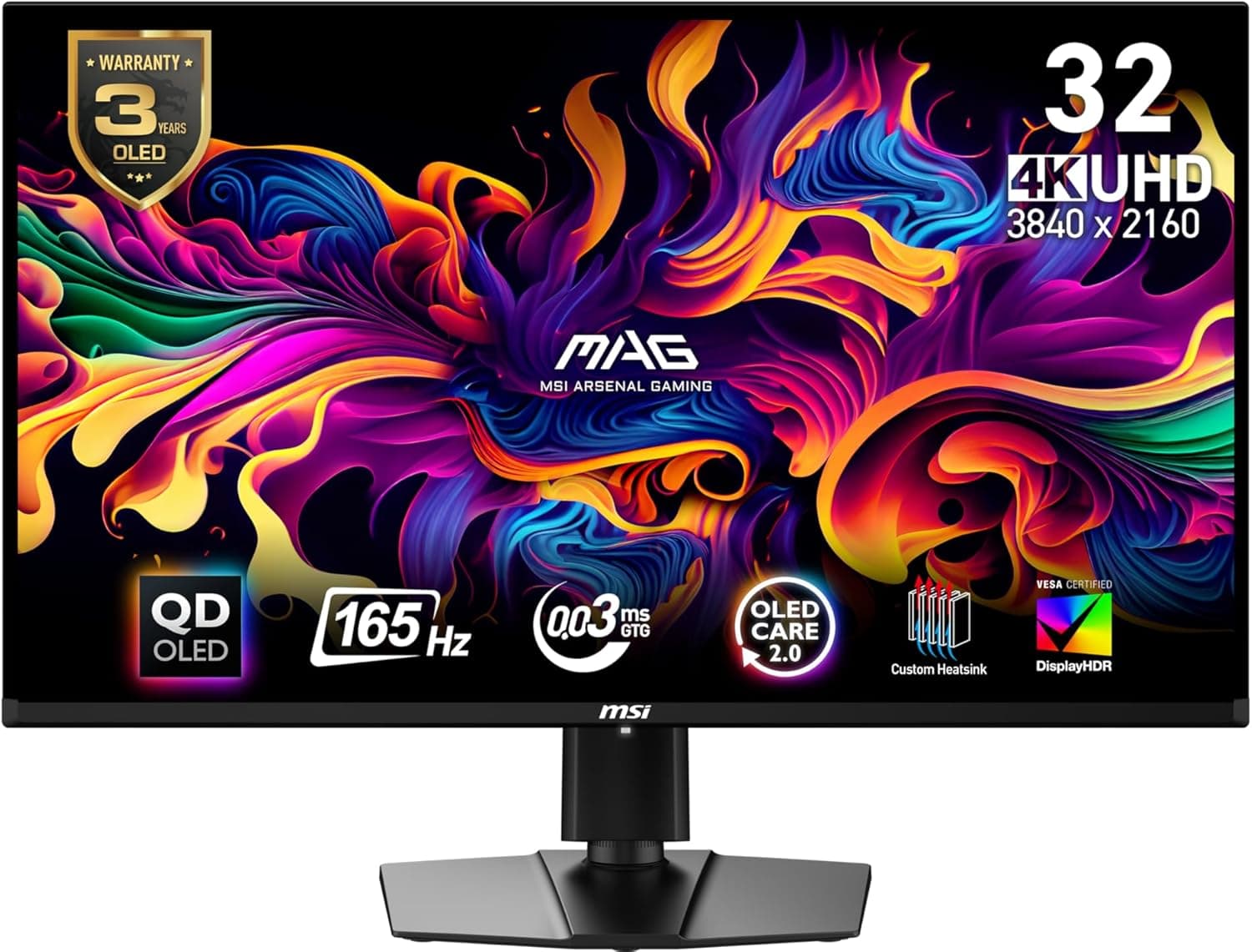
The MSI MAG 321UP QD-OLED belongs to MSI's MAG gaming monitor line. According to MSI's official specification page, the panel size is 31.5", the panel type is QD-OLED, the resolution is 3840x2160 (UHD) and the aspect ratio is 16:9.
The page lists the curvature as Flat, and the Frameless Design entry reads Yes.
The official page gives a refresh rate of 165Hz and a response time of 0.03ms (GTG).
Dynamic refresh technology is AMD FreeSync Premium Pro, and HDR support is DisplayHDR True Black 400.
The surface treatment is Anti-Reflection and the viewing angle is 178° horizontal and 178° vertical. Brightness is 250 nits and the contrast ratio is 1500000:1, as stated on MSI's page.
Compatibility Guide
MSI's Video ports entry lists one DisplayPort, two HDMI (noted as 4K@165Hz) and one USB 2.0 Type-C (DP alt.) with PD of 15W.
The audio port is a single headphone-out.
The official Note says DisplayPort, HDMI and Type-C (DP alt.) each support 3840 x 2160 at up to 165Hz.
The upper limit is written identically for every input, so check that your source device outputs that combination.
The ACTIVATED RANGE entry is 48 ~ 165Hz. Signal Frequency is listed as 30~390KHz (H) / 48 ~ 165Hz (V).
Stand adjustment is listed as tilt -5° ~ 15°, swivel 30° ~ 30°, pivot -10° ~ 10° and height 0 ~ 110mm. VESA mounting is 100 x 100 mm, and the Kensington Lock entry is Yes.
Product Info
rmation
The table below follows the values on MSI's official specification page.
| Item | Official listing |
|---|---|
| Panel size | 31.5" |
| Active display area | 699.48(H) x 394.73(V) mm |
| Panel type | QD-OLED |
| Resolution | 3840x2160 (UHD) |
| Pixel pitch | 0.1814(H) x 0.1814(V) |
| Refresh rate | 165Hz |
| Response time | 0.03ms (GTG) |
| Adobe RGB / DCI-P3 / sRGB | 97.5 percent / 99 percent / 138.2 percent |
| Display colors | 1.07B, 10 bits |
| Power input | 100~240V, 50/60Hz |
| Weight (NW / GW) | 9.1kg / 11.8kg |
| Dimensions (W x D x H) | 717 x 242 x 457 mm |
| Dimensions (without stand) | 717 x 72 x 419 mm |
| Warranty | 3 years (including panel burn-in) |
The power type is listed as Power Cable. The Note adds that sRGB and DCI-P3 follow the CIE1976 standard.
Recommended For
- People who want to fine-tune desk position: Height 0 ~ 110mm, tilt -5° ~ 15°, swivel 30° ~ 30° and pivot -10° ~ 10° are listed. If you plan to use an arm, check it against the VESA 100 x 100 mm standard.
- People who want theft protection: The Kensington Lock entry is Yes, so you can check beforehand whether you have somewhere to secure it.
- People who care about panel coverage: The Warranty entry is 3 years (including panel burn-in), so panel burn-in is part of the listed warranty.
Before You Buy
- Check size and weight: The size is 717 x 242 x 457 mm with the stand and 717 x 72 x 419 mm without it. Weight is 9.1kg net and 11.8kg gross, so confirm your desk's width, depth and load capacity first.
- Check your source output: Make sure your device and cable can output 3840 x 2160 at a high refresh rate.
- Check Type-C power: The Type-C port is listed with 15W. Compare that with the needs of any laptop you plan to charge.
- Check the warranty terms: Confirm the conditions in MSI's official warranty information.
- Check the sales page for current price and stock.
FAQ
Q. Can I use a monitor arm or wall mount?
The official VESA Mounting entry is 100 x 100 mm. Compare the arm's mounting standard and weight limit with the 9.1kg net weight.
Q. Which variable refresh technology does it use?
The Dynamic Refresh Rate Technology entry is AMD FreeSync Premium Pro, with an activated range of 48 ~ 165Hz.
Q. Is there an audio output?
The Audio ports entry lists a single headphone-out.