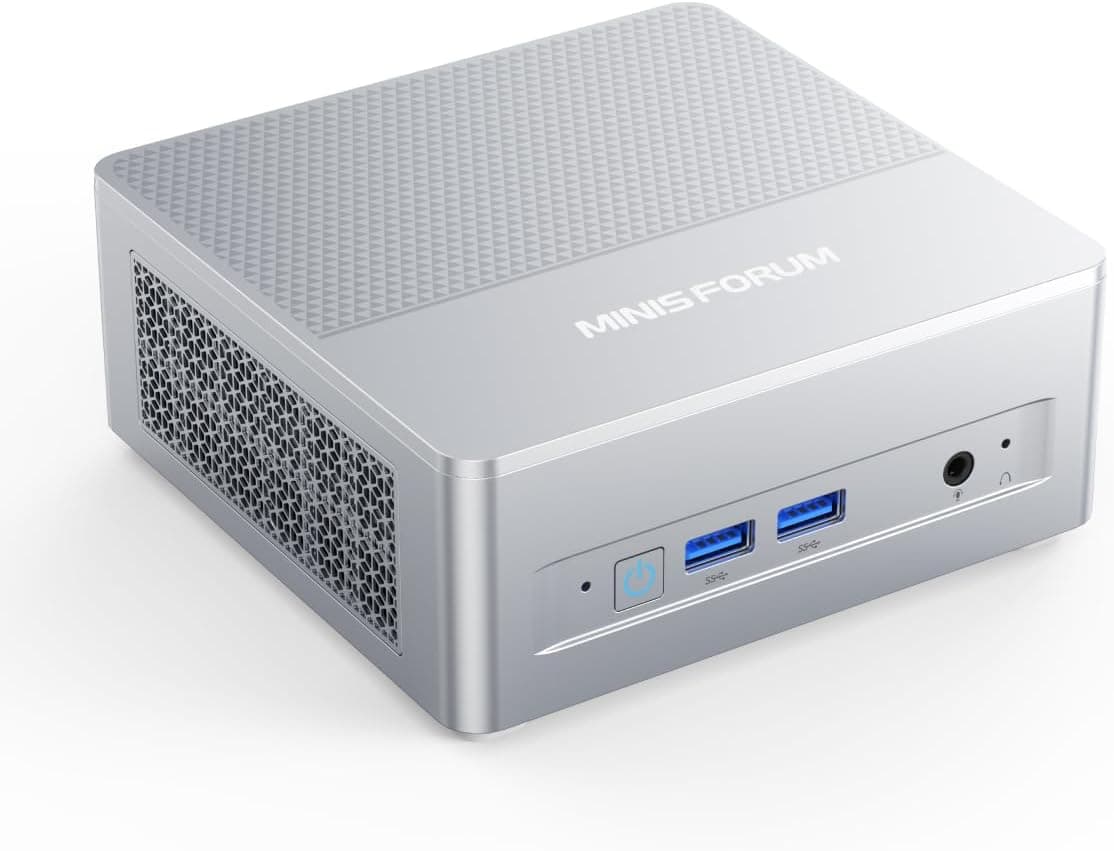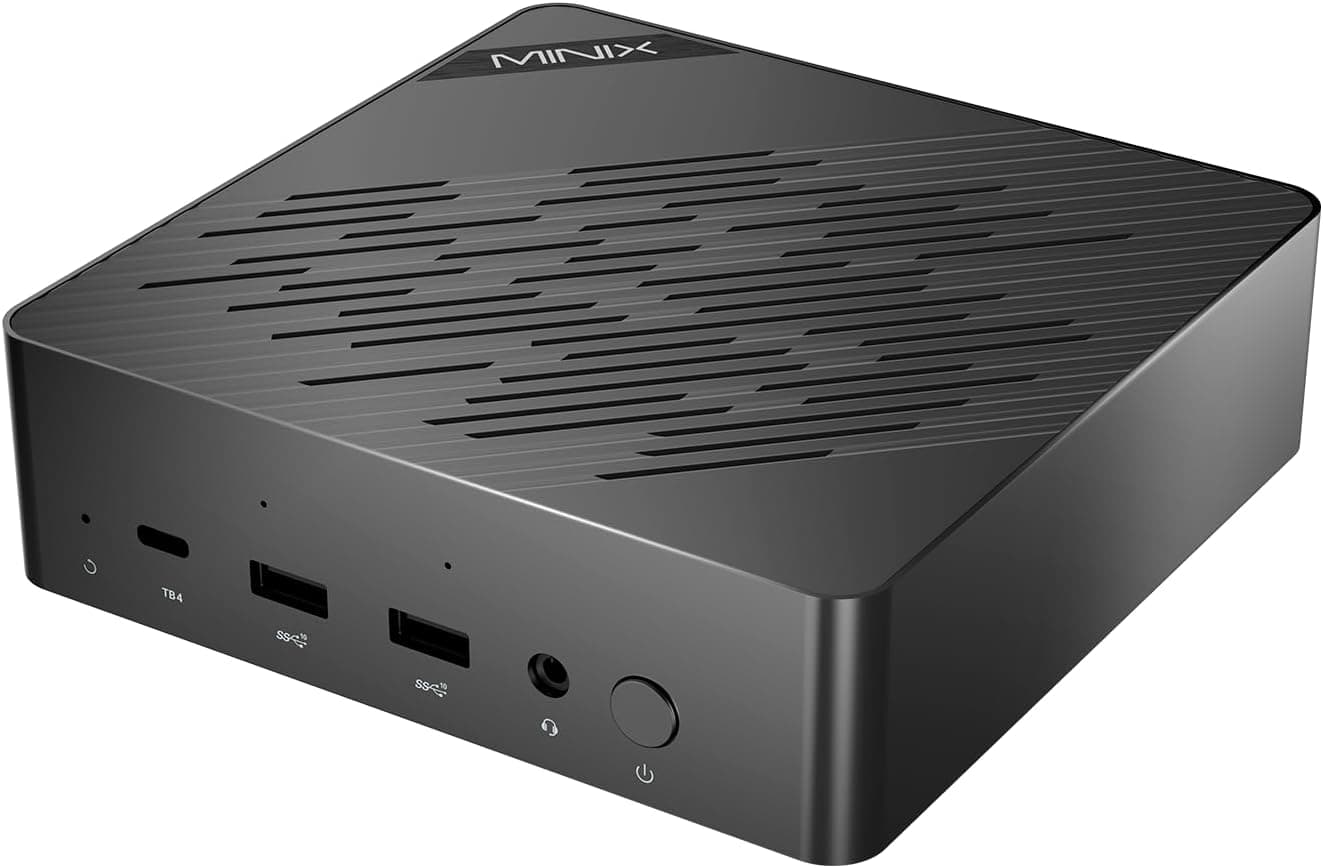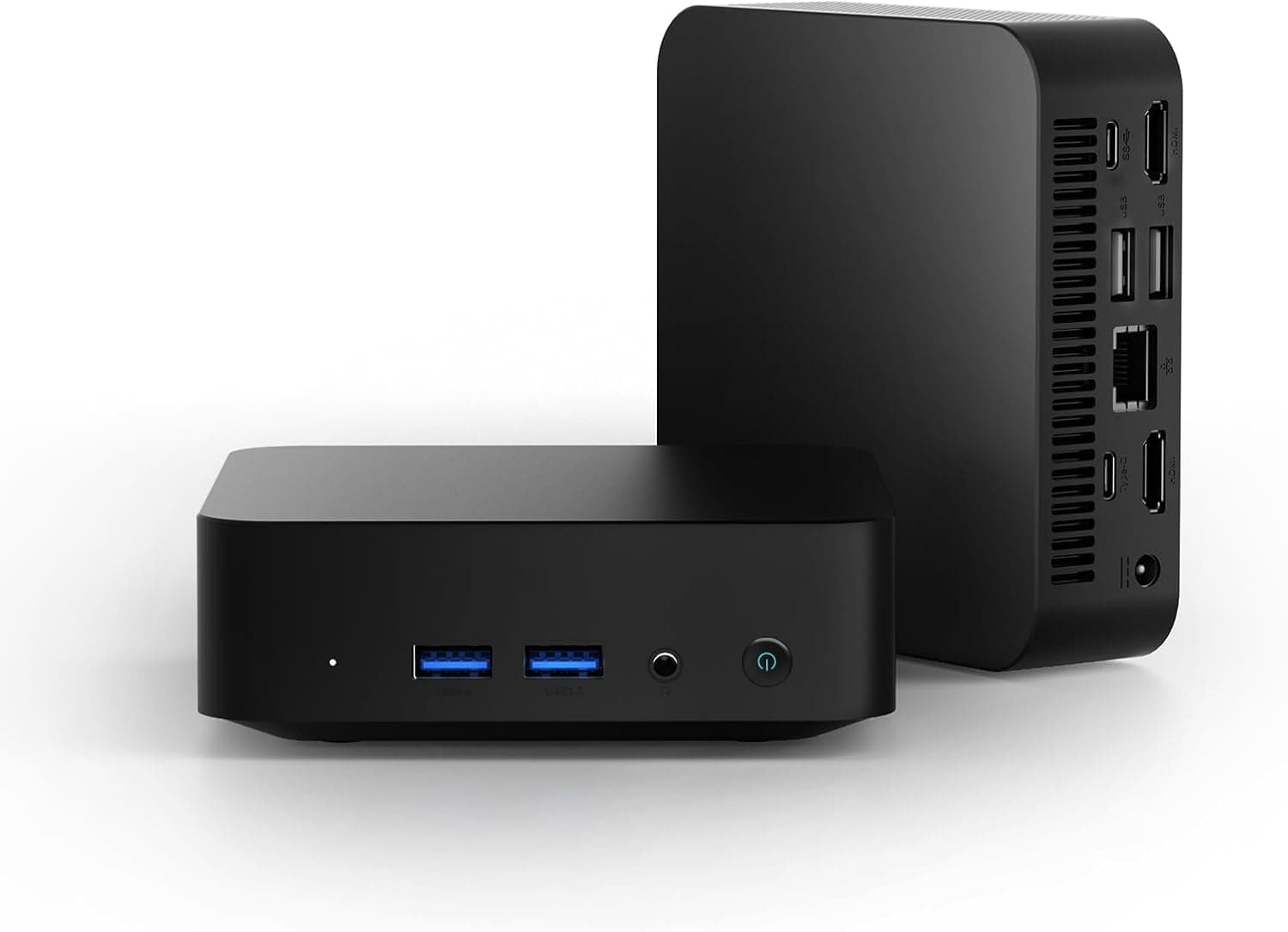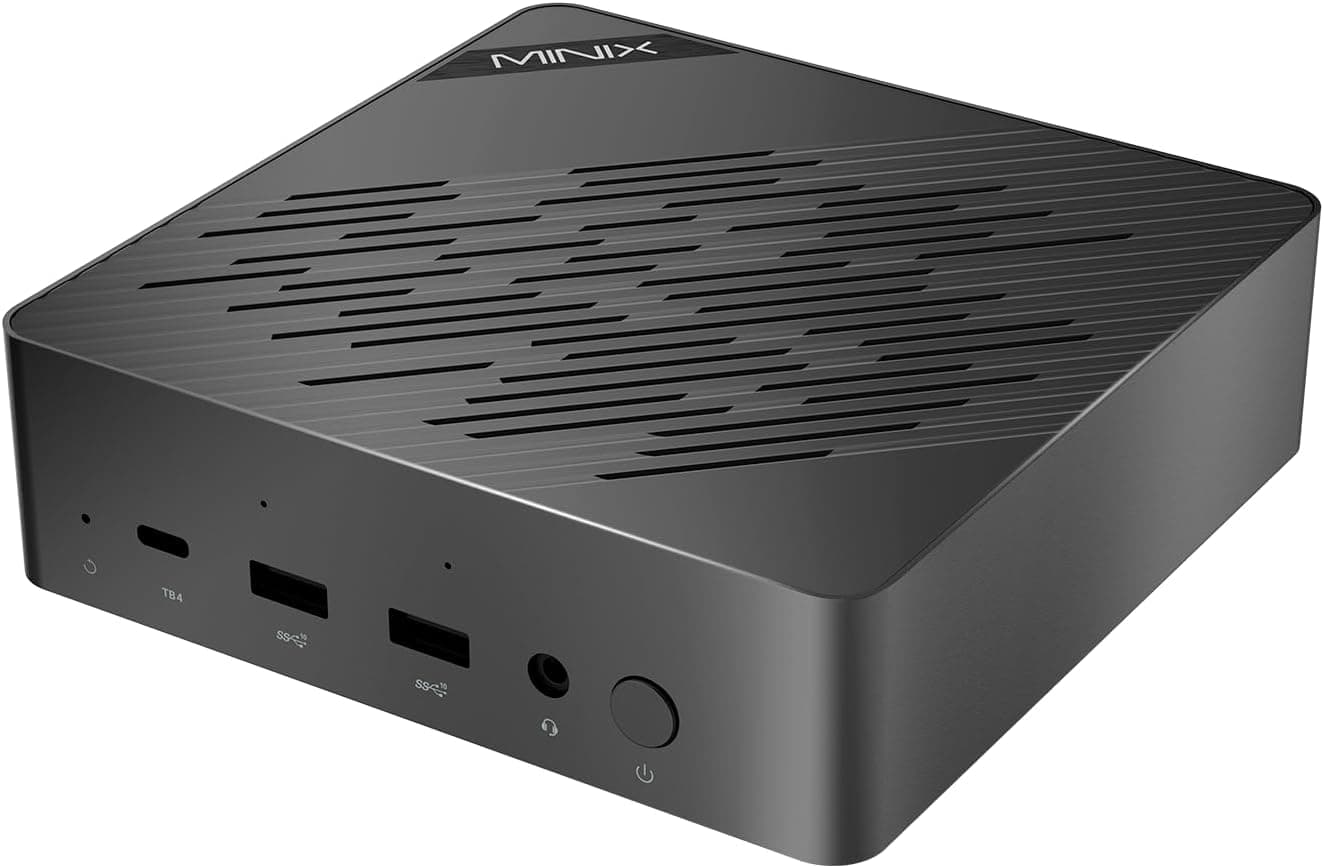
This article looks at the MINIX EU715-AI Mini PC not just as a spec sheet, but as a buying decision: who it fits, and who should walk away.
Overview
The MINIX EU715-AI Mini PC is a compact desktop built around the Intel Core Ultra 7 155H (16 cores, 22 threads, 24MB cache). The short verdict: this is not a machine that wins on raw performance.
It is best understood as a small always-on box that packs two 2.5Gbps wired LAN ports and multi-display output into a tiny chassis.
The standard configuration pairs 32GB of DDR5-5600MHz memory with a 1TB M.2 2280 PCIe 4.0 x4 SSD.
Networking covers dual 2.5Gbps LAN, WiFi 6E and Bluetooth 5.3, while HDMI 2.1 drives 8K@60Hz output and quad 4K/8K display setups.
The CPU's built-in NPU (AI Boost) offloads inference work in supported apps away from the CPU and integrated GPU.
What it is not is a cheap way to get that configuration. Captured prices are listed below, but if price-per-performance is your main filter, this is not your machine.
Connectivity & Compatibility
The CPU cannot be replaced. The socket is BGA — soldered to the board.
There is no upgrade path, so buy the performance you need up front.
Memory is two DDR5 SO-DIMM slots, up to 96GB. These are notebook SO-DIMMs; desktop UDIMMs will not fit.
The 96GB ceiling assumes two 48GB modules. Faster-rated modules will typically run at the platform's supported speed.
The biggest pitfall: whether the 32GB arrives as one stick or two changes integrated GPU performance. Arc graphics share system memory, so a single-channel 32GB×1 setup is noticeably slower than 16GB×2 in dual channel.
Single-stick configurations do ship despite two slots being present. Check the listing before buying, and always add or swap memory in matched pairs.
Storage is two M.2 2280 PCIe 4.0 x4 slots, up to 8TB total. One is taken by the 1TB drive, leaving one free.
In small chassis, double-sided SSDs often clash with thickness limits and heatsinks, so single-sided drives are the safer pick. Hot-running Gen4 SSDs also heat-soak in tight enclosures and can throttle.
Power comes from an external AC adapter, 65W recommended. There is no internal PSU, so plan for where the brick sits.
65W is not generous headroom for a 28W-class mobile CPU plus integrated graphics, so avoid hanging several bus-powered external drives off it.
"Supported" and "comfortable" are different things for video output. HDMI 2.1 at 8K@60Hz needs both an Ultra High Speed certified cable and a display that accepts 8K input.
Confirm the exact four-display breakdown (HDMI plus USB-C/DisplayPort) and the per-port resolution limits on the product page. The bundled VESA mount hides the box behind a monitor, but blocking the vents costs you in both heat and fan noise.
Two 2.5GbE ports still cap at 1Gb if the other end is 1GbE. Check your switch, NAS and router first.
What the NPU Actually Speeds Up
With "AI" in the product name, this is where expectations go wrong. Three points matter.
First, Meteor Lake-generation NPUs are rated in the low-teens TOPS range and fall short of the 40 TOPS bar Microsoft sets for Copilot+ PCs. Do not buy this expecting Copilot+ exclusive features.
If that matters, newer generations (the Core Ultra 200V series and similar) quote far higher NPU figures.
Second, the NPU pays off on light, continuous inference at low power: video-call background processing, noise suppression, subject detection in photos, live captions. Moving those always-running tasks off the CPU helps headroom, heat and noise.
Third, running larger models locally is dominated by discrete GPU power and VRAM capacity. Without a dGPU, this box is at a disadvantage there.
The claim that it "accelerates machine learning and data analysis" points the right way, but the target is part of inference, not training.
Making Use of Dual 2.5G LAN
Two ports is not simply about speed. In practice there are three uses.
- Link aggregation (LACP): requires a switch that supports it. You gain aggregate bandwidth and redundancy, but a single transfer session never exceeds 2.5Gbps. Two ports do not equal 5Gbps for one copy.
- Router/firewall duty: assign one port to WAN and one to LAN and run it as a software router. For homes and small offices with a 2.5G line, this is where the box earns its keep.
- Segment isolation: push NAS traffic and camera footage onto a dedicated segment, separate from the working network.
2.5Gbps is roughly 312MB/s in theory.
Real throughput depends on the SSD and the file mix — many small files drag it down — so do not expect to sit at that number.
Product Info
Key specs: Intel Core Ultra 7 155H (16 cores / 22 threads / 24MB cache), 32GB DDR5-5600MHz, 1TB M.2 2280 PCIe 4.0 x4 SSD, Intel Arc Graphics, dual 2.5Gbps LAN, WiFi 6E, Bluetooth 5.3, HDMI 2.1 with 8K@60Hz output, and quad 4K/8K display support.
Expansion tops out at 96GB memory and 8TB storage, powered by an AC adapter (65W recommended).
All prices below are as captured and move with sales, stock and exchange rates.
| Store | Captured | Price |
|---|---|---|
| Amazon.co.jp | 27 Aug 2026 | ¥307,528 |
| Amazon.com | 17 Jun 2026 | $1,999.99 |
| eBay US | 12 Jul 2026 | $1,300.00 |
The spread between stores is the striking part. The captures are one to two months apart, so it is not a clean comparison, but the gap between $1,999.99 and $1,300.00 is too large to ignore — shop around if you are not in a hurry.
Keep in mind that marketplace listings can differ in who honours the warranty, which accessories are included, and where support comes from.
The Amazon.co.jp rating is 4.4 out of 5 (88% favourable), but the total was only six reviews when captured on 17 June 2026.
An average of six tells you very little. Reading what those reviews say about fan noise, heat and warranty handling is far more useful than the star figure.
Launch was described as late 2025; since prices were captured across multiple stores in 2026, it is clearly shipping. The manufacturer provides a one-year warranty, and the box includes an HDMI cable, VESA mount and AC adapter.
How It Compares
The usual same-price comparisons are the ASUS PN64 and Intel NUC 13 Pro. Against those, the MINIX EU715-AI Mini PC differentiates on an NPU-equipped CPU generation and, more practically, two 2.5Gbps LAN ports.
Single-port machines simply cannot do the router or segment-isolation jobs above.
The picture changes when you ask what the configuration should cost. Core Ultra 7 155H boxes with 32GB and 1TB are no longer rare; there are models with a faster Core Ultra 9 185H, and newer ones with the Core Ultra 9 285H.
If NPU numbers are your priority, the Core Ultra 200V generation quotes much more. If NAS duty is the goal, a multi-bay mini PC fits better.
In short, you choose this box for the chassis, the port layout, availability and support — not for value per yen. If those do not matter to you, the same budget goes further elsewhere.
Who It Suits
- Anyone who genuinely needs two 2.5Gbps wired ports: software routers, direct NAS links, isolated transfer segments. Port count is a hard requirement you cannot work around.
- Multi-display users short on desk space: the VESA mount hides it behind a monitor while driving three or four screens.
- Meetings, office work and photo management with light AI assist: the NPU takes the always-on tasks, so the fan is less likely to sit at full speed.
- Anyone wanting a small 24/7 machine: 65W-class adapter operation keeps both power draw and footprint modest.
Before You Buy
Price first. At ¥307,528 as captured on 27 August 2026, this sits at the expensive end for a Core Ultra 7 155H machine.
If you judge by price per performance, that alone rules it out. If your requirement is genuinely "two 2.5G ports in this chassis", the premium is easier to justify.
There is no discrete GPU. For heavy gaming, 3D rendering or long video encodes, the same money buys a much faster dGPU desktop.
Integrated Arc Graphics realistically handles lighter and mid-weight titles with settings turned down.
Do not over-expect silence. Load all cores of a 28W-class CPU in a small chassis and the fan spins up.
For a bedroom, a lower-power mini PC is the better fit.
Factor in low sales volume. Six reviews means community knowledge about early failures, memory and SSD compatibility, and BIOS updates is still thin.
If you would rather not troubleshoot alone, pick a more widely sold model.
Verify the listing yourself. Mini PCs frequently ship in variants under one model name — memory stick count, whether an OS is included and which edition, the exact display-output mix — and product pages sometimes carry incorrect manufacturer names, model numbers or accessory lists.
Do not be surprised if the page disagrees with this article. Check the product images and title to confirm you are ordering the machine itself.
The warranty is one year. If you plan to keep it a long time, compare retailer extended warranties and local support options.
FAQ
Q. Can I use Copilot+ PC features? A.
The NPU is rated in the low-teens TOPS range and is expected to miss the 40 TOPS requirement. Look at a newer generation if that is your goal.
Q. Can I add memory later?
A. Two DDR5 SO-DIMM slots, up to 96GB. Use matched pairs so it runs in dual channel.
Q. Can I add storage?
A. Two M.2 2280 PCIe 4.0 x4 slots, one occupied by the 1TB drive, for up to 8TB total.
Q. Do the two 2.5G ports combine into 5Gbps? A.
No. LACP gives aggregate bandwidth and redundancy, but a single transfer caps at 2.5Gbps, and the switch must support and be configured for it.
Q. Will it drive an 8K display? A.
Yes, 8K@60Hz over HDMI 2.1, with an Ultra High Speed cable and an 8K-capable display.
Driving a picture and driving it smoothly are different matters.
Q. How well does it game? A.
With integrated Intel Arc Graphics, expect lighter and mid-weight titles at adjusted resolution and settings. Dual-channel memory makes a visible difference here.